Sungalizer 1.2.2
Sungalizer is a live audio visualizer inspired by classic scopes, studio displays, and retro signal screens.
Download
3.83 MB
22downloads
3this week
FreeCommercial
0reviews
Screenshots
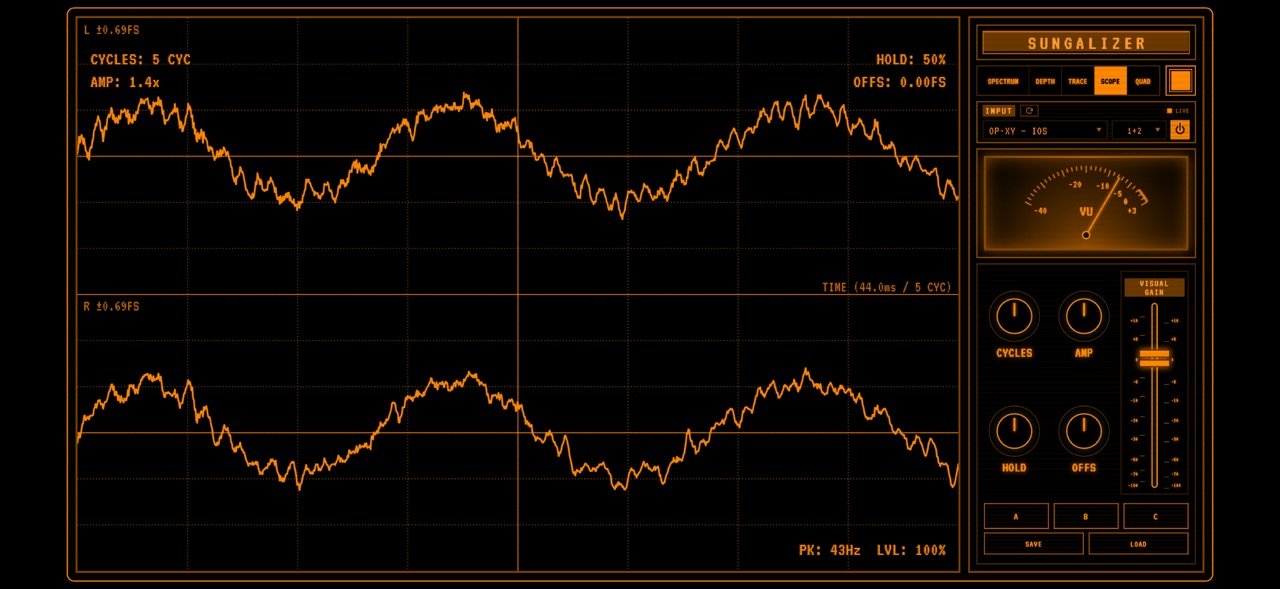
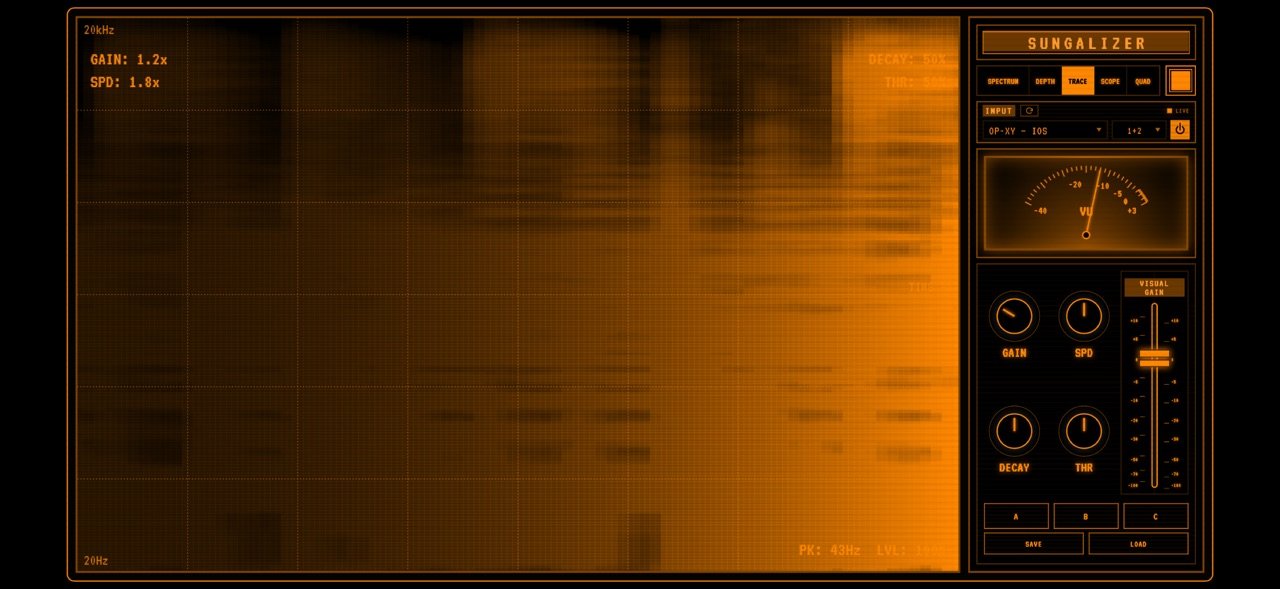
About Sungalizer
Sungalizer is a live audio visualizer inspired by classic scopes, studio displays, and retro signal screens.
Use it standalone with your microphone or a compatible connected audio interface, or load it as an AUv3 audio effect in a compatible iOS or iPadOS music host.
CHOOSE YOUR INPUTS
Select an individual input channel, use a stereo pair, or assign Left and Right channels with Custom Stereo. Custom Sum Mix combines only the input channels you select into one mono signal for visualization. The available channels depend on your connected interface and the inputs it exposes to iOS or iPadOS. In standalone mode, tap the refresh button beside INPUT to find a newly connected interface even before you start audio analysis.
FIVE LIVE VIEWS
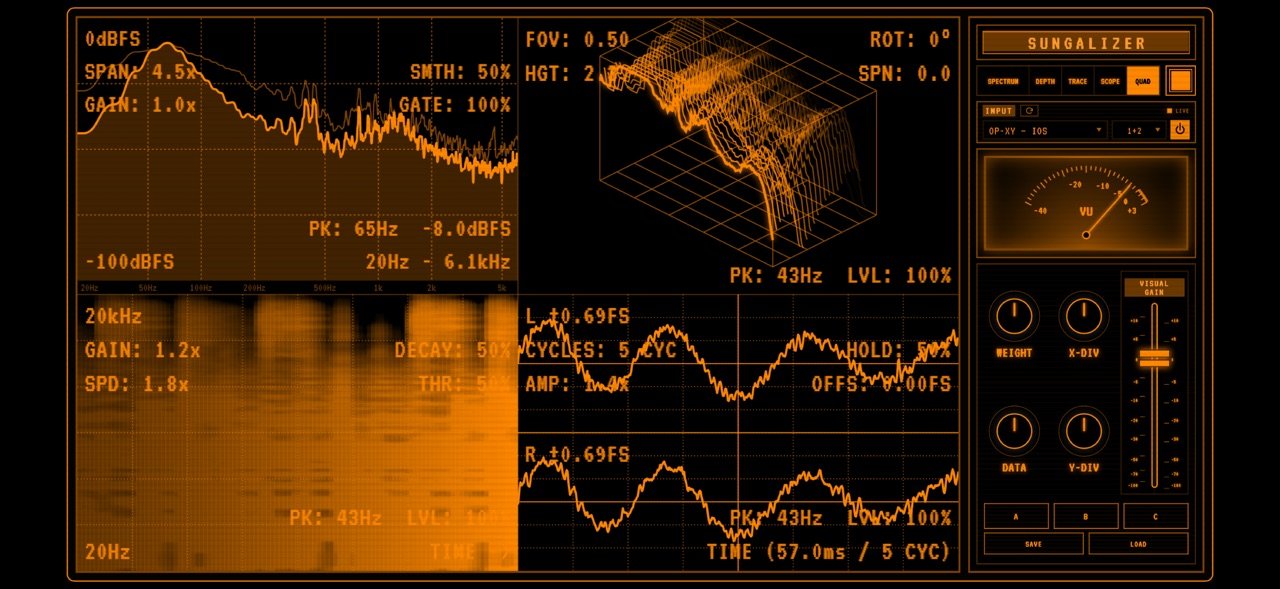
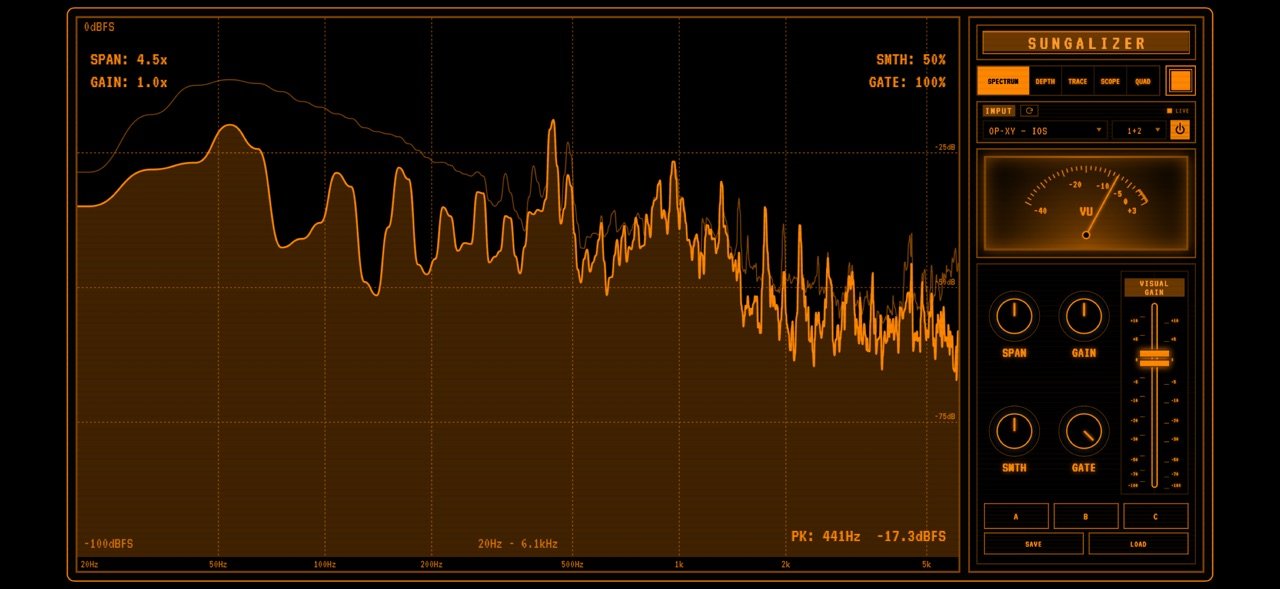
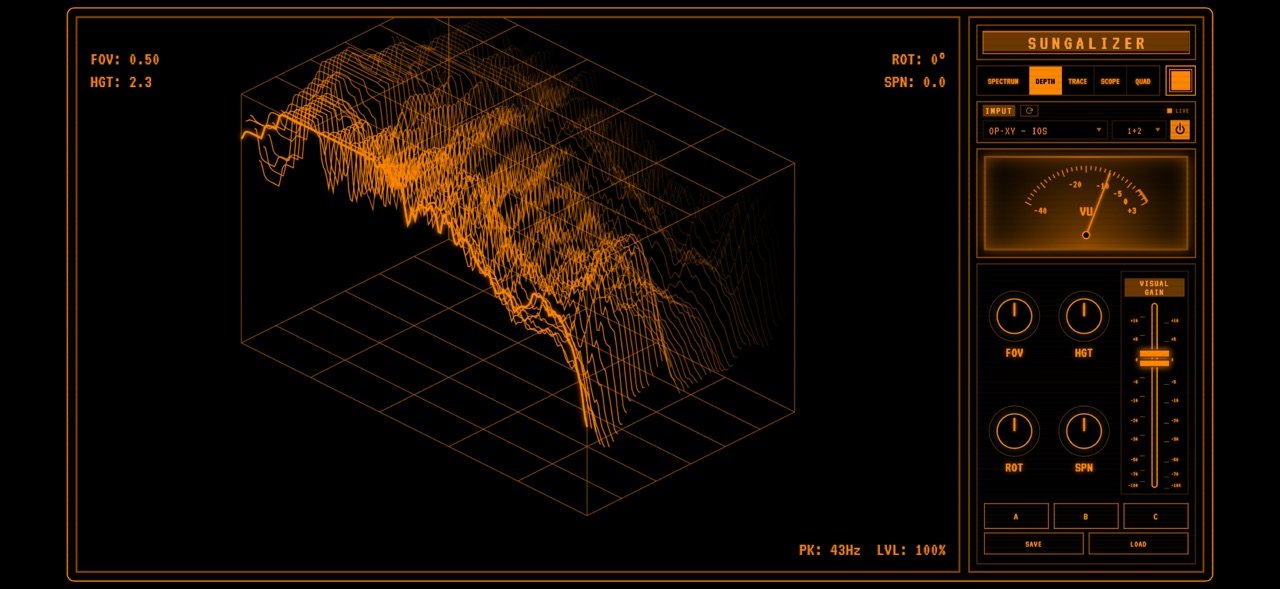
Spectrum displays frequency content, Depth builds dimensional landscapes, Trace shows scrolling spectral history, Scope displays waveforms with separate left and right traces for stereo sources, and Quad combines four views.
MAKE IT YOURS
In Quad view, drag a divider with your finger to resize the panels side by side or above and below. Drag the point where the two dividers meet to resize all four views in one gesture. Double-tap the point where the dividers meet to restore four equal views. You can also adjust the layout with X-DIV and Y-DIV.
Choose Amber, Mint, Cyan or a coordinated colour palette. Use MONO to change the colour of the whole interface at once, or edit the colours of controls, labels, text and displays separately. Save up to 12 custom palettes. Give each one a name, then load, rename or erase it in Custom Palettes. Save your visualizer setups in three preset slots. Double-tap the visual display to hide the control rack, and double-tap again to bring it back.
USE IT IN YOUR MUSIC HOST
Load Sungalizer as an AUv3 effect on a track or bus in a compatible host. The host controls which mono or stereo audio reaches the extension. Each instance saves its visual settings with the host project, including the selected view, Quad layout, visual gain and colours.
Audio is analyzed locally on your device. Input selection and custom mixes control the visualizer; they do not change your interface's output mix. Standalone mode uses microphone or external input audio. Audio from other apps must be routed through a compatible AUv3 host.
License: Commercial
Use it standalone with your microphone or a compatible connected audio interface, or load it as an AUv3 audio effect in a compatible iOS or iPadOS music host.
CHOOSE YOUR INPUTS
Select an individual input channel, use a stereo pair, or assign Left and Right channels with Custom Stereo. Custom Sum Mix combines only the input channels you select into one mono signal for visualization. The available channels depend on your connected interface and the inputs it exposes to iOS or iPadOS. In standalone mode, tap the refresh button beside INPUT to find a newly connected interface even before you start audio analysis.
FIVE LIVE VIEWS
Spectrum displays frequency content, Depth builds dimensional landscapes, Trace shows scrolling spectral history, Scope displays waveforms with separate left and right traces for stereo sources, and Quad combines four views.
MAKE IT YOURS
In Quad view, drag a divider with your finger to resize the panels side by side or above and below. Drag the point where the two dividers meet to resize all four views in one gesture. Double-tap the point where the dividers meet to restore four equal views. You can also adjust the layout with X-DIV and Y-DIV.
Choose Amber, Mint, Cyan or a coordinated colour palette. Use MONO to change the colour of the whole interface at once, or edit the colours of controls, labels, text and displays separately. Save up to 12 custom palettes. Give each one a name, then load, rename or erase it in Custom Palettes. Save your visualizer setups in three preset slots. Double-tap the visual display to hide the control rack, and double-tap again to bring it back.
USE IT IN YOUR MUSIC HOST
Load Sungalizer as an AUv3 effect on a track or bus in a compatible host. The host controls which mono or stereo audio reaches the extension. Each instance saves its visual settings with the host project, including the selected view, Quad layout, visual gain and colours.
Audio is analyzed locally on your device. Input selection and custom mixes control the visualizer; they do not change your interface's output mix. Standalone mode uses microphone or external input audio. Audio from other apps must be routed through a compatible AUv3 host.
License: Commercial
| Release info | Update on Nov 16, 2026 |
|---|---|
| Release notes | • Fixed colour editor placement on compact iPhone screens in landscape, including Display Zoom. • Kept RGB sliders and palette actions accessible in small landscape and AUv3 windows. • Opening the INPUT menu now preserves the gain fader and control layout; closing it restores the VU meter. |
| Listing data | App Store |
Reviews
No reviews yet. Be the first to review Sungalizer.
Used Sungalizer? Tell other visitors what you thought.
Log in to write a reviewOther products by this publisher
- "No Distractions" for YouTube 4.10 ----
- #Bible 11.6.1 "Incredible App - My sister shared this app with me a few weeks ago and it is truly incredible.
- #filmphotography 1.4.2 So, you decided to shoot on film?
- $quirrel 1.5.1 $quirrel Budget & Finance helps you plan each paycheck, track spending, manage debt, and see what is safe to spend before the next payday.
- % Percentage Calculator Pro 1.41 This is the Pro version of % Percentage Calculator.
Most viewed iOS Photo & Video
-
1
 ShortDiShow 2.0
Drama Quest Island — An offline interactive short-drama adventure.
-
2
 Infuse 8.5.10
Infuse: Enterprise provides the same great features as the standard version of Infuse and includes permanent access to all Pro features via a traditional paid app.
-
3
 AI Video Generator 2.0.3
Vixel – AI Video Generator
-
4
 OPlayer 4.8
Play all your videos directly without having to convert them!
-
5
 CapCut 20.2.0
CapCut offers easy-to-use video editing functions, in-APP fonts and effects, advanced features such as keyframe animation, smooth slow-motion, chroma key, and stabilization, to help you capture and snip moments.
-
6
 Necrometer II 1.2
Necrometer II is a paranormal investigation companion designed for ghost hunters and researchers.
-
7
 Ai Photo 1.1.2
AI Photo Retouch – BG Eraser
- 8 #filmphotography 1.4.2 So, you decided to shoot on film?
-
9
 Analog Radio 3.0
The iPhone and iPad devices don't have the FM/AM radio antenna installed.
-
10
 Pop Dot Comics 1.48
Create a comic worthy of the Sunday newspaper or your favorite pulp-fiction cover.
Most downloaded iOS Photo & Video
-
1
 DJI Fly 1.21.18
DJI Fly is designed to help pilots fly drones with ease.
-
2
Infuse 8.5.10
Infuse: Enterprise provides the same great features as the standard version of Infuse and includes permanent access to all Pro features via a traditional paid app.
-
3
Analog Radio 3.0
The iPhone and iPad devices don't have the FM/AM radio antenna installed.
-
4
 TurboCollage Automatic 1.2.4
#1 Easy automatic photo collage maker for iPhone & iPad.
-
5
 ReelyGo 1.1.42
ReelyGo: Your Daily Drama Escape
-
6
 Rozeta Sequencer Suite 1.3.16
Rozeta is a suite of MIDI sequencers and controllers that lets you explore a new, freeform approach to sequencing and controlling mobile music apps.
-
7
 Treblo 1.6.6
Make songs with the world's best AI music model.
-
8
Pop Dot Comics 1.48
Create a comic worthy of the Sunday newspaper or your favorite pulp-fiction cover.
-
9
 AGAIN. Rehearsal Notes 2.0.1
AGAIN. is the rehearsal app that remembers why the band stopped — and, new in Version 2, who said what in a writing session or a table read.
-
10
 Sun Scout 1.5.0
If your work or play requires sunlight, Sun Scout is built for you.