
SubZone 2.0.1
“Within 30 seconds this thing helped me make a decision that I’ve been vacillating about for six months now.”
Download
43.19 MB
21downloads
5this week
FreeCommercial
0reviews
Screenshots
About SubZone
“Within 30 seconds this thing helped me make a decision that I’ve been vacillating about for six months now.”
Audio Unleashed podcast
“This has to be the biggest no-brainer we’ve ever come across.”
LB Tech Reviews
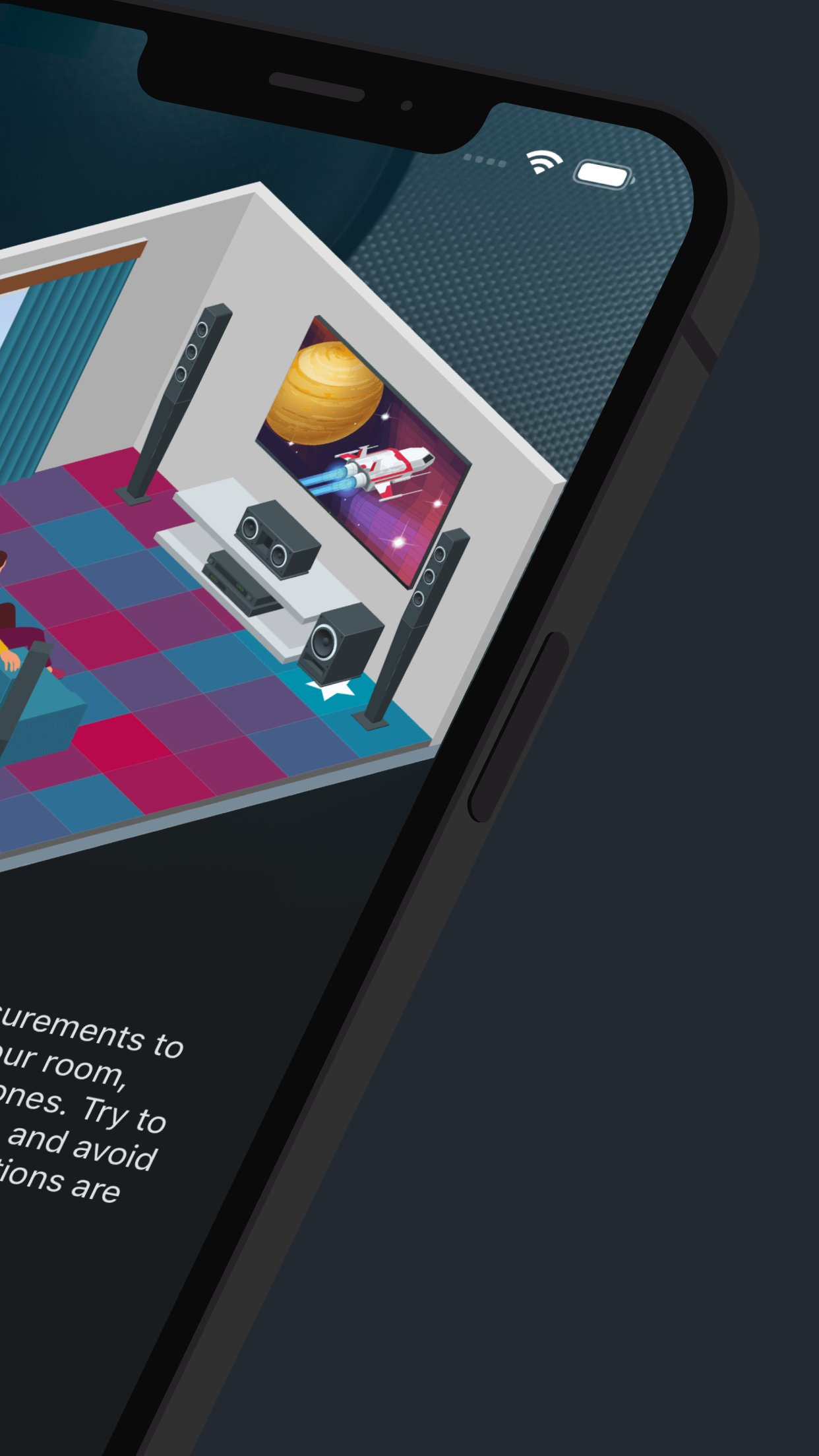
When sound waves reflect off the walls, ceiling, and floor of your room, they create “room modes” that change the sound by boosting some frequencies and canceling others. The result is bass that is boomy in one spot and thin in another. The right placement minimizes these effects, and the wrong placement can compromise the sound of even the best subwoofers.
The traditional solution is the “subwoofer crawl”, where you move your sub to your listening position, then crawl around the room on your hands and knees listening for the best spot. SubZone replaces that with a scientific calculation you can run from the comfort of your seat.
How it works:
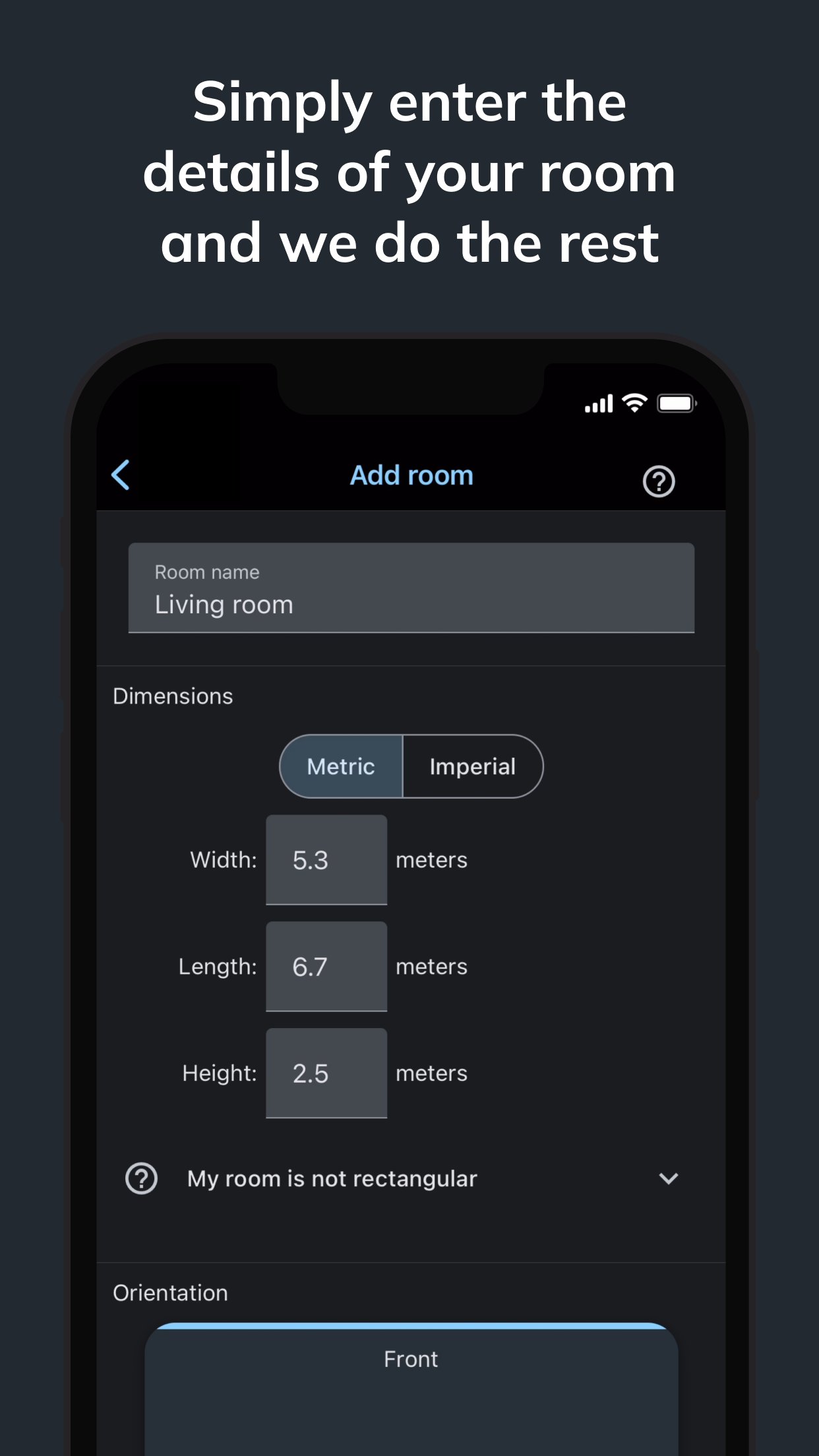
1. Measure your room by scanning it with your iPhone*, or by simply entering its dimensions.
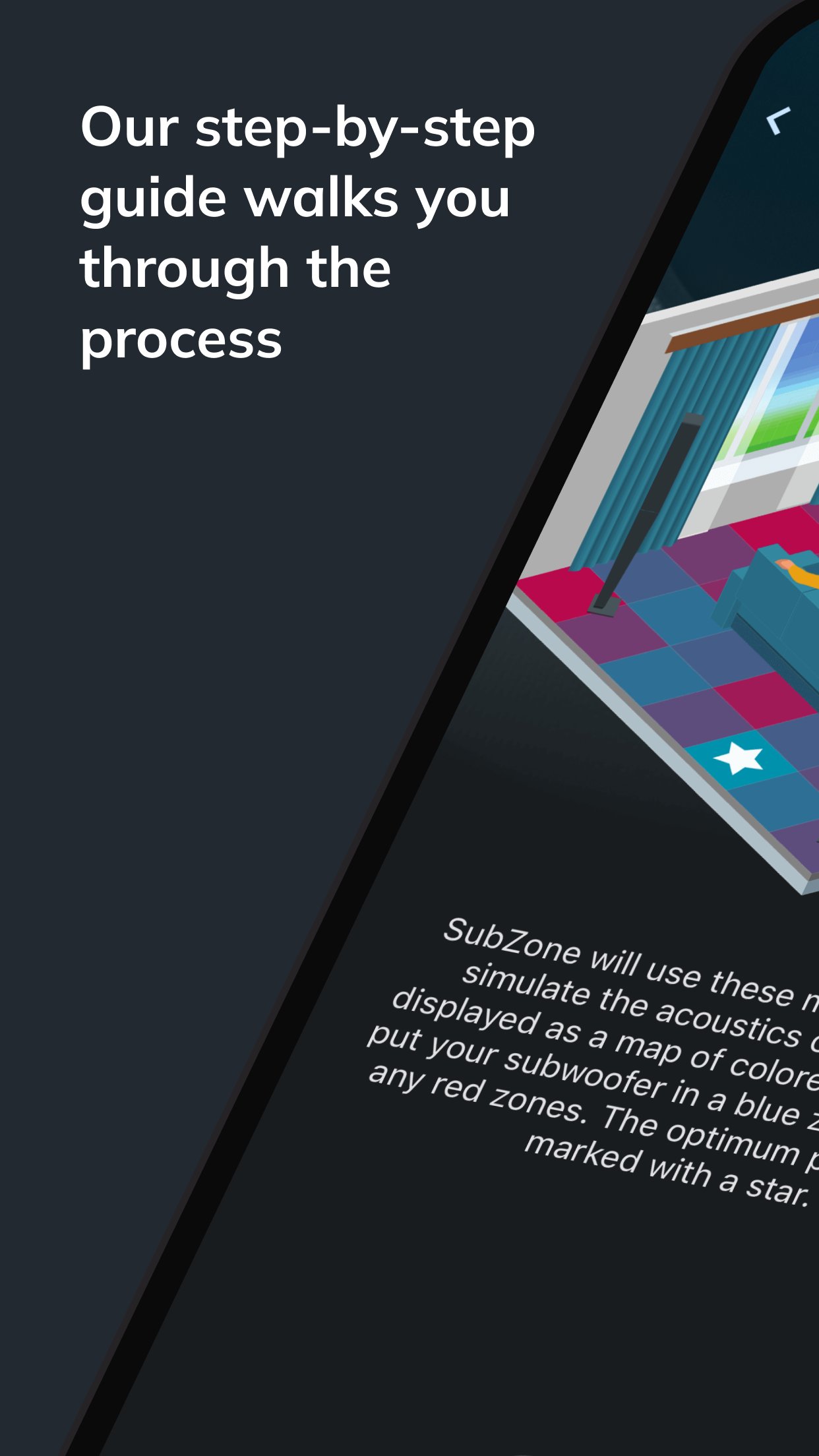
2. Choose your room’s construction materials and mark your listening position.
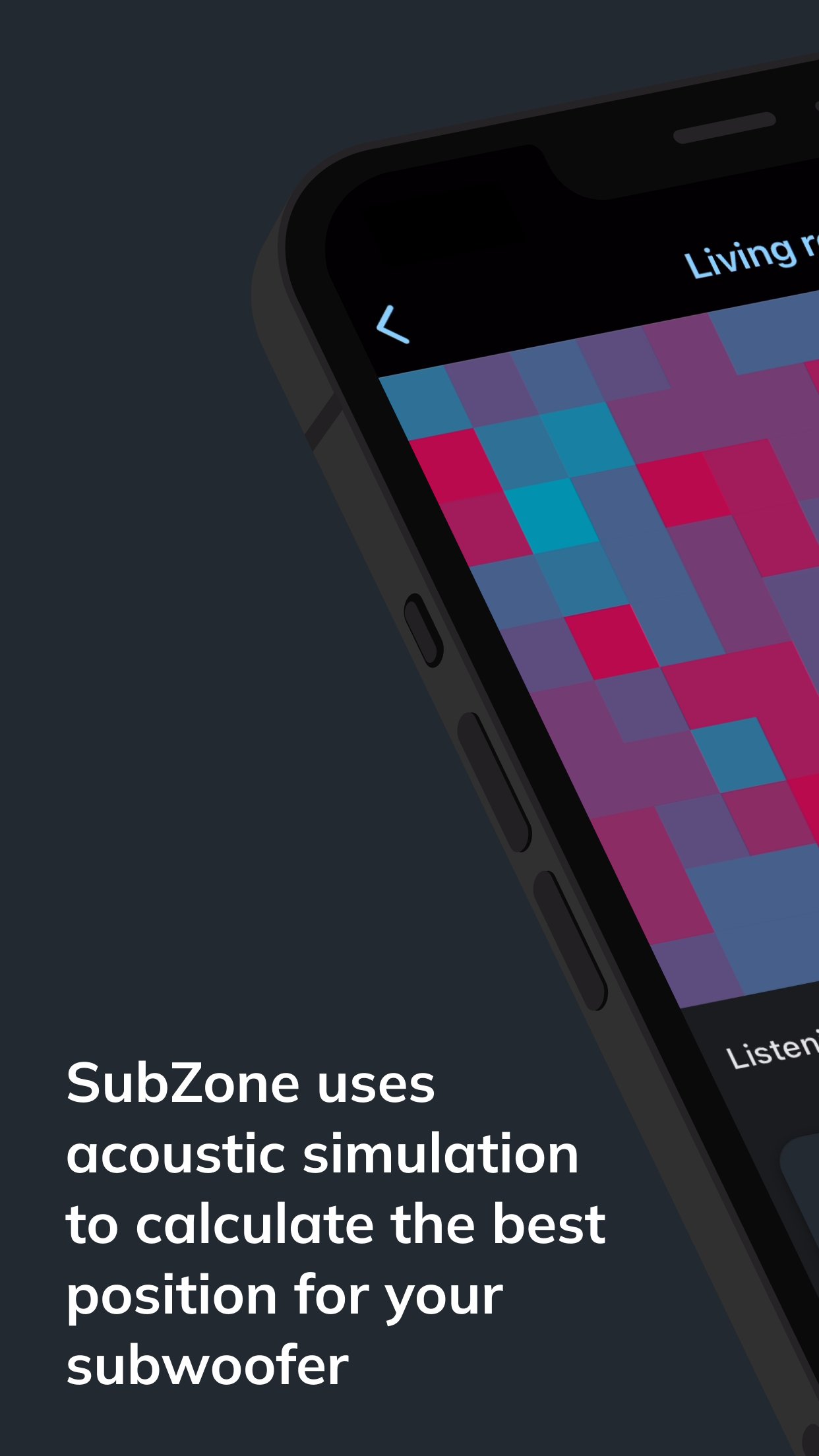
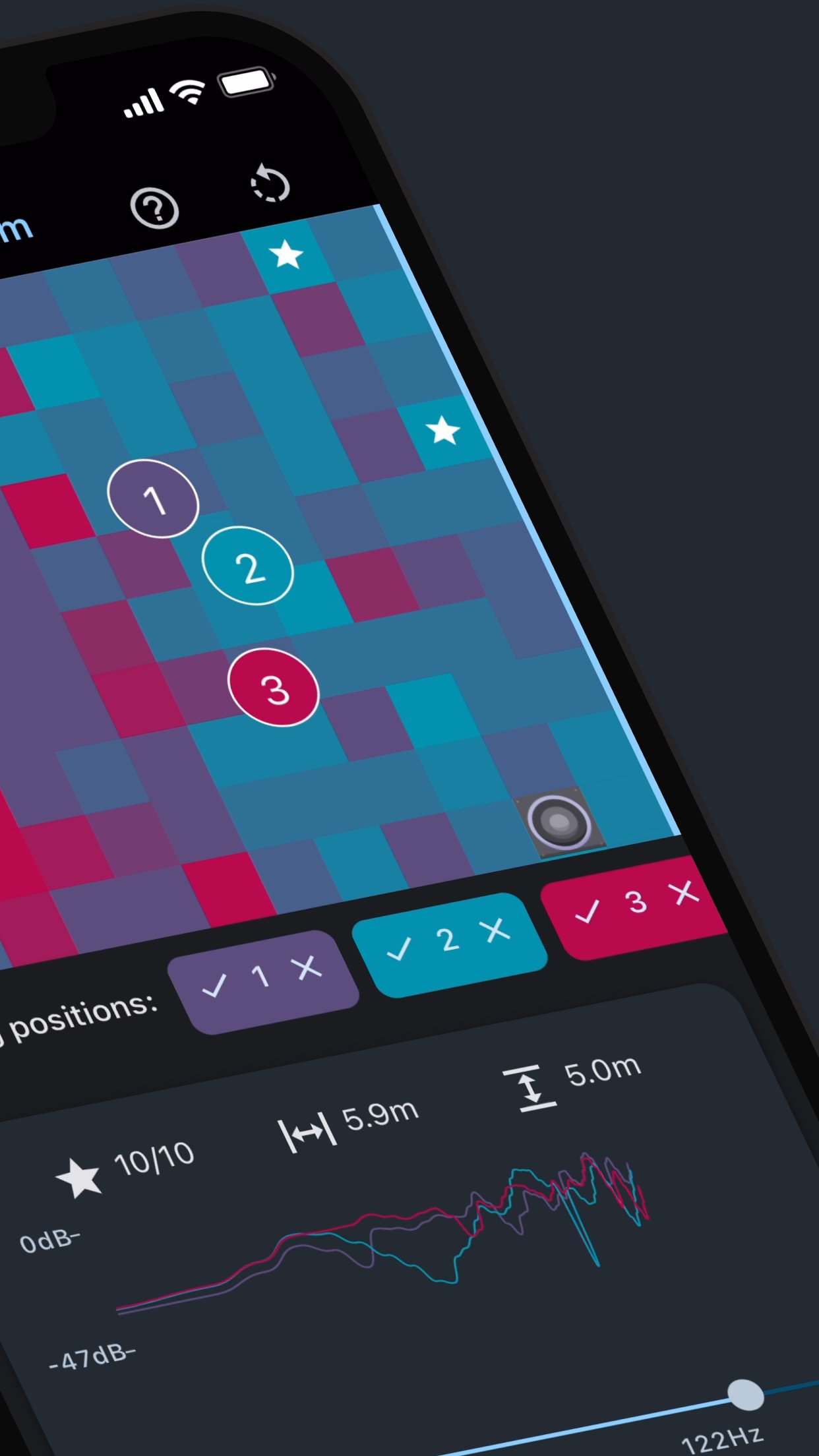
3. SubZone generates a heatmap showing the best places for your subwoofer, with the top zones marked with a star.
Adding a second or third subwoofer can sometimes help to smooth out bass response, but it is an expensive experiment. With SubZone you can add as many subwoofers as you like and see exactly what effect they have, and how they interact. Use the optimize feature to automatically search for the ideal combination of positions, then see whether the improvement justifies the purchase.
Features:
• Full acoustic simulation of every possible subwoofer position, based on your room’s dimensions, construction, and listening positions
• Frequency response plot for each zone, showing which frequencies are boosted or cut, and by how much
• Add multiple listening positions, so that the whole seating area sounds good
• Simulate multiple subwoofers to see how they interact, or search for their ideal positions automatically
• Step-by-step tutorial to get you started, plus full detailed documentation
• Expert support on hand for any questions or issues
• All data is stored and processed on your device, and no account or sign-in is required
• Everything included, with no artificial limits on rooms, simulations, listening positions, or subwoofers
• Dark and light color schemes
Please note: SubZone runs a full acoustic simulation rather than estimating individual room modes, which is what keeps its results accurate. As a result, it currently supports only rectangular “shoebox” rooms.
* Room scanning requires an iPhone 12 Pro or later Pro model, but room dimensions can be entered manually on all devices.
License: Commercial
| Release info | Update on Nov 24, 2026 |
|---|---|
| Release notes | Version 2.0 adds support for multiple subwoofers and room scanning. 2.0.1 fixes a crash affecting users running iOS 16. |
| Listing data | App Store |
Reviews
No reviews yet. Be the first to review SubZone.
Used SubZone? Tell other visitors what you thought.
Log in to write a reviewOther products by this publisher
- "No Distractions" for YouTube 4.10 ----
- #Bible 11.6.1 "Incredible App - My sister shared this app with me a few weeks ago and it is truly incredible.
- #filmphotography 1.4.2 So, you decided to shoot on film?
- #LookBusy Fake Calendar Events 1.0.6 Look Busy scans your work calendar for open time slots and fills them with realistic-looking (but secretly fake) work events.
- #Small Talk Is Canceled 1.0.2 #Small Talk Is Canceled — Conversations That Matter
Most viewed iOS Photo & Video
-
1
 Restore Old Photos 1.1.0
Bring old family photos back to life, privately on your iPhone or iPad.
-
2
 ShortDiShow 2.0
Drama Quest Island — An offline interactive short-drama adventure.
-
3
 Face Witness 1.0.4
FaceWitness lets you create a face by putting together individual features.
-
4
 Infuse 8.5.11
Infuse: Enterprise provides the same great features as the standard version of Infuse and includes permanent access to all Pro features via a traditional paid app.
-
5
 AI Video Generator 2.0.3
Vixel – AI Video Generator
- 6 #filmphotography 1.4.2 So, you decided to shoot on film?
-
7
 CapCut 20.3.0
CapCut is an all-in-one video editing solution that offers essential editing features, creative effects, AI tools, filters, stickers, and fonts, and a wide range of video templates to empower users to easily create incredible videos regardless of th…
-
8
 OPlayer 4.8
Play all your videos directly without having to convert them!
-
9
 Necrometer II 1.3
Necrometer II is a paranormal investigation companion designed for ghost hunters and researchers.
-
10
 Ai Photo 1.2.0
AI Photo Retouch – BG Eraser
Most downloaded iOS Photo & Video
-
1
 DJI Fly 1.21.18
DJI Fly is designed to help pilots fly drones with ease.
-
2
Infuse 8.5.11
Infuse: Enterprise provides the same great features as the standard version of Infuse and includes permanent access to all Pro features via a traditional paid app.
-
3
 ReelyGo 1.1.60
ReelyGo: Your Daily Drama Escape
-
4
 TurboCollage Automatic 1.2.4
#1 Easy automatic photo collage maker for iPhone & iPad.
-
5
 Analog Radio 3.0
The iPhone and iPad devices don't have the FM/AM radio antenna installed.
-
6
 Rozeta Sequencer Suite 1.3.16
Rozeta is a suite of MIDI sequencers and controllers that lets you explore a new, freeform approach to sequencing and controlling mobile music apps.
-
7
 AGAIN. Rehearsal Notes 2.0.1
AGAIN. is the rehearsal app that remembers why the band stopped — and, new in Version 2, who said what in a writing session or a table read.
-
8
 Pop Dot Comics 1.48
Create a comic worthy of the Sunday newspaper or your favorite pulp-fiction cover.
-
9
 Local AI Art Private Diffusion 1.6
If you are the kind of person who values privacy and wants to keep your generated images private, our software is the perfect solution for you.
-
10
 Treblo 1.6.6
Make songs with the world's best AI music model.