SUBCAM 1.5
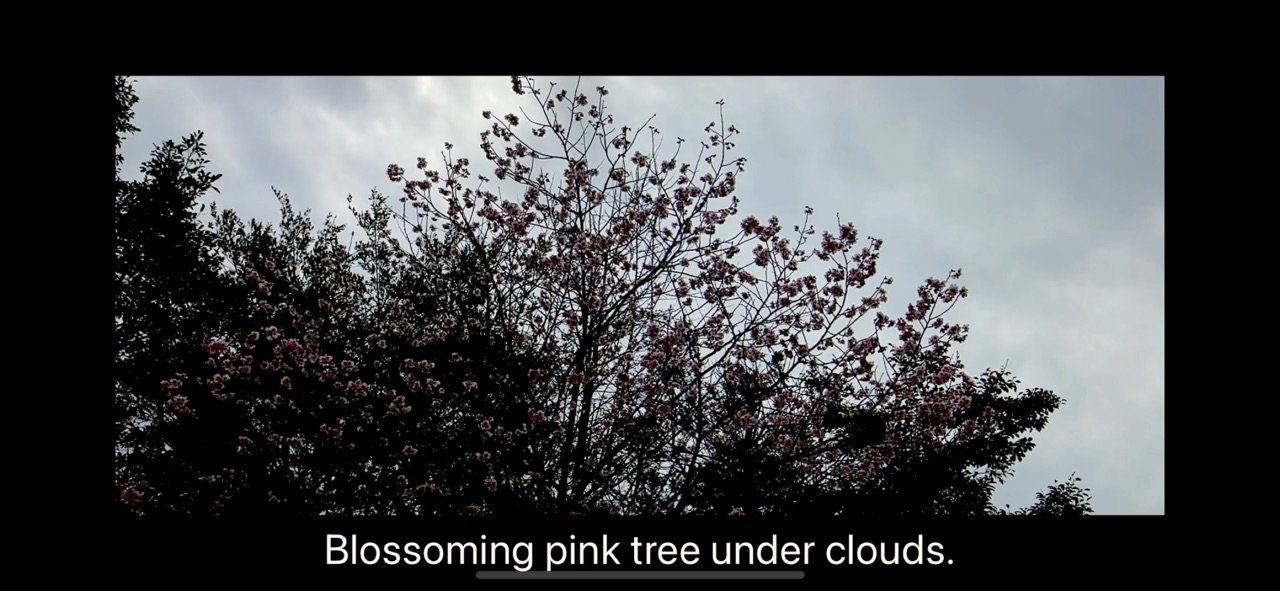
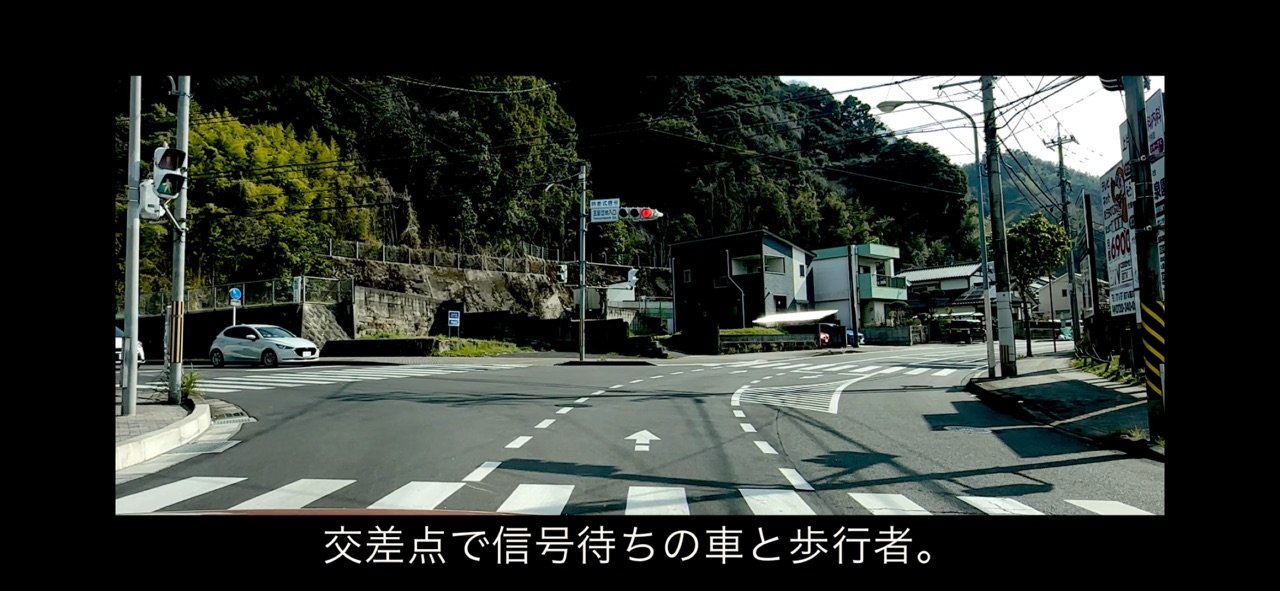
SUBCAM is a camera that burns live captions right into your video as you shoot.
Download
2.05 MB
1downloads
1this week
FreeCommercial
0reviews
Screenshots
About SUBCAM
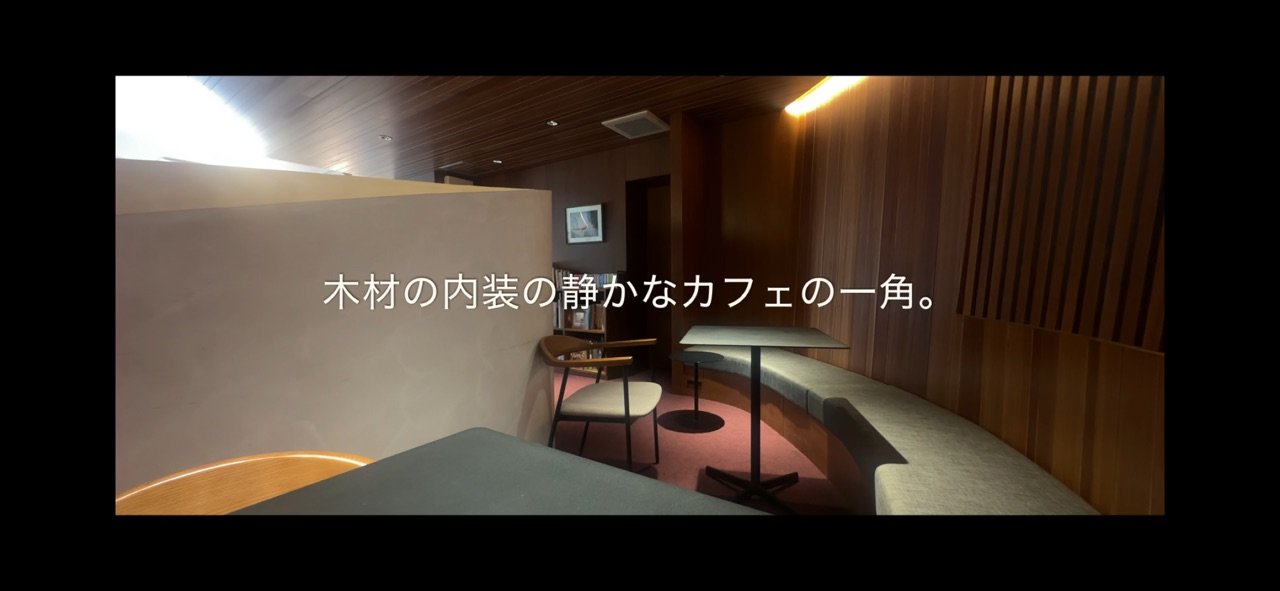
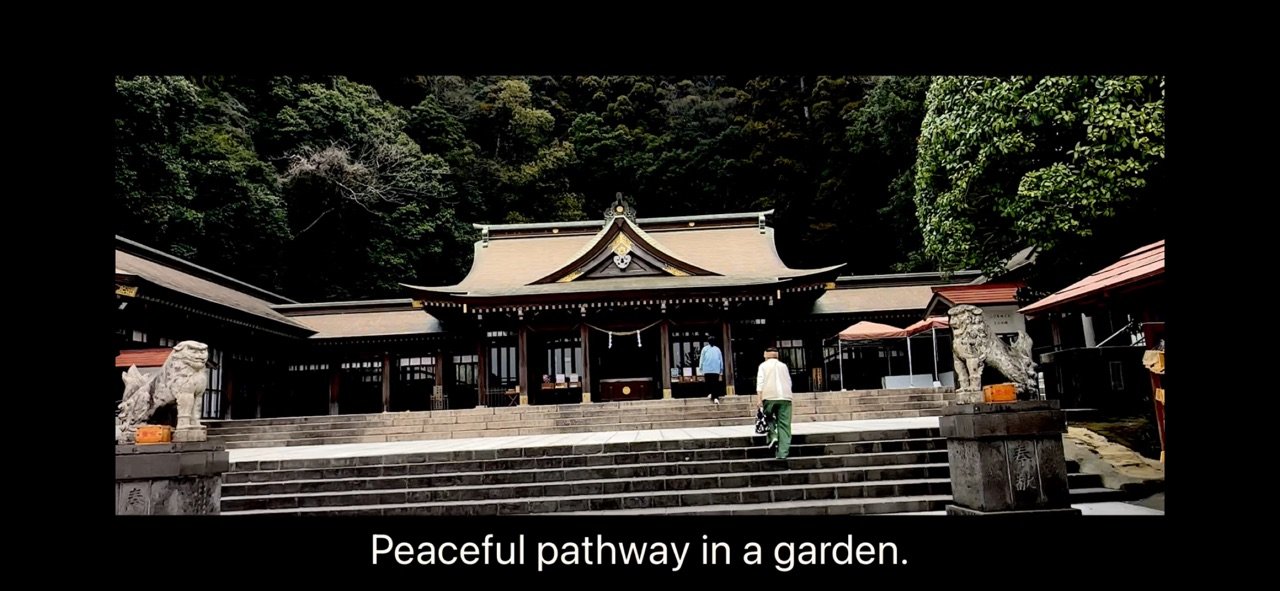
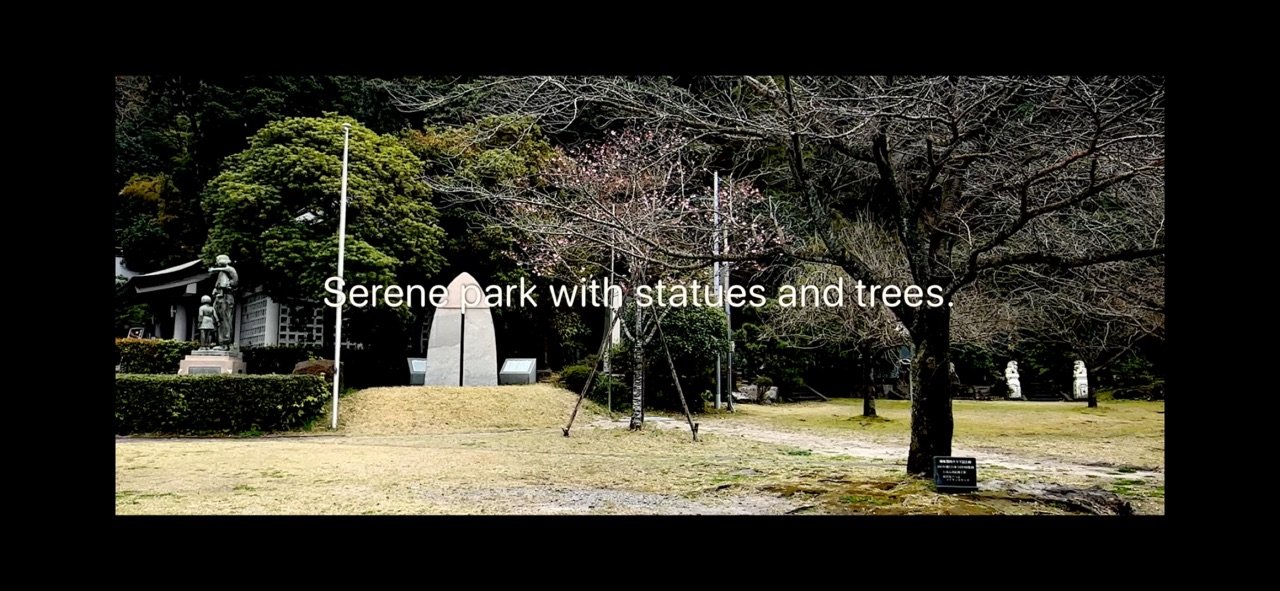
SUBCAM is a camera that burns live captions right into your video as you shoot.
Speak while recording and your words appear on screen in real time — and they are baked into the saved video. No editing, no exporting to another app.
KEY FEATURES
- Live Speech Captions
On-device speech recognition turns your voice into subtitles the moment you speak — captions appear live even before you start recording. Supports Japanese, English, Chinese, Korean, and more.
- On-Device Translation (iOS 18 or later)
Speak in one language, caption in another. Real-time translation runs entirely on device, no internet connection required. Switch it on with one tap from the capture screen.
- AI Scene Captions
Point the camera at anything and AI describes what it sees, as short words or full sentences. Bring your own API key for Claude, ChatGPT, or Gemini, connect a local LLM, or use Apple Intelligence fully on device. You can even choose the exact model for each provider.
- Cinematic Looks
Switch between Standard, CinemaScope (2.39:1 letterbox), Cinematic tone, and Monochrome with one tap, right above the shutter. Letterbox color is customizable.
- Style Captions While You Shoot
Tap the "Aa" button to change caption size, position (top / center / bottom), and font — with a live preview behind the panel. Five fonts including Japanese Gothic and Mincho.
- A Camera That Feels Familiar
Standard camera layout: big shutter, recent-clip thumbnail, 0.5x/1x lens switch, pinch zoom, tap to focus. Non-essential controls fade away while recording so you can focus on the shot.
FREE
- 1080p 30fps recording (with a small #SUBCAM watermark)
- All caption features: speech captions, AI captions, translation
- All looks, caption styling, and fonts
SUBCAM PRO (one-time purchase)
- 4K and 60fps recording
- HDR video
- Exposure adjustment
- Removes the #SUBCAM watermark
Perfect for vlogs, street snaps, interviews, travel videos, language learning, and accessibility — shoot once, share immediately, captions included.
License: Commercial
Speak while recording and your words appear on screen in real time — and they are baked into the saved video. No editing, no exporting to another app.
KEY FEATURES
- Live Speech Captions
On-device speech recognition turns your voice into subtitles the moment you speak — captions appear live even before you start recording. Supports Japanese, English, Chinese, Korean, and more.
- On-Device Translation (iOS 18 or later)
Speak in one language, caption in another. Real-time translation runs entirely on device, no internet connection required. Switch it on with one tap from the capture screen.
- AI Scene Captions
Point the camera at anything and AI describes what it sees, as short words or full sentences. Bring your own API key for Claude, ChatGPT, or Gemini, connect a local LLM, or use Apple Intelligence fully on device. You can even choose the exact model for each provider.
- Cinematic Looks
Switch between Standard, CinemaScope (2.39:1 letterbox), Cinematic tone, and Monochrome with one tap, right above the shutter. Letterbox color is customizable.
- Style Captions While You Shoot
Tap the "Aa" button to change caption size, position (top / center / bottom), and font — with a live preview behind the panel. Five fonts including Japanese Gothic and Mincho.
- A Camera That Feels Familiar
Standard camera layout: big shutter, recent-clip thumbnail, 0.5x/1x lens switch, pinch zoom, tap to focus. Non-essential controls fade away while recording so you can focus on the shot.
FREE
- 1080p 30fps recording (with a small #SUBCAM watermark)
- All caption features: speech captions, AI captions, translation
- All looks, caption styling, and fonts
SUBCAM PRO (one-time purchase)
- 4K and 60fps recording
- HDR video
- Exposure adjustment
- Removes the #SUBCAM watermark
Perfect for vlogs, street snaps, interviews, travel videos, language learning, and accessibility — shoot once, share immediately, captions included.
License: Commercial
| Release info | New Release on Oct 11, 2026 |
|---|---|
| Release notes | - Fixed speech recognition not working for languages other than Japanese (falls back to server recognition when no on-device model is available) - Long captions no longer get cut off: up to 3 lines in Standard and 2 lines in Scope, with automatic shrinking - Captions in recordings now match the preview size, especially for portrait Scope shots - Recordings are saved safely when you leave the app or receive a call - Videos are no longer lost if saving to Photos fails (retried on next launch) - AI captions now ask for confirmation before images are sent to a cloud AI provider - More reliable Pro status (auto-restore after reinstall, refunds handled) - Removed the danmaku caption mode - Stability improvements and bug fixes |
| Listing data | App Store |
Reviews
No reviews yet. Be the first to review SUBCAM.
Used SUBCAM? Tell other visitors what you thought.
Log in to write a reviewOther products by this publisher
- "No Distractions" for YouTube 4.10 ----
- #Bible 11.6 "Incredible App - My sister shared this app with me a few weeks ago and it is truly incredible.
- #filmphotography 1.4.2 So, you decided to shoot on film?
- $quirrel 1.5.1 $quirrel Budget & Finance helps you plan each paycheck, track spending, manage debt, and see what is safe to spend before the next payday.
- % Percentage Calculator Pro 1.41 This is the Pro version of % Percentage Calculator.
Most viewed iOS Photo & Video
-
1
 ShortDiShow 2.0
Drama Quest Island — An offline interactive short-drama adventure.
-
2
 Infuse 8.5.10
Infuse: Enterprise provides the same great features as the standard version of Infuse and includes permanent access to all Pro features via a traditional paid app.
-
3
 AI Video Generator 2.0.2
Vixel – AI Video Generator
-
4
 OPlayer 4.8
Play all your videos directly without having to convert them!
-
5
 Necrometer II 1.2
Necrometer II is a paranormal investigation companion designed for ghost hunters and researchers.
-
6
 CapCut 20.1.0
CapCut offers easy-to-use video editing functions, in-APP fonts and effects, advanced features such as keyframe animation, smooth slow-motion, chroma key, and stabilization, to help you capture and snip moments.
-
7
 Ai Photo 1.1.2
AI Photo Retouch – BG Eraser
-
8
 Treblo 1.6.0
Make songs with the world's best AI music model.
-
9
 Pop Dot Comics 1.48
Create a comic worthy of the Sunday newspaper or your favorite pulp-fiction cover.
- 10 #filmphotography 1.4.2 So, you decided to shoot on film?
Most downloaded iOS Photo & Video
-
1
Infuse 8.5.10
Infuse: Enterprise provides the same great features as the standard version of Infuse and includes permanent access to all Pro features via a traditional paid app.
-
2
 DJI Fly 1.21.18
DJI Fly is designed to help pilots fly drones with ease.
-
3
 Analog Radio 3.0
The iPhone and iPad devices don't have the FM/AM radio antenna installed.
-
4
 TurboCollage Automatic 1.2.4
#1 Easy automatic photo collage maker for iPhone & iPad.
-
5
Treblo 1.6.0
Make songs with the world's best AI music model.
-
6
 ReelyGo 1.1.42
ReelyGo: Your Daily Drama Escape
-
7
 Rozeta Sequencer Suite 1.3.16
Rozeta is a suite of MIDI sequencers and controllers that lets you explore a new, freeform approach to sequencing and controlling mobile music apps.
-
8
 AGAIN. Rehearsal Notes 2.0.1
AGAIN. is the rehearsal app that remembers why the band stopped — and, new in Version 2, who said what in a writing session or a table read.
-
9
Pop Dot Comics 1.48
Create a comic worthy of the Sunday newspaper or your favorite pulp-fiction cover.
-
10
 SSS IPTV, Simple, Smart Super 1.0.2
An Easiest way to watch TV Online or Movies or Series, Bring your Own list M3u,