
Splice 4.28.75
Simple yet powerful, Splice makes it easy to create fully customized, professional-looking videos on your iPhone or iPad.
Download
161.82 MB
11downloads
1this week
FreeFreeware
0reviews
Screenshots
About Splice
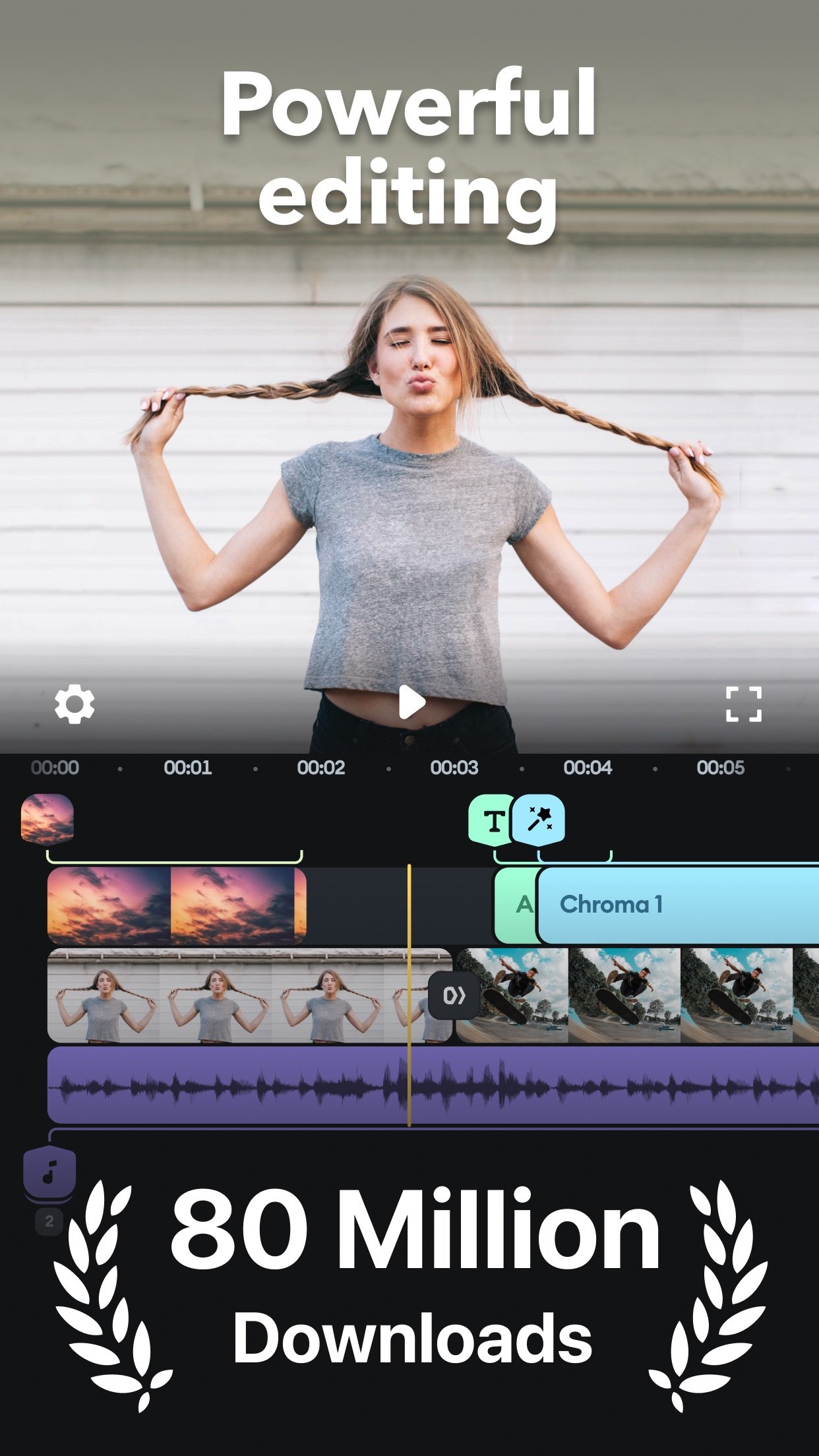
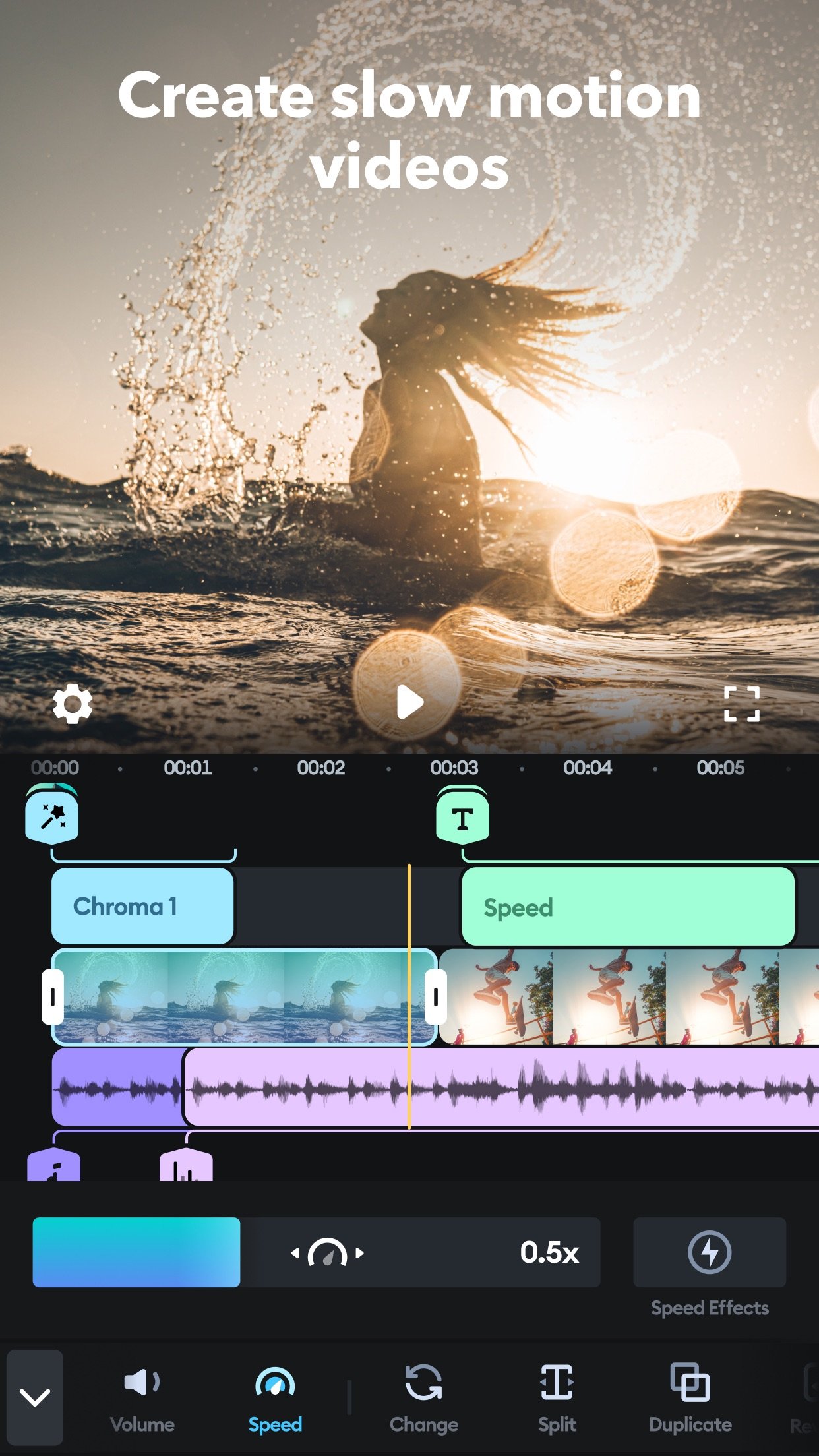
Simple yet powerful, Splice makes it easy to create fully customized, professional-looking videos on your iPhone or iPad. Imagine the performance of a desktop editor, optimized for your mobile device. Just tap to trim clips, add slow motion effects, and overlay multiple clips to create beautiful videos you’ll love to share. It’s never been easier to edit like a pro on the go.
POWERFUL EDITING TOOLS MADE SIMPLE
+ Trim, cut, and crop your photos and video clips.
+ Refine your clips by adjusting exposure, contrast, saturation, and more.
+ Adjust playback speed for fast or slow motion, now also with speed ramping.
+ Overlay photos or videos and apply masks to create incredible effects.
+ Remove background with Chroma Key.
+ Animate your clips with the Ken Burns effect.
+ Apply filters and adjust background colors, orientation, and more.
+ Add amazing effects: glitch, chroma, vintage, and lots more.
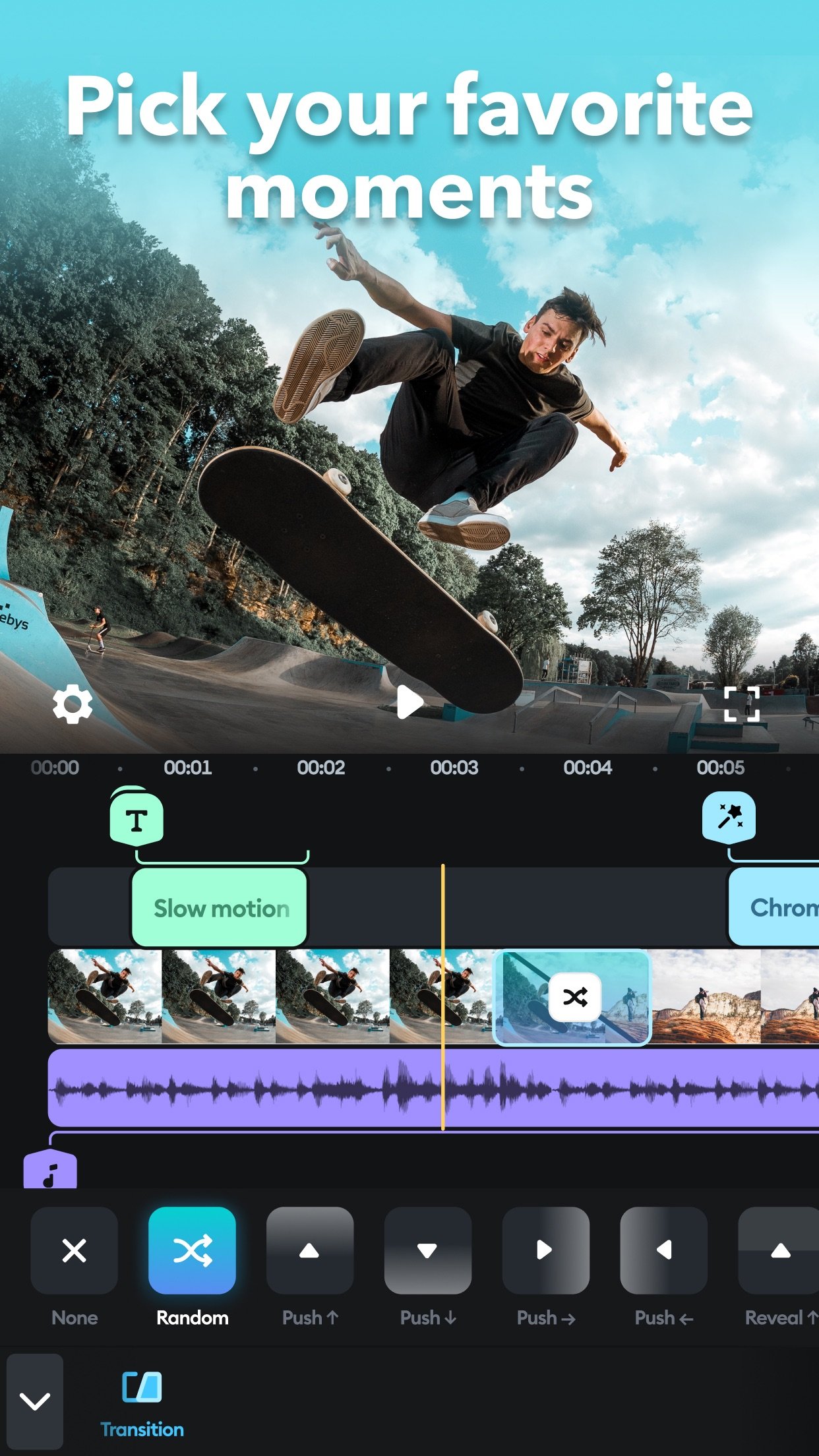
+ Choose your transition style and control the speed between transitions.
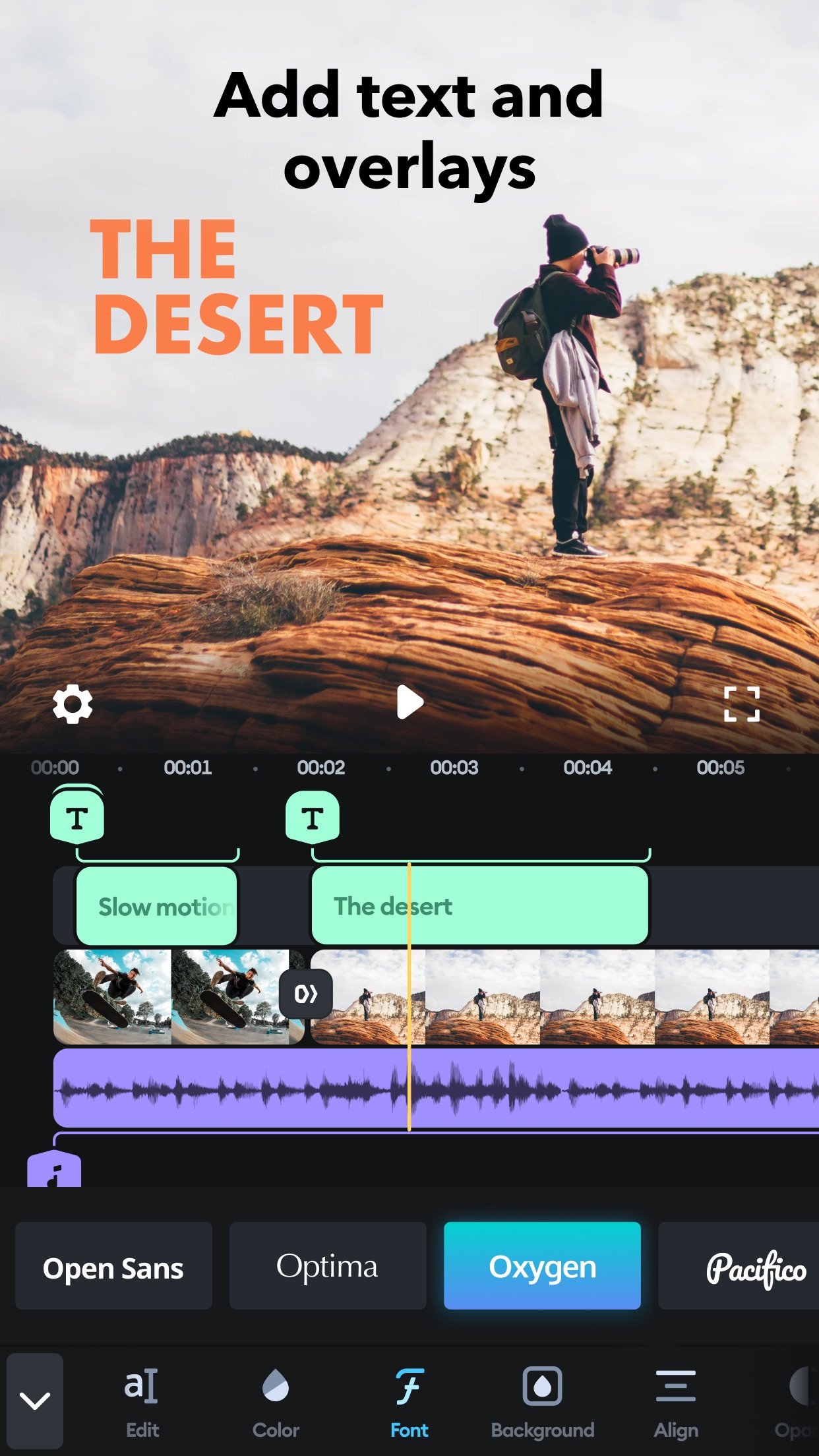
+ Add title slides, text overlays, and a custom outro.
+ Bring your photos to life and create slideshows with pan and zoom effects.
CUSTOMIZE THE PERFECT SOUNDTRACK
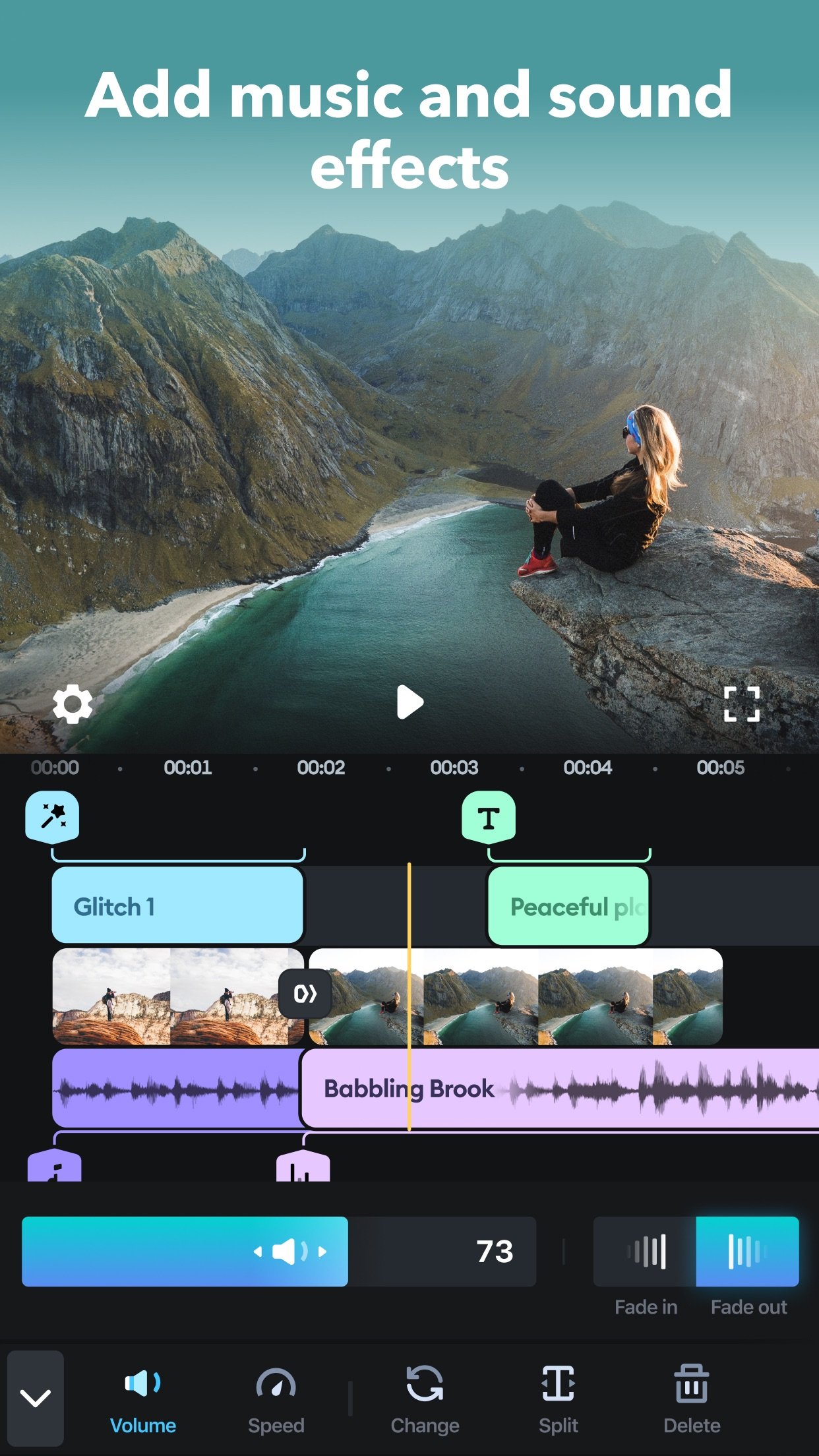
+ Choose songs from 6,000+ royalty-free tracks from Artlist and Shutterstock libraries.
+ Trim and mix multiple audio tracks with precision.
+ Use a song from your own iTunes collection (subject to iTunes terms).
+ Add narration or custom sound effects with the built-in voice recorder.
EASILY SHARE + SAVE YOUR VIDEO
+ Share right to YouTube, Instagram, TikTok, Facebook, Mail, Messages, and more.
+ Save videos to your camera roll.
SUBSCRIPTION INFO:
Subscribe to take advantage of the features described above.
• Subscription length: weekly, monthly, yearly
• Your payment will be charged to your iTunes Account as soon as you confirm your purchase.
• You can manage your subscriptions and turn off auto-renewal from your Account Settings after the purchase.
• Your subscription will renew automatically, unless you turn off auto-renew at least 24 hours before the end of the current period.
• The cost of renewal will be charged to your account in the 24 hours prior to the end of the current period.
• When canceling a subscription, your subscription will stay active until the end of the period. Auto-renewal will be disabled, but the current subscription will not be refunded.
• Any unused portion of a free trial period, if offered, will be forfeited when purchasing a subscription.
| Release info | Update on Nov 04, 2026 |
|---|---|
| Release notes | Hey creators! We have a quick update on this bright day: this is just to ensure that everything will work smoothly when you will be creating your masterpieces. Have an amazing time, fellas! |
| Listing data | App Store |
Reviews
No reviews yet. Be the first to review Splice.
Used Splice? Tell other visitors what you thought.
Log in to write a reviewOther products by this publisher
- "No Distractions" for YouTube 4.10 ----
- #Bible 11.6.1 "Incredible App - My sister shared this app with me a few weeks ago and it is truly incredible.
- #filmphotography 1.4.2 So, you decided to shoot on film?
- #LookBusy Fake Calendar Events 1.0.6 Look Busy scans your work calendar for open time slots and fills them with realistic-looking (but secretly fake) work events.
- #Small Talk Is Canceled 1.0.2 #Small Talk Is Canceled — Conversations That Matter
Most viewed iOS Photo & Video
-
1
 ShortDiShow 2.0
Drama Quest Island — An offline interactive short-drama adventure.
-
2
 Face Witness 1.0.3
FaceWitness lets you create a face by putting together individual features.
-
3
 Infuse 8.5.10
Infuse: Enterprise provides the same great features as the standard version of Infuse and includes permanent access to all Pro features via a traditional paid app.
-
4
 AI Video Generator 2.0.3
Vixel – AI Video Generator
-
5
 OPlayer 4.8
Play all your videos directly without having to convert them!
- 6 #filmphotography 1.4.2 So, you decided to shoot on film?
-
7
 CapCut 20.2.0
CapCut offers easy-to-use video editing functions, in-APP fonts and effects, advanced features such as keyframe animation, smooth slow-motion, chroma key, and stabilization, to help you capture and snip moments.
-
8
 Necrometer II 1.3
Necrometer II is a paranormal investigation companion designed for ghost hunters and researchers.
-
9
 Ai Photo 1.1.2
AI Photo Retouch – BG Eraser
-
10
 Analog Radio 3.0
The iPhone and iPad devices don't have the FM/AM radio antenna installed.
Most downloaded iOS Photo & Video
-
1
 DJI Fly 1.21.18
DJI Fly is designed to help pilots fly drones with ease.
-
2
Infuse 8.5.10
Infuse: Enterprise provides the same great features as the standard version of Infuse and includes permanent access to all Pro features via a traditional paid app.
-
3
 TurboCollage Automatic 1.2.4
#1 Easy automatic photo collage maker for iPhone & iPad.
-
4
 ReelyGo 1.1.42
ReelyGo: Your Daily Drama Escape
-
5
Analog Radio 3.0
The iPhone and iPad devices don't have the FM/AM radio antenna installed.
-
6
 Rozeta Sequencer Suite 1.3.16
Rozeta is a suite of MIDI sequencers and controllers that lets you explore a new, freeform approach to sequencing and controlling mobile music apps.
-
7
 AGAIN. Rehearsal Notes 2.0.1
AGAIN. is the rehearsal app that remembers why the band stopped — and, new in Version 2, who said what in a writing session or a table read.
-
8
 Pop Dot Comics 1.48
Create a comic worthy of the Sunday newspaper or your favorite pulp-fiction cover.
-
9
 Sun Scout 1.5.0
If your work or play requires sunlight, Sun Scout is built for you.
-
10
 Treblo 1.6.6
Make songs with the world's best AI music model.