
Spell4Wiki 4.0_22
Audio upload tool for Wiktionary words to Wikimedia Commons & Wiki-Dictionary
Download
182.24 MB · spell4wiki_v4.0_22.apk
46downloads
15this week
FreeFreeware
0reviews
Screenshots
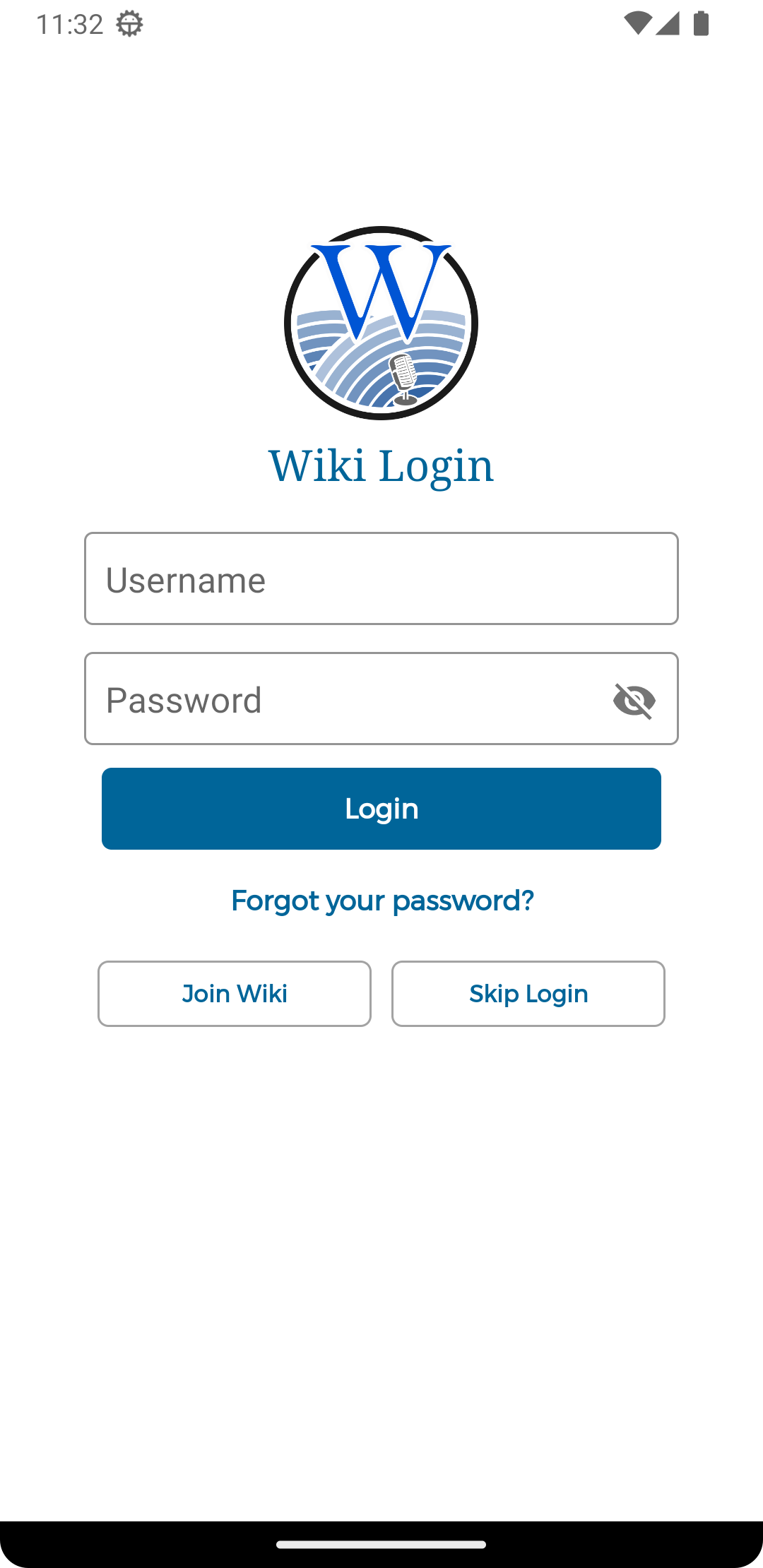
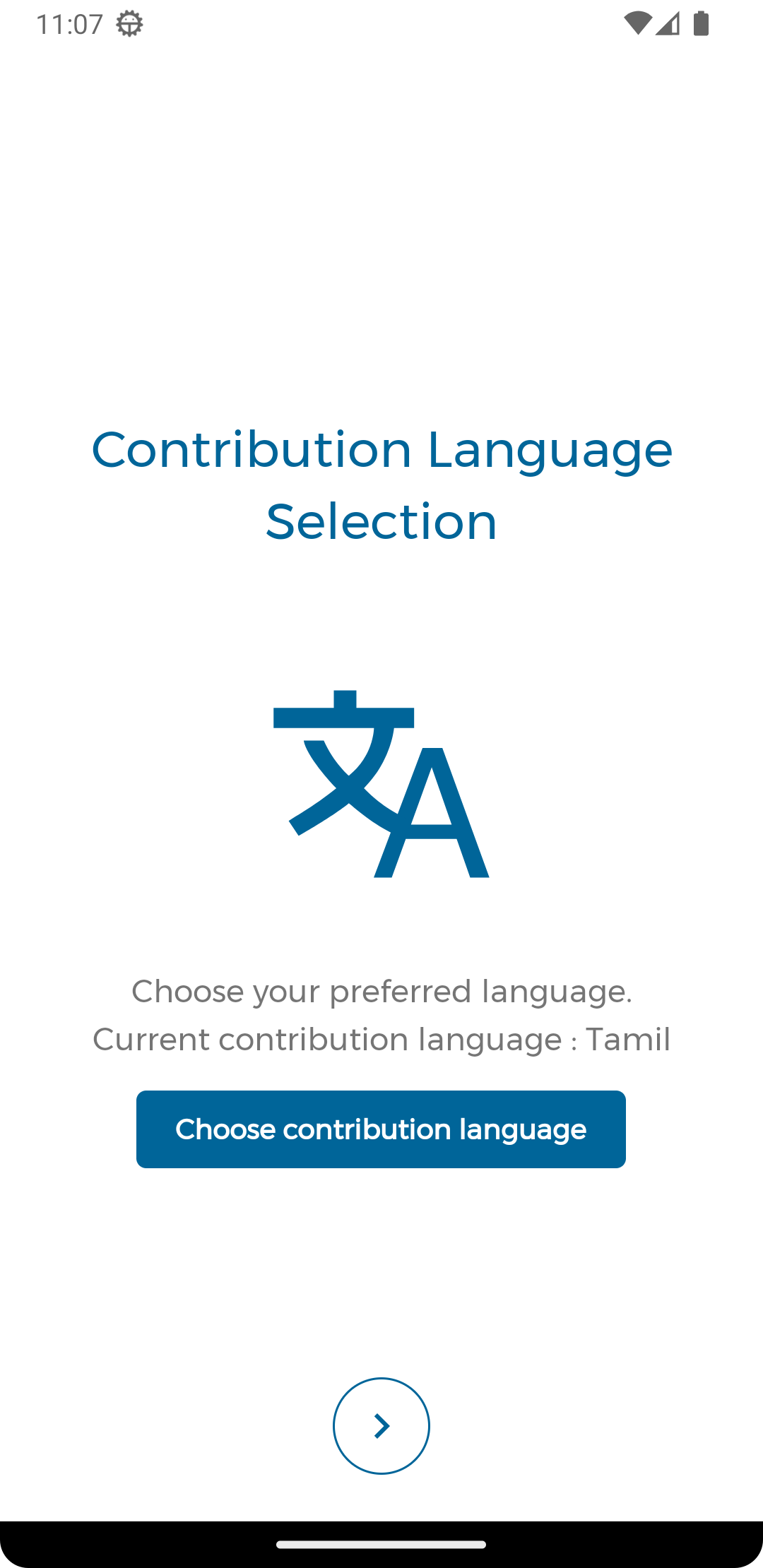
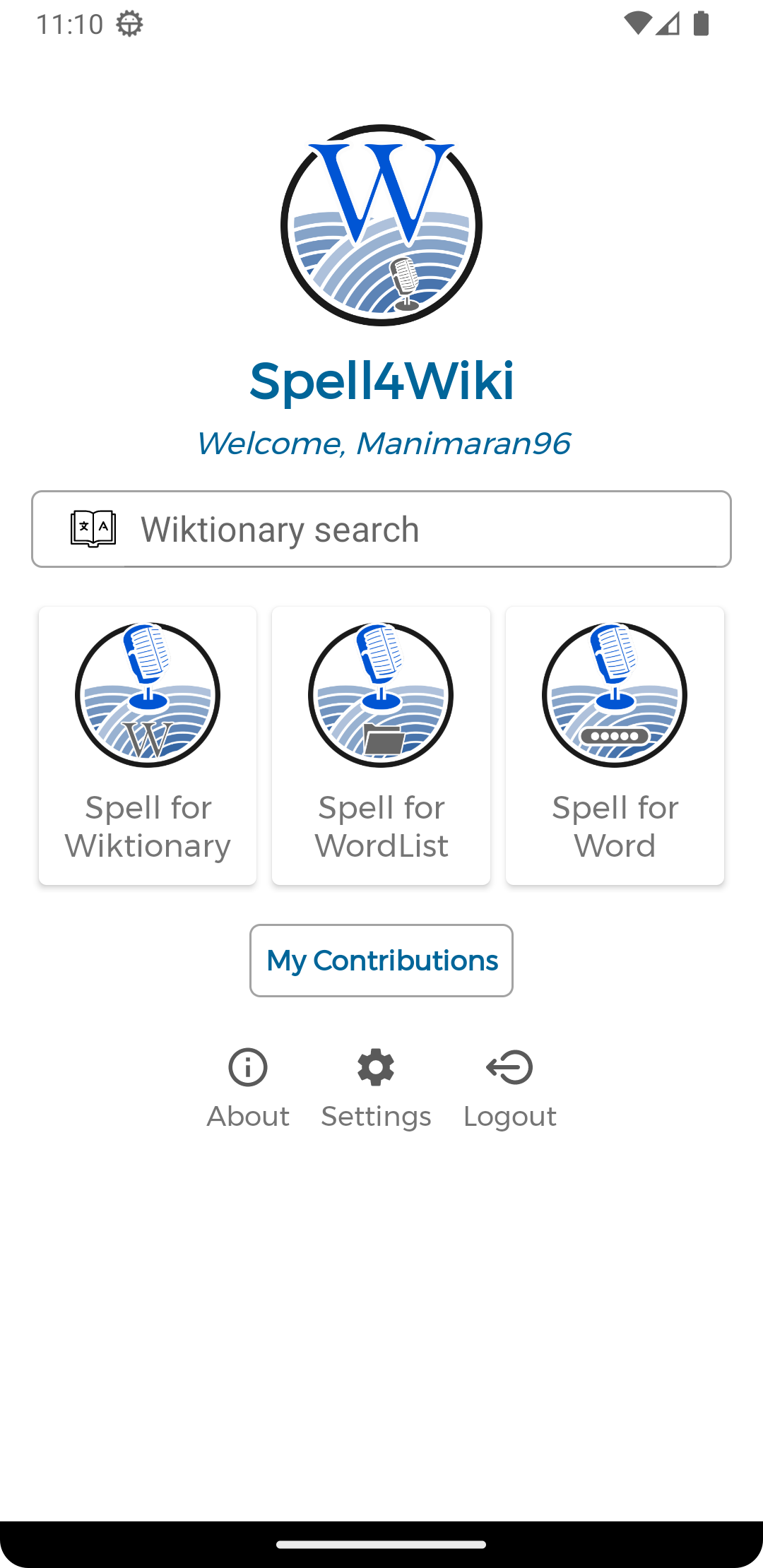
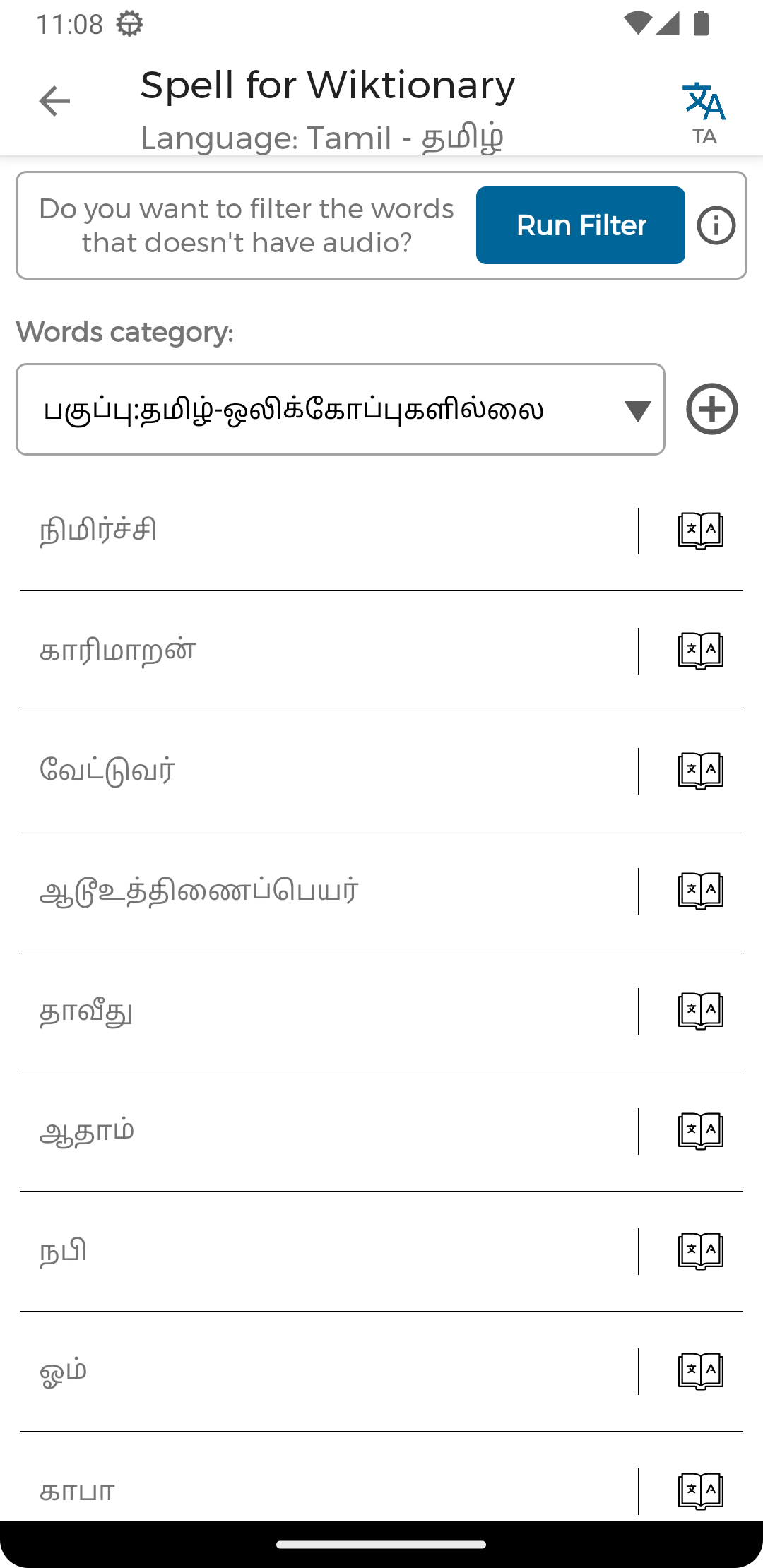
About Spell4Wiki
Wikimedia Commons Audio Upload Tool
Spell4Wiki is a mobile application to record and upload audio files for Wiktionary words to Wikimedia Commons. Spell4Wiki also acts as a multilingual Wiki-Dictionary.
App Features:
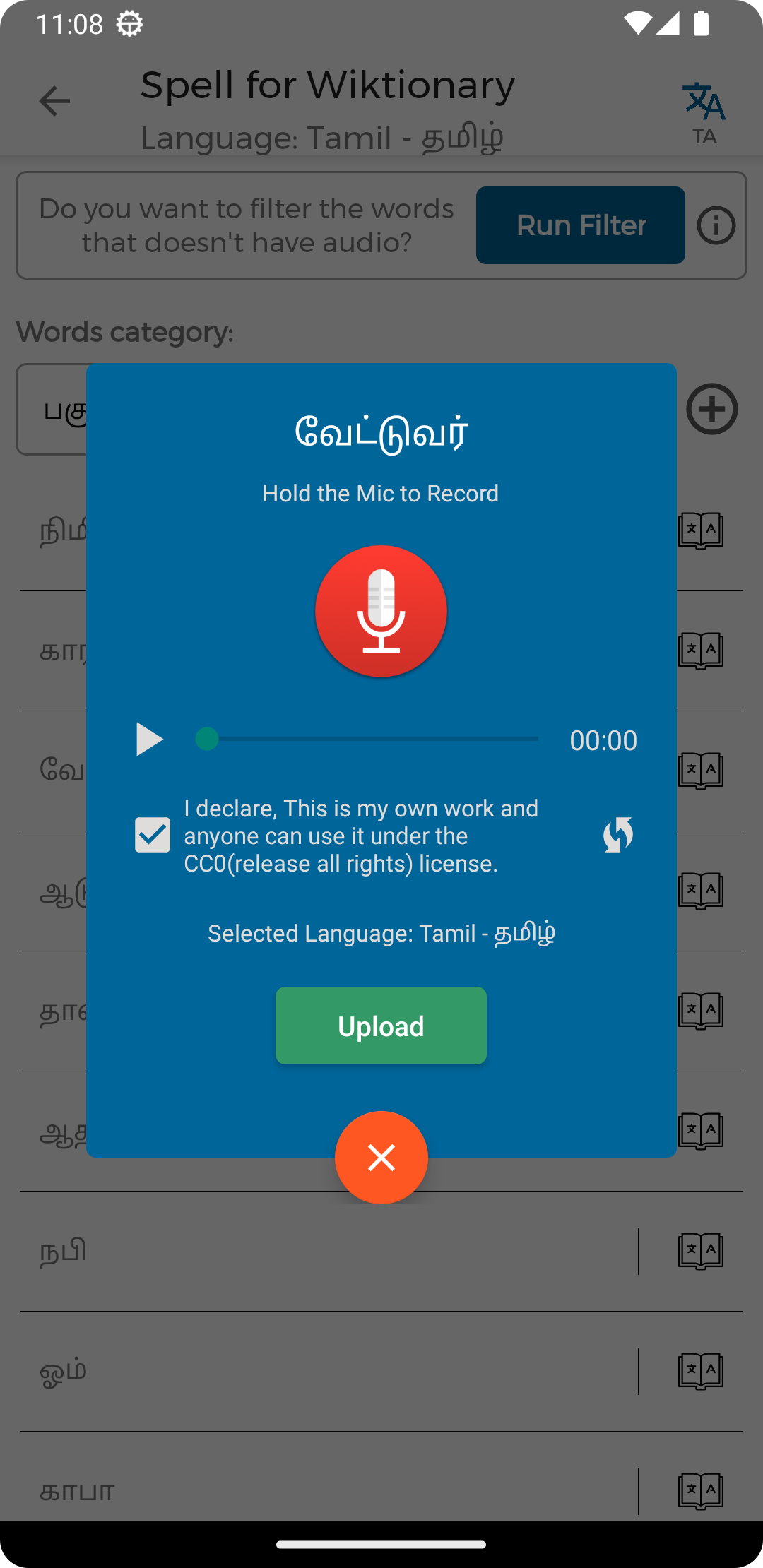
• Spell For Wiktionary - Record & upload audio for Wiktionary category-based word lists
• Spell For WordList - Upload audio for custom word lists from text files or copy & paste
• Spell For Word - Record and upload pronunciation for individual words
• Wiktionary Search - Search word meanings from Wiktionary in multiple languages
What Spell4Wiki App Achieved:
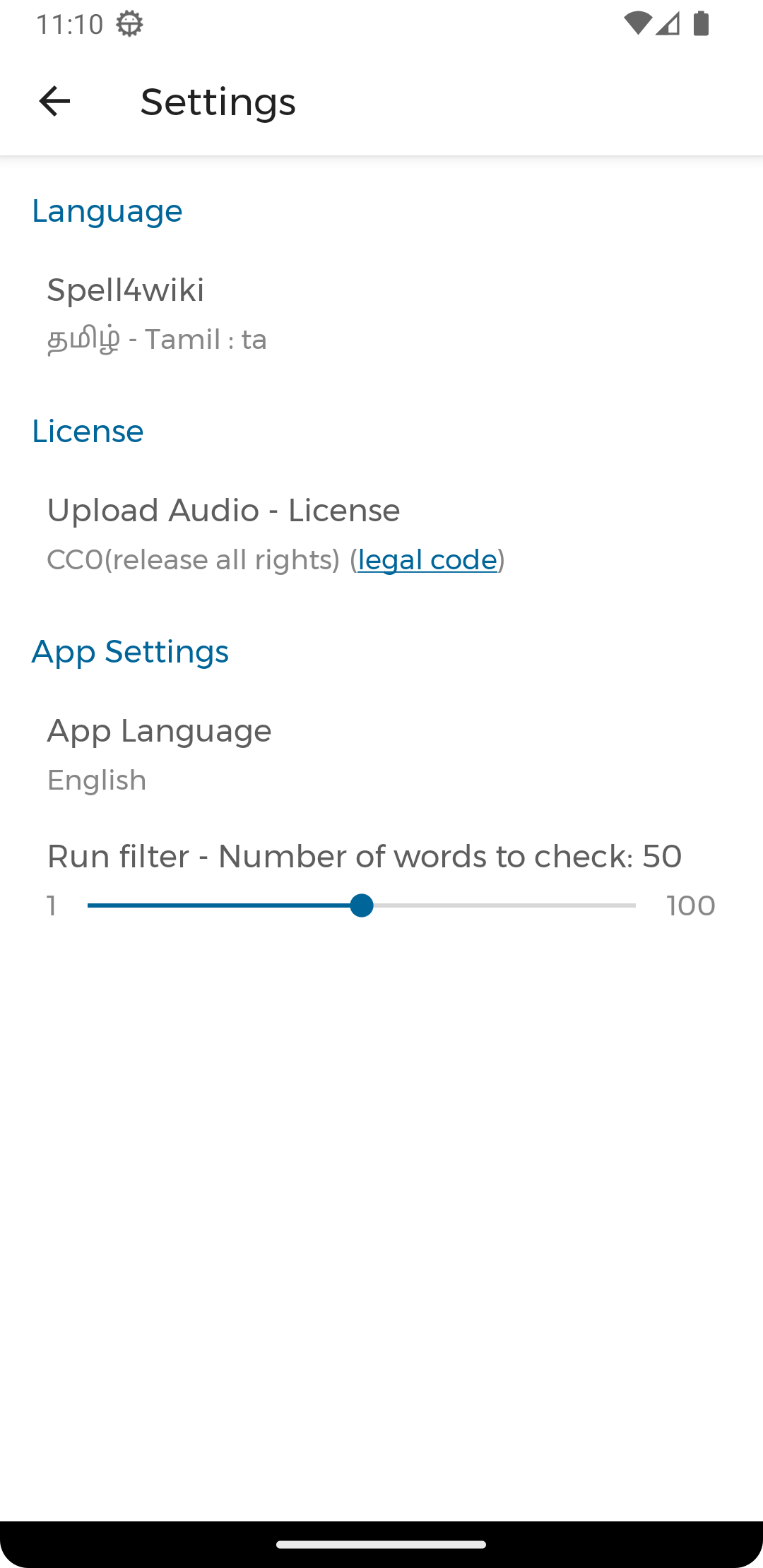
• Supported 250+ Languages for all 4 features
• Uploaded 40,000+ audio files to Wikimedia Commons from various language contributors
• All audio files are categorized under Wikimedia Commons
Purpose of this application
There are plenty of words in the Wiktionary. But they do not have enough pronunciation audio files. So we can upload pronunciation audio for words in a simple way. And we can use those pronunciation for wiki data planning and other technologies like machine learning under CC-license. And other linguists can learn how to pronounce a word.
Technical Features:
• High-quality WAV recording with OGG conversion
• Smart filtering to check words that already have audio
• Direct upload to Wikimedia Commons with proper categorization
• Support for 250+ languages
Powered By
• VGLUG Foundation
• Kaniyam Foundation, Free Software Activists and
• Tamil Wikimedia Community
How to Use
1. Create account in Wikimedia Commons and login (if no account)
2. Select your language from 250+ options
3. Choose recording mode: Spell4Wiki, Spell4WordList, or Spell4Word
4. Record pronunciation and upload to Wikimedia Commons
Note
This app loads some configuration (available language list, categories & contributors) details from the app's repo.
Useful Links
• Join the Telegram group: @spell4wiki
• Spell4Wiki Commons Page: Commons:Spell4Wiki
• More details about development: Blog Post about Spell4Wiki
• Tutorial & Demo Videos: Play Videos
License: GPL-3.0-only
Spell4Wiki is a mobile application to record and upload audio files for Wiktionary words to Wikimedia Commons. Spell4Wiki also acts as a multilingual Wiki-Dictionary.
App Features:
• Spell For Wiktionary - Record & upload audio for Wiktionary category-based word lists
• Spell For WordList - Upload audio for custom word lists from text files or copy & paste
• Spell For Word - Record and upload pronunciation for individual words
• Wiktionary Search - Search word meanings from Wiktionary in multiple languages
What Spell4Wiki App Achieved:
• Supported 250+ Languages for all 4 features
• Uploaded 40,000+ audio files to Wikimedia Commons from various language contributors
• All audio files are categorized under Wikimedia Commons
Purpose of this application
There are plenty of words in the Wiktionary. But they do not have enough pronunciation audio files. So we can upload pronunciation audio for words in a simple way. And we can use those pronunciation for wiki data planning and other technologies like machine learning under CC-license. And other linguists can learn how to pronounce a word.
Technical Features:
• High-quality WAV recording with OGG conversion
• Smart filtering to check words that already have audio
• Direct upload to Wikimedia Commons with proper categorization
• Support for 250+ languages
Powered By
• VGLUG Foundation
• Kaniyam Foundation, Free Software Activists and
• Tamil Wikimedia Community
How to Use
1. Create account in Wikimedia Commons and login (if no account)
2. Select your language from 250+ options
3. Choose recording mode: Spell4Wiki, Spell4WordList, or Spell4Word
4. Record pronunciation and upload to Wikimedia Commons
Note
This app loads some configuration (available language list, categories & contributors) details from the app's repo.
Useful Links
• Join the Telegram group: @spell4wiki
• Spell4Wiki Commons Page: Commons:Spell4Wiki
• More details about development: Blog Post about Spell4Wiki
• Tutorial & Demo Videos: Play Videos
License: GPL-3.0-only
| Release info | Update on May 30, 2026 |
|---|---|
| Release notes | ? SDC Support, UI Refinements & Stability Improvements o Added Structured Data on Commons (SDC) support for audio uploads o ? New option to enable/disable SDC updates from recording and settings screens o Added back navigation support in web pages o Improved API error handling and UI thread safety o Refined Record Audio popup layout and spacing o Performance, stability, and reliability improvements o Various under-the-hood enhancements and code cleanup Thank you for contributing audio pronunciations to Wiktionary and Wikimedia Commons! What's Changed o Implement Structured Data on Commons (SDC) support and UX improvements by @manimaran96 in https://github.com/manimaran96/Spell4Wiki/pull/104 Full Changelog: https://github.com/manimaran96/Spell4Wiki/compare/v3.3_21...v4.0_22 |
| Listing data | F-Droid |
Reviews
No reviews yet. Be the first to review Spell4Wiki.
Used Spell4Wiki? Tell other visitors what you thought.
Log in to write a reviewOther products by this publisher
- "No Distractions" for YouTube 4.10 ----
- #Bible 11.6 "Incredible App - My sister shared this app with me a few weeks ago and it is truly incredible.
- #filmphotography 1.4.2 So, you decided to shoot on film?
- $quirrel 1.5.1 $quirrel Budget & Finance helps you plan each paycheck, track spending, manage debt, and see what is safe to spend before the next payday.
- % Percentage Calculator Pro 1.41 This is the Pro version of % Percentage Calculator.
Most viewed Android Internet
-
1
 Offline Web Search 1.0.39
Search curated websites, blogs, and RSS feeds completely offline and privately.
- 2 NOVA 0.1.41 Open-source client for Unraid® NAS servers
-
3
 Nextcloud Pantry 0.38.0
Shared household lists, photos & notes on your own server — and on your watch.
-
4
 URSA 1.3.4
Native Android client for Uptime Kuma with FOSS push, no Google services.
-
5
 Brevier 0.23.1
A reading browser: the web without JavaScript, set in your own type
- 6 Husk 1.4 Turn a spare Android phone into a remote camera and control rig
- 7 Intra 1.5.1 Encrypted DNS client
- 8 Phylax 2.13 Viewer for Frigate NVR with smart URL switching and notifications
-
9
 Atrium 1.10.1
Control your self-hosted media stack from one app
- 10 Jami 20260807-01 Share, freely and privately
Most downloaded Android Internet
- 1 Citrine 3.2.1 Nostr relay for Android
-
2
 Volksverpetzer 2.5.5
Read Volksverpetzer fact checks, analysis and articles on your mobile phone.
-
3
 Punch-hole Download Progress 2.11.0
Xposed module showing download progress around the camera cutout
- 4 Filester 3.4.0 Temporary cloud storage for fast, private file sharing
- 5 kitshn (for Tandoor) 2.1.6 An unofficial client for the self-hosted Tandoor recipe management software.
-
6
 Webview Kiosk 0.26.25
Turn your Android device into a locked-down web page in fullscreen mode.
- 7 Cryptomator 2.1.0 Put a lock on your cloud: Take the security of your data into your own hands
-
8
 RCX - Rclone for Android 1.12.2
A file manager for Android, using rclone for the heavy lifting.
-
9
 Nope Remote 2.6
Universal IR & Android TV remote control with custom remotes, buttons & macros.
-
10
Spell4Wiki 4.0_22
Audio upload tool for Wiktionary words to Wikimedia Commons & Wiki-Dictionary