
1downloads
1this week
FreeCommercial
0reviews
Screenshots

About Soulo
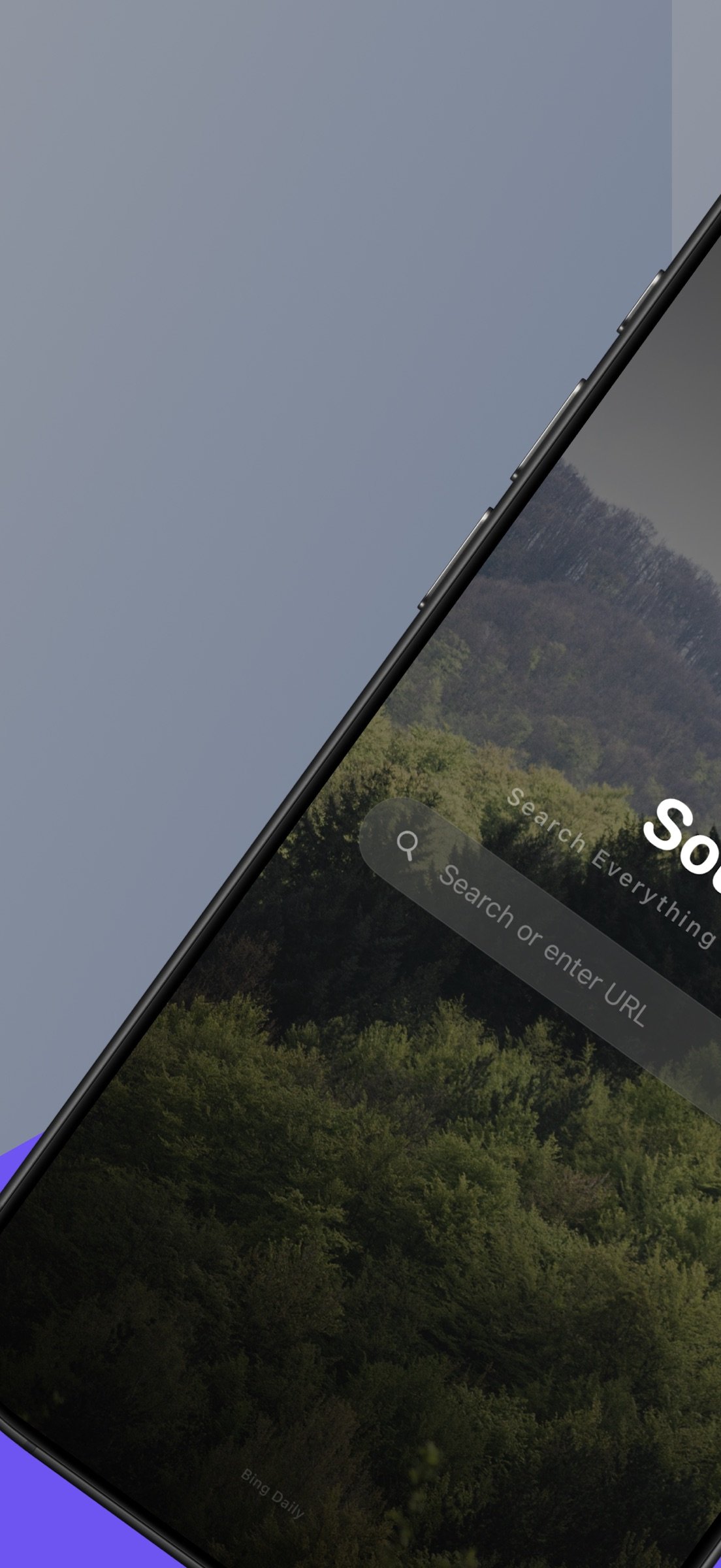
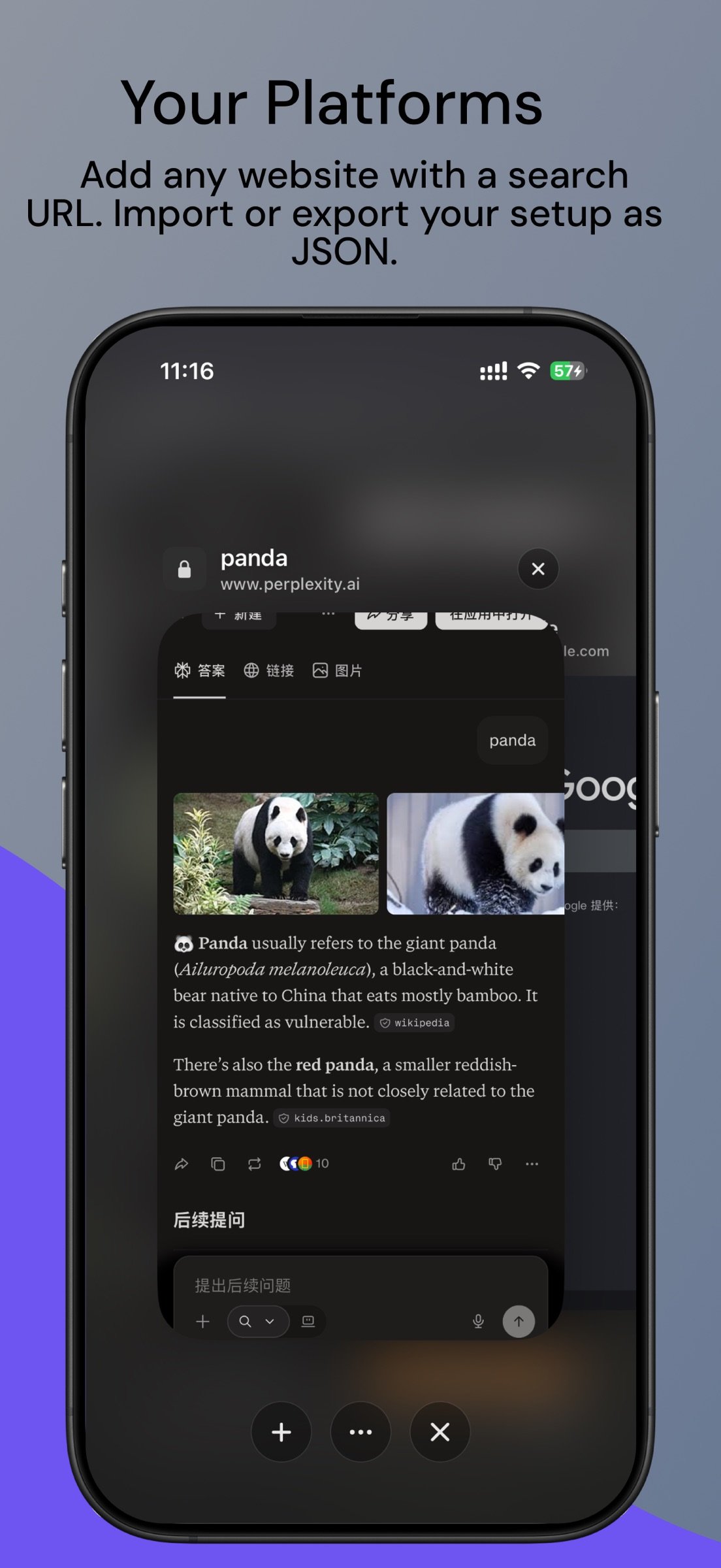
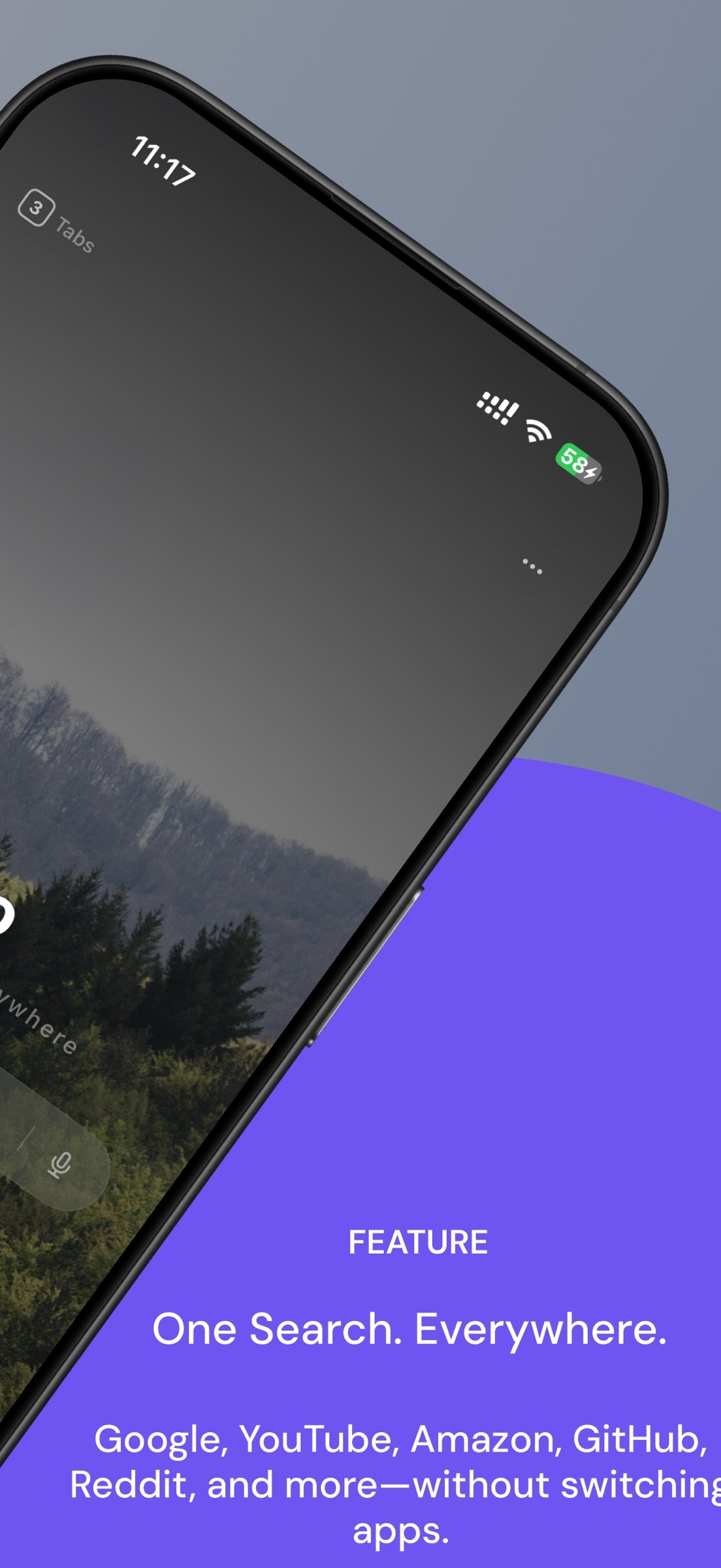
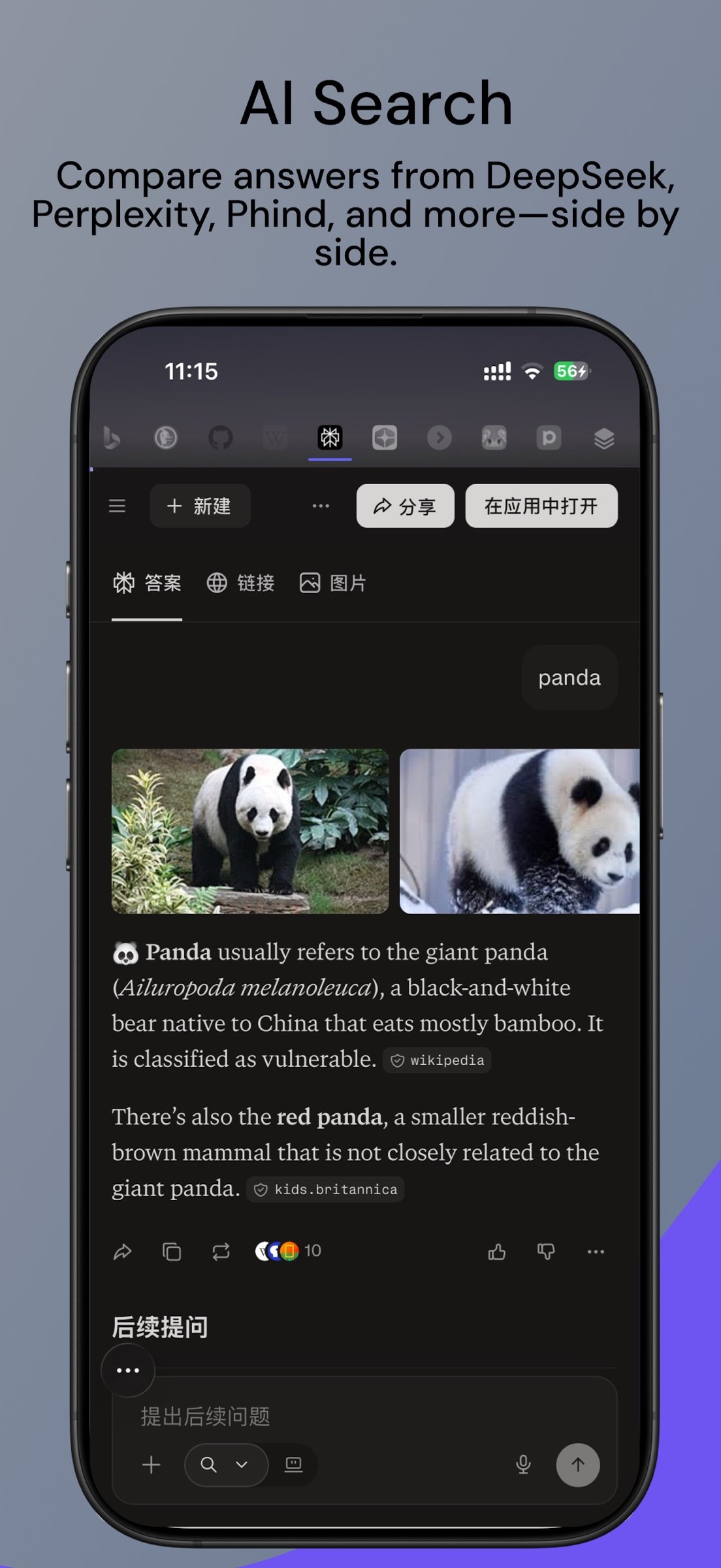
Soulo is a multi-search browser for iPhone and iPad. Enter a query once and switch between search, social, video, shopping, knowledge and AI platforms without typing it again.
Choose Soulo as your default browser in Settings to open links from other apps.
Recently used tabs and website groups appear first, and the overview opens at the top. Recent-use order is preserved after restarting.
BT downloads: import .torrent files or magnet links, choose files, pause and resume. On iOS 26, downloads can continue in the background while the system permits; earlier versions pause and save progress. Play supported BT media while downloading and open MKV files. Import ed2k/thunder links. Downloads need available sources; playback depends on codecs.
Choose up to five optional home shortcuts to open Downloads, Files, Bookmarks, History, Wallpaper and other pages. The Library tab bar becomes compact as you scroll.
Find information, read articles, play media and manage downloads in one browser.
Keep your place with multiple tabs, voice search, search history and platform groups. Switch platforms from the home screen, and continue translating after following a page link. Use Web Resources to find common video, audio and image files on webpages, save supported files and manage their progress in Downloads. Desktop and mobile site modes, pull to refresh, sharing and links from other apps make everyday browsing easier.
• Search your way: Switch among search, social, video, shopping, knowledge and AI platforms. Add or hide platforms, organize groups and reorder them. Search selected text in a new tab, use voice input or return to search history.
• Ads and privacy: Filter ads, subscribe to third-party rules and mark unwanted ads yourself. Manage filtering and tracking protection by site. Private browsing does not save history; you can also clear browsing data.
• Audio and video: Playback speed, repeat, landscape fullscreen, floating mini-player, Picture in Picture, background playback and AirPlay. Capture video frames, mirror the picture and press and hold for a temporary speed boost. Play supported webpage video and HLS streams.
• Downloads and files: Find images, audio, video and documents on webpages, and save files when the site permits. Save images in batches, check download progress and organize files. Browse in a list or cover grid, rename files, import from Photos and transfer over Wi-Fi.
• Archives: Extract ZIP, RAR and 7z files. Create ZIP and 7z archives with optional password protection.
• Books and reading: Read TXT, PDF, EPUB and supported DRM-free MOBI, AZW and AZW3 books. Adjust reading fonts, text size, line spacing and backgrounds. Reflowable books support simplified/traditional Chinese display conversion; webpage reading mode extracts articles and lets you continue to the next page.
• Scripts and extensions: Import, edit and run JavaScript userscripts. Compatible WebExtensions require iOS 18.4 or later; support varies by extension.
• Web tools: Page translation that continues after following links, find in page, full-page screenshots, image text recognition, desktop/mobile modes, custom user agent and site certificate details.
• Bookmarks and sharing: Organize bookmarks in folders and import or export HTML bookmarks used by Chrome, Edge and other browsers. Create webpage QR codes with the site's icon, then share, save or copy them.
• Make it yours: Choose a light or dark appearance; customize wallpapers, the toolbar and app icon quick actions. Reach common tools through widgets, Shortcuts and URL schemes. Optionally sync settings with iCloud. Set separate light and dark backgrounds, with an image overlay switch.
Media, books and extensions depend on formats, site restrictions and system version. Before downloading, confirm that the source permits saving.
Support: contact@dkluge.com
License: Commercial
| Release info | Update on Nov 23, 2026 |
|---|---|
| Release notes | Improved script loading when opening webpages and compatibility with browser extensions. |
| Listing data | App Store |
Reviews
No reviews yet. Be the first to review Soulo.
Used Soulo? Tell other visitors what you thought.
Log in to write a reviewOther products by this publisher
- "No Distractions" for YouTube 4.10 ----
- #Bible 11.6.1 "Incredible App - My sister shared this app with me a few weeks ago and it is truly incredible.
- #filmphotography 1.4.2 So, you decided to shoot on film?
- #LookBusy Fake Calendar Events 1.0.6 Look Busy scans your work calendar for open time slots and fills them with realistic-looking (but secretly fake) work events.
- #Small Talk Is Canceled 1.0.2 #Small Talk Is Canceled — Conversations That Matter
Most viewed iOS Productivity
-
1
 WordPress 27.4
Manage or create your WordPress blog or website right from your iOS device: create and edit posts and pages, upload your favorite photos and videos, view stats and reply to comments.
- 2 Voice Translator - Alive 1.6 Translation app that turns your iPhone into an interpreter instantly.
-
3
 Life360 26.45.0
Whether at home, online, or on the move, our comprehensive family safety features bring peace of mind to your loved ones AND help safeguard your personal belongings.
-
4
 Claude by Anthropic 1.261119.19
Meet Claude, your AI problem solver and thinking partner.
-
5
 WristMemo 2.0
WristMemo turns your Apple Watch into an all-day voice recorder.
- 6 "No Distractions" for YouTube 4.10 ----
-
7
 Colicine 1.3.0
Have you ever been there—
- 8 (beat) for iOS 0.5.10 An elegant Fountain screenwriting app, created by a screenwriter for screenwriters.
-
9
 DeepSeek 2.9.0
Experience seamless interaction with DeepSeek's official AI assistant for free!
-
10
 Howbout 16.8.0
The shared calendar for friends, couples, and family
Most downloaded iOS Productivity
- 1 Voice Translator - Alive 1.6 Translation app that turns your iPhone into an interpreter instantly.
-
2
 SessionsAI 1.2.1
Sessions AI is a private AI workspace that runs entirely on your iPhone, iPad, or Mac.
-
3
DeepSeek 2.9.0
Experience seamless interaction with DeepSeek's official AI assistant for free!
-
4
 Voices AI 1.16.17
Discover Voices, the premier voice transformation app designed exclusively for iOS.
-
5
 Block Distracting Websites 1.11
"It's a great way to save time, and stop browsing Reddit when you should be doing coursework."
-
6
 Plot Digitizer 1.4.1
Plot Digitizer is an app to extract numerical data from plot images.
-
7
 Google Docs 1.2026.47103
Create, edit, and collaborate on online documents with the Google Docs app.
-
8
 MyHyundai with Bluelink 5.4.6
The MyHyundai app makes getting information about your Hyundai vehicle easier than ever.
-
9
 Pixy Mood Tracker 1.110.0
Track your mood, one pixel at a time.
-
10
 Minder 1.4
Minder turns your phone into a pair of eyes that watch you work.