
SonoSequencr 10.0.2
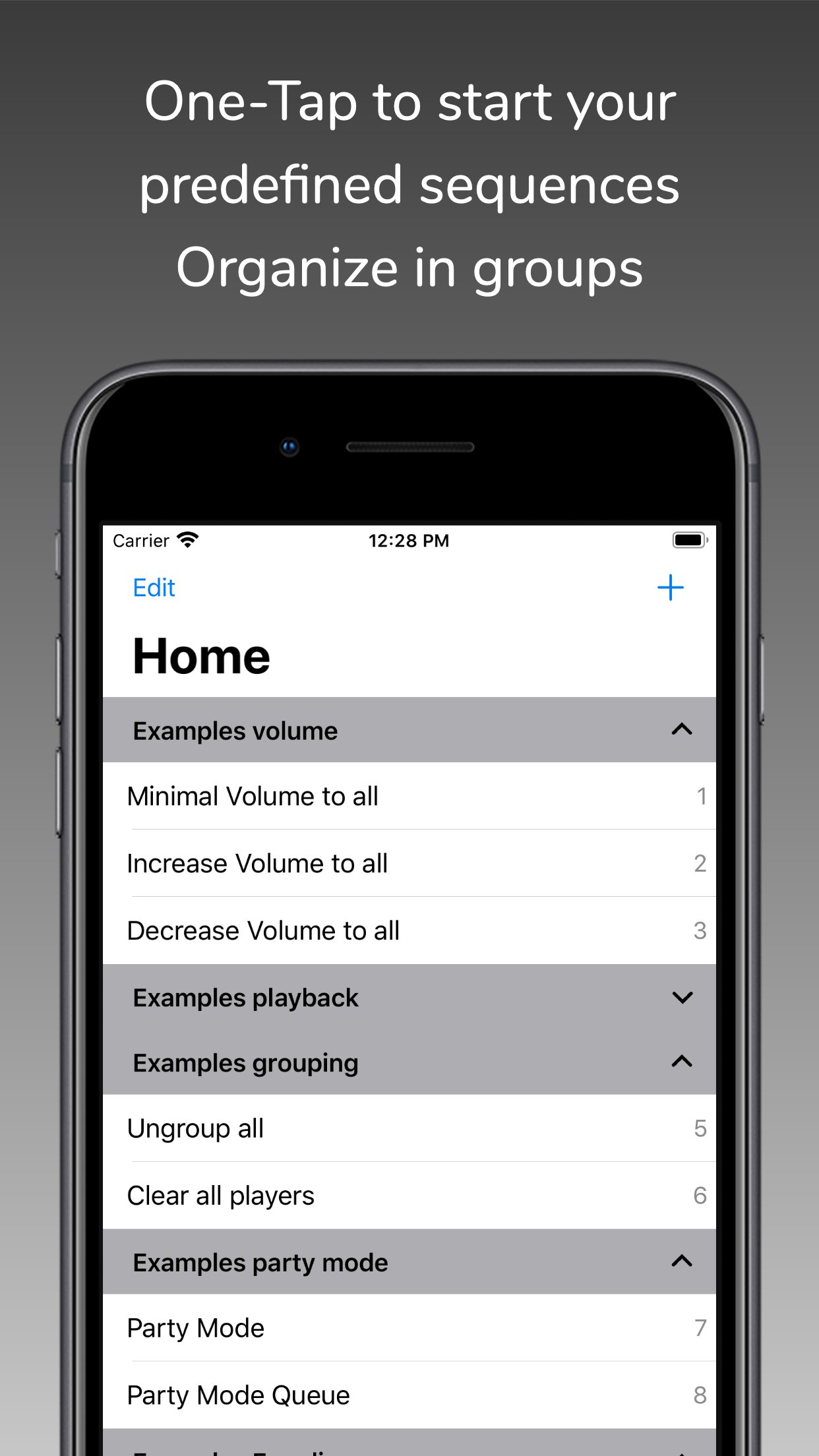
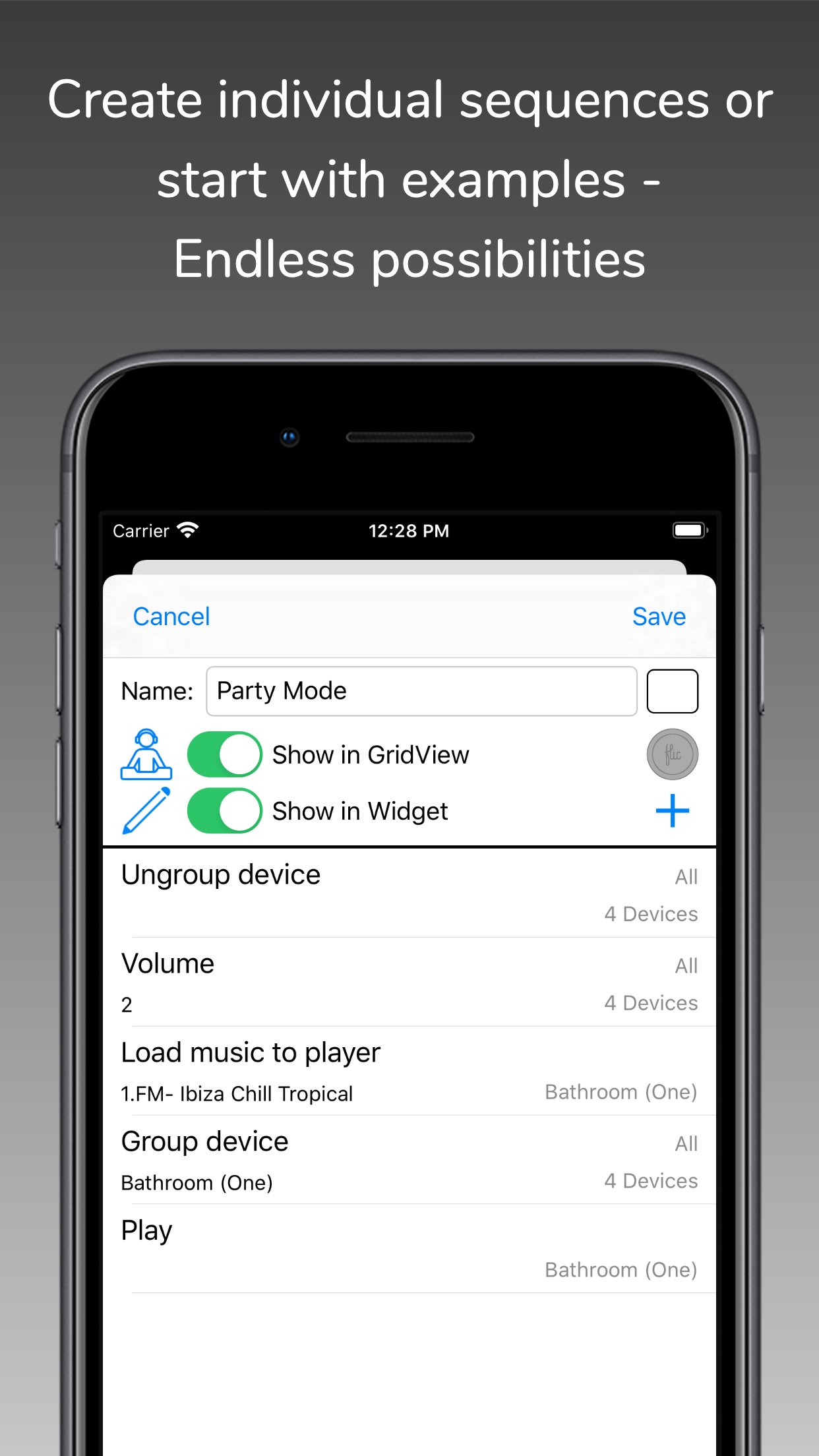
With SonoSequencr you can create individual sequences to perform recurring tasks with just one click.
Download
15.85 MB
10downloads
3this week
FreeCommercial
0reviews
Screenshots
About SonoSequencr
With SonoSequencr you can create individual sequences to perform recurring tasks with just one click.
If you have multiple Sonos devices and want to play a radio station on all of them, it takes some time to set this up. With SonoSequencr, all you have to do is open the app and tap your previously created sequence.
You can lock your iOS device or use another app while your sequence is running in the background.
Of course, you can also start it from the widget (The Today widget is only available up to and including iOS 17), Apple Watch or using Flic Buttons.
Here are some examples:
- Group kitchen and dining room, set volume to 5, start a radio station and set a sleep timer to 2 hours
- Switch your Playbar in the living room to the TV input, set the volume to 40, add dining room and set the equalizer settings for both devices to neutral
- Disable the subwoofer and enable voice enhancement + night mode on the Playbar in the living room
- Set the equalizer settings for all your devices to specific values
- Disable touch on speaker and enable status light for all your devices
- Set the volume of the kitchen and living room to the same value as in the dining room
- Make an announcement with your individual text in the children's room
- etc...
Each of these examples, created once, requires only one tap in the widget or on your Apple Watch.
SonoSequencr also includes a restricted mode. This allows you to restrict control to specific devices, among other things.
Using an optional in-app purchase, you can also start sequences at specific times or via webhooks (e.g. from IFTTT). Of course, this requires that the iOS device is on the same network as your Sonos devices at the time. For intensive use of webhooks, it is recommended to run SonoSequencr in 'server mode'. In this mode, SonoSequencr is always running in the foreground on a dedicated iOS device.
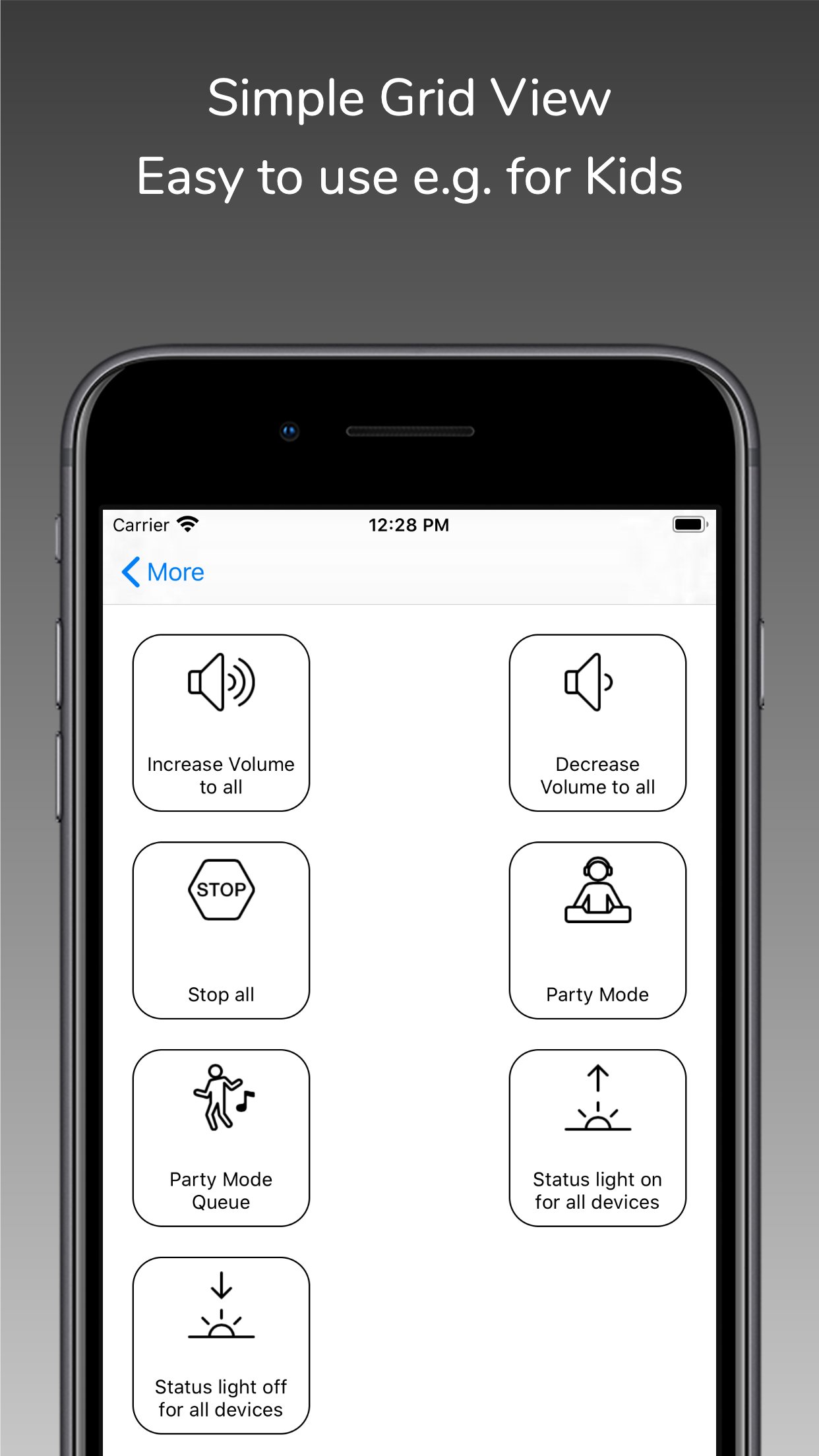
There are many more features like grid view, create dynamic alarms, HTTP requests, launch other apps, automatic battery charging in server mode, transfer sequences between devices, etc....
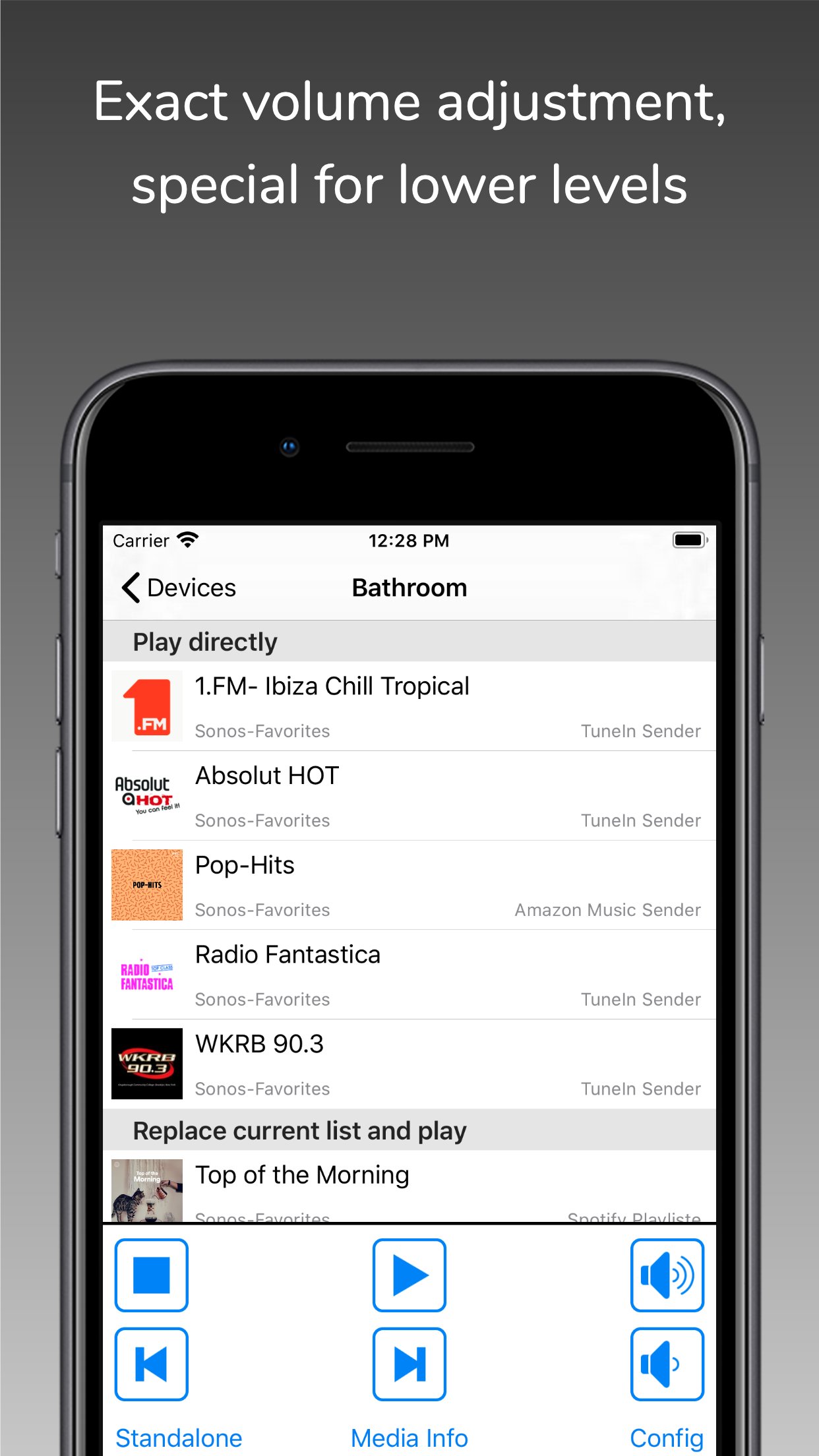
You can only use music (radio streams/tracks/albums) for your sequences that are stored in your Sonos Favorites (My Sonos) or in your TuneIn radio stations. You can't search your entire music library in this app. Just add your most used music to my Sonos then it can be used in your sequences.
The Timed Sequences feature is only available with an optional in-app purchase 'Premium'. With this automatically renewing subscription, up to 20 sequences can be run at freely configurable times. The function is only active as long as a valid subscription exists. The costs are billed via the iTunes account. The subscription will be renewed automatically within 24 hours before expiration (same time and costs), unless it is cancelled before in 'Settings' -> 'Manage Subscriptions' or in the iTunes settings.
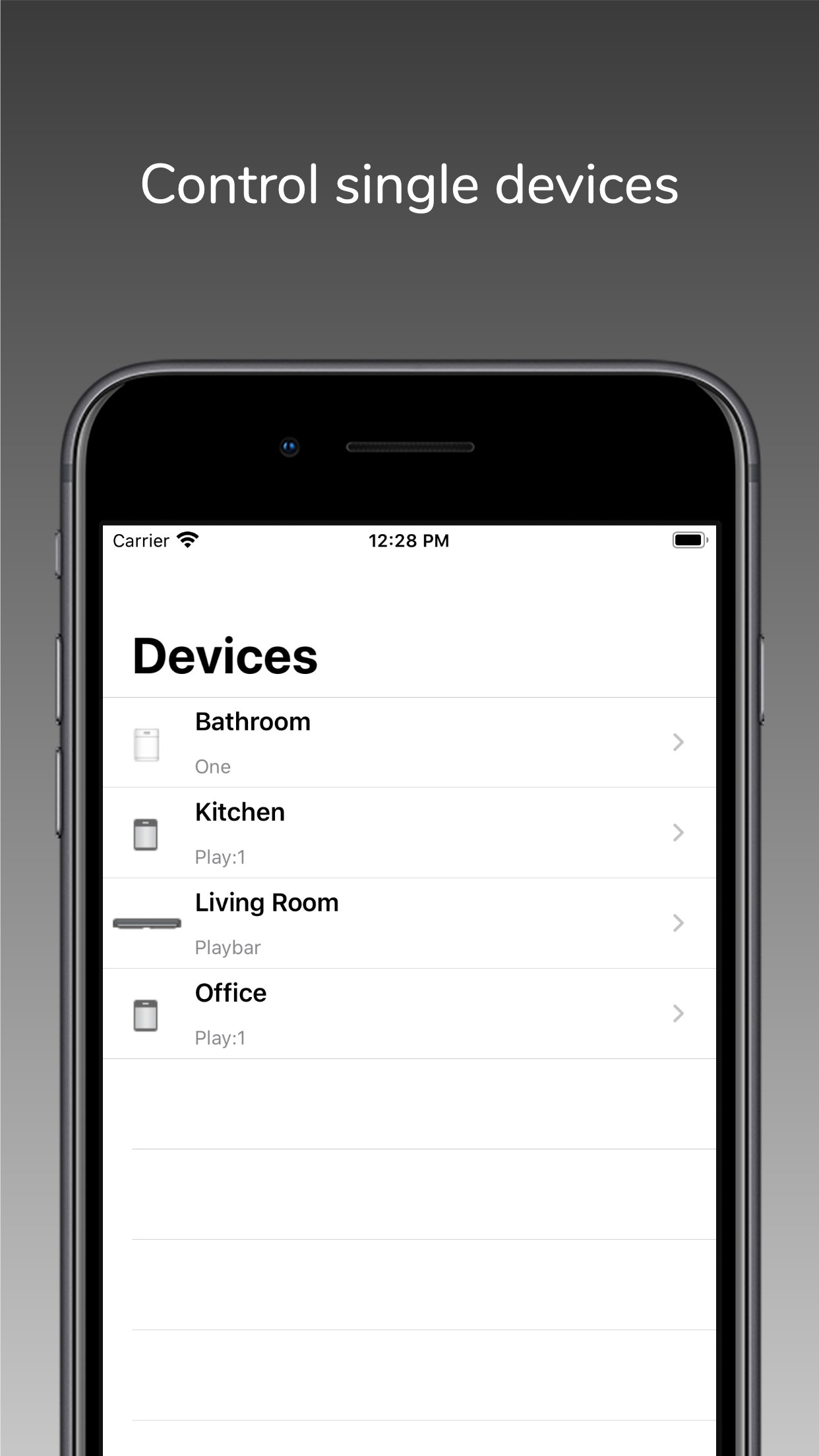
To use this app you must have a working Sonos system. SonoSequencr supports Sonos software 1 and 2.
For terms and conditions and privacy policy see:
[link removed]
This is not an official Sonos app.
License: Commercial
If you have multiple Sonos devices and want to play a radio station on all of them, it takes some time to set this up. With SonoSequencr, all you have to do is open the app and tap your previously created sequence.
You can lock your iOS device or use another app while your sequence is running in the background.
Of course, you can also start it from the widget (The Today widget is only available up to and including iOS 17), Apple Watch or using Flic Buttons.
Here are some examples:
- Group kitchen and dining room, set volume to 5, start a radio station and set a sleep timer to 2 hours
- Switch your Playbar in the living room to the TV input, set the volume to 40, add dining room and set the equalizer settings for both devices to neutral
- Disable the subwoofer and enable voice enhancement + night mode on the Playbar in the living room
- Set the equalizer settings for all your devices to specific values
- Disable touch on speaker and enable status light for all your devices
- Set the volume of the kitchen and living room to the same value as in the dining room
- Make an announcement with your individual text in the children's room
- etc...
Each of these examples, created once, requires only one tap in the widget or on your Apple Watch.
SonoSequencr also includes a restricted mode. This allows you to restrict control to specific devices, among other things.
Using an optional in-app purchase, you can also start sequences at specific times or via webhooks (e.g. from IFTTT). Of course, this requires that the iOS device is on the same network as your Sonos devices at the time. For intensive use of webhooks, it is recommended to run SonoSequencr in 'server mode'. In this mode, SonoSequencr is always running in the foreground on a dedicated iOS device.
There are many more features like grid view, create dynamic alarms, HTTP requests, launch other apps, automatic battery charging in server mode, transfer sequences between devices, etc....
You can only use music (radio streams/tracks/albums) for your sequences that are stored in your Sonos Favorites (My Sonos) or in your TuneIn radio stations. You can't search your entire music library in this app. Just add your most used music to my Sonos then it can be used in your sequences.
The Timed Sequences feature is only available with an optional in-app purchase 'Premium'. With this automatically renewing subscription, up to 20 sequences can be run at freely configurable times. The function is only active as long as a valid subscription exists. The costs are billed via the iTunes account. The subscription will be renewed automatically within 24 hours before expiration (same time and costs), unless it is cancelled before in 'Settings' -> 'Manage Subscriptions' or in the iTunes settings.
To use this app you must have a working Sonos system. SonoSequencr supports Sonos software 1 and 2.
For terms and conditions and privacy policy see:
[link removed]
This is not an official Sonos app.
License: Commercial
| Release info | Update on Nov 11, 2026 |
|---|---|
| Release notes | - Bug fixes for potential app crashes. Previous version: - New: Use the "Community" menu on the speaker configuration screen to report whether your speaker combination works and to view the approved community results. - "Webhooks" is now the general term for external triggers such as IFTTT. - Various other bug fixes and improvements. For questions, feature requests, or support, please visit the Settings page to access online help, open a support ticket, or join r/sonosequencr on Reddit. |
| Listing data | App Store |
Reviews
No reviews yet. Be the first to review SonoSequencr.
Used SonoSequencr? Tell other visitors what you thought.
Log in to write a reviewOther products by this publisher
- "No Distractions" for YouTube 4.10 ----
- #Bible 11.6 "Incredible App - My sister shared this app with me a few weeks ago and it is truly incredible.
- #filmphotography 1.4.2 So, you decided to shoot on film?
- $quirrel 1.5.1 $quirrel Budget & Finance helps you plan each paycheck, track spending, manage debt, and see what is safe to spend before the next payday.
- % Percentage Calculator Pro 1.41 This is the Pro version of % Percentage Calculator.
Most viewed iOS Photo & Video
-
1
 ShortDiShow 2.0
Drama Quest Island — An offline interactive short-drama adventure.
-
2
 Infuse 8.5.10
Infuse: Enterprise provides the same great features as the standard version of Infuse and includes permanent access to all Pro features via a traditional paid app.
-
3
 AI Video Generator 2.0.2
Vixel – AI Video Generator
-
4
 OPlayer 4.8
Play all your videos directly without having to convert them!
-
5
 Necrometer II 1.2
Necrometer II is a paranormal investigation companion designed for ghost hunters and researchers.
-
6
 CapCut 20.1.0
CapCut offers easy-to-use video editing functions, in-APP fonts and effects, advanced features such as keyframe animation, smooth slow-motion, chroma key, and stabilization, to help you capture and snip moments.
-
7
 Ai Photo 1.1.2
AI Photo Retouch – BG Eraser
-
8
 Treblo 1.6.0
Make songs with the world's best AI music model.
-
9
 Pop Dot Comics 1.48
Create a comic worthy of the Sunday newspaper or your favorite pulp-fiction cover.
- 10 #filmphotography 1.4.2 So, you decided to shoot on film?
Most downloaded iOS Photo & Video
-
1
Infuse 8.5.10
Infuse: Enterprise provides the same great features as the standard version of Infuse and includes permanent access to all Pro features via a traditional paid app.
-
2
 DJI Fly 1.21.18
DJI Fly is designed to help pilots fly drones with ease.
-
3
 Analog Radio 3.0
The iPhone and iPad devices don't have the FM/AM radio antenna installed.
-
4
 TurboCollage Automatic 1.2.4
#1 Easy automatic photo collage maker for iPhone & iPad.
-
5
Treblo 1.6.0
Make songs with the world's best AI music model.
-
6
 ReelyGo 1.1.42
ReelyGo: Your Daily Drama Escape
-
7
 Rozeta Sequencer Suite 1.3.16
Rozeta is a suite of MIDI sequencers and controllers that lets you explore a new, freeform approach to sequencing and controlling mobile music apps.
-
8
 AGAIN. Rehearsal Notes 2.0.1
AGAIN. is the rehearsal app that remembers why the band stopped — and, new in Version 2, who said what in a writing session or a table read.
-
9
Pop Dot Comics 1.48
Create a comic worthy of the Sunday newspaper or your favorite pulp-fiction cover.
-
10
 SSS IPTV, Simple, Smart Super 1.0.2
An Easiest way to watch TV Online or Movies or Series, Bring your Own list M3u,