
13downloads
2this week
FreeCommercial
0reviews
Screenshots
About SoloLLM
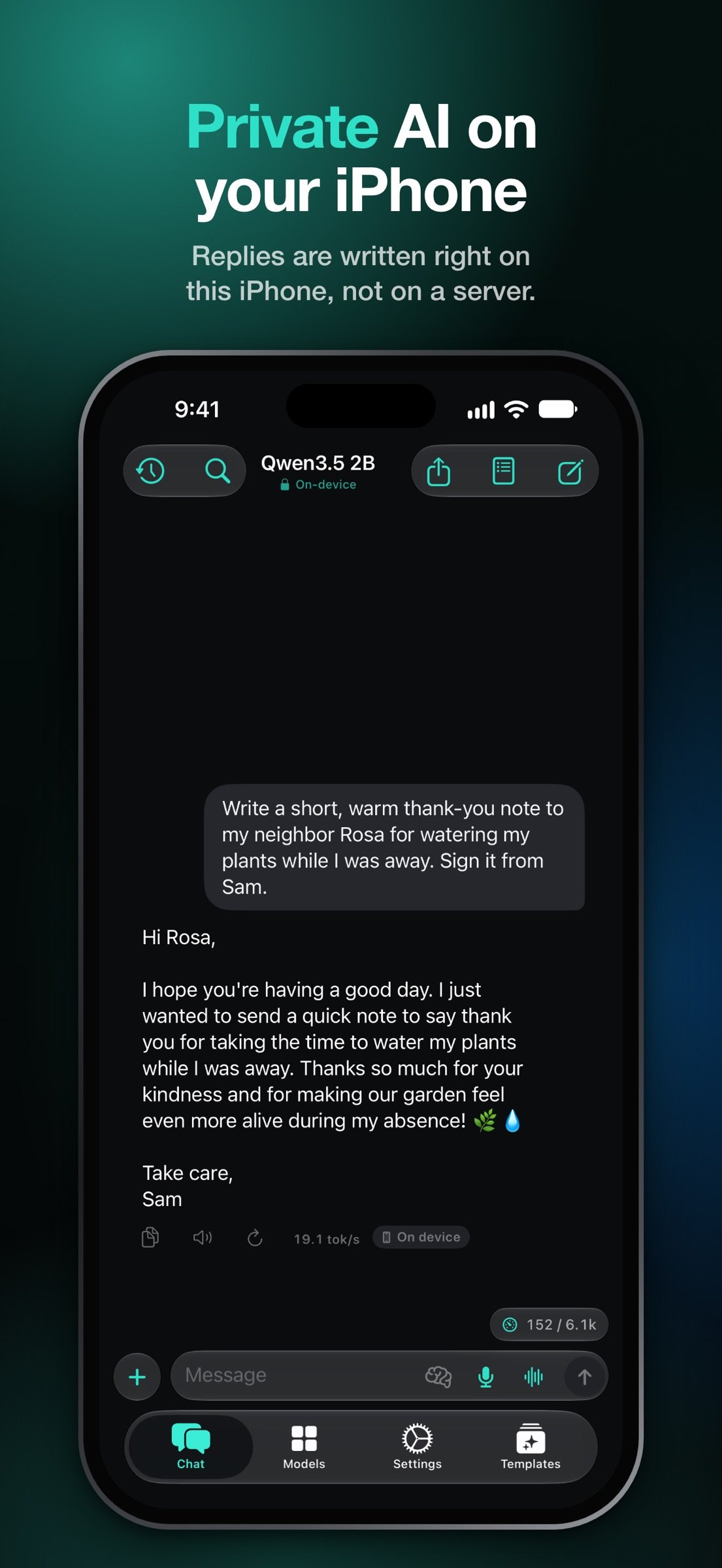
SoloLLM runs open-weight AI models on your iPhone and iPad. Once a model is downloaded, chat works offline, and what you type stays on your device unless you use a feature that goes online.
BRING YOUR OWN MODEL
• Search Hugging Face in the app, or import a GGUF file from Files or a link. SoloLLM checks each file and shows whether it fits your device before you add it.
• Or pick one of 16 models: Qwen3.5, Gemma 4, Granite 4.2, LFM2.5, MiniCPM5, MiniCPM-V 4.7, Nanbeige4.2, Llama 3.2 and Phi-4 Mini, from 0.8B to 12B parameters.
TALK WITH IT
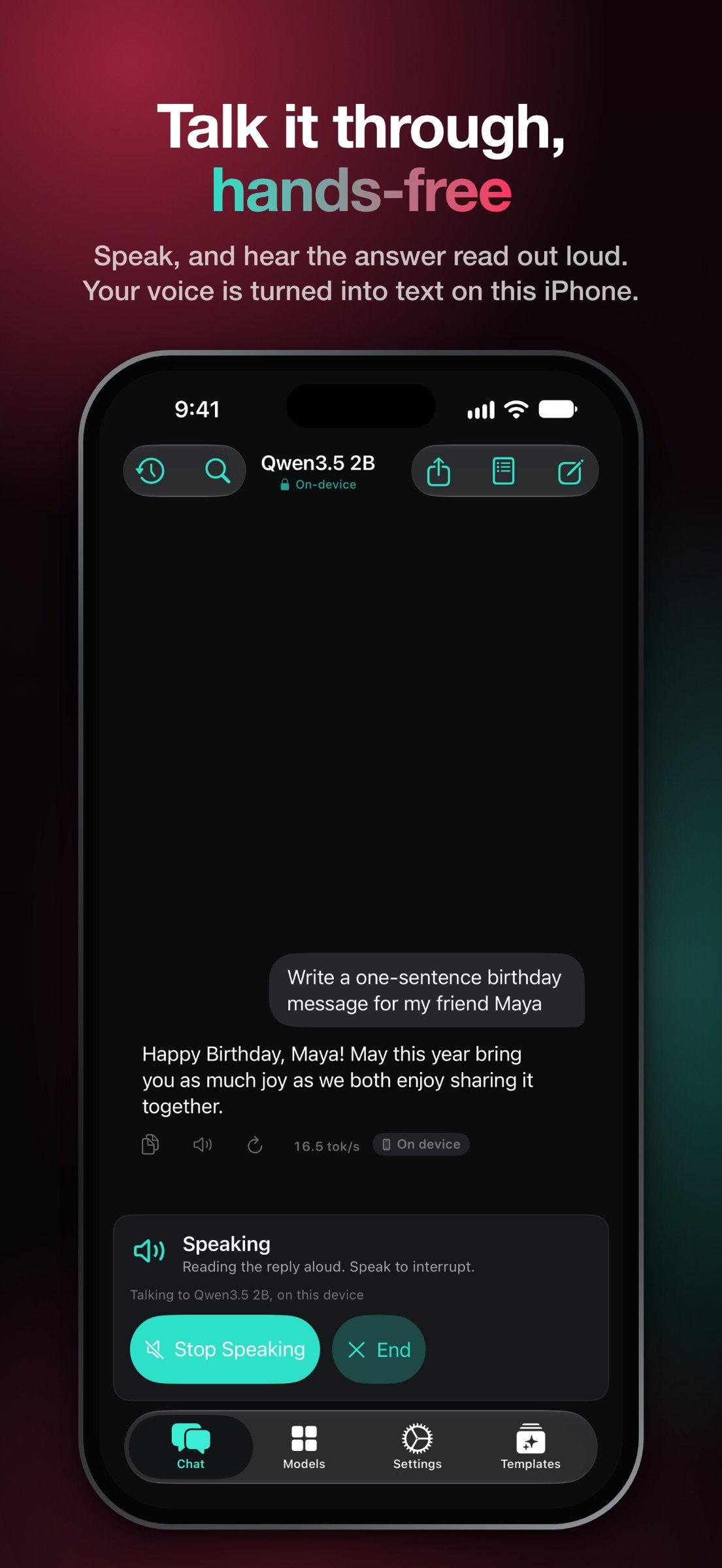
• Hands-free voice conversation: talk, hear the reply, and talk over it to interrupt. Speech is recognized on your device.
• Start it from Siri, the Action button or Control Center.
ASK ABOUT YOUR DOCUMENTS AND PHOTOS
• Attach a PDF or text to a chat and ask about it
• Knowledge library: PDF, text, CSV, JSON and XML files that models with tools search when they answer. Search works best in English.
• Qwen3.5, the Gemma 4 QAT models and MiniCPM-V 4.7 can look at photos when your device has memory for the model and its photo add-on. Otherwise SoloLLM reads the text in a photo with on-device OCR.
SEARCH THE WEB WHEN YOU CHOOSE
Web Search (DuckDuckGo) and Fetch Web Page look up current information. They ask for your permission the first time.
TOOLS, AGENT MODE AND MCP
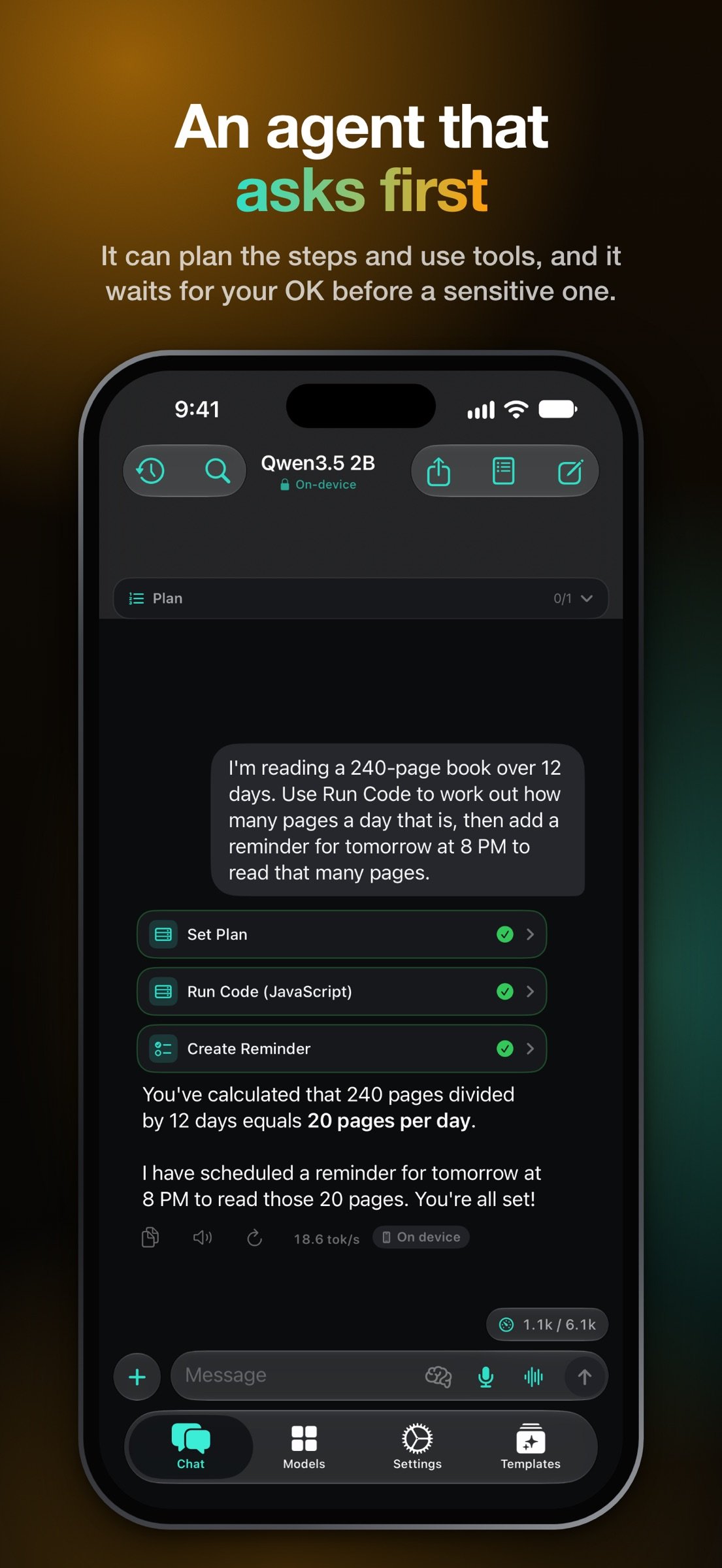
• Models that support tools can search the web, run code in an on-device JavaScript sandbox, read files, use your clipboard, read and add calendar events and reminders, and scan QR codes. Tool calls are checked as the model writes them. Chat-only models, such as Qwen3.5 0.8B and Llama 3.2, don't use tools.
• Tools for your calendar, reminders, camera, clipboard and files start off. Actions that change something ask for your approval first.
• Agent mode works through several steps with a visible plan
• Connect MCP servers over HTTP, such as Home Assistant, and add your own HTTP tools
LONG CHATS KEEP GOING
When a chat gets long, older messages are summarized on your device, and a meter shows how much room is left.
SHORTCUTS AND SIRI
• Run a Task, Summarize Voice Memo, Receipt to Table and Summarize Clipboard return their results to your shortcuts. On iOS 27, smaller models run them without opening the app.
• Quick Answer uses Apple's on-device model (iOS 26, devices with Apple Intelligence)
PRIVATE BY DEFAULT, AND YOU CAN CHECK
• No account, no ads, no analytics
• Offline only stops every network request with one switch
• The Network Log shows each request SoloLLM makes, and each reply shows where it was written
• SoloLLM goes online only for a feature you use: model downloads and search, web tools, your servers, Cloud Mode, MCP servers you add, and iCloud sync or backup
• iCloud sync is opt-in. iCloud Backup keeps up to 5 backups in your iCloud Drive.
YOUR OWN SERVER OR CLOUD (OPTIONAL)
Connect Ollama, LM Studio or any OpenAI-compatible server on your network, or add your own API key for OpenAI, Anthropic, Gemini, Groq, OpenRouter or MiniMax. Off by default. SoloLLM asks before it first sends a chat to each one and keeps keys in the iOS Keychain. A provider bills you directly.
ALSO INCLUDED
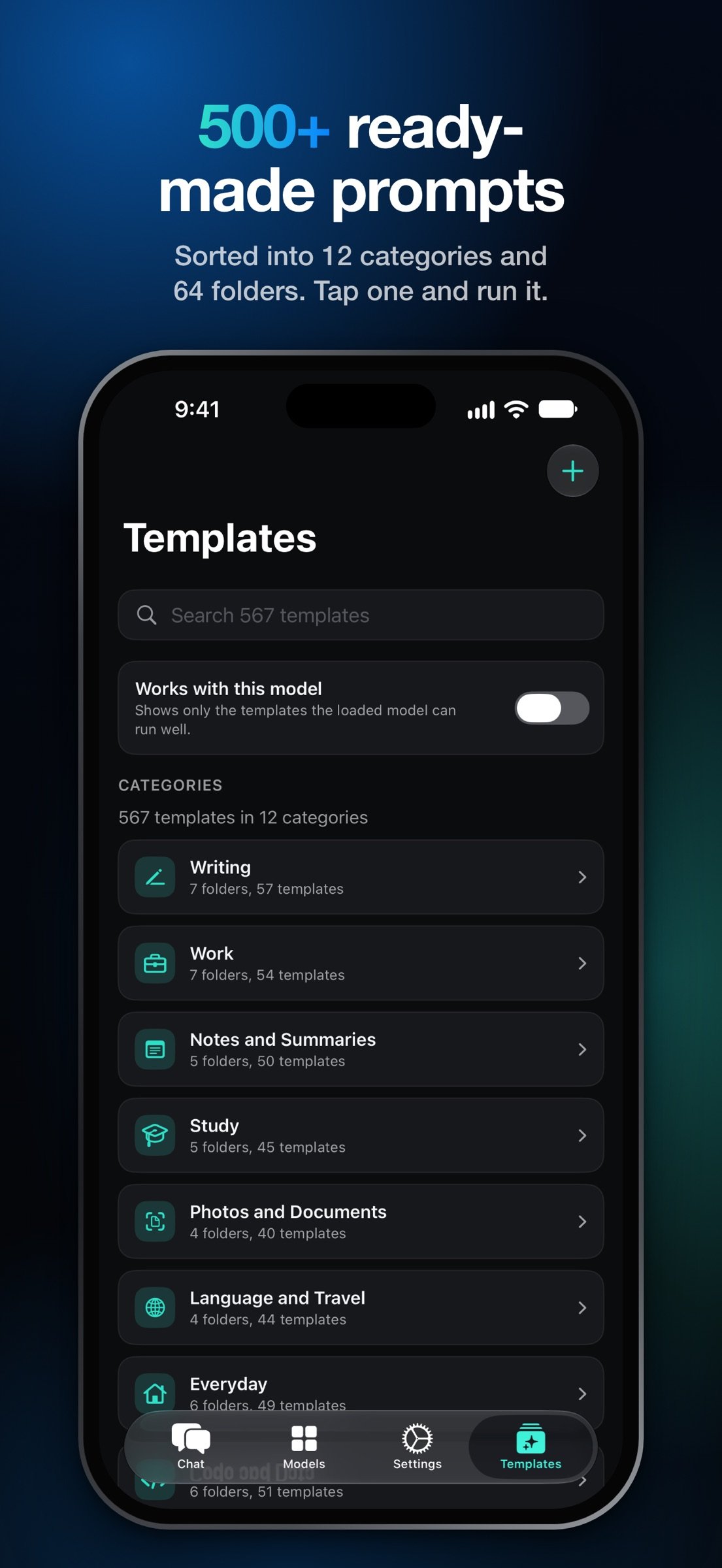
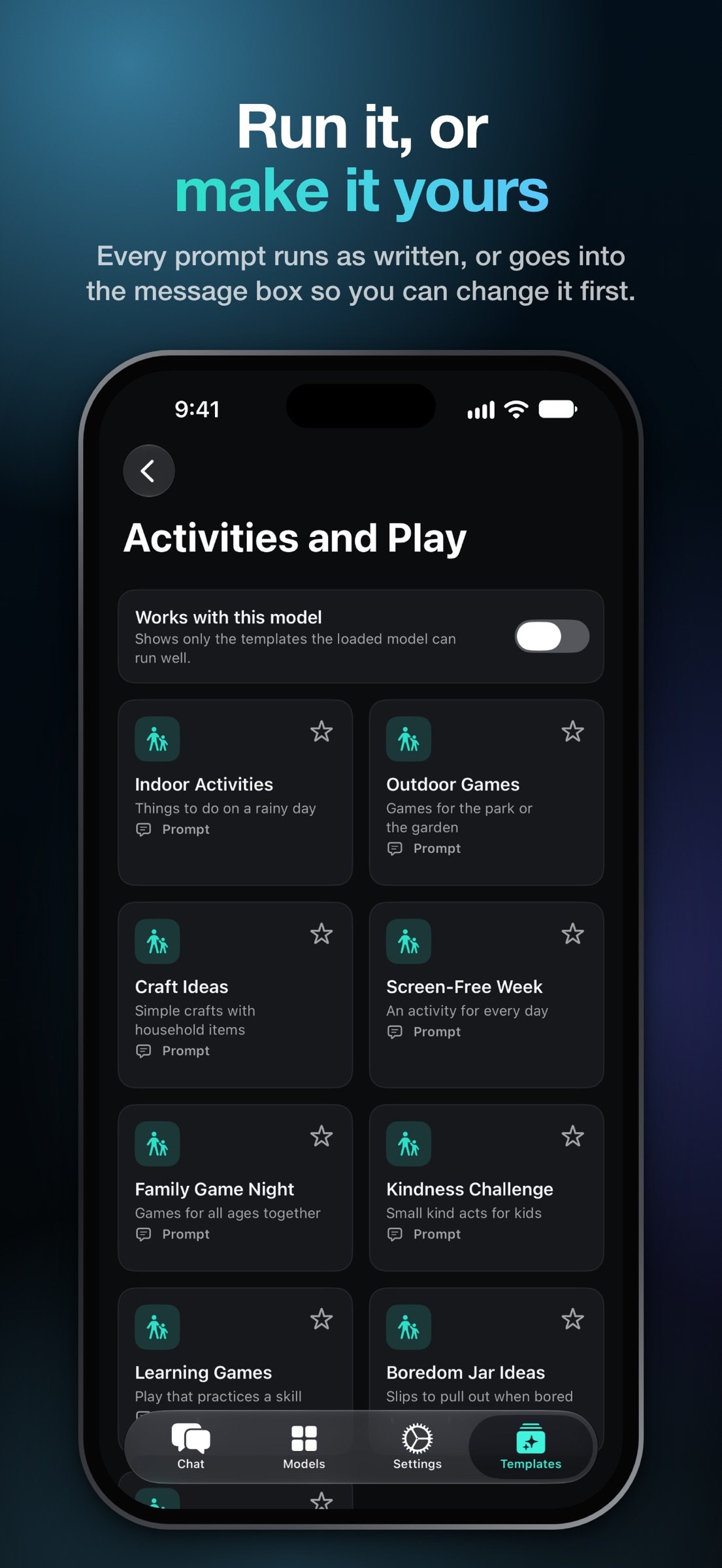
• Templates and your own prompt library, thinking mode, offline math and diagrams, and export to Markdown, JSON or PDF
Pay once. There is no subscription and there are no in-app purchases.
REQUIREMENTS
iOS 17 or later. Bigger models need more memory: about 2B on 4 GB iPhones, about 4B on 6 GB iPhones, and Gemma 4 E4B on iPhone 15 Pro or later. Qwen3.5 9B and Gemma 4 12B are for iPads with 12 GB of memory or more.
License: Commercial
| Release info | Update on Nov 24, 2026 |
|---|---|
| Release notes | Run Log improvements: fewer file writes, a faster launch, plainer error lines and truer stop reasons. A long agent run now lets the screen sleep while a permission alert, the Allow Paste alert or a link confirmation waits for you, and the Run Time Limit caption is clearer. Saved end reasons are kept, and a run is saved as stopped before iOS can suspend SoloLLM. |
| Listing data | App Store |
Reviews
No reviews yet. Be the first to review SoloLLM.
Used SoloLLM? Tell other visitors what you thought.
Log in to write a reviewOther products by this publisher
- "No Distractions" for YouTube 4.10 ----
- #Bible 11.6.1 "Incredible App - My sister shared this app with me a few weeks ago and it is truly incredible.
- #filmphotography 1.4.2 So, you decided to shoot on film?
- #LookBusy Fake Calendar Events 1.0.6 Look Busy scans your work calendar for open time slots and fills them with realistic-looking (but secretly fake) work events.
- #Small Talk Is Canceled 1.0.2 #Small Talk Is Canceled — Conversations That Matter
Most viewed iOS Productivity
-
1
 WordPress 27.5
Manage or create your WordPress blog or website right from your iOS device: create and edit posts and pages, upload your favorite photos and videos, view stats and reply to comments.
- 2 Voice Translator - Alive 1.6 Translation app that turns your iPhone into an interpreter instantly.
-
3
 Life360 26.45.0
Whether at home, online, or on the move, our comprehensive family safety features bring peace of mind to your loved ones AND help safeguard your personal belongings.
-
4
 Claude by Anthropic 1.261123.51
Meet Claude, your AI problem solver and thinking partner.
- 5 "No Distractions" for YouTube 4.10 ----
-
6
 WristMemo 2.0
WristMemo turns your Apple Watch into an all-day voice recorder.
-
7
 Colicine 1.3.0
Have you ever been there—
- 8 (beat) for iOS 0.5.10 An elegant Fountain screenwriting app, created by a screenwriter for screenwriters.
-
9
 DeepSeek 2.9.0
Experience seamless interaction with DeepSeek's official AI assistant for free!
-
10
 Howbout 16.8.0
The shared calendar for friends, couples, and family
Most downloaded iOS Productivity
- 1 Voice Translator - Alive 1.6 Translation app that turns your iPhone into an interpreter instantly.
-
2
 SessionsAI 1.2.1
Sessions AI is a private AI workspace that runs entirely on your iPhone, iPad, or Mac.
-
3
DeepSeek 2.9.0
Experience seamless interaction with DeepSeek's official AI assistant for free!
-
4
 Voices AI 1.16.18
Discover Voices, the premier voice transformation app designed exclusively for iOS.
-
5
 Block Distracting Websites 1.11
"It's a great way to save time, and stop browsing Reddit when you should be doing coursework."
-
6
 Google Docs 1.2026.47103
Create, edit, and collaborate on online documents with the Google Docs app.
-
7
 Plot Digitizer 1.4.1
Plot Digitizer is an app to extract numerical data from plot images.
-
8
 MyHyundai with Bluelink 5.4.6
The MyHyundai app makes getting information about your Hyundai vehicle easier than ever.
-
9
 Pixy Mood Tracker 1.110.0
Track your mood, one pixel at a time.
-
10
 Minder 1.4
Minder turns your phone into a pair of eyes that watch you work.