
Scrivano for Handwritten Notes 0.24.4
A note-taking application for those who prefer handwriting over typing
16downloads
1this week
FreeLicense
0reviews
Screenshots
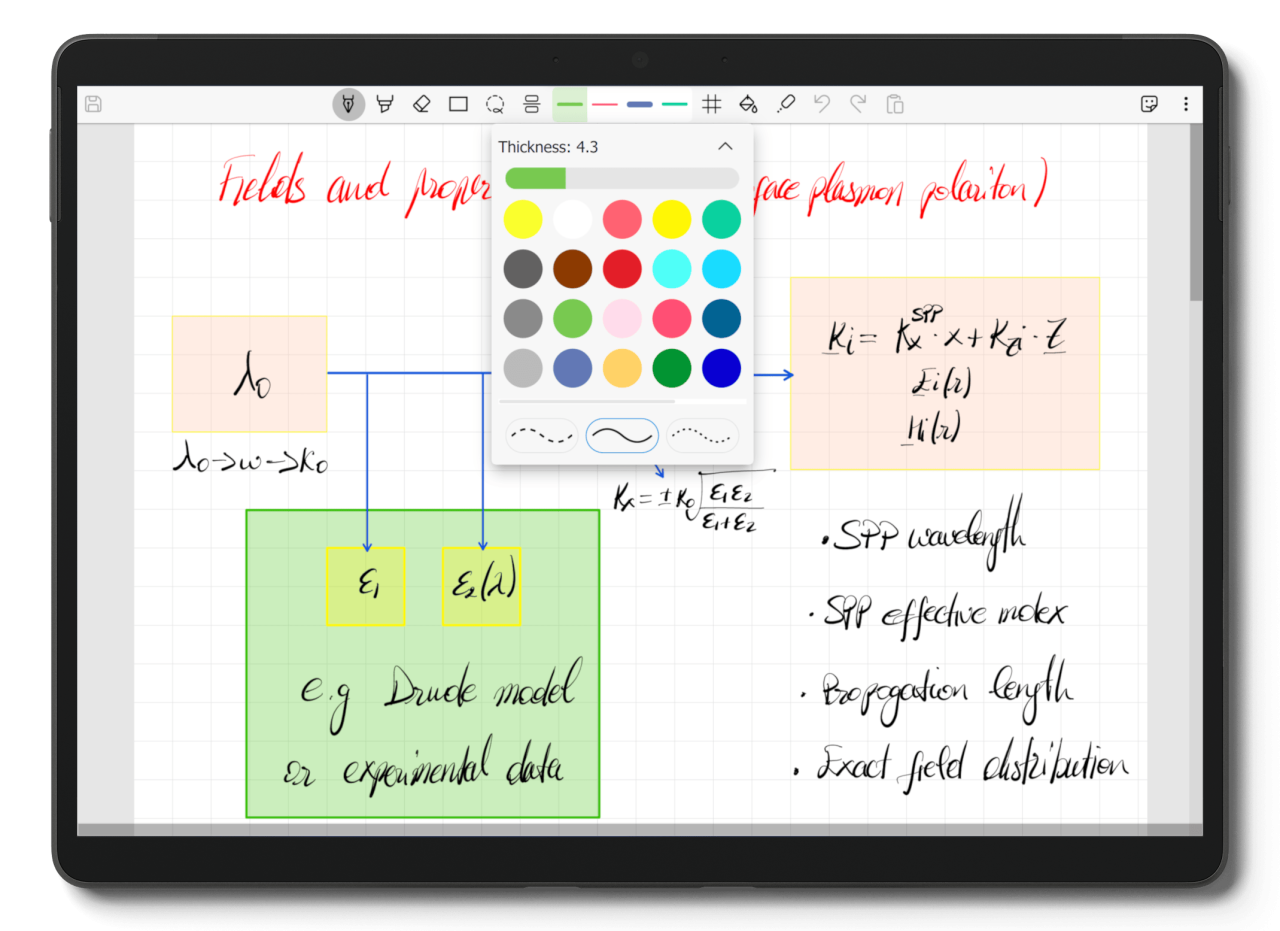
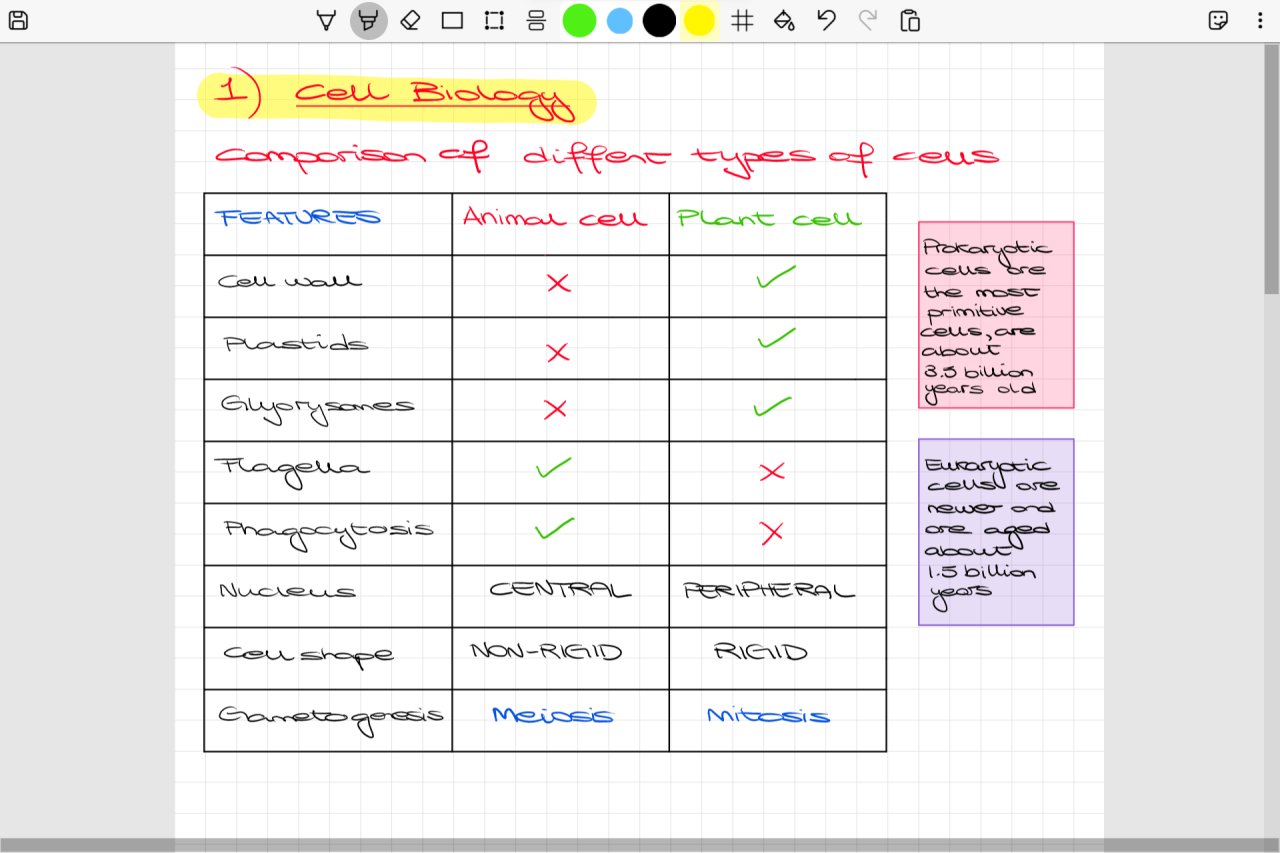
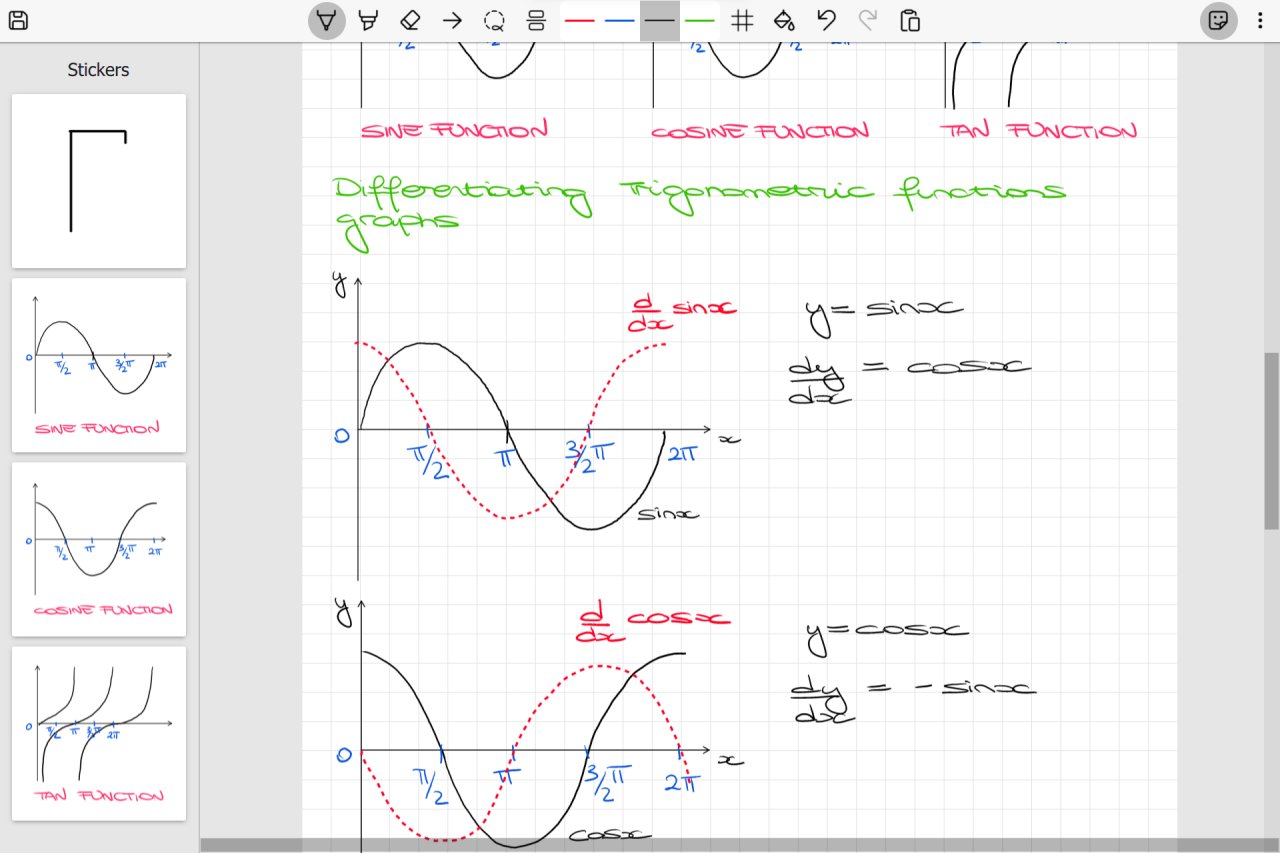
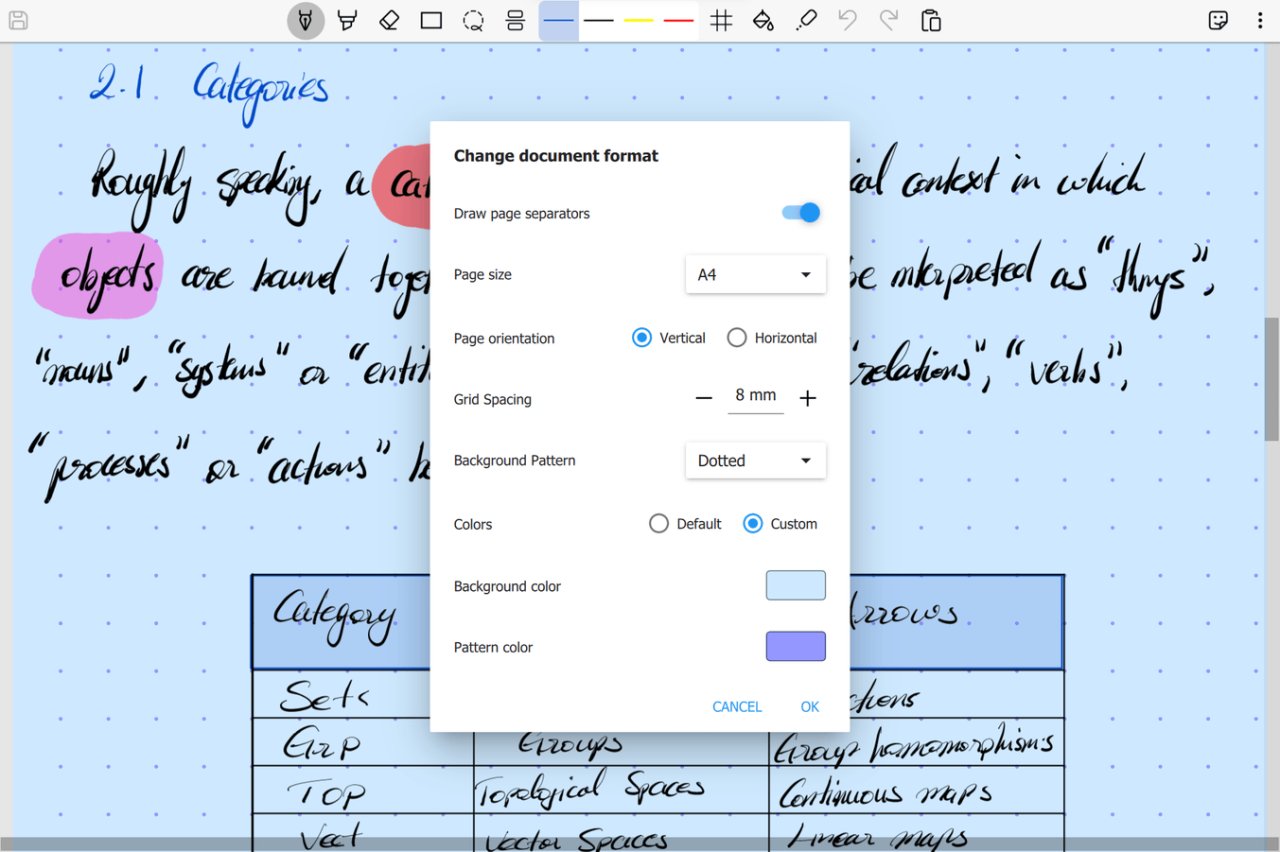
About Scrivano for Handwritten Notes
Scrivano is a note-taking application aimed at those who prefer handwriting over typing. It
offers a simple and easy to use interface to write down your thoughts and ideas. The app gives
you an infinite vertical canvas (but limited horizontal space) without sacrificing the ability
to easily export your notes in traditional printing formats (e.g. A2, A3, A4, etc...).
Here is a summary of the most important features:
• 4 different paper backgrounds to choose from: Plain, Lined, Grid or Dotted with customisable
spacing and backgrounds.
• Grid Snapping: in Scrivano you can toggle the grid snapping feature so that your drawings
will automatically snap to grid lines in the background. This is very useful to easily draw tables,
diagrams and lines.
• Automatic filling of strokes: toggle the paint bucket in the toolbar to fill your drawing
shapes and strokes.
• Stickers: save your frequently used symbols and diagrams, so you can easily drag and drop
whenever you need them.
• Insert images: paste or drag and drop any image on the canvas to unleash your creativity!
• Offline saving: save your notes anywhere on your main drive, so you can manage them however
you please.
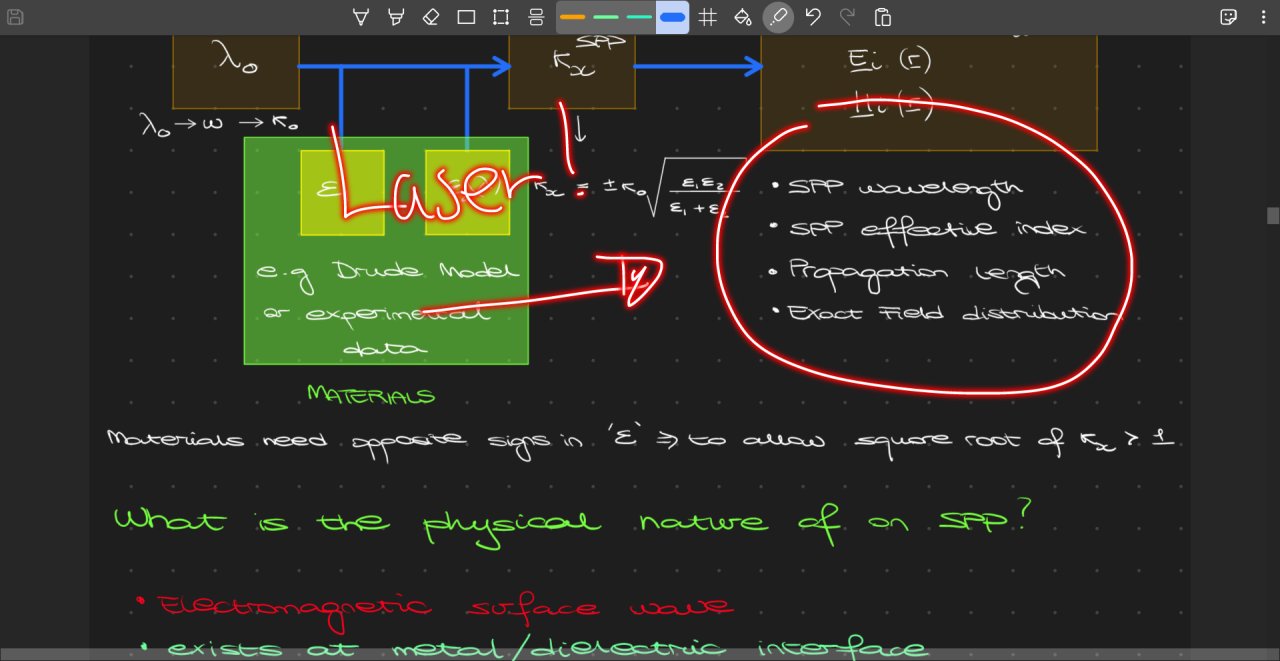
• Laser: Scrivano offers a special laser tool to quickly draw over your notes. Incredibly useful
when sharing your screen or presenting something!
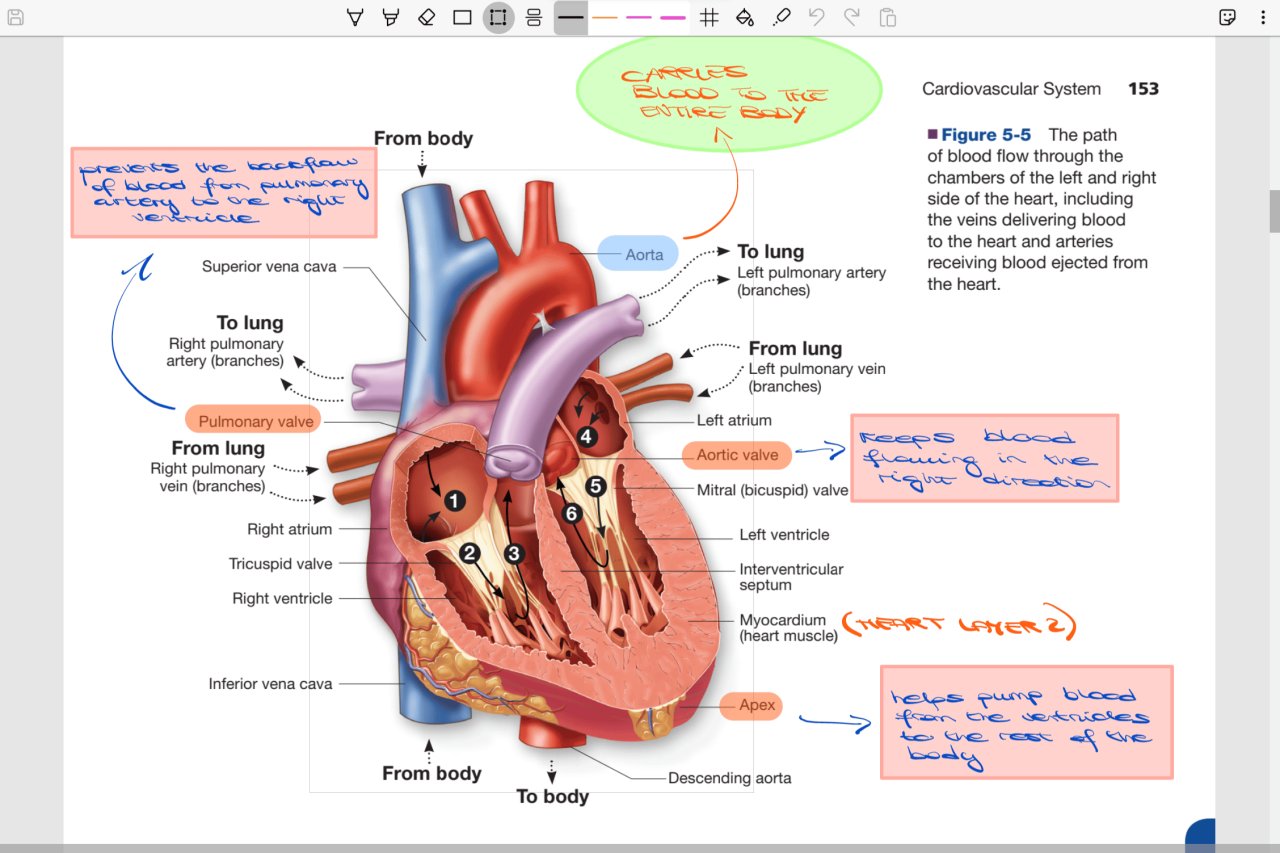
• Annotate PDF files: You can import your PDF books, lecture slides, articles and documents
to annotate them using Scrivano's built-in inking tools.
NOTE: The flatpak version of the app runs in a sandbox environment and it can only read/write
files from these folders: xdg-desktop, xdg-documents, xdg-download and xdg-pictures. If you want
to circumvent this for more freedom, you can use Flatseal to override these restrictions.
License: CC-BY-NC-ND-4.0
| Release info | Update on Nov 01, 2026 |
|---|---|
| Release notes | • NEW: support for text boxes with rich text formatting. • FIX: restore text box dimensions when undoing changes. • FIX: crash when cutting selection across pages. • FIX: potential crashes in the rendering logic. • FIX: bugs in the undo/redo logic. • FIX: crash when using the vertical space tool. • REMOVE: vsync option in the Settings. • Reduced ink latency on Wayland. • Allow touch gestures to manipulate selections and scroll outside them. • Other minor bug fixes and improvements. |
| Related tags | notes notetaking tablet |
| Listing data | Flathub |
Reviews
No reviews yet. Be the first to review Scrivano for Handwritten Notes.
Used Scrivano for Handwritten Notes? Tell other visitors what you thought.
Log in to write a reviewOther products by this publisher
- "No Distractions" for YouTube 4.10 ----
- #Bible 11.6.1 "Incredible App - My sister shared this app with me a few weeks ago and it is truly incredible.
- #filmphotography 1.4.2 So, you decided to shoot on film?
- #LookBusy Fake Calendar Events 1.0.6 Look Busy scans your work calendar for open time slots and fills them with realistic-looking (but secretly fake) work events.
- #Small Talk Is Canceled 1.0.2 #Small Talk Is Canceled — Conversations That Matter
Most viewed Linux Education
-
1
 Jan 0.8.8
Private offline AI assistant
-
2
 eduK 0.0.1
eduK is an educational web platform focused on assisting users in income generation
-
3
 Webots R2025a
Webots Robot Simulator
-
4
 Feeel 2.4.1
A simple home workout/exercise app that respects your privacy
- 5 Fablemaker 1.2.1 Hack Aesop’s fables
-
6
 Scribble 1.14.0
Take handwritten notes and homework
-
7
 CoMaps 2026.11.07
Free offline maps for everyone
- 8 White House 1.175 Hack your world with CSS
-
9
 Saber 1.38.0
The notes app built for handwriting
-
10
 TigerJython 2.40
Python IDE for schools
Most downloaded Linux Education
- 1 Al-Quran - Simple 1.1.1 A simple open-source Quran reader
- 2 Altaqwaa 4.0.1 Quran, adhkar, and prayer times
-
3
 FingerGo 1.6.1
Visual touch-typing trainer
-
4
 Quran Companion 1.6.0
Read and listen to the Quran
-
5
 Praat 7.0.03
Analyze, synthesize, and manipulate speech
-
6
Jan 0.8.8
Private offline AI assistant
-
7
Saber 1.38.0
The notes app built for handwriting
- 8 Water Hammer Simulation 4.8.1 This application uses different numerical methods to simulate the Water Hammer phenomenon.
-
9
 AstroGods 5.0.1
In-depth Astrology readings
-
10
 OpenBoard 1.7.7
Interactive whiteboard for schools and universities