28downloads
0this week
FreeFreeware
0reviews
Screenshots

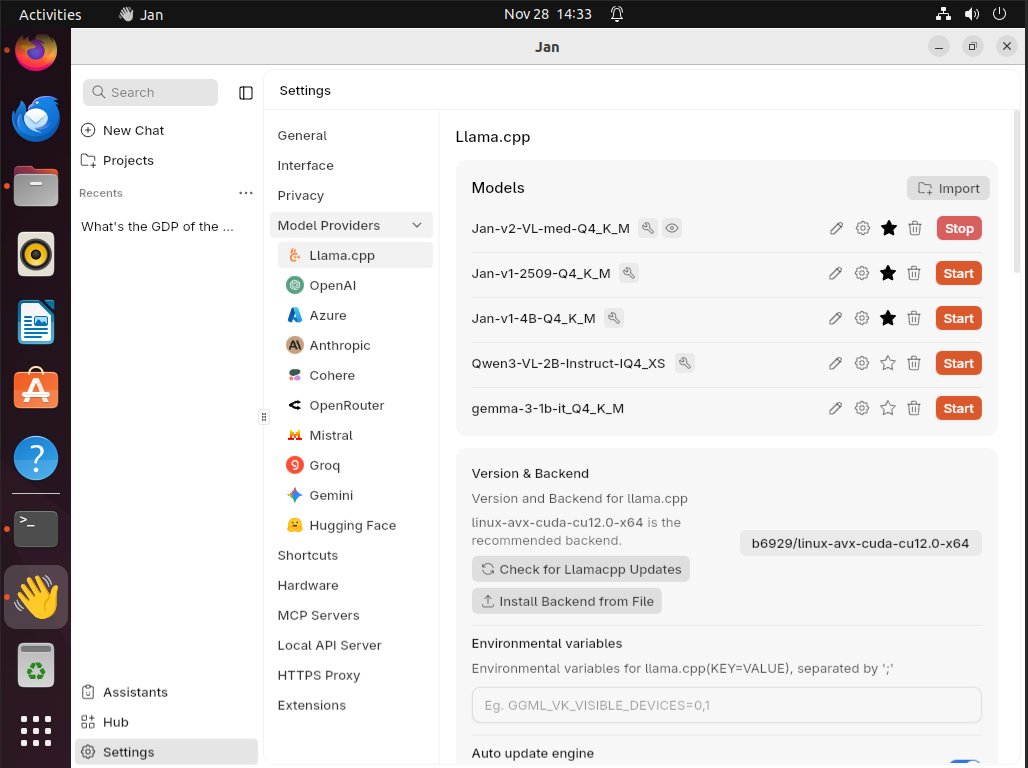
About Jan
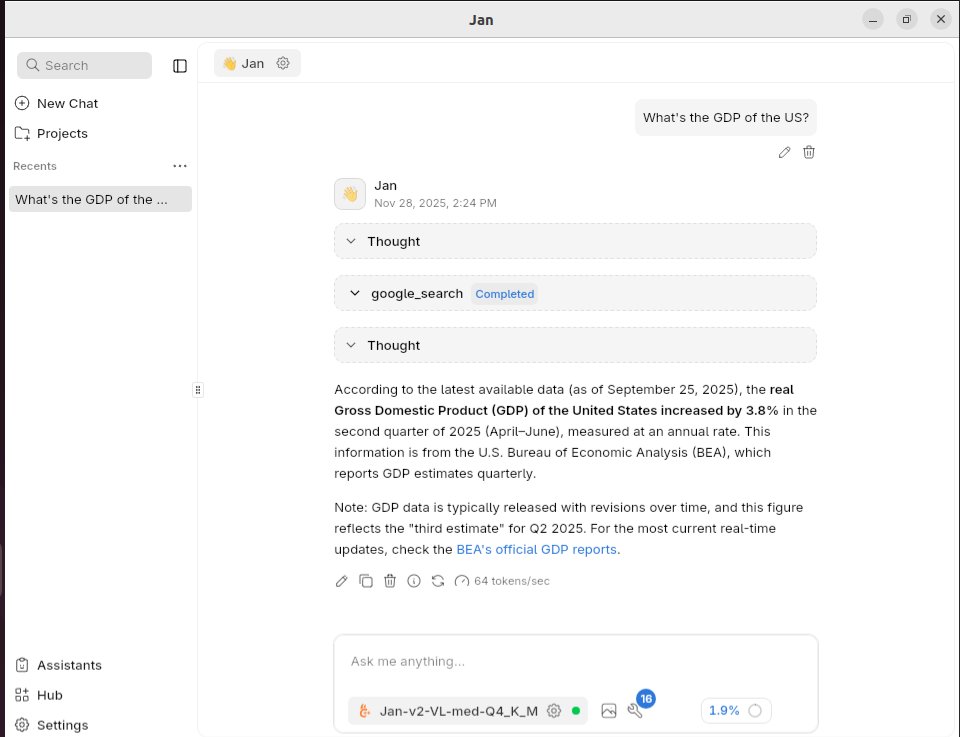
Jan is an open source alternative to ChatGPT that runs 100% offline on your computer.
Features
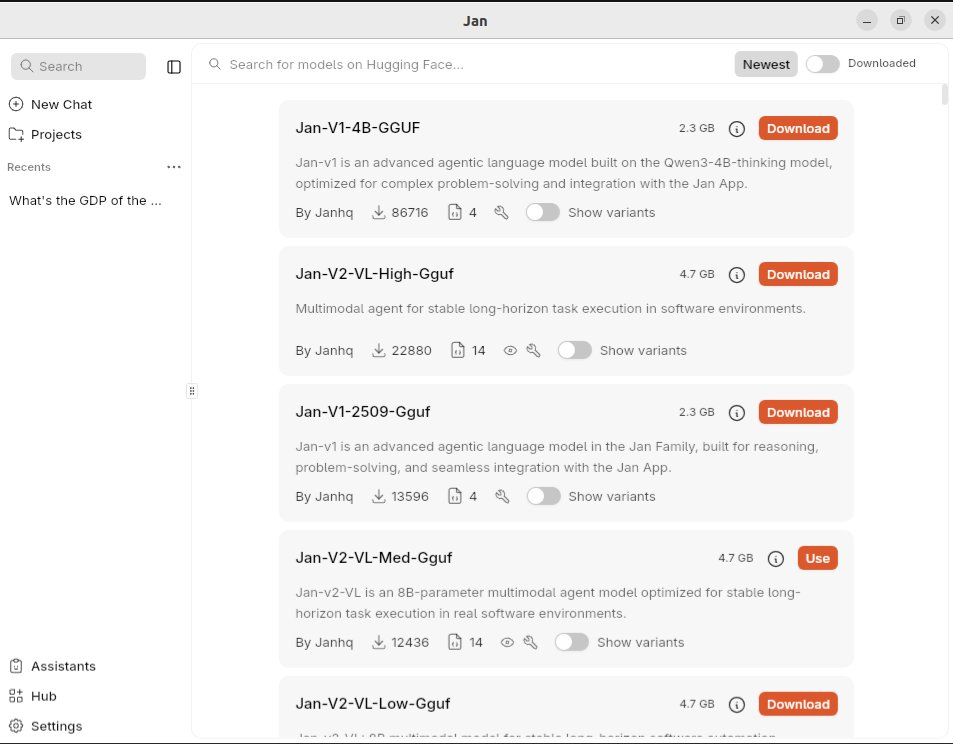
• Local AI models: Run LLMs such as Llama, Gemma, Qwen and others on your device
• Optional cloud access: Connect to services like OpenAI, Anthropic, Gemini and Groq when internet-based
models are required
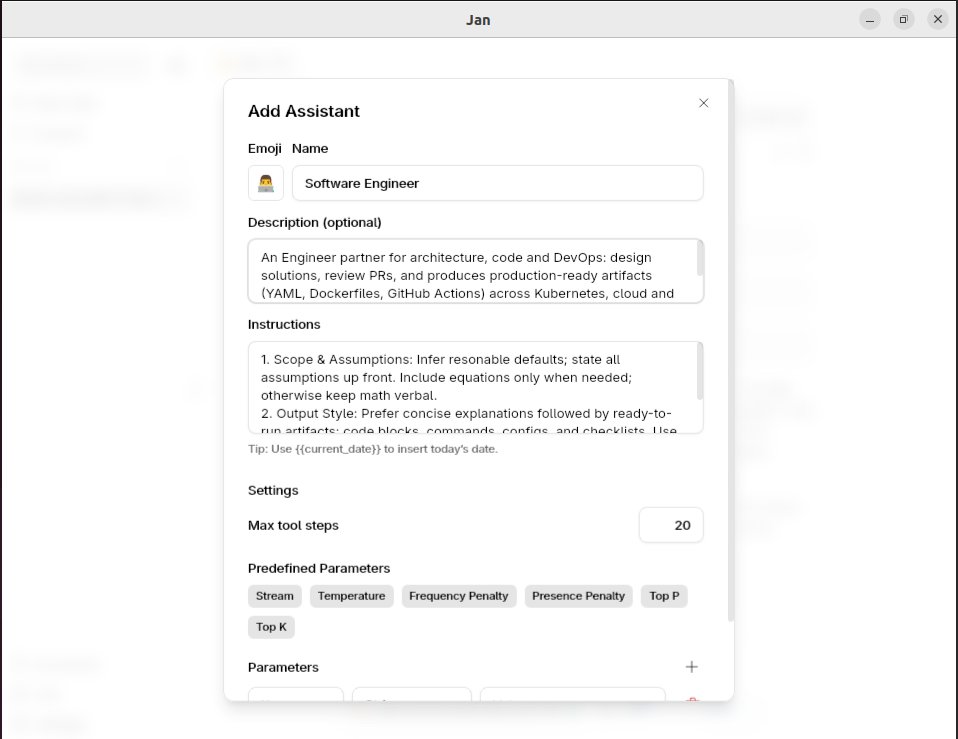
• Custom assistants: Create tailored assistants for writing, coding, summarizing and more
• OpenAI-compatible API: Includes a local API server at localhost:1337 for tools expecting
the OpenAI format
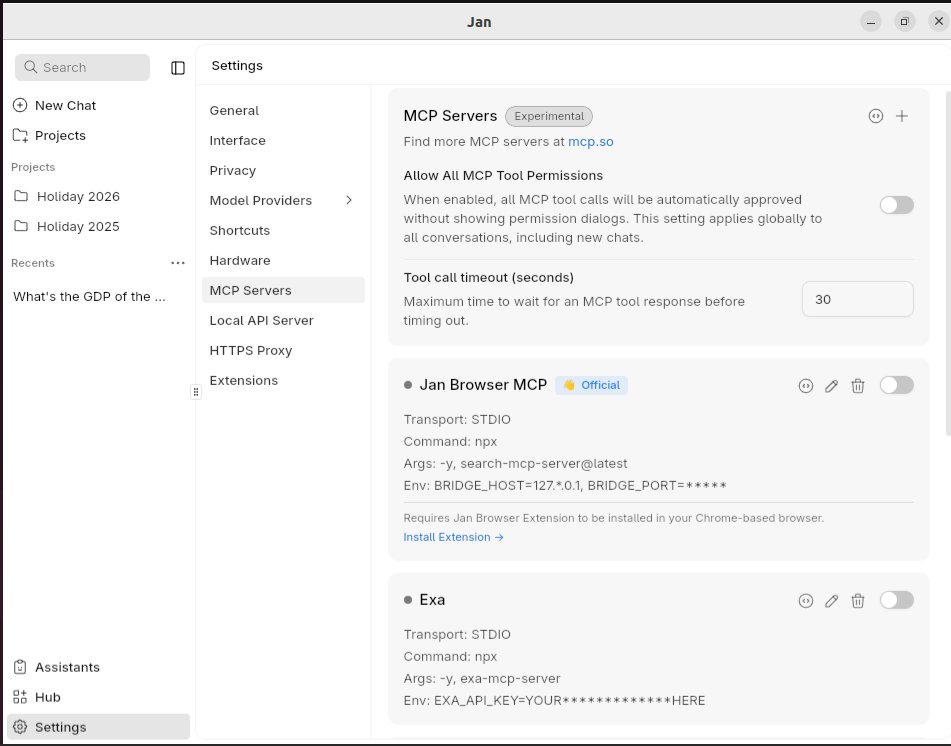
• MCP support: Integrates the Model Context Protocol for enhanced workflows and tooling
• Privacy-aware design: Jan works offline by default. Cloud access is optional and user-controlled
Jan is actively maintained by Menlo Research. Feedback, bug reports and feature requests are
welcomed through GitHub.
License: Apache-2.0
| Release info | Update on Oct 27, 2026 |
|---|---|
| Release notes | Jan v0.8.8: security fixes, llama.cpp 0.7.0, and Trusted Hosts for the local API A security update to v0.8.7. We recommend updating. Your data and settings carry over; a few behaviours change, listed under What you might notice. Security • Links in chat open in your browser. Links in model replies, tool results, model cards and release notes now always open in your system browser, never inside Jan's window. Links that aren't web or email links are shown as plain text. • The local API server checks where browser requests come from. A web page can only call it if its origin is trusted: the same machine, Jan itself, or a host you list in Trusted Hosts. Requests without a browser origin (SDKs, scripts, curl, Claude Code) work as before. • Server-side tool execution stays opt-in for every endpoint. Requests to the local API run MCP tools only when Settings > Local API Server allows server-side tool execution. • Paths are checked before Jan reads or writes them. Thread and assistant ids, and the file operations extensions use, stay inside Jan's data folder. • The Claude Code integration writes your shell profile safely. Values are quoted, unusual variable names are refused, and Jan's lines are kept in one marked block that Reset removes completely without touching your own lines. • The agent's file tools no longer follow a link out of their workspace, and folders such as your home, credentials and startup folders can't be attached as writable. • Windows: Jan runs system tools from the Windows system folder, and sign-in links are opened without going through cmd. • MCP sign-in only uses web addresses (http/https) for its endpoints. What you might notice • Trusted Hosts for browser-based clients. A web app on another machine (for example Open WebUI's direct connection) or a browser extension calling Jan's API needs its host added to Settings > Local API Server > Trusted Hosts. Entries can include a scheme, so app://obsidian.md works for Obsidian plugins (thanks to… |
| Related tags | chatbot |
| Listing data | Flathub |
Reviews
No reviews yet. Be the first to review Jan.
Used Jan? Tell other visitors what you thought.
Log in to write a reviewOther products by this publisher
- "No Distractions" for YouTube 4.10 ----
- #Bible 11.6.1 "Incredible App - My sister shared this app with me a few weeks ago and it is truly incredible.
- #filmphotography 1.4.2 So, you decided to shoot on film?
- #LookBusy Fake Calendar Events 1.0.6 Look Busy scans your work calendar for open time slots and fills them with realistic-looking (but secretly fake) work events.
- #Small Talk Is Canceled 1.0.2 #Small Talk Is Canceled — Conversations That Matter
Most viewed Linux Education
-
1
 Jan 0.8.8
Private offline AI assistant
-
2
 eduK 0.0.1
eduK is an educational web platform focused on assisting users in income generation
-
3
 Feeel 2.4.1
A simple home workout/exercise app that respects your privacy
-
4
 Webots R2025a
Webots Robot Simulator
- 5 Fablemaker 1.2.1 Hack Aesop’s fables
-
6
 CoMaps 2026.11.07
Free offline maps for everyone
- 7 White House 1.175 Hack your world with CSS
-
8
 Saber 1.38.0
The notes app built for handwriting
-
9
 Scribble 1.14.0
Take handwritten notes and homework
-
10
 TigerJython 2.40
Python IDE for schools
Most downloaded Linux Education
- 1 Al-Quran - Simple 1.1.1 A simple open-source Quran reader
- 2 Altaqwaa 4.0.1 Quran, adhkar, and prayer times
-
3
 FingerGo 1.6.1
Visual touch-typing trainer
-
4
 Quran Companion 1.6.0
Read and listen to the Quran
-
5
 Praat 7.0.03
Analyze, synthesize, and manipulate speech
-
6
Jan 0.8.8
Private offline AI assistant
- 7 Water Hammer Simulation 4.8.1 This application uses different numerical methods to simulate the Water Hammer phenomenon.
-
8
 ClassIn 6.0.10.2078
One-stop interactive online classroom platform
-
9
 Logisim 2.7.1
Logisim a graphical tool for desigining and simulating logic circuits
-
10
Saber 1.38.0
The notes app built for handwriting