
SambaLite 3.2.0
A lightweight, modern, and open-source Android client for SMB/CIFS shares.
Download
11.33 MB
80downloads
15this week
FreeFreeware
0reviews
Screenshots
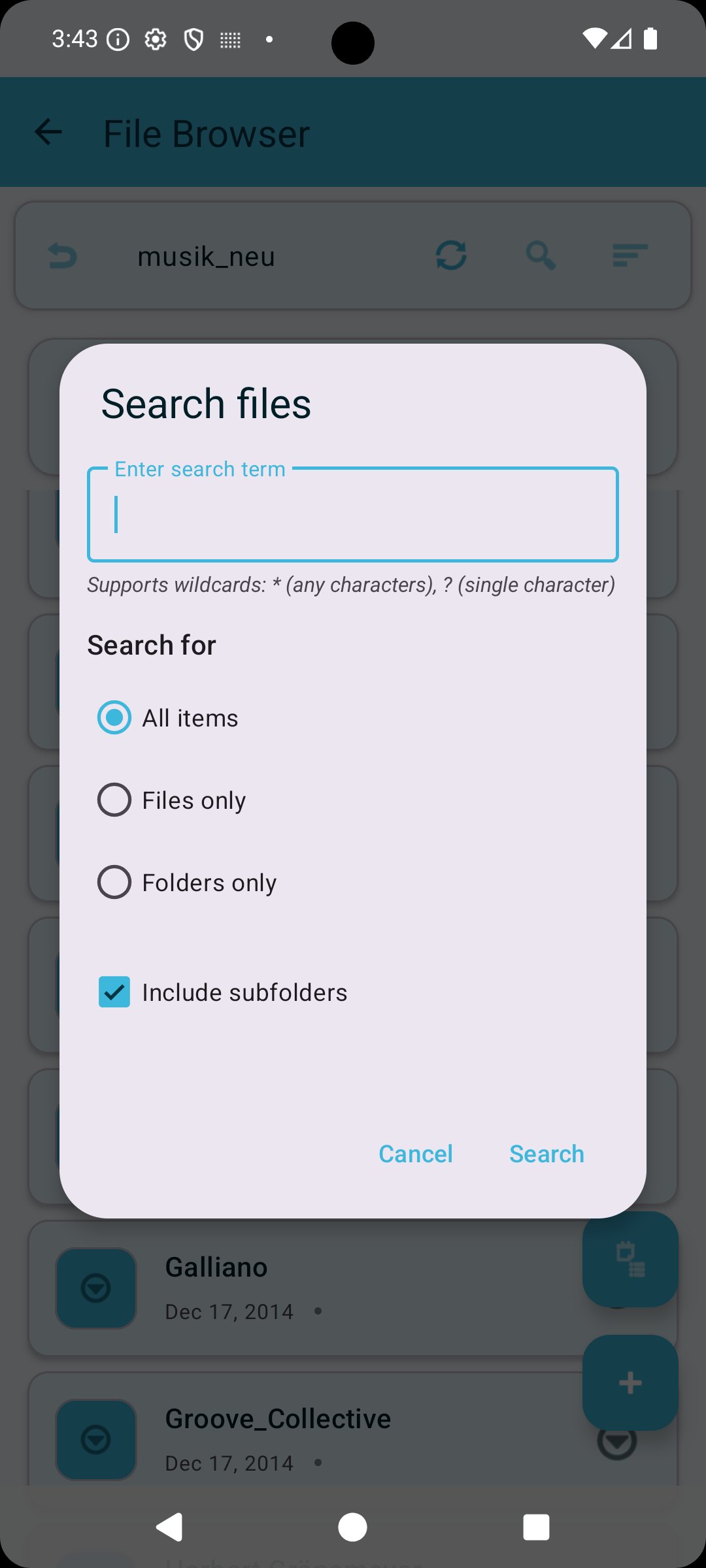
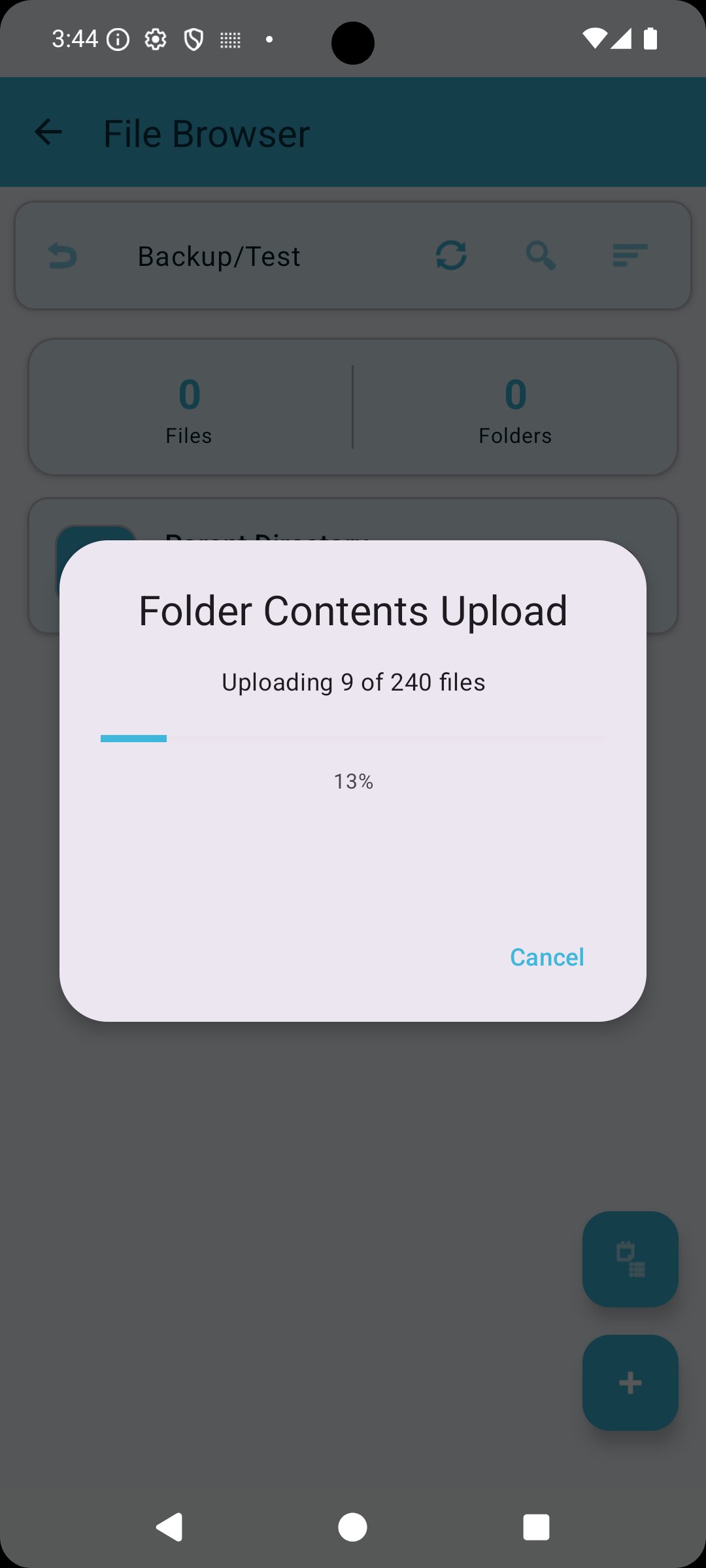
About SambaLite
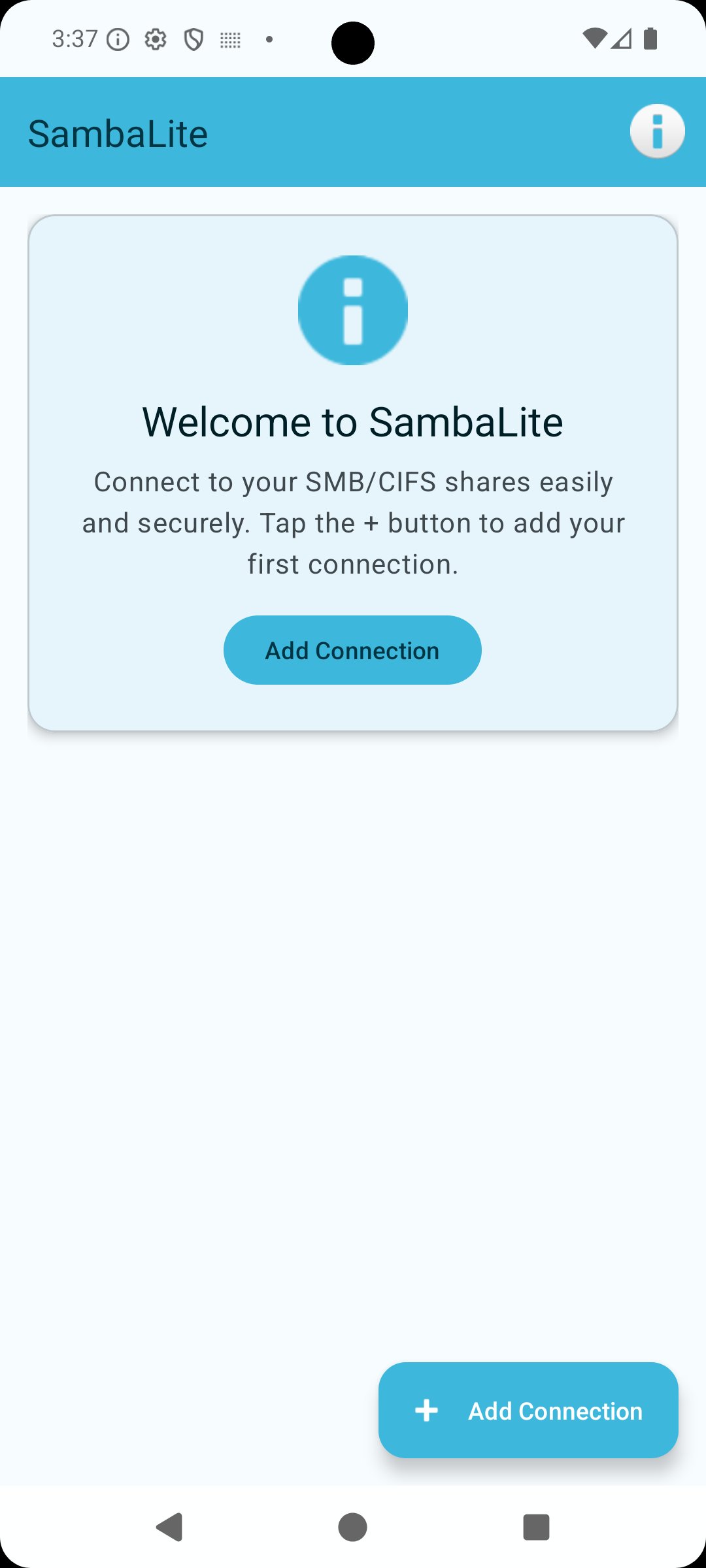
SambaLite is a lightweight, modern, and open-source Android client for SMB/CIFS shares (Samba).
It is designed as a minimalist, reliable, and secure tool for accessing SMB shares on your local network – without ads, tracking, or unnecessary features.
SambaLite is a file client, not a system-level filesystem. It focuses on accessing and transferring files, not on providing a mounted network drive.
The app is intended for tech-savvy users who prefer a lean, transparent solution and value privacy and open source.
Main features:
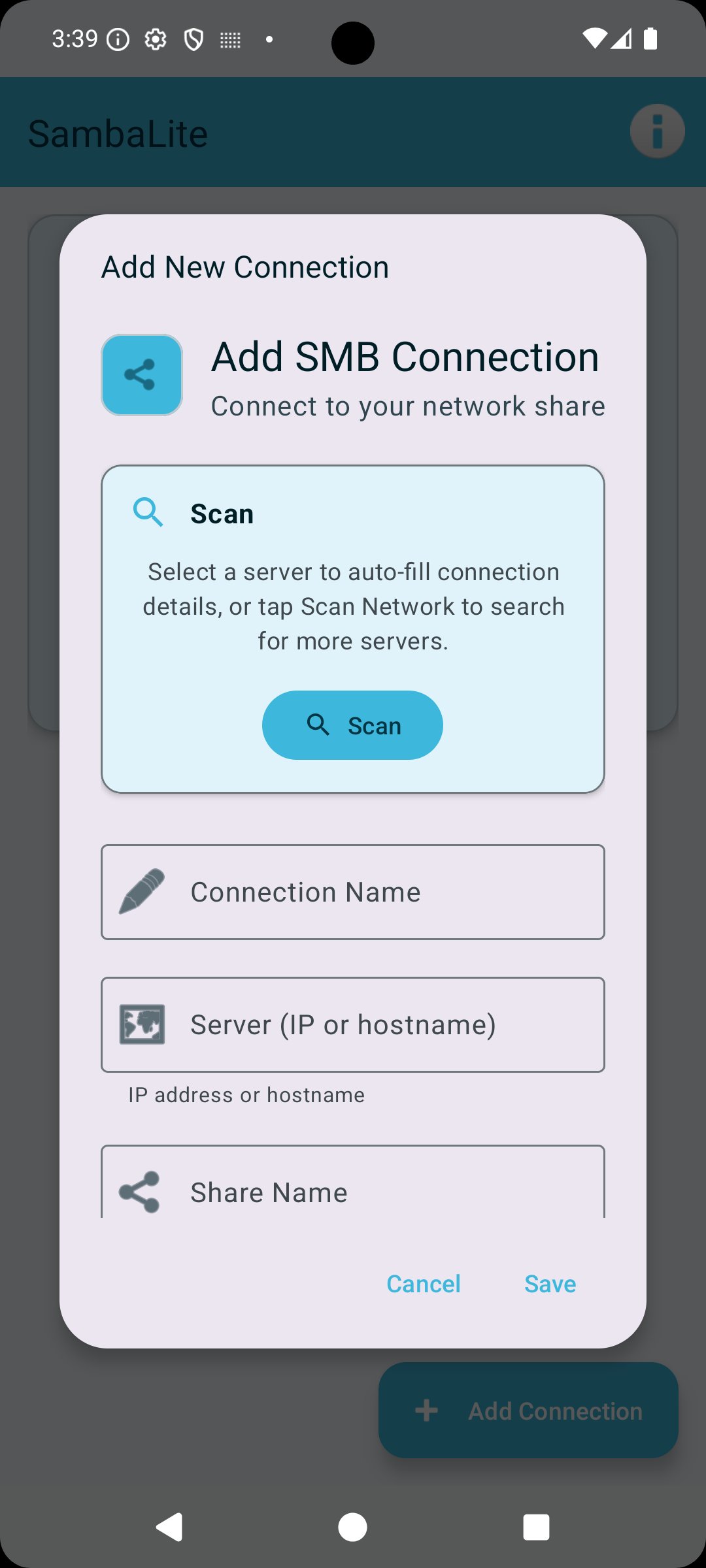
• Manage connections: SMB server (hostname/IP), share/path, username, password, optional domain
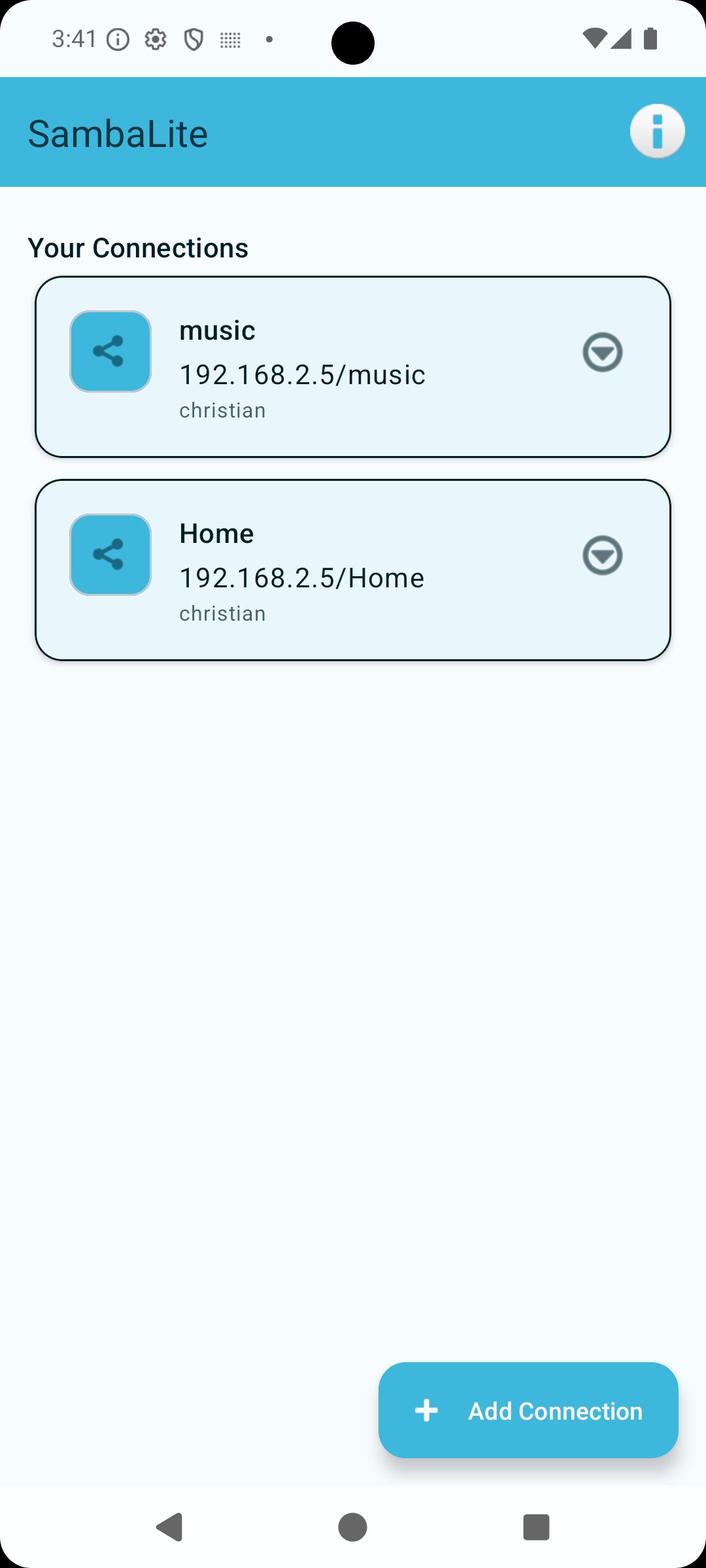
• Multiple connections with custom names
• Connection testing with clear error messages
• Secure credential storage (Android Keystore)
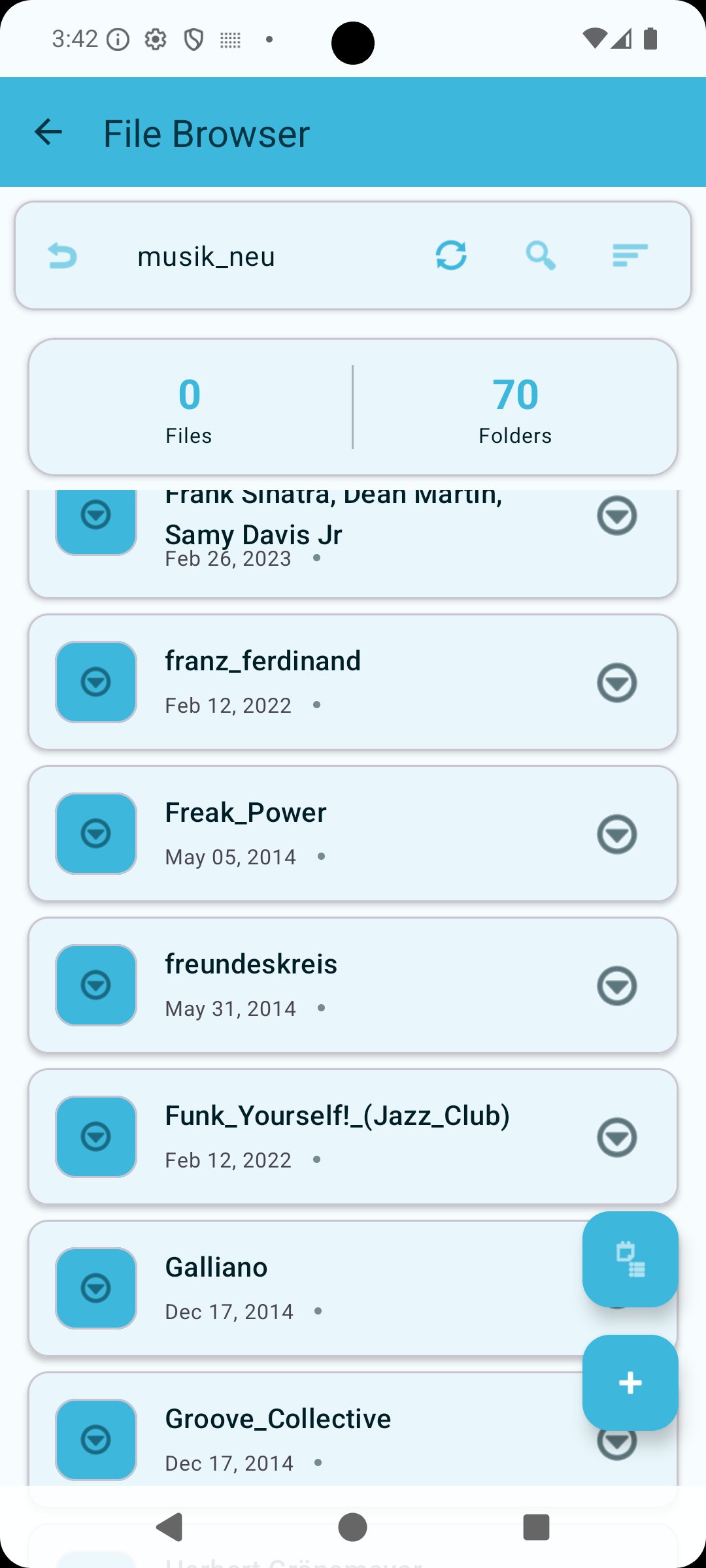
• File browser with name, type, size, and modification date
• Pull-to-refresh
• Sorting (name, date, size)
• File operations: download, upload, delete, rename
• File properties
• Dark/Light mode (system default)
Compatibility:
• Supports modern SMB2/SMB3 servers
• SMB1 is not supported (deprecated and insecure)
Security & Privacy:
• No telemetry or third-party connections
• No unencrypted storage of sensitive data
• Credentials stored securely using the Android Keystore
Permissions:
SambaLite only requests the permissions required for its functionality:
• Network access (SMB communication)
• Access to user-selected storage locations (via Android system file picker)
• Foreground service and notifications (for reliable background transfers and progress display)
No data is collected or transmitted to third parties.
SambaLite provides a modern, minimal, and privacy-friendly way to access SMB shares on Android – focused on reliability and transparency.
License: Apache-2.0
| Release info | Update on Nov 08, 2026 |
|---|---|
| Release notes | SambaLite v3.2.0 Downloads • APK: For direct installation (sideloading) • AAB: For Google Play Store and other app stores • mapping.txt: R8 mapping file to de-obfuscate stack traces of this release Verification Both files include SHA256 checksums for integrity verification. Changelog Added • Transfer speed in the transfer queue (#7): A running transfer shows its current speed next to its progress, e.g. "Transferring · 120 MB / 400 MB · 12.5 MB/s", measured over the last three seconds and updated every second. If a transfer moves no data for 10 seconds, "stalled" replaces the speed, so a hanging transfer can be told apart from a slow one. Translations in all 7 languages. • System Monitor shows whether each folder sync works (#50, proposed and tested by @myxmaster): The System Monitor starts with one line on the state of all syncs ("Documents does not sync", "All syncs are up to date") and a card per sync with its state, the result of its last run (uploaded, downloaded, skipped, errors, always all four), a row of dots for the last 20 runs and, while it runs, the files checked so far, the current file and the counters of the running run (the counters of the previous run are not shown next to the progress). Each run of a sync is now stored with its result, also when it failed, was stopped or was skipped for "WiFi only", so an error early in a run of thousands of files no longer disappears behind "100 skipped, 0 errors". A sync that has not run for clearly longer than its interval is shown as overdue, with the reason (waiting for WiFi, battery optimization). Tapping a card shows the errors grouped by cause (access denied, invalid file name, server not reachable, …) with what to do and the files concerned, marks files that failed several runs in a row, and offers a fix where there is one ("Edit Sync" for a missing local folder, "Sync once over mobile data" for a sync waiting for WiFi). "Why was a file not synced?" searches the log of the last run of every sync by… |
| Listing data | F-Droid |
Reviews
No reviews yet. Be the first to review SambaLite.
Used SambaLite? Tell other visitors what you thought.
Log in to write a reviewOther products by this publisher
- "No Distractions" for YouTube 4.10 ----
- #Bible 11.6.1 "Incredible App - My sister shared this app with me a few weeks ago and it is truly incredible.
- #filmphotography 1.4.2 So, you decided to shoot on film?
- #LookBusy Fake Calendar Events 1.0.6 Look Busy scans your work calendar for open time slots and fills them with realistic-looking (but secretly fake) work events.
- #Small Talk Is Canceled 1.0.2 #Small Talk Is Canceled — Conversations That Matter
Most viewed Android Internet
-
1
 Offline Web Search 1.0.39
Search curated websites, blogs, and RSS feeds completely offline and privately.
-
2
 URSA 1.3.4
Native Android client for Uptime Kuma with FOSS push, no Google services.
-
3
 NOVA 0.1.48
Open-source client for Unraid® NAS servers
-
4
 Brevier 0.26.0
A reading browser: the web without JavaScript, set in your own type
-
5
 SparkleDNS 1.1.5
Encrypt DNS requests without routing all your traffic through a VPN.
- 6 Husk 1.4 Turn a spare Android phone into a remote camera and control rig
-
7
 Nextcloud Pantry 0.38.0
Shared household lists, photos & notes on your own server — and on your watch.
-
8
 Atrium 1.10.2
Control your self-hosted media stack from one app
- 9 Phylax 2.13 Viewer for Frigate NVR with smart URL switching and notifications
- 10 Intra 1.5.1 Encrypted DNS client
Most downloaded Android Internet
- 1 Cryptomator 2.1.0 Put a lock on your cloud: Take the security of your data into your own hands
-
2
 PodAura 31
All-in-one Android podcast app for RSS, media dl & play
- 3 EasySSHFS 0.5.20 Sshfs with ssh client and interface for Android.
-
4
 Stingle Photos 57-2.11.0
Stingle Photos is a secure, end-to-end encrypted gallery and sync app
-
5
 Webview Kiosk 0.26.26
Turn your Android device into a locked-down web page in fullscreen mode.
-
6
 Twig 1.18.1
Dual-pane file manager: archives, SFTP, SMB, WebDAV, S3, restic, Jellyfin
- 7 Filester 3.4.0 Temporary cloud storage for fast, private file sharing
- 8 Formulus 1.4.0 Offline-first bespoke data collection apps from Open Data Ensemble
-
9
 SyncUp 1.1.16
An open-source Syncthing client for iPhone and Android.
-
10
 Lenta Reader 1.10.0
Unofficial reader for the Lenta.ru news RSS feeds