
Webview Kiosk 0.26.25
Turn your Android device into a locked-down web page in fullscreen mode.
Download
4.22 MB · app-release.apk
24downloads
0this week
FreeFreeware
0reviews
Screenshots

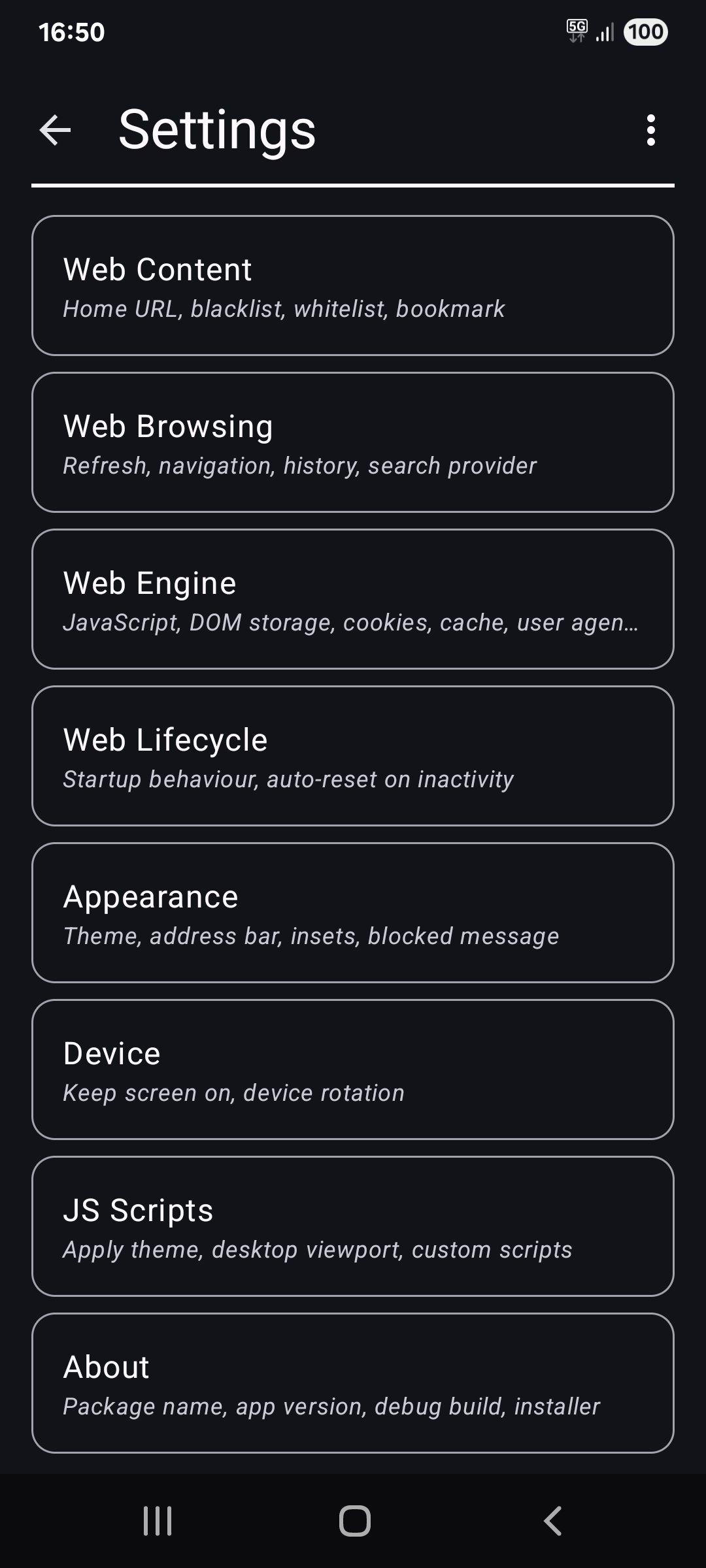
About Webview Kiosk
Webview Kiosk is a free and open-source Android application for secure, kiosk-style web browsing.
It can function as digital signage, a kid-friendly restricted browser, an immersive web reader, an interactive sign-up form, a home assistant dashboard, or simply a wall clock.
Designed for small businesses and device owners who are looking for a simple and standalone Kiosk solution.
Key Features
Core / Standalone
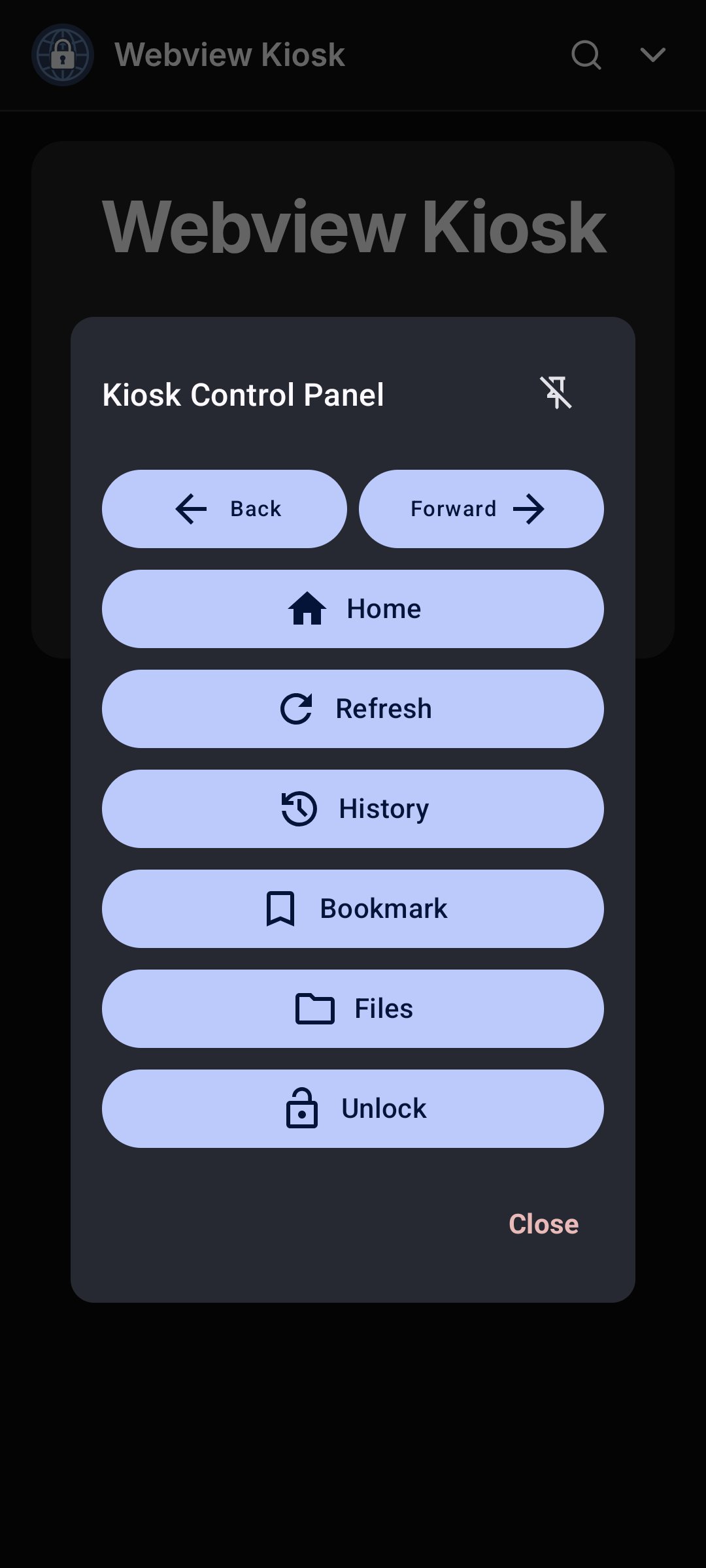
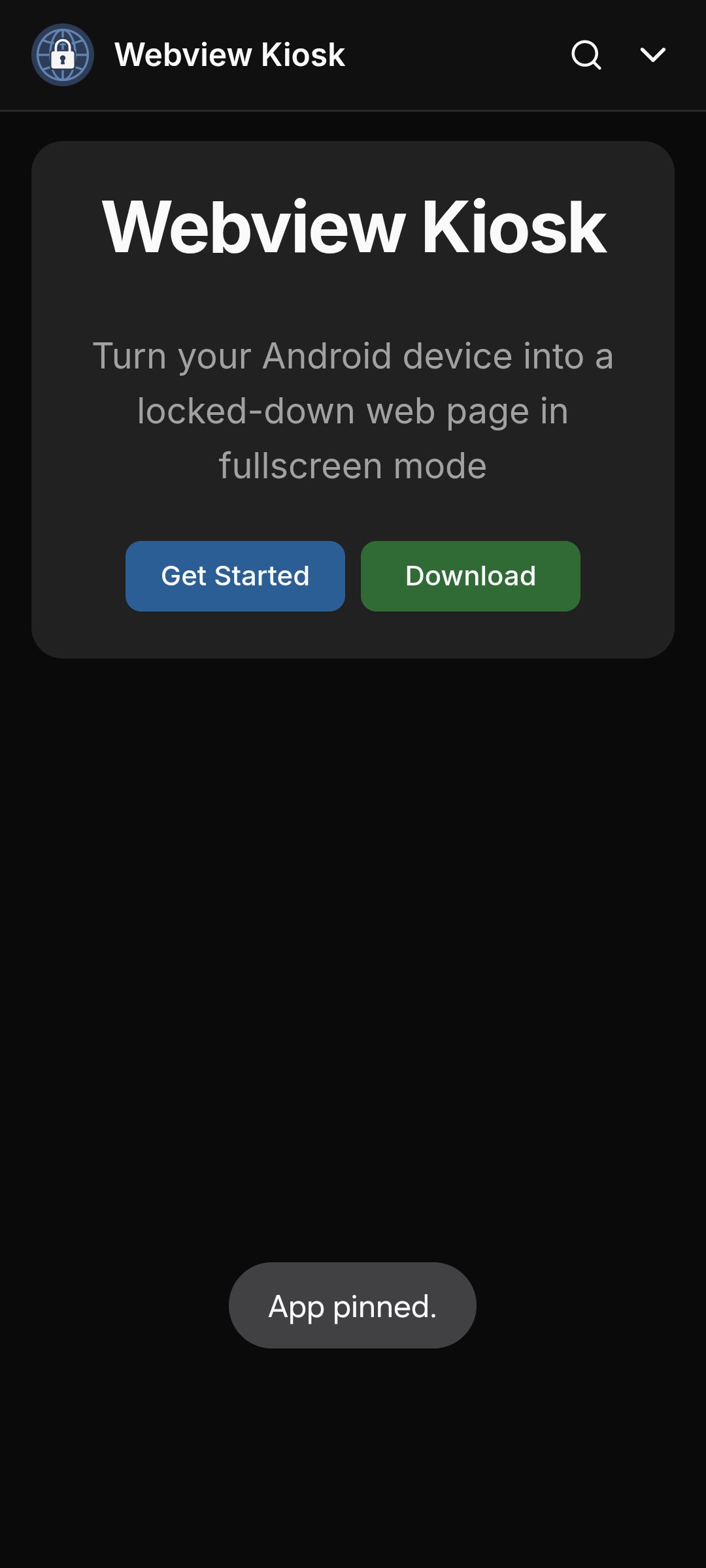
- Lock Task Mode (Pin): prevent access to your device's home screen, apps and status bar
- Secure Settings: configurations are protected by biometrics, device credentials or custom password
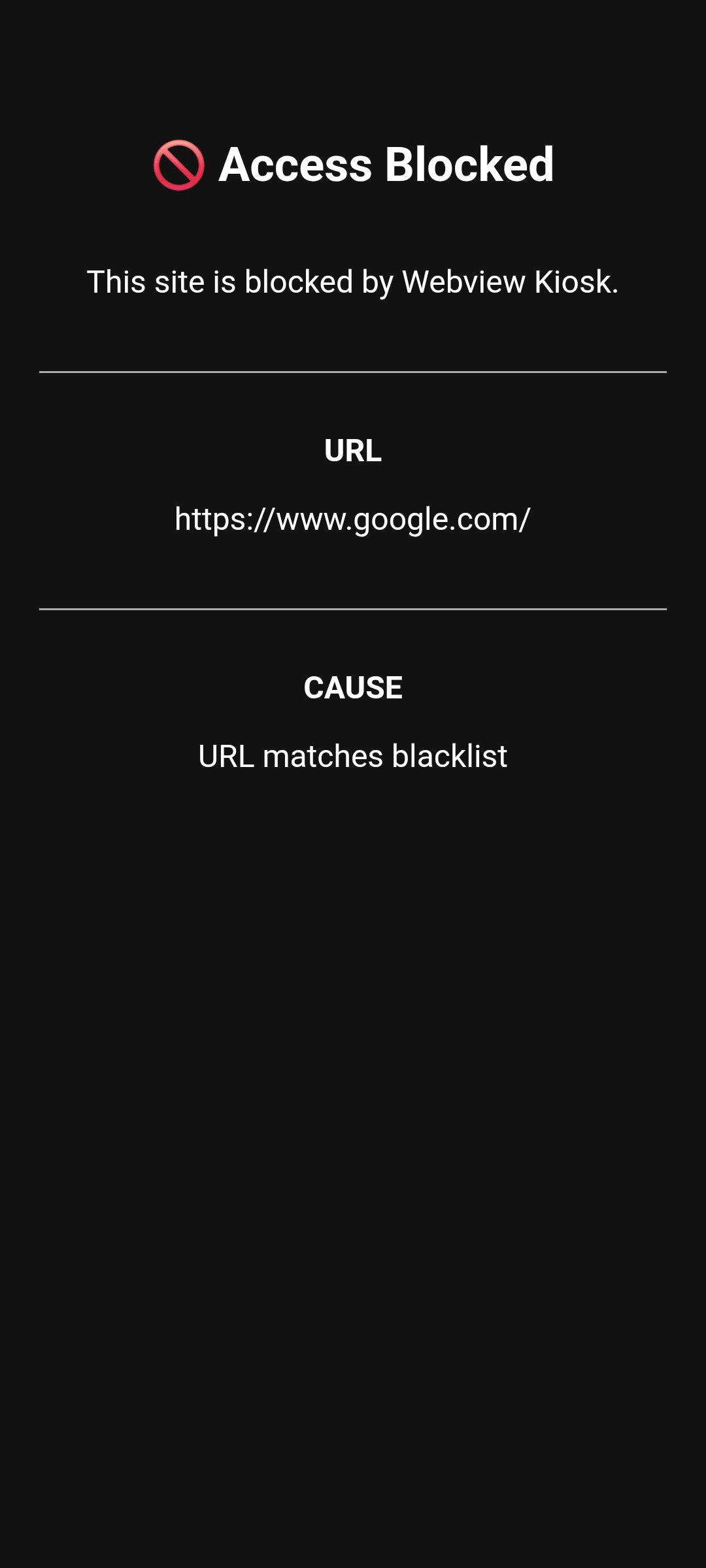
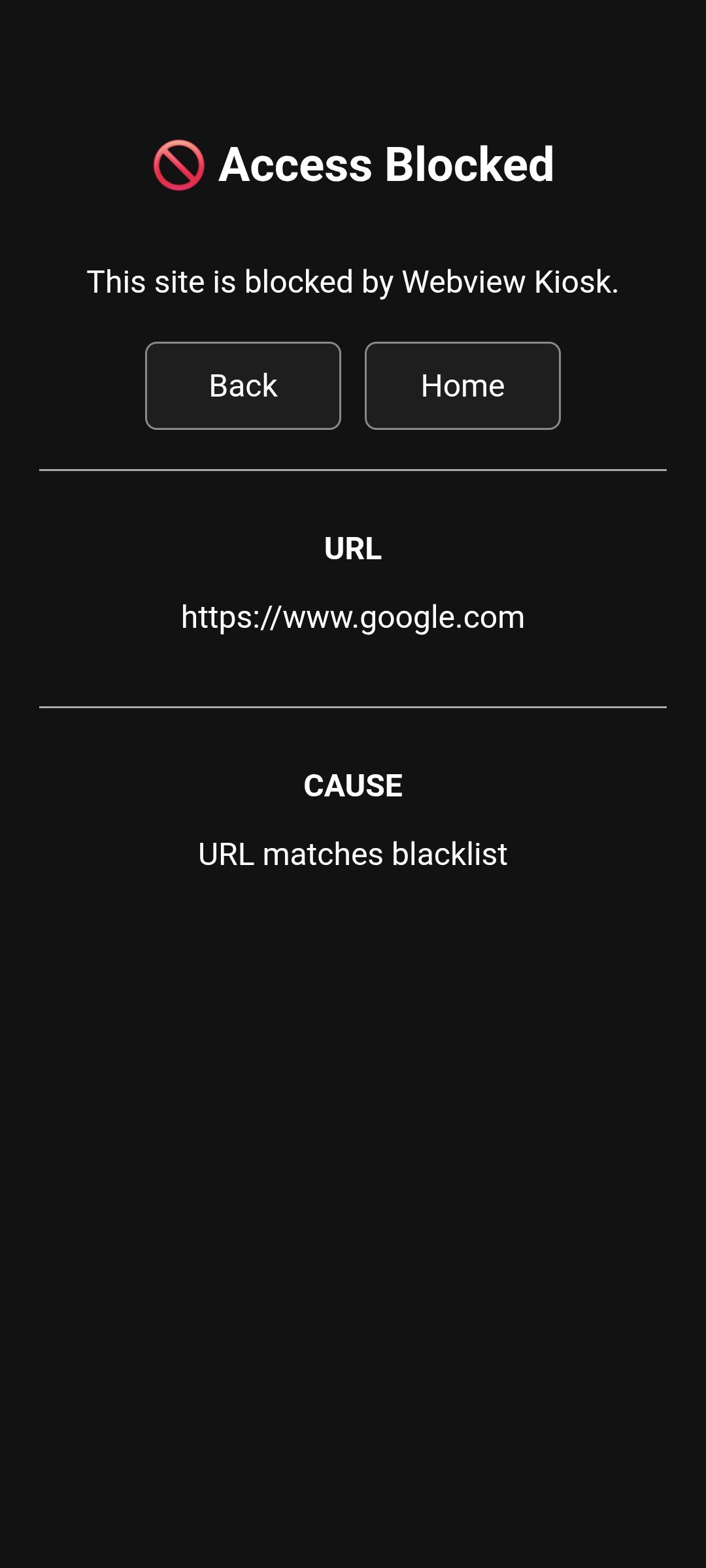
- URL Filtering: use regular expressions to control web access through a URL blacklist and whitelist
- Export/Import: backup and restore user settings in Base64 or JSON format
- Local files: display images, audio, video, HTML or PDF (using Mozilla's PDF.js) in kiosk mode
- Default Launcher: use as the home app and launch other apps in lock task mode (kiosk)
- JS Scripts: supports NFC (Near Field Communication), Eruda console, Dark Reader and custom scripts
- Adblock: blocks ads and trackers using rules from uBlock Origin, AdGuard, EasyList and HaGeZi
Remote Management / Enterprise
1. MQTT (Message Queuing Telemetry Transport)
- Monitor events, update settings, execute commands and build custom automations
- Requires an MQTT broker (e.g. Mosquitto, EMQX, HiveMQ, or their HomeAssistant integrations)
2. UnifiedPush
- Send commands and update settings via a decentralised push notification system
- Requires a distributor application (e.g. sunup, ntfy, gCompat-UP)
3. Managed Configurations (App Restrictions)
- For fully-managed (company-owned) devices, settings can be configured via an MDM/EMM provider
- Advanced users with a device policy controller (e.g. Test DPC or OwnDroid) can also enforce configurations locally
For more details, visit [link removed]
Permissions
- INTERNET: for general web browsing
- ACCESS_NETWORK_STATE: to refresh web pages when network connectivity is restored
- ACCESS_LOCAL_NETWORK: (optional, Android 17+) for web apps that access the local network
- CAMERA: (optional) for use with web apps that requires photo/video capture
- RECORD_AUDIO: (optional) for use with web apps that requires audio capture
- MODIFY_AUDIO_SETTINGS: for routing audio (microphone will not work without this)
- ACCESS_FINE_LOCATION: (optional) for web apps that needs precise geolocation
- ACCESS_COARSE_LOCATION: (optional) for web apps that needs approximate geolocation
- NFC: for reading and writing NFC tags using the device's NFC hardware
- VIBRATE: (optional) for navigator.vibrate(pattern) when enabled
- INSTALL_SHORTCUT: for adding home screen launcher shortcuts on Android 7.1 and below
- QUERY_ALL_PACKAGES: to find launchable apps, device owners and lock task packages
- POST_NOTIFICATIONS: (optional) for lock task mode (kiosk) launches and MQTT
- FOREGROUND_SERVICE: for persistent notification and management with lock task and MQTT
- FOREGROUND_SERVICE_SPECIAL_USE: provides a return mechanism for opening apps in kiosk
- USE_BIOMETRIC: replaces USE_FINGERPRINT from Android 9.0 onwards
- USE_FINGERPRINT: use fingerprint hardware when accessing settings or unlocking kiosk
- WAKE_LOCK: to optionally wake the screen when receiving MQTT commands
- WRITE_EXTERNAL_STORAGE: for downloading files in Android 9.0 and below
- API (Dhizuku): to request shared device owner privileges
Contact
- [link removed]
- support@webviewkiosk.nktnet.uk
Alternatives
- Fully Kiosk Browser Lockdown (feature-rich, but not a free kiosk solution)
- Web Kiosk (by Screenlite)
- FreeKiosk (by Rushb-fr)
- Kite AOS (by andrew-malitchuk)
License: AGPL-3.0-or-later
It can function as digital signage, a kid-friendly restricted browser, an immersive web reader, an interactive sign-up form, a home assistant dashboard, or simply a wall clock.
Designed for small businesses and device owners who are looking for a simple and standalone Kiosk solution.
Key Features
Core / Standalone
- Lock Task Mode (Pin): prevent access to your device's home screen, apps and status bar
- Secure Settings: configurations are protected by biometrics, device credentials or custom password
- URL Filtering: use regular expressions to control web access through a URL blacklist and whitelist
- Export/Import: backup and restore user settings in Base64 or JSON format
- Local files: display images, audio, video, HTML or PDF (using Mozilla's PDF.js) in kiosk mode
- Default Launcher: use as the home app and launch other apps in lock task mode (kiosk)
- JS Scripts: supports NFC (Near Field Communication), Eruda console, Dark Reader and custom scripts
- Adblock: blocks ads and trackers using rules from uBlock Origin, AdGuard, EasyList and HaGeZi
Remote Management / Enterprise
1. MQTT (Message Queuing Telemetry Transport)
- Monitor events, update settings, execute commands and build custom automations
- Requires an MQTT broker (e.g. Mosquitto, EMQX, HiveMQ, or their HomeAssistant integrations)
2. UnifiedPush
- Send commands and update settings via a decentralised push notification system
- Requires a distributor application (e.g. sunup, ntfy, gCompat-UP)
3. Managed Configurations (App Restrictions)
- For fully-managed (company-owned) devices, settings can be configured via an MDM/EMM provider
- Advanced users with a device policy controller (e.g. Test DPC or OwnDroid) can also enforce configurations locally
For more details, visit [link removed]
Permissions
- INTERNET: for general web browsing
- ACCESS_NETWORK_STATE: to refresh web pages when network connectivity is restored
- ACCESS_LOCAL_NETWORK: (optional, Android 17+) for web apps that access the local network
- CAMERA: (optional) for use with web apps that requires photo/video capture
- RECORD_AUDIO: (optional) for use with web apps that requires audio capture
- MODIFY_AUDIO_SETTINGS: for routing audio (microphone will not work without this)
- ACCESS_FINE_LOCATION: (optional) for web apps that needs precise geolocation
- ACCESS_COARSE_LOCATION: (optional) for web apps that needs approximate geolocation
- NFC: for reading and writing NFC tags using the device's NFC hardware
- VIBRATE: (optional) for navigator.vibrate(pattern) when enabled
- INSTALL_SHORTCUT: for adding home screen launcher shortcuts on Android 7.1 and below
- QUERY_ALL_PACKAGES: to find launchable apps, device owners and lock task packages
- POST_NOTIFICATIONS: (optional) for lock task mode (kiosk) launches and MQTT
- FOREGROUND_SERVICE: for persistent notification and management with lock task and MQTT
- FOREGROUND_SERVICE_SPECIAL_USE: provides a return mechanism for opening apps in kiosk
- USE_BIOMETRIC: replaces USE_FINGERPRINT from Android 9.0 onwards
- USE_FINGERPRINT: use fingerprint hardware when accessing settings or unlocking kiosk
- WAKE_LOCK: to optionally wake the screen when receiving MQTT commands
- WRITE_EXTERNAL_STORAGE: for downloading files in Android 9.0 and below
- API (Dhizuku): to request shared device owner privileges
Contact
- [link removed]
- support@webviewkiosk.nktnet.uk
Alternatives
- Fully Kiosk Browser Lockdown (feature-rich, but not a free kiosk solution)
- Web Kiosk (by Screenlite)
- FreeKiosk (by Rushb-fr)
- Kite AOS (by andrew-malitchuk)
License: AGPL-3.0-or-later
| Release info | Update on Oct 28, 2026 |
|---|---|
| Release notes | Changes • Reduced the risk of WebView startup freezes and ANRs on some Android devices. • Improved immersive mode reliability after swipes, opening notifications and switching apps. • Fixed stale Home Assistant MQTT entities remaining after downgrading the app. • Improved compatibility with older or faulty Android System WebView providers. • Fixed navigation when administrator restrictions change during startup or file imports. --- Pull requests • fix(android): guard broadcast navigation and legacy WebView feature checks by @nktnet1 in https://github.com/nktnet1/webview-kiosk/pull/336 • fix: immersive mode reliability by @nktnet1 in https://github.com/nktnet1/webview-kiosk/pull/335 • fix(mqtt): clean up stale Home Assistant entities on downgrade by @nktnet1 in https://github.com/nktnet1/webview-kiosk/pull/337 • fix(android): complete WebView startup before composition by @nktnet1 in https://github.com/nktnet1/webview-kiosk/pull/338 Full Changelog: https://github.com/nktnet1/webview-kiosk/compare/v0.26.24...v0.26.25 |
| Listing data | F-Droid |
Reviews
No reviews yet. Be the first to review Webview Kiosk.
Used Webview Kiosk? Tell other visitors what you thought.
Log in to write a reviewOther products by this publisher
- "No Distractions" for YouTube 4.10 ----
- #Bible 11.5 "Incredible App - My sister shared this app with me a few weeks ago and it is truly incredible.
- #filmphotography 1.4.2 So, you decided to shoot on film?
- $quirrel 1.5.1 $quirrel Budget & Finance helps you plan each paycheck, track spending, manage debt, and see what is safe to spend before the next payday.
- % Percentage Calculator Pro 1.41 This is the Pro version of % Percentage Calculator.
Most viewed Android Internet
-
1
 Offline Web Search 1.0.38
Search curated websites, blogs, and RSS feeds completely offline and privately.
- 2 NOVA 0.1.41 Open-source client for Unraid® NAS servers
-
3
 Nextcloud Pantry 0.38.0
Shared household lists, photos & notes on your own server — and on your watch.
-
4
 Brevier 0.23.0
A reading browser: the web without JavaScript, set in your own type
- 5 Husk 1.4 Turn a spare Android phone into a remote camera and control rig
- 6 Phylax 2.13 Viewer for Frigate NVR with smart URL switching and notifications
- 7 Intra 1.5.1 Encrypted DNS client
-
8
 Atrium 1.10.1
Control your self-hosted media stack from one app
- 9 Jami 20260807-01 Share, freely and privately
- 10 Webthingify 1.1 Turn your Android device into a web thing (Mozilla IoT compatible)
Most downloaded Android Internet
-
1
Brevier 0.23.0
A reading browser: the web without JavaScript, set in your own type
- 2 Intra 1.5.1 Encrypted DNS client
- 3 atop 1.0.0 Choose today's text
- 4 5G Proxy Client 1.6.8 Routes device traffic through a remote SOCKS5 proxy via TUN. No root, TCP/UDP.
- 5 baresip+ 94.1.6 VoIP and mobile calling and messaging app based on baresip library
-
6
 Twig 1.17.0
Dual-pane file manager: archives, SFTP, SMB, WebDAV, S3, restic, Jellyfin
-
7
 BombVault 10.5.0
Watch and open the BombVault backup servers you run yourself.
-
8
 NetManager 0.2.4
A FOSS mobile network monitoring app built with ease-of-use and speed in mind.
-
9
 Raven 0.14.0
This app uses APIs and web scraping to fetch news articles.
- 10 Change Detection 3.2 Automatically track website changes in background