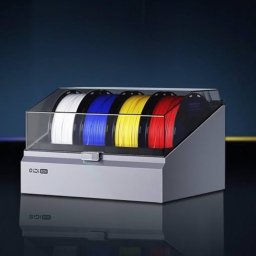
QIDI Box NFC Tagger 1.0
NOTE: There are DIY tasks associated with the use of this app.
Download
2.09 MB
12downloads
4this week
FreeCommercial
0reviews
Screenshots
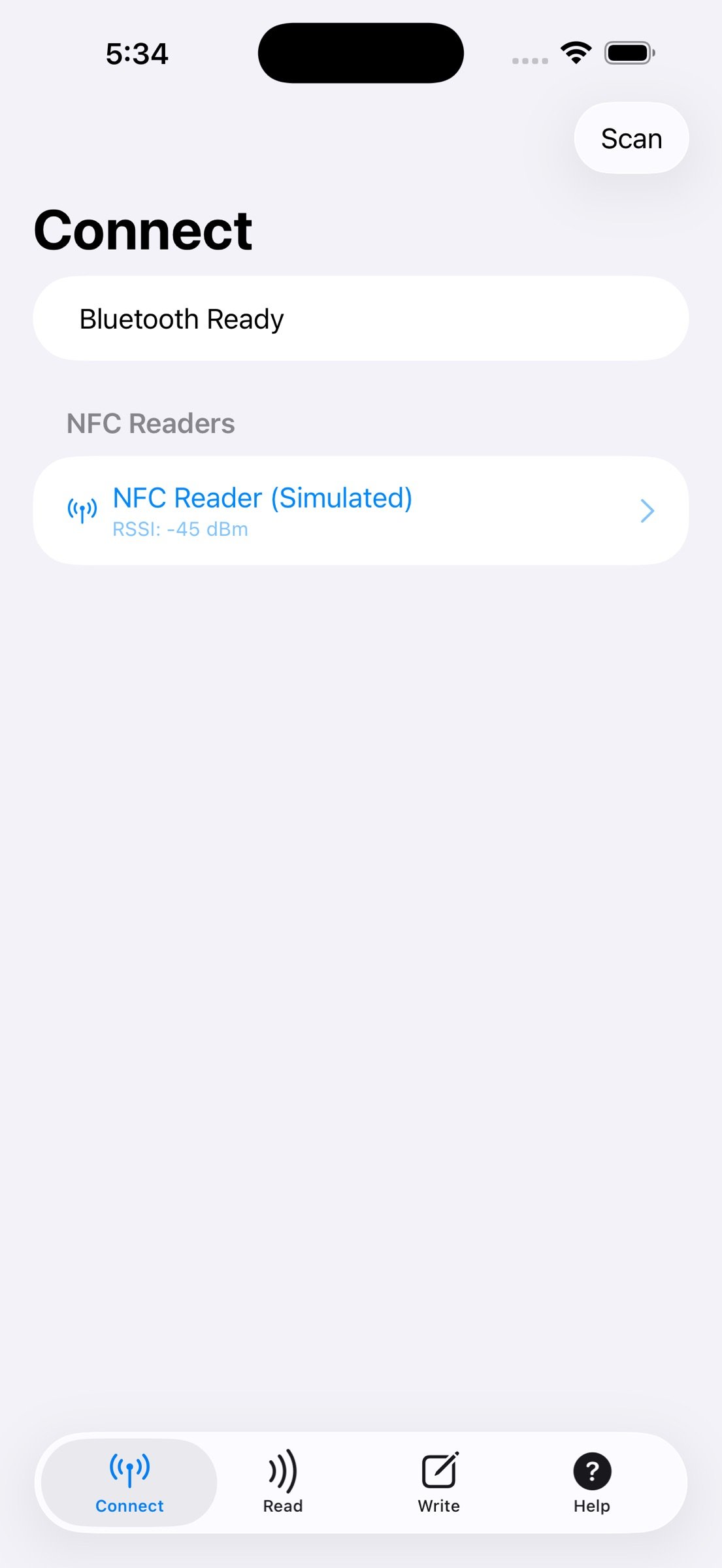
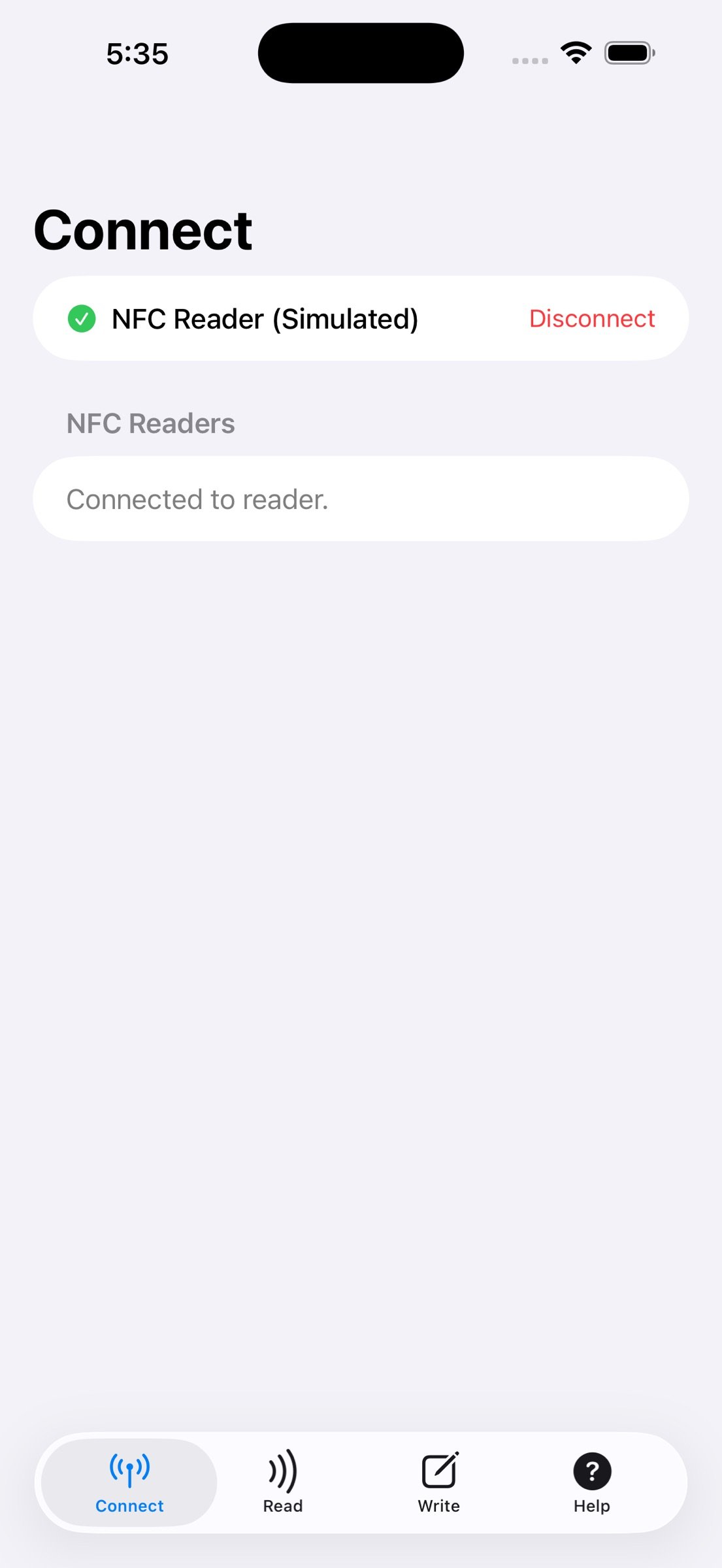
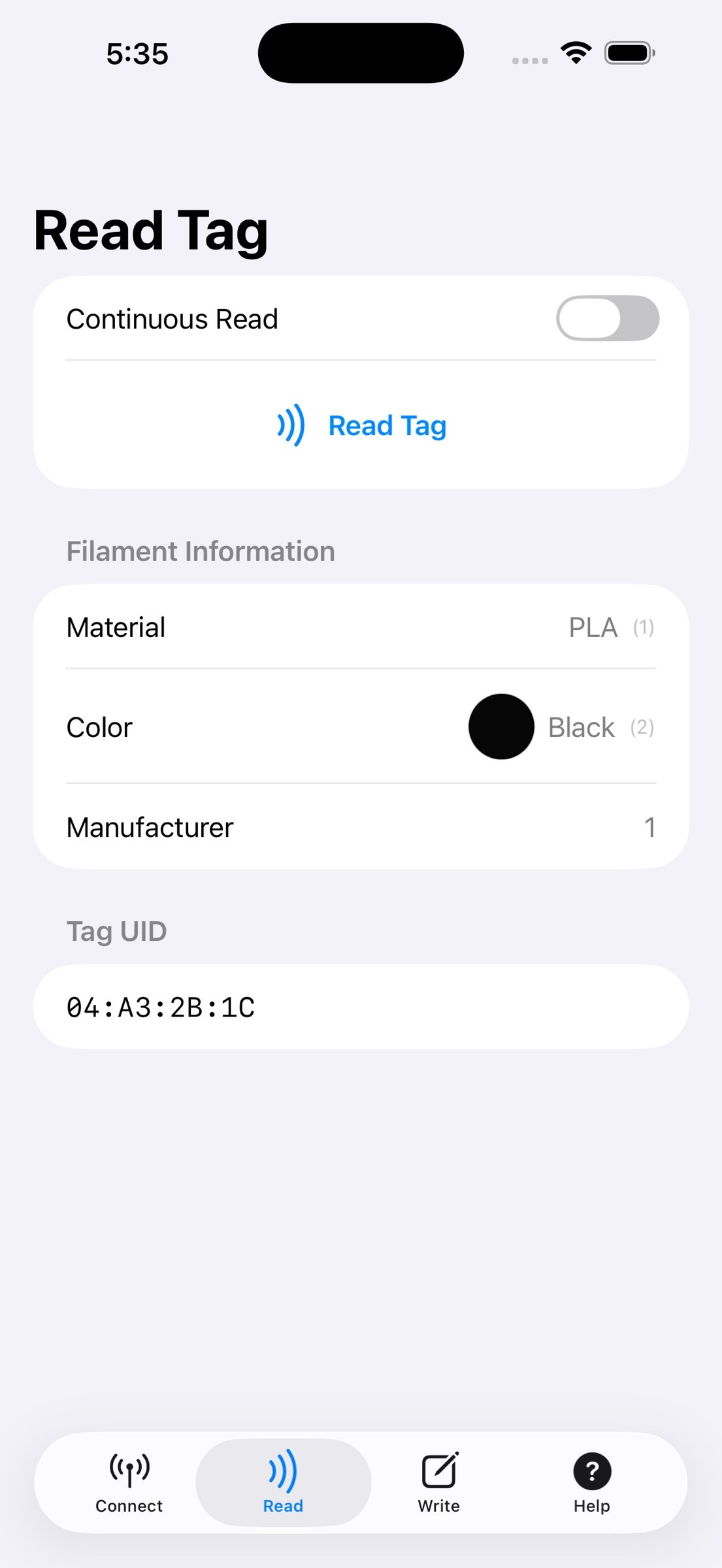
About QIDI Box NFC Tagger
NOTE: There are DIY tasks associated with the use of this app. Please see the details at the support site URL before purchase even though the price is less than a can of soda ;-)
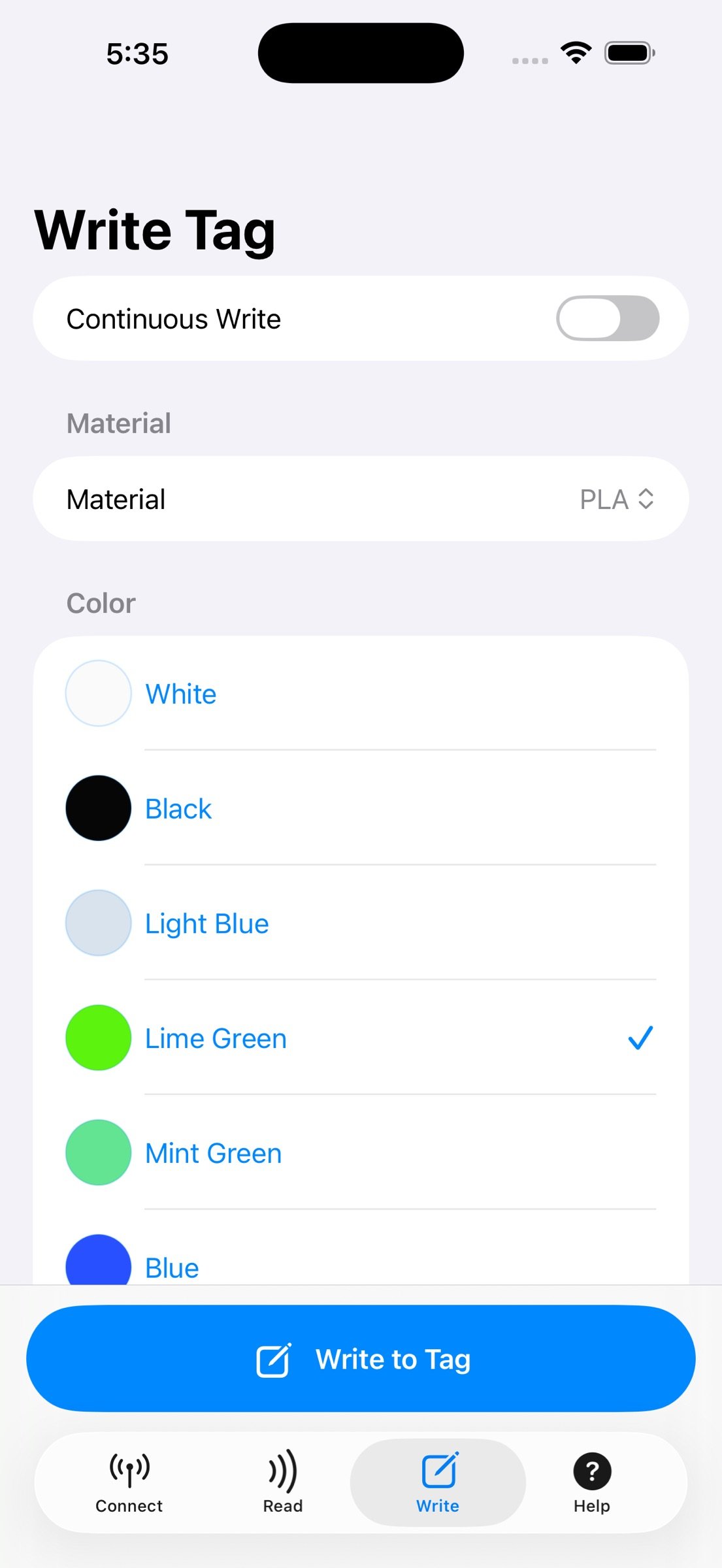
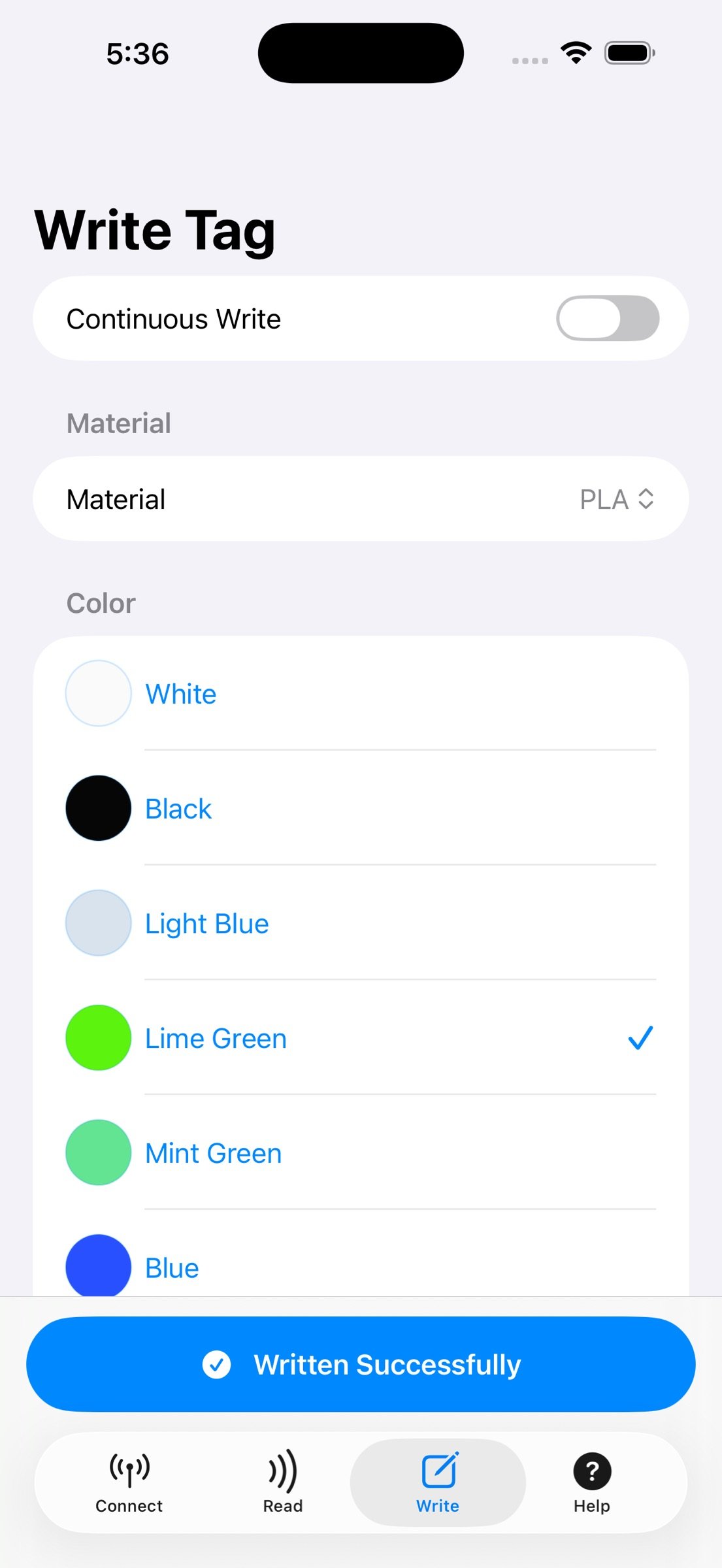
The app will read and write MIFARE NFC tags compatible with the format used by the QIDI Box Filament AMS. The app communicates via Bluetooth to a DIY tag reader/writer easily built from a or Seeed Studio microprocessor connected via I2C (only four wires) to a PN532 NFC reader/writer and provides a convenient way to write the filament color and type information to low cost MIFARE NFC tags that can be applied to your own non-QIDI filament stock for use in the QIDI Box AMS. It uses the encoding provided to the public domain by QIDI. Complete DIY information and parts list (both parts available for less than $15 or so from Amazon) along with 3D Model(s) for the enclosure (3MF that you can modify to suit as desired) are on the App support site.
NOTE: This app requires a DIY build of the reader/writer hardware for full function. This is an easy build but it is a "maker" project. The app here has a demo mode that will allow you to explore the UI while you are waiting for your parts to arrive from Amazon (or wherever you get your electronic parts.) The whole project can be seen on the support site for this app and while it's priced for less than a candy bar just to have some ROI on my part, you must be willing to buy the microprocessor and the PN532 module and connect them with four wires and put them in whatever enclosure you like. Since the context of this is 3D filament tagging, you are probably a 3D printer enthusiast so I've also posted the 3MF model I designed for mine that you are welcome to use. This app just provides a nice "front end" to send the simple Nordic UART Service (NUS) commands serially over bluetooth to the module. You could easily use any other Bluetooth serial connection software to send those commands. Thus the module could be used for other tag formats besides those used by the QIDI box. The protocol is implemented by an Arduino sketch loaded by the Arduino IDE onto the Seeed Studio XIAO ESP32C3 microprocessor. The sketch and the full source is available for your convenience as part of the DIY info. You just need to get the two modules, make four connections and apply power via USB.
License: Commercial
The app will read and write MIFARE NFC tags compatible with the format used by the QIDI Box Filament AMS. The app communicates via Bluetooth to a DIY tag reader/writer easily built from a or Seeed Studio microprocessor connected via I2C (only four wires) to a PN532 NFC reader/writer and provides a convenient way to write the filament color and type information to low cost MIFARE NFC tags that can be applied to your own non-QIDI filament stock for use in the QIDI Box AMS. It uses the encoding provided to the public domain by QIDI. Complete DIY information and parts list (both parts available for less than $15 or so from Amazon) along with 3D Model(s) for the enclosure (3MF that you can modify to suit as desired) are on the App support site.
NOTE: This app requires a DIY build of the reader/writer hardware for full function. This is an easy build but it is a "maker" project. The app here has a demo mode that will allow you to explore the UI while you are waiting for your parts to arrive from Amazon (or wherever you get your electronic parts.) The whole project can be seen on the support site for this app and while it's priced for less than a candy bar just to have some ROI on my part, you must be willing to buy the microprocessor and the PN532 module and connect them with four wires and put them in whatever enclosure you like. Since the context of this is 3D filament tagging, you are probably a 3D printer enthusiast so I've also posted the 3MF model I designed for mine that you are welcome to use. This app just provides a nice "front end" to send the simple Nordic UART Service (NUS) commands serially over bluetooth to the module. You could easily use any other Bluetooth serial connection software to send those commands. Thus the module could be used for other tag formats besides those used by the QIDI box. The protocol is implemented by an Arduino sketch loaded by the Arduino IDE onto the Seeed Studio XIAO ESP32C3 microprocessor. The sketch and the full source is available for your convenience as part of the DIY info. You just need to get the two modules, make four connections and apply power via USB.
License: Commercial
| Release info | New Release on May 04, 2026 |
|---|---|
| Listing data | App Store |
Reviews
No reviews yet. Be the first to review QIDI Box NFC Tagger.
Used QIDI Box NFC Tagger? Tell other visitors what you thought.
Log in to write a reviewOther products by this publisher
- "No Distractions" for YouTube 4.10 ----
- #Bible 11.6 "Incredible App - My sister shared this app with me a few weeks ago and it is truly incredible.
- #filmphotography 1.4.2 So, you decided to shoot on film?
- $quirrel 1.5.1 $quirrel Budget & Finance helps you plan each paycheck, track spending, manage debt, and see what is safe to spend before the next payday.
- % Percentage Calculator Pro 1.41 This is the Pro version of % Percentage Calculator.
Most viewed iOS Productivity
-
1
 WordPress 27.4
Manage or create your WordPress blog or website right from your iOS device: create and edit posts and pages, upload your favorite photos and videos, view stats and reply to comments.
- 2 Voice Translator - Alive 1.6 Translation app that turns your iPhone into an interpreter instantly.
-
3
 Claude by Anthropic 1.261109.19
Meet Claude, your AI problem solver and thinking partner.
- 4 "No Distractions" for YouTube 4.10 ----
- 5 (beat) for iOS 0.5.10 An elegant Fountain screenwriting app, created by a screenwriter for screenwriters.
-
6
 DeepSeek 2.7.5
Experience seamless interaction with DeepSeek's official AI assistant for free!
-
7
 Life360 26.43.0
Whether at home, online, or on the move, our comprehensive family safety features bring peace of mind to your loved ones AND help safeguard your personal belongings.
-
8
 WristMemo 2.0
WristMemo turns your Apple Watch into an all-day voice recorder.
-
9
 Howbout 16.7.0
The shared calendar for friends, couples, and family
-
10
 Plot Digitizer 1.4.1
Plot Digitizer is an app to extract numerical data from plot images.
Most downloaded iOS Productivity
- 1 Voice Translator - Alive 1.6 Translation app that turns your iPhone into an interpreter instantly.
-
2
DeepSeek 2.7.5
Experience seamless interaction with DeepSeek's official AI assistant for free!
-
3
 SessionsAI 1.2.1
Sessions AI is a private AI workspace that runs entirely on your iPhone, iPad, or Mac.
-
4
 Voices AI 1.16.15
Discover Voices, the premier voice transformation app designed exclusively for iOS.
-
5
 Block Distracting Websites 1.11
"It's a great way to save time, and stop browsing Reddit when you should be doing coursework."
-
6
Plot Digitizer 1.4.1
Plot Digitizer is an app to extract numerical data from plot images.
-
7
 Google Docs 1.2026.45104
Create, edit, and collaborate on online documents with the Google Docs app.
-
8
 Pixy Mood Tracker 1.110.0
Track your mood, one pixel at a time.
-
9
 VPN 2.61.0
VPN - Super Unlimited Proxy is a free VPN and proxy app for iPhone, iPad, Mac and Apple Vision Pro.
-
10
 MyHyundai with Bluelink 5.4.5
The MyHyundai app makes getting information about your Hyundai vehicle easier than ever.