12downloads
0this week
FreeFreeware
0reviews
Screenshots
About Putty Buddy
Create 3D models with your fingertips. Putty Buddy brings 3D sculpting and modeling to your device, with digital clay, seven sculpting brushes, and STL and OBJ export through the Files app.
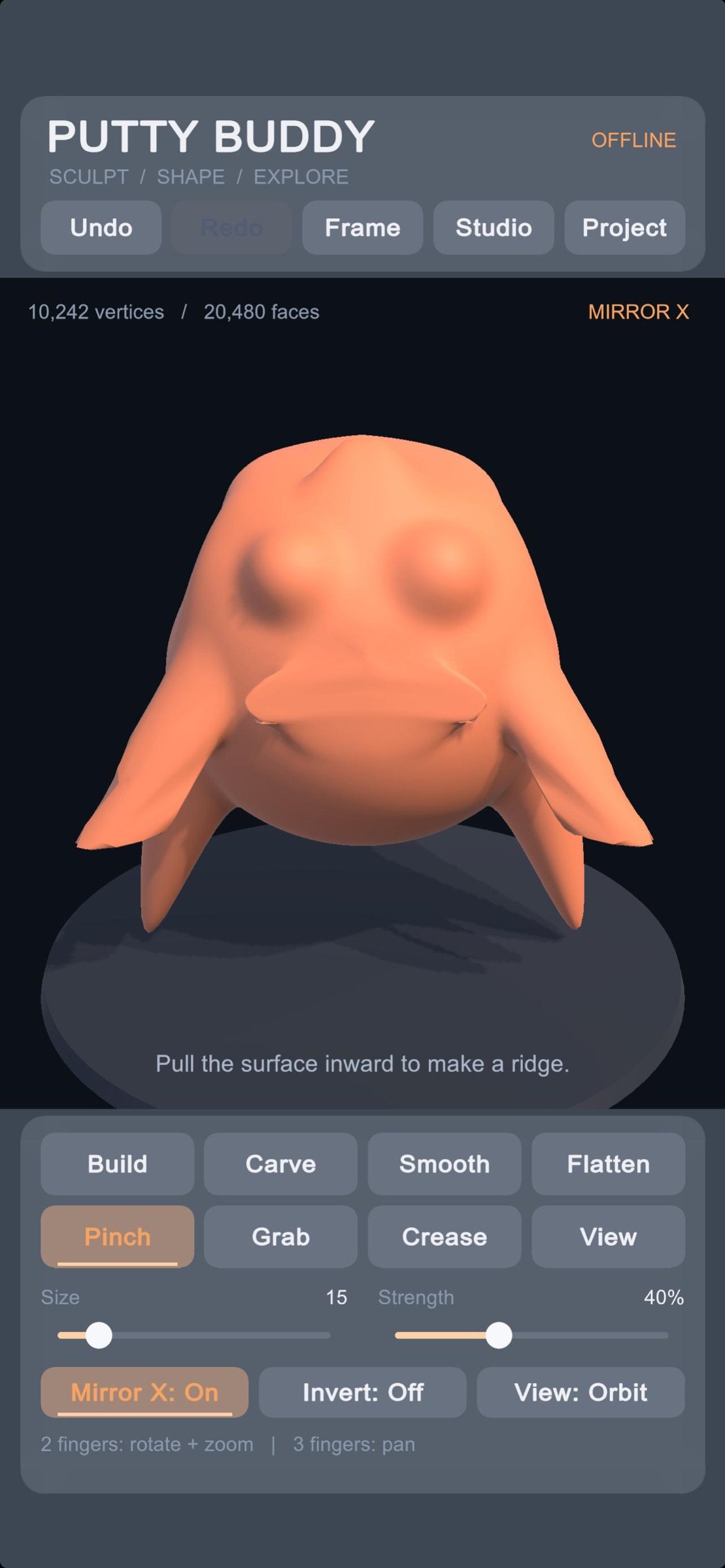
Shape characters, creatures, and abstract sculptures. Pull out ears, carve a face, smooth a surface, or sharpen a ridge. Start with a simple shape and develop it into something of your own.
One purchase includes every sculpting tool, material option, saving feature, and export format. No subscriptions, ads, or account required.
• Seven sculpting brushes
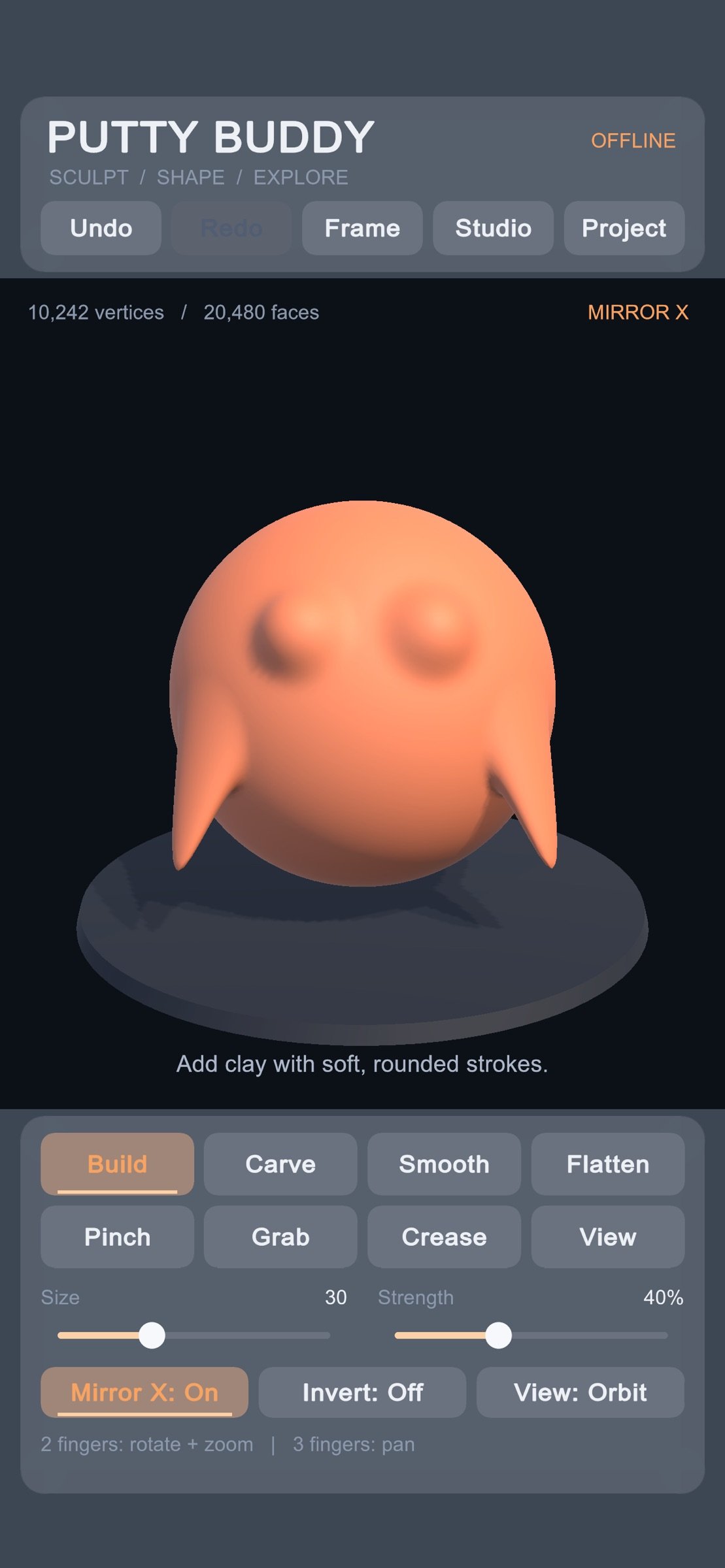
Build adds volume. Carve removes it. Smooth softens bumps, Flatten levels surfaces, Pinch sharpens ridges, Grab pulls shapes outward, and Crease creates defined grooves.
• Adjustable brushes and symmetry
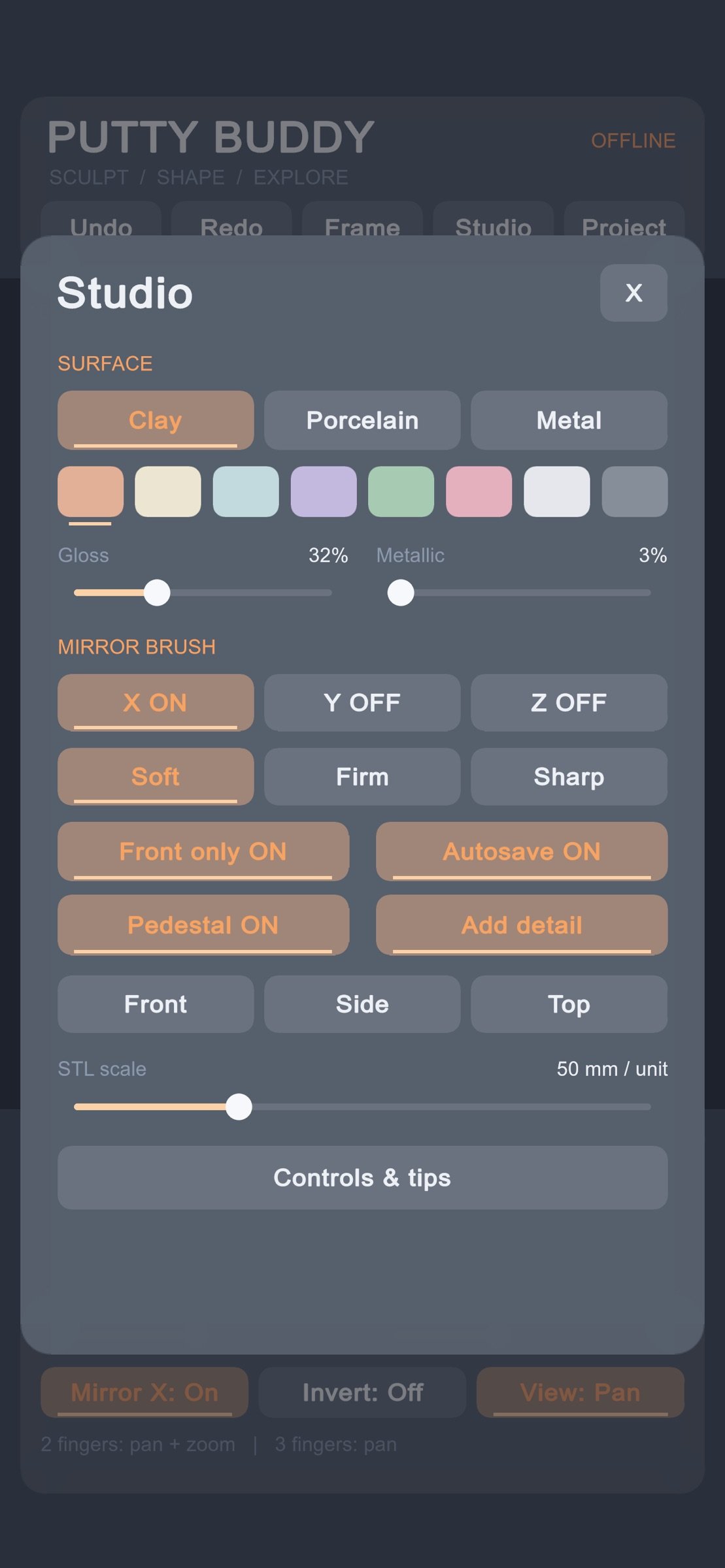
Control brush size, strength, and falloff for broad shaping or finer details. Reverse supported brushes with Invert. Mirror strokes across the X, Y, or Z axes to create symmetrical faces, characters, and forms.
• Starting shapes and mesh detail
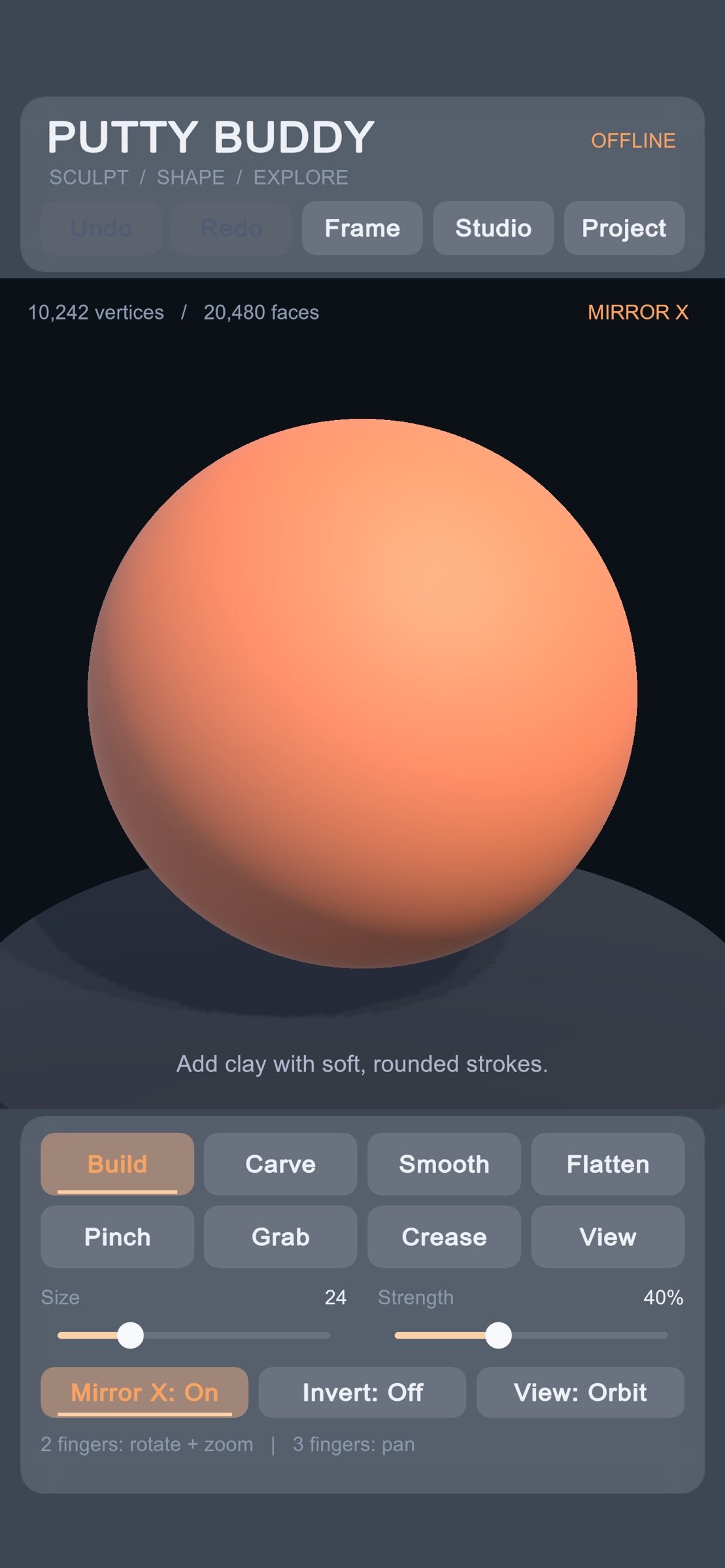
Begin with a sphere, egg, or rounded block. Choose your starting mesh detail and subdivide the surface with Add Detail as your sculpture develops.
• Colors and material finishes
Choose from eight colors and clay, porcelain, or metallic appearances. Adjust gloss and metallic settings to explore different finishes.
• Touch navigation
Rotate, pan, and pinch to zoom. Switch to front, side, or top views, or center your sculpture with a tap.
• Local projects, undo, and autosave
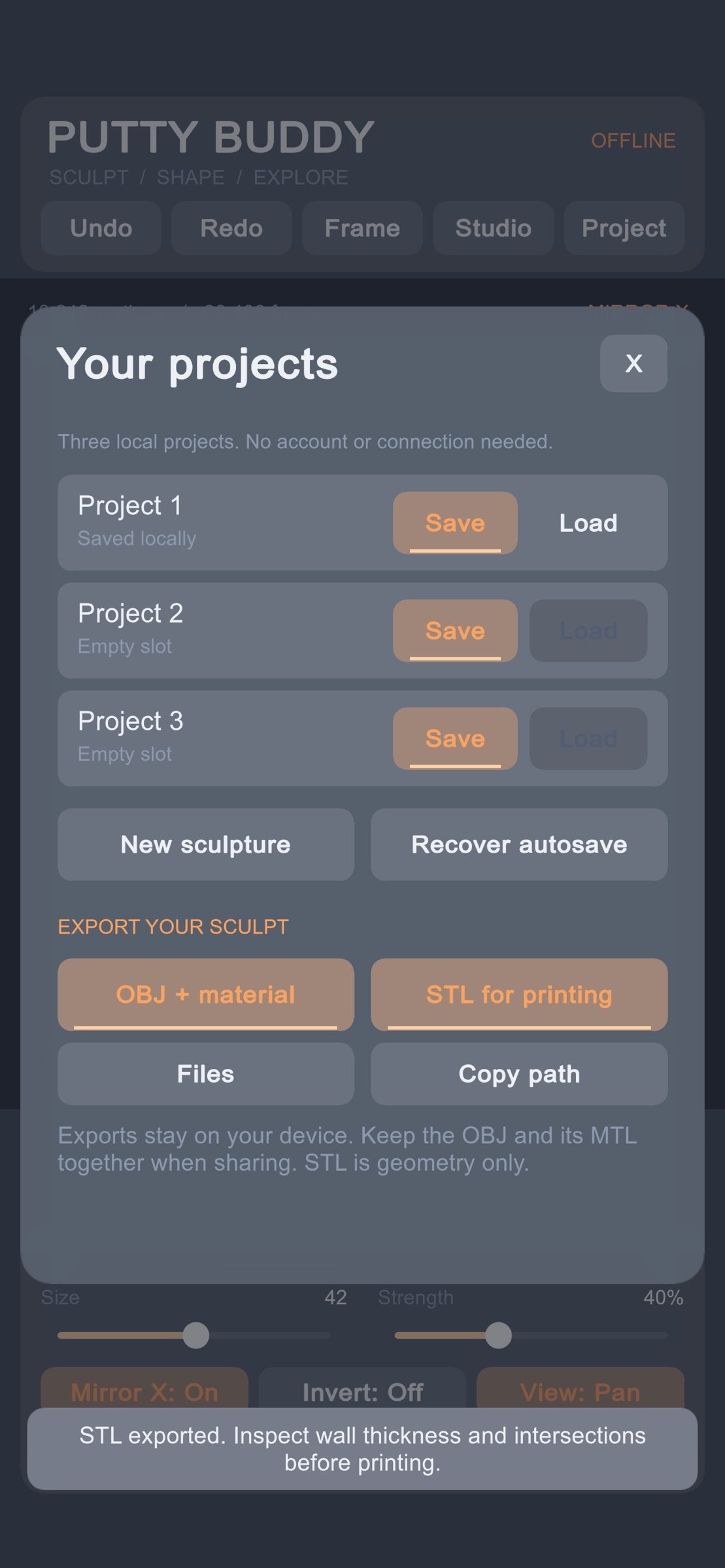
Undo and redo edits as you experiment. Save and reopen three local projects, with autosave and backup recovery. Work offline with projects stored on your device.
• OBJ + MTL export
Take your sculpture into compatible 3D software. OBJ export includes mesh geometry and surface normals. The accompanying MTL file stores the base color and basic material settings. Keep both files together when transferring your model.
• STL export for 3D printing workflows
Export binary STL files with adjustable scale in millimeters. STL contains geometry only, without color or materials. Check your model’s wall thickness and intersections in your preferred preparation or slicing software before printing.
Access exported files through the Files app to copy, share, or transfer them.
Putty Buddy focuses on sculpting one model at a time from its built-in starting shapes. External model import, multi-object editing, and texture painting are not included.
License: Free
Shape characters, creatures, and abstract sculptures. Pull out ears, carve a face, smooth a surface, or sharpen a ridge. Start with a simple shape and develop it into something of your own.
One purchase includes every sculpting tool, material option, saving feature, and export format. No subscriptions, ads, or account required.
• Seven sculpting brushes
Build adds volume. Carve removes it. Smooth softens bumps, Flatten levels surfaces, Pinch sharpens ridges, Grab pulls shapes outward, and Crease creates defined grooves.
• Adjustable brushes and symmetry
Control brush size, strength, and falloff for broad shaping or finer details. Reverse supported brushes with Invert. Mirror strokes across the X, Y, or Z axes to create symmetrical faces, characters, and forms.
• Starting shapes and mesh detail
Begin with a sphere, egg, or rounded block. Choose your starting mesh detail and subdivide the surface with Add Detail as your sculpture develops.
• Colors and material finishes
Choose from eight colors and clay, porcelain, or metallic appearances. Adjust gloss and metallic settings to explore different finishes.
• Touch navigation
Rotate, pan, and pinch to zoom. Switch to front, side, or top views, or center your sculpture with a tap.
• Local projects, undo, and autosave
Undo and redo edits as you experiment. Save and reopen three local projects, with autosave and backup recovery. Work offline with projects stored on your device.
• OBJ + MTL export
Take your sculpture into compatible 3D software. OBJ export includes mesh geometry and surface normals. The accompanying MTL file stores the base color and basic material settings. Keep both files together when transferring your model.
• STL export for 3D printing workflows
Export binary STL files with adjustable scale in millimeters. STL contains geometry only, without color or materials. Check your model’s wall thickness and intersections in your preferred preparation or slicing software before printing.
Access exported files through the Files app to copy, share, or transfer them.
Putty Buddy focuses on sculpting one model at a time from its built-in starting shapes. External model import, multi-object editing, and texture painting are not included.
License: Free
| Release info | New Release on Sep 30, 2026 |
|---|---|
| Listing data | App Store |
Reviews
No reviews yet. Be the first to review Putty Buddy.
Used Putty Buddy? Tell other visitors what you thought.
Log in to write a reviewOther products by this publisher
- "No Distractions" for YouTube 4.10 ----
- #Bible 11.6 "Incredible App - My sister shared this app with me a few weeks ago and it is truly incredible.
- #filmphotography 1.4.2 So, you decided to shoot on film?
- $quirrel 1.5.1 $quirrel Budget & Finance helps you plan each paycheck, track spending, manage debt, and see what is safe to spend before the next payday.
- % Percentage Calculator Pro 1.41 This is the Pro version of % Percentage Calculator.
Most viewed iOS Photo & Video
-
1
 ShortDiShow 2.0
Drama Quest Island — An offline interactive short-drama adventure.
-
2
 Infuse 8.5.10
Infuse: Enterprise provides the same great features as the standard version of Infuse and includes permanent access to all Pro features via a traditional paid app.
-
3
 AI Video Generator 2.0.3
Vixel – AI Video Generator
-
4
 OPlayer 4.8
Play all your videos directly without having to convert them!
-
5
 Necrometer II 1.2
Necrometer II is a paranormal investigation companion designed for ghost hunters and researchers.
-
6
 CapCut 20.1.0
CapCut offers easy-to-use video editing functions, in-APP fonts and effects, advanced features such as keyframe animation, smooth slow-motion, chroma key, and stabilization, to help you capture and snip moments.
-
7
 Ai Photo 1.1.2
AI Photo Retouch – BG Eraser
- 8 #filmphotography 1.4.2 So, you decided to shoot on film?
-
9
 Treblo 1.6.5
Make songs with the world's best AI music model.
-
10
 Pop Dot Comics 1.48
Create a comic worthy of the Sunday newspaper or your favorite pulp-fiction cover.
Most downloaded iOS Photo & Video
-
1
Infuse 8.5.10
Infuse: Enterprise provides the same great features as the standard version of Infuse and includes permanent access to all Pro features via a traditional paid app.
-
2
 DJI Fly 1.21.18
DJI Fly is designed to help pilots fly drones with ease.
-
3
 Analog Radio 3.0
The iPhone and iPad devices don't have the FM/AM radio antenna installed.
-
4
 TurboCollage Automatic 1.2.4
#1 Easy automatic photo collage maker for iPhone & iPad.
-
5
 Rozeta Sequencer Suite 1.3.16
Rozeta is a suite of MIDI sequencers and controllers that lets you explore a new, freeform approach to sequencing and controlling mobile music apps.
-
6
 ReelyGo 1.1.42
ReelyGo: Your Daily Drama Escape
-
7
Treblo 1.6.5
Make songs with the world's best AI music model.
-
8
Pop Dot Comics 1.48
Create a comic worthy of the Sunday newspaper or your favorite pulp-fiction cover.
-
9
 AGAIN. Rehearsal Notes 2.0.1
AGAIN. is the rehearsal app that remembers why the band stopped — and, new in Version 2, who said what in a writing session or a table read.
-
10
 Sun Scout 1.5.0
If your work or play requires sunlight, Sun Scout is built for you.