
16downloads
1this week
FreeCommercial
0reviews
Screenshots
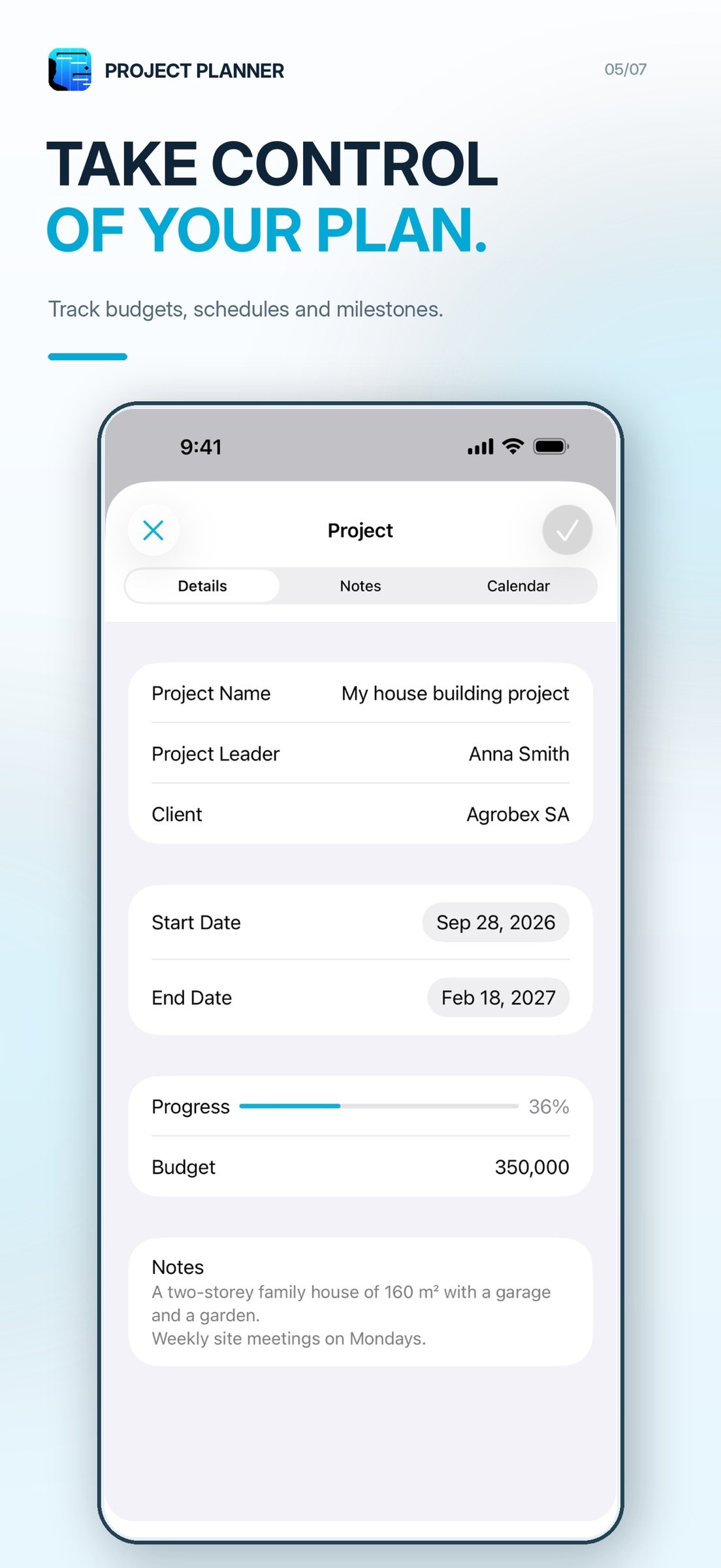
About Project Planner
PLAN YOUR PROJECTS. ORGANIZE YOUR TASKS. TRACK YOUR PROGRESS.
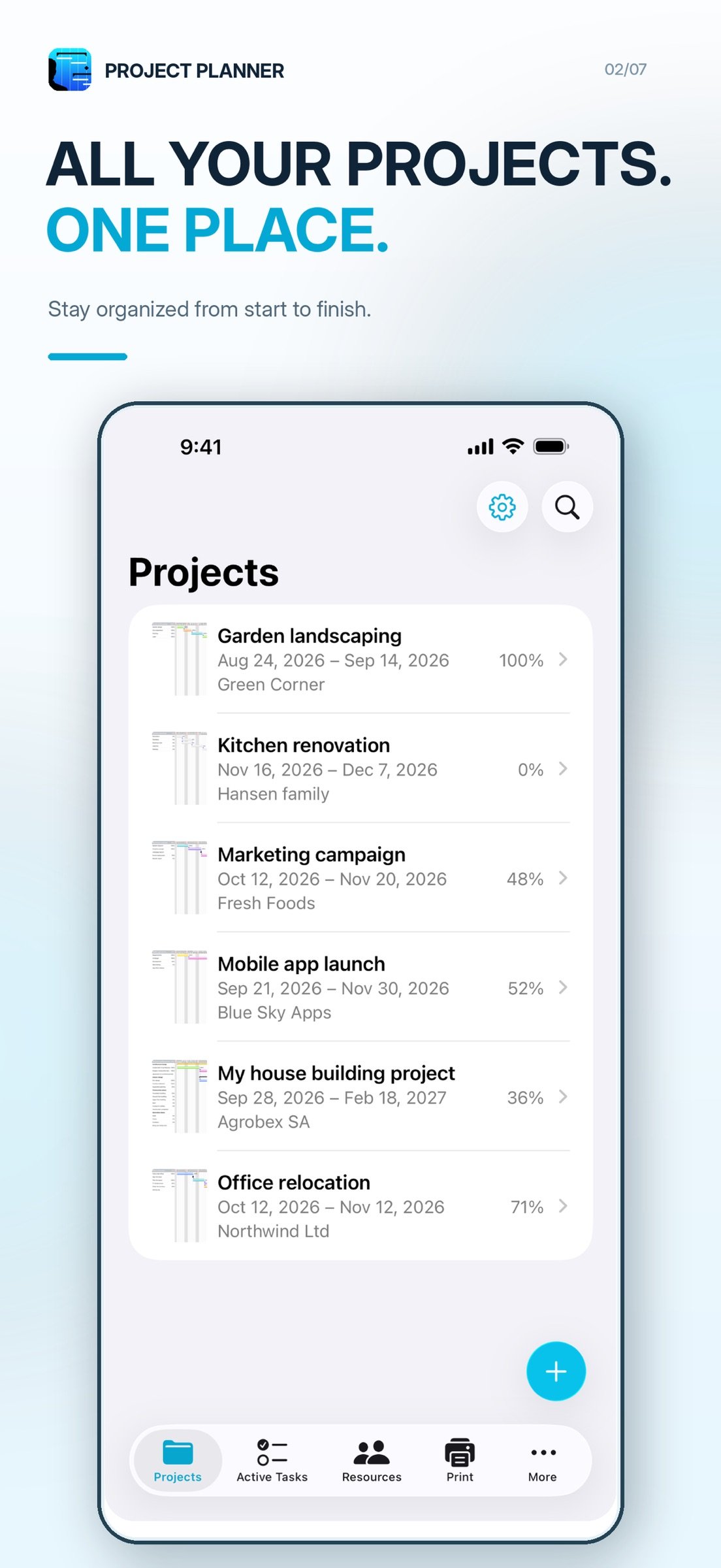
Project Planner is a powerful yet easy-to-use project management app that helps you plan, organize, and track multiple projects in one place.
Whether you're managing a simple personal project or coordinating a complex schedule, Project Planner gives you the tools to stay organized and keep everything on track.
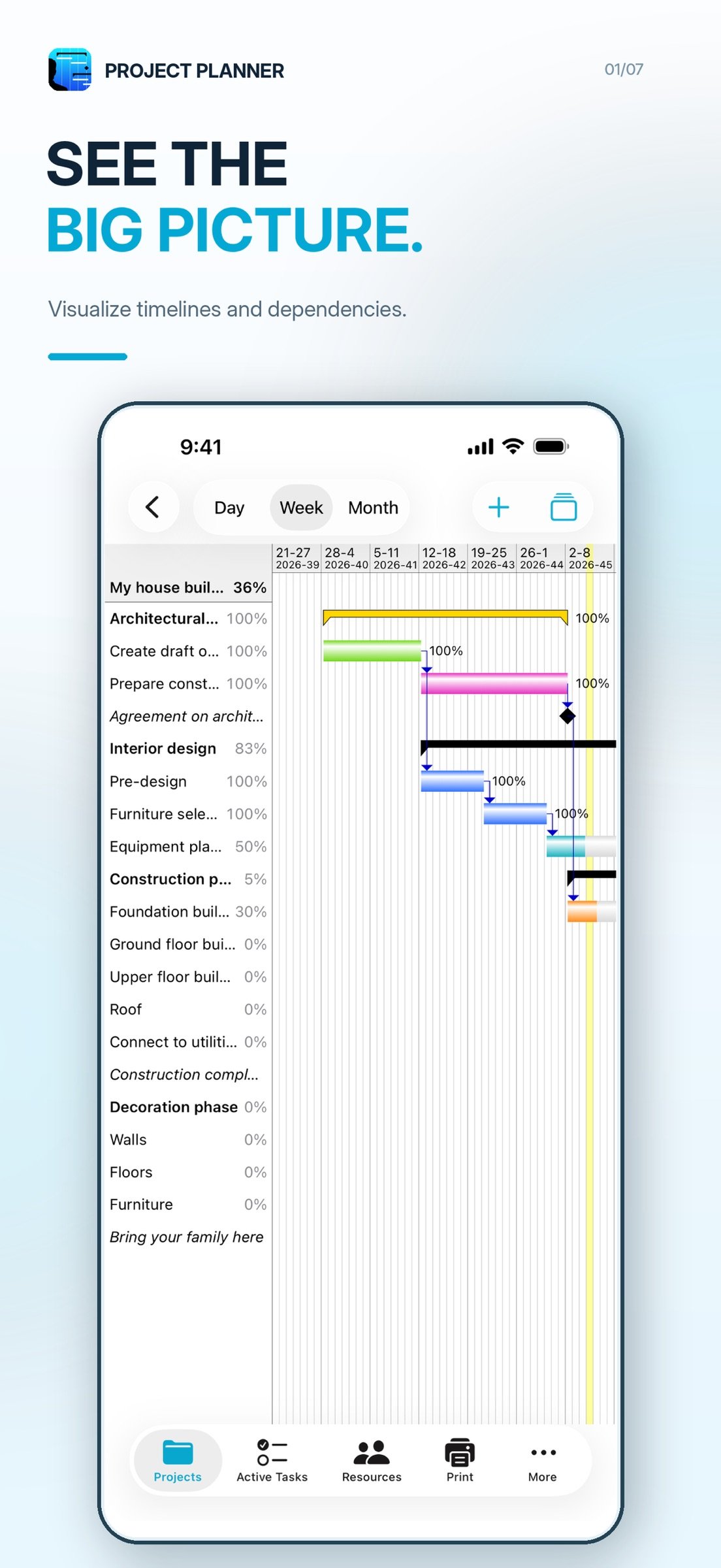
Break projects into manageable phases, organize tasks, set milestones, and create dependencies between activities. Visualize your schedules using interactive Gantt charts and easily monitor progress as your projects move forward.
KEY FEATURES
PROJECT & TASK MANAGEMENT
• Create and manage multiple projects
• Organize tasks into phases and milestones
• Define dependencies between tasks
• Assign resources and costs to individual tasks
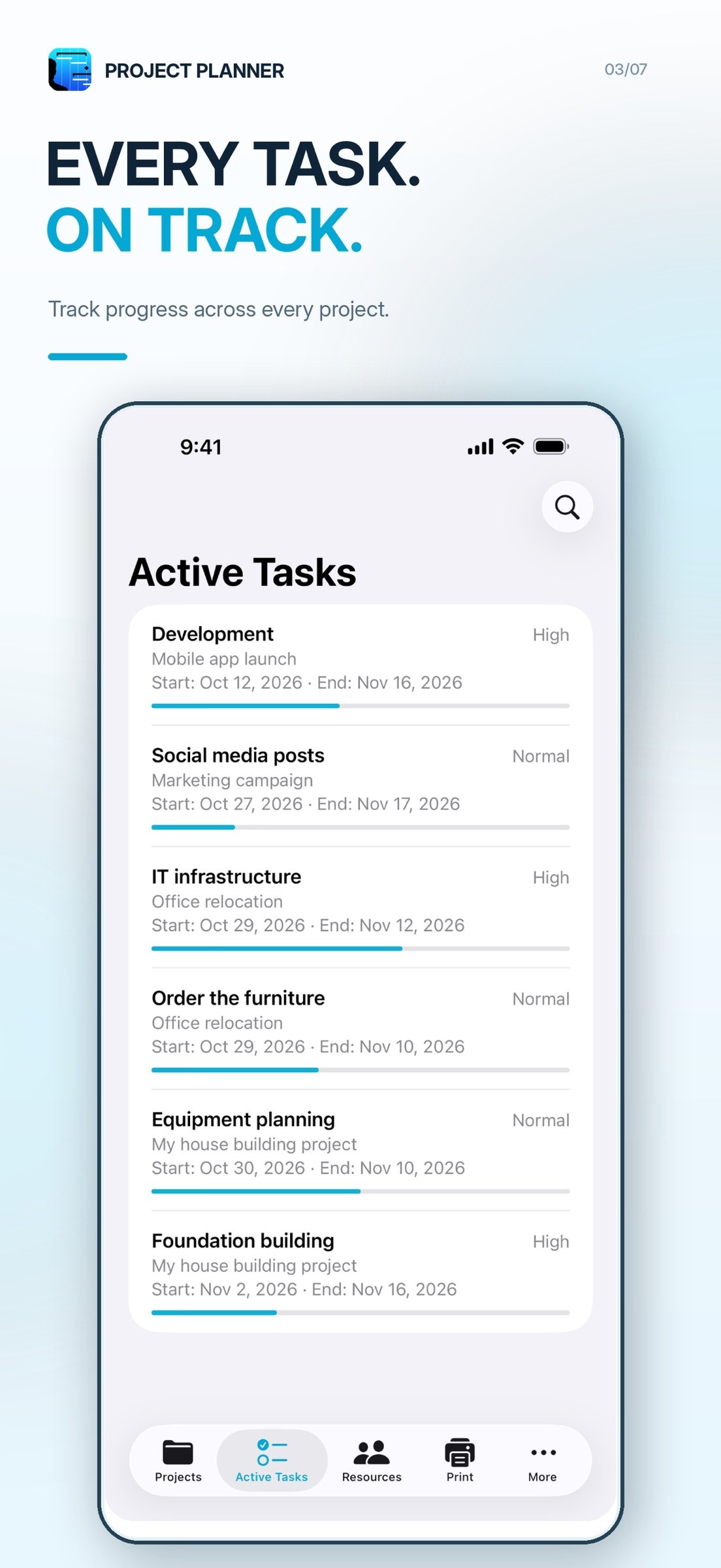
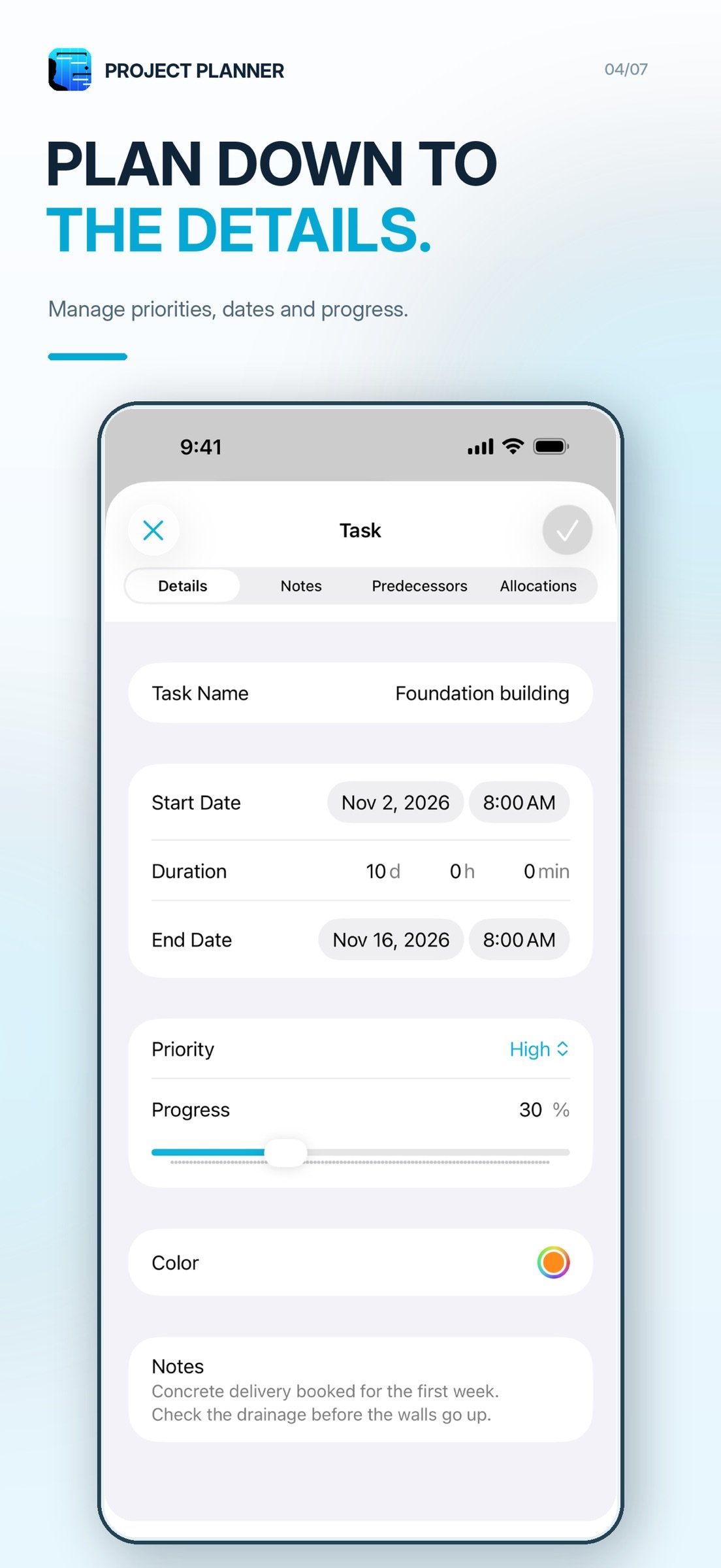
• Update task progress and track project completion
INTERACTIVE GANTT CHARTS
• Visualize project schedules with clear, interactive Gantt charts
• View tasks as a traditional list or on a timeline
• Display multiple projects on a single Gantt chart
• Edit tasks directly from the Gantt chart
• Switch between daily, weekly, and monthly time scales
• Work in both portrait and landscape orientations
IMPORT & EXPORT
• Import and export projects in Project Planner's native .ppf format, compatible with Project Planner for macOS
• Exchange projects with GanttProject using the .gan format
• Generate project reports in PDF format
• Export Gantt charts as PNG images
• Share files via email and Dropbox
• Transfer project files using iTunes/Finder File Sharing
REPORTS & PRINTING
• Create PDF reports for easy sharing and reference
• Export project timelines as images
• Print reports and Gantt charts directly from your device using AirPrint
PROJECT FILE COMPATIBILITY
Project Planner supports its native .ppf format for exchanging projects between supported versions of the app.
GanttProject compatibility is available through the .gan format. Please note that imported dependencies are converted to hard, finish-to-start dependencies.
GET STARTED
From simple task lists to complex project schedules, Project Planner helps you turn your plans into a clear, visual timeline.
A detailed user manual is available on the product website.
License: Commercial
| Release info | Update on Nov 07, 2026 |
|---|---|
| Release notes | MEET THE NEW PROJECT PLANNER! Project Planner has been completely rebuilt from the ground up, bringing a fresh, modern design and a smoother, more refined experience to your project planning. WHAT'S NEW? • Completely redesigned interface with a clean, modern look • Rebuilt from the ground up using modern Apple technologies • Improved usability and a more intuitive workflow • Optimized for the latest versions of iOS and iPadOS • Enhanced performance, stability, and reliability ALL THE FEATURES YOU KNOW AND LOVE Your familiar project management tools are still here — including interactive Gantt charts, task dependencies, milestones, resource management, and project import/export. Same powerful planning tools. A brand-new experience. Thank you for using Project Planner! |
| Listing data | App Store |
Reviews
No reviews yet. Be the first to review Project Planner.
Used Project Planner? Tell other visitors what you thought.
Log in to write a reviewOther products by this publisher
- "No Distractions" for YouTube 4.10 ----
- #Bible 11.6.1 "Incredible App - My sister shared this app with me a few weeks ago and it is truly incredible.
- #filmphotography 1.4.2 So, you decided to shoot on film?
- #LookBusy Fake Calendar Events 1.0.6 Look Busy scans your work calendar for open time slots and fills them with realistic-looking (but secretly fake) work events.
- #Small Talk Is Canceled 1.0.2 #Small Talk Is Canceled — Conversations That Matter
Most viewed iOS Productivity
-
1
 WordPress 27.4
Manage or create your WordPress blog or website right from your iOS device: create and edit posts and pages, upload your favorite photos and videos, view stats and reply to comments.
- 2 Voice Translator - Alive 1.6 Translation app that turns your iPhone into an interpreter instantly.
-
3
 Life360 26.45.0
Whether at home, online, or on the move, our comprehensive family safety features bring peace of mind to your loved ones AND help safeguard your personal belongings.
-
4
 Claude by Anthropic 1.261119.19
Meet Claude, your AI problem solver and thinking partner.
-
5
 WristMemo 2.0
WristMemo turns your Apple Watch into an all-day voice recorder.
- 6 "No Distractions" for YouTube 4.10 ----
-
7
 Colicine 1.3.0
Have you ever been there—
- 8 (beat) for iOS 0.5.10 An elegant Fountain screenwriting app, created by a screenwriter for screenwriters.
-
9
 DeepSeek 2.9.0
Experience seamless interaction with DeepSeek's official AI assistant for free!
-
10
 Howbout 16.8.0
The shared calendar for friends, couples, and family
Most downloaded iOS Productivity
- 1 Voice Translator - Alive 1.6 Translation app that turns your iPhone into an interpreter instantly.
-
2
 SessionsAI 1.2.1
Sessions AI is a private AI workspace that runs entirely on your iPhone, iPad, or Mac.
-
3
DeepSeek 2.9.0
Experience seamless interaction with DeepSeek's official AI assistant for free!
-
4
 Voices AI 1.16.17
Discover Voices, the premier voice transformation app designed exclusively for iOS.
-
5
 Block Distracting Websites 1.11
"It's a great way to save time, and stop browsing Reddit when you should be doing coursework."
-
6
 Plot Digitizer 1.4.1
Plot Digitizer is an app to extract numerical data from plot images.
-
7
 Google Docs 1.2026.47103
Create, edit, and collaborate on online documents with the Google Docs app.
-
8
 MyHyundai with Bluelink 5.4.6
The MyHyundai app makes getting information about your Hyundai vehicle easier than ever.
-
9
 Pixy Mood Tracker 1.110.0
Track your mood, one pixel at a time.
-
10
 Minder 1.4
Minder turns your phone into a pair of eyes that watch you work.