Pommie 8.7
Increase your focus and boost your productivity by managing your time into strict work and break periods.
Download
16.37 MB
11downloads
0this week
FreeCommercial
0reviews
Screenshots
About Pommie
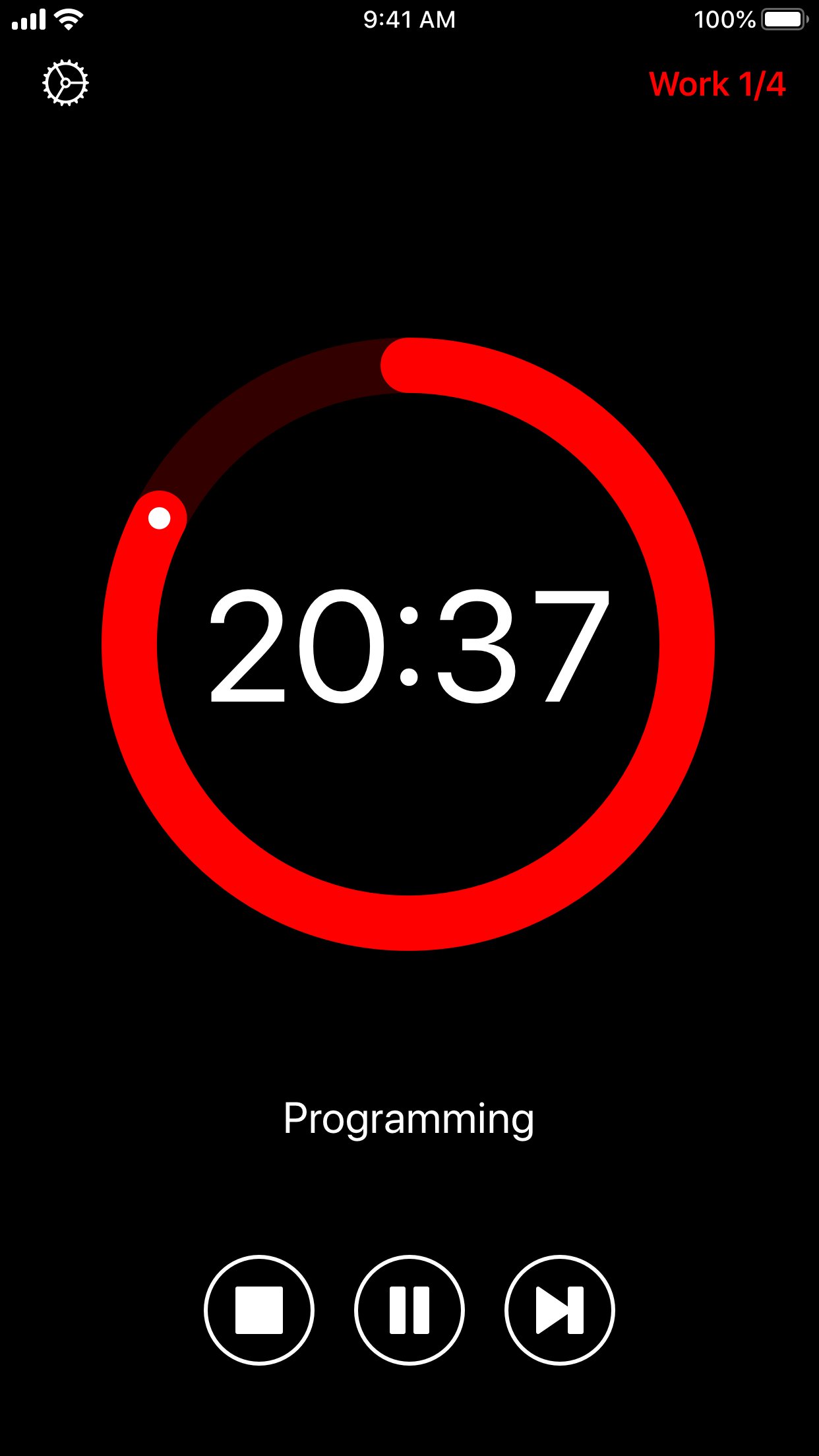
Increase your focus and boost your productivity by managing your time into strict work and break periods. Focus on a task for 25 minutes then take a 5 minute break. Repeat this three more times, taking a longer 15 minute break before starting the cycle again.
Features:
• Simple, distraction-free and intuitive interface.
• Audio and visual alerts when the next period starts. Over 35 sounds available.
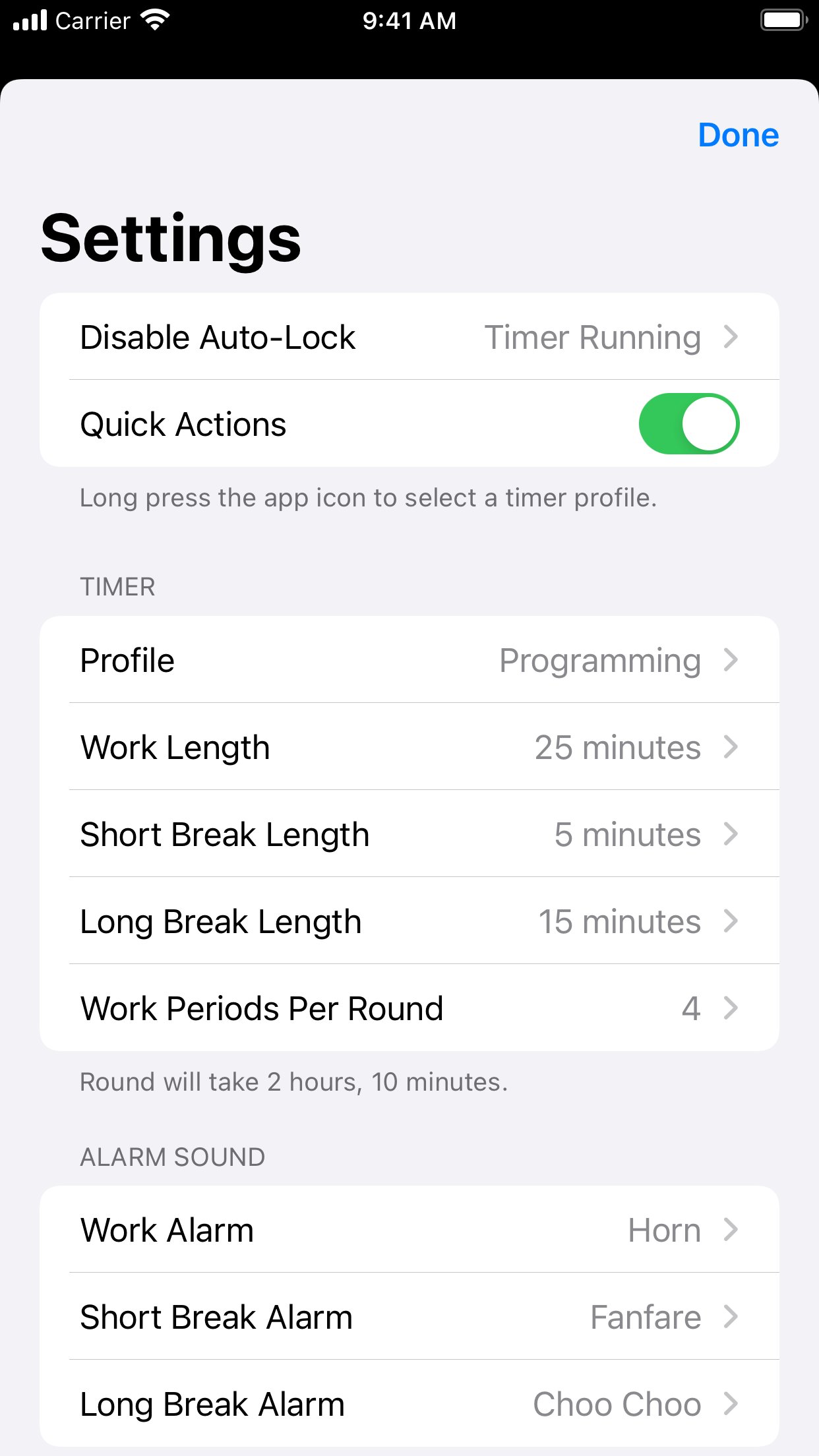
• Configurable work and break durations.
• Open, pause or stop the timer directly from notifications.
• Interactive iOS notifications to view and control the timer.
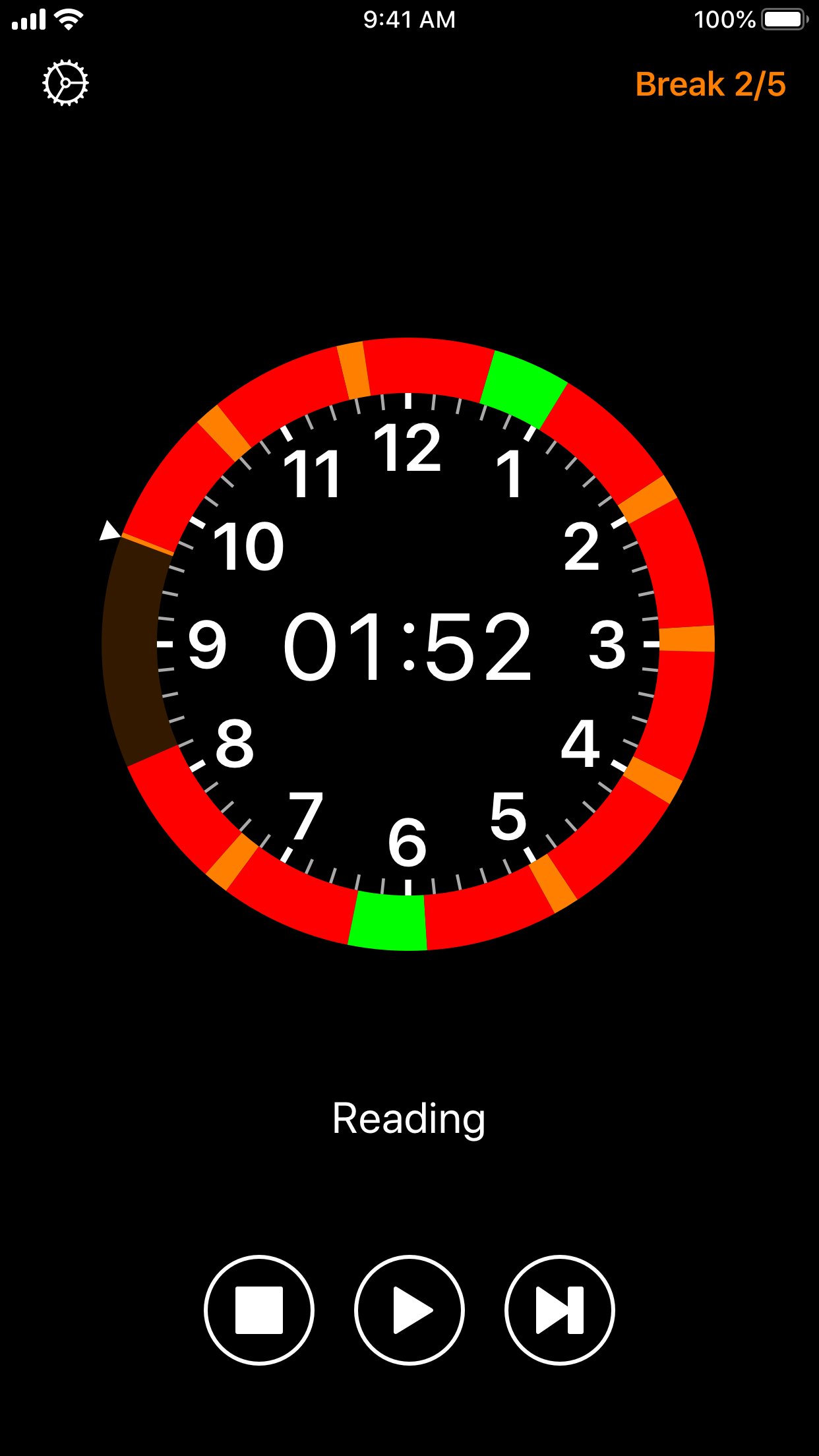
• Planner View shows when Work and Break periods will occur for the next 10 hours.
• Use Timer Profiles to configure timer settings for different kinds of task.
• Timer Profiles appear in iOS search results. Tap a result to automatically launch the app and change the timer settings.
• Siri shortcuts for controlling the timer, getting its status and selecting a Timer Profile.
• Shortcuts run in the background without opening the app. A custom, animated, response view shows the current timer status.
• Customise which timer status information is included in the response displayed/spoken by Siri.
• Use Pommie shortcuts in Apple's Shortcuts app to control Pommie. Background execution is supported.
• Manage shortcuts in Pommie's settings screen, the Shortcuts app, or in the Siri & Search section of Apple's Settings app.
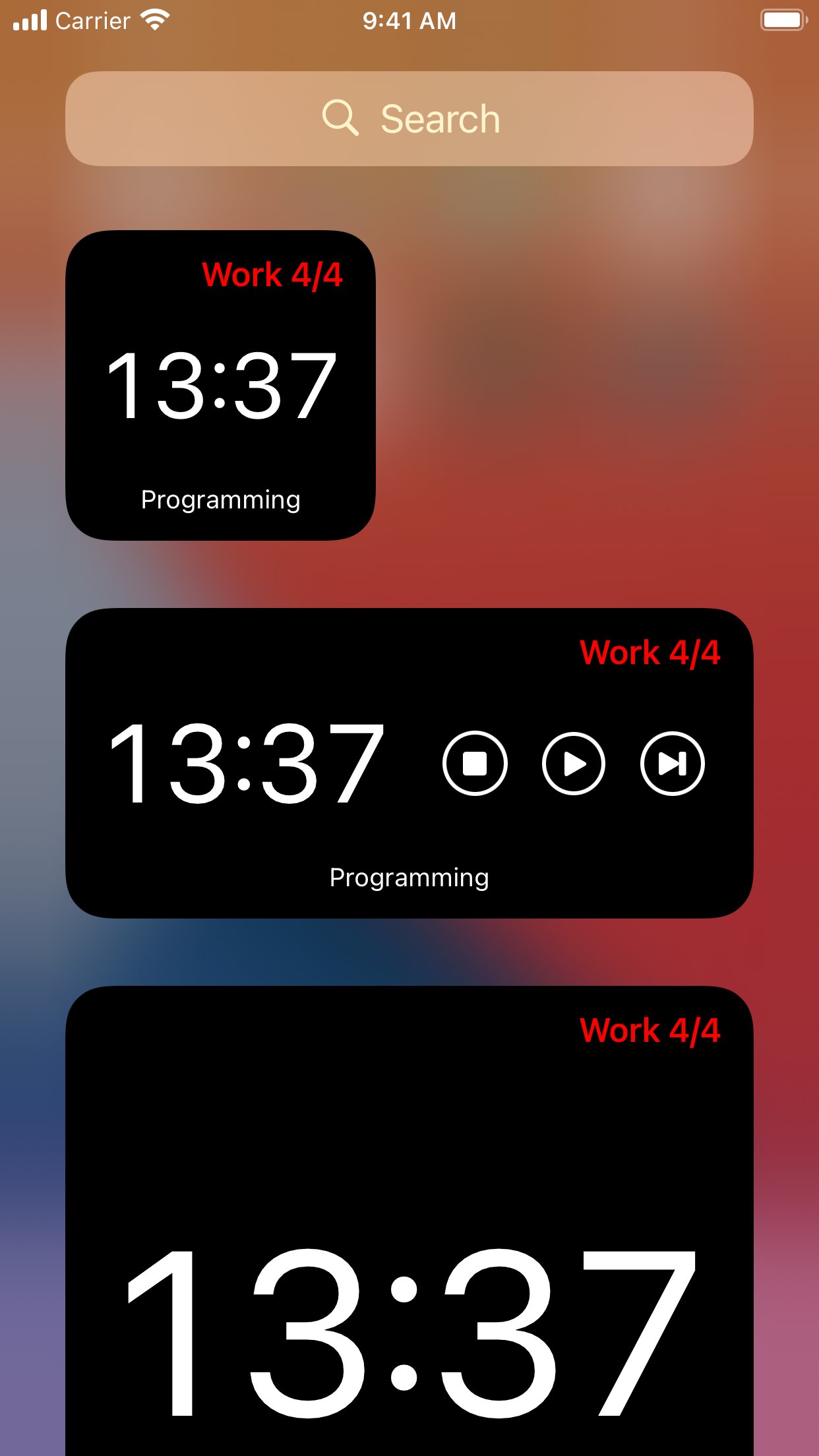
• Home Screen Widgets to quickly view and control the timer.
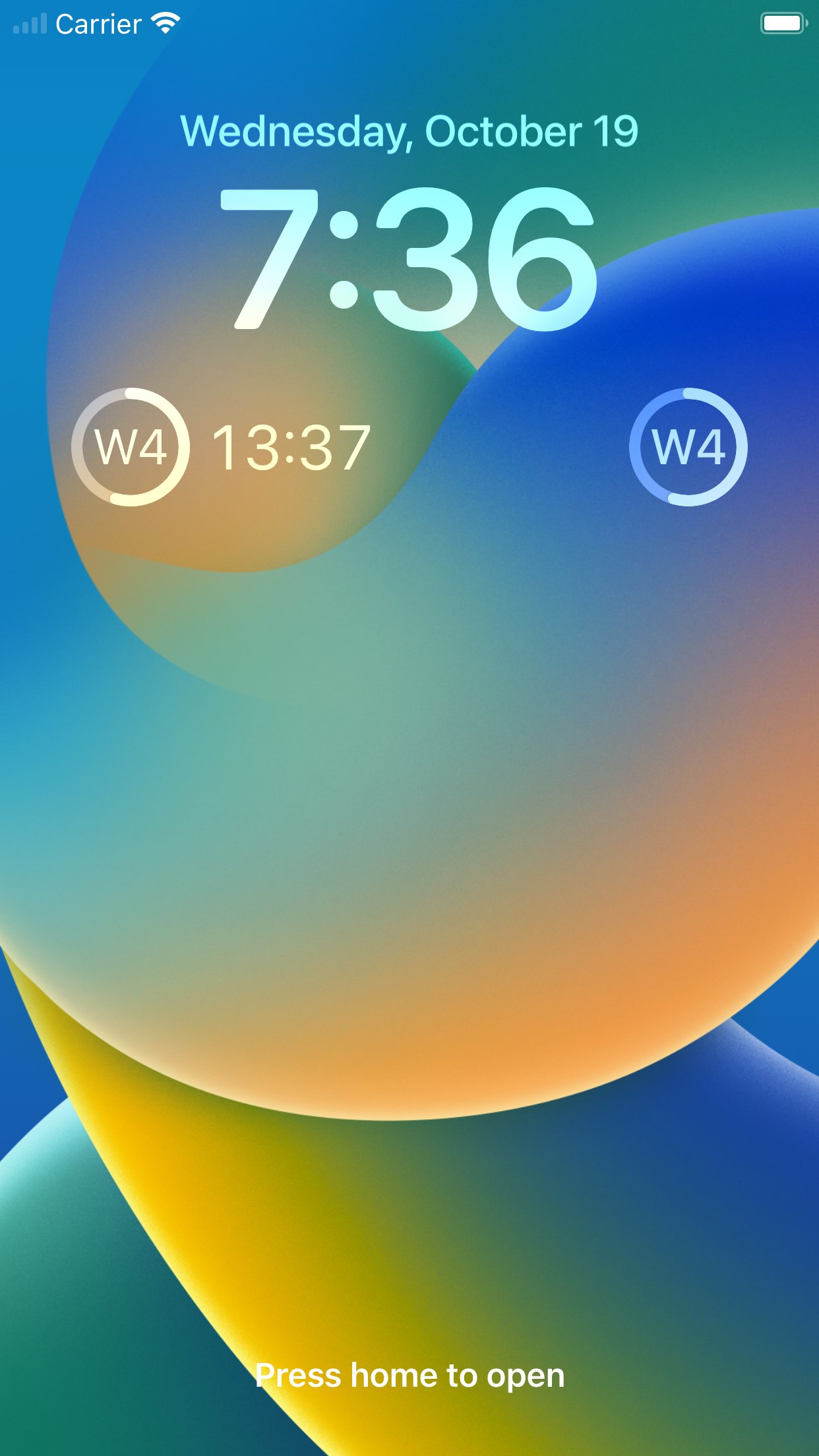
• Lock Screen Widgets to quickly view the timer.
• External display support showing a custom screen-filling view of the timer.
• iPad multitasking.
• iPad external keyboard shortcuts to control the timer.
• Dynamic Text and VoiceOver for the visually impaired.
• Handoff the timer to or from Pommie running on another iOS or Mac device.
• Independent Apple Watch app, including complications, with its own timer.
For more information see [link removed]
The Pomodoro Technique® is a registered trademark by Francesco Cirillo. Pommie is not affiliated with, associated with, or endorsed by the Pomodoro Technique® or Francesco Cirillo.
License: Commercial
| Release info | New Release on Dec 17, 2022 |
|---|---|
| Release notes | This app has been updated by Apple to prepare for watchOS 27 compatibility. No new features are included. • Old notifications are removed when the app is opened. • The app now requires at least iOS/iPadOS 13 and watchOS 6.0. If you find Pommie useful, please rate or review it in the App Store, or recommend it to family, friends and colleagues. This makes a huge difference to me and the future of the app. Thanks in advance, Geoff. |
| Listing data | App Store |
Reviews
No reviews yet. Be the first to review Pommie.
Used Pommie? Tell other visitors what you thought.
Log in to write a reviewOther products by this publisher
- "No Distractions" for YouTube 4.10 ----
- #Bible 11.6.1 "Incredible App - My sister shared this app with me a few weeks ago and it is truly incredible.
- #filmphotography 1.4.2 So, you decided to shoot on film?
- #LookBusy Fake Calendar Events 1.0.6 Look Busy scans your work calendar for open time slots and fills them with realistic-looking (but secretly fake) work events.
- #Small Talk Is Canceled 1.0.2 #Small Talk Is Canceled — Conversations That Matter
Most viewed iOS Productivity
-
1
 WordPress 27.5
Manage or create your WordPress blog or website right from your iOS device: create and edit posts and pages, upload your favorite photos and videos, view stats and reply to comments.
- 2 Voice Translator - Alive 1.6 Translation app that turns your iPhone into an interpreter instantly.
-
3
 Life360 26.45.0
Whether at home, online, or on the move, our comprehensive family safety features bring peace of mind to your loved ones AND help safeguard your personal belongings.
-
4
 Claude by Anthropic 1.261123.51
Meet Claude, your AI problem solver and thinking partner.
-
5
 WristMemo 2.0
WristMemo turns your Apple Watch into an all-day voice recorder.
- 6 "No Distractions" for YouTube 4.10 ----
-
7
 Colicine 1.3.0
Have you ever been there—
- 8 (beat) for iOS 0.5.10 An elegant Fountain screenwriting app, created by a screenwriter for screenwriters.
-
9
 DeepSeek 2.10.0
Experience seamless interaction with DeepSeek's official AI assistant for free!
-
10
 Howbout 16.8.0
The shared calendar for friends, couples, and family
Most downloaded iOS Productivity
- 1 Voice Translator - Alive 1.6 Translation app that turns your iPhone into an interpreter instantly.
-
2
 SessionsAI 1.2.1
Sessions AI is a private AI workspace that runs entirely on your iPhone, iPad, or Mac.
-
3
DeepSeek 2.10.0
Experience seamless interaction with DeepSeek's official AI assistant for free!
-
4
 Voices AI 1.16.18
Discover Voices, the premier voice transformation app designed exclusively for iOS.
-
5
 Block Distracting Websites 1.11
"It's a great way to save time, and stop browsing Reddit when you should be doing coursework."
-
6
 Google Docs 1.2026.47103
Create, edit, and collaborate on online documents with the Google Docs app.
-
7
 Plot Digitizer 1.4.1
Plot Digitizer is an app to extract numerical data from plot images.
-
8
 MyHyundai with Bluelink 5.4.6
The MyHyundai app makes getting information about your Hyundai vehicle easier than ever.
-
9
 Pixy Mood Tracker 1.110.0
Track your mood, one pixel at a time.
-
10
 Minder 1.4
Minder turns your phone into a pair of eyes that watch you work.