
14downloads
2this week
FreeCommercial
0reviews
Screenshots
About Point Cloud Viz
Turn real spaces into usable 3D context—fast.
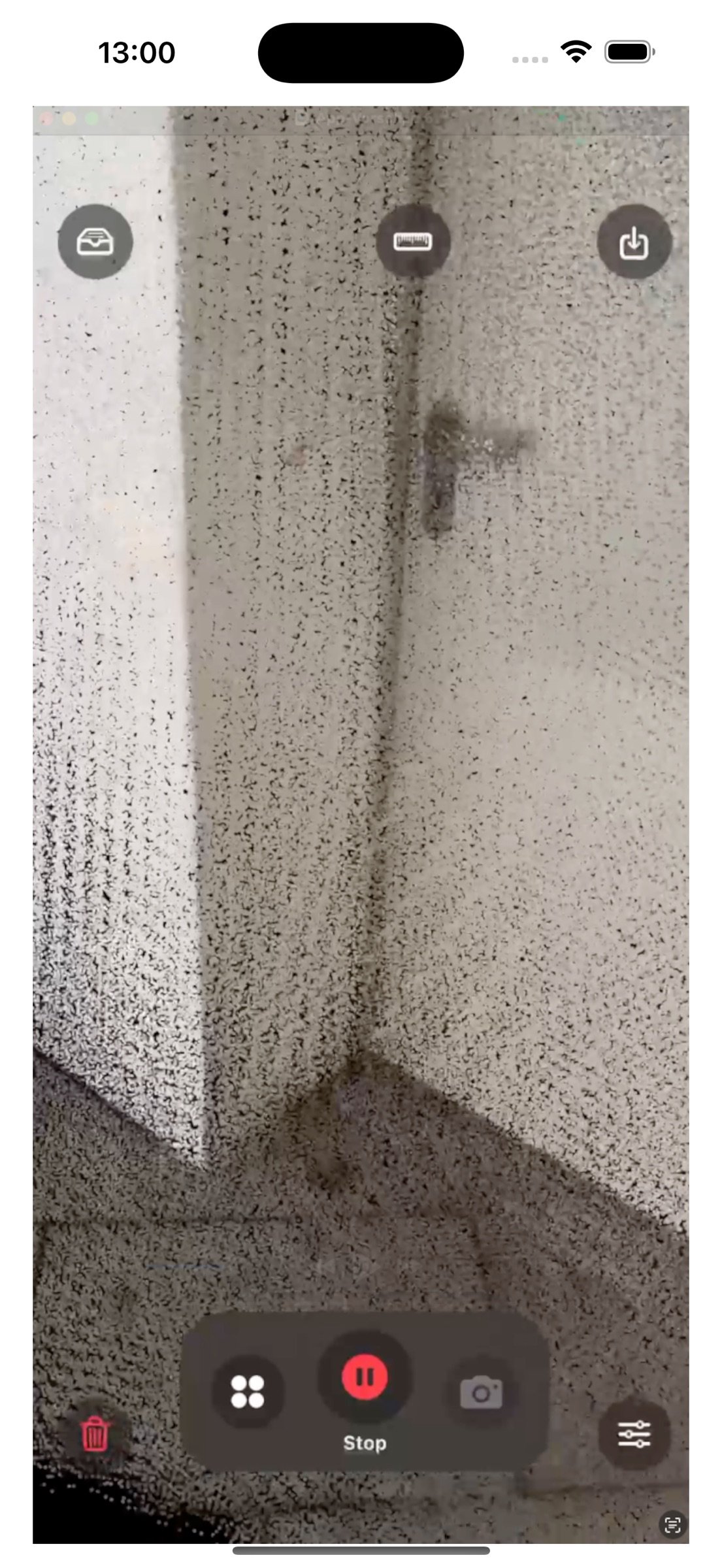
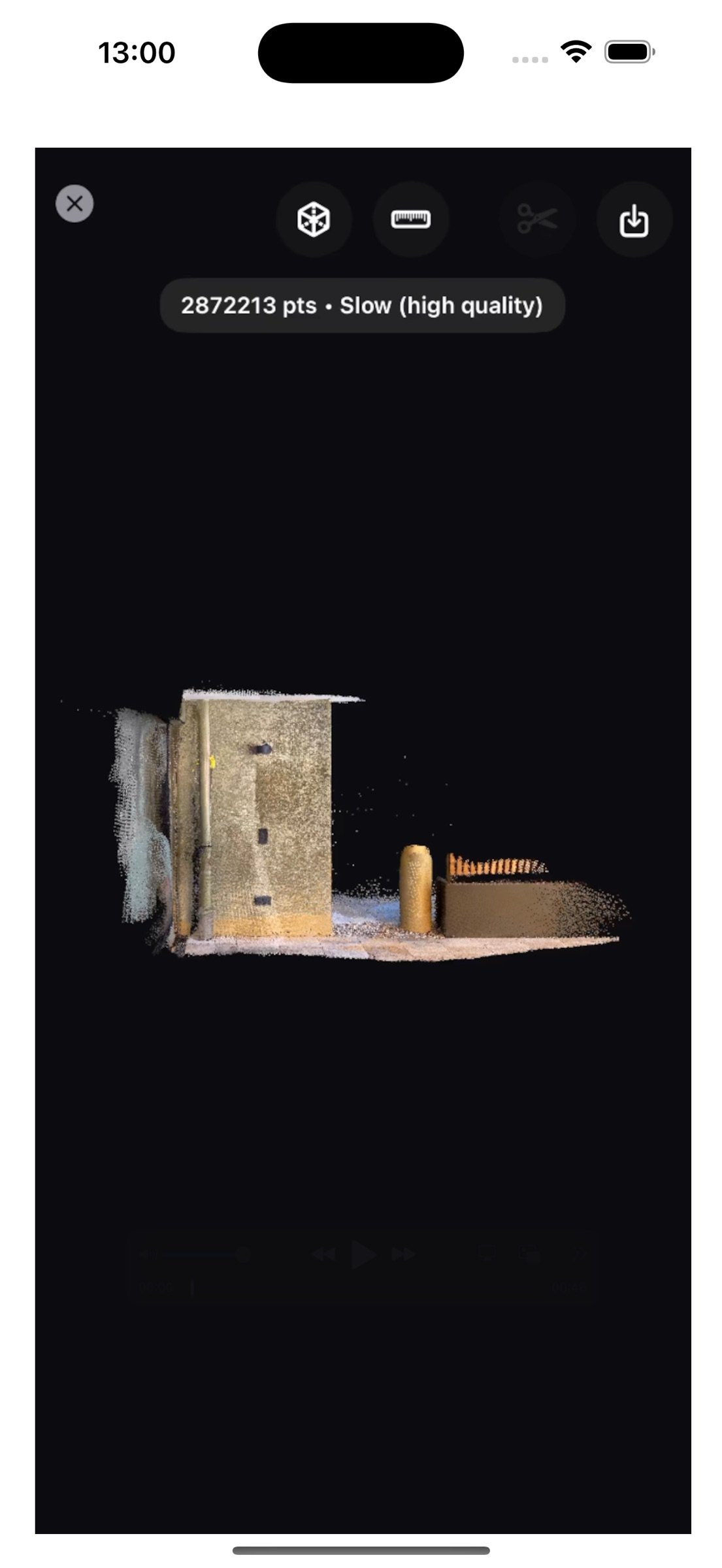
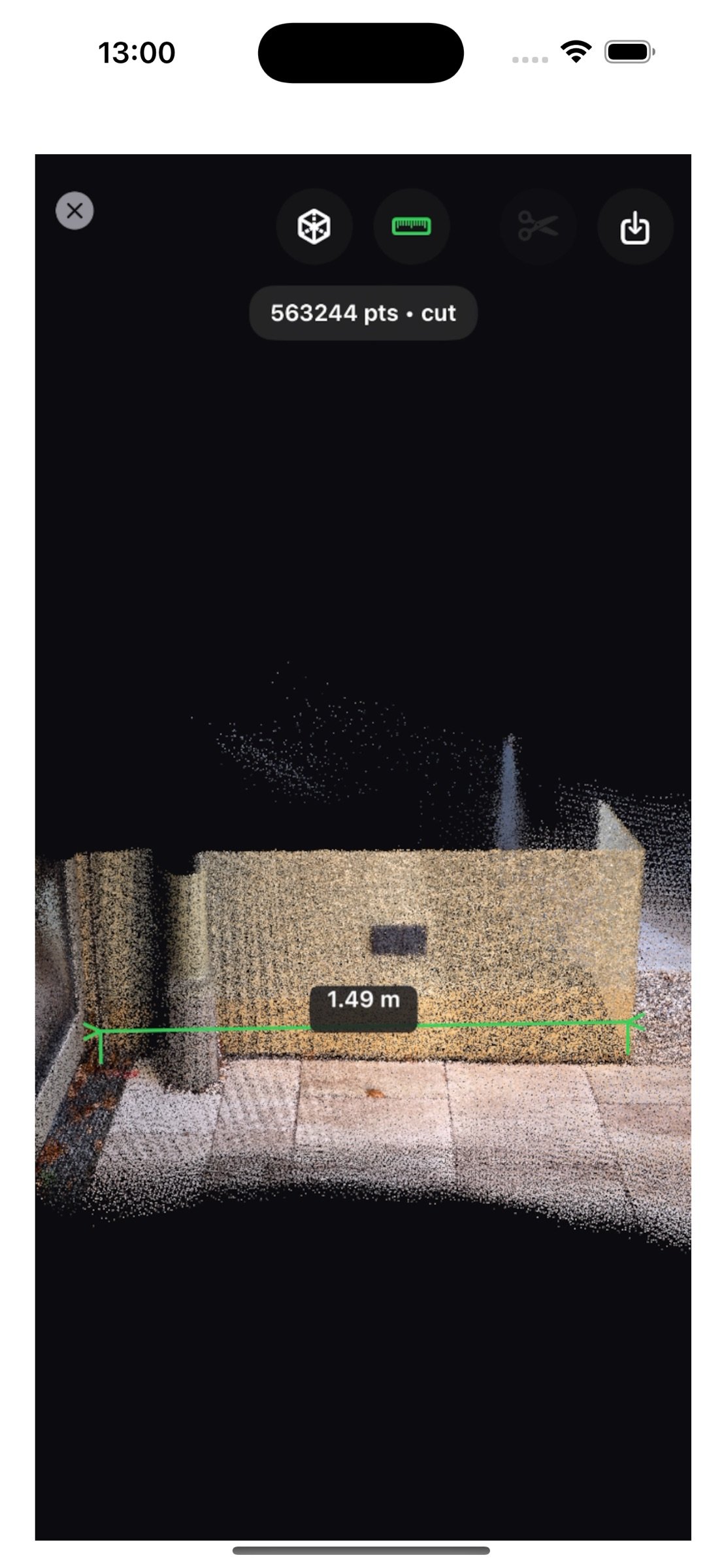
PointCloudViz lets you scan a room or site with LiDAR and instantly view the result as a clean, navigable point cloud on-device. It’s not trying to replace full CAD or surveying workflows. It’s built to help you capture reality quickly, share it, and make better decisions while you’re still on location.
Requires a LiDAR-capable device: iPhone Pro or iPad Pro with a LiDAR Scanner.
What you can do
Capture a space with LiDAR and visualize it as a point cloud
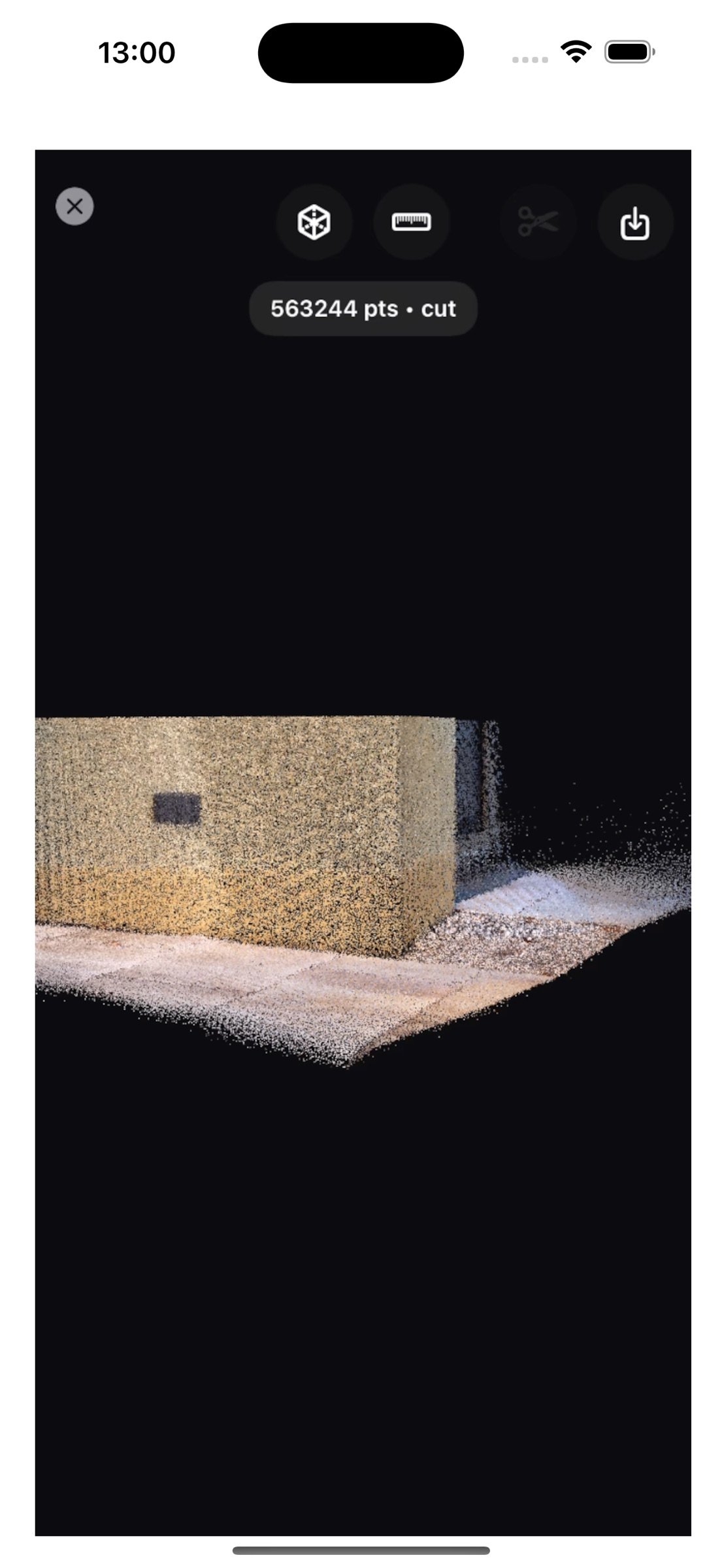
Walk around the scan, inspect details, and get a reliable “as-built” snapshot
Save and share scans for coordination, planning, and documentation
Use it as a lightweight bridge between “what’s there” and “what we’re building”
Who it’s for (real-world use cases)
Architects & interior designers: capture existing conditions before design, renovations, or site meetings—then reference geometry and constraints later.
Construction teams & site supervisors: document progress, verify rough layouts, and record “before/after” conditions without hauling extra gear.
Homeowners & renters planning changes: map a new apartment, plan furniture layouts, measure “will it fit” questions, and keep a digital record of the space.
Facilities & property managers: quickly capture rooms, equipment areas, or layouts for maintenance planning and vendor coordination.
Real estate & staging: keep a lightweight 3D reference of a property for planning and communication.
Makers, builders, and DIY renovators: capture tricky corners, plumbing walls, or irregular spaces before committing to cuts and purchases.
Change Measurement Unit
Metric (1.5 m)
Imperial (1 ft 9 in)
Hardware requirement (important)
To scan, you’ll need a device with a LiDAR Scanner:
iPhone Pro models (with LiDAR)
iPad Pro models (with LiDAR)
If your device doesn’t have LiDAR hardware, the scanning features won’t work.
License: Commercial
| Release info | New Release on Dec 24, 2025 |
|---|---|
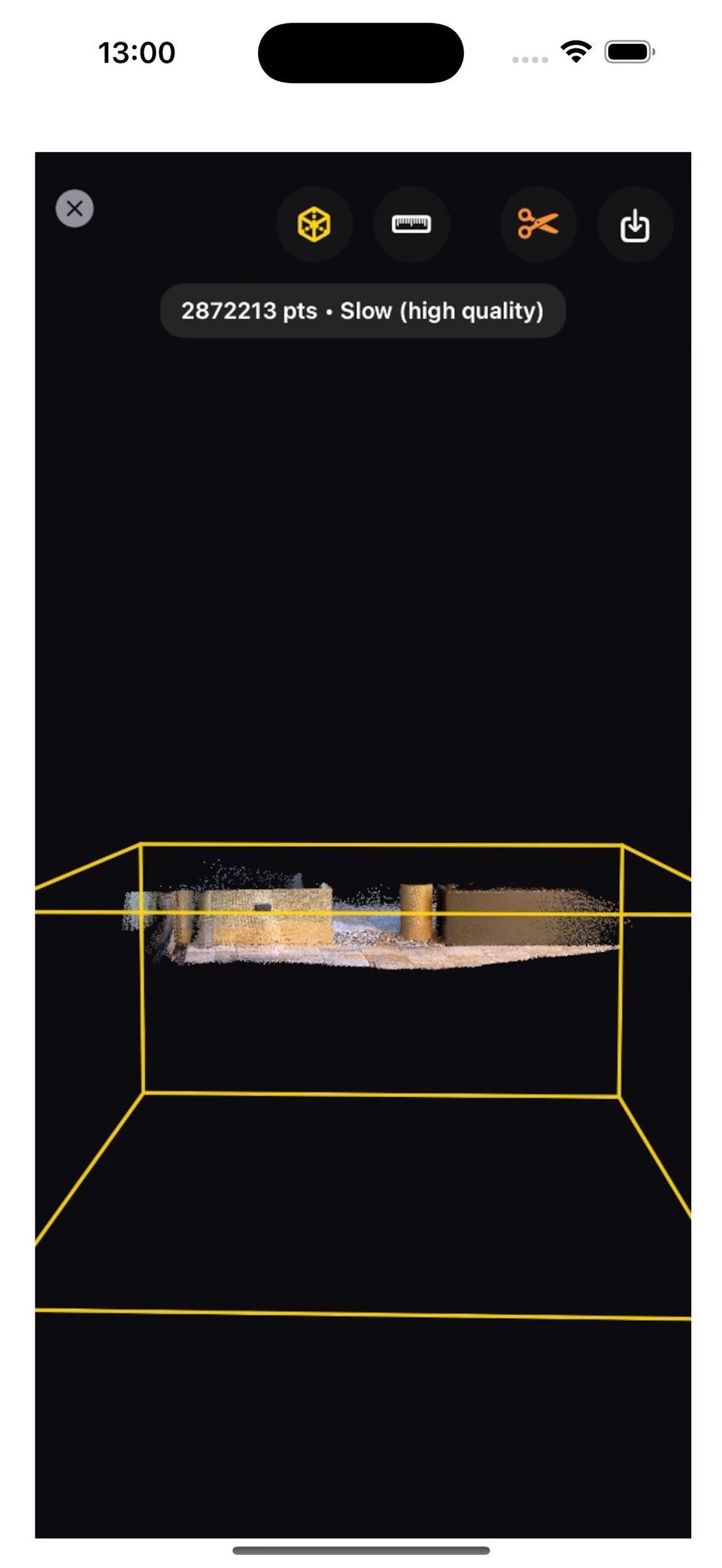
| Release notes | Auto-measuring improved. z-slice to get a quick look on your site, room or object. Auto Floor Plan Measurements. |
| Listing data | App Store |
Reviews
No reviews yet. Be the first to review Point Cloud Viz.
Used Point Cloud Viz? Tell other visitors what you thought.
Log in to write a reviewOther products by this publisher
- "No Distractions" for YouTube 4.10 ----
- #Bible 11.6.1 "Incredible App - My sister shared this app with me a few weeks ago and it is truly incredible.
- #filmphotography 1.4.2 So, you decided to shoot on film?
- #LookBusy Fake Calendar Events 1.0.6 Look Busy scans your work calendar for open time slots and fills them with realistic-looking (but secretly fake) work events.
- #Small Talk Is Canceled 1.0.2 #Small Talk Is Canceled — Conversations That Matter
Most viewed iOS Productivity
-
1
 WordPress 27.5
Manage or create your WordPress blog or website right from your iOS device: create and edit posts and pages, upload your favorite photos and videos, view stats and reply to comments.
- 2 Voice Translator - Alive 1.6 Translation app that turns your iPhone into an interpreter instantly.
-
3
 Life360 26.45.0
Whether at home, online, or on the move, our comprehensive family safety features bring peace of mind to your loved ones AND help safeguard your personal belongings.
-
4
 Claude by Anthropic 1.261123.51
Meet Claude, your AI problem solver and thinking partner.
- 5 "No Distractions" for YouTube 4.10 ----
-
6
 WristMemo 2.0
WristMemo turns your Apple Watch into an all-day voice recorder.
-
7
 Colicine 1.3.0
Have you ever been there—
- 8 (beat) for iOS 0.5.10 An elegant Fountain screenwriting app, created by a screenwriter for screenwriters.
-
9
 DeepSeek 2.9.0
Experience seamless interaction with DeepSeek's official AI assistant for free!
-
10
 Howbout 16.8.0
The shared calendar for friends, couples, and family
Most downloaded iOS Productivity
- 1 Voice Translator - Alive 1.6 Translation app that turns your iPhone into an interpreter instantly.
-
2
 SessionsAI 1.2.1
Sessions AI is a private AI workspace that runs entirely on your iPhone, iPad, or Mac.
-
3
DeepSeek 2.9.0
Experience seamless interaction with DeepSeek's official AI assistant for free!
-
4
 Voices AI 1.16.18
Discover Voices, the premier voice transformation app designed exclusively for iOS.
-
5
 Block Distracting Websites 1.11
"It's a great way to save time, and stop browsing Reddit when you should be doing coursework."
-
6
 Google Docs 1.2026.47103
Create, edit, and collaborate on online documents with the Google Docs app.
-
7
 Plot Digitizer 1.4.1
Plot Digitizer is an app to extract numerical data from plot images.
-
8
 MyHyundai with Bluelink 5.4.6
The MyHyundai app makes getting information about your Hyundai vehicle easier than ever.
-
9
 Pixy Mood Tracker 1.110.0
Track your mood, one pixel at a time.
-
10
 Minder 1.4
Minder turns your phone into a pair of eyes that watch you work.