9downloads
3this week
FreeCommercial
0reviews
Screenshots
About PocketPC
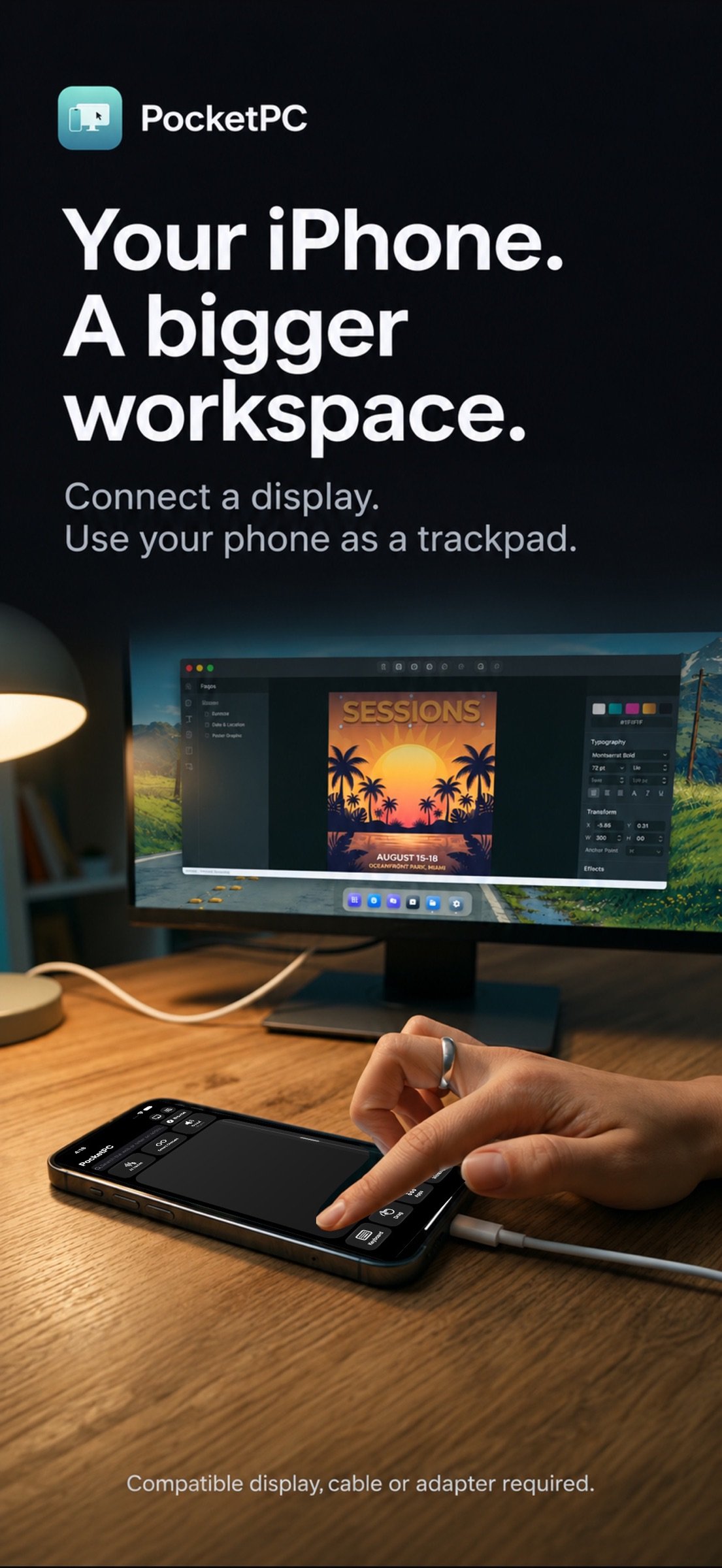
Your iPhone is already a powerful computer. PocketPC gives it a desktop.
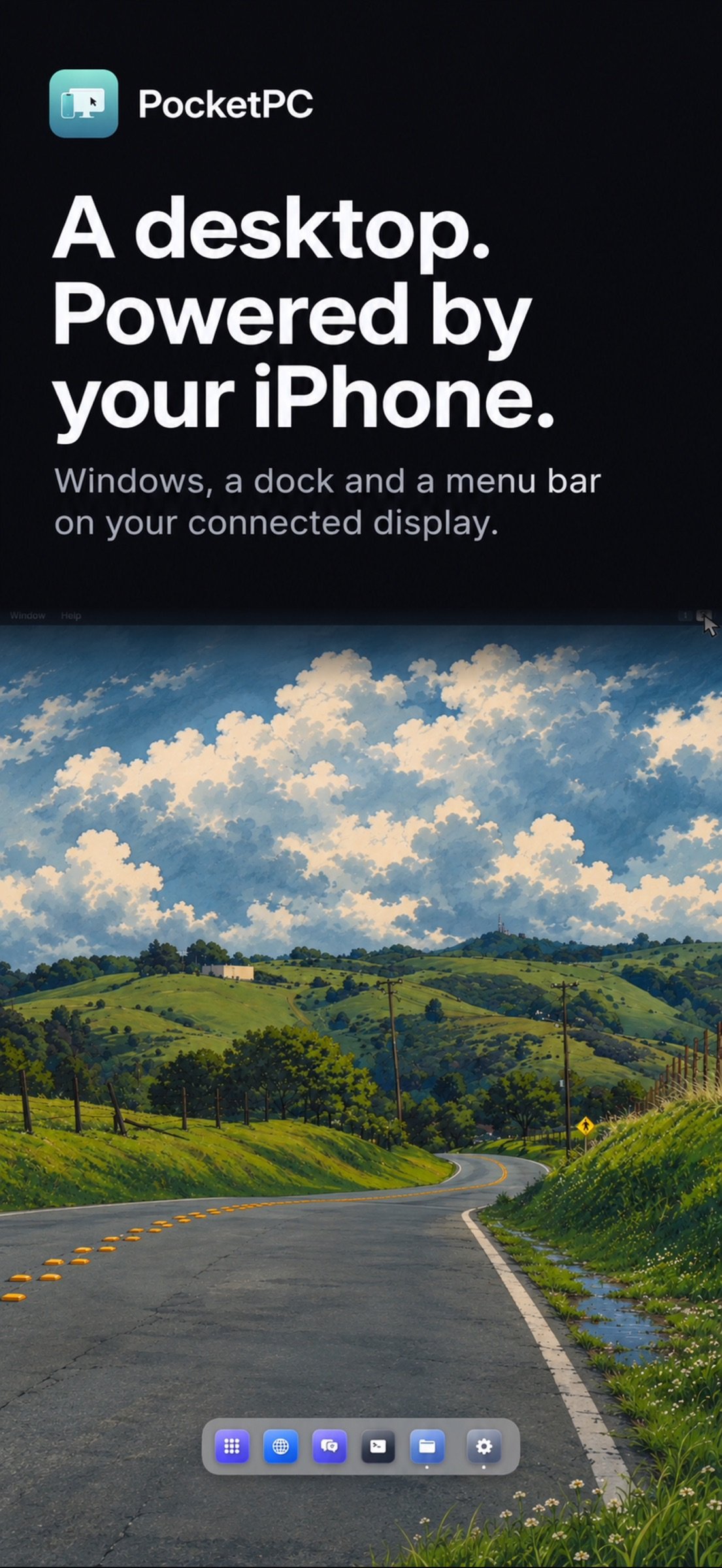
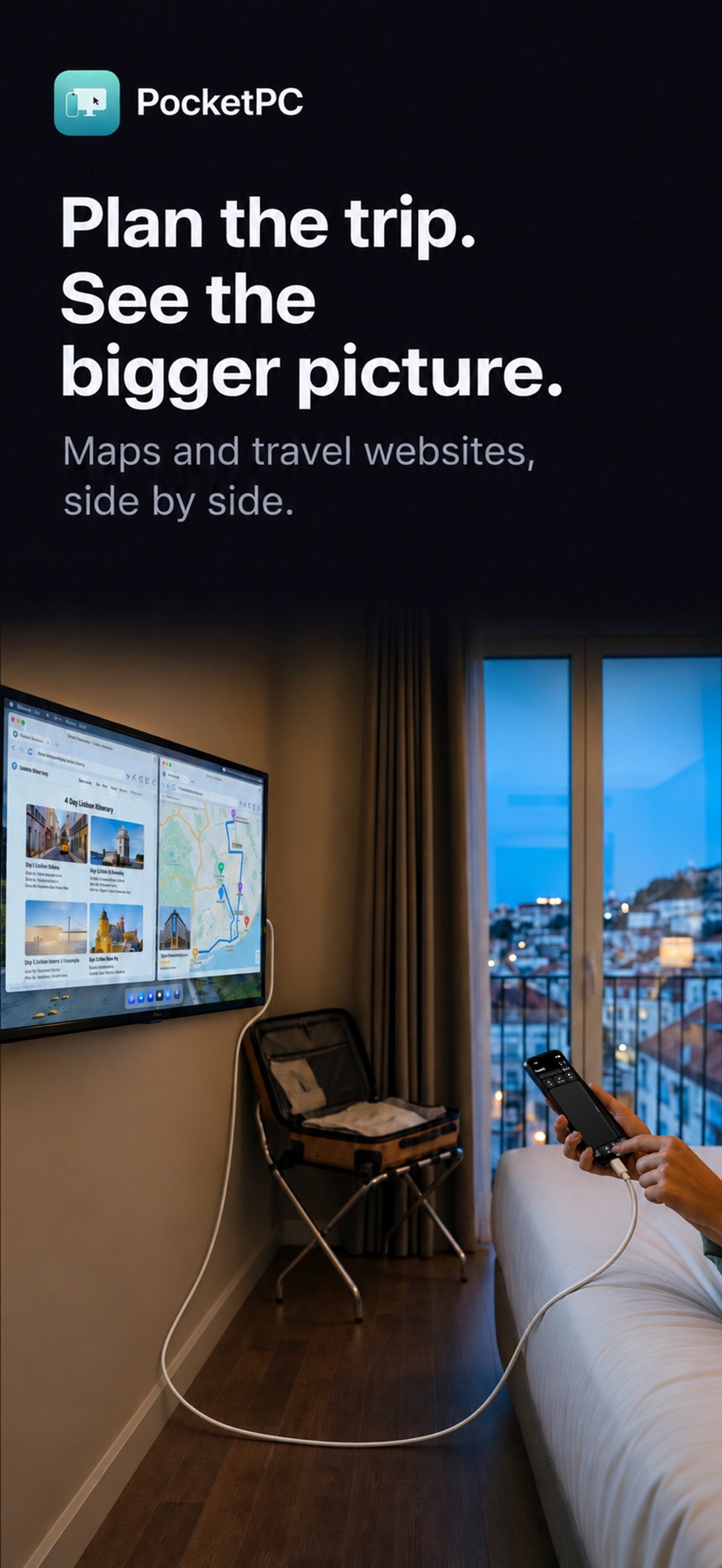
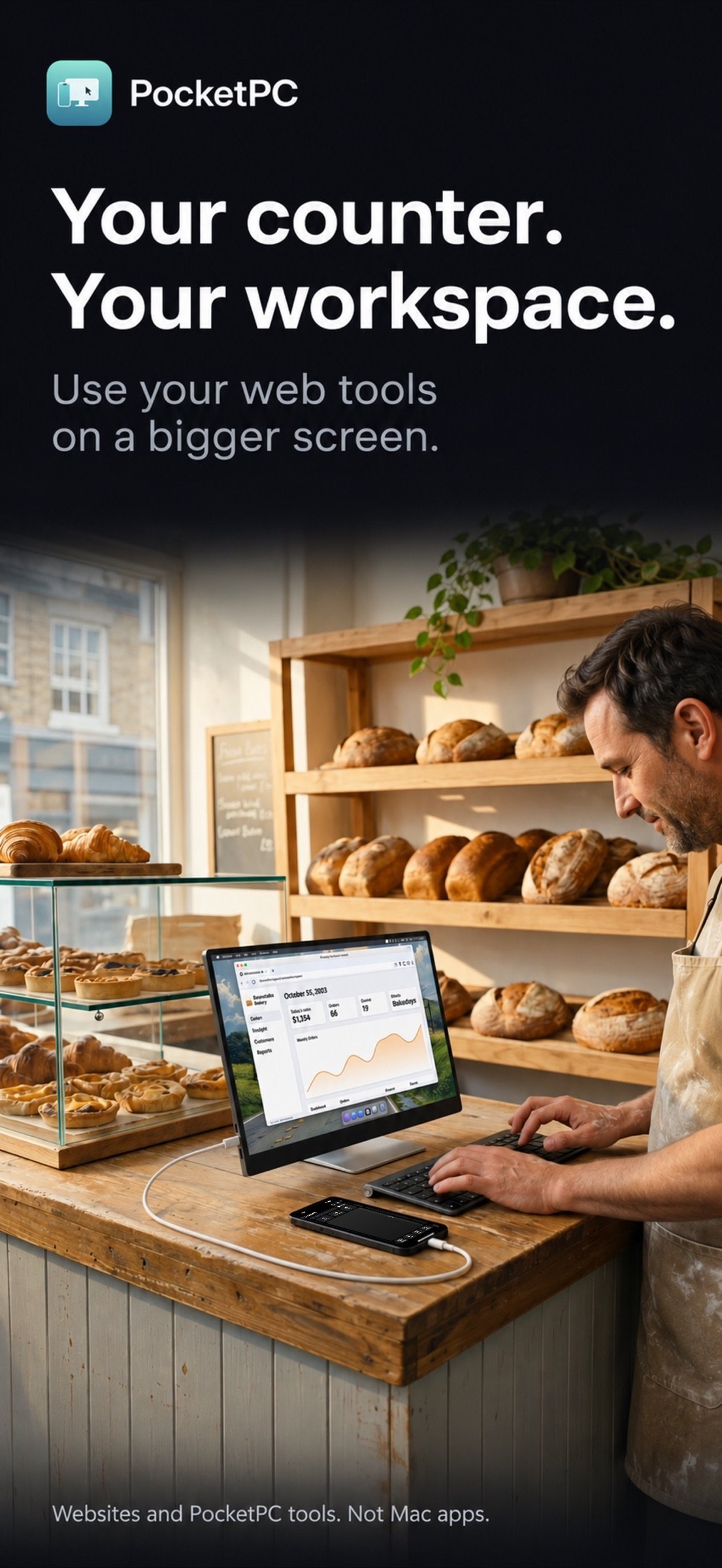
Connect a TV, a monitor or AR/XR display glasses and a full windowed desktop appears on the big screen, with a menu bar, a Dock, resizable windows and five workspaces. Your iPhone becomes the trackpad and keyboard. No laptop required.
A REAL DESKTOP
• Resizable, snappable windows that open and close with smooth animations
• A menu bar, a Dock with running apps, an app grid and five workspaces
• Keyboard shortcuts, full-screen apps and a window overview
• Crisp text at your display's full resolution, from 720p glasses to 4K TVs
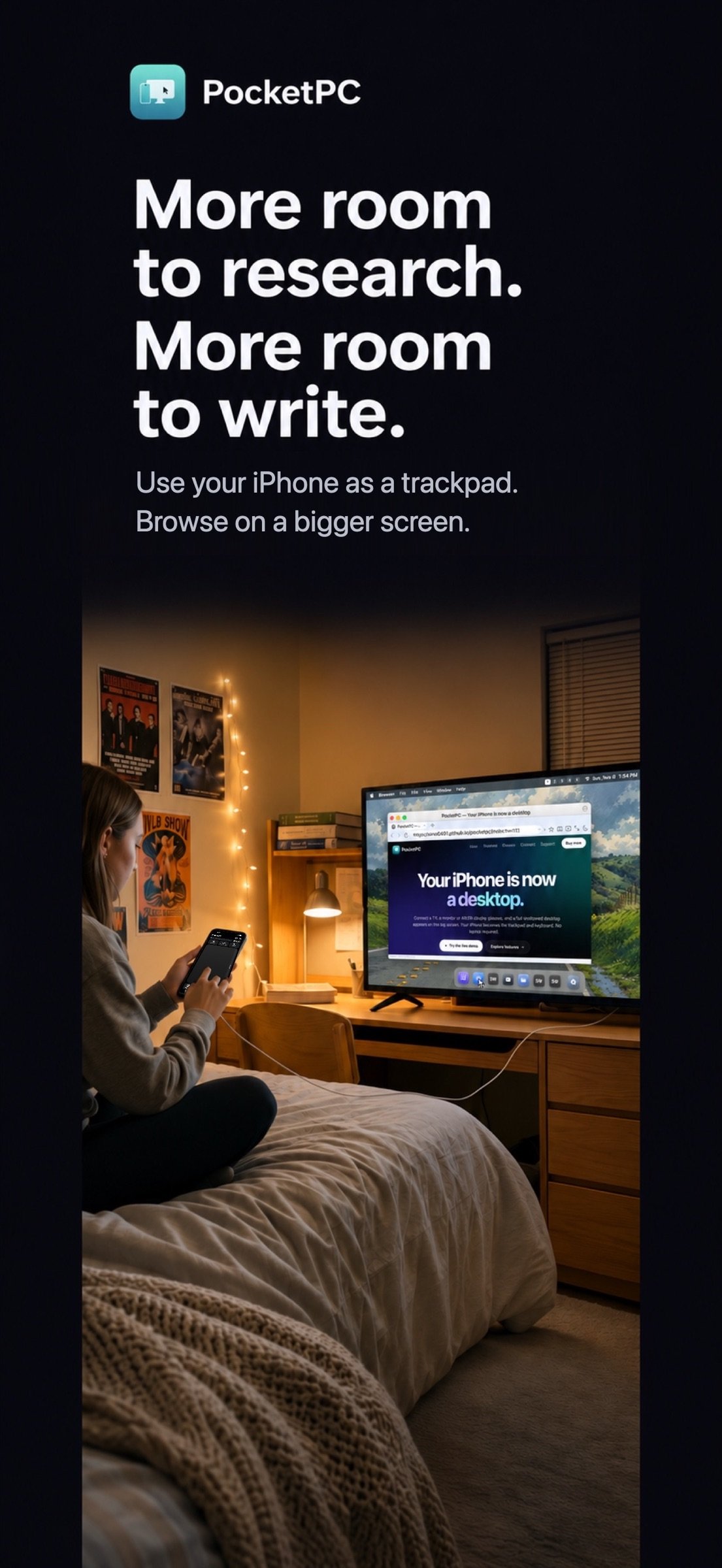
DESKTOP WEB BROWSING
• Desktop browsing with tabs, find on page and downloads. PocketPC requests desktop versions; individual sites control their layouts
• A start page with your saved bookmarks
• Fill saved sign-ins with iOS Passwords
• Turn any website into its own app with a Dock icon and window
• Full-screen video on your connected display
MADE FOR AR / XR DISPLAY GLASSES
• Smart Glasses mode turns your glasses into a see-through heads-up display
• Live Translation: read captions and translations in a thread that follows the conversation. Download supported languages ahead of time to translate offline. Timing varies with your iPhone, language and audio quality
• AI Notes: live captions and topics during a meeting, then a transcript and summary saved in Files, with an optional shortcut to save to Apple Notes
• Walking Directions: turn-by-turn directions in your view, so you're not staring at your phone
YOUR IPHONE IS THE TRACKPAD AND KEYBOARD
• One finger moves the pointer, tap to click, two fingers scroll
• Two-finger click for copy, paste and more
• Type with the iPhone keyboard or a compatible wired or Bluetooth keyboard
• Use a compatible wired or Bluetooth mouse with iOS AssistiveTouch. Enable it in Settings > Accessibility > Touch > AssistiveTouch; device and adapter compatibility varies
BUILT-IN APPS
• Files: browse, import, organize and preview your files
• Terminal: SSH into your Mac or server from anywhere
• Settings: pointer speed, scrolling and your web apps
• Sound: send audio to AirPods or the display and set the volume from your iPhone
CONNECT ANY WAY YOU LIKE
• USB-C display glasses, monitors and TVs, by cable or adapter
• AirPlay Screen Mirroring to an Apple TV, AirPlay TV or Mac
PRIVATE BY DESIGN
No PocketPC account is required. Speech is transcribed and translated on your iPhone. Diagnostics stay on your device unless you choose to copy or share them. Websites and their icon providers receive the network requests needed to load their content.
GOOD TO KNOW
• Glasses must accept video over USB-C (DisplayPort). Glasses with only a camera or speakers and no display aren't supported.
• A cable connection needs an iPhone with USB-C, or a compatible video adapter.
• The workspace runs websites and PocketPC's built-in tools; it does not run Mac apps or other installed iPhone apps.
• AI Notes summaries need an iPhone with Apple Intelligence; other iPhones still get the full transcript.
One-time purchase. No subscriptions.
License: Commercial
Connect a TV, a monitor or AR/XR display glasses and a full windowed desktop appears on the big screen, with a menu bar, a Dock, resizable windows and five workspaces. Your iPhone becomes the trackpad and keyboard. No laptop required.
A REAL DESKTOP
• Resizable, snappable windows that open and close with smooth animations
• A menu bar, a Dock with running apps, an app grid and five workspaces
• Keyboard shortcuts, full-screen apps and a window overview
• Crisp text at your display's full resolution, from 720p glasses to 4K TVs
DESKTOP WEB BROWSING
• Desktop browsing with tabs, find on page and downloads. PocketPC requests desktop versions; individual sites control their layouts
• A start page with your saved bookmarks
• Fill saved sign-ins with iOS Passwords
• Turn any website into its own app with a Dock icon and window
• Full-screen video on your connected display
MADE FOR AR / XR DISPLAY GLASSES
• Smart Glasses mode turns your glasses into a see-through heads-up display
• Live Translation: read captions and translations in a thread that follows the conversation. Download supported languages ahead of time to translate offline. Timing varies with your iPhone, language and audio quality
• AI Notes: live captions and topics during a meeting, then a transcript and summary saved in Files, with an optional shortcut to save to Apple Notes
• Walking Directions: turn-by-turn directions in your view, so you're not staring at your phone
YOUR IPHONE IS THE TRACKPAD AND KEYBOARD
• One finger moves the pointer, tap to click, two fingers scroll
• Two-finger click for copy, paste and more
• Type with the iPhone keyboard or a compatible wired or Bluetooth keyboard
• Use a compatible wired or Bluetooth mouse with iOS AssistiveTouch. Enable it in Settings > Accessibility > Touch > AssistiveTouch; device and adapter compatibility varies
BUILT-IN APPS
• Files: browse, import, organize and preview your files
• Terminal: SSH into your Mac or server from anywhere
• Settings: pointer speed, scrolling and your web apps
• Sound: send audio to AirPods or the display and set the volume from your iPhone
CONNECT ANY WAY YOU LIKE
• USB-C display glasses, monitors and TVs, by cable or adapter
• AirPlay Screen Mirroring to an Apple TV, AirPlay TV or Mac
PRIVATE BY DESIGN
No PocketPC account is required. Speech is transcribed and translated on your iPhone. Diagnostics stay on your device unless you choose to copy or share them. Websites and their icon providers receive the network requests needed to load their content.
GOOD TO KNOW
• Glasses must accept video over USB-C (DisplayPort). Glasses with only a camera or speakers and no display aren't supported.
• A cable connection needs an iPhone with USB-C, or a compatible video adapter.
• The workspace runs websites and PocketPC's built-in tools; it does not run Mac apps or other installed iPhone apps.
• AI Notes summaries need an iPhone with Apple Intelligence; other iPhones still get the full transcript.
One-time purchase. No subscriptions.
License: Commercial
| Release info | Update on Nov 09, 2026 |
|---|---|
| Release notes | • Improved hardware keyboard handling and mouse input routing in desktop and Netbook layouts. • Clearer typing caret and text-selection feedback on the desktop display. • More reliable keyboard switching, browser links and desktop webpage sizing. For compatible mice on iPhone, enable AssistiveTouch in Settings > Accessibility > Touch > AssistiveTouch. Mouse and adapter compatibility depends on iOS and your hardware. |
| Listing data | App Store |
Reviews
No reviews yet. Be the first to review PocketPC.
Used PocketPC? Tell other visitors what you thought.
Log in to write a reviewOther products by this publisher
- "No Distractions" for YouTube 4.10 ----
- #Bible 11.6 "Incredible App - My sister shared this app with me a few weeks ago and it is truly incredible.
- #filmphotography 1.4.2 So, you decided to shoot on film?
- $quirrel 1.5.1 $quirrel Budget & Finance helps you plan each paycheck, track spending, manage debt, and see what is safe to spend before the next payday.
- % Percentage Calculator Pro 1.41 This is the Pro version of % Percentage Calculator.
Most viewed iOS Productivity
-
1
 WordPress 27.4
Manage or create your WordPress blog or website right from your iOS device: create and edit posts and pages, upload your favorite photos and videos, view stats and reply to comments.
- 2 Voice Translator - Alive 1.6 Translation app that turns your iPhone into an interpreter instantly.
-
3
 Claude by Anthropic 1.261111.19
Meet Claude, your AI problem solver and thinking partner.
-
4
 WristMemo 2.0
WristMemo turns your Apple Watch into an all-day voice recorder.
- 5 "No Distractions" for YouTube 4.10 ----
- 6 (beat) for iOS 0.5.10 An elegant Fountain screenwriting app, created by a screenwriter for screenwriters.
-
7
 Life360 26.43.0
Whether at home, online, or on the move, our comprehensive family safety features bring peace of mind to your loved ones AND help safeguard your personal belongings.
-
8
 Colicine 1.3.0
Have you ever been there—
-
9
 DeepSeek 2.8.0
Experience seamless interaction with DeepSeek's official AI assistant for free!
-
10
 Howbout 16.7.2
The shared calendar for friends, couples, and family
Most downloaded iOS Productivity
- 1 Voice Translator - Alive 1.6 Translation app that turns your iPhone into an interpreter instantly.
-
2
DeepSeek 2.8.0
Experience seamless interaction with DeepSeek's official AI assistant for free!
-
3
 SessionsAI 1.2.1
Sessions AI is a private AI workspace that runs entirely on your iPhone, iPad, or Mac.
-
4
 Voices AI 1.16.15
Discover Voices, the premier voice transformation app designed exclusively for iOS.
-
5
 Block Distracting Websites 1.11
"It's a great way to save time, and stop browsing Reddit when you should be doing coursework."
-
6
 Plot Digitizer 1.4.1
Plot Digitizer is an app to extract numerical data from plot images.
-
7
 Google Docs 1.2026.45104
Create, edit, and collaborate on online documents with the Google Docs app.
-
8
 Pixy Mood Tracker 1.110.0
Track your mood, one pixel at a time.
-
9
 MyHyundai with Bluelink 5.4.5
The MyHyundai app makes getting information about your Hyundai vehicle easier than ever.
-
10
 ScreenRecess 1.0.0
A gentle nudge to put your device down when it’s hard to stop.