11downloads
3this week
FreeCommercial
0reviews
Screenshots

About PinholeCam
Note: Version 3 is a complete rewrite of the app. The simulation will not be exactly the same as older versions, and it is still evolving so watch for updates. Some features are limited for now. Feedback is welcome!
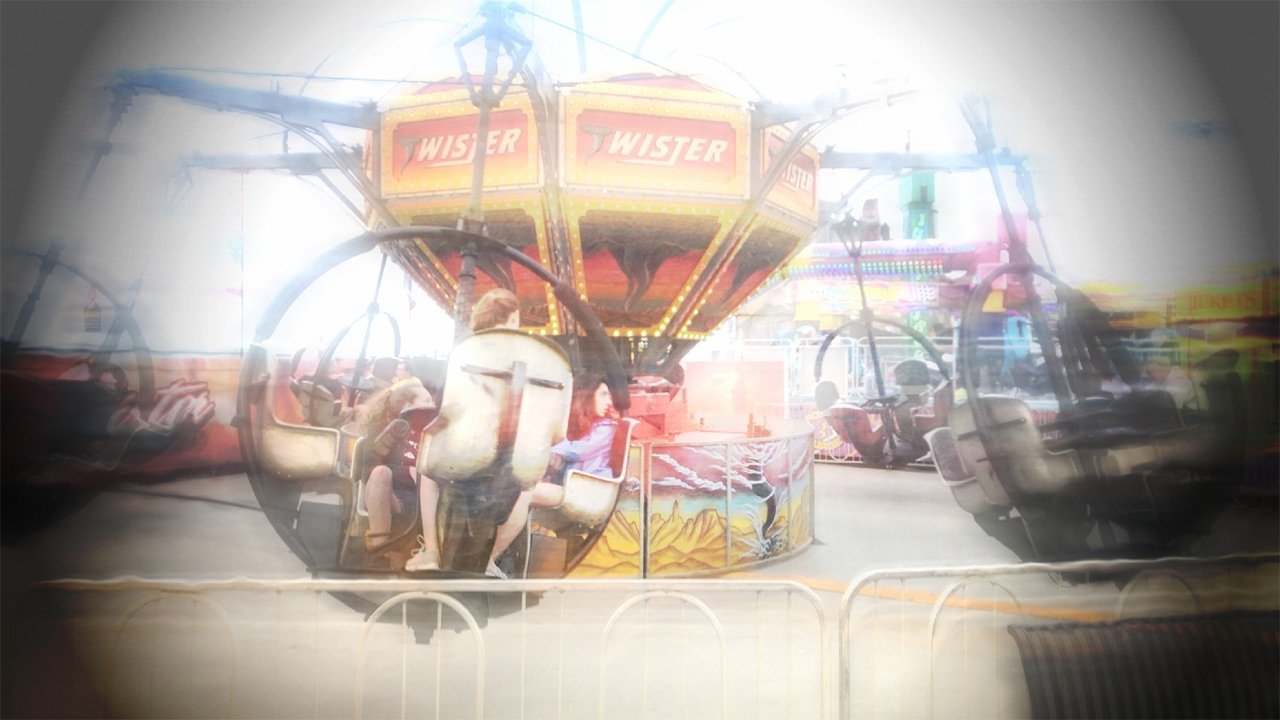
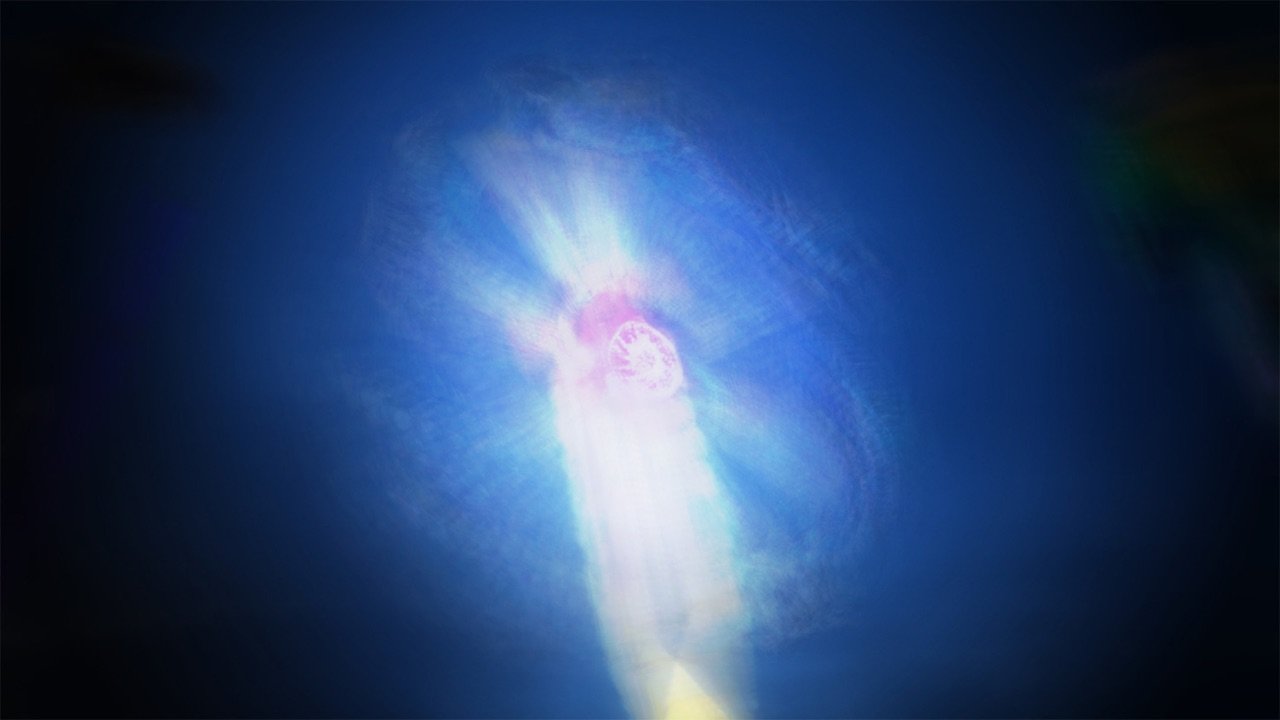
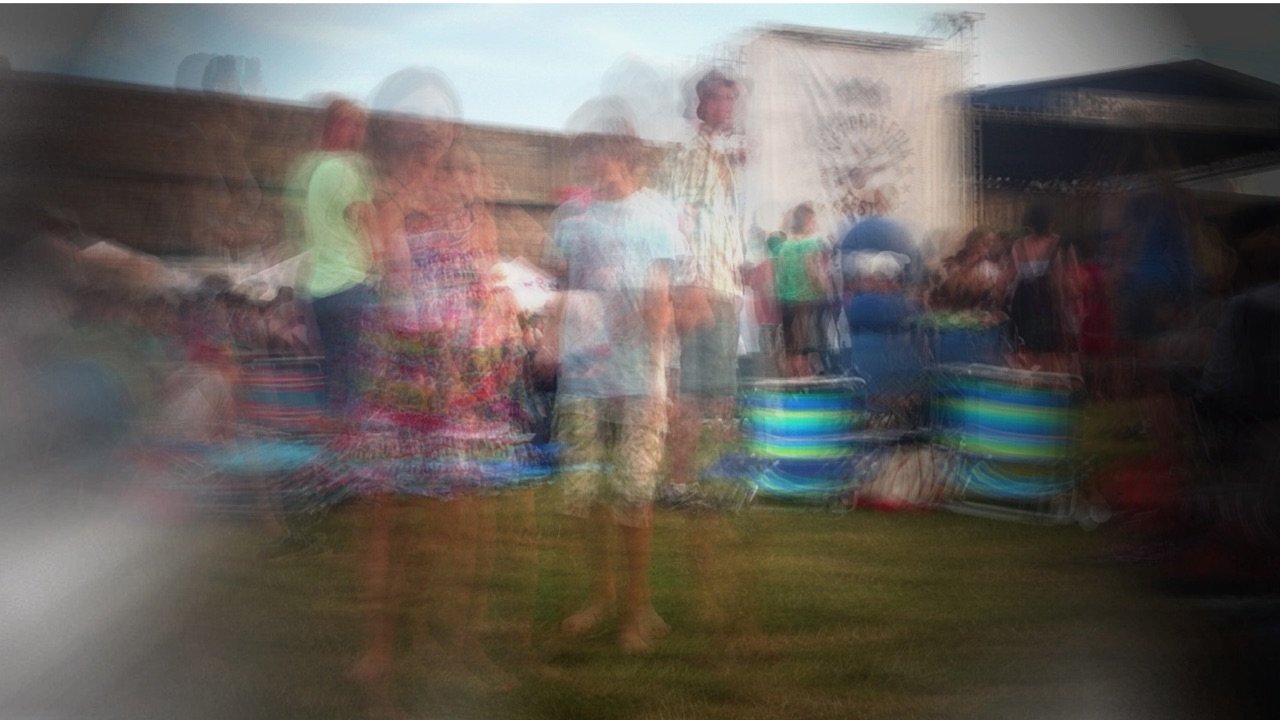
Pinhole uses a unique method to simulate the long exposure times of a pinhole camera. It does not just simulate the distortion and visual effects, it gradually exposes the scene over time like a real pinhole camera allowing effects not achievable in other “pinhole” apps or regular camera apps.
Unlike a real pinhole camera, all photos are automatically exposed correctly no matter the exposure time.
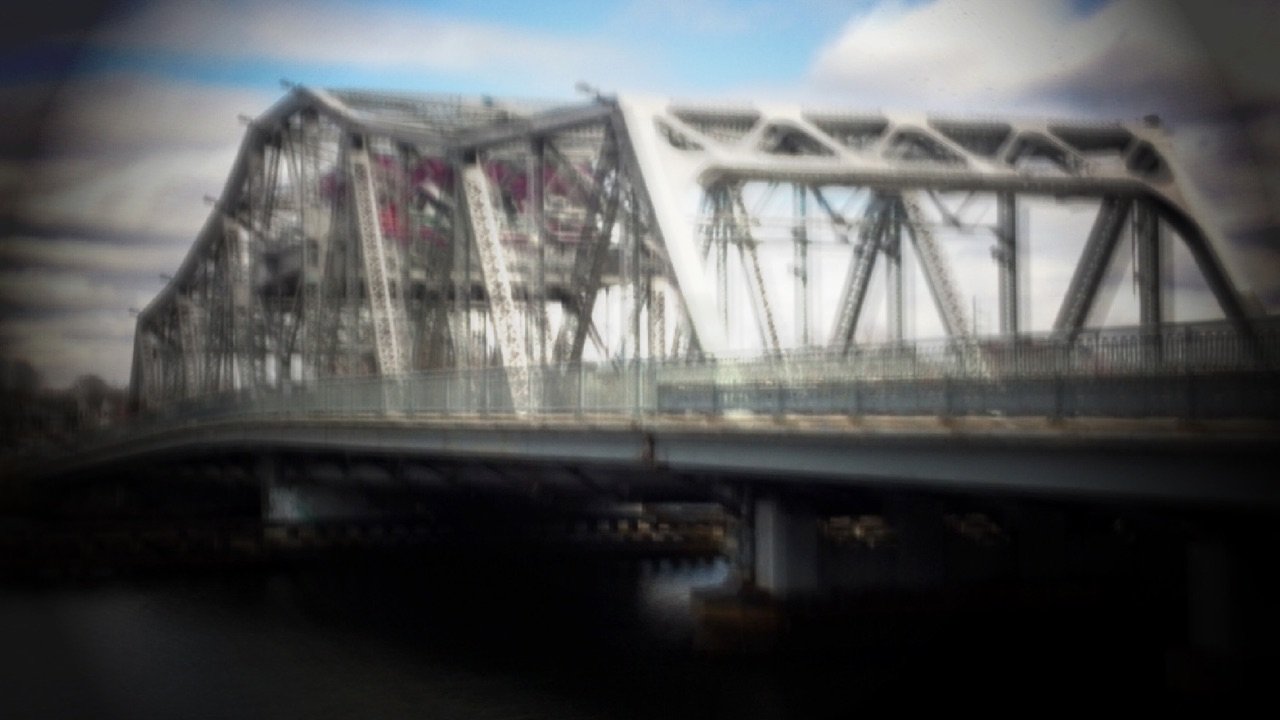
It can optionally simulate the vignetting and/or edge light bleed typical of pinhole cameras.
Exposure time can be set to one of several presets, or it can controlled manually for shorter or longer exposures.
At any point, choose an “emphasis” image that will dominate the final output--use this to freeze a moving item in the shot (this feature is experimental and the outcome varies widely based on the scene).
Saves directly to your camera roll. Load images to Facebook, Twitter, Flickr, Instagram, Camera+, etc. from there.
Note: the simulation is very memory-intensive, especially on long exposures. For the best stability please close other apps and disable networking to prevent incoming calls and push notifications (put it in “Airplane Mode”). For best results, plug in your phone before beginning a long exposure.
On the "infinity" time setting, it will run until you stop it manually, it crashes, or the algorithm used runs out of memory. It will attempt to close the shutter prior to crashing due to running out of memory, but it's not always possible to catch this. Your mileage may vary -- if you're considering taking an important long-duration shot, plan ahead and run a test on the device you'll be using.
A note about the simulation accuracy: Pinhole does not have infinite depth-of-field like a real pinhole camera. The primary way this app simulates a pinhole camera is by allowing for very long exposures and simulating the visual effects. The simulation is as close as the hardware allows. Since an iOS device's camera has a lens, it is not possible to simulate a lens-less camera perfectly. If I could bypass the physical limitations of the hardware, I'd be filing patents for the technique and making a lot more money than I do selling an app. :) If this is critical to you, use a real pinhole camera or choose scenes where depth of field effects are not apparent.
License: Commercial
Pinhole uses a unique method to simulate the long exposure times of a pinhole camera. It does not just simulate the distortion and visual effects, it gradually exposes the scene over time like a real pinhole camera allowing effects not achievable in other “pinhole” apps or regular camera apps.
Unlike a real pinhole camera, all photos are automatically exposed correctly no matter the exposure time.
It can optionally simulate the vignetting and/or edge light bleed typical of pinhole cameras.
Exposure time can be set to one of several presets, or it can controlled manually for shorter or longer exposures.
At any point, choose an “emphasis” image that will dominate the final output--use this to freeze a moving item in the shot (this feature is experimental and the outcome varies widely based on the scene).
Saves directly to your camera roll. Load images to Facebook, Twitter, Flickr, Instagram, Camera+, etc. from there.
Note: the simulation is very memory-intensive, especially on long exposures. For the best stability please close other apps and disable networking to prevent incoming calls and push notifications (put it in “Airplane Mode”). For best results, plug in your phone before beginning a long exposure.
On the "infinity" time setting, it will run until you stop it manually, it crashes, or the algorithm used runs out of memory. It will attempt to close the shutter prior to crashing due to running out of memory, but it's not always possible to catch this. Your mileage may vary -- if you're considering taking an important long-duration shot, plan ahead and run a test on the device you'll be using.
A note about the simulation accuracy: Pinhole does not have infinite depth-of-field like a real pinhole camera. The primary way this app simulates a pinhole camera is by allowing for very long exposures and simulating the visual effects. The simulation is as close as the hardware allows. Since an iOS device's camera has a lens, it is not possible to simulate a lens-less camera perfectly. If I could bypass the physical limitations of the hardware, I'd be filing patents for the technique and making a lot more money than I do selling an app. :) If this is critical to you, use a real pinhole camera or choose scenes where depth of field effects are not apparent.
License: Commercial
| Release info | New Release on Jul 07, 2020 |
|---|---|
| Release notes | - Added file format and quality (if applicable) choices |
| Listing data | App Store |
Reviews
No reviews yet. Be the first to review PinholeCam.
Used PinholeCam? Tell other visitors what you thought.
Log in to write a reviewOther products by this publisher
- "No Distractions" for YouTube 4.10 ----
- #Bible 11.6 "Incredible App - My sister shared this app with me a few weeks ago and it is truly incredible.
- #filmphotography 1.4.2 So, you decided to shoot on film?
- $quirrel 1.5.1 $quirrel Budget & Finance helps you plan each paycheck, track spending, manage debt, and see what is safe to spend before the next payday.
- % Percentage Calculator Pro 1.41 This is the Pro version of % Percentage Calculator.
Most viewed iOS Photo & Video
-
1
 ShortDiShow 2.0
Drama Quest Island — An offline interactive short-drama adventure.
-
2
 Infuse 8.5.10
Infuse: Enterprise provides the same great features as the standard version of Infuse and includes permanent access to all Pro features via a traditional paid app.
-
3
 AI Video Generator 2.0.2
Vixel – AI Video Generator
-
4
 OPlayer 4.8
Play all your videos directly without having to convert them!
-
5
 Necrometer II 1.2
Necrometer II is a paranormal investigation companion designed for ghost hunters and researchers.
-
6
 CapCut 20.1.0
CapCut offers easy-to-use video editing functions, in-APP fonts and effects, advanced features such as keyframe animation, smooth slow-motion, chroma key, and stabilization, to help you capture and snip moments.
-
7
 Ai Photo 1.1.2
AI Photo Retouch – BG Eraser
- 8 #filmphotography 1.4.2 So, you decided to shoot on film?
-
9
 Treblo 1.6.0
Make songs with the world's best AI music model.
-
10
 Pop Dot Comics 1.48
Create a comic worthy of the Sunday newspaper or your favorite pulp-fiction cover.
Most downloaded iOS Photo & Video
-
1
Infuse 8.5.10
Infuse: Enterprise provides the same great features as the standard version of Infuse and includes permanent access to all Pro features via a traditional paid app.
-
2
 DJI Fly 1.21.18
DJI Fly is designed to help pilots fly drones with ease.
-
3
 Analog Radio 3.0
The iPhone and iPad devices don't have the FM/AM radio antenna installed.
-
4
 TurboCollage Automatic 1.2.4
#1 Easy automatic photo collage maker for iPhone & iPad.
-
5
Treblo 1.6.0
Make songs with the world's best AI music model.
-
6
 ReelyGo 1.1.42
ReelyGo: Your Daily Drama Escape
-
7
 Rozeta Sequencer Suite 1.3.16
Rozeta is a suite of MIDI sequencers and controllers that lets you explore a new, freeform approach to sequencing and controlling mobile music apps.
-
8
 AGAIN. Rehearsal Notes 2.0.1
AGAIN. is the rehearsal app that remembers why the band stopped — and, new in Version 2, who said what in a writing session or a table read.
-
9
Pop Dot Comics 1.48
Create a comic worthy of the Sunday newspaper or your favorite pulp-fiction cover.
-
10
 SSS IPTV, Simple, Smart Super 1.0.2
An Easiest way to watch TV Online or Movies or Series, Bring your Own list M3u,