Photo Importer + SD Card Cull 1.1.1
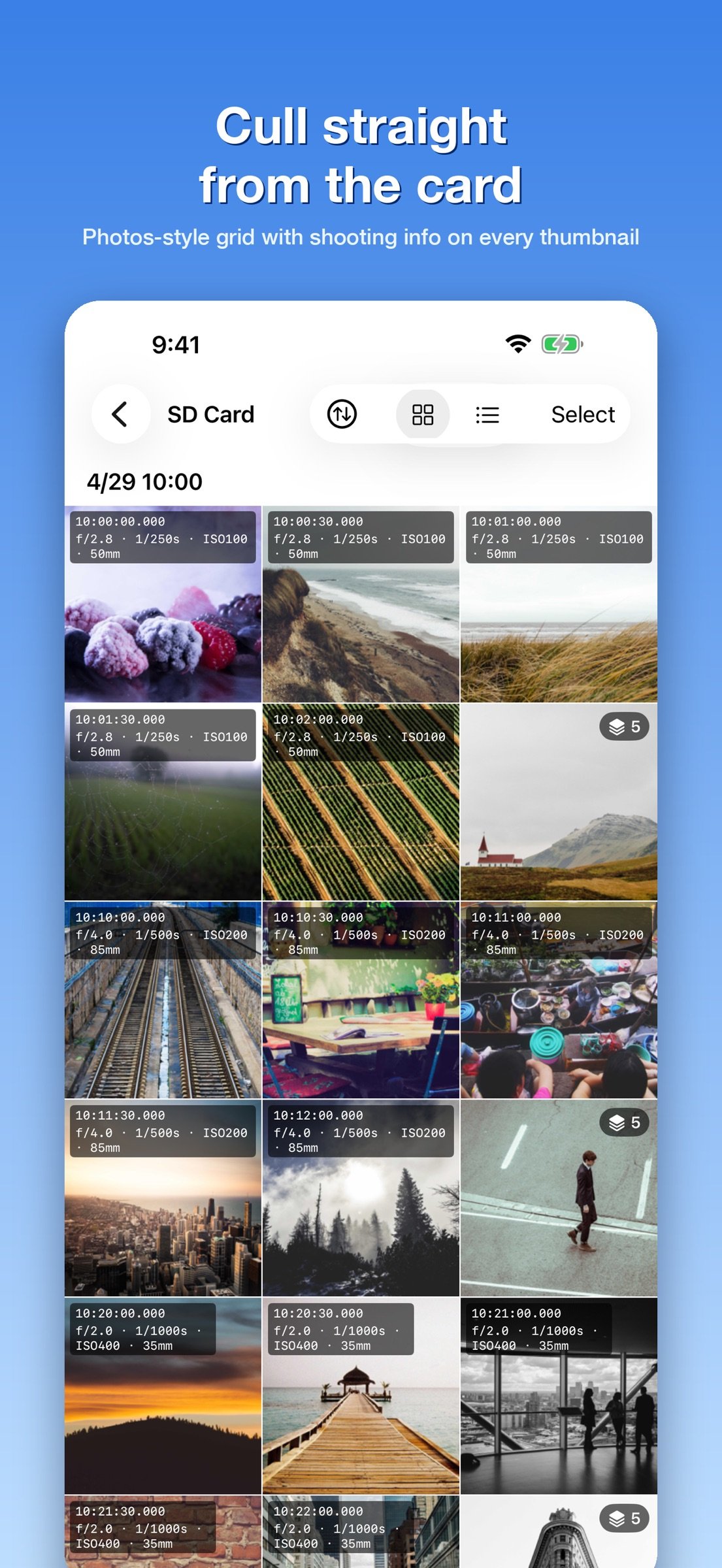
Browse the photos on your SD card or USB drive like the Photos app, and import only the keepers to your iPhone or iPad.
Download
4.72 MB
18downloads
0this week
FreeCommercial
0reviews
Screenshots
About Photo Importer + SD Card Cull
Browse the photos on your SD card or USB drive like the Photos app, and import only the keepers to your iPhone or iPad.
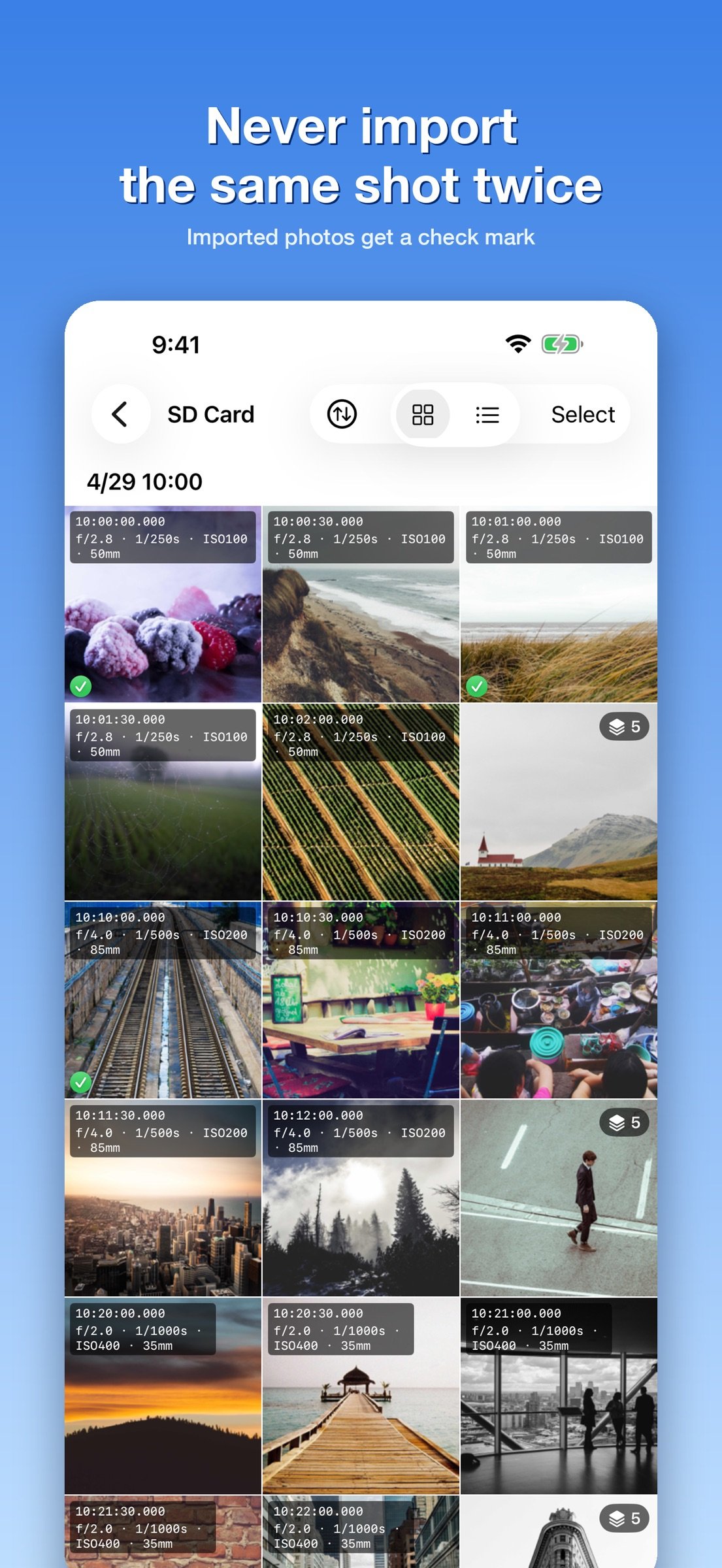
Bursts are grouped automatically, thumbnails show aperture, shutter speed and ISO, and imported shots get a check mark so you never import the same photo twice.
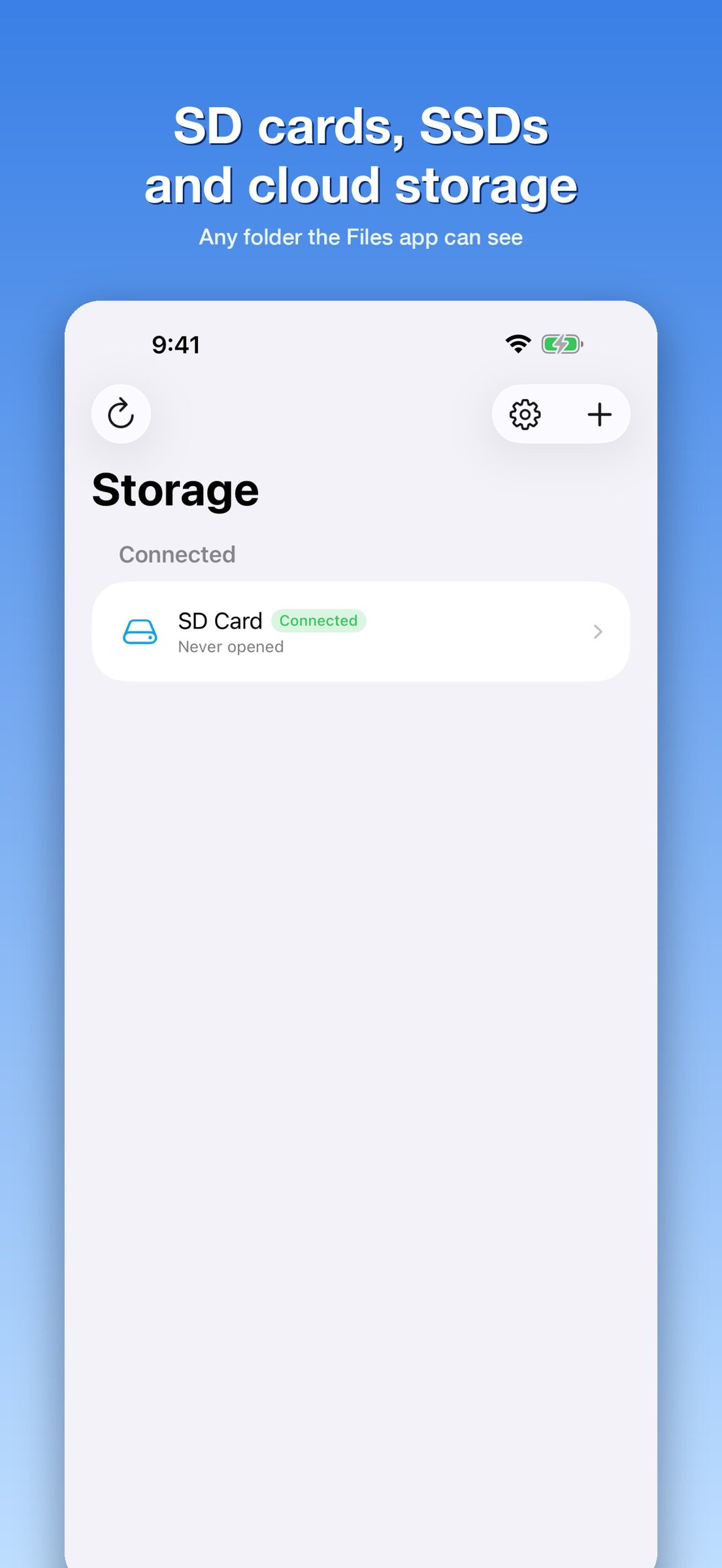
Photo Importer + is for photographers who want to pick their best RAW / JPEG shots before importing everything. It opens any storage visible in the Files app: SD card readers, USB drives, external SSDs, iCloud Drive and more.
? Why you need it
If you just want everything on your iPhone, plug in a card reader and use the built-in Photos import. That works fine.
But when you shot hundreds of frames and want the best one, the Photos import screen only gives you tiny thumbnails you cannot zoom. You end up importing everything and sorting later, wasting storage and time.
Photo Importer + gives you the same grid as the Photos app, plus the tools that make culling fast, while the photos stay on the card.
? Bursts grouped automatically
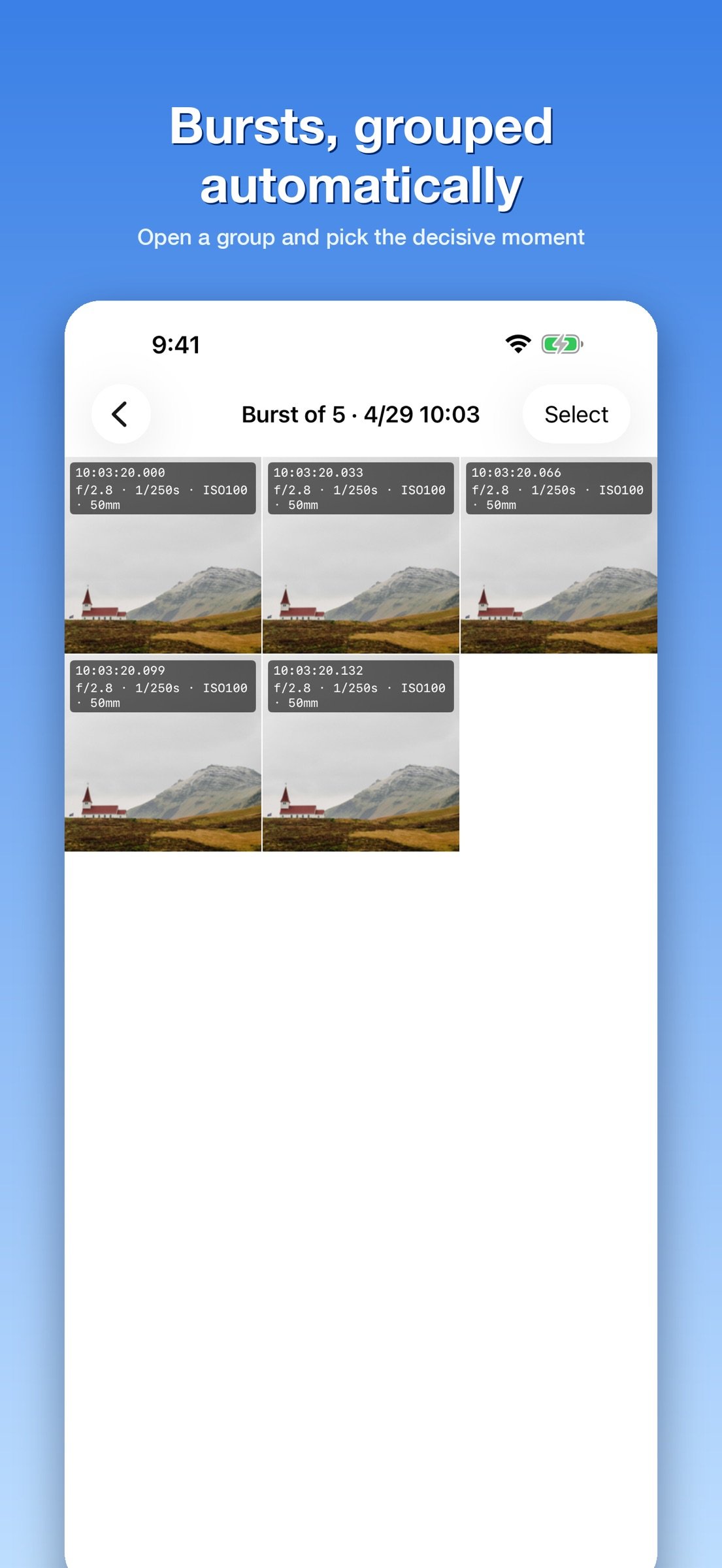
High-speed bursts fill the grid with near-identical frames. Photo Importer + reads the EXIF capture time (millisecond precision) and groups frames shot less than a second apart. The grid shows one representative frame; tap to open the group and compare every frame. RAW+JPEG pairs and photos from several cameras are handled correctly.
Unlike the Photos app's Burst feature, this works on RAW and JPEG from any camera. You can turn it off in Settings.
? Shooting info on every thumbnail
Overlay any of these on the grid thumbnails:
o Capture time (ms precision)
o Exposure (aperture, shutter speed, ISO, focal length)
o Camera
o Lens
o File name
o File size
Spot the shot with the wrong aperture or the ISO that went too high without opening a single file. Choose which items to show and their order in Settings.
? See what you've already imported
Photos saved to Photos or copied to a folder get a check mark. The record survives reinserting the card, so you never have to remember where you left off. Filter with "Show Unimported Only" and continue culling from where you stopped.
? How people use it
o Open a burst group and pick the decisive moment
o Compare aperture, shutter speed and ISO across frames to choose the best exposure
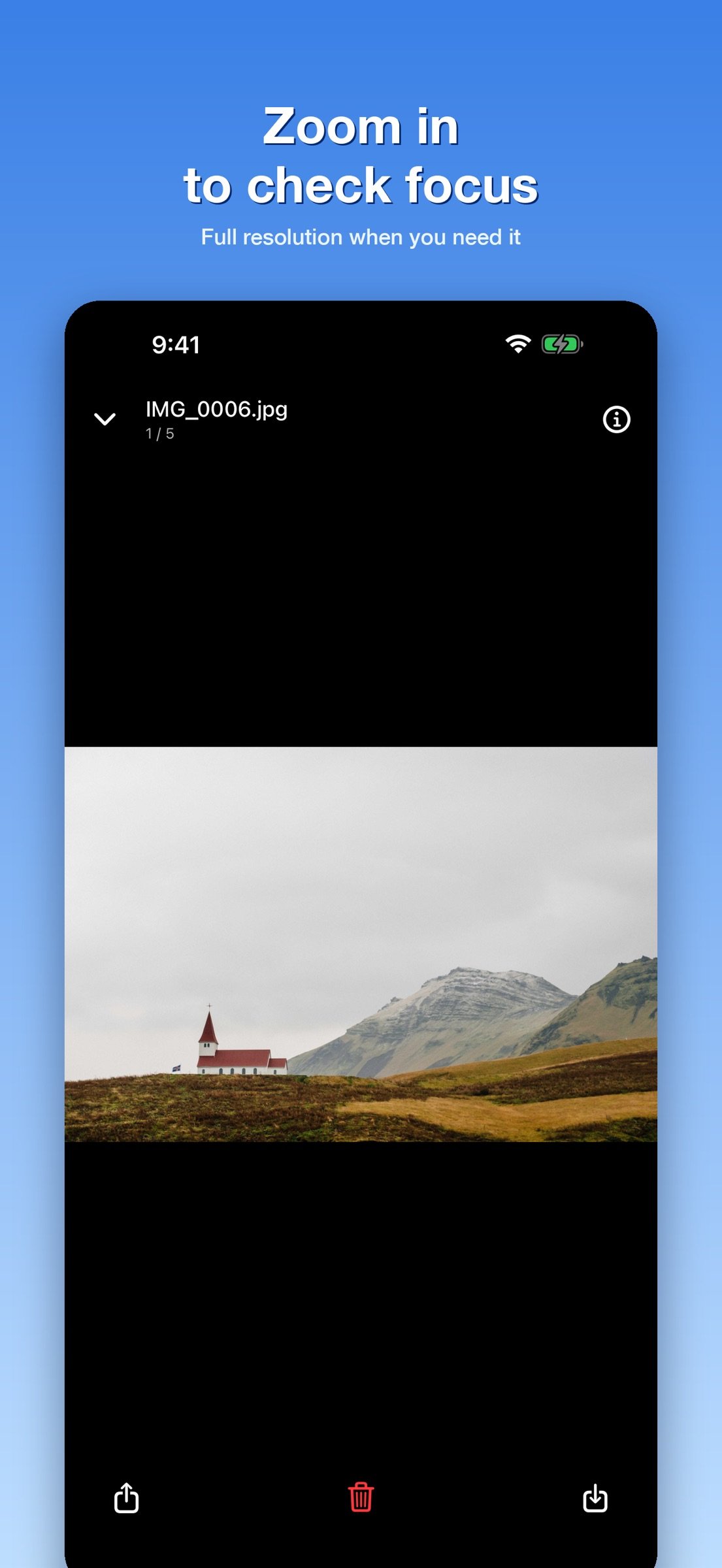
o Pinch-zoom to check focus straight from the SD card
o Review photos stored on a USB stick or SSD on the iPad
o Between shoots, continue culling from the last imported photo
? More features
o Photos-style grid, 1 to 5 columns
o Automatic sections by capture date (month / day / hour)
o Tap to open, pinch to zoom, full resolution when zoomed past 1:1
o Save selected photos to Photos or to any folder
o Share, or delete what you don't need
o RAW preview: DNG / CR2 / CR3 / NEF / ARW / RW2 / ORF / RAF
o Sort by name, date or size, ascending or descending
o English and Japanese
? Supported storage
o SD cards via USB-C or Lightning card readers
o USB drives and external SSDs
o iCloud Drive
o Any cloud storage visible in the Files app (Dropbox, Google Drive and more)
Works with off-the-shelf card readers and drives. No vendor lock-in.
? What it doesn't do
No editing, albums, tags or cloud sync. It does one thing: browse photos on external storage like the Photos app and import only what you want.
? Privacy
Your photos never leave the device. EXIF parsing and overlays are all done locally.
License: Commercial
Bursts are grouped automatically, thumbnails show aperture, shutter speed and ISO, and imported shots get a check mark so you never import the same photo twice.
Photo Importer + is for photographers who want to pick their best RAW / JPEG shots before importing everything. It opens any storage visible in the Files app: SD card readers, USB drives, external SSDs, iCloud Drive and more.
? Why you need it
If you just want everything on your iPhone, plug in a card reader and use the built-in Photos import. That works fine.
But when you shot hundreds of frames and want the best one, the Photos import screen only gives you tiny thumbnails you cannot zoom. You end up importing everything and sorting later, wasting storage and time.
Photo Importer + gives you the same grid as the Photos app, plus the tools that make culling fast, while the photos stay on the card.
? Bursts grouped automatically
High-speed bursts fill the grid with near-identical frames. Photo Importer + reads the EXIF capture time (millisecond precision) and groups frames shot less than a second apart. The grid shows one representative frame; tap to open the group and compare every frame. RAW+JPEG pairs and photos from several cameras are handled correctly.
Unlike the Photos app's Burst feature, this works on RAW and JPEG from any camera. You can turn it off in Settings.
? Shooting info on every thumbnail
Overlay any of these on the grid thumbnails:
o Capture time (ms precision)
o Exposure (aperture, shutter speed, ISO, focal length)
o Camera
o Lens
o File name
o File size
Spot the shot with the wrong aperture or the ISO that went too high without opening a single file. Choose which items to show and their order in Settings.
? See what you've already imported
Photos saved to Photos or copied to a folder get a check mark. The record survives reinserting the card, so you never have to remember where you left off. Filter with "Show Unimported Only" and continue culling from where you stopped.
? How people use it
o Open a burst group and pick the decisive moment
o Compare aperture, shutter speed and ISO across frames to choose the best exposure
o Pinch-zoom to check focus straight from the SD card
o Review photos stored on a USB stick or SSD on the iPad
o Between shoots, continue culling from the last imported photo
? More features
o Photos-style grid, 1 to 5 columns
o Automatic sections by capture date (month / day / hour)
o Tap to open, pinch to zoom, full resolution when zoomed past 1:1
o Save selected photos to Photos or to any folder
o Share, or delete what you don't need
o RAW preview: DNG / CR2 / CR3 / NEF / ARW / RW2 / ORF / RAF
o Sort by name, date or size, ascending or descending
o English and Japanese
? Supported storage
o SD cards via USB-C or Lightning card readers
o USB drives and external SSDs
o iCloud Drive
o Any cloud storage visible in the Files app (Dropbox, Google Drive and more)
Works with off-the-shelf card readers and drives. No vendor lock-in.
? What it doesn't do
No editing, albums, tags or cloud sync. It does one thing: browse photos on external storage like the Photos app and import only what you want.
? Privacy
Your photos never leave the device. EXIF parsing and overlays are all done locally.
License: Commercial
| Release info | New Release on Sep 28, 2026 |
|---|---|
| Release notes | • Refreshed App Store listing and screenshots, now available in English. • Minor improvements. Thanks for using Photo Importer +. If it helps your workflow, a review on the App Store means a lot. |
| Listing data | App Store |
Reviews
No reviews yet. Be the first to review Photo Importer + SD Card Cull.
Used Photo Importer + SD Card Cull? Tell other visitors what you thought.
Log in to write a reviewOther products by this publisher
- "No Distractions" for YouTube 4.10 ----
- #Bible 11.6 "Incredible App - My sister shared this app with me a few weeks ago and it is truly incredible.
- #filmphotography 1.4.2 So, you decided to shoot on film?
- $quirrel 1.5.1 $quirrel Budget & Finance helps you plan each paycheck, track spending, manage debt, and see what is safe to spend before the next payday.
- % Percentage Calculator Pro 1.41 This is the Pro version of % Percentage Calculator.
Most viewed iOS Photo & Video
-
1
 ShortDiShow 2.0
Drama Quest Island — An offline interactive short-drama adventure.
-
2
 Infuse 8.5.10
Infuse: Enterprise provides the same great features as the standard version of Infuse and includes permanent access to all Pro features via a traditional paid app.
-
3
 AI Video Generator 2.0.3
Vixel – AI Video Generator
-
4
 OPlayer 4.8
Play all your videos directly without having to convert them!
-
5
 Necrometer II 1.2
Necrometer II is a paranormal investigation companion designed for ghost hunters and researchers.
-
6
 CapCut 20.1.0
CapCut offers easy-to-use video editing functions, in-APP fonts and effects, advanced features such as keyframe animation, smooth slow-motion, chroma key, and stabilization, to help you capture and snip moments.
-
7
 Ai Photo 1.1.2
AI Photo Retouch – BG Eraser
- 8 #filmphotography 1.4.2 So, you decided to shoot on film?
-
9
 Treblo 1.6.5
Make songs with the world's best AI music model.
-
10
 Pop Dot Comics 1.48
Create a comic worthy of the Sunday newspaper or your favorite pulp-fiction cover.
Most downloaded iOS Photo & Video
-
1
 DJI Fly 1.21.18
DJI Fly is designed to help pilots fly drones with ease.
-
2
Infuse 8.5.10
Infuse: Enterprise provides the same great features as the standard version of Infuse and includes permanent access to all Pro features via a traditional paid app.
-
3
 Analog Radio 3.0
The iPhone and iPad devices don't have the FM/AM radio antenna installed.
-
4
 TurboCollage Automatic 1.2.4
#1 Easy automatic photo collage maker for iPhone & iPad.
-
5
 ReelyGo 1.1.42
ReelyGo: Your Daily Drama Escape
-
6
Treblo 1.6.5
Make songs with the world's best AI music model.
-
7
 Rozeta Sequencer Suite 1.3.16
Rozeta is a suite of MIDI sequencers and controllers that lets you explore a new, freeform approach to sequencing and controlling mobile music apps.
-
8
Pop Dot Comics 1.48
Create a comic worthy of the Sunday newspaper or your favorite pulp-fiction cover.
-
9
 AGAIN. Rehearsal Notes 2.0.1
AGAIN. is the rehearsal app that remembers why the band stopped — and, new in Version 2, who said what in a writing session or a table read.
-
10
 SSS IPTV, Simple, Smart Super 1.0.2
An Easiest way to watch TV Online or Movies or Series, Bring your Own list M3u,