
Perfect Video 8.7.0
Perfect Video is a really EASY TO USE and Full featured video/slideshow editing app.
Download
51.08 MB
19downloads
5this week
FreeCommercial
0reviews
Screenshots
About Perfect Video
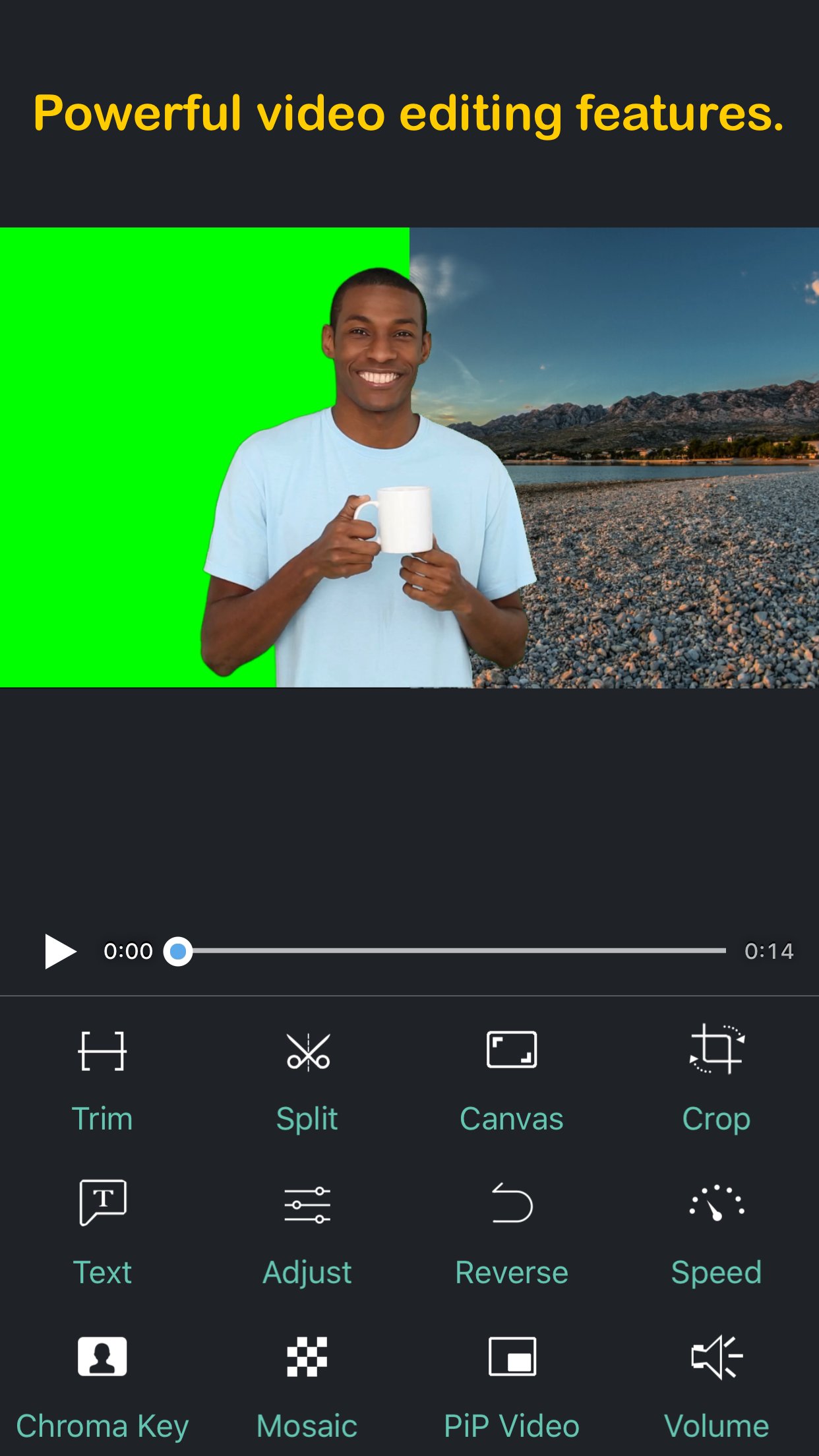
Perfect Video is a really EASY TO USE and Full featured video/slideshow editing app. It lets you quickly Trim, Merge, Split, Reverse, Rotate, Mirror, Flip and Crop clips, add Subtitles, add Mosaic, add Watermark, Photos, and Text, pick Transitions, add Music and Recordings, and export your video clips.
[PREMIUM FEATURES]
1. Keyframe animations: Various editing operations can add key points.
2. Picture in Picture Video.
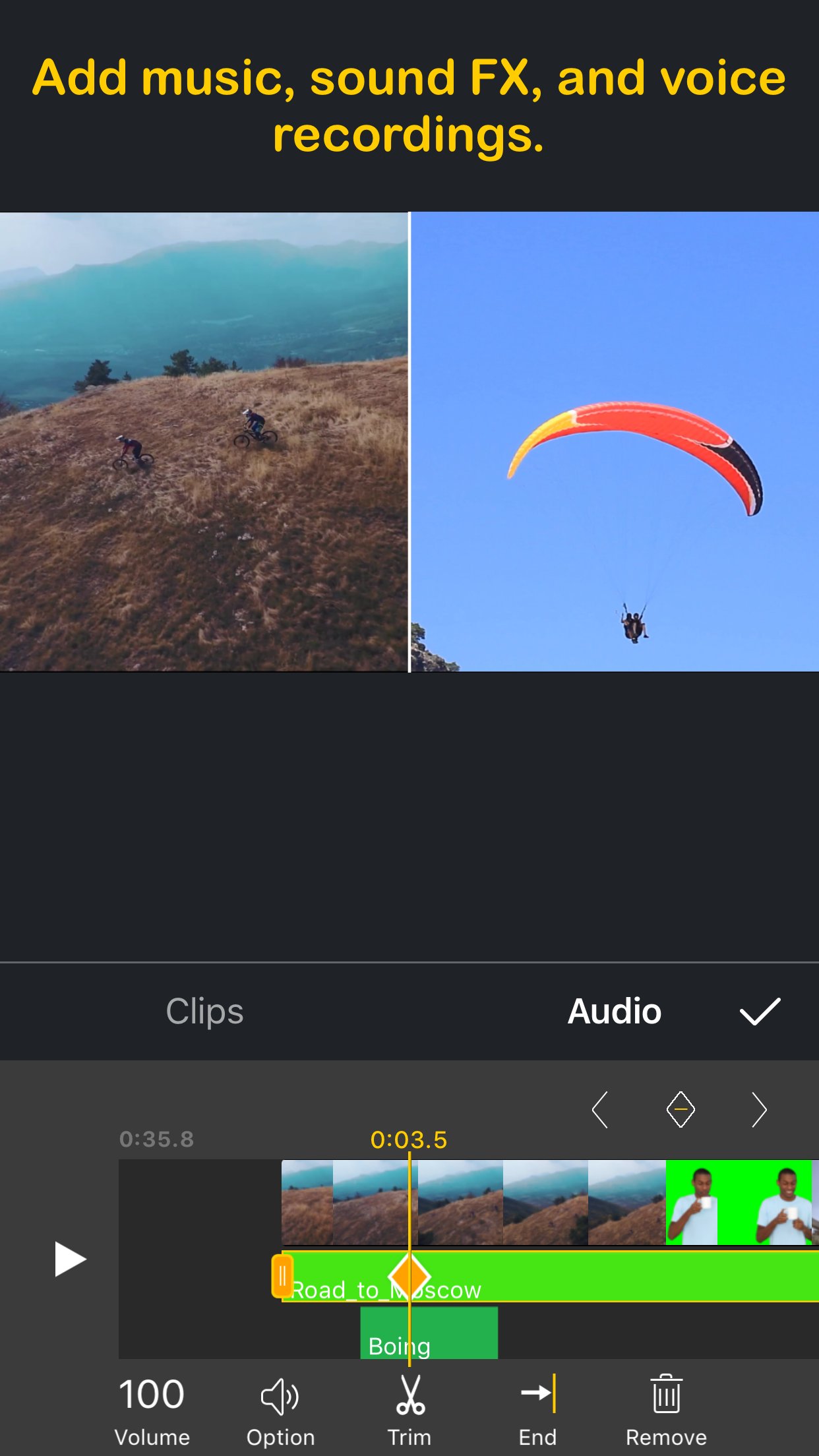
3. Split Screen: Playing two videos side-by-side.
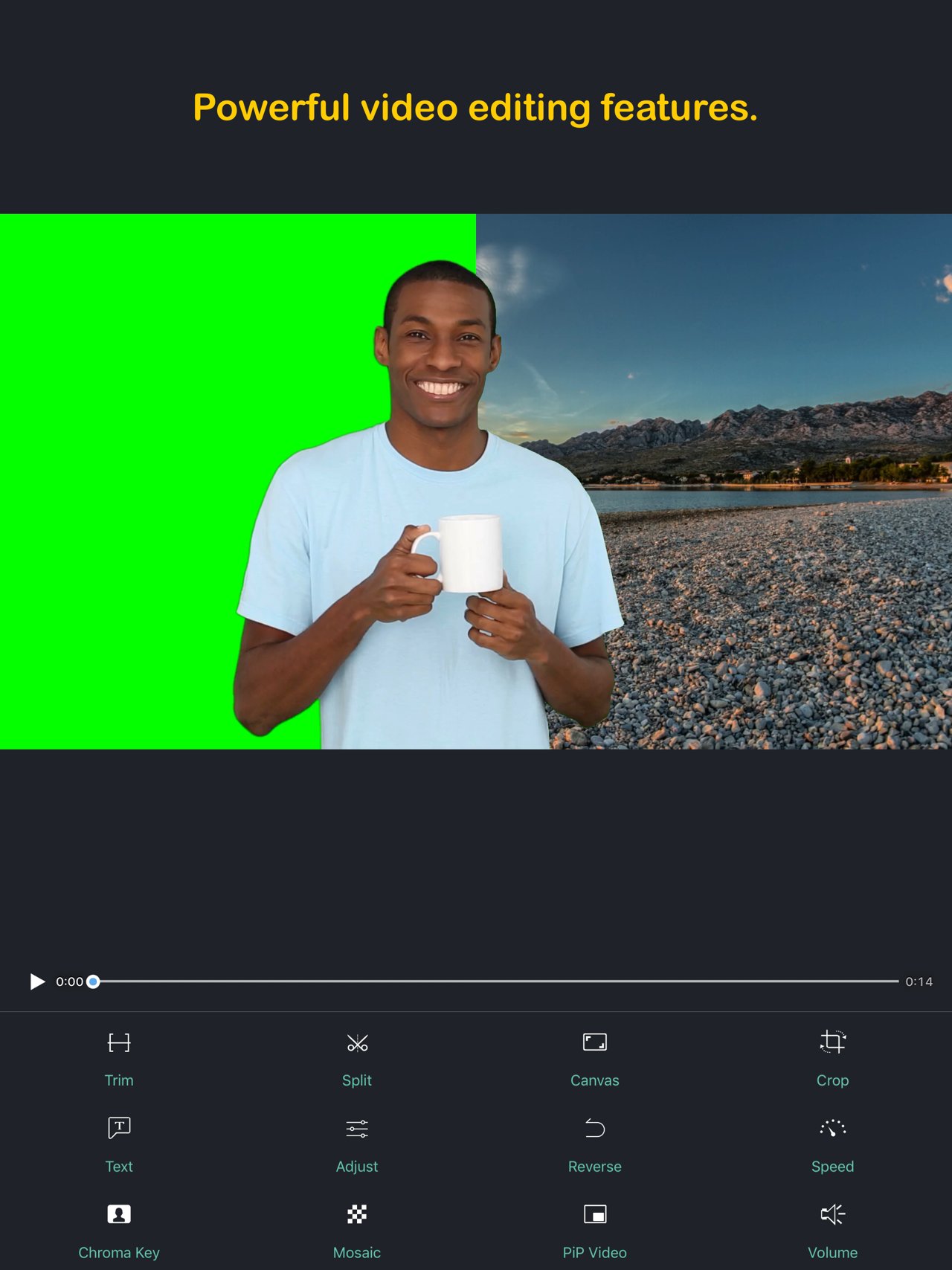
4. Chroma Key (Green/Blue Screen): Replace the video solid background with a video or photo.
5. Mosaic Video: Pixelate or blur or Highlighted a part in the video.
6. Video Color: Adjust the video color (Brightness, Contrast, Saturation, Hue,…) in a real-time manner.
7). Photo Motion: Set Ken Burns effect for photos.
[OHTER FEATURES & HOW TO USE]
1) Importing Videos or Photos: Add multiple videos or photos to a project instantly.
2) Multiple canvas ratios: Video original size, 1:1, 4:5, 16:9, 9:16, 4:3, 3:4, 19.5:9, 9:19.5, 3:2, 2:3, 2:1, 1:2, 2.39:1 .
3) Canvas background setting: Set the color or make background blur, or add a custom picture.
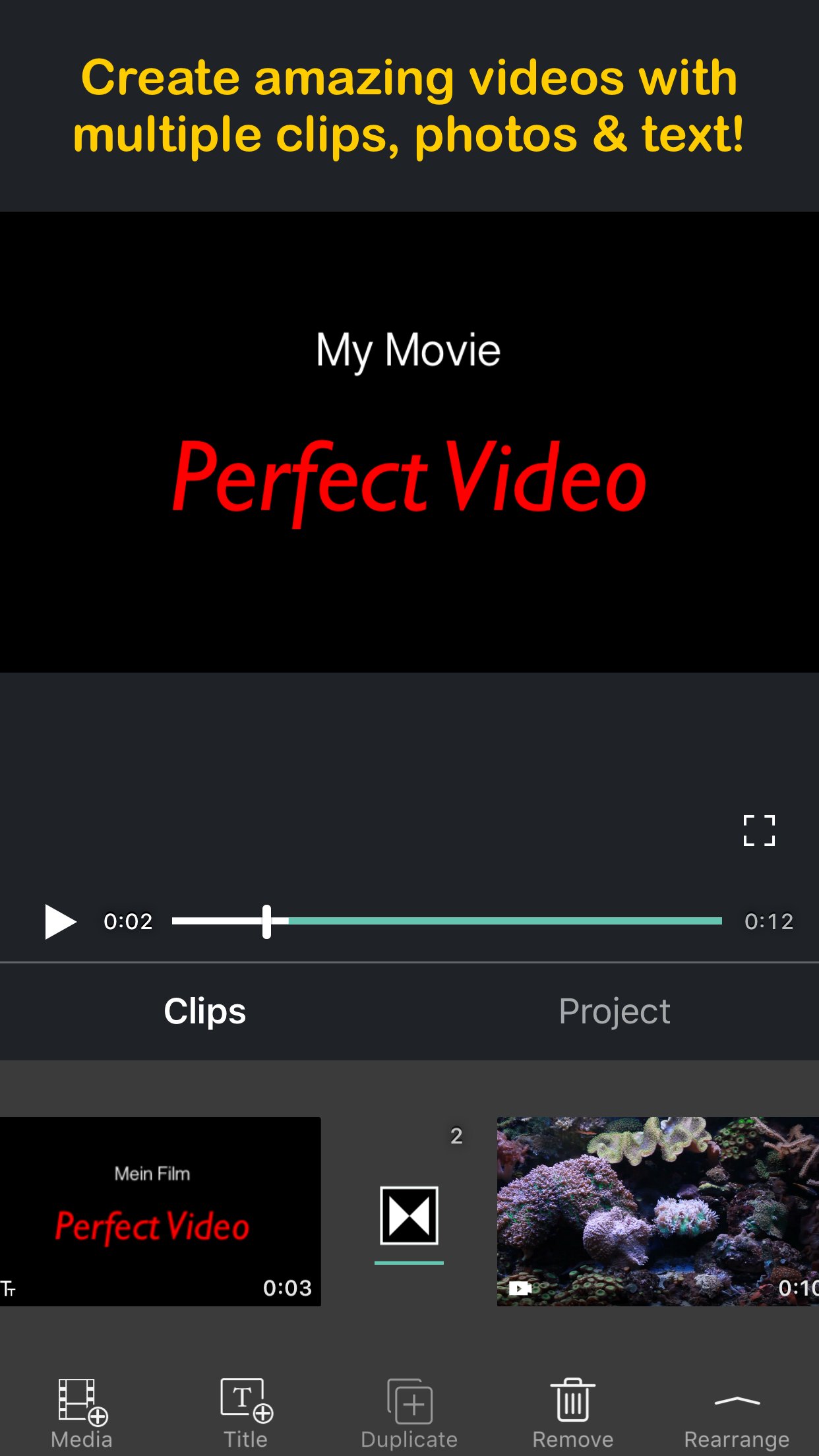
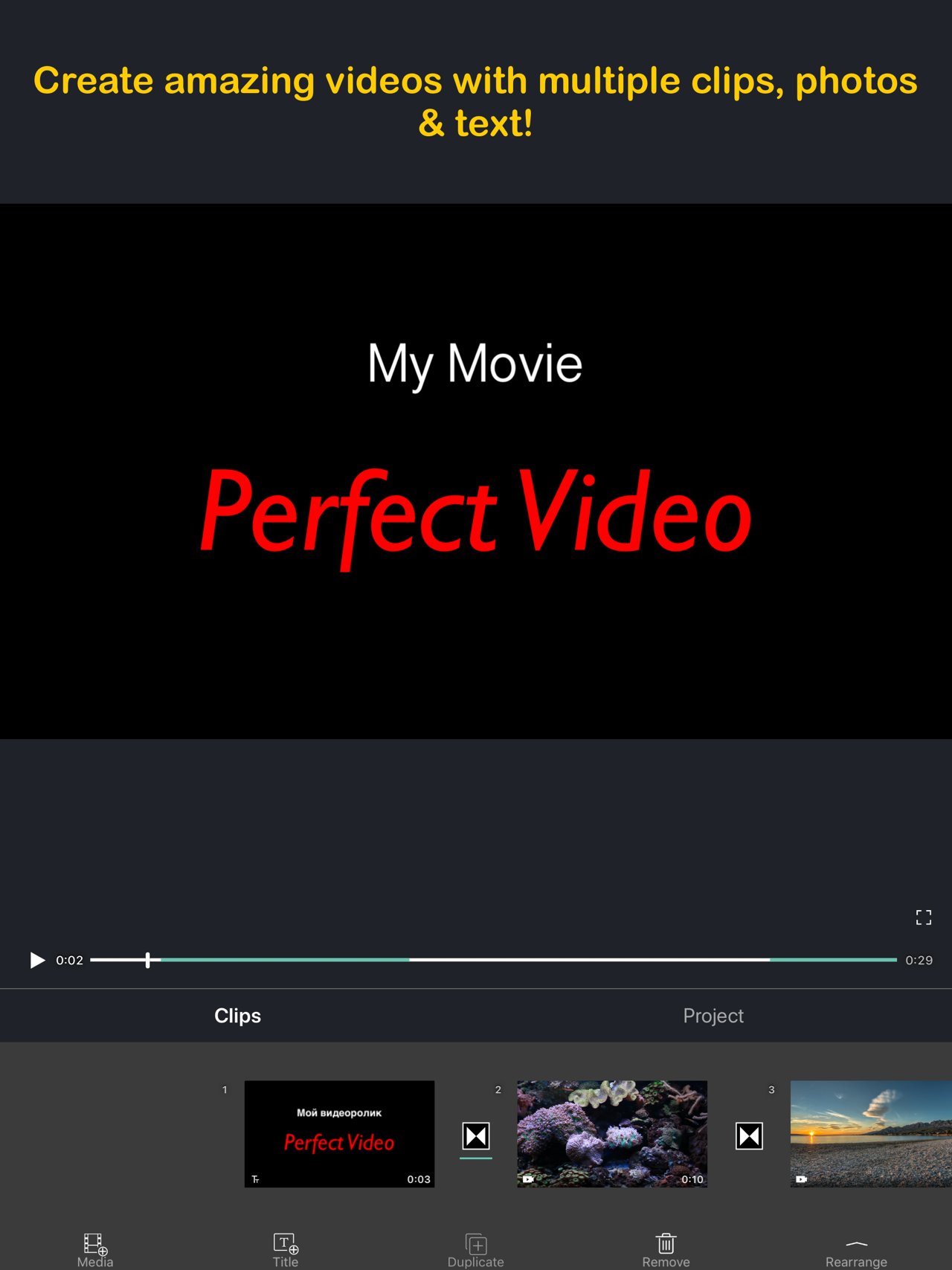
4) Combine: Merge multiple videos, photos or text into one video clip.
5) Split: With this feature, you can remove the middle part of the video, speed up/down part of the video.
6) Video to picture: Extract still images from video via Split feature.
7) Trim: Cut out any unwanted moments.
8) Slow Motion: Slow down or speed up video (0.25x-6x).
9) Crop & Mirror & Flip & Rotate and Angle adjustment .
10) Reverse: Reverse video playback.
11) Duplicate: Duplicate projects or create duplicates of video clips.
12) Animated Subtitles: Add animated text or images to videos.
13) Watermark: Display your own logo on video.
14) Volume: Mute the video or increase the video volume (0-500%).
15) Music: Add multiple songs to a project. You can also choose a specific part of a song to include in your project by trimming it.
16) Sound Effects: Choose from many pre-defined sound effects.
17) Transitions: Select from a host of pre-defined video clip transitions.
18) Video Fade In/Out: Configure the fade-in and fade-out options in the Settings screen for the first and last shots.
19) Compress Video: Reduce video file size dramatically without reducing video resolution.
20) Save Storage Space: Perfect Video only saves the video location so imported videos don’t take up valuable storage space (just DON'T DELETE the original video you're editing).
21) High Resolution: Support for several formats, including 1920x1080HD, and support for up to 4K resolution on iPhone 6s, iPhone 6s Plus, iPad Air 2, iPad Pro and later.
22) Share: Save your video to your Camera Roll or share it on Instagram, Facebook, YouTube or via email.
23) Instant Actions: All actions are performed in an instant manner. No need to wait any more!
If you have a question or suggestion, please contact us. We’ll get right back to you. Thanks!
Email: PerfectVideoSupp@icloud.com
License: Commercial
[PREMIUM FEATURES]
1. Keyframe animations: Various editing operations can add key points.
2. Picture in Picture Video.
3. Split Screen: Playing two videos side-by-side.
4. Chroma Key (Green/Blue Screen): Replace the video solid background with a video or photo.
5. Mosaic Video: Pixelate or blur or Highlighted a part in the video.
6. Video Color: Adjust the video color (Brightness, Contrast, Saturation, Hue,…) in a real-time manner.
7). Photo Motion: Set Ken Burns effect for photos.
[OHTER FEATURES & HOW TO USE]
1) Importing Videos or Photos: Add multiple videos or photos to a project instantly.
2) Multiple canvas ratios: Video original size, 1:1, 4:5, 16:9, 9:16, 4:3, 3:4, 19.5:9, 9:19.5, 3:2, 2:3, 2:1, 1:2, 2.39:1 .
3) Canvas background setting: Set the color or make background blur, or add a custom picture.
4) Combine: Merge multiple videos, photos or text into one video clip.
5) Split: With this feature, you can remove the middle part of the video, speed up/down part of the video.
6) Video to picture: Extract still images from video via Split feature.
7) Trim: Cut out any unwanted moments.
8) Slow Motion: Slow down or speed up video (0.25x-6x).
9) Crop & Mirror & Flip & Rotate and Angle adjustment .
10) Reverse: Reverse video playback.
11) Duplicate: Duplicate projects or create duplicates of video clips.
12) Animated Subtitles: Add animated text or images to videos.
13) Watermark: Display your own logo on video.
14) Volume: Mute the video or increase the video volume (0-500%).
15) Music: Add multiple songs to a project. You can also choose a specific part of a song to include in your project by trimming it.
16) Sound Effects: Choose from many pre-defined sound effects.
17) Transitions: Select from a host of pre-defined video clip transitions.
18) Video Fade In/Out: Configure the fade-in and fade-out options in the Settings screen for the first and last shots.
19) Compress Video: Reduce video file size dramatically without reducing video resolution.
20) Save Storage Space: Perfect Video only saves the video location so imported videos don’t take up valuable storage space (just DON'T DELETE the original video you're editing).
21) High Resolution: Support for several formats, including 1920x1080HD, and support for up to 4K resolution on iPhone 6s, iPhone 6s Plus, iPad Air 2, iPad Pro and later.
22) Share: Save your video to your Camera Roll or share it on Instagram, Facebook, YouTube or via email.
23) Instant Actions: All actions are performed in an instant manner. No need to wait any more!
If you have a question or suggestion, please contact us. We’ll get right back to you. Thanks!
Email: PerfectVideoSupp@icloud.com
License: Commercial
| Release info | New Release on Mar 17, 2023 |
|---|---|
| Release notes | Some UI improvements. |
| Listing data | App Store |
Reviews
No reviews yet. Be the first to review Perfect Video.
Used Perfect Video? Tell other visitors what you thought.
Log in to write a reviewOther products by this publisher
- "No Distractions" for YouTube 4.10 ----
- #Bible 11.6 "Incredible App - My sister shared this app with me a few weeks ago and it is truly incredible.
- #filmphotography 1.4.2 So, you decided to shoot on film?
- $quirrel 1.5.1 $quirrel Budget & Finance helps you plan each paycheck, track spending, manage debt, and see what is safe to spend before the next payday.
- % Percentage Calculator Pro 1.41 This is the Pro version of % Percentage Calculator.
Most viewed iOS Photo & Video
-
1
 ShortDiShow 2.0
Drama Quest Island — An offline interactive short-drama adventure.
-
2
 Infuse 8.5.10
Infuse: Enterprise provides the same great features as the standard version of Infuse and includes permanent access to all Pro features via a traditional paid app.
-
3
 AI Video Generator 2.0.2
Vixel – AI Video Generator
-
4
 OPlayer 4.8
Play all your videos directly without having to convert them!
-
5
 Necrometer II 1.2
Necrometer II is a paranormal investigation companion designed for ghost hunters and researchers.
-
6
 CapCut 20.1.0
CapCut offers easy-to-use video editing functions, in-APP fonts and effects, advanced features such as keyframe animation, smooth slow-motion, chroma key, and stabilization, to help you capture and snip moments.
-
7
 Ai Photo 1.1.2
AI Photo Retouch – BG Eraser
- 8 #filmphotography 1.4.2 So, you decided to shoot on film?
-
9
 Treblo 1.6.0
Make songs with the world's best AI music model.
-
10
 Pop Dot Comics 1.48
Create a comic worthy of the Sunday newspaper or your favorite pulp-fiction cover.
Most downloaded iOS Photo & Video
-
1
Infuse 8.5.10
Infuse: Enterprise provides the same great features as the standard version of Infuse and includes permanent access to all Pro features via a traditional paid app.
-
2
 DJI Fly 1.21.18
DJI Fly is designed to help pilots fly drones with ease.
-
3
 Analog Radio 3.0
The iPhone and iPad devices don't have the FM/AM radio antenna installed.
-
4
 TurboCollage Automatic 1.2.4
#1 Easy automatic photo collage maker for iPhone & iPad.
-
5
Treblo 1.6.0
Make songs with the world's best AI music model.
-
6
 ReelyGo 1.1.42
ReelyGo: Your Daily Drama Escape
-
7
 Rozeta Sequencer Suite 1.3.16
Rozeta is a suite of MIDI sequencers and controllers that lets you explore a new, freeform approach to sequencing and controlling mobile music apps.
-
8
 AGAIN. Rehearsal Notes 2.0.1
AGAIN. is the rehearsal app that remembers why the band stopped — and, new in Version 2, who said what in a writing session or a table read.
-
9
Pop Dot Comics 1.48
Create a comic worthy of the Sunday newspaper or your favorite pulp-fiction cover.
-
10
 SSS IPTV, Simple, Smart Super 1.0.2
An Easiest way to watch TV Online or Movies or Series, Bring your Own list M3u,