21downloads
0this week
FreeCommercial
0reviews
Screenshots
About Pencil Notes
# Pencil Notes — Your Simple Apple Pencil Notebook
Turn your iPad into a simple, distraction-free notebook designed for Apple Pencil.
Write naturally, organize your ideas, annotate documents, and export your work — all without subscriptions or complicated setup.
## WRITE NATURALLY
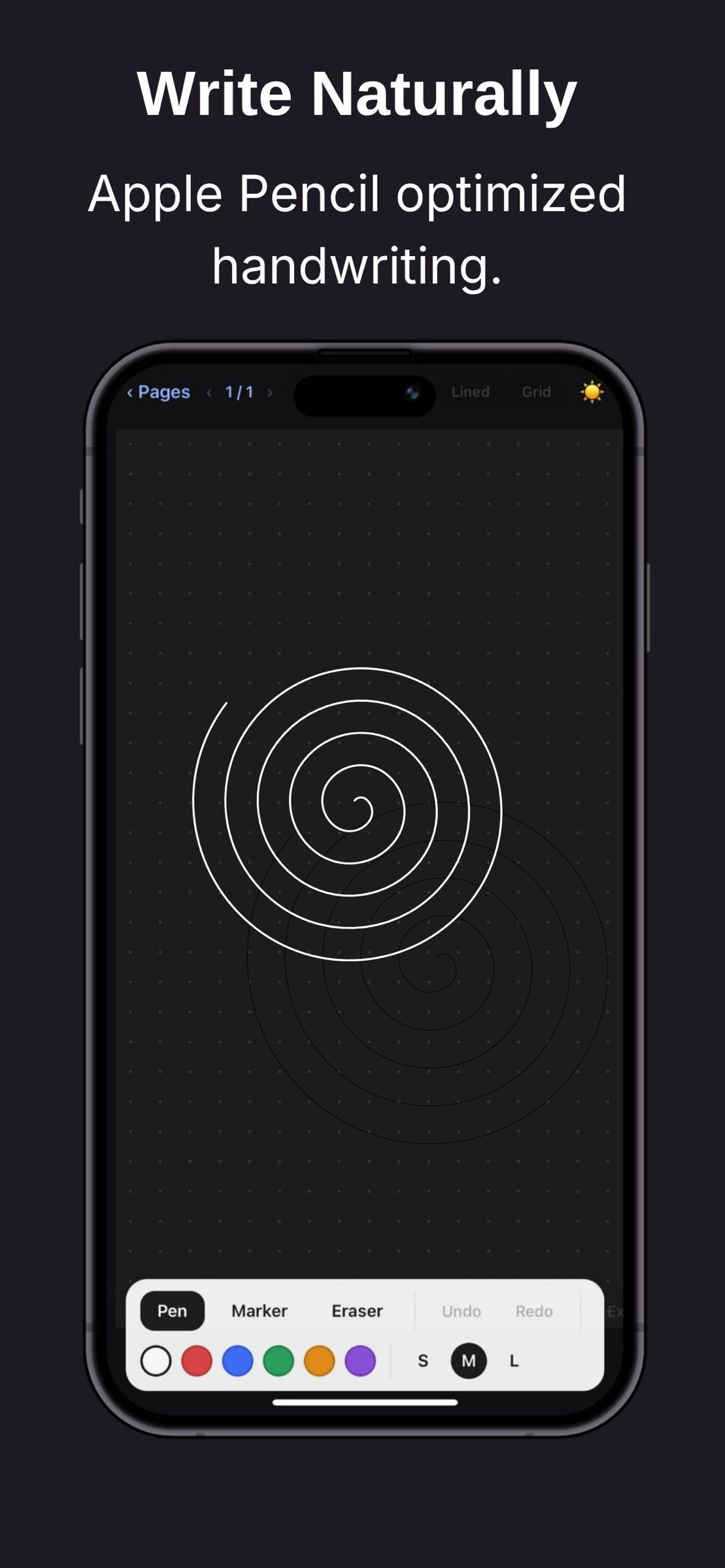
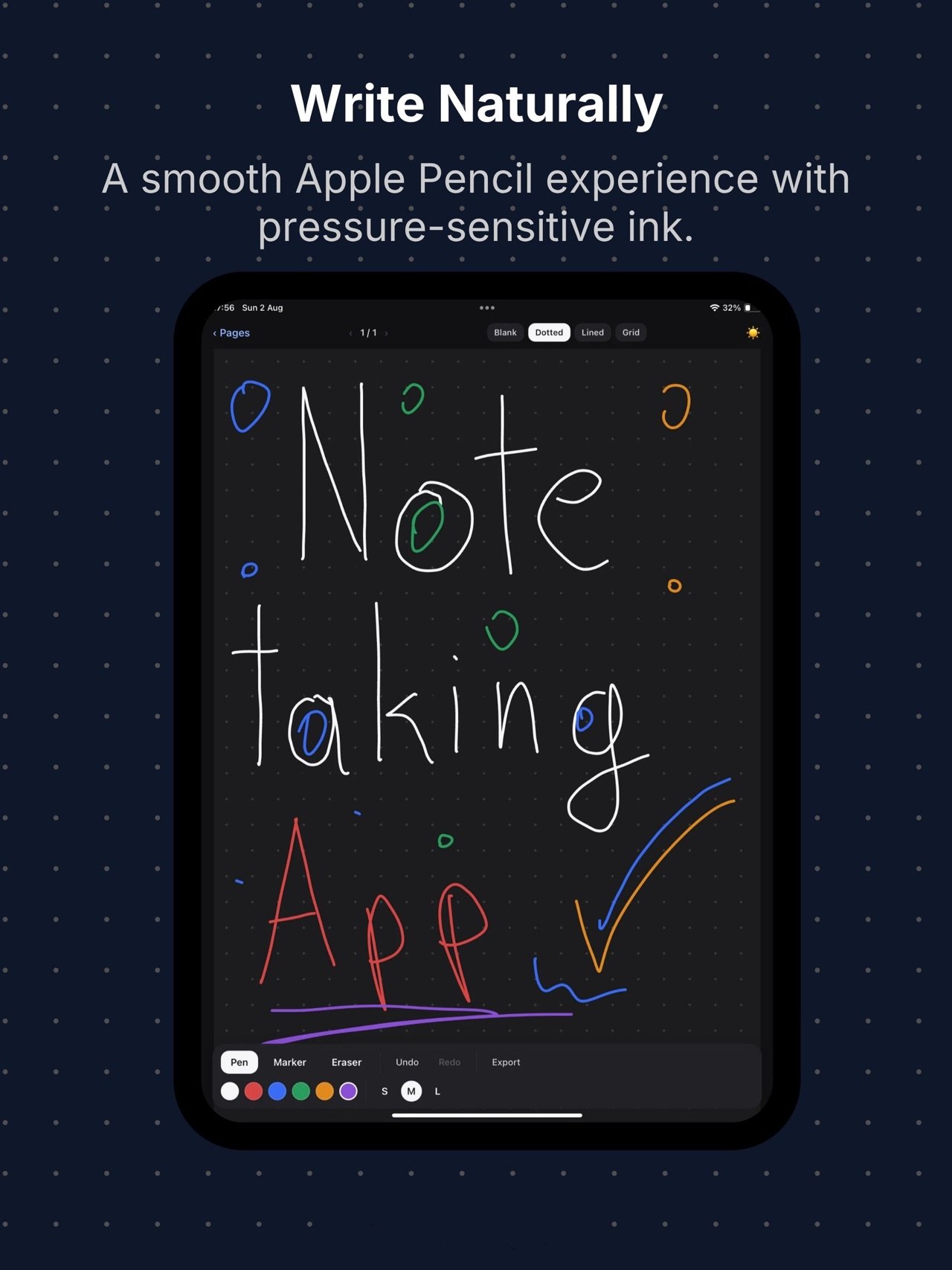
Pencil Notes is built around the feeling of writing on real paper.
• Write with Apple Pencil
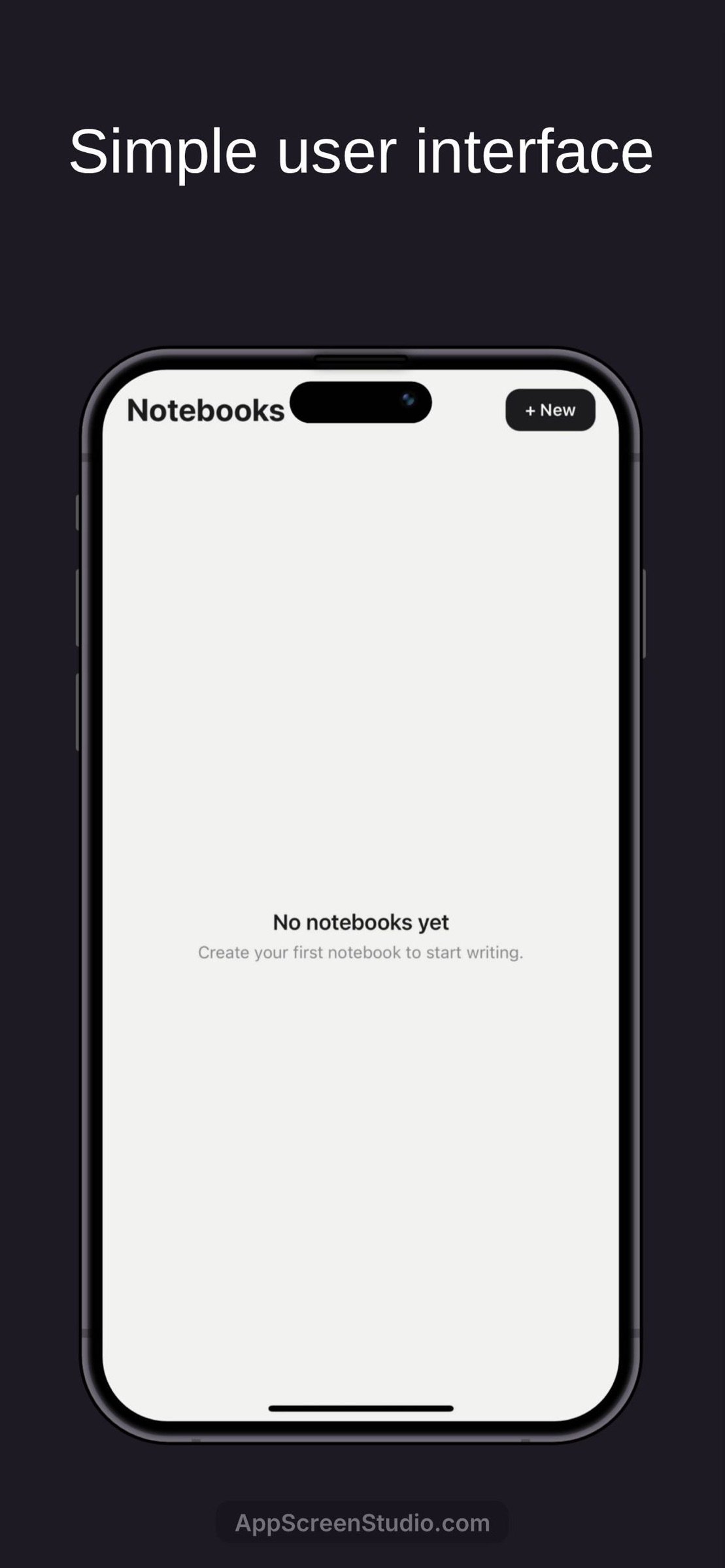
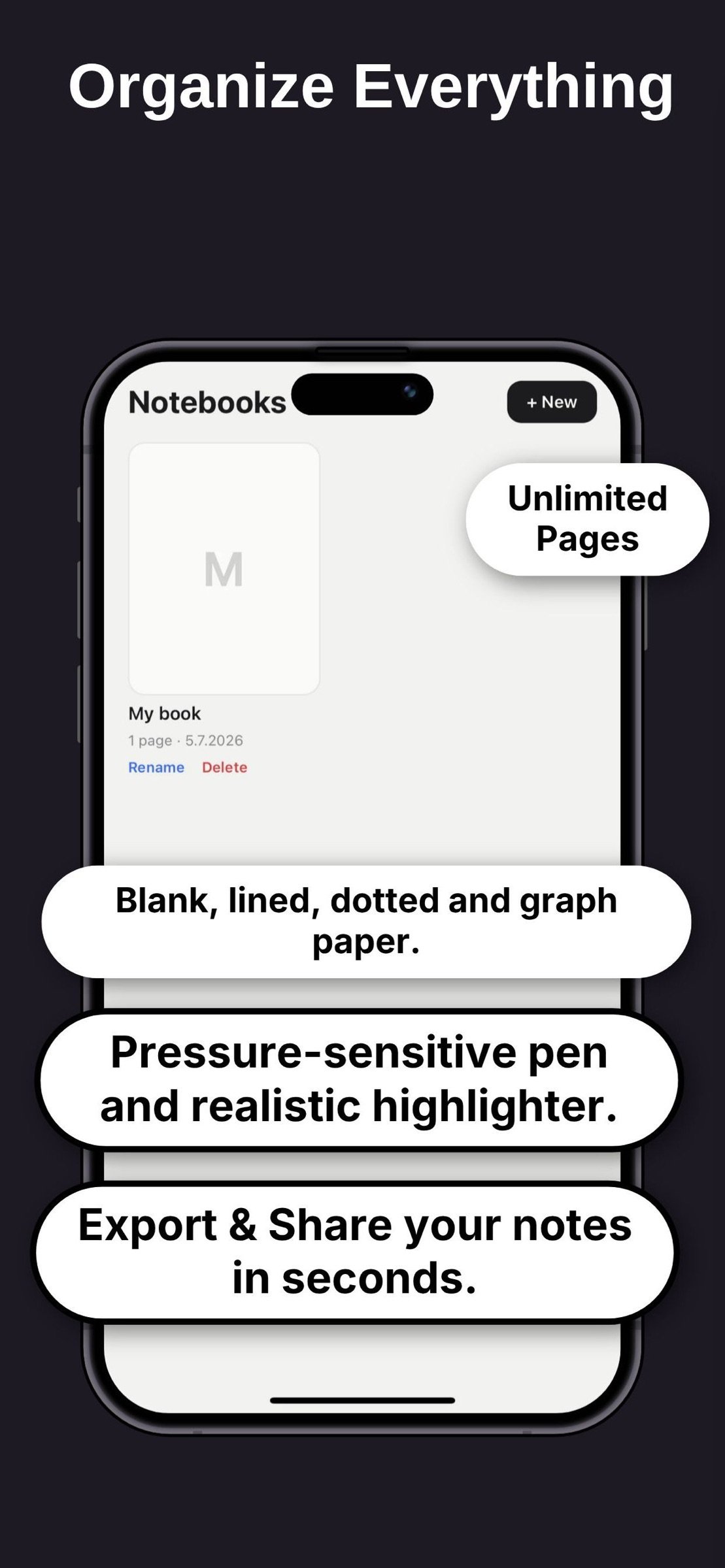
• Create unlimited notebooks and pages
• Choose blank, lined, dotted, or grid paper
• Use a pressure-sensitive pen
• Highlight important ideas
• Undo and redo with ease
• Zoom and pan while writing
Whether you're taking notes, planning your day, journaling, brainstorming, or simply sketching, Pencil Notes keeps things simple.
## WRITE ON PDFs
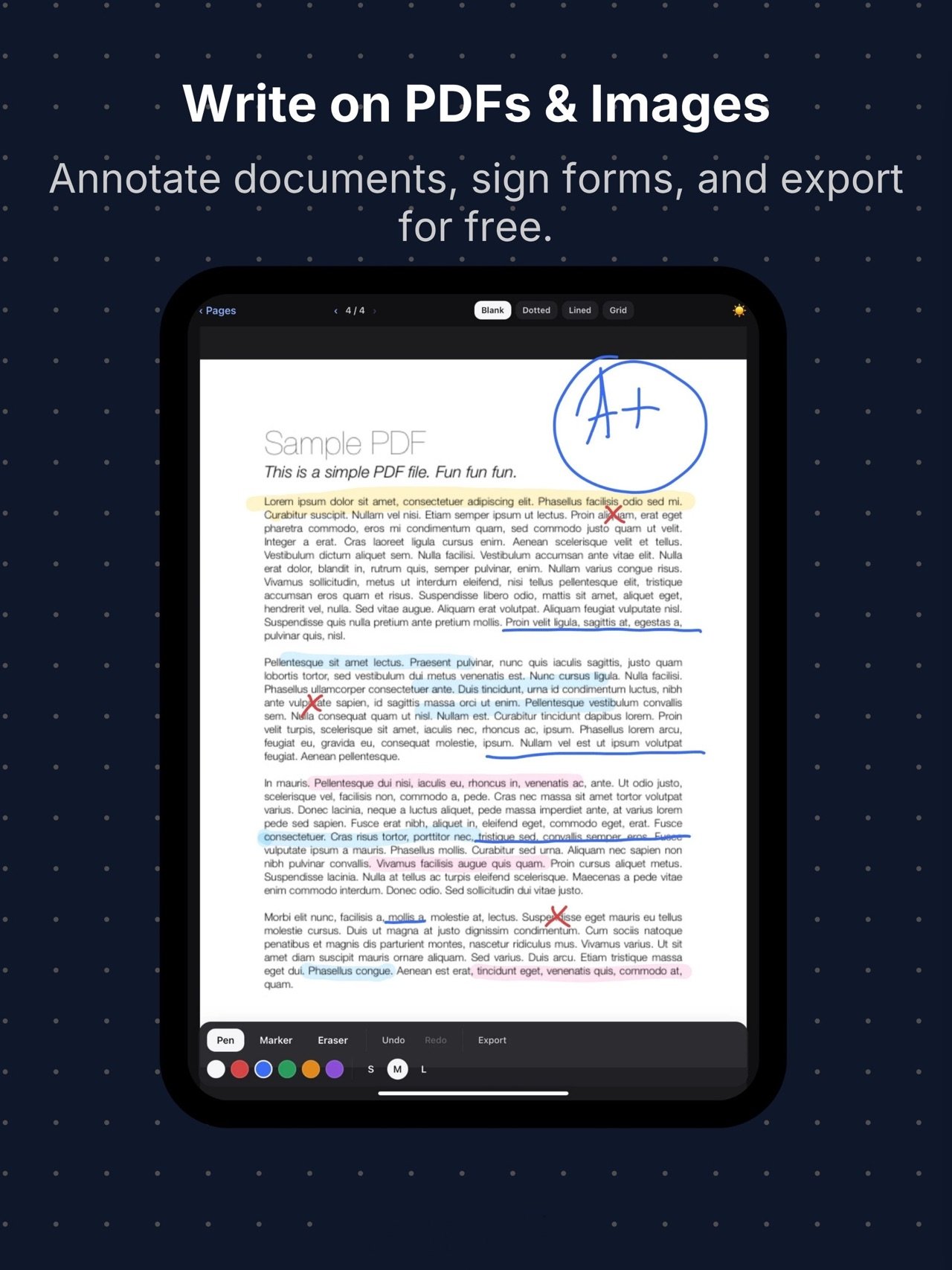
Import a PDF and write directly on it with Apple Pencil.
Highlight text, add handwritten notes, draw, underline, circle important information, and mark up documents naturally.
Perfect for:
• Study materials
• Lecture notes
• Work documents
• Forms and worksheets
• Research papers
• Presentations
• Personal documents
## ANNOTATE IMAGES
Import an image and use your Apple Pencil to write, draw, mark up, or add notes directly on it.
## EXPORT YOUR WORK
When you're finished, export your handwritten pages, PDF annotations, or marked-up images and share them wherever you need.
## PRIVATE BY DESIGN
Your notes stay on your iPad.
No account required.
Your notes stay on your iPad.
No cloud storage. No ads.
Just open the app and start writing.
## MADE FOR EVERYDAY USE
Use Pencil Notes for:
• Class and lecture notes
• Meetings
• To-do lists
• Journaling
• Planning
• Brainstorming
• Sketching
• PDF annotation
• Document markup
• Personal notes
## SIMPLE BY CHOICE
Pencil Notes isn't trying to replace every app on your iPad.
It's a simple place to write.
Open it. Pick a page. Grab your Apple Pencil. Start writing.
License: Commercial
| Release info | New Release on Oct 15, 2026 |
|---|---|
| Release notes | **NEW: Whiteboards** A new space for free-form thinking. Sketch on an endless canvas, add shapes, text, and sticky notes, and connect your ideas with arrows. Export any whiteboard as a PDF or image to share your ideas anywhere. **IMPROVEMENTS & FIXES** • Fixed an issue that made images and stickers less responsive when dragging with Apple Pencil. Moving them is now smoother and more precise. • Reduced memory usage for smoother performance, especially in notebooks containing many images. • Improved overall performance and stability. Thanks for using Pencil Notes! We'd love to hear your feedback. |
| Listing data | App Store |
Reviews
No reviews yet. Be the first to review Pencil Notes.
Used Pencil Notes? Tell other visitors what you thought.
Log in to write a reviewOther products by this publisher
- "No Distractions" for YouTube 4.10 ----
- #Bible 11.6.1 "Incredible App - My sister shared this app with me a few weeks ago and it is truly incredible.
- #filmphotography 1.4.2 So, you decided to shoot on film?
- #LookBusy Fake Calendar Events 1.0.6 Look Busy scans your work calendar for open time slots and fills them with realistic-looking (but secretly fake) work events.
- #Small Talk Is Canceled 1.0.2 #Small Talk Is Canceled — Conversations That Matter
Most viewed iOS Productivity
-
1
 WordPress 27.5
Manage or create your WordPress blog or website right from your iOS device: create and edit posts and pages, upload your favorite photos and videos, view stats and reply to comments.
- 2 Voice Translator - Alive 1.6 Translation app that turns your iPhone into an interpreter instantly.
-
3
 Life360 26.45.0
Whether at home, online, or on the move, our comprehensive family safety features bring peace of mind to your loved ones AND help safeguard your personal belongings.
-
4
 Claude by Anthropic 1.261123.51
Meet Claude, your AI problem solver and thinking partner.
-
5
 WristMemo 2.0
WristMemo turns your Apple Watch into an all-day voice recorder.
- 6 "No Distractions" for YouTube 4.10 ----
-
7
 Colicine 1.3.0
Have you ever been there—
-
8
 Cue by Manus 26.19.6
Cue has its own identity and can use the apps you authorize to help with everyday tasks, online and in person.
- 9 (beat) for iOS 0.5.10 An elegant Fountain screenwriting app, created by a screenwriter for screenwriters.
-
10
 DeepSeek 2.10.0
Experience seamless interaction with DeepSeek's official AI assistant for free!
Most downloaded iOS Productivity
- 1 Voice Translator - Alive 1.6 Translation app that turns your iPhone into an interpreter instantly.
-
2
 SessionsAI 1.2.1
Sessions AI is a private AI workspace that runs entirely on your iPhone, iPad, or Mac.
-
3
DeepSeek 2.10.0
Experience seamless interaction with DeepSeek's official AI assistant for free!
-
4
 Voices AI 1.16.18
Discover Voices, the premier voice transformation app designed exclusively for iOS.
-
5
 Block Distracting Websites 1.11
"It's a great way to save time, and stop browsing Reddit when you should be doing coursework."
-
6
 Google Docs 1.2026.47103
Create, edit, and collaborate on online documents with the Google Docs app.
-
7
 Plot Digitizer 1.4.1
Plot Digitizer is an app to extract numerical data from plot images.
-
8
 MyHyundai with Bluelink 5.4.6
The MyHyundai app makes getting information about your Hyundai vehicle easier than ever.
-
9
 Pixy Mood Tracker 1.110.0
Track your mood, one pixel at a time.
-
10
 Minder 1.4
Minder turns your phone into a pair of eyes that watch you work.