
PassDiary Password Manager 1.7.9
Passdiary is a password manager and password wallet that let you securely store all your accounts important information in a vault.
Download
27.91 MB
8downloads
1this week
FreeCommercial
0reviews
Screenshots
About PassDiary Password Manager
Passdiary is a password manager and password wallet that let you securely store all your accounts important information in a vault. Passdiary does not access any of your precious information and none of your data will be stored in cloud or any other server.
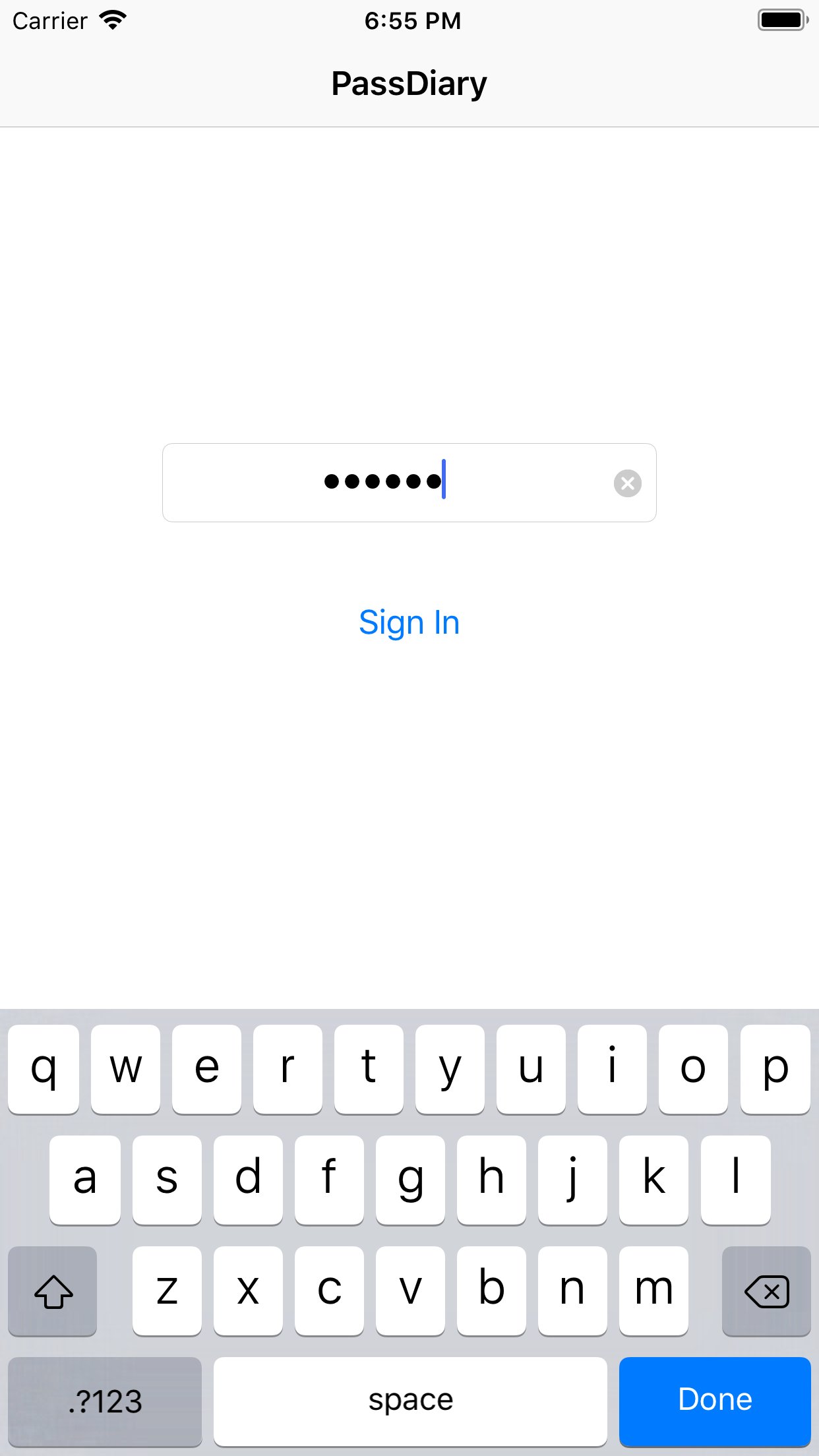
To access all your stored accounts passwords you just required to remember one password of Passdiary. Passdiary can be used to store the information of your email accounts, shopping accounts, social accounts, credit/debit cards, device logins and a lot.??Using Passdiary first time??Passdiary is available just for $1 with lifetime access for iOS platforms and can be accessed on mobiles, tablets and iPad.
Passdiary Features:-
-Passdiary App is very simple and easy to use
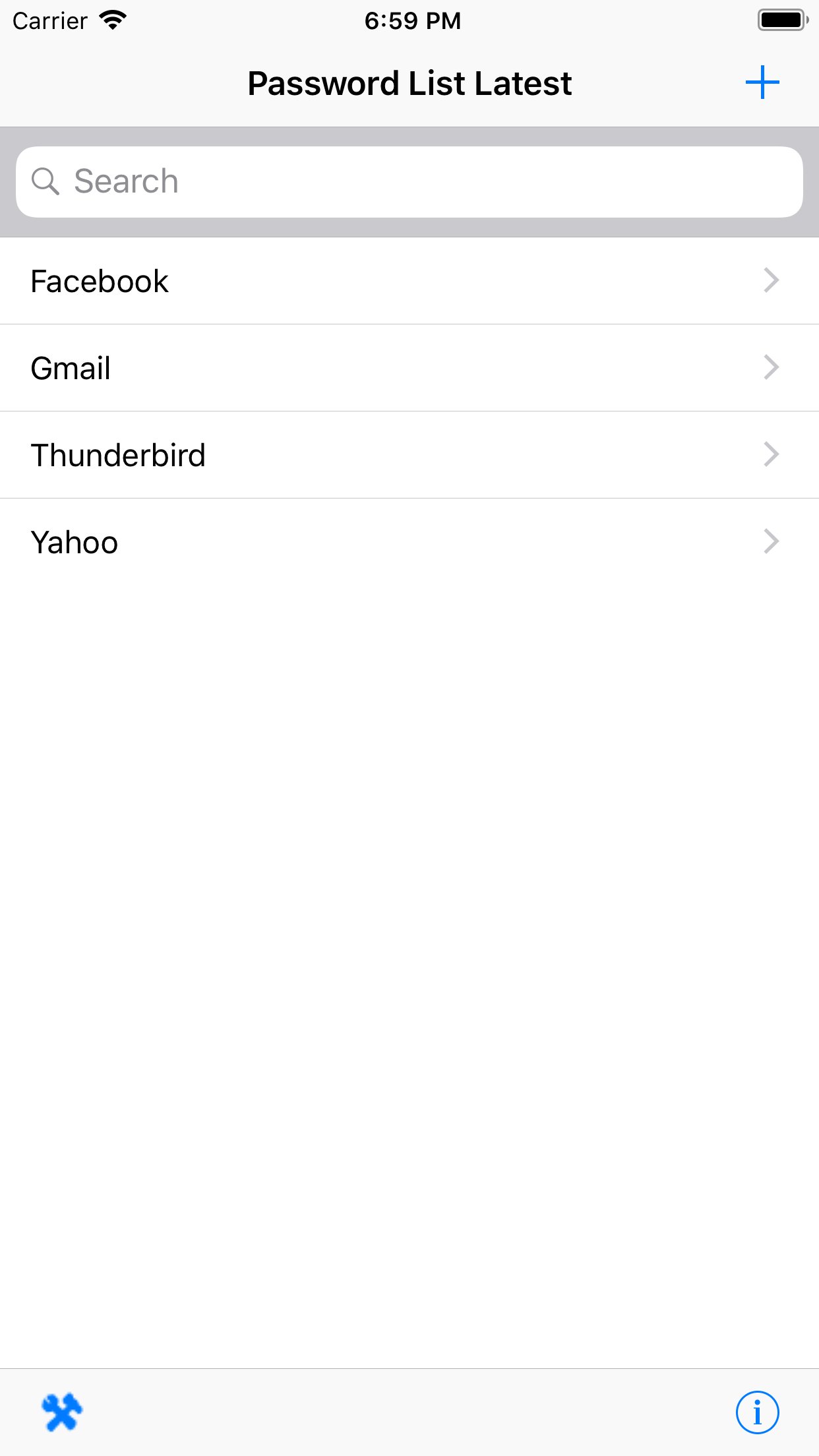
-Smart search to Password listing page
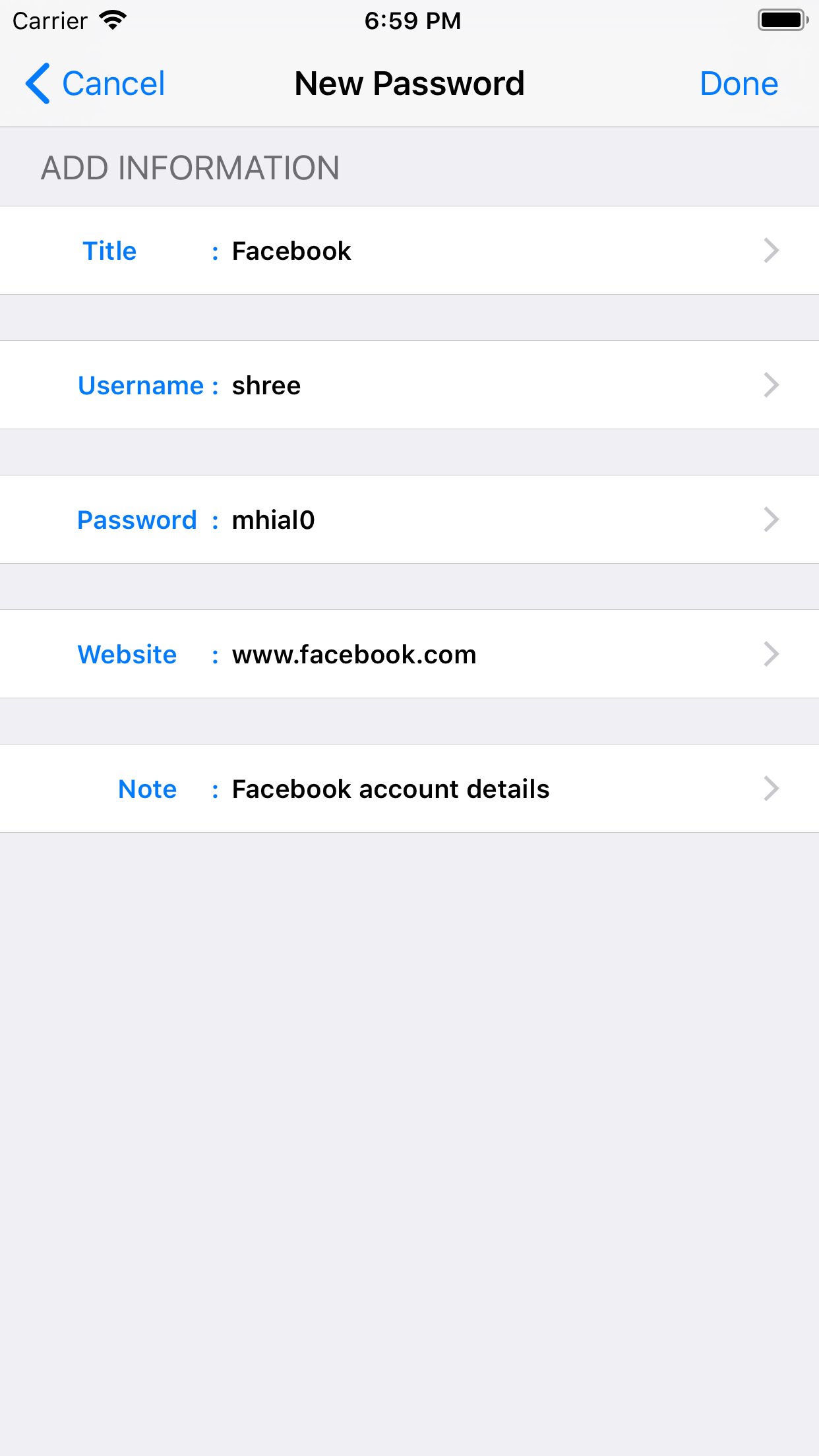
-Password details can be saved with website URL, title, username & password with description
-Random password generation using alphabets, numbers, special characters
-Working offline (Does not require internet connectivity)
-Passwords are safely stored on the device
-Application is very highly secured against vulnerabilities
-Strong Encryption (256-bit Advanced Encryption Standard
-Backup utility to back up your passwords on a PC/Mac which is having Java installed.
-Every query related on how to use the app is provided on website.
Password diary - Makes easy to keep a record of all your account password with descriptions
Password vault for storage - Let you store and easily search all your passwords at a single place
Secure password vault - Passdiary does not connect with internet and does not synchronize with any of your accounts.
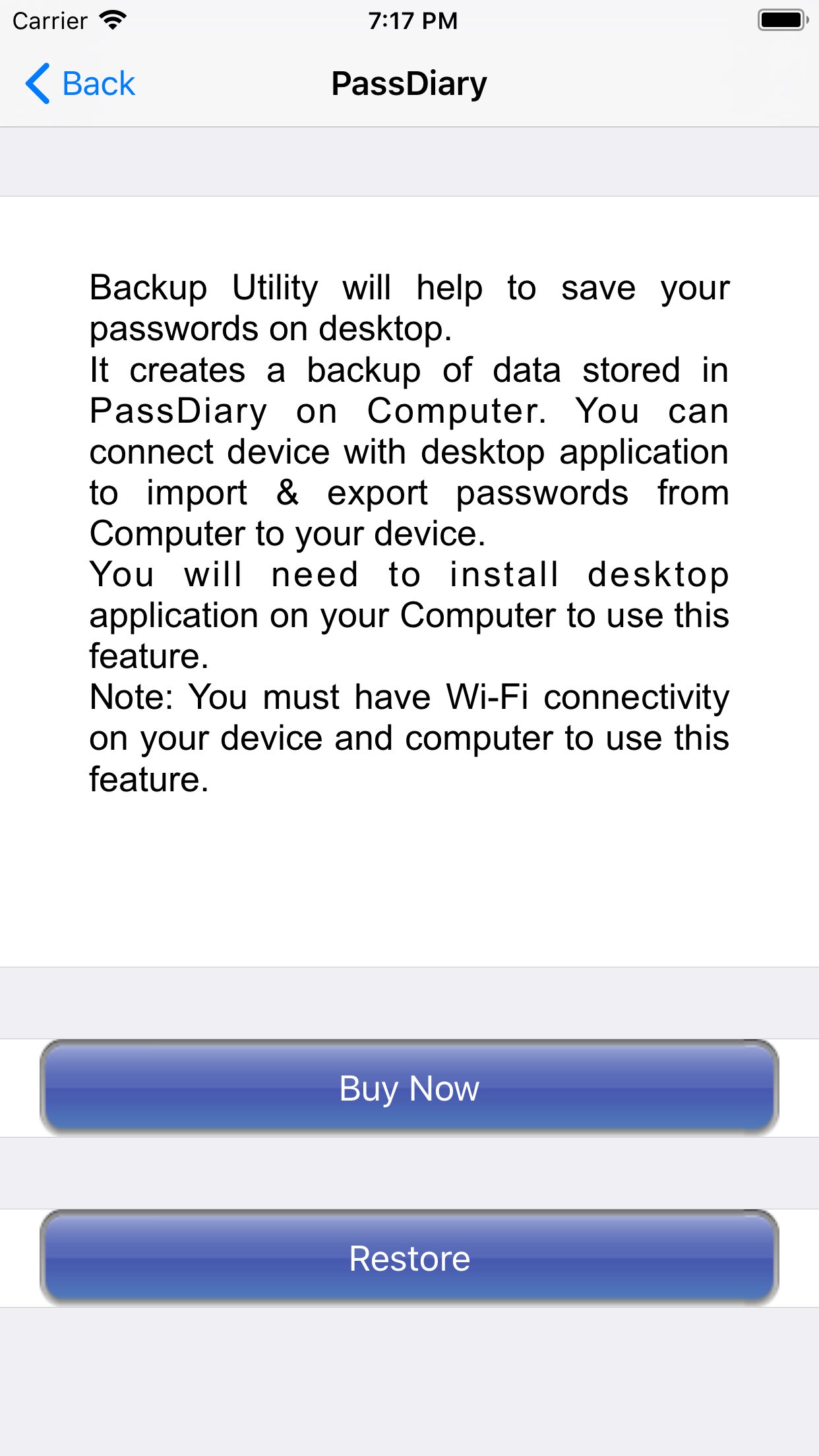
What is Backup utility?
Backup Utility is developed for Passdiary users, so as to save and restore passwords whenever required.
The backup utility is a Desktop software for Windows/Mac devices which transfers your passwords from your Tablet/iPhone/iPod device to your computer and vice-versa with some easy steps.
How Backup utility works?
In the back up process a file (.epk) is exported to Windows/Mac device from your mobile uses 256 Bit encryption security. Your backup file on PC cannot be opened by any other program.
Desktop utility will never connect to Internet and all your passwords are safe with 256 Bit encryption security used to encrypt backup file.
Desktop utility also works with Mountain Lion OS. The use of this facility is recommended in situations where you are resetting your device to factory settings or formatting your desktop with iTunes or re-installing the iTunes. It also works for circumstances in which your Computer iTunes is infected with Trojan, or you want to switch to another device. iTunes also provides backup features but it may not necessarily support backups in situations mentioned above
Backup Utility is available as an In App purchase just for $0.99 or price equivalent to your country's currency. Please check [link removed] to see the snapshots that will give you an idea as to how you can do this and get going.
License: Commercial
To access all your stored accounts passwords you just required to remember one password of Passdiary. Passdiary can be used to store the information of your email accounts, shopping accounts, social accounts, credit/debit cards, device logins and a lot.??Using Passdiary first time??Passdiary is available just for $1 with lifetime access for iOS platforms and can be accessed on mobiles, tablets and iPad.
Passdiary Features:-
-Passdiary App is very simple and easy to use
-Smart search to Password listing page
-Password details can be saved with website URL, title, username & password with description
-Random password generation using alphabets, numbers, special characters
-Working offline (Does not require internet connectivity)
-Passwords are safely stored on the device
-Application is very highly secured against vulnerabilities
-Strong Encryption (256-bit Advanced Encryption Standard
-Backup utility to back up your passwords on a PC/Mac which is having Java installed.
-Every query related on how to use the app is provided on website.
Password diary - Makes easy to keep a record of all your account password with descriptions
Password vault for storage - Let you store and easily search all your passwords at a single place
Secure password vault - Passdiary does not connect with internet and does not synchronize with any of your accounts.
What is Backup utility?
Backup Utility is developed for Passdiary users, so as to save and restore passwords whenever required.
The backup utility is a Desktop software for Windows/Mac devices which transfers your passwords from your Tablet/iPhone/iPod device to your computer and vice-versa with some easy steps.
How Backup utility works?
In the back up process a file (.epk) is exported to Windows/Mac device from your mobile uses 256 Bit encryption security. Your backup file on PC cannot be opened by any other program.
Desktop utility will never connect to Internet and all your passwords are safe with 256 Bit encryption security used to encrypt backup file.
Desktop utility also works with Mountain Lion OS. The use of this facility is recommended in situations where you are resetting your device to factory settings or formatting your desktop with iTunes or re-installing the iTunes. It also works for circumstances in which your Computer iTunes is infected with Trojan, or you want to switch to another device. iTunes also provides backup features but it may not necessarily support backups in situations mentioned above
Backup Utility is available as an In App purchase just for $0.99 or price equivalent to your country's currency. Please check [link removed] to see the snapshots that will give you an idea as to how you can do this and get going.
License: Commercial
| Release info | New Release on Apr 20, 2022 |
|---|---|
| Release notes | - Minor Bug Fixes |
| Listing data | App Store |
Reviews
No reviews yet. Be the first to review PassDiary Password Manager.
Used PassDiary Password Manager? Tell other visitors what you thought.
Log in to write a reviewOther products by this publisher
- "No Distractions" for YouTube 4.10 ----
- #Bible 11.6.1 "Incredible App - My sister shared this app with me a few weeks ago and it is truly incredible.
- #filmphotography 1.4.2 So, you decided to shoot on film?
- $quirrel 1.5.1 $quirrel Budget & Finance helps you plan each paycheck, track spending, manage debt, and see what is safe to spend before the next payday.
- % Percentage Calculator Pro 1.41 This is the Pro version of % Percentage Calculator.
Most viewed iOS Productivity
-
1
 WordPress 27.4
Manage or create your WordPress blog or website right from your iOS device: create and edit posts and pages, upload your favorite photos and videos, view stats and reply to comments.
- 2 Voice Translator - Alive 1.6 Translation app that turns your iPhone into an interpreter instantly.
-
3
 Claude by Anthropic 1.261113.19
Meet Claude, your AI problem solver and thinking partner.
-
4
 Life360 26.44.0
Whether at home, online, or on the move, our comprehensive family safety features bring peace of mind to your loved ones AND help safeguard your personal belongings.
-
5
 WristMemo 2.0
WristMemo turns your Apple Watch into an all-day voice recorder.
- 6 "No Distractions" for YouTube 4.10 ----
-
7
 Colicine 1.3.0
Have you ever been there—
- 8 (beat) for iOS 0.5.10 An elegant Fountain screenwriting app, created by a screenwriter for screenwriters.
-
9
 DeepSeek 2.8.0
Experience seamless interaction with DeepSeek's official AI assistant for free!
-
10
 Howbout 16.7.2
The shared calendar for friends, couples, and family
Most downloaded iOS Productivity
- 1 Voice Translator - Alive 1.6 Translation app that turns your iPhone into an interpreter instantly.
-
2
DeepSeek 2.8.0
Experience seamless interaction with DeepSeek's official AI assistant for free!
-
3
 SessionsAI 1.2.1
Sessions AI is a private AI workspace that runs entirely on your iPhone, iPad, or Mac.
-
4
 Voices AI 1.16.15
Discover Voices, the premier voice transformation app designed exclusively for iOS.
-
5
 Block Distracting Websites 1.11
"It's a great way to save time, and stop browsing Reddit when you should be doing coursework."
-
6
 Plot Digitizer 1.4.1
Plot Digitizer is an app to extract numerical data from plot images.
-
7
 Google Docs 1.2026.46102
Create, edit, and collaborate on online documents with the Google Docs app.
-
8
 MyHyundai with Bluelink 5.4.5
The MyHyundai app makes getting information about your Hyundai vehicle easier than ever.
-
9
 Pixy Mood Tracker 1.110.0
Track your mood, one pixel at a time.
-
10
 Chatbot App 9.2.8
Chatbot App brings advanced AI models together in one intuitive app for writing, learning, coding, creativity, and productivity.