
9downloads
3this week
FreeFreeware
0reviews
Screenshots
About ownCloud
Your files. Your server. Your ownCloud.
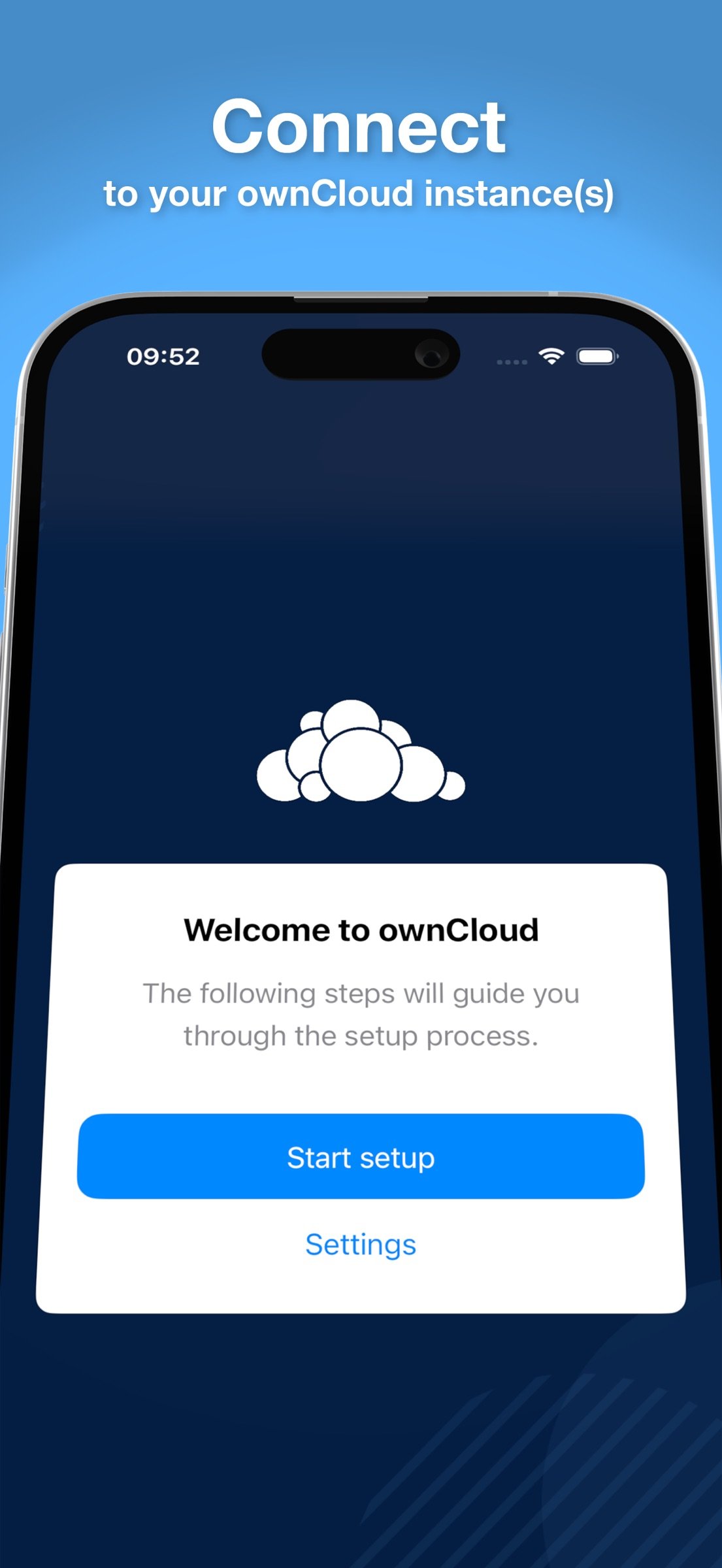
Connect to your ownCloud Infinite Scale (oCIS) or ownCloud Classic server and access your private cloud from anywhere. Open source, self-hosted, no third-party cloud required.
ownCloud gives you full control over your data. Whether you're a teacher accessing the school cloud, a sysadmin managing a federated deployment, or someone who simply refuses to hand their files to a big-tech provider — this app is built for you.
FEATURES
- Browse, Edit and Create files
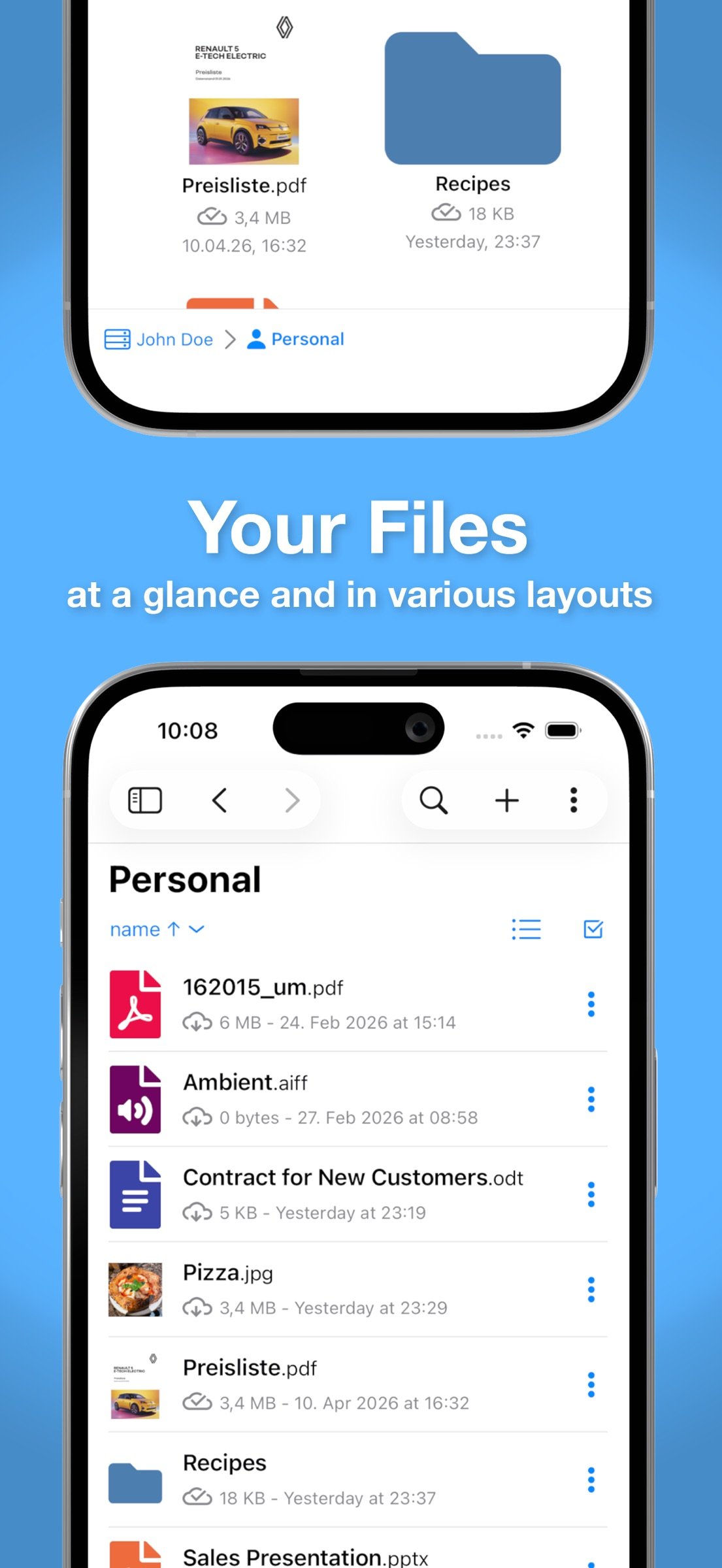
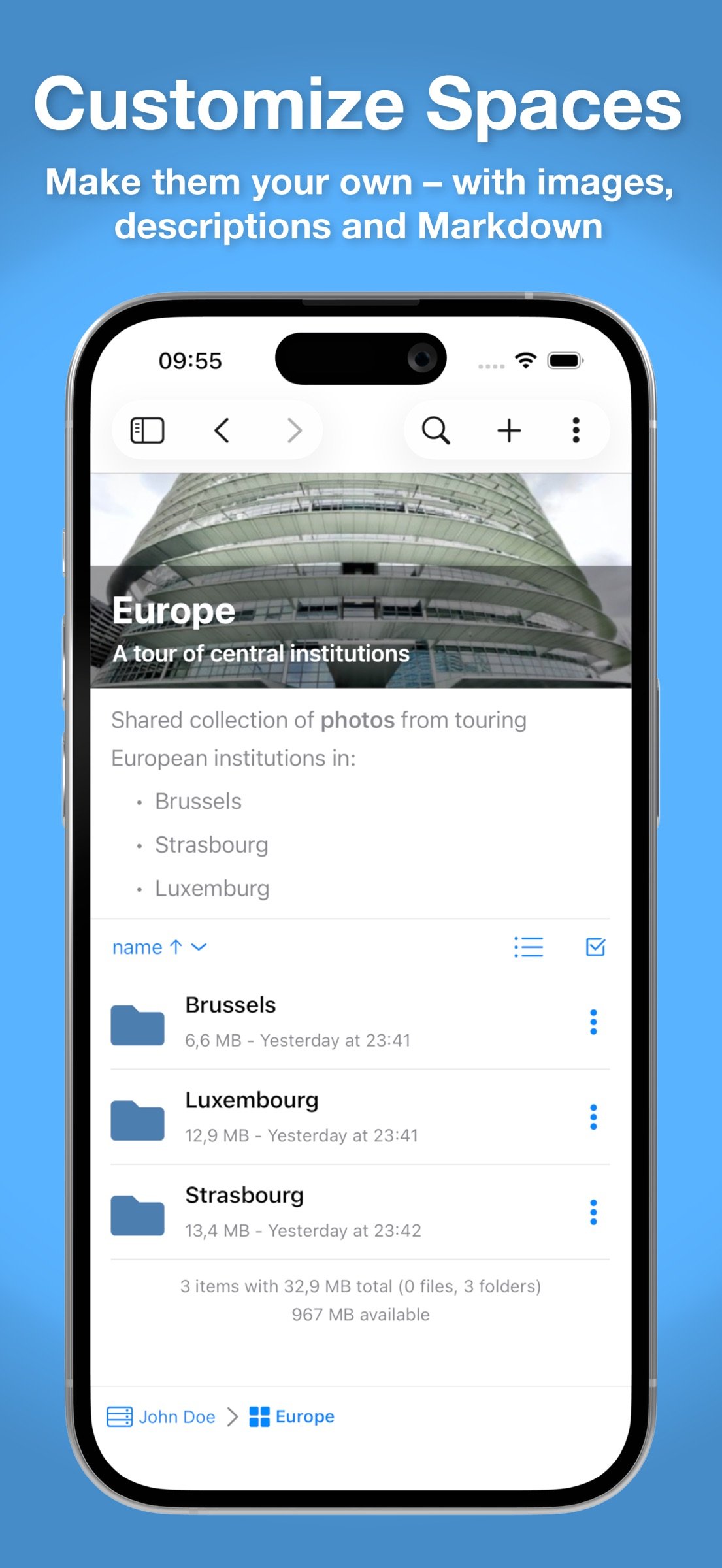
Work with your files directly on your device with Files integration, built-in markup tools*, and the document scanner*. Switch between list view and three grid views — all updating live as changes happen locally or remotely.
- Built-in viewers
View common file types right in the app. Swipe through images in carousel view. Navigate PDFs using their table of contents or full-text search.
- Spaces (oCIS)
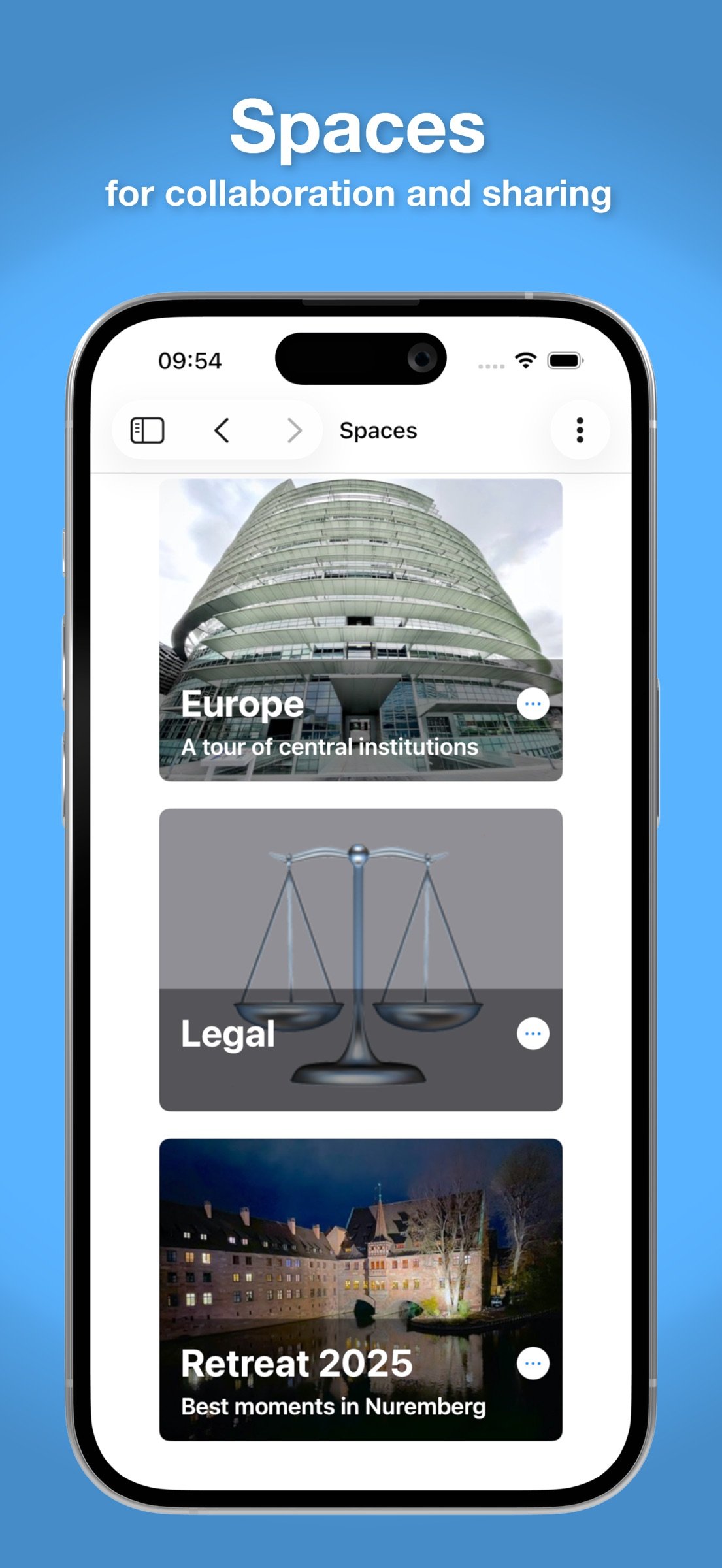
On ownCloud Infinite Scale servers, organise work into Spaces with dedicated permissions, members, and quotas. Full Spaces support is built in.
- Sharing and Collaboration
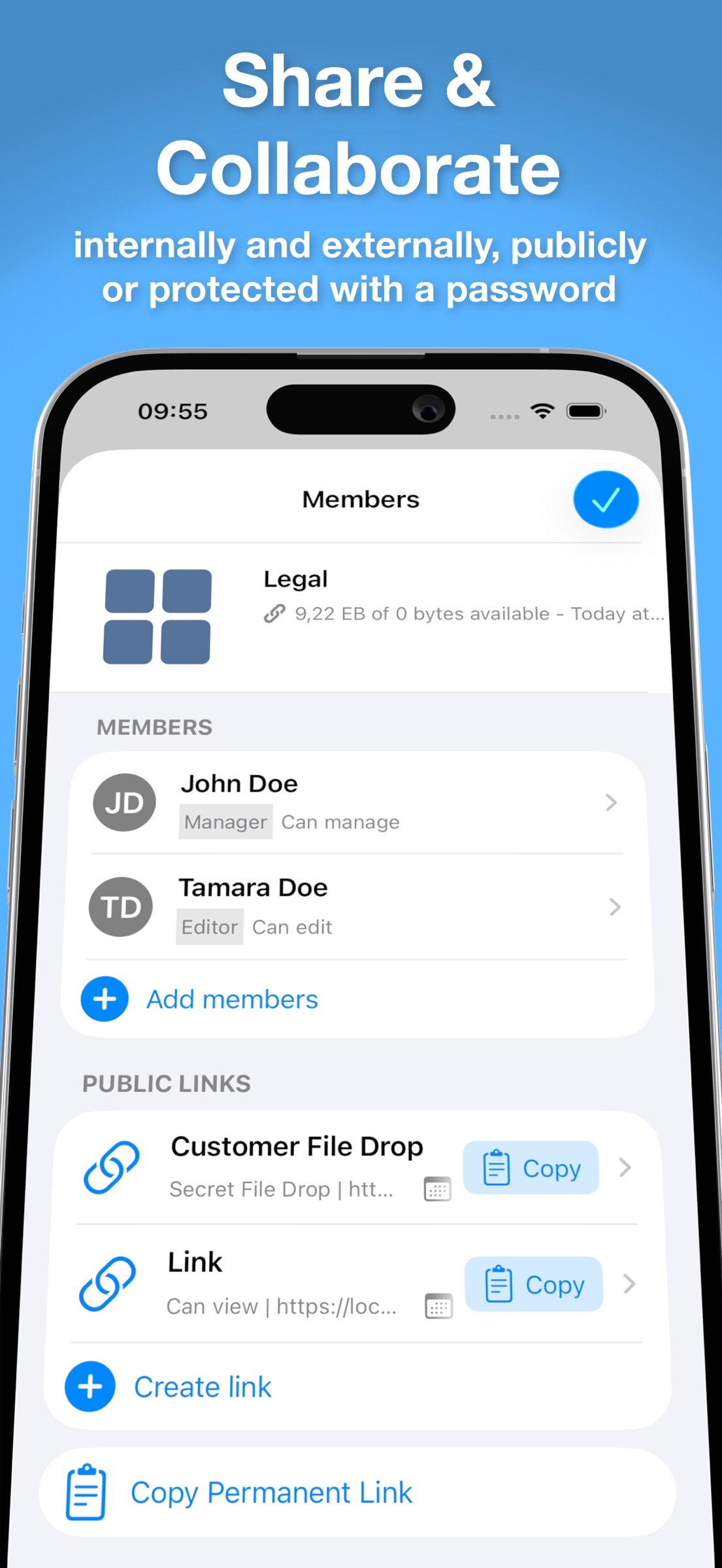
Share files and folders with other users on the same server or externally via public links. Fine-grained permissions, password protection, and expiry dates give you control over every share.
- Search (Local and Remote)
Filter by date, size, type, or location. Save searches and create reusable templates. Local search works fully offline. On oCIS servers, server-side search can also find content inside files (depending on server configuration).
- Offline Support
Mark files and folders for offline availability. Work without a connection. Changes sync automatically when you're back online. Built from the ground up with offline-first in mind.
- Multiple Accounts
Connect to several ownCloud servers and accounts simultaneously. Switch between them seamlessly.
- Deep OS Integration
Native iPadOS multitasking, drag and drop, File Provider, and Shortcuts support. Built by developers who care about how apps should feel on Apple platforms.
- Security
The app tracks your server's TLS certificates and warns you about unexpected changes. Review certificate details (including a diff of what changed) and accept or reject — right from the app.
* Some features may require an In-App Purchase or Subscription.
SYSTEM REQUIREMENTS
iOS 15.4 or later, iPadOS 15.4 or later
ABOUT OWNCLOUD
ownCloud is the original open source platform for self-hosted file sync, share, and collaboration. Founded in 2010 in Germany, ownCloud is trusted by millions of users in education, government, research, and enterprise worldwide. ownCloud is maintained by Kiteworks through its Open Source Program Office.
Learn more: [link removed]
Open source: [link removed]
Terms of Use: [link removed]
Privacy Policy: [link removed]
License: Free
Connect to your ownCloud Infinite Scale (oCIS) or ownCloud Classic server and access your private cloud from anywhere. Open source, self-hosted, no third-party cloud required.
ownCloud gives you full control over your data. Whether you're a teacher accessing the school cloud, a sysadmin managing a federated deployment, or someone who simply refuses to hand their files to a big-tech provider — this app is built for you.
FEATURES
- Browse, Edit and Create files
Work with your files directly on your device with Files integration, built-in markup tools*, and the document scanner*. Switch between list view and three grid views — all updating live as changes happen locally or remotely.
- Built-in viewers
View common file types right in the app. Swipe through images in carousel view. Navigate PDFs using their table of contents or full-text search.
- Spaces (oCIS)
On ownCloud Infinite Scale servers, organise work into Spaces with dedicated permissions, members, and quotas. Full Spaces support is built in.
- Sharing and Collaboration
Share files and folders with other users on the same server or externally via public links. Fine-grained permissions, password protection, and expiry dates give you control over every share.
- Search (Local and Remote)
Filter by date, size, type, or location. Save searches and create reusable templates. Local search works fully offline. On oCIS servers, server-side search can also find content inside files (depending on server configuration).
- Offline Support
Mark files and folders for offline availability. Work without a connection. Changes sync automatically when you're back online. Built from the ground up with offline-first in mind.
- Multiple Accounts
Connect to several ownCloud servers and accounts simultaneously. Switch between them seamlessly.
- Deep OS Integration
Native iPadOS multitasking, drag and drop, File Provider, and Shortcuts support. Built by developers who care about how apps should feel on Apple platforms.
- Security
The app tracks your server's TLS certificates and warns you about unexpected changes. Review certificate details (including a diff of what changed) and accept or reject — right from the app.
* Some features may require an In-App Purchase or Subscription.
SYSTEM REQUIREMENTS
iOS 15.4 or later, iPadOS 15.4 or later
ABOUT OWNCLOUD
ownCloud is the original open source platform for self-hosted file sync, share, and collaboration. Founded in 2010 in Germany, ownCloud is trusted by millions of users in education, government, research, and enterprise worldwide. ownCloud is maintained by Kiteworks through its Open Source Program Office.
Learn more: [link removed]
Open source: [link removed]
Terms of Use: [link removed]
Privacy Policy: [link removed]
License: Free
| Release info | New Release on Sep 01, 2026 |
|---|---|
| Release notes | • Bugfixes You reported them, we fixed them. |
| Listing data | App Store |
Reviews
No reviews yet. Be the first to review ownCloud.
Used ownCloud? Tell other visitors what you thought.
Log in to write a reviewOther products by this publisher
- "No Distractions" for YouTube 4.10 ----
- #Bible 11.6 "Incredible App - My sister shared this app with me a few weeks ago and it is truly incredible.
- #filmphotography 1.4.2 So, you decided to shoot on film?
- $quirrel 1.5.1 $quirrel Budget & Finance helps you plan each paycheck, track spending, manage debt, and see what is safe to spend before the next payday.
- % Percentage Calculator Pro 1.41 This is the Pro version of % Percentage Calculator.
Most viewed iOS Productivity
-
1
 WordPress 27.4
Manage or create your WordPress blog or website right from your iOS device: create and edit posts and pages, upload your favorite photos and videos, view stats and reply to comments.
- 2 Voice Translator - Alive 1.6 Translation app that turns your iPhone into an interpreter instantly.
-
3
 Claude by Anthropic 1.261111.19
Meet Claude, your AI problem solver and thinking partner.
-
4
 WristMemo 2.0
WristMemo turns your Apple Watch into an all-day voice recorder.
- 5 "No Distractions" for YouTube 4.10 ----
- 6 (beat) for iOS 0.5.10 An elegant Fountain screenwriting app, created by a screenwriter for screenwriters.
-
7
 Life360 26.43.0
Whether at home, online, or on the move, our comprehensive family safety features bring peace of mind to your loved ones AND help safeguard your personal belongings.
-
8
 Colicine 1.3.0
Have you ever been there—
-
9
 DeepSeek 2.8.0
Experience seamless interaction with DeepSeek's official AI assistant for free!
-
10
 Howbout 16.7.2
The shared calendar for friends, couples, and family
Most downloaded iOS Productivity
- 1 Voice Translator - Alive 1.6 Translation app that turns your iPhone into an interpreter instantly.
-
2
DeepSeek 2.8.0
Experience seamless interaction with DeepSeek's official AI assistant for free!
-
3
 SessionsAI 1.2.1
Sessions AI is a private AI workspace that runs entirely on your iPhone, iPad, or Mac.
-
4
 Voices AI 1.16.15
Discover Voices, the premier voice transformation app designed exclusively for iOS.
-
5
 Block Distracting Websites 1.11
"It's a great way to save time, and stop browsing Reddit when you should be doing coursework."
-
6
 Plot Digitizer 1.4.1
Plot Digitizer is an app to extract numerical data from plot images.
-
7
 Google Docs 1.2026.45104
Create, edit, and collaborate on online documents with the Google Docs app.
-
8
 Pixy Mood Tracker 1.110.0
Track your mood, one pixel at a time.
-
9
 MyHyundai with Bluelink 5.4.5
The MyHyundai app makes getting information about your Hyundai vehicle easier than ever.
-
10
 ScreenRecess 1.0.0
A gentle nudge to put your device down when it’s hard to stop.