OpenBanners Overlay 56
Route map overlay and mission tracker for Ingress mission banners.
Download
2.40 MB
41downloads
0this week
FreeFreeware
0reviews
Screenshots
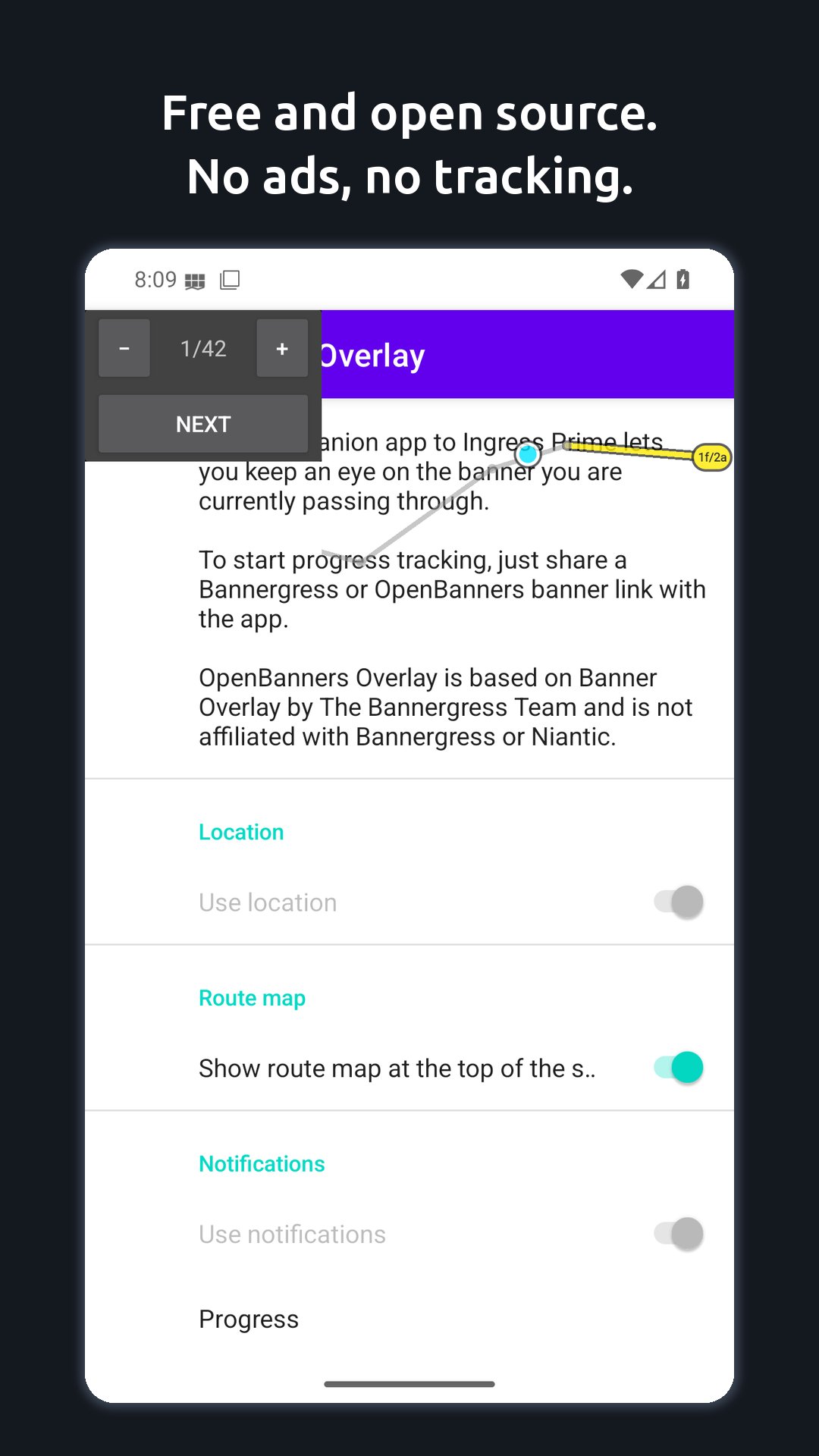
About OpenBanners Overlay
OpenBanners Overlay is a companion app for doing mission banners in Ingress Prime.
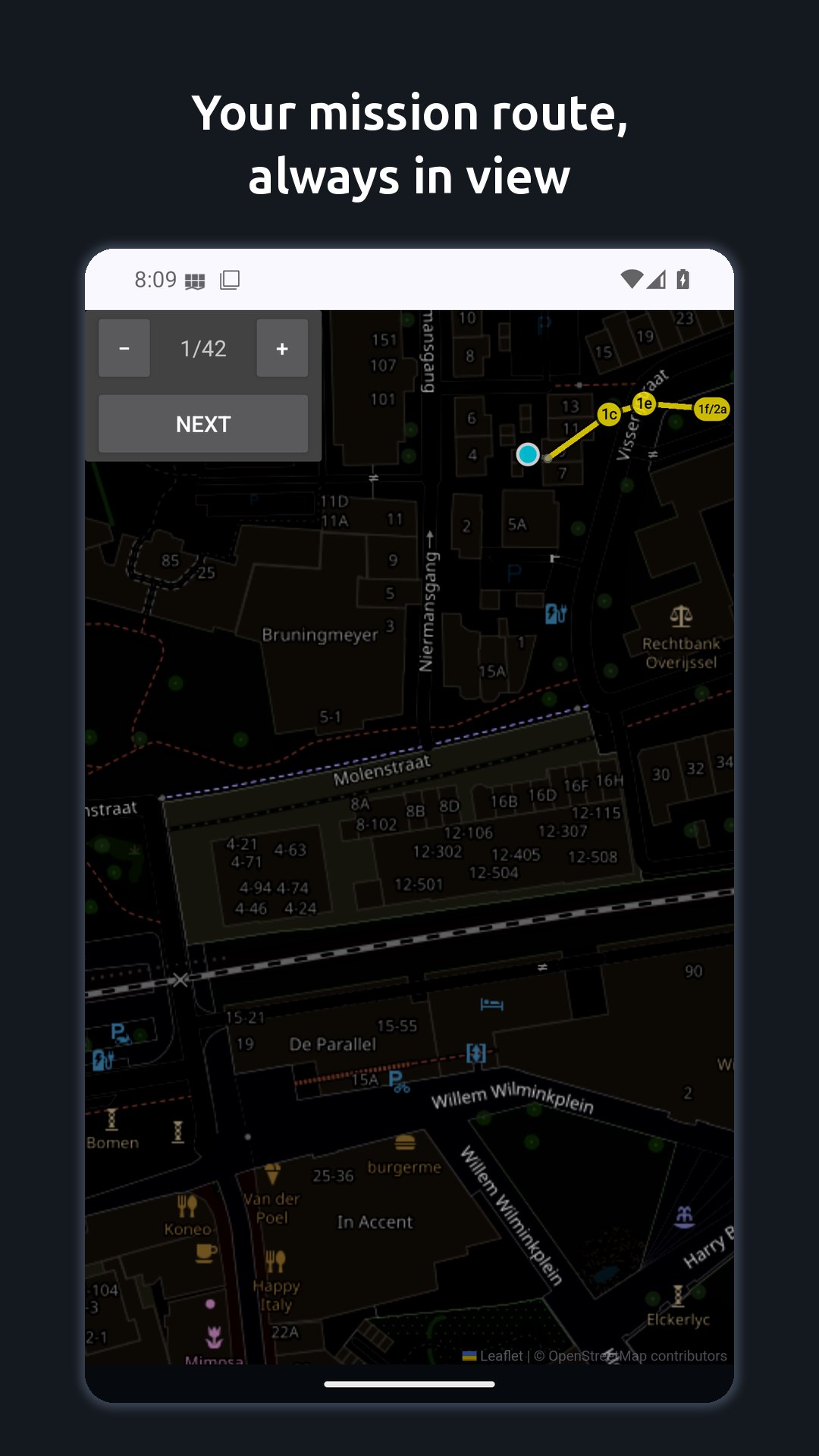
Share a banner link from OpenBanners or Bannergress with the app and it shows a small overlay on top of Ingress:
• A route map at the top of the screen with the steps of your current mission (labelled 1a, 1b, …), the start of the next mission, and your own position. It zooms so your nearest open steps are always in view.
• Mission controls: see which mission you are on and open the next mission in Ingress with one tap.
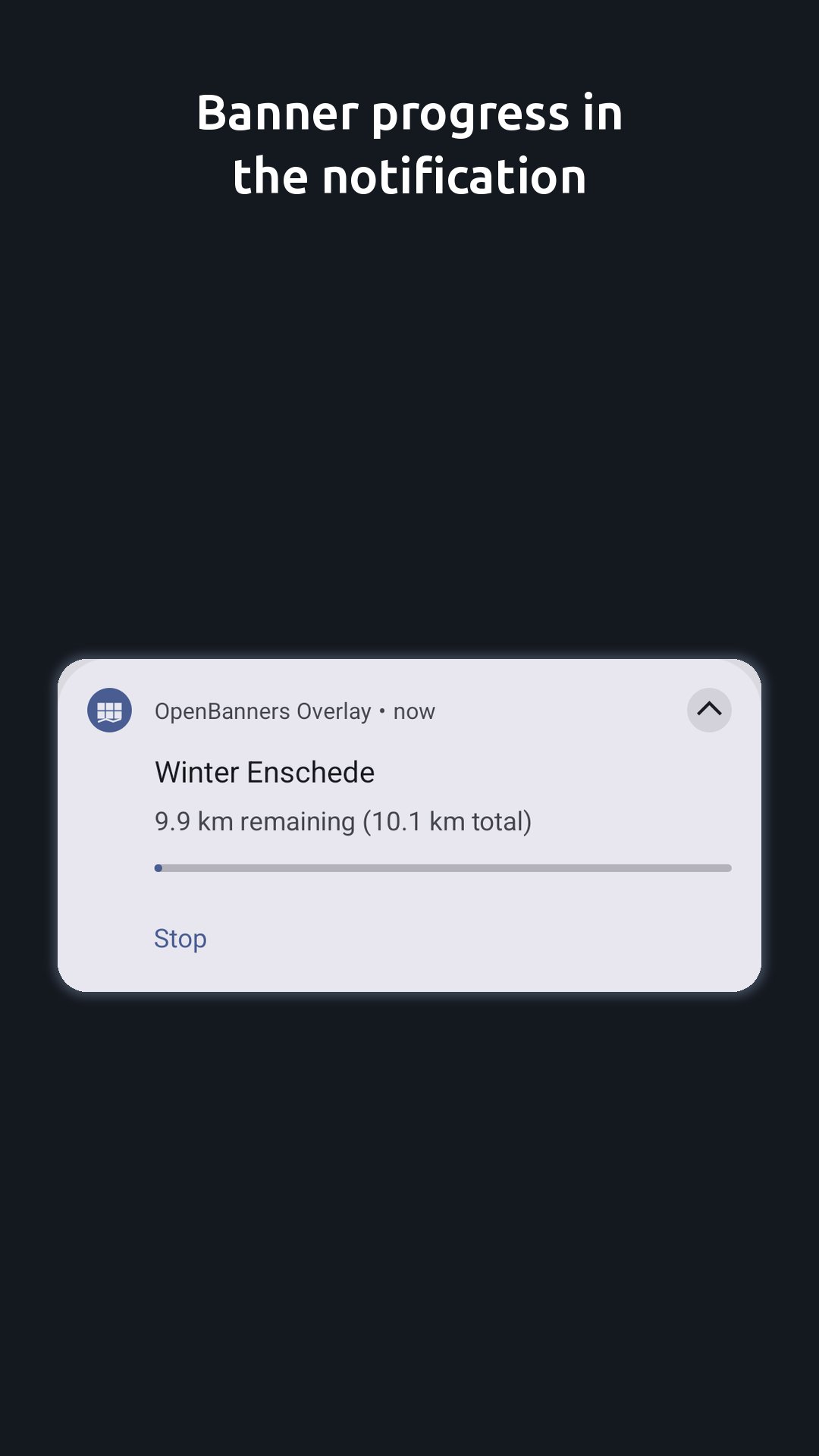
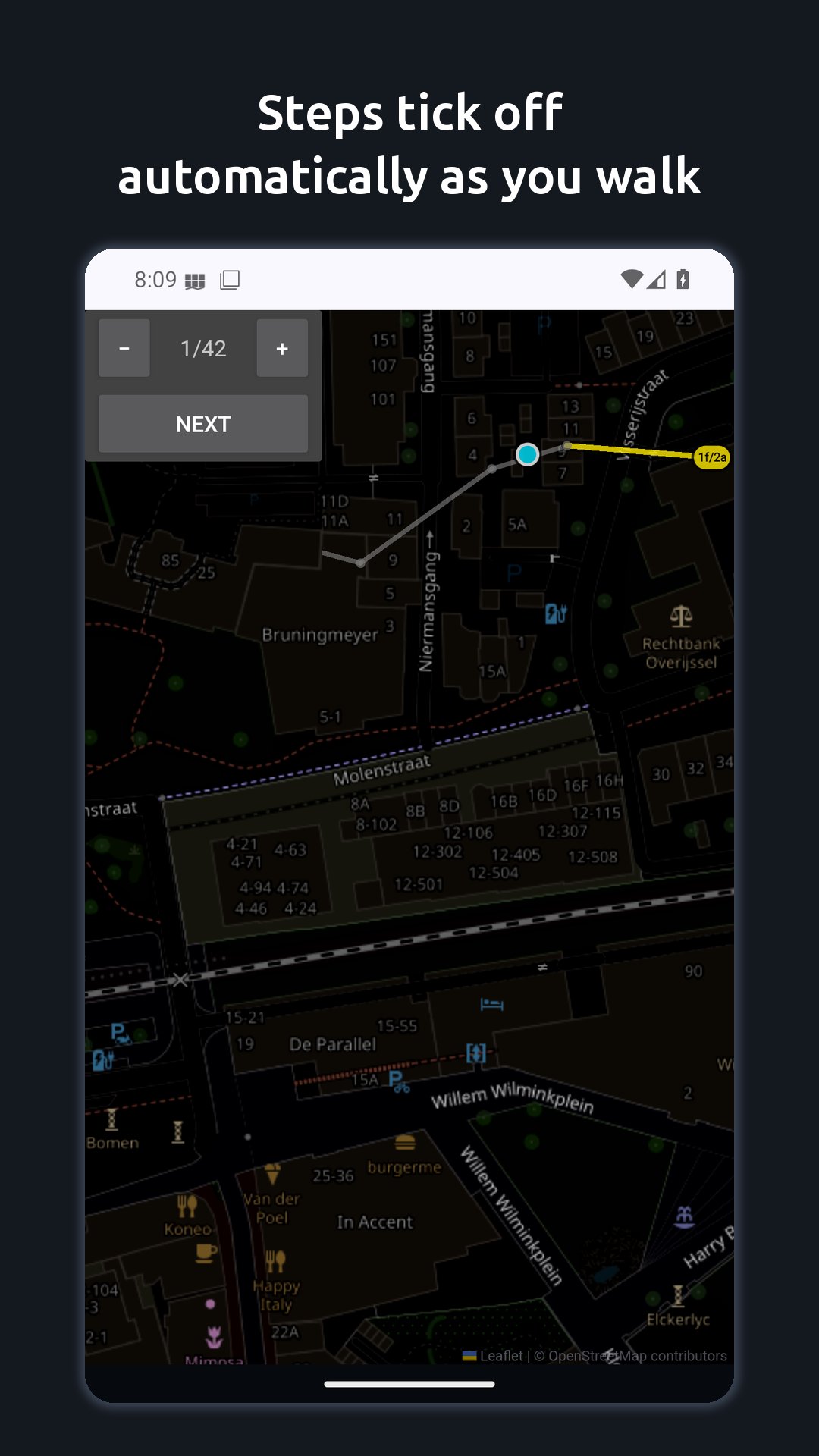
• Steps are ticked off automatically when you get within range, with an optional notification.
• Passphrases: copy a mission's passphrase with the button on the mission card. Choose the mission number, or crowd-sourced passphrases shared by other players on OpenBanners (optional, off by default).
• Optionally show the whole banner: completed missions, the current one and the ones still ahead, each in its own colour.
• Choose your own colours for the current mission, upcoming missions, completed steps and your position.
• The map turns with your compass, or keep it north up if you prefer.
• Arrange the mission card your way: choose and reorder its buttons, and make it wide, tall, smaller or larger.
• Share your layout with friends, or import theirs.
• Optionally back up your settings to OpenBanners and restore them on another phone (sign in with Bannergress).
The overlay lets touches pass through to Ingress, so you can keep playing as usual.
Free and open source (MIT): [link removed]
Based on Banner Overlay by The Bannergress Team. Not affiliated with or endorsed by Bannergress or Niantic. Ingress is a trademark of Niantic.
| Release info | Update on Nov 07, 2026 |
|---|---|
| Release notes | Full Changelog: https://github.com/Gamer1120/OpenBanners-overlay/compare/v55...v56 |
| Listing data | F-Droid |
Reviews
No reviews yet. Be the first to review OpenBanners Overlay.
Used OpenBanners Overlay? Tell other visitors what you thought.
Log in to write a reviewOther products by this publisher
- "No Distractions" for YouTube 4.10 ----
- #Bible 11.5 "Incredible App - My sister shared this app with me a few weeks ago and it is truly incredible.
- #filmphotography 1.4.2 So, you decided to shoot on film?
- $quirrel 1.5.1 $quirrel Budget & Finance helps you plan each paycheck, track spending, manage debt, and see what is safe to spend before the next payday.
- % Percentage Calculator Pro 1.41 This is the Pro version of % Percentage Calculator.
Most viewed Android Game Helper
-
1
 Bluke 1.1.0
Use your phone as a Bluetooth keyboard, gamepad, trackpad, and media remote
- 2 FPS Meter 3.1 Lightweight real-time FPS overlay and game performance monitor
- 3 Dealing Sheet 1.0.4 An app to make dealing hands of cards for games like bridge easy.
- 4 Deep Rock Galactic Assistant 1.1 Assistant for Deep Rock Galactic - game about dwarves in space. Rock and Stone!
- 5 Chess Clock 1.2.2 Adjust your favorite timer to play chess online with friends!
-
6
 Backgammon Clock 1.7
A flexible two-player backgammon match clock and scorekeeper.
-
7
 BlowTorch 2 2.4.10
BlowTorch 2 — a versatile mobile MUD client
-
8
 Pokébase 1.0.2
Browse Pokémon and TCG cards with search, filtering, and offline caching.
- 9 Game Trader 1.0.0 Notifications for SteamTrades.com
-
10
 Poker Payout 1.4.28
Poker timer and blind clock for Texas Hold'em home games: payouts, buy-ins, bank
Most downloaded Android Game Helper
- 1 Diadem 0.11 Connect to any Diadem Map
-
2
Poker Payout 1.4.28
Poker timer and blind clock for Texas Hold'em home games: payouts, buy-ins, bank
- 3 gttrpg 20260328-1.5.1 Quick access for your DnD data with a built in way to track your character data.
- 4 IITC-CE Mobile 0.43.2 IITC-CE map for Ingress Prime game
-
5
OpenBanners Overlay 56
Route map overlay and mission tracker for Ingress mission banners.
-
6
 MHWorld Database 2.2.0
Gathering Hall Studios is back with an all-new app for Monster Hunter World!
-
7
BlowTorch 2 2.4.10
BlowTorch 2 — a versatile mobile MUD client
-
8
 Phase10Counter 27_Release
Small App to keep track of your Phase10 game! Optimised for Phones and Tablets.
-
9
 ScoreHub - Game Score Tracker 1.19.0
Track your board game scores easily
- 10 FPS Meter 3.1 Lightweight real-time FPS overlay and game performance monitor