OneTap Stream 1.0
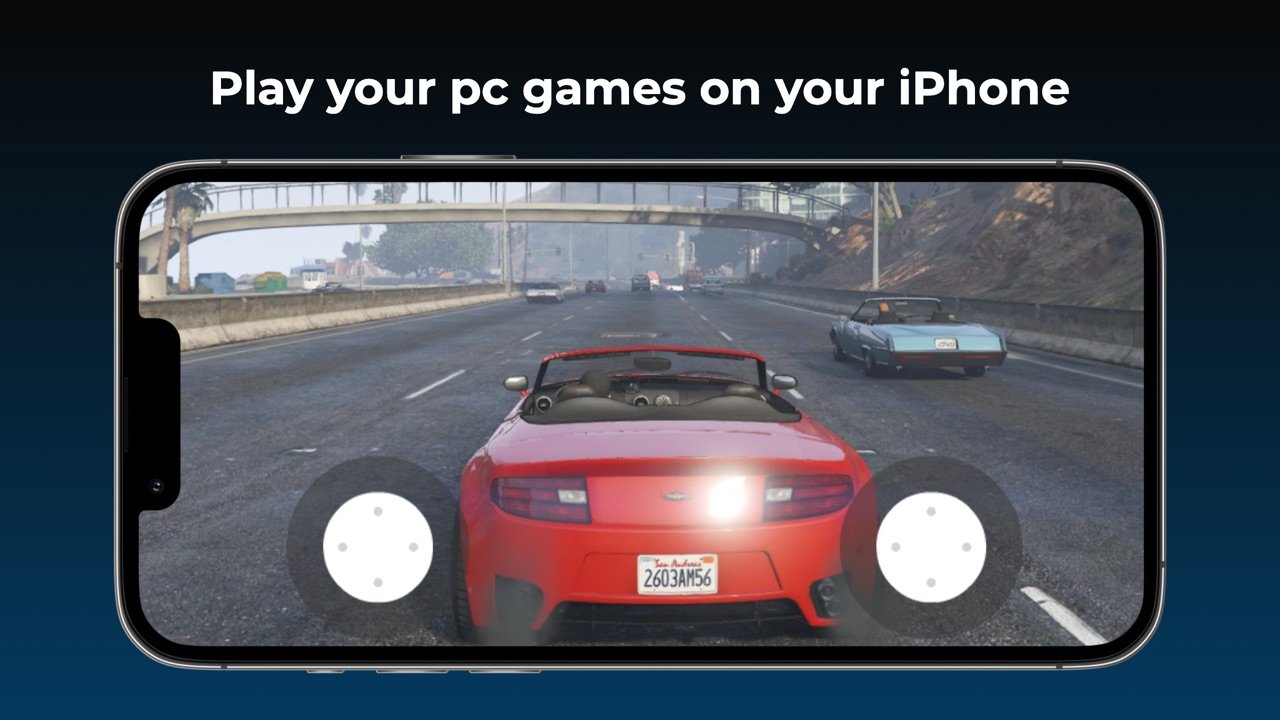
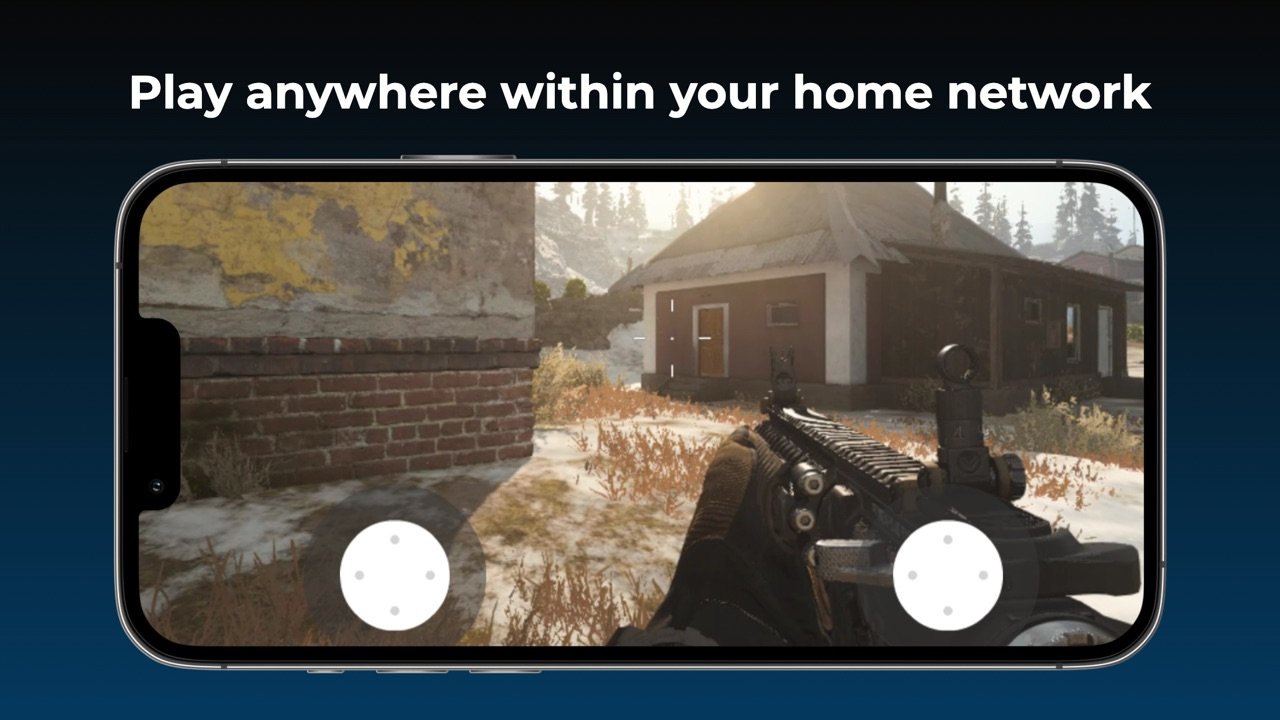
Stream games and applications from your Personal Computer to your iPhone or iPad on your local network and play anywhere with access to your home network.
Download
10.76 MB
4downloads
3this week
FreeCommercial
0reviews
Screenshots


About OneTap Stream
Stream games and applications from your Personal Computer to your iPhone or iPad on your local network and play anywhere with access to your home network.
Some features:
• Supports 4K video gameplay
• Various control methods including any MFi game controller and the built in virtual on-screen controller
• Highly tuned performance with extremely low lag (with recommended gear)
• Quick and easy one-time setup, start playing within seconds
• In case of poor internet connection you can adjust your device's bitrate, resolution and frame rate to have a better gaming experience.
• Stream purchased games from your PC to your iPhone or iPad
How to use?
Activate Gamestream option in GeForce Experience's SHIELD settings page. Thats it now you can stream games to your iPhone.
To have a good experience, you need a mid to high-end wireless router with a good wireless connection to your IOS device (5 GHz highly recommended) and a good connection from your PC to your router.
Host Gaming PC Requirements
• Windows 7 or higher
• NVIDIA GeForce GTX/RTX 600+ series GPU (GT-series and AMD GPUs aren't supported by NVIDIA GameStream)
• NVIDIA GeForce Experience (GFE) 2.1.1 or higher
• 5 Mbps or higher upload speed
• Host PC and iPhone or iPad should be connected to the same local network
Please note that you can only stream games you've already own on your PC within the local network.
License: Commercial
Some features:
• Supports 4K video gameplay
• Various control methods including any MFi game controller and the built in virtual on-screen controller
• Highly tuned performance with extremely low lag (with recommended gear)
• Quick and easy one-time setup, start playing within seconds
• In case of poor internet connection you can adjust your device's bitrate, resolution and frame rate to have a better gaming experience.
• Stream purchased games from your PC to your iPhone or iPad
How to use?
Activate Gamestream option in GeForce Experience's SHIELD settings page. Thats it now you can stream games to your iPhone.
To have a good experience, you need a mid to high-end wireless router with a good wireless connection to your IOS device (5 GHz highly recommended) and a good connection from your PC to your router.
Host Gaming PC Requirements
• Windows 7 or higher
• NVIDIA GeForce GTX/RTX 600+ series GPU (GT-series and AMD GPUs aren't supported by NVIDIA GameStream)
• NVIDIA GeForce Experience (GFE) 2.1.1 or higher
• 5 Mbps or higher upload speed
• Host PC and iPhone or iPad should be connected to the same local network
Please note that you can only stream games you've already own on your PC within the local network.
License: Commercial
| Release info | New Release on Dec 28, 2022 |
|---|---|
| Listing data | App Store |
Reviews
No reviews yet. Be the first to review OneTap Stream.
Used OneTap Stream? Tell other visitors what you thought.
Log in to write a reviewOther products by this publisher
- "No Distractions" for YouTube 4.10 ----
- #Bible 11.5 "Incredible App - My sister shared this app with me a few weeks ago and it is truly incredible.
- % Percentage Calculator Pro 1.41 This is the Pro version of % Percentage Calculator.
- (beat) for iOS 0.5.8 An elegant Fountain screenwriting app, created by a screenwriter for screenwriters.
- (Deep) HIARCS Chess Explorer 1.14 Chess database, analysis and game playing program
Most viewed iOS Photo & Video
-
1
 AI Video Generator 2.0
Vixel – AI Video Generator
AI Video Generator 2.0
Vixel – AI Video Generator
-
2
 Infuse 8.5.8
Infuse: Enterprise provides the same great features as the standard version of Infuse and includes permanent access to all Pro features via a traditional paid app.
Infuse 8.5.8
Infuse: Enterprise provides the same great features as the standard version of Infuse and includes permanent access to all Pro features via a traditional paid app.
-
3
 Ai Photo 1.1.0
AI Photo Retouch – BG Eraser
Ai Photo 1.1.0
AI Photo Retouch – BG Eraser
-
4
 Sci-Fi Keyboard 3.0
Make your keyboard a Sci-Fi input panel.
Sci-Fi Keyboard 3.0
Make your keyboard a Sci-Fi input panel.
-
5
 TouchSiren Delta 3.1
--------------------------------------------------------------
TouchSiren Delta 3.1
--------------------------------------------------------------
-
6
 Locket Widget 2.69.0
Locket is a widget that shows live photos from your best friends, right to your Home Screen.
Locket Widget 2.69.0
Locket is a widget that shows live photos from your best friends, right to your Home Screen.
-
7
 CapCut 19.8.0
CapCut offers easy-to-use video editing functions, in-APP fonts and effects, advanced features such as keyframe animation, smooth slow-motion, chroma key, and stabilization, to help you capture and snip moments.
CapCut 19.8.0
CapCut offers easy-to-use video editing functions, in-APP fonts and effects, advanced features such as keyframe animation, smooth slow-motion, chroma key, and stabilization, to help you capture and snip moments.
-
8
 CNU 3.0.12
CNU?????????????????????,???????????????
CNU 3.0.12
CNU?????????????????????,???????????????
-
9
 Dance AI 1.1.1
CREATE YOUR AI DANCE VIDEOS
Dance AI 1.1.1
CREATE YOUR AI DANCE VIDEOS
-
10
 JLab 1.4.2
Compatible Models:
JLab 1.4.2
Compatible Models:
Most downloaded iOS Photo & Video
-
1
Infuse 8.5.8
Infuse: Enterprise provides the same great features as the standard version of Infuse and includes permanent access to all Pro features via a traditional paid app.
-
2
 ReelyGo 1.1.41
ReelyGo: Your Daily Drama Escape
ReelyGo 1.1.41
ReelyGo: Your Daily Drama Escape
-
3
 Instagram 452.0.0
Little moments lead to big friendships.
Instagram 452.0.0
Little moments lead to big friendships.
-
4
JLab 1.4.2
Compatible Models:
-
5
 Emoji Maker 3.11.2
Emoji Up is an emoji maker that lets you create your own custom emojis.
Emoji Maker 3.11.2
Emoji Up is an emoji maker that lets you create your own custom emojis.
-
6
 Open Source Selfie Stick 2.0
Shot Caller turns one iPhone or iPad into a camera and another into its remote control.
Open Source Selfie Stick 2.0
Shot Caller turns one iPhone or iPad into a camera and another into its remote control.
-
7
 Mega Photo Pro 3.2.10
The most fun you can have with your photos -- Mega Photo Pro is the hilarious app that brings your photos and videos to life.
Mega Photo Pro 3.2.10
The most fun you can have with your photos -- Mega Photo Pro is the hilarious app that brings your photos and videos to life.
-
8
 BeReal 4.97.2
BeReal is the simplest photo-sharing app where you and your friends post once a day to show what you’re really up to.
BeReal 4.97.2
BeReal is the simplest photo-sharing app where you and your friends post once a day to show what you’re really up to.
-
9
 Explorer for Sketchfab 1.2
Discover the world of 3D models with Explorer for Sketchfab, an unofficial Sketchfab app from Sozzled.
Explorer for Sketchfab 1.2
Discover the world of 3D models with Explorer for Sketchfab, an unofficial Sketchfab app from Sozzled.
-
10
 XBOX 2610.1.1
XBOX keeps you connected to the fun with your friends, games, and supported gaming devices from your phone or tablet while on the go.
XBOX 2610.1.1
XBOX keeps you connected to the fun with your friends, games, and supported gaming devices from your phone or tablet while on the go.