
19downloads
2this week
FreeCommercial
0reviews
Screenshots
About Oilist
Oilist: the Artist in your pocket.
Make Fine Art based on your pictures!
"Oilist is an artist in your phone, one that you watch sketch, paint, and craft a unique version of a photo you've shot." - MacStories, May 2017
"App of the week: Oilist review - Hypnotic, engaging, with a longevity that escapes most filter apps, and with high-res output so you can use it to create real-world art." - Stuff Magazine, April 2017
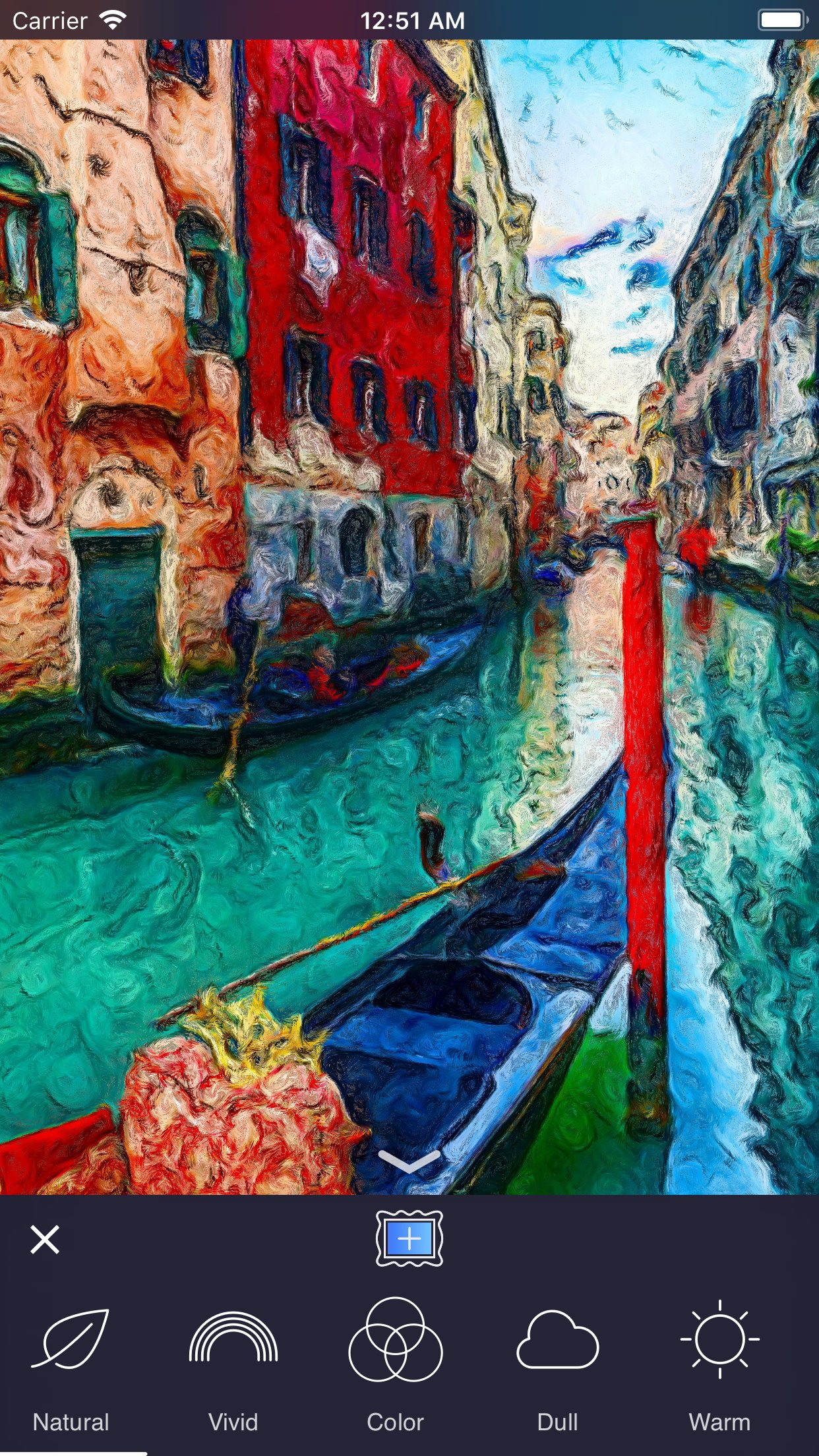
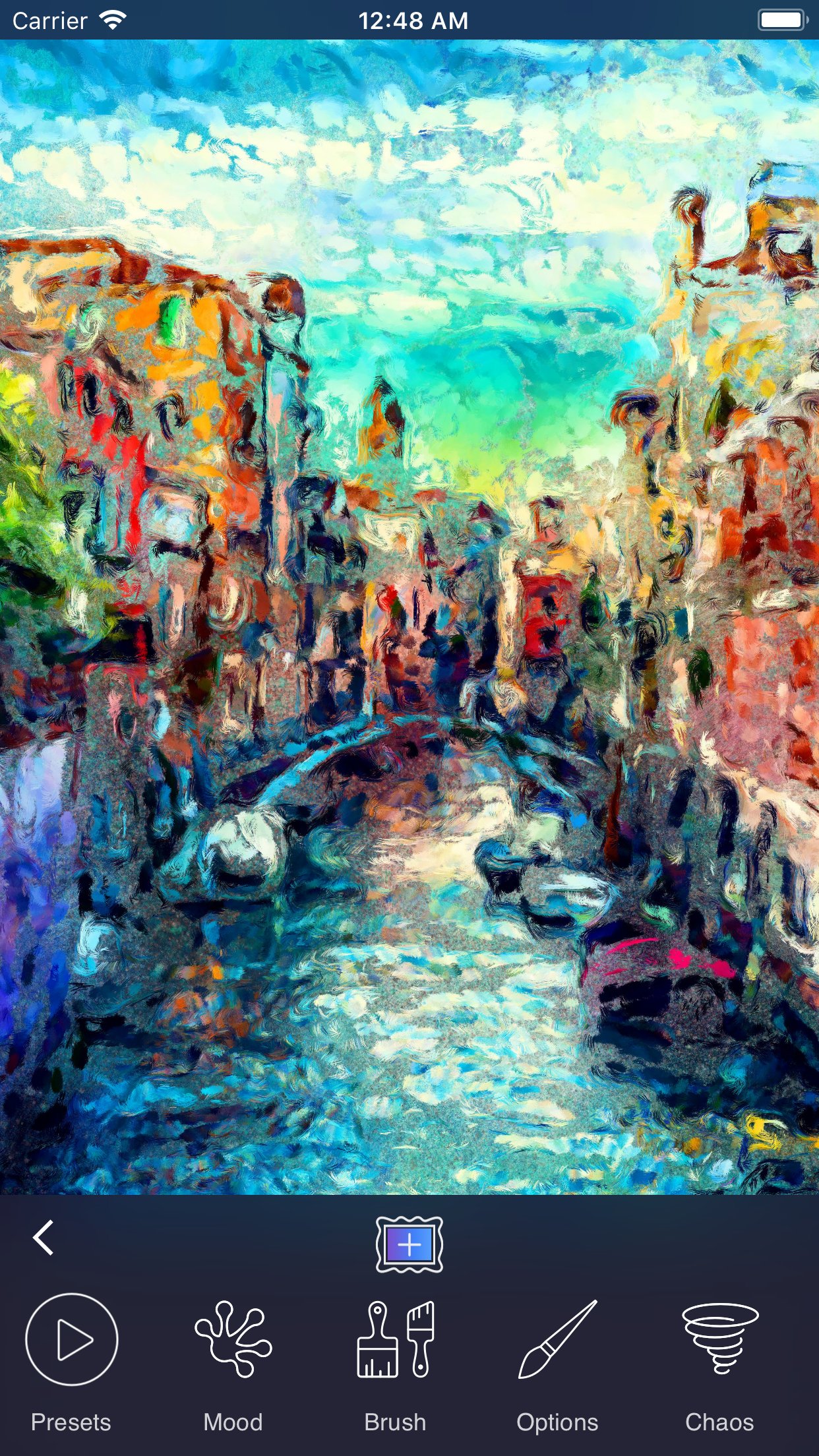
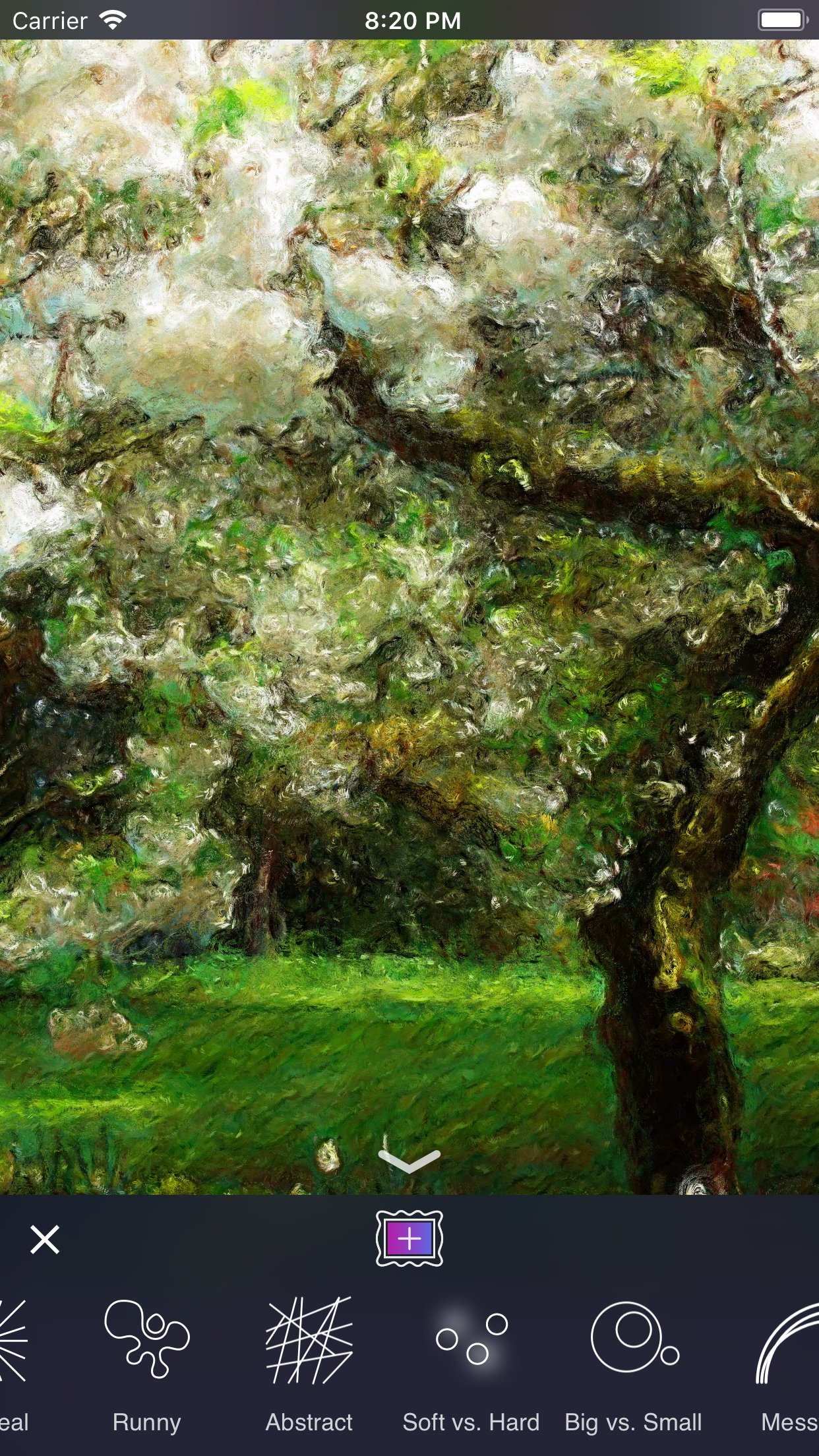
Give Oilist an image, and it will automatically generate a genuine and unique work of art based on it. Painted for you in real time! Participate or spectate it's up to you, Oilist will delight! All saved at canvas-worthy 4k resolution.
Oilist comes with 48 infinitely customizable styles; from photo-realist to impressionist, to abstract. Every style except for our photo-realist style offers three different levels of abstraction.
Oilist is not a photo filter. Unlike most filter apps, Oilist will never generate the same results twice, and in fact, each brush stroke is unique. Instead of applying a fixed formula to an image as photo filters typically do, Oilist analyzes the supplied image using computer vision technology, then paints simulated paint particles that are applied using various brush strokes and techniques.
At any time during the painting process, 4k resolution images may be captured as often as desired.
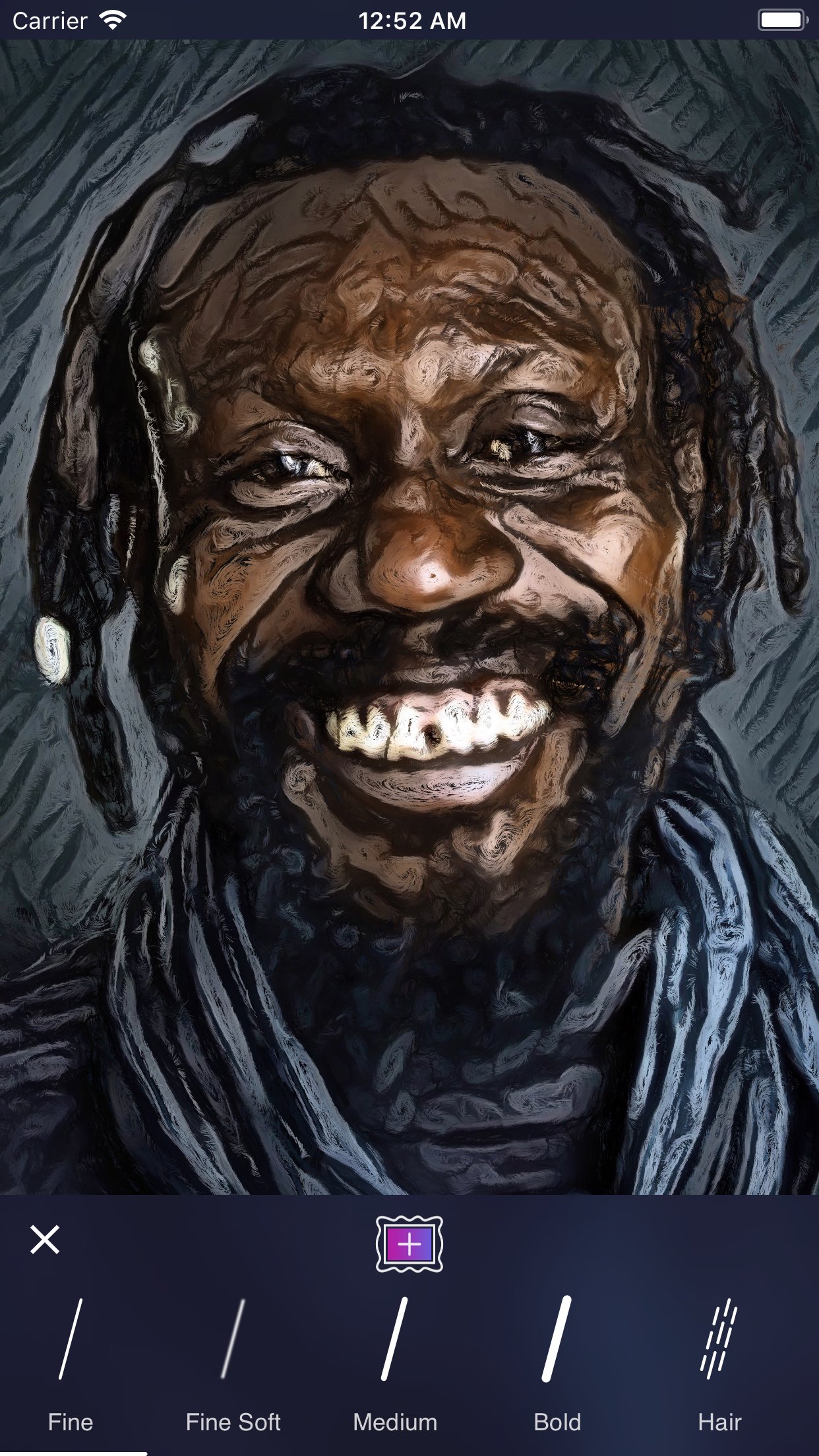
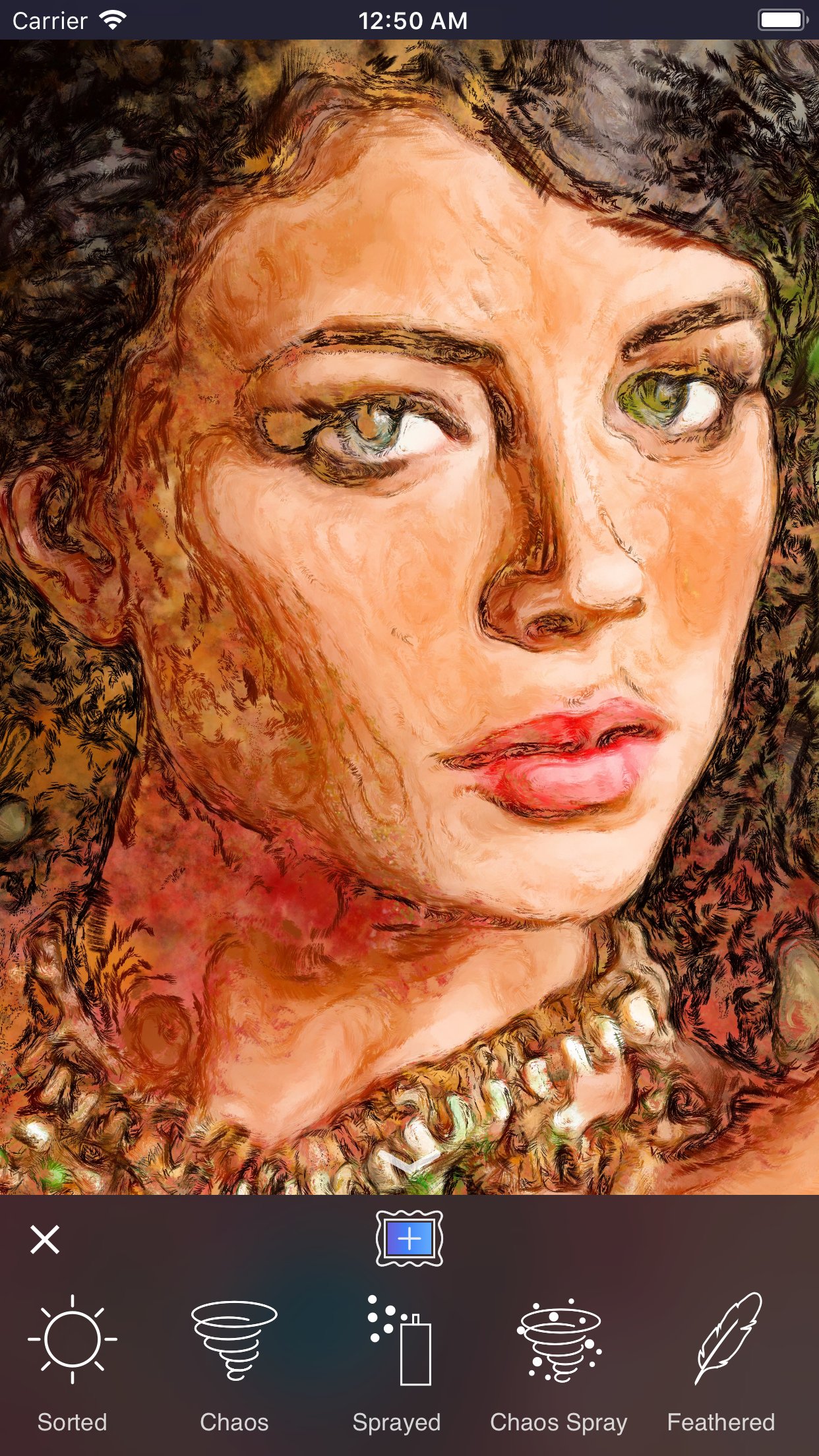
When Oilist is painting, styles can be infinitely customized with 17 different presets (these were called Styles in previous versions of Oilist), 13 different painting moods, 15 different brushes, setting brush options such as the size and spacing, and by splashing paint with our exciting Chaos tool. Control paint gravity by tilting your device and brush angles by yawing (rotating) the device.
Obtain new and exciting results by alternating settings with new settings painted on top of the previous settings. For instance, first, paint a layer using the Warm mood followed by a layer using the Cool mood. The use of large brushes tend to create more abstract artwork, and smaller brushes work best for high definition detail.
Oilist will automatically provide smaller brush strokes and greater photo-realism to detected faces.
Check out #oilist and follow us @3dtopo on Instagram and Twitter!
License: Commercial
| Release info | New Release on Jun 23, 2026 |
|---|---|
| Release notes | • Now paints up to 12K (adjustable in Settings) • Output up to 150 megapixels (previous versions output 16 megapixels) • New Brushwork option on the Finish screen for stylized images • Increased brush stroke detail • Higher resolution style image • More painterly and higher quality output • New photo picker |
| Listing data | App Store |
Reviews
No reviews yet. Be the first to review Oilist.
Used Oilist? Tell other visitors what you thought.
Log in to write a reviewOther products by this publisher
- "No Distractions" for YouTube 4.10 ----
- #Bible 11.6.1 "Incredible App - My sister shared this app with me a few weeks ago and it is truly incredible.
- #filmphotography 1.4.2 So, you decided to shoot on film?
- #LookBusy Fake Calendar Events 1.0.6 Look Busy scans your work calendar for open time slots and fills them with realistic-looking (but secretly fake) work events.
- #Small Talk Is Canceled 1.0.2 #Small Talk Is Canceled — Conversations That Matter
Most viewed iOS Photo & Video
-
1
 Restore Old Photos 1.1.0
Bring old family photos back to life, privately on your iPhone or iPad.
-
2
 ShortDiShow 2.0
Drama Quest Island — An offline interactive short-drama adventure.
-
3
 Face Witness 1.0.4
FaceWitness lets you create a face by putting together individual features.
-
4
 Infuse 8.5.11
Infuse: Enterprise provides the same great features as the standard version of Infuse and includes permanent access to all Pro features via a traditional paid app.
-
5
 Infrared Developer 1.2
Infrared Developer is a photo editor built for infrared photography.
-
6
 AI Video Generator 2.0.3
Vixel – AI Video Generator
- 7 #filmphotography 1.4.2 So, you decided to shoot on film?
-
8
 CapCut 20.3.0
CapCut is an all-in-one video editing solution that offers essential editing features, creative effects, AI tools, filters, stickers, and fonts, and a wide range of video templates to empower users to easily create incredible videos regardless of th…
-
9
 OPlayer 4.8
Play all your videos directly without having to convert them!
-
10
 Ai Photo 1.2.0
AI Photo Retouch – BG Eraser
Most downloaded iOS Photo & Video
-
1
 DJI Fly 1.21.18
DJI Fly is designed to help pilots fly drones with ease.
-
2
Infuse 8.5.11
Infuse: Enterprise provides the same great features as the standard version of Infuse and includes permanent access to all Pro features via a traditional paid app.
-
3
 ReelyGo 1.1.60
ReelyGo: Your Daily Drama Escape
-
4
 Analog Radio 3.0
The iPhone and iPad devices don't have the FM/AM radio antenna installed.
-
5
 TurboCollage Automatic 1.2.4
#1 Easy automatic photo collage maker for iPhone & iPad.
-
6
 Rozeta Sequencer Suite 1.3.16
Rozeta is a suite of MIDI sequencers and controllers that lets you explore a new, freeform approach to sequencing and controlling mobile music apps.
-
7
 AGAIN. Rehearsal Notes 2.0.1
AGAIN. is the rehearsal app that remembers why the band stopped — and, new in Version 2, who said what in a writing session or a table read.
-
8
 Pop Dot Comics 1.48
Create a comic worthy of the Sunday newspaper or your favorite pulp-fiction cover.
-
9
 Local AI Art Private Diffusion 1.6
If you are the kind of person who values privacy and wants to keep your generated images private, our software is the perfect solution for you.
-
10
 Treblo 1.6.6
Make songs with the world's best AI music model.