
nPlayer Plus 3.14.1
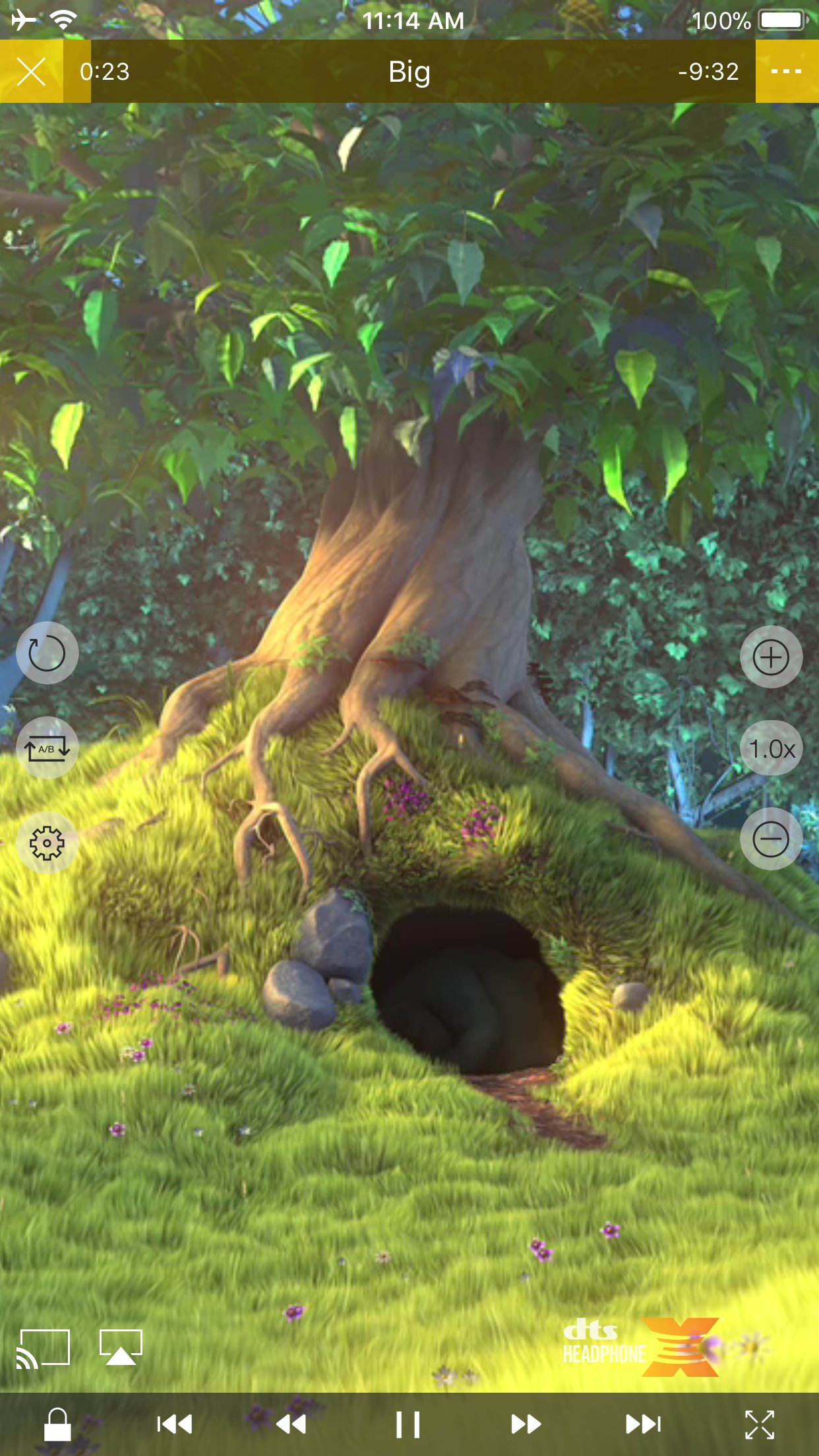
** nPlayer officially supports DTS (DTS HD ), DTS Headphone:X, Dolby (AC3, E-AC3).
Download
62.26 MB
26downloads
4this week
FreeCommercial
0reviews
Screenshots
About nPlayer Plus
** nPlayer officially supports DTS (DTS HD ), DTS Headphone:X, Dolby (AC3, E-AC3).
** nPlayer is the universal app. You can install it in any other iOS device without additional purchase.
** nPlayer Plus officially supports Dolby Audio codec and Dolby Sound Effect. But if you don't mind using Dolby Audio codec embedded in iOS, please update your iOS to 9.3 version or later and purchase nPlayer in the lower price.
- You don't need to convert video files to MP4 to play them in your mobile device. nPlayer enable you to play all kinds of video formats and codecs without file converting efforts.
- You don't need to store video files in your device with limited storage space. nPlayer's powerful and various network technologies will help you to stream them from remote devices.
- With your finger tip, you can adjust playback position, move to previous and next subtitle position, adjust location and font size of subtitles, control volume and brightness.
- Experience nPlayer, thousands of users recommendations.
* Features
- Supports officially DTS audio codec (DTS HD)
- Supports officially Dolby audio codec (AC3, E-AC3)
- Supports Dolby Mobile Surround Sound
- Supports iXpand Drive
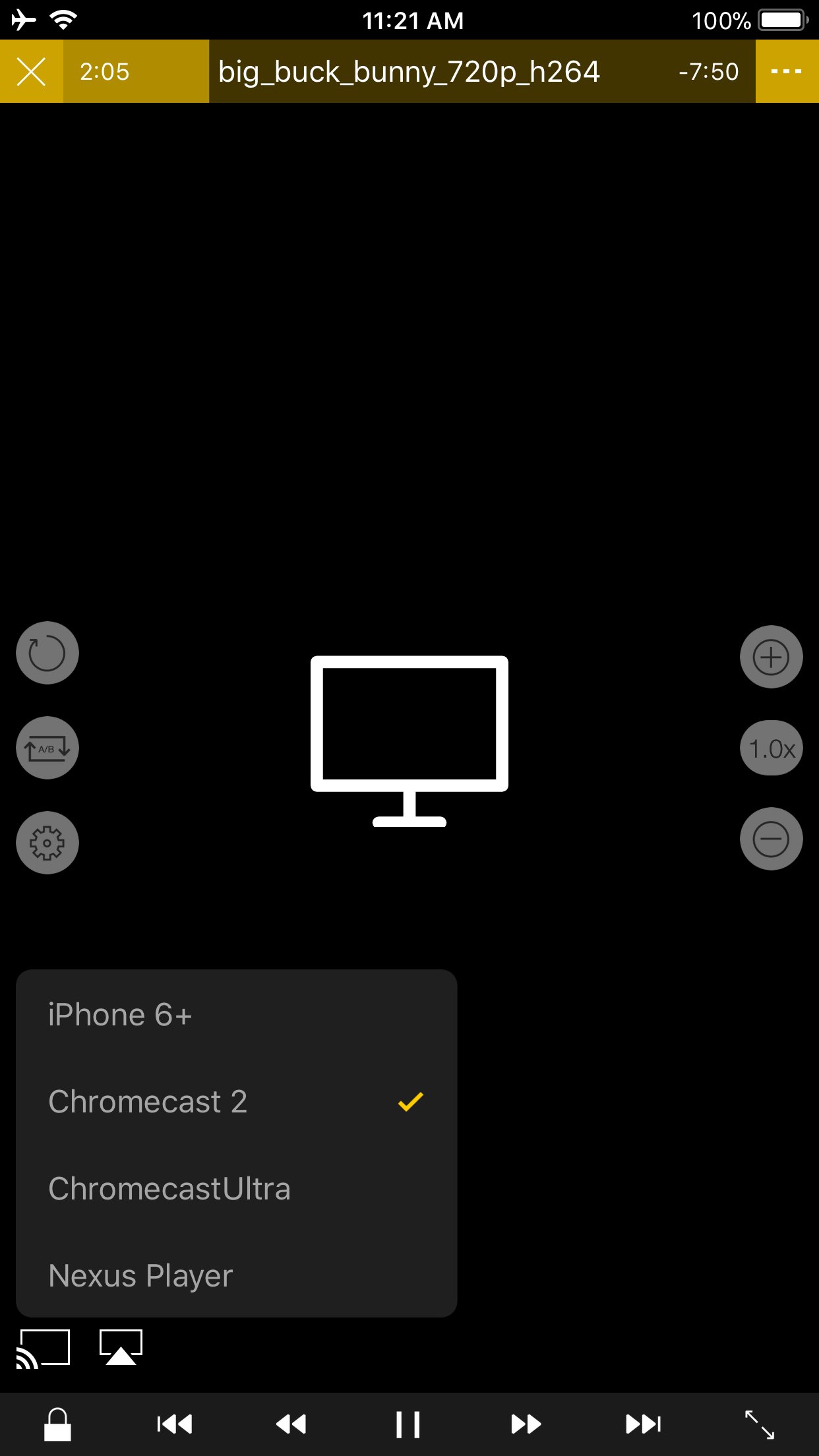
- Supports Chromecast
- Supports video cast for Smart TV
- Supports HDMI output
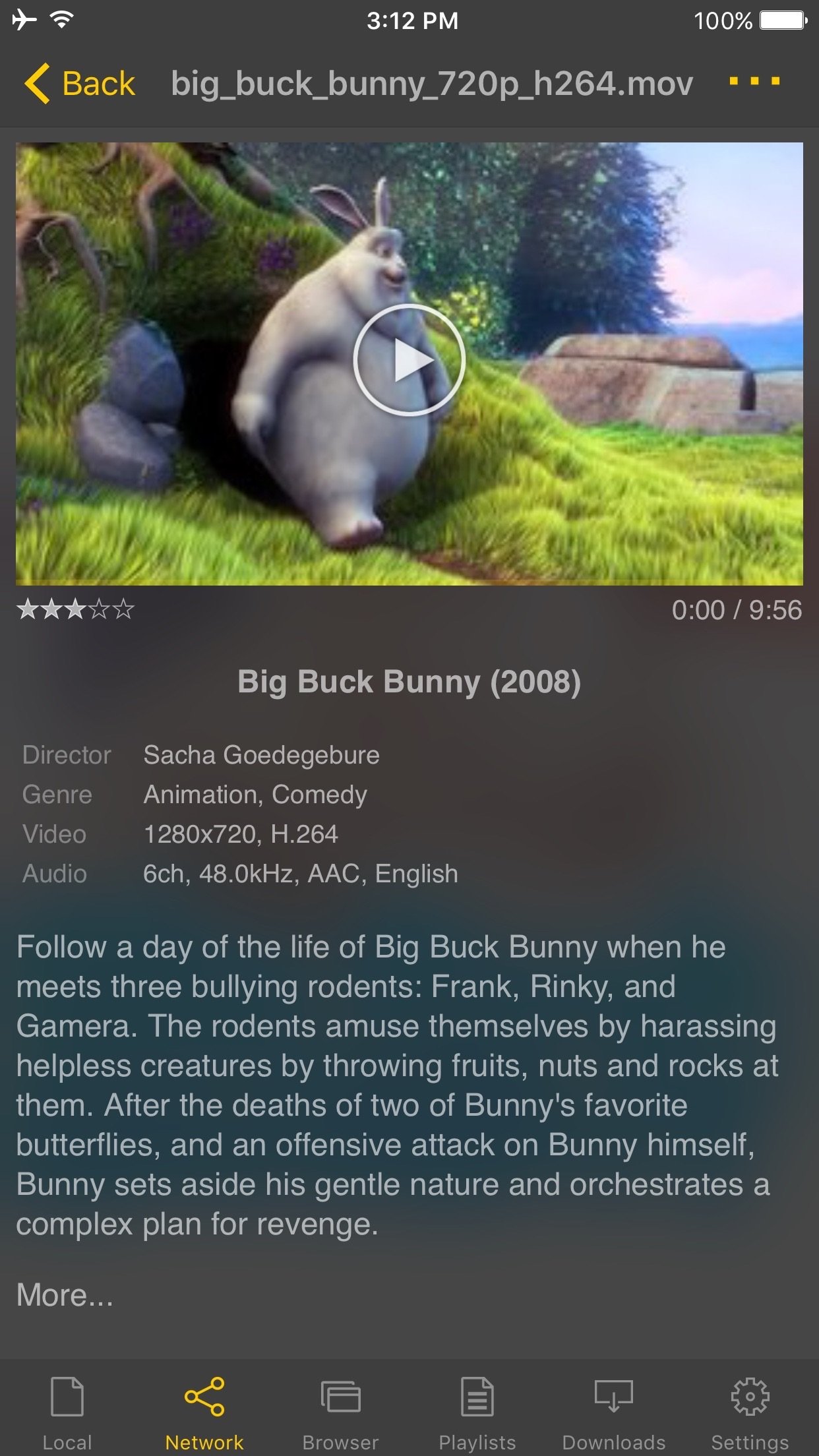
- Supports video files : MP4, MOV, MKV, AVI, WMV, ASF, FLV, OGV, RMVB, TP etc.
- Supports audio files : MP3, WAV, WMA, FLAC, APE etc.
- Supports subtitle files : SMI, SRT, SSA, IDX, SUB, LRC, SUP, MLP2 etc.
- Supports image files : JPG, PNG, BMP, GIF, TIFF etc.
- Supports playlist files : CUE, M3U, PLS
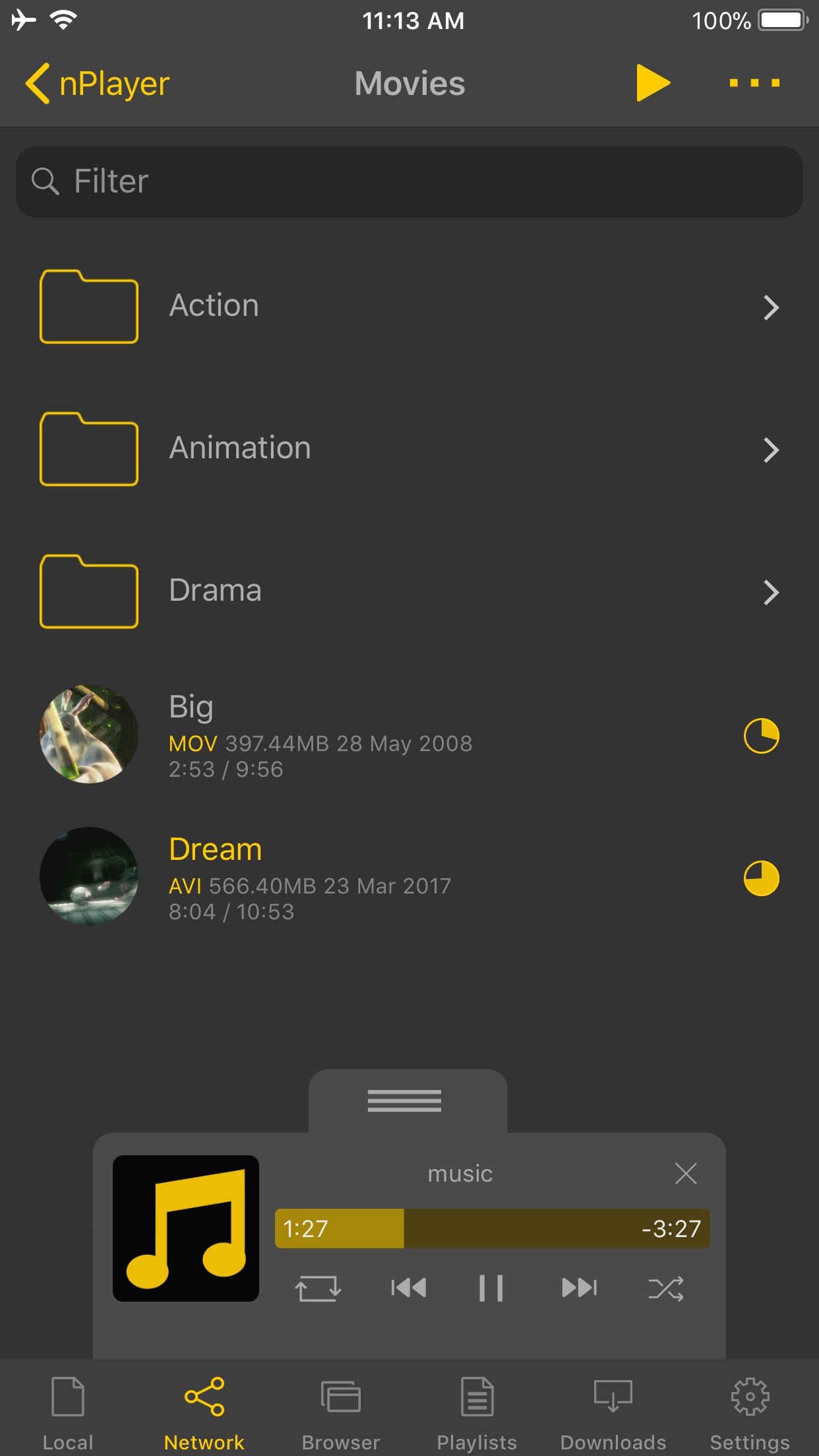
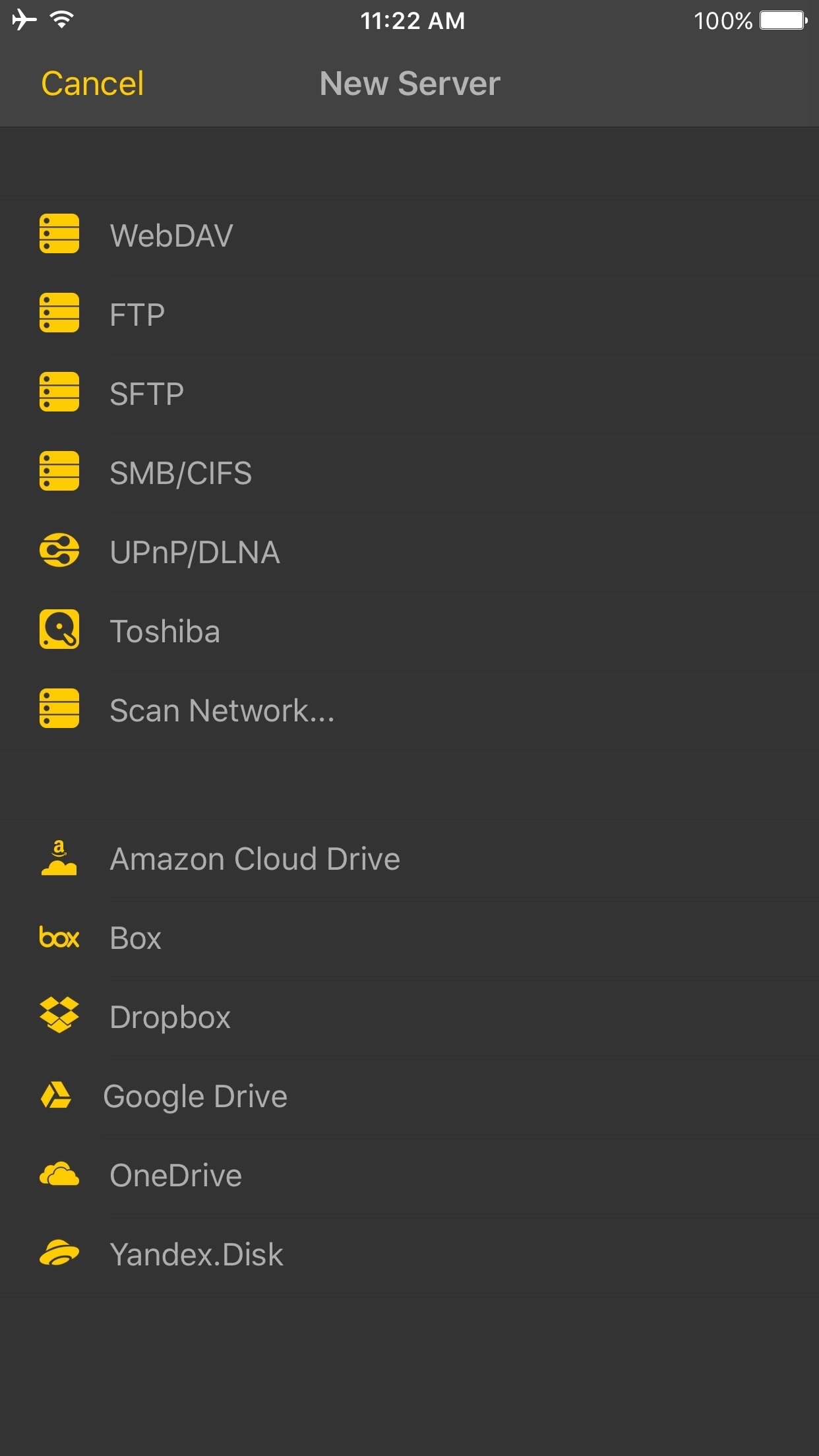
- Supports WebDAV, FTP, SFTP, HTTP, SMB/CIFS, NFS
- Supports UPnP/DLNA (supports subtitles if DLNA server provides subtitles information.)
- Supports cloud service (Box, Dropbox, OneDrive, Yandex.Disk)
- Supports in-app web browser
- Supports iTunes video/audio play (except for DRM contents)
- Supports videos and pictures in Album
- Playback speed control : 0.5x ~ 4.0x
- Resume playback
- AB repeat(specific section repetition)
- Screen lock
- Supports AV1/HEVC/H.264/MPEG4 Hardware acceleration
- Supports 3D video mode
- Screen flip horizontally, vertically. brightness and saturation control
- Aspect ratio : Default, 1:1, 3:2, 4:3, 5:3, 16:9, 1.85:1 etc
- Supports multi-track audio
- Supports audio boost
- Supports audio sync
- Supports lyrics display
- Supports Dolby, DTS HDMI Bitstream (Passthru)
- Supports embedded subtitles
- Supports multi-track subtitles
- Supports user’s selection of subtitle files
- Supports addition of optional subtitle files while playback
- Supports subtitles font, color, shadow, outline customization
- Supports subtitles sync
- Supports external subtitle fonts
- Supports SAMI(SMI) tag
- Supports SSA/ASS with full styling, embedded subtitles
- File management : Delete, Move, Rename, Create a folder
- Playlist management : Add, Delete, Modify
- Supports recently played list
- Folder lock
- Supports Open-in
- Supports UI theme
* Gesture Features
- Tap : Menu
- Double tap : Pop-up play
- Drag horizontally : Playback position adjustment
- Drag vertically on right half of the screen : Volume control
- Drag vertically on left half of the screen : Brightness control
- Pinch on the screen : Screen size adjustment
- Drag horizontally on subtitle text : Move to previous/next subtitle text
- Drag vertically on subtitle text : Subtitle position adjustment
- Pinch on subtitle text : Subtitle font size adjustment
- Supports finger gesture customization
License: Commercial
| Release info | Update on Nov 11, 2026 |
|---|---|
| Release notes | - Added support for iPhone Duo - Bug fixes and stability improvements. |
| Listing data | App Store |
Reviews
No reviews yet. Be the first to review nPlayer Plus.
Used nPlayer Plus? Tell other visitors what you thought.
Log in to write a reviewOther products by this publisher
- "No Distractions" for YouTube 4.10 ----
- #Bible 11.6.1 "Incredible App - My sister shared this app with me a few weeks ago and it is truly incredible.
- #filmphotography 1.4.2 So, you decided to shoot on film?
- #LookBusy Fake Calendar Events 1.0.6 Look Busy scans your work calendar for open time slots and fills them with realistic-looking (but secretly fake) work events.
- #Small Talk Is Canceled 1.0.2 #Small Talk Is Canceled — Conversations That Matter
Most viewed iOS Photo & Video
-
1
 Restore Old Photos 1.1.0
Bring old family photos back to life, privately on your iPhone or iPad.
-
2
 Infrared Developer 1.2
Infrared Developer is a photo editor built for infrared photography.
-
3
 ShortDiShow 2.0
Drama Quest Island — An offline interactive short-drama adventure.
-
4
 Face Witness 1.0.4
FaceWitness lets you create a face by putting together individual features.
-
5
 Infuse 8.5.11
Infuse: Enterprise provides the same great features as the standard version of Infuse and includes permanent access to all Pro features via a traditional paid app.
-
6
 AI Video Generator 2.0.3
Vixel – AI Video Generator
- 7 #filmphotography 1.4.2 So, you decided to shoot on film?
-
8
 makeART Coloring Book 1.0
Color something beautiful.
-
9
 CapCut 20.3.0
CapCut is an all-in-one video editing solution that offers essential editing features, creative effects, AI tools, filters, stickers, and fonts, and a wide range of video templates to empower users to easily create incredible videos regardless of th…
-
10
 OPlayer 4.8
Play all your videos directly without having to convert them!
Most downloaded iOS Photo & Video
-
1
 DJI Fly 1.21.18
DJI Fly is designed to help pilots fly drones with ease.
-
2
Infuse 8.5.11
Infuse: Enterprise provides the same great features as the standard version of Infuse and includes permanent access to all Pro features via a traditional paid app.
-
3
 ReelyGo 1.1.60
ReelyGo: Your Daily Drama Escape
-
4
 Analog Radio 3.0
The iPhone and iPad devices don't have the FM/AM radio antenna installed.
-
5
 TurboCollage Automatic 1.2.4
#1 Easy automatic photo collage maker for iPhone & iPad.
-
6
 Rozeta Sequencer Suite 1.3.16
Rozeta is a suite of MIDI sequencers and controllers that lets you explore a new, freeform approach to sequencing and controlling mobile music apps.
-
7
 AGAIN. Rehearsal Notes 2.0.1
AGAIN. is the rehearsal app that remembers why the band stopped — and, new in Version 2, who said what in a writing session or a table read.
-
8
 Treblo 1.6.6
Make songs with the world's best AI music model.
-
9
 Pop Dot Comics 1.48
Create a comic worthy of the Sunday newspaper or your favorite pulp-fiction cover.
-
10
 Sun Scout 1.5.0
If your work or play requires sunlight, Sun Scout is built for you.