
1downloads
1this week
FreeCommercial
0reviews
Screenshots
About Notes from the Field
A familiar place to carry your thoughts.
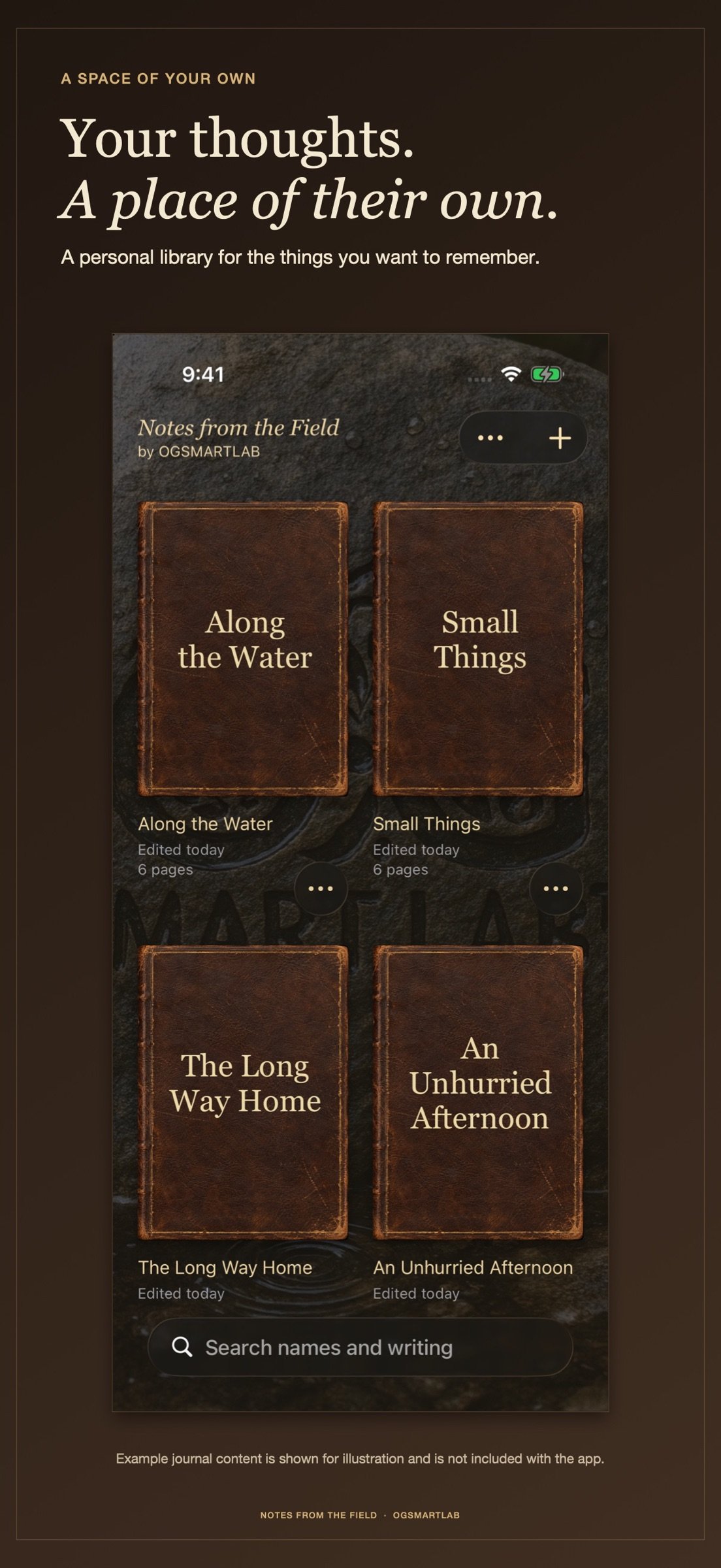
Notes from the Field brings the warmth of a personal journal to iPhone and iPad, with support on Macs with Apple silicon. Leather covers, clean white pages and a gentle page curl make room for what matters: your writing, your photographs and the things you want to remember.
WRITE IN YOUR OWN STYLE
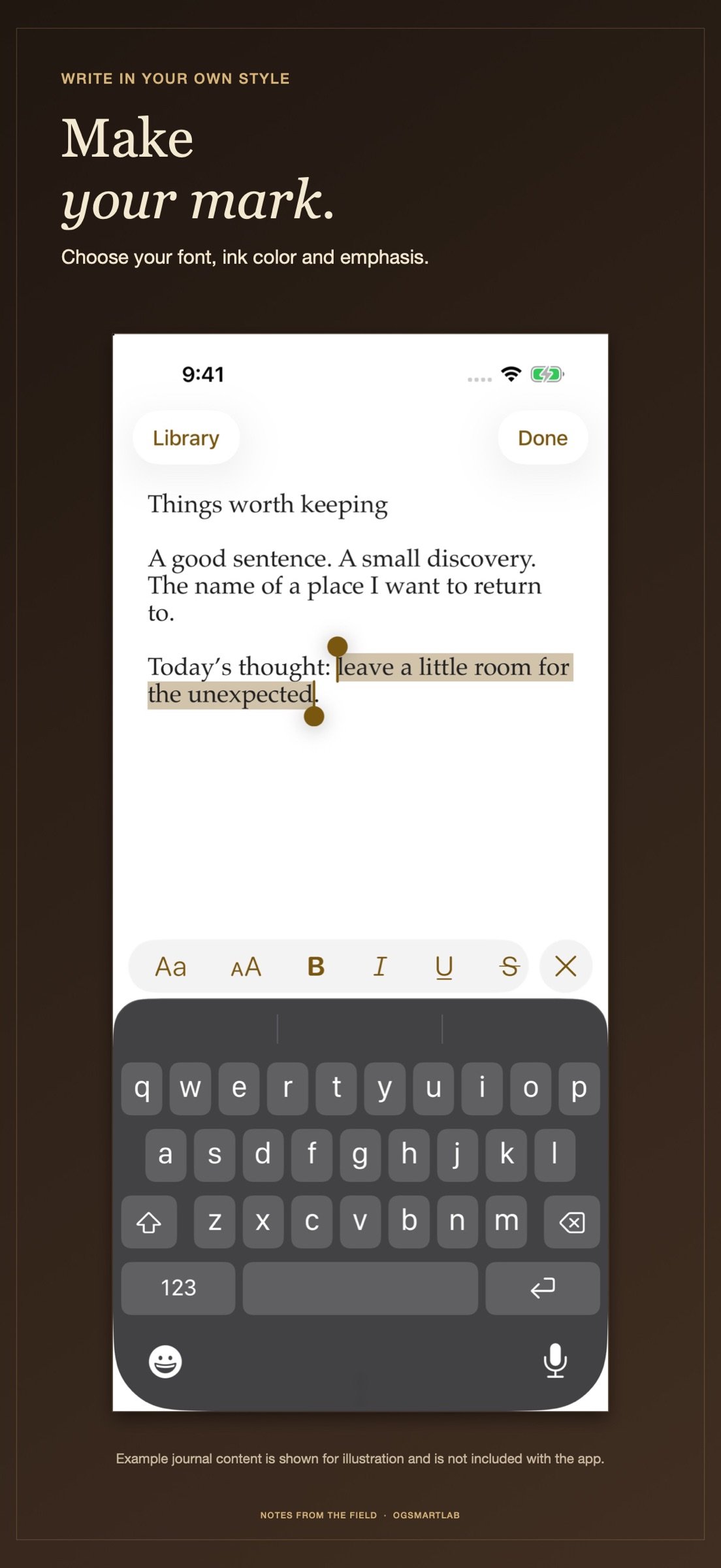
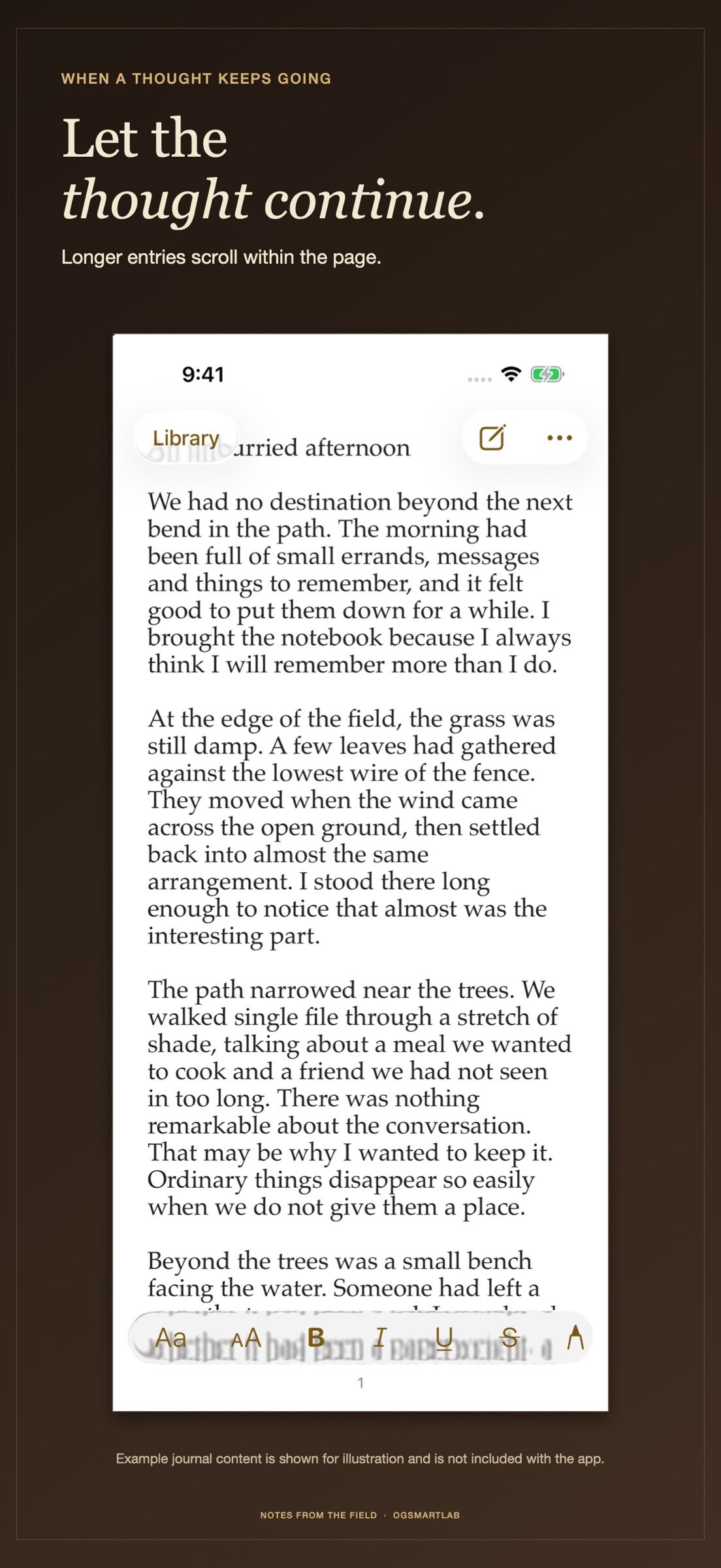
Take a quick note or settle into a longer entry. Choose fonts, sizes and ink colors; add bold, italics, underline or strikethrough. Longer writing scrolls within the page. Recognized web and email addresses can open through your chosen apps.
Where available, use Apple's system Writing Tools to proofread or rewrite selected writing. Results become editable text; structured tables and list layouts are not supported. Apple Intelligence support and setup are required; availability varies by device, software, language and region.
BRING YOUR EXISTING WRITING
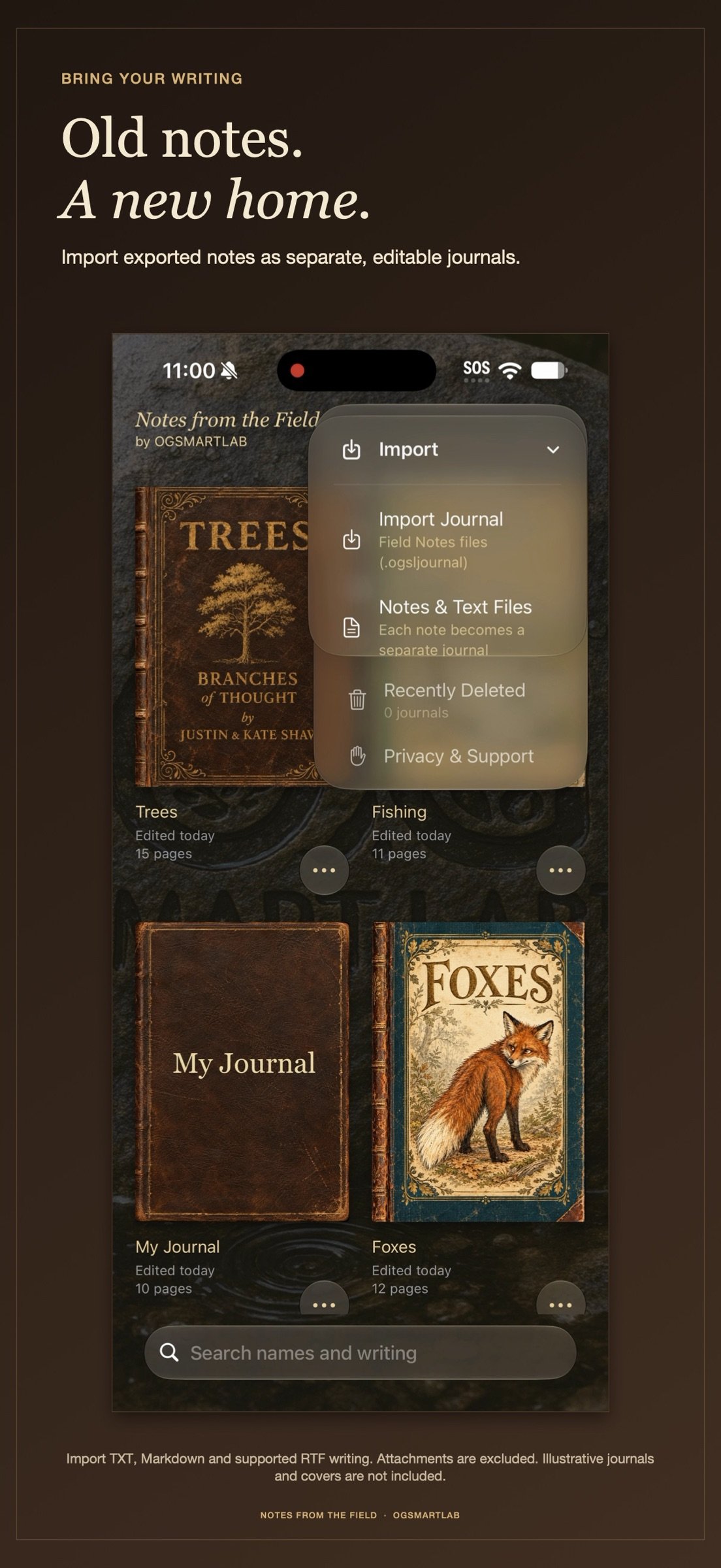
Import exported TXT, Markdown and supported text-only RTF files. Preview the conversion, choose which files to include and name each new journal before importing. Each included file becomes its own editable journal with a cover.
This imports exported writing, not your Apple Notes library directly. Images and other attachments are not included. Some formatting is adapted, and unsupported Markdown may remain as text. Keep your originals when their layout or attachments matter.
MAKE IT YOURS
Choose a journal cover, add photographs to photo pages, and move or resize them. Save an individual journal image to Photos or Files, including one received in a shared journal. Use your own Library background or keep the OGSMARTLAB stone artwork.
TURN, SCROLL AND FIND YOUR PLACE
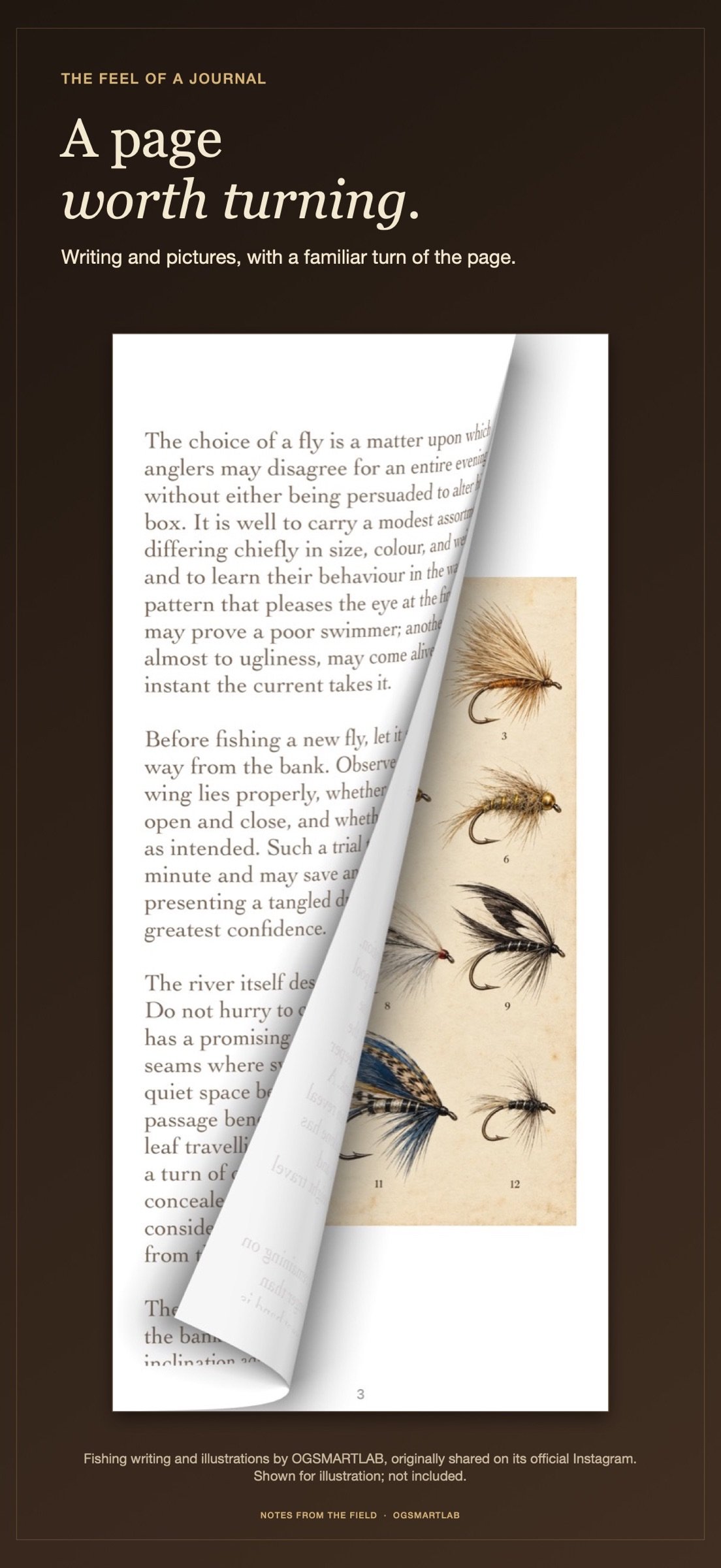
Turn pages with a natural curl, see facing pages when space allows, zoom your view and scroll through longer writing. Browse page thumbnails to return to a favorite passage. Search journal names and writing, add pages as you need them, and recover journals from Recently Deleted.
YOUR DEVICES, YOUR CHOICE
Keep journals on your device, or turn on optional private iCloud sync across compatible devices using the same Apple Account. Sync is off by default. Your Library background and reading position stay local to each device. Competing edits can be kept as a separate recovered copy for you to review. Sync is not a substitute for a backup.
KEEP A COPY. SHARE A COPY.
Export a reading copy as PDF or send an editable .ogsljournal copy to someone with a compatible version of the app. Shared files are independent copies, not live collaboration.
NO ADS. NO SUBSCRIPTIONS.
No OGSMARTLAB account is required. The app has no advertising or third-party analytics SDK. We do not operate a journal-content server or automatically receive your private journals. Optional iCloud, system features and destinations you choose use their providers' settings and policies.
For field notes, travel memories, everyday thoughts and the ideas you want to carry with you.
Illustrative media includes excerpts from Trees: Branches of Thought by Justin and Kate Shaw of OGSMARTLAB, and fishing artwork by OGSMARTLAB originally published on its official Instagram. These works and sample journals demonstrate the app and are not included with it. Your Library is yours to fill.
License: Commercial
| Release info | New Release on Nov 20, 2026 |
|---|---|
| Listing data | App Store |
Reviews
No reviews yet. Be the first to review Notes from the Field.
Used Notes from the Field? Tell other visitors what you thought.
Log in to write a reviewOther products by this publisher
- "No Distractions" for YouTube 4.10 ----
- #Bible 11.6.1 "Incredible App - My sister shared this app with me a few weeks ago and it is truly incredible.
- #filmphotography 1.4.2 So, you decided to shoot on film?
- #LookBusy Fake Calendar Events 1.0.6 Look Busy scans your work calendar for open time slots and fills them with realistic-looking (but secretly fake) work events.
- #Small Talk Is Canceled 1.0.2 #Small Talk Is Canceled — Conversations That Matter
Most viewed iOS Productivity
-
1
 WordPress 27.4
Manage or create your WordPress blog or website right from your iOS device: create and edit posts and pages, upload your favorite photos and videos, view stats and reply to comments.
- 2 Voice Translator - Alive 1.6 Translation app that turns your iPhone into an interpreter instantly.
-
3
 Life360 26.45.0
Whether at home, online, or on the move, our comprehensive family safety features bring peace of mind to your loved ones AND help safeguard your personal belongings.
-
4
 Claude by Anthropic 1.261120.51
Meet Claude, your AI problem solver and thinking partner.
-
5
 WristMemo 2.0
WristMemo turns your Apple Watch into an all-day voice recorder.
- 6 "No Distractions" for YouTube 4.10 ----
-
7
 Colicine 1.3.0
Have you ever been there—
- 8 (beat) for iOS 0.5.10 An elegant Fountain screenwriting app, created by a screenwriter for screenwriters.
-
9
 Howbout 16.8.0
The shared calendar for friends, couples, and family
-
10
 DeepSeek 2.9.0
Experience seamless interaction with DeepSeek's official AI assistant for free!
Most downloaded iOS Productivity
- 1 Voice Translator - Alive 1.6 Translation app that turns your iPhone into an interpreter instantly.
-
2
 SessionsAI 1.2.1
Sessions AI is a private AI workspace that runs entirely on your iPhone, iPad, or Mac.
-
3
DeepSeek 2.9.0
Experience seamless interaction with DeepSeek's official AI assistant for free!
-
4
 Voices AI 1.16.17
Discover Voices, the premier voice transformation app designed exclusively for iOS.
-
5
 Block Distracting Websites 1.11
"It's a great way to save time, and stop browsing Reddit when you should be doing coursework."
-
6
 Plot Digitizer 1.4.1
Plot Digitizer is an app to extract numerical data from plot images.
-
7
 Google Docs 1.2026.47103
Create, edit, and collaborate on online documents with the Google Docs app.
-
8
 MyHyundai with Bluelink 5.4.6
The MyHyundai app makes getting information about your Hyundai vehicle easier than ever.
-
9
 Pixy Mood Tracker 1.110.0
Track your mood, one pixel at a time.
-
10
 Minder 1.4
Minder turns your phone into a pair of eyes that watch you work.