
11downloads
6this week
FreeCommercial
0reviews
Screenshots
About Notebooks
Own your notes — forever. Notebooks is a writing and organization app with no subscription, no lock-in, and no worries. Your documents are stored as standard files you can always access, export, or move freely. Pay once. Use for life.
Use Notebooks as a personal wiki, Zettelkasten, document archive, task manager, or long-term writing space. Capture quick notes, turn them into actionable tasks, combine text fragments into chapters, organize research, or keep business documents separate from personal journals — without ever switching apps.
Designed to help you stay focused and work at your own pace, Notebooks grows with your needs and is always ready to support you.
WRITE AND CREATE
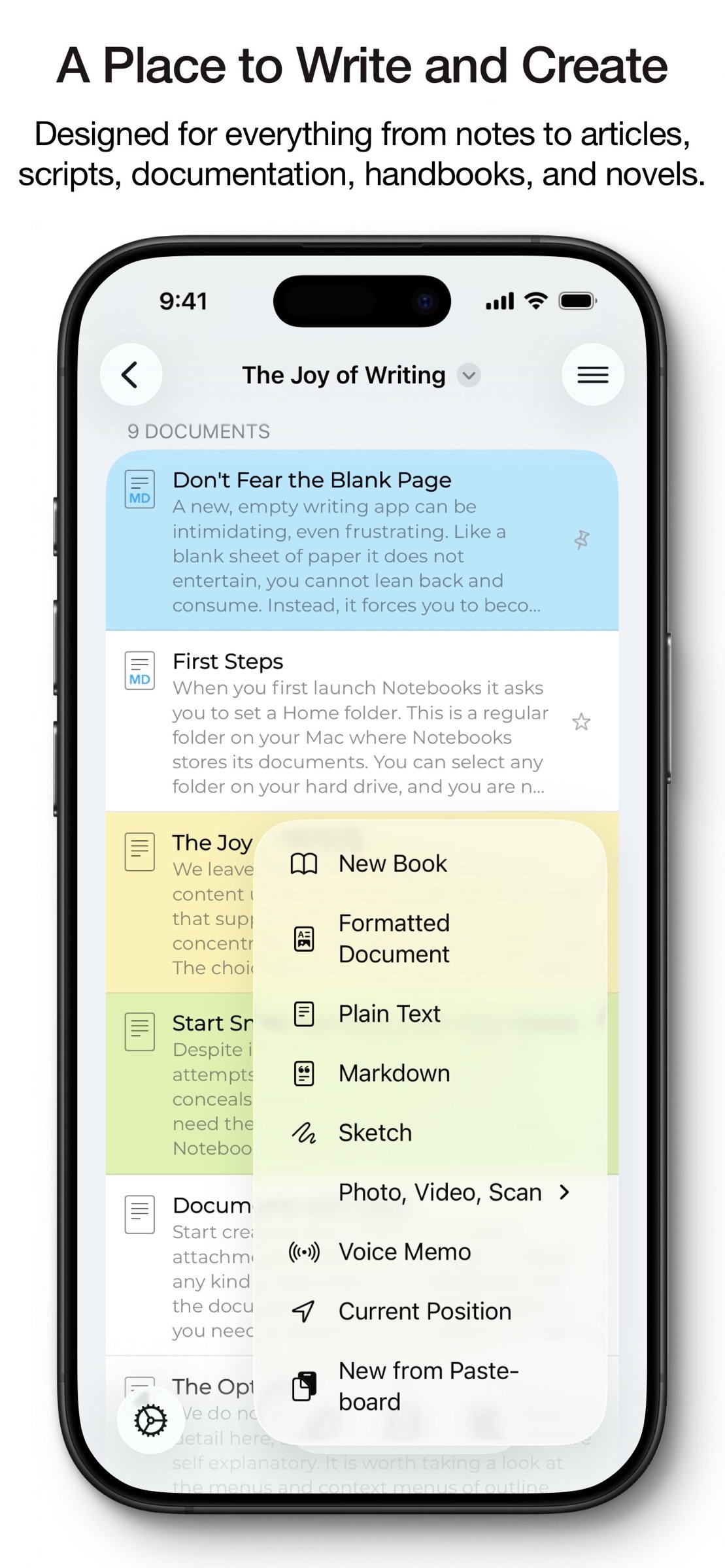
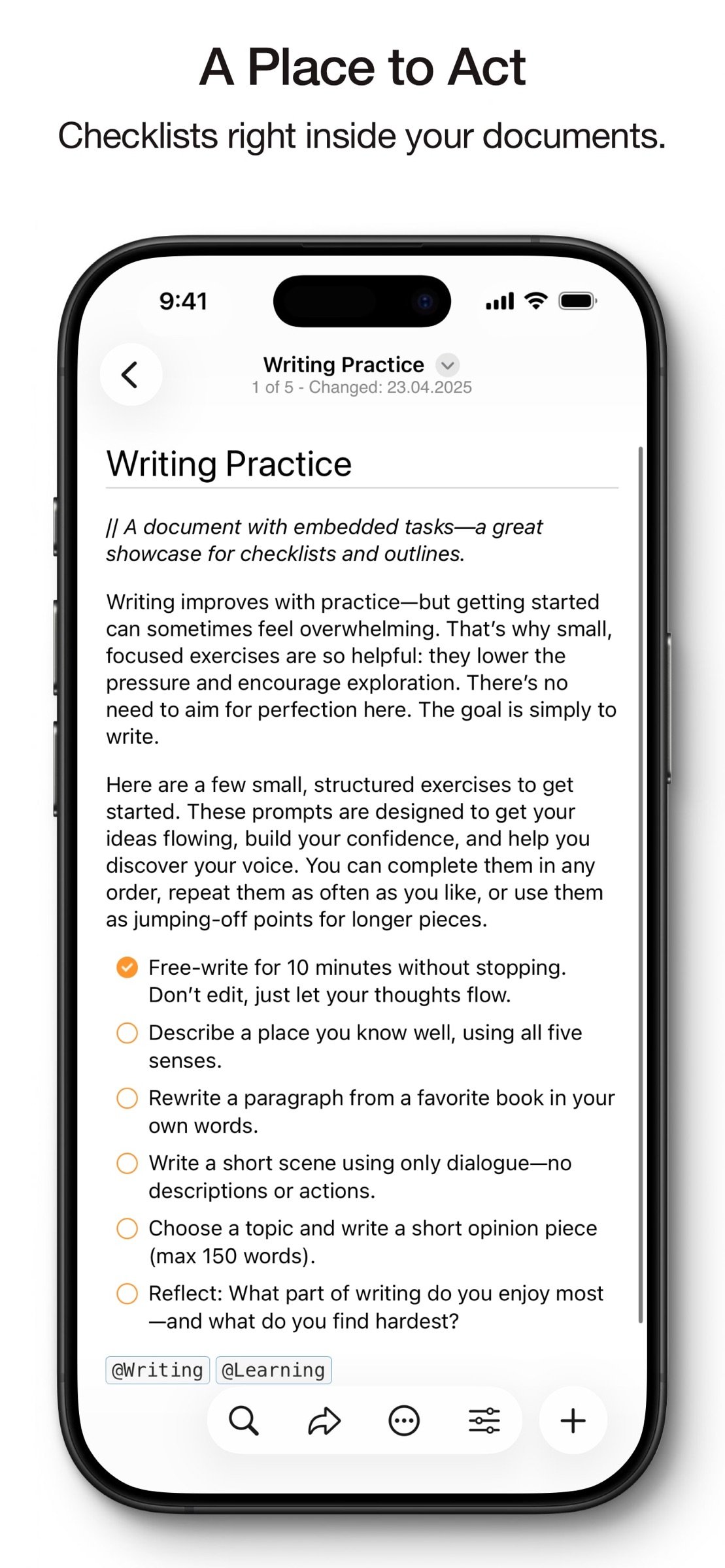
Create beautifully formatted documents with styles, attachments, tables, checklists, and optional tables of contents. Choose from ready-made styles or design your own.
Write in different ways:
Formatted text (WYSIWYG)
Plain text, with smart handling of lists, automatic character pairing, and a focused writing view
Markdown, supporting MultiMarkdown and Discount, with syntax highlighting, dedicated keyboard keys, wiki-style links, and interactive checklists
Sketch ideas or annotate images and PDFs using Apple Pencil.
STORE AND ORGANIZE
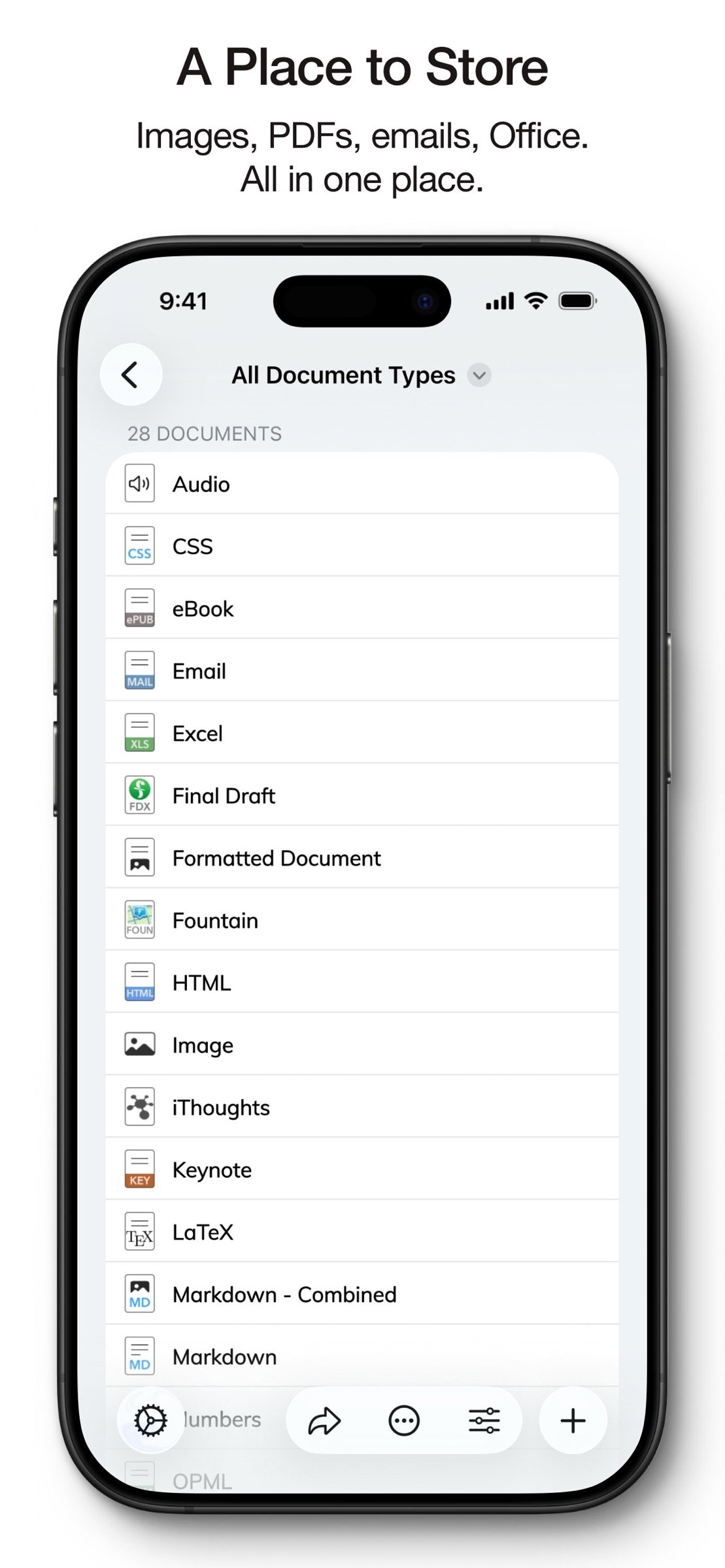
Notebooks stores all documents as regular files in standard formats. You always remain in control — no lock-in, no export worries, fully compatible across devices and over time.
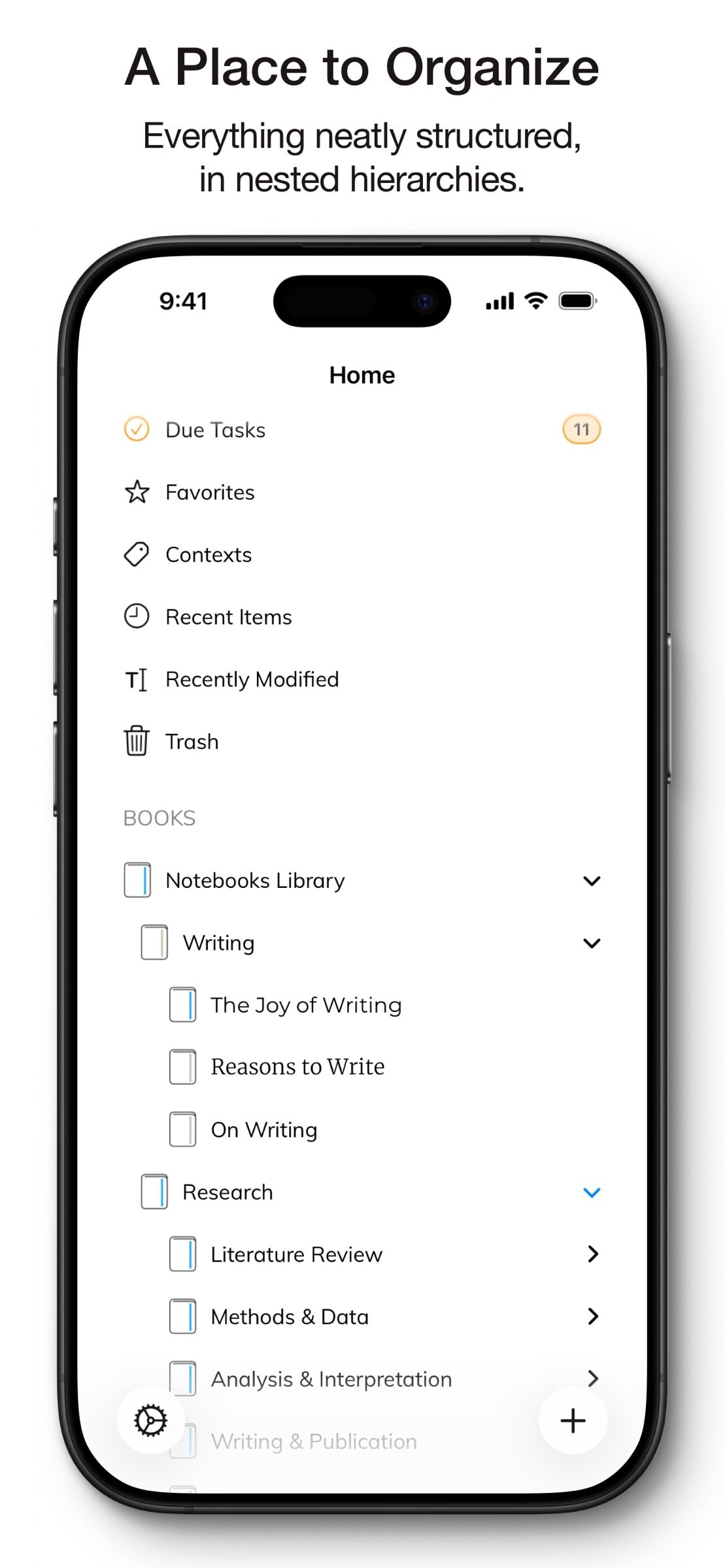
Organize your work in books and nested hierarchies without limits. Import PDFs, emails, web pages, MS Office and iWork documents, images, audio, video, and more. Use full-text search to find even the most deeply nested document.
PLAN AND ACT
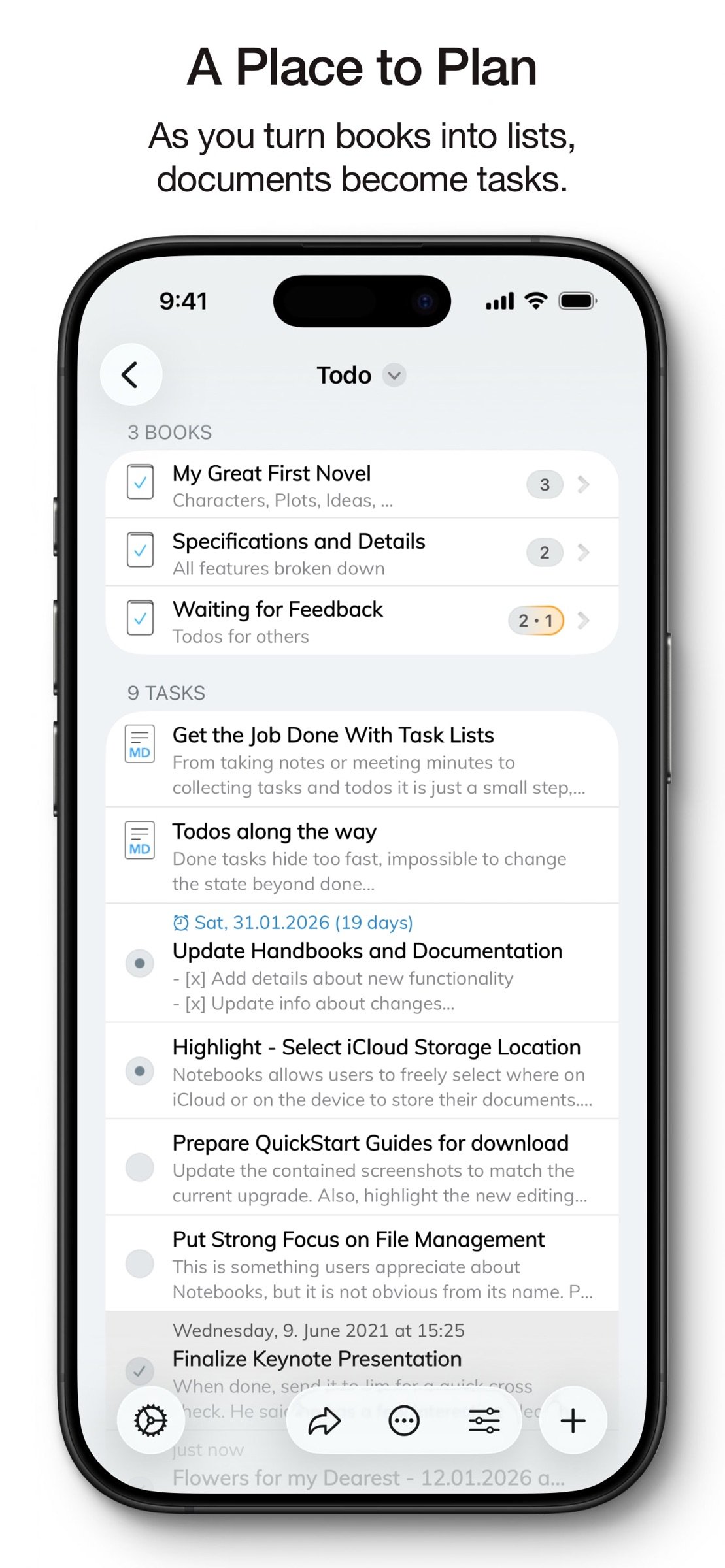
Turn books into project lists and documents into tasks. Assign due dates and alerts, create nested projects, and track progress naturally — right where your work lives.
Use simple checklists in formatted documents or Markdown for lightweight task tracking.
STAY FOCUSED
Link documents together to build knowledge over time. Use wiki-style links, backlinks, contexts, and smart books to keep everything connected and within reach. When you rename or move documents, links stay intact.
A PLACE YOU CAN RELY ON
Sync your documents between iPhone, iPad, Mac, and PC. Work on documents stored in other apps, compile selections into PDFs or eBooks, scan documents and extract text using OCR, and trust that your data stays accessible — now and in the future.
With time, Notebooks often becomes the one place users rely on to keep everything that matters close at hand.
WHAT USERS SAY
“Notebooks is a wonderful app — sophisticated in an unassuming way. I feel more productive without spending time managing the app itself.”
“You are GTD in every way that makes it efficient — and makes me efficient.”
License: Commercial
Use Notebooks as a personal wiki, Zettelkasten, document archive, task manager, or long-term writing space. Capture quick notes, turn them into actionable tasks, combine text fragments into chapters, organize research, or keep business documents separate from personal journals — without ever switching apps.
Designed to help you stay focused and work at your own pace, Notebooks grows with your needs and is always ready to support you.
WRITE AND CREATE
Create beautifully formatted documents with styles, attachments, tables, checklists, and optional tables of contents. Choose from ready-made styles or design your own.
Write in different ways:
Formatted text (WYSIWYG)
Plain text, with smart handling of lists, automatic character pairing, and a focused writing view
Markdown, supporting MultiMarkdown and Discount, with syntax highlighting, dedicated keyboard keys, wiki-style links, and interactive checklists
Sketch ideas or annotate images and PDFs using Apple Pencil.
STORE AND ORGANIZE
Notebooks stores all documents as regular files in standard formats. You always remain in control — no lock-in, no export worries, fully compatible across devices and over time.
Organize your work in books and nested hierarchies without limits. Import PDFs, emails, web pages, MS Office and iWork documents, images, audio, video, and more. Use full-text search to find even the most deeply nested document.
PLAN AND ACT
Turn books into project lists and documents into tasks. Assign due dates and alerts, create nested projects, and track progress naturally — right where your work lives.
Use simple checklists in formatted documents or Markdown for lightweight task tracking.
STAY FOCUSED
Link documents together to build knowledge over time. Use wiki-style links, backlinks, contexts, and smart books to keep everything connected and within reach. When you rename or move documents, links stay intact.
A PLACE YOU CAN RELY ON
Sync your documents between iPhone, iPad, Mac, and PC. Work on documents stored in other apps, compile selections into PDFs or eBooks, scan documents and extract text using OCR, and trust that your data stays accessible — now and in the future.
With time, Notebooks often becomes the one place users rely on to keep everything that matters close at hand.
WHAT USERS SAY
“Notebooks is a wonderful app — sophisticated in an unassuming way. I feel more productive without spending time managing the app itself.”
“You are GTD in every way that makes it efficient — and makes me efficient.”
License: Commercial
| Release info | Update on Oct 22, 2026 |
|---|---|
| Release notes | Ready for iPhone Duo. For all the details and related documentation, please visit "About > Version History" in Notebooks' Settings. |
| Listing data | App Store |
Reviews
No reviews yet. Be the first to review Notebooks.
Used Notebooks? Tell other visitors what you thought.
Log in to write a reviewOther products by this publisher
- "No Distractions" for YouTube 4.10 ----
- #Bible 11.6 "Incredible App - My sister shared this app with me a few weeks ago and it is truly incredible.
- #filmphotography 1.4.2 So, you decided to shoot on film?
- $quirrel 1.5.1 $quirrel Budget & Finance helps you plan each paycheck, track spending, manage debt, and see what is safe to spend before the next payday.
- % Percentage Calculator Pro 1.41 This is the Pro version of % Percentage Calculator.
Most viewed iOS Productivity
-
1
 WordPress 27.4
Manage or create your WordPress blog or website right from your iOS device: create and edit posts and pages, upload your favorite photos and videos, view stats and reply to comments.
- 2 Voice Translator - Alive 1.6 Translation app that turns your iPhone into an interpreter instantly.
-
3
 Claude by Anthropic 1.261111.19
Meet Claude, your AI problem solver and thinking partner.
-
4
 WristMemo 2.0
WristMemo turns your Apple Watch into an all-day voice recorder.
- 5 "No Distractions" for YouTube 4.10 ----
- 6 (beat) for iOS 0.5.10 An elegant Fountain screenwriting app, created by a screenwriter for screenwriters.
-
7
 Life360 26.43.0
Whether at home, online, or on the move, our comprehensive family safety features bring peace of mind to your loved ones AND help safeguard your personal belongings.
-
8
 Colicine 1.3.0
Have you ever been there—
-
9
 DeepSeek 2.8.0
Experience seamless interaction with DeepSeek's official AI assistant for free!
-
10
 Howbout 16.7.2
The shared calendar for friends, couples, and family
Most downloaded iOS Productivity
- 1 Voice Translator - Alive 1.6 Translation app that turns your iPhone into an interpreter instantly.
-
2
DeepSeek 2.8.0
Experience seamless interaction with DeepSeek's official AI assistant for free!
-
3
 SessionsAI 1.2.1
Sessions AI is a private AI workspace that runs entirely on your iPhone, iPad, or Mac.
-
4
 Voices AI 1.16.15
Discover Voices, the premier voice transformation app designed exclusively for iOS.
-
5
 Block Distracting Websites 1.11
"It's a great way to save time, and stop browsing Reddit when you should be doing coursework."
-
6
 Plot Digitizer 1.4.1
Plot Digitizer is an app to extract numerical data from plot images.
-
7
 Google Docs 1.2026.45104
Create, edit, and collaborate on online documents with the Google Docs app.
-
8
 Pixy Mood Tracker 1.110.0
Track your mood, one pixel at a time.
-
9
 MyHyundai with Bluelink 5.4.5
The MyHyundai app makes getting information about your Hyundai vehicle easier than ever.
-
10
 ScreenRecess 1.0.0
A gentle nudge to put your device down when it’s hard to stop.