Notebook Studio 1.6.1
Design tailored, hyperlinked PDF planners and digital notebook templates calibrated specifically for e-ink displays and tablet.
Download
11.83 MB
17downloads
1this week
FreeCommercial
0reviews
Screenshots
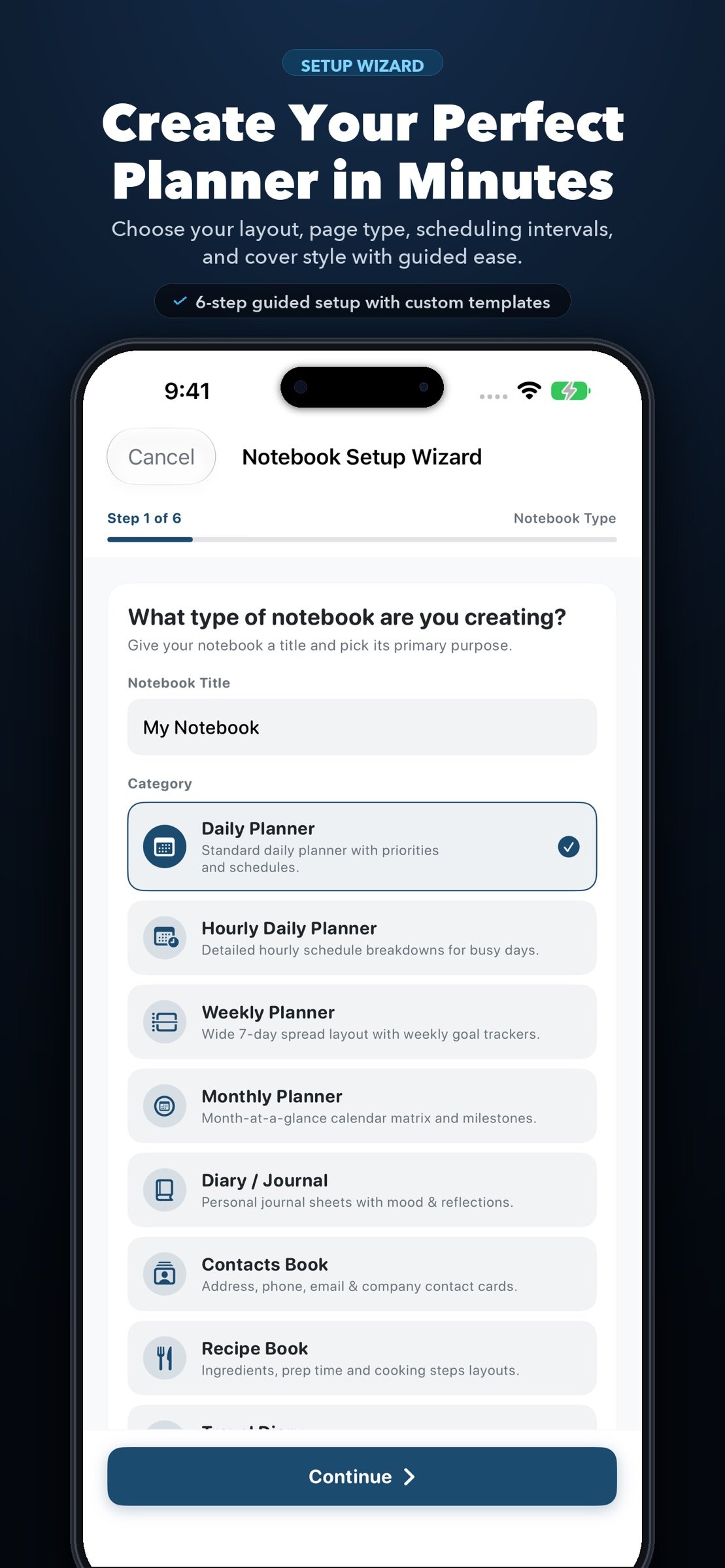
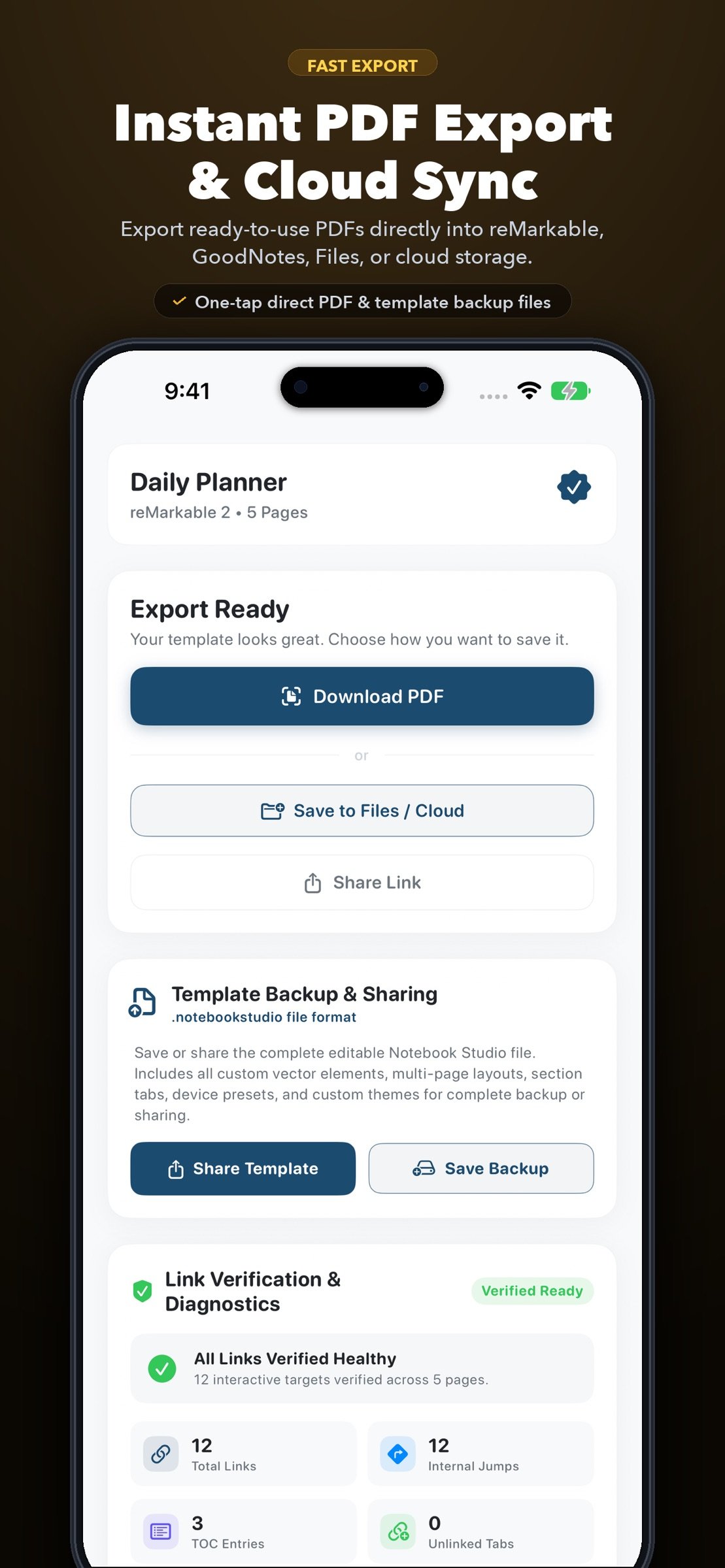
About Notebook Studio
Design tailored, hyperlinked PDF planners and digital notebook templates calibrated specifically for e-ink displays and tablet.
General graphic design tools like Canva or Adobe Express are built for RGB color monitors and commercial print. Notebook Studio is engineered from the ground up for the unique physics of electronic paper: ultra-sharp 1-bit monochrome vector lines, calibrated dot-grid contrast, and lightweight hyperlinked documents that turn pages instantly without lag.
CALIBRATED FOR E-INK
• Contrast Tuning: Fine-tune line weights and dot grids to eliminate ghosting and faint rules on Carta 1200 and Gallery 3 screens.
• Fast Page Turns: Lean vector rendering ensures massive multi-page planners load smoothly without taxing e-reader memory.
• True-to-Scale Layouts: Exact pixel-and-millimeter canvas templates tailored for reMarkable Paper Pro, reMarkable 2, Supernote A5 X/A6 X2 Nomad, Onyx Boox Note/Go series, and Kindle Scribe.
DEEP CUSTOMIZATION & SMART LAYOUTS
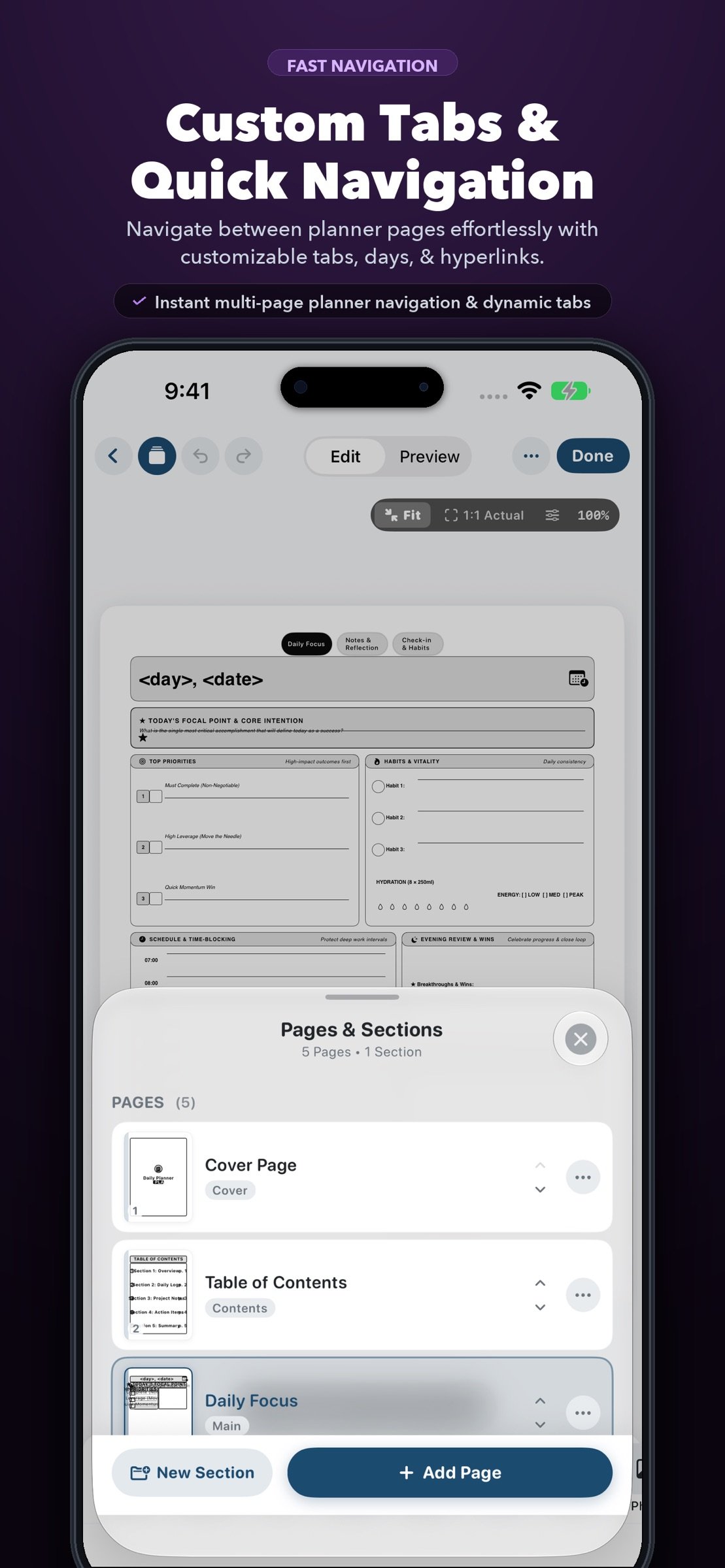
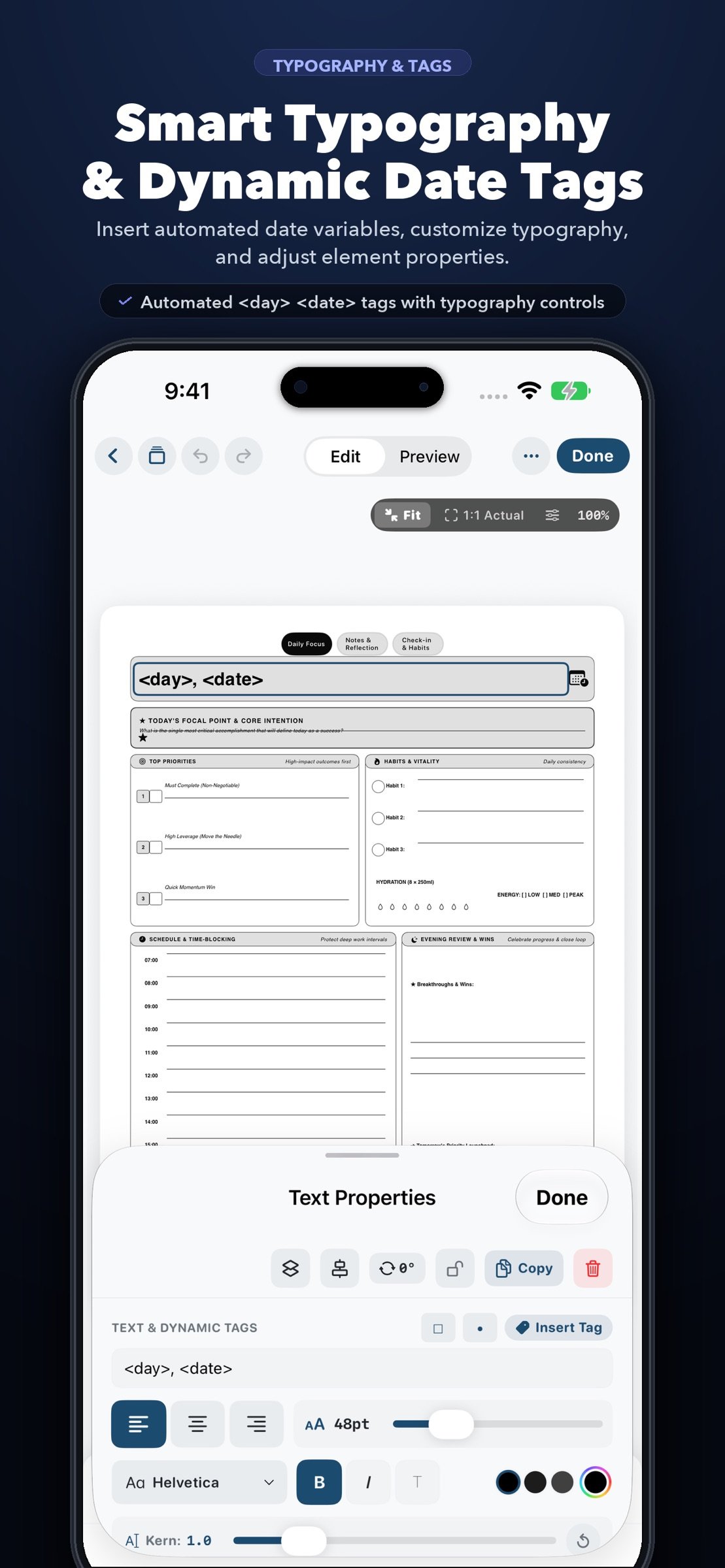
• Automated Hyperlink Engine: Build structured yearly, monthly, weekly, and daily agendas with click-through navigation tabs generated automatically.
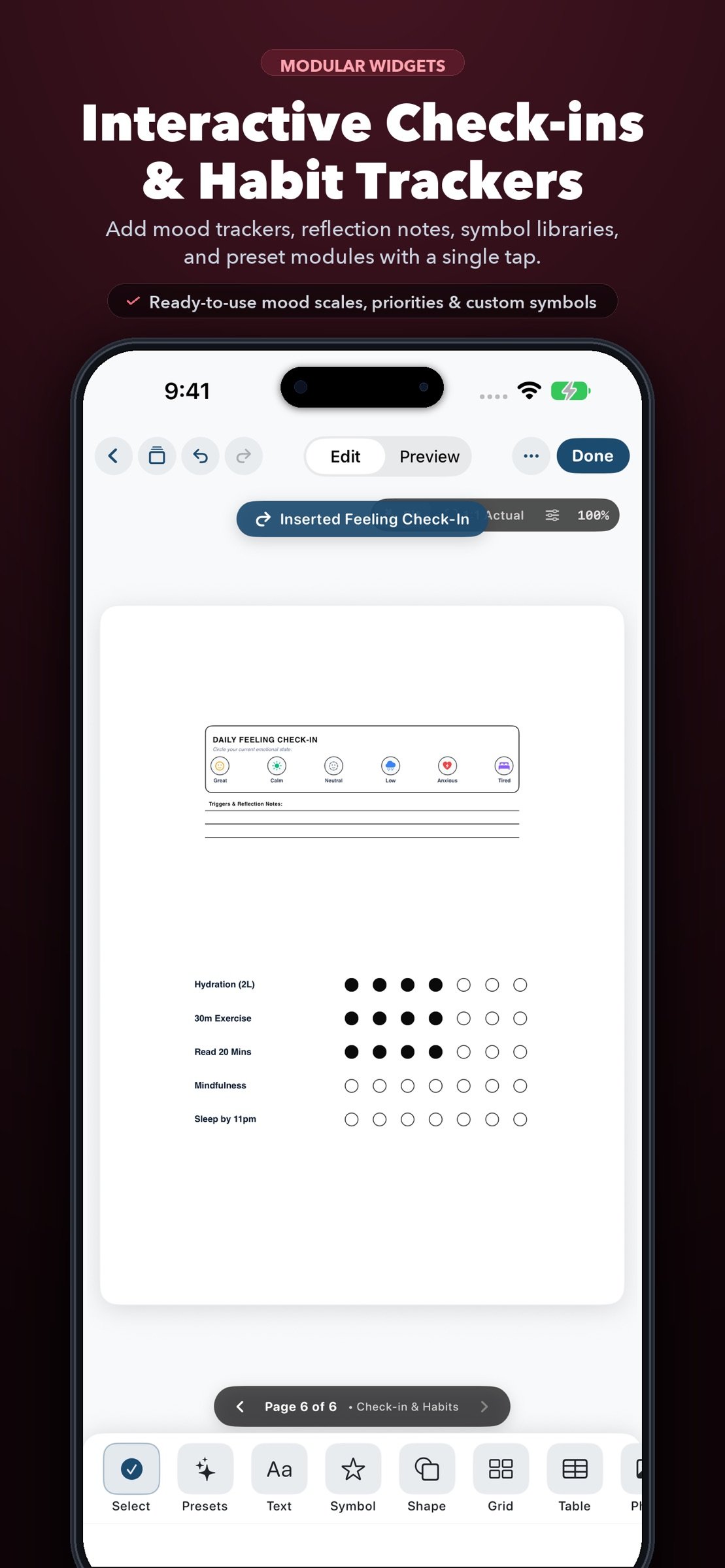
• Modular Grid Designer: Configure dot grid spacing, French ruling, Cornell note sections, isometric grids, music staves, and habit tracking matrices.
• Smart Layout Generator (v1.2): Speed up layout generation with layout assistance that balances margins and line distributions automatically.
OFFLINE INTEGRITY & PRIVACY
• 100% Local Processing: Notebook Studio requires no account, collects no telemetry, and operates completely offline.
• No Cloud Dependencies: Your documents remain strictly on your iPad/Mac until you export them directly via AirDrop, local storage, or your e-reader's companion app.
• One-Time Purchase: Pay once, own it forever. No monthly subscriptions, no tier locks, and no watermarks.
DEVICE & SYSTEM COMPATIBILITY
• Optimized for iPadOS 17.0+ and macOS 14.0+ with full Apple Pencil support.
• Direct PDF export verified compatible with reMarkable, Ratta Supernote, Onyx Boox (NeoReader), Kindle Scribe, Kobo Elipsa, and Goodnotes/Notability.
---
ABOUT THE DEVELOPER
Notebook Studio is built independently by an e-ink enthusiast and audio/software engineer dedicated to distraction-free digital stationery. Feedback and template feature requests are welcome at support@notebookstudio.app.
| Release info | Update on Nov 21, 2026 |
|---|---|
| Release notes | Refined and updated Notebooks created using the wizard |
| Listing data | App Store |
Reviews
No reviews yet. Be the first to review Notebook Studio.
Used Notebook Studio? Tell other visitors what you thought.
Log in to write a reviewOther products by this publisher
- "No Distractions" for YouTube 4.10 ----
- #Bible 11.6.1 "Incredible App - My sister shared this app with me a few weeks ago and it is truly incredible.
- #filmphotography 1.4.2 So, you decided to shoot on film?
- #LookBusy Fake Calendar Events 1.0.6 Look Busy scans your work calendar for open time slots and fills them with realistic-looking (but secretly fake) work events.
- #Small Talk Is Canceled 1.0.2 #Small Talk Is Canceled — Conversations That Matter
Most viewed iOS Photo & Video
-
1
 ShortDiShow 2.0
Drama Quest Island — An offline interactive short-drama adventure.
-
2
 Face Witness 1.0.4
FaceWitness lets you create a face by putting together individual features.
-
3
 Infuse 8.5.11
Infuse: Enterprise provides the same great features as the standard version of Infuse and includes permanent access to all Pro features via a traditional paid app.
-
4
 Restore Old Photos 1.1.0
Bring old family photos back to life, privately on your iPhone or iPad.
-
5
 AI Video Generator 2.0.3
Vixel – AI Video Generator
- 6 #filmphotography 1.4.2 So, you decided to shoot on film?
-
7
 CapCut 20.3.0
CapCut is an all-in-one video editing solution that offers essential editing features, creative effects, AI tools, filters, stickers, and fonts, and a wide range of video templates to empower users to easily create incredible videos regardless of th…
-
8
 OPlayer 4.8
Play all your videos directly without having to convert them!
-
9
 Ai Photo 1.2.0
AI Photo Retouch – BG Eraser
-
10
 Necrometer II 1.3
Necrometer II is a paranormal investigation companion designed for ghost hunters and researchers.
Most downloaded iOS Photo & Video
-
1
 DJI Fly 1.21.18
DJI Fly is designed to help pilots fly drones with ease.
-
2
Infuse 8.5.11
Infuse: Enterprise provides the same great features as the standard version of Infuse and includes permanent access to all Pro features via a traditional paid app.
-
3
 ReelyGo 1.1.60
ReelyGo: Your Daily Drama Escape
-
4
 TurboCollage Automatic 1.2.4
#1 Easy automatic photo collage maker for iPhone & iPad.
-
5
 Analog Radio 3.0
The iPhone and iPad devices don't have the FM/AM radio antenna installed.
-
6
 Rozeta Sequencer Suite 1.3.16
Rozeta is a suite of MIDI sequencers and controllers that lets you explore a new, freeform approach to sequencing and controlling mobile music apps.
-
7
 AGAIN. Rehearsal Notes 2.0.1
AGAIN. is the rehearsal app that remembers why the band stopped — and, new in Version 2, who said what in a writing session or a table read.
-
8
 Pop Dot Comics 1.48
Create a comic worthy of the Sunday newspaper or your favorite pulp-fiction cover.
-
9
 Local AI Art Private Diffusion 1.6
If you are the kind of person who values privacy and wants to keep your generated images private, our software is the perfect solution for you.
-
10
 Treblo 1.6.6
Make songs with the world's best AI music model.