
21downloads
2this week
FreeFreeware
0reviews
Screenshots
About Nextcloud Cookbook
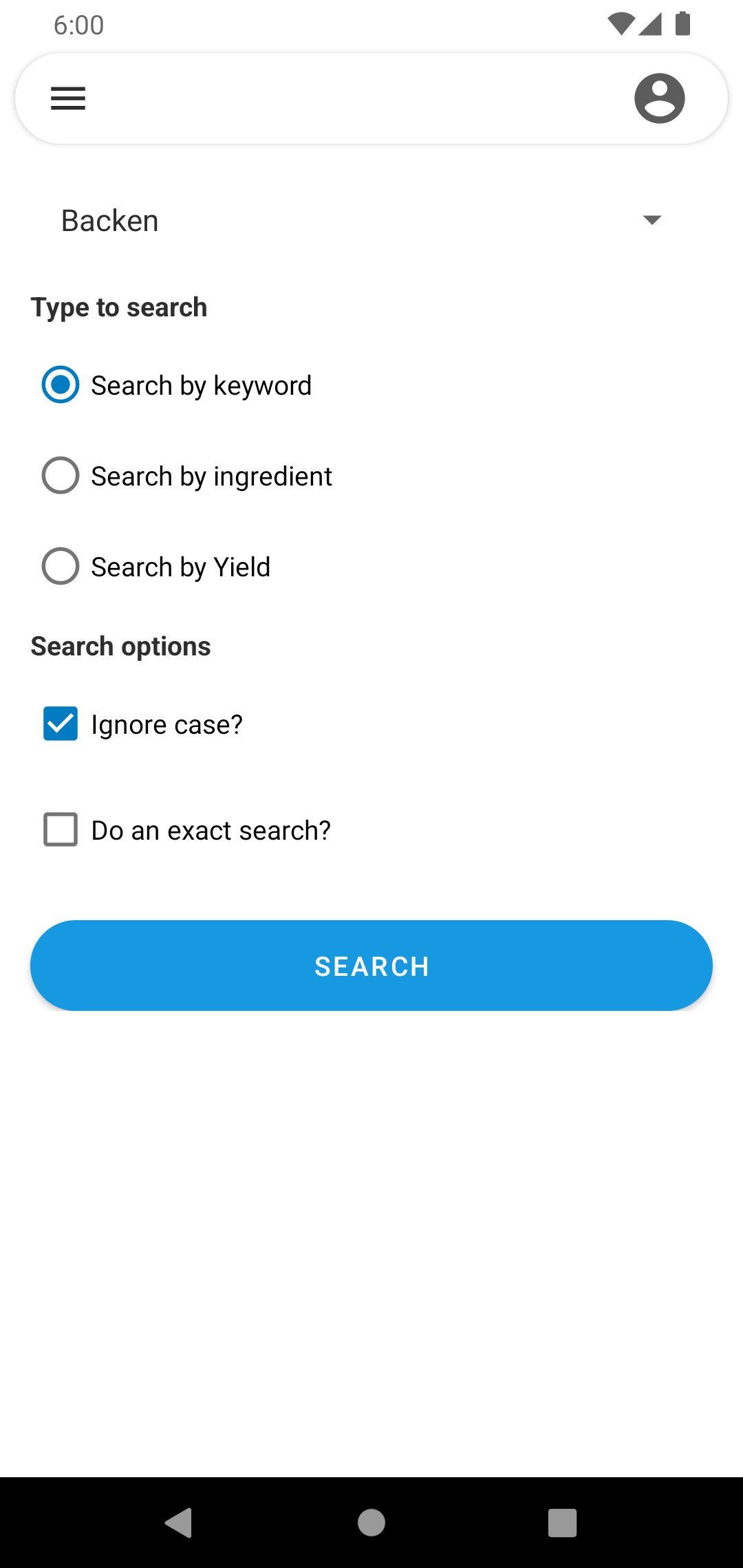
This app is a viewer for recipes in Nextcloud App.
The synchronisation can be done direct (with nextloud) or with the local storage.
Synchronize directly works with Single Sign On (SSO) per nextcloud client.
The local storage can synchronized in other ways, there is no dependency to a client.
First steps
After first installation (or with the current update from 2.x.x to 3.0.0) it shows the login screen.
If the nextcloud client is installed and you want to synchronize direct with the nextcloud server, you can use
the login button to show a list of accounts and you choose the account to login.
Then the app will download the recipes with the REST api.
If you want to synchronize with the local storage, you can skip the login ("Skip for local storage").
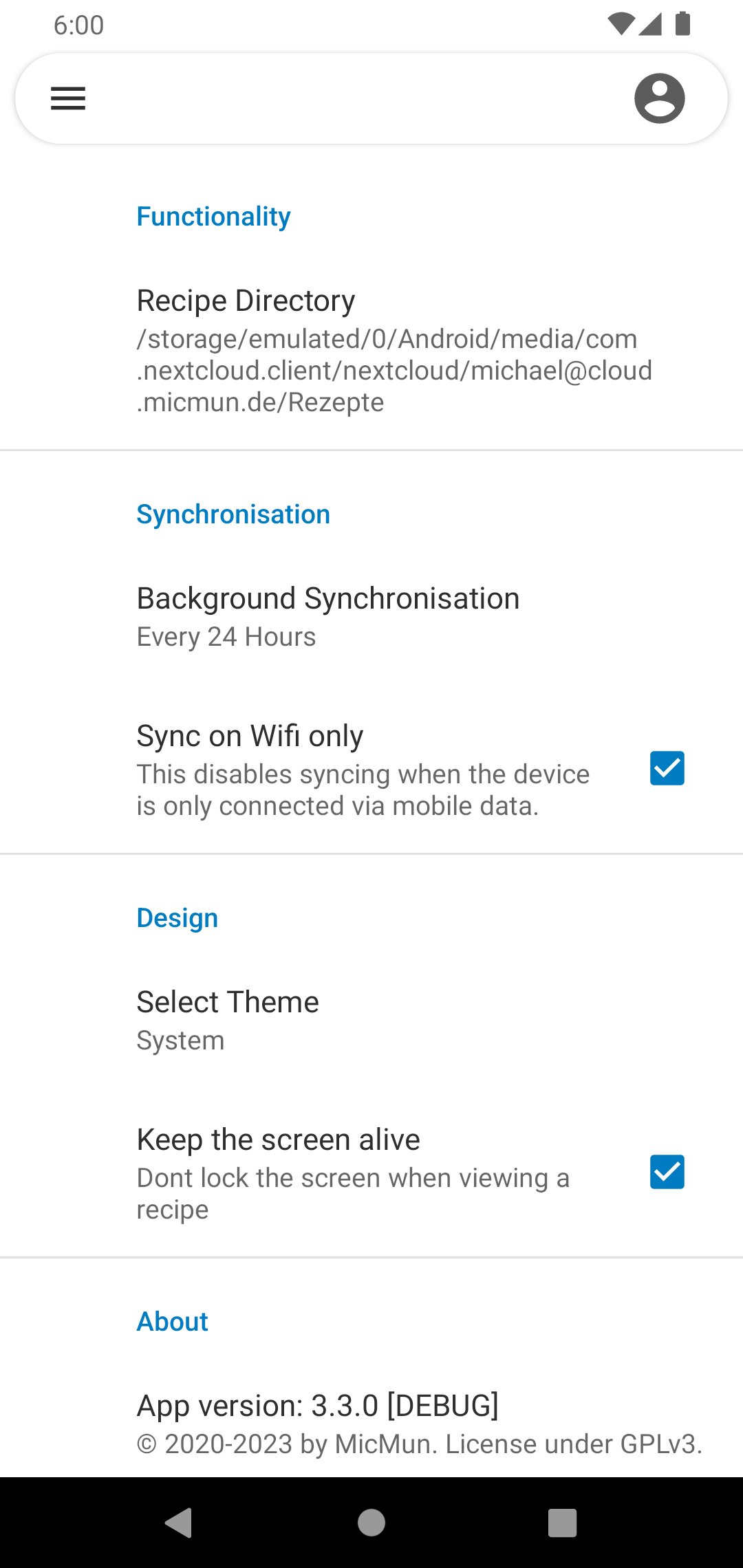
After that, you have to choose the recipe directory in the settings and permit access.
In the app "All categories" is the main view, there the app is loading the recipes from the choosen directory.
When using the Nextcloud Android client, you find the directory on your storage under Android/media/com.nextcloud
.client/nextcloud//.
You also can choose the theme in the settings.
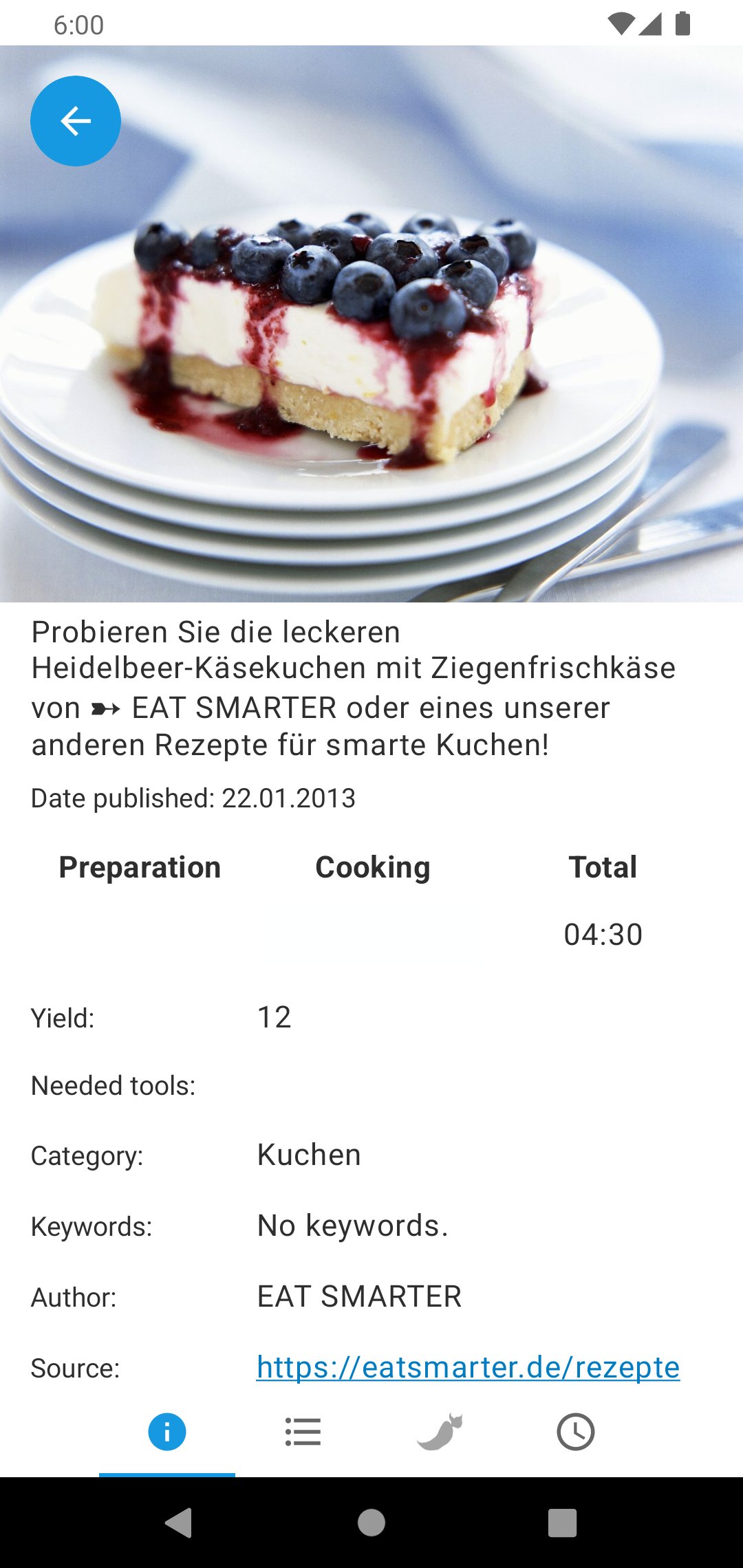
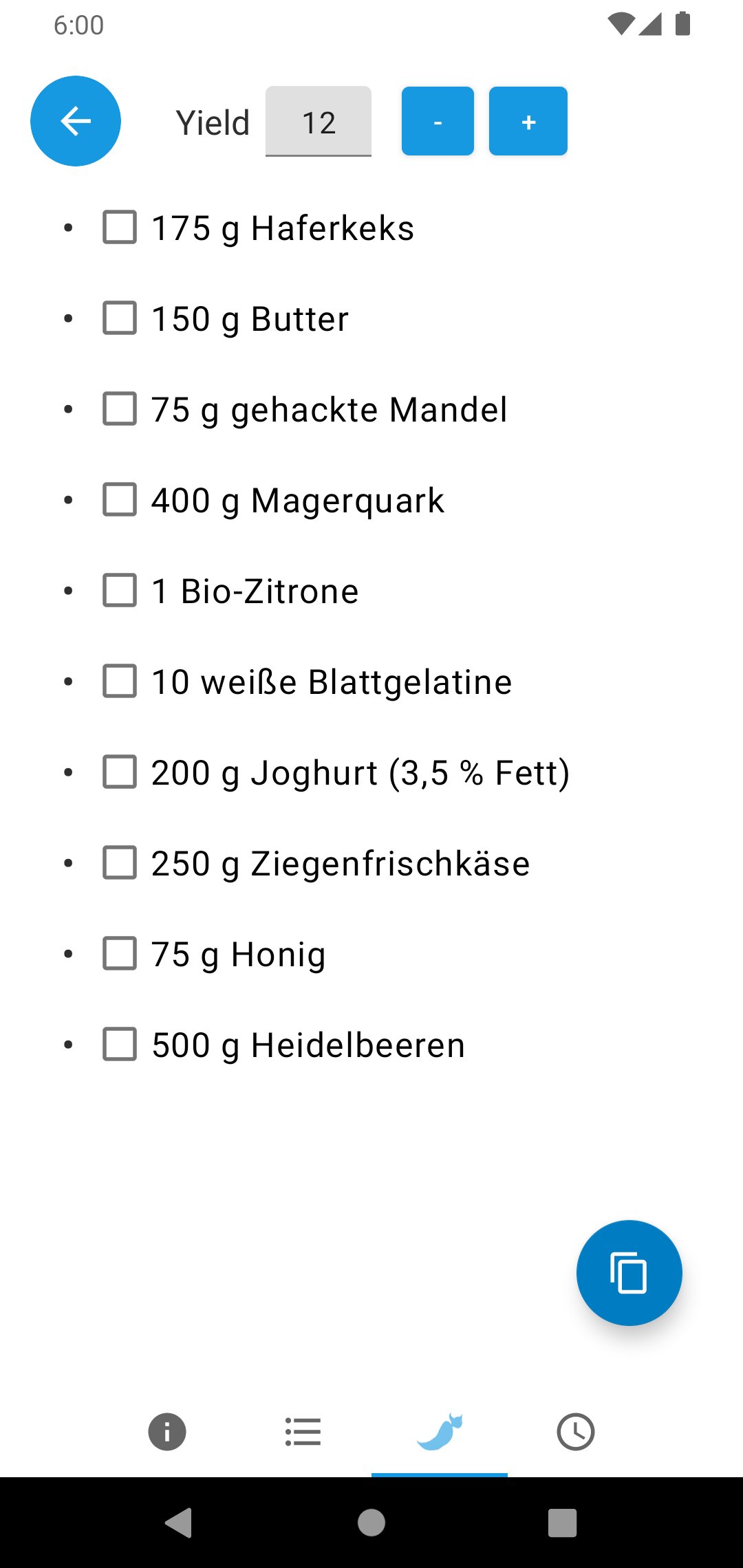
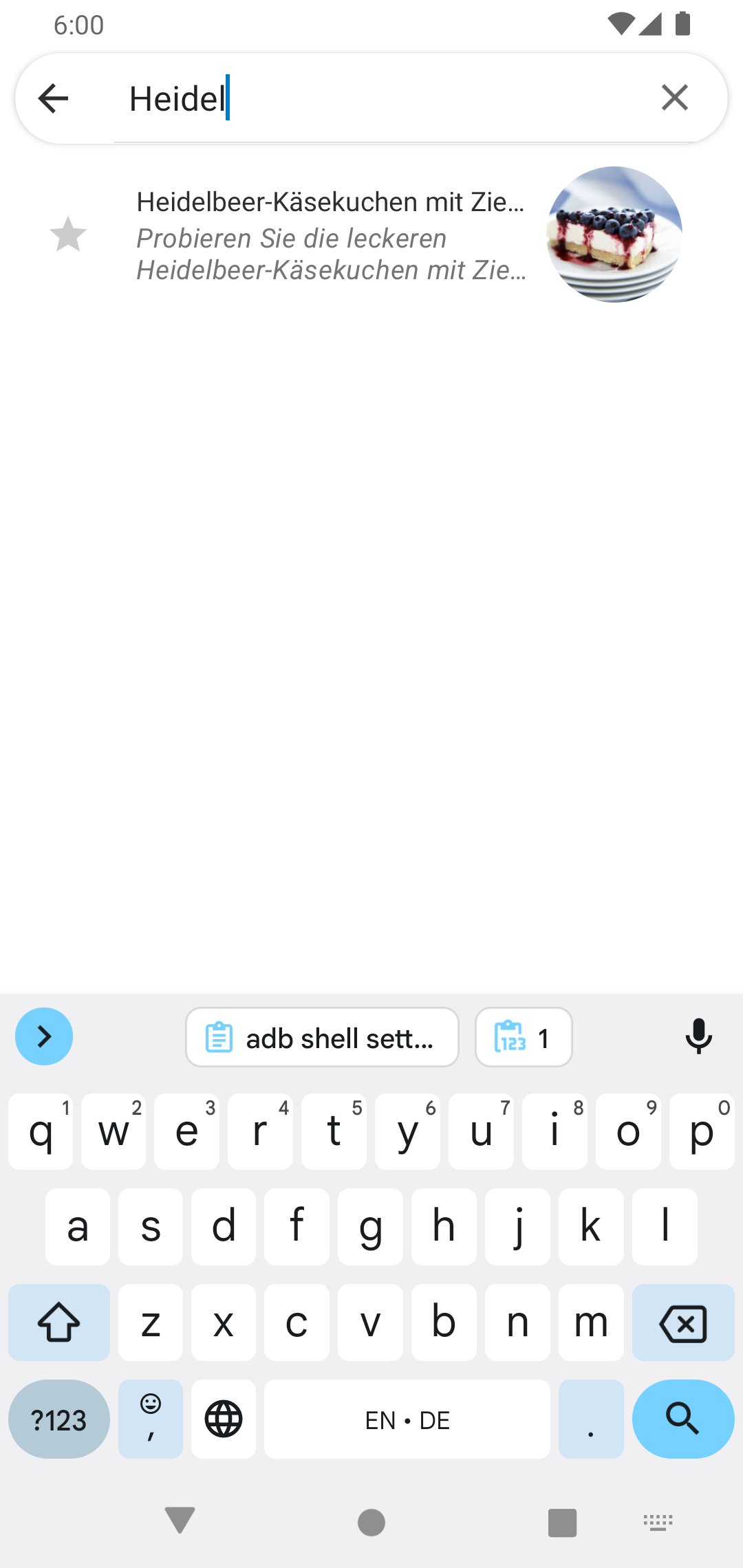
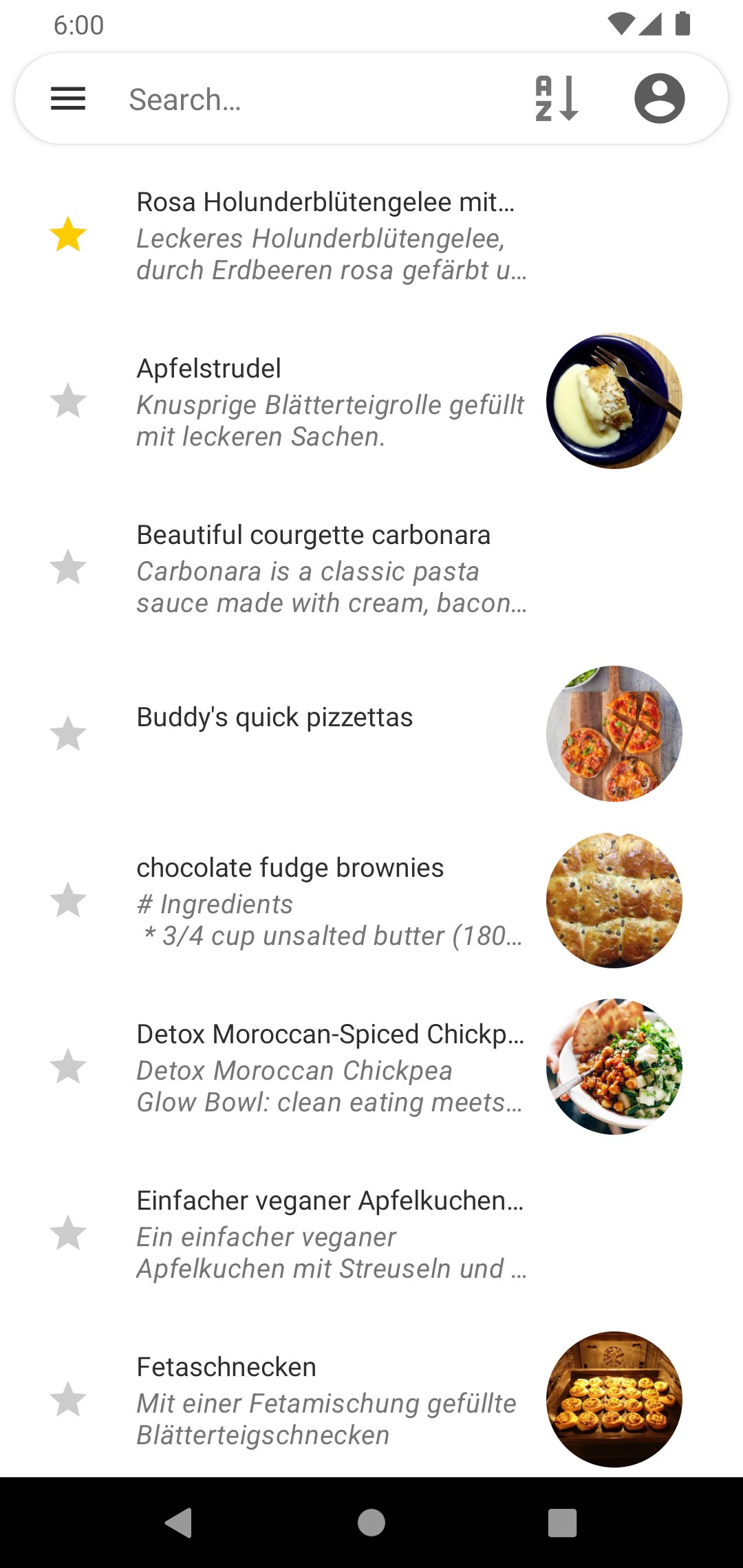
After that, the start view has a list of recipes and you select a recipe to view the details.
IMPORTANT: With direct pick of the nextcloud folder there will no images shown and the uri can't be stored right. Perhaps at next app start no recipes can be loaded.
Therefore it is better to use the above mentioned path on the SD card (see First steps).
License: GPL-3.0-or-later
The synchronisation can be done direct (with nextloud) or with the local storage.
Synchronize directly works with Single Sign On (SSO) per nextcloud client.
The local storage can synchronized in other ways, there is no dependency to a client.
First steps
After first installation (or with the current update from 2.x.x to 3.0.0) it shows the login screen.
If the nextcloud client is installed and you want to synchronize direct with the nextcloud server, you can use
the login button to show a list of accounts and you choose the account to login.
Then the app will download the recipes with the REST api.
If you want to synchronize with the local storage, you can skip the login ("Skip for local storage").
After that, you have to choose the recipe directory in the settings and permit access.
In the app "All categories" is the main view, there the app is loading the recipes from the choosen directory.
When using the Nextcloud Android client, you find the directory on your storage under Android/media/com.nextcloud
.client/nextcloud//.
You also can choose the theme in the settings.
After that, the start view has a list of recipes and you select a recipe to view the details.
IMPORTANT: With direct pick of the nextcloud folder there will no images shown and the uri can't be stored right. Perhaps at next app start no recipes can be loaded.
Therefore it is better to use the above mentioned path on the SD card (see First steps).
License: GPL-3.0-or-later
| Release info | New Release on Mar 05, 2024 |
|---|---|
| Release notes | - Update login flows (thanks to newhinton) - Connectivity checks before syncing (thanks to TnSb) - Improve themeable icon (thanks to TnSb) - Fix categories - Update libraries - Fix permissions - MinSDK to 26 - Fix double entries (#92) |
| Listing data | F-Droid |
Reviews
No reviews yet. Be the first to review Nextcloud Cookbook.
Used Nextcloud Cookbook? Tell other visitors what you thought.
Log in to write a reviewOther products by this publisher
- "No Distractions" for YouTube 4.10 ----
- #Bible 11.5 "Incredible App - My sister shared this app with me a few weeks ago and it is truly incredible.
- #filmphotography 1.4.2 So, you decided to shoot on film?
- $quirrel 1.5.1 $quirrel Budget & Finance helps you plan each paycheck, track spending, manage debt, and see what is safe to spend before the next payday.
- % Percentage Calculator Pro 1.41 This is the Pro version of % Percentage Calculator.
Most viewed Android System
-
1
 Work Profile VPN Switcher 1.2.1
Automatically manage work profile when VPN connects or disconnects
-
2
 GrayPause 1.5
Keep your phone in grayscale, take short color breaks that end by themselves
- 3 Sift 1.0.7 A minimalist recipe keeper.
-
4
 SDK Monitor 2.1
Display and monitor the targetSDK from installed apps
- 5 LibChecker 2.5.5 View the third-party libraries used by applications
- 6 Contacts 4 Contacts Organised by Group
- 7 TouchDroid 2.0.1 Use your Android Device as Touchpad.
- 8 MAXS Module Ringermode 0.5.19 A Module for MAXS
- 9 Ril Control 1.0 Control the RIL-daemon process
- 10 Coffee 2.27 Keep display awake
Most downloaded Android System
- 1 Finalbenchmark 2 - CPU Test 1.1.0 Comprehensive open source CPU benchmark and performance test
- 2 Sift 1.0.7 A minimalist recipe keeper.
- 3 Contextium 1.5.0 Configurable Android context menu helper
-
4
SDK Monitor 2.1
Display and monitor the targetSDK from installed apps
- 5 EtchDroid ISO to USB Writer 2.2 Write operating system ISO images to USB drives, no root required
- 6 TouchDroid 2.0.1 Use your Android Device as Touchpad.
-
7
 Cache Cleaner 2.3.2
Clean cache of installed user and system apps using Accessibility
- 8 DEfO ECH Apps 0.3 Experimental fork of F-Droid to use TLS ECH with Cloudflare as the default host
- 9 OnePlus Laser Tool 1.0.4 Professional laser rangefinder for OnePlus devices with Laser AF hardware.
- 10 Apk Extractor 1.4 Get APK files from installed apps