0downloads
0this week
FreeCommercial
0reviews
Screenshots
About NDI Monitor
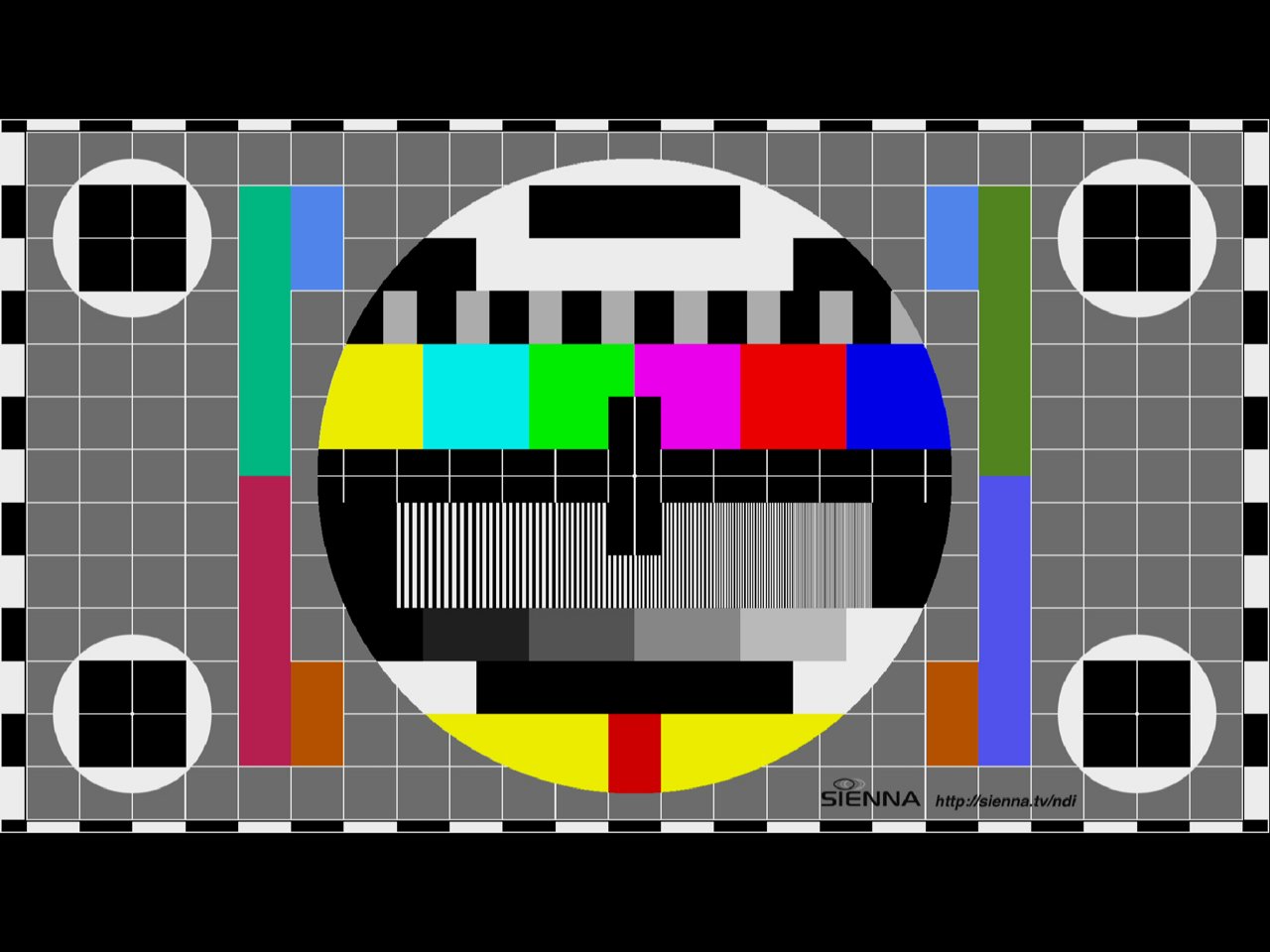
Professional NDI Monitor from global IP Video leaders Sienna.
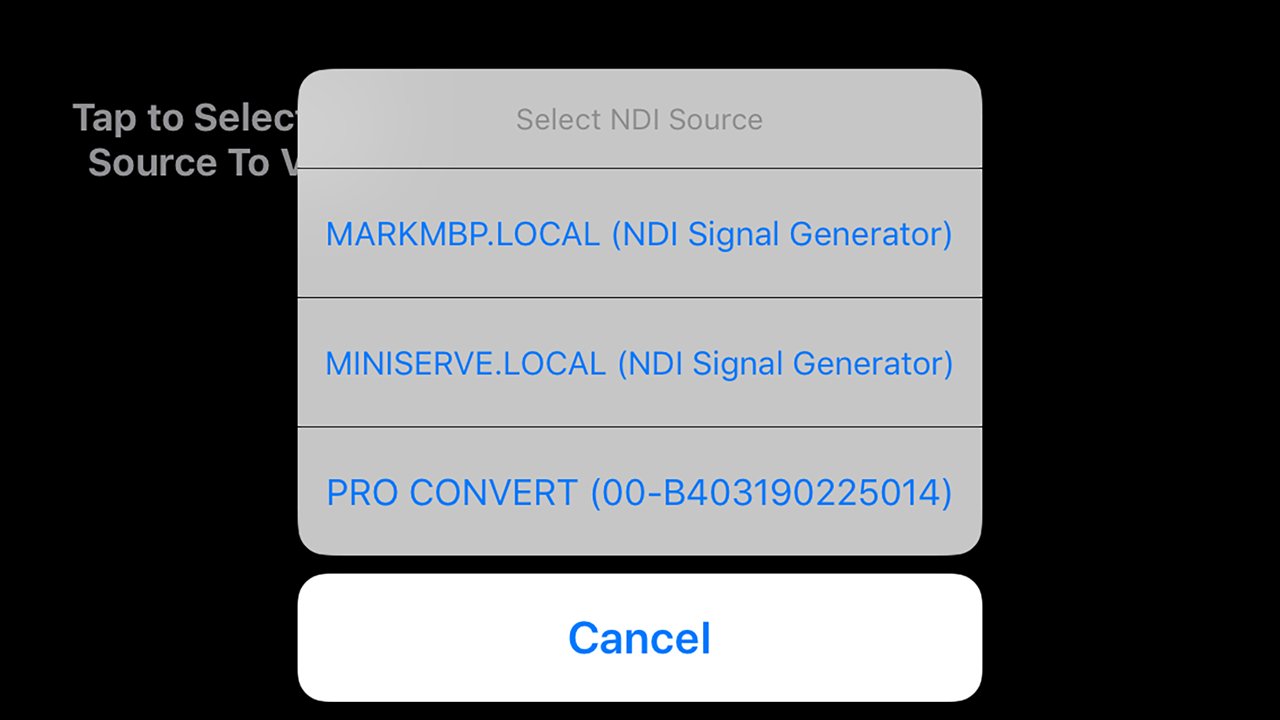
NDI sources on your local subnet are presented in a pop up menu to select, when you tap on the screen. If you enter additional 'NDI Access' IP Addresses from other subnets into the system prefs panel for NDI Monitor, those NDI sources may also be accessed. Includes support for NDI Discovery server (see app settings), resolution control, video flip for autocue and control of NDI network Protocol for reliability. A preference allows 9x16 streams to be shown in portrait mode for social media production workflows.
Notes: A very stable WIFI connection, or a wired ethernet connection are required for smooth playback of NDI Streams. Using a directional WIFI antenna and using the sweet spot of your wifi can help. If you experience glitching of audio or dropped video frames, the problem is very likely a wifi connection which is insufficiently stable to support smooth NDI video to iOS - in this case please try a wired ethernet to lightning adaptor.
You should not expect perfect performance when selecting Hi Resolution NDI - which is offered as an experimental mode for users with very fast devices, on very fast, clean network connections. In some cases you may see great results in hi res.
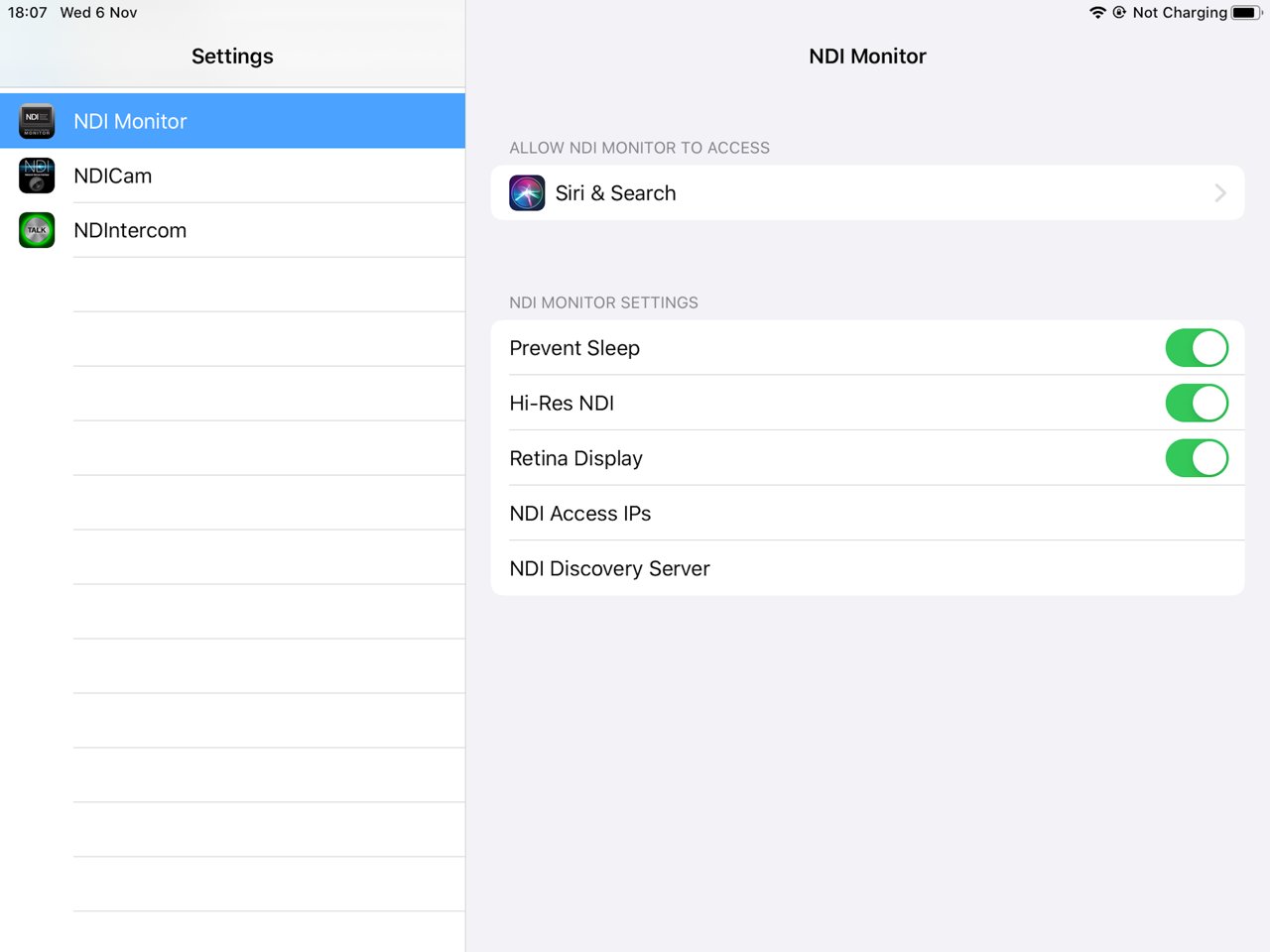
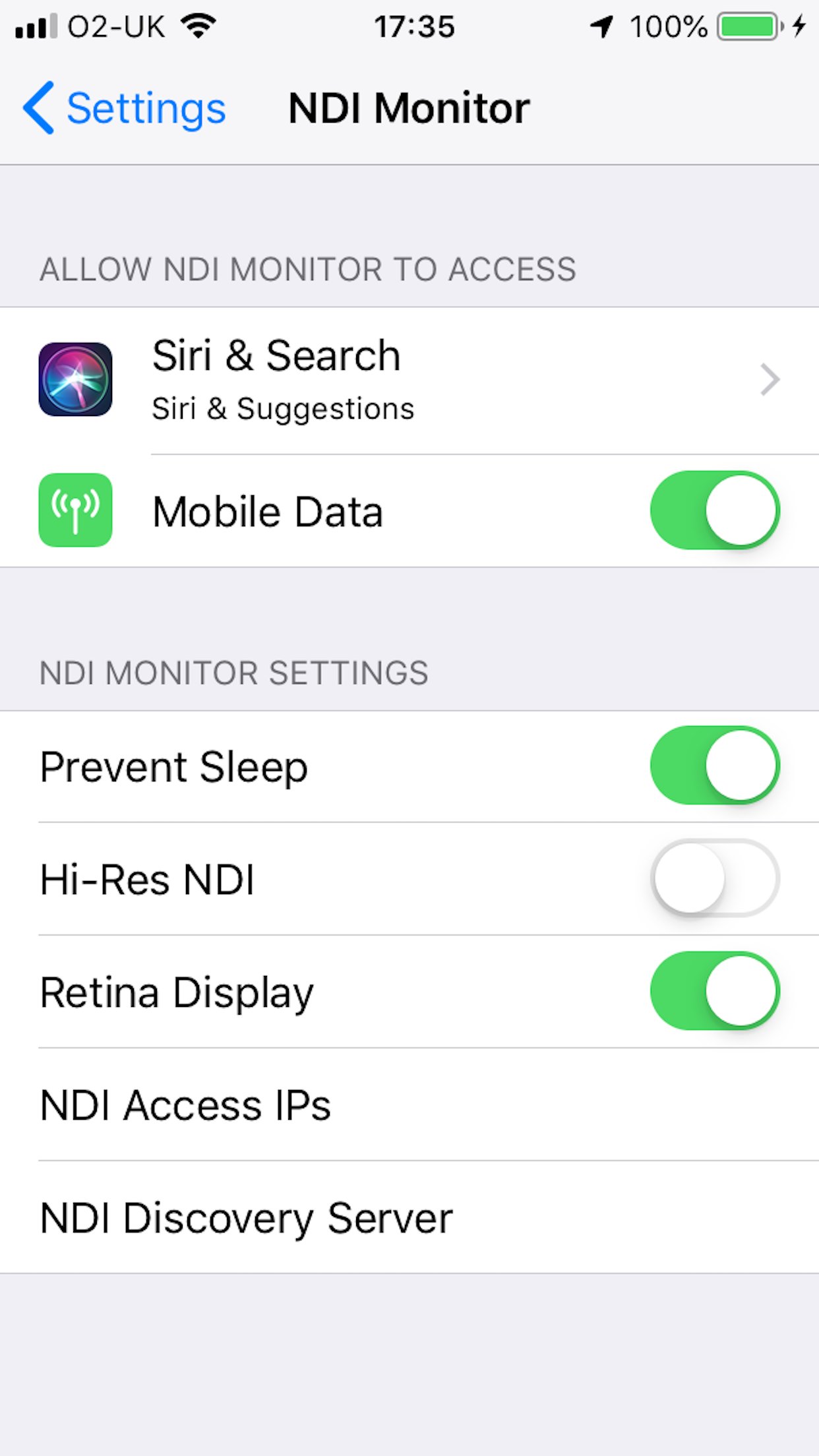
There are preferences in the System Settings app for NDI Monitor to setup application options. You can also use the app NDI Scanner as a stream selector - it will open NDI Monitor when you click on a selected stream. You can also now set the NDI Device name, required for multi device operations with iOS17
NB. This app does not support NDI | HX1 format streams - only NDI full bandwidth format or NDI HX2/3
Set the "NDI Device Name" in the app settings if you are using multiple devices on the same network - to give them unique names.
License: Commercial
| Release info | New Release on Oct 07, 2025 |
|---|---|
| Release notes | Local Network permissions fixes for iOS 26 |
| Listing data | App Store |
Reviews
No reviews yet. Be the first to review NDI Monitor.
Used NDI Monitor? Tell other visitors what you thought.
Log in to write a reviewOther products by this publisher
- "No Distractions" for YouTube 4.10 ----
- #Bible 11.6.1 "Incredible App - My sister shared this app with me a few weeks ago and it is truly incredible.
- #filmphotography 1.4.2 So, you decided to shoot on film?
- #LookBusy Fake Calendar Events 1.0.6 Look Busy scans your work calendar for open time slots and fills them with realistic-looking (but secretly fake) work events.
- #Small Talk Is Canceled 1.0.2 #Small Talk Is Canceled — Conversations That Matter
Most viewed iOS Photo & Video
-
1
 Restore Old Photos 1.1.0
Bring old family photos back to life, privately on your iPhone or iPad.
-
2
 ShortDiShow 2.0
Drama Quest Island — An offline interactive short-drama adventure.
-
3
 Face Witness 1.0.4
FaceWitness lets you create a face by putting together individual features.
-
4
 Infuse 8.5.11
Infuse: Enterprise provides the same great features as the standard version of Infuse and includes permanent access to all Pro features via a traditional paid app.
-
5
 AI Video Generator 2.0.3
Vixel – AI Video Generator
- 6 #filmphotography 1.4.2 So, you decided to shoot on film?
-
7
 CapCut 20.3.0
CapCut is an all-in-one video editing solution that offers essential editing features, creative effects, AI tools, filters, stickers, and fonts, and a wide range of video templates to empower users to easily create incredible videos regardless of th…
-
8
 OPlayer 4.8
Play all your videos directly without having to convert them!
-
9
 Necrometer II 1.3
Necrometer II is a paranormal investigation companion designed for ghost hunters and researchers.
-
10
 Ai Photo 1.2.0
AI Photo Retouch – BG Eraser
Most downloaded iOS Photo & Video
-
1
 DJI Fly 1.21.18
DJI Fly is designed to help pilots fly drones with ease.
-
2
Infuse 8.5.11
Infuse: Enterprise provides the same great features as the standard version of Infuse and includes permanent access to all Pro features via a traditional paid app.
-
3
 ReelyGo 1.1.60
ReelyGo: Your Daily Drama Escape
-
4
 TurboCollage Automatic 1.2.4
#1 Easy automatic photo collage maker for iPhone & iPad.
-
5
 Analog Radio 3.0
The iPhone and iPad devices don't have the FM/AM radio antenna installed.
-
6
 Rozeta Sequencer Suite 1.3.16
Rozeta is a suite of MIDI sequencers and controllers that lets you explore a new, freeform approach to sequencing and controlling mobile music apps.
-
7
 AGAIN. Rehearsal Notes 2.0.1
AGAIN. is the rehearsal app that remembers why the band stopped — and, new in Version 2, who said what in a writing session or a table read.
-
8
 Pop Dot Comics 1.48
Create a comic worthy of the Sunday newspaper or your favorite pulp-fiction cover.
-
9
 Local AI Art Private Diffusion 1.6
If you are the kind of person who values privacy and wants to keep your generated images private, our software is the perfect solution for you.
-
10
 Treblo 1.6.6
Make songs with the world's best AI music model.