
My Scans PRO, pdf scanner app 5.10
My Scans is the best Document Scanner and Document organiser for iPhone and iPad!
Download
113.80 MB
13downloads
2this week
FreeCommercial
0reviews
Screenshots
About My Scans PRO, pdf scanner app
My Scans is the best Document Scanner and Document organiser for iPhone and iPad!
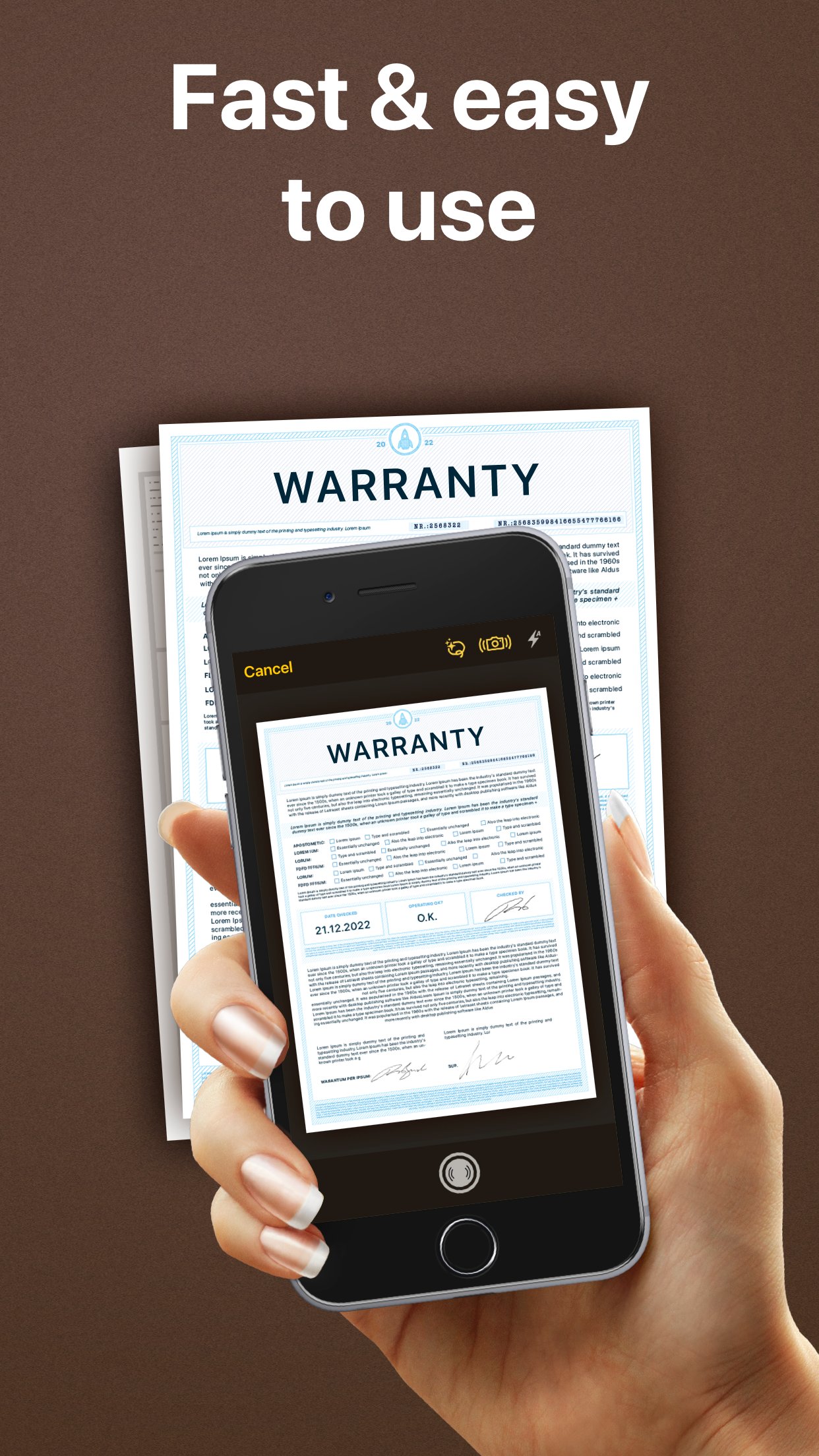
It is super simple to use. Just take a photo of a document, invoice, business card, bill, contract or memo and save it.
My Scans will do the rest. It detects edges and converts photos to a (searchable **) PDF document.
You can send documents by email or print them anytime you want **.
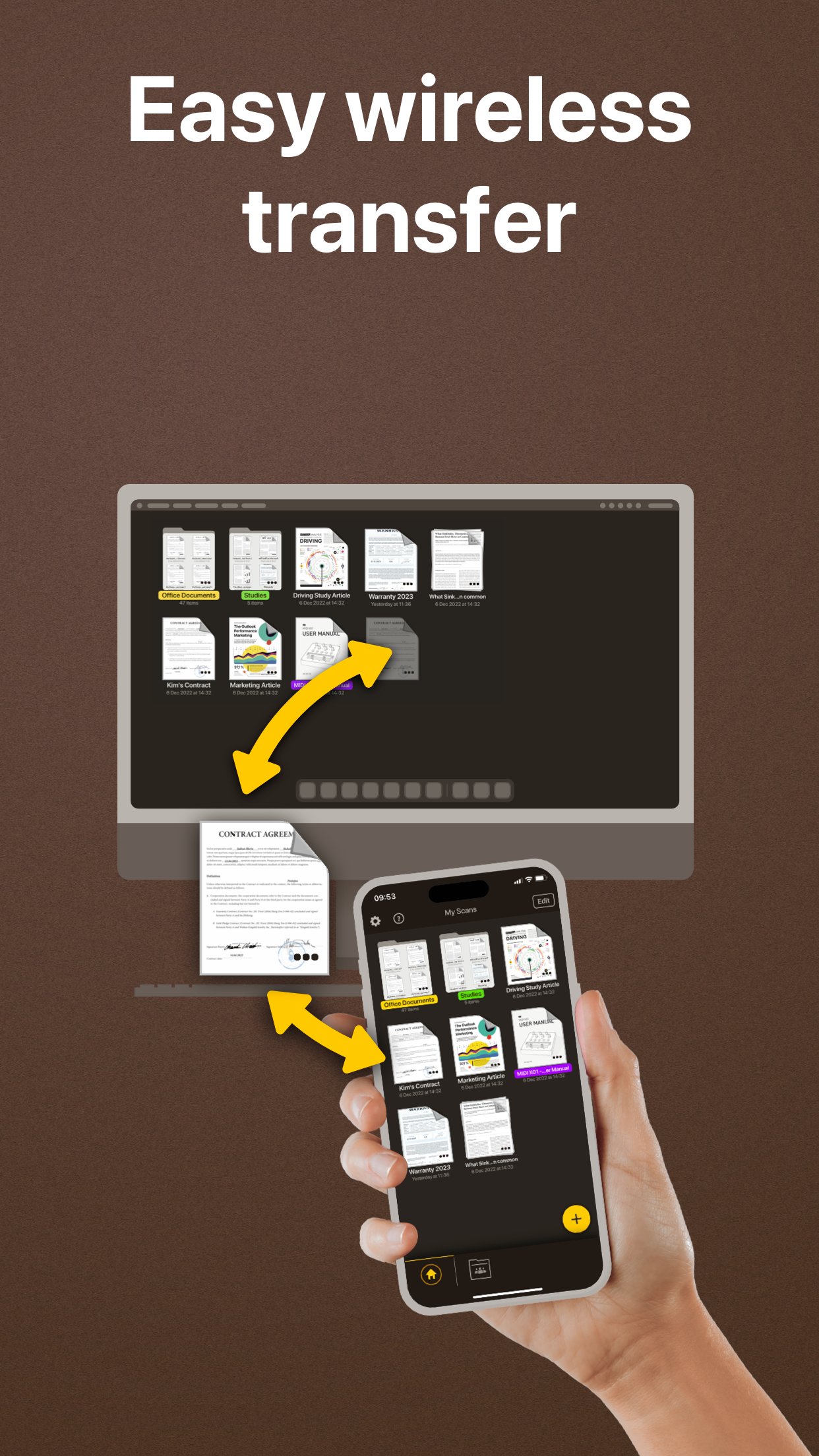
With My Scans Cloud you can synchronise documents between your devices, access files on your computer via a Web browser, collaborate with others using shared folders and share or receive files through Download and Receive links *.
From now on you will have all the documents you always need in your pocket!
Main features:
- Automatic document edge detection and crop
- Create searchable PDF document **
- Multiple pages in a single document
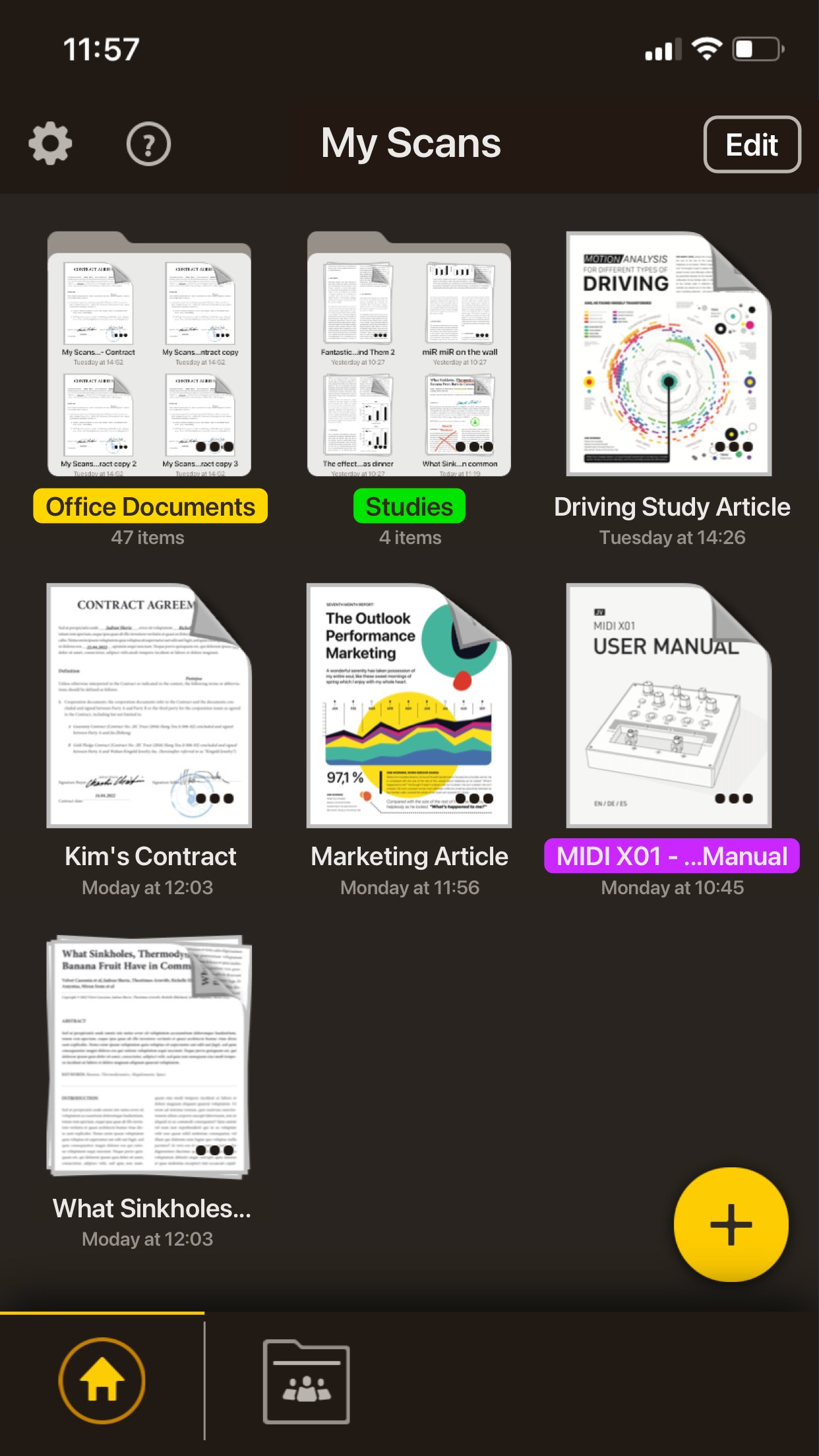
- Amazing file and folder organiser
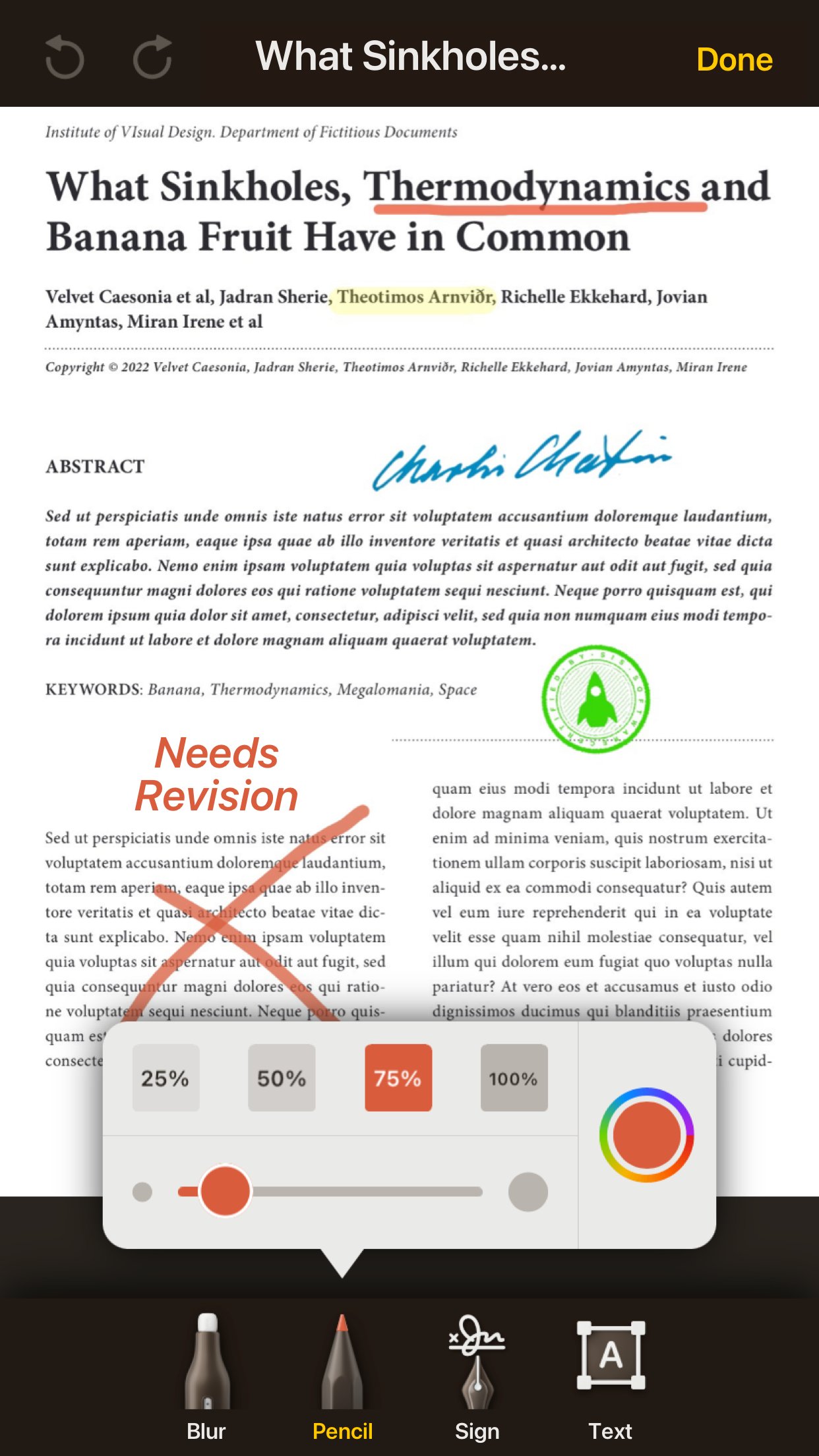
- Share your documents as Images / PDFs **
- Print documents from the device **
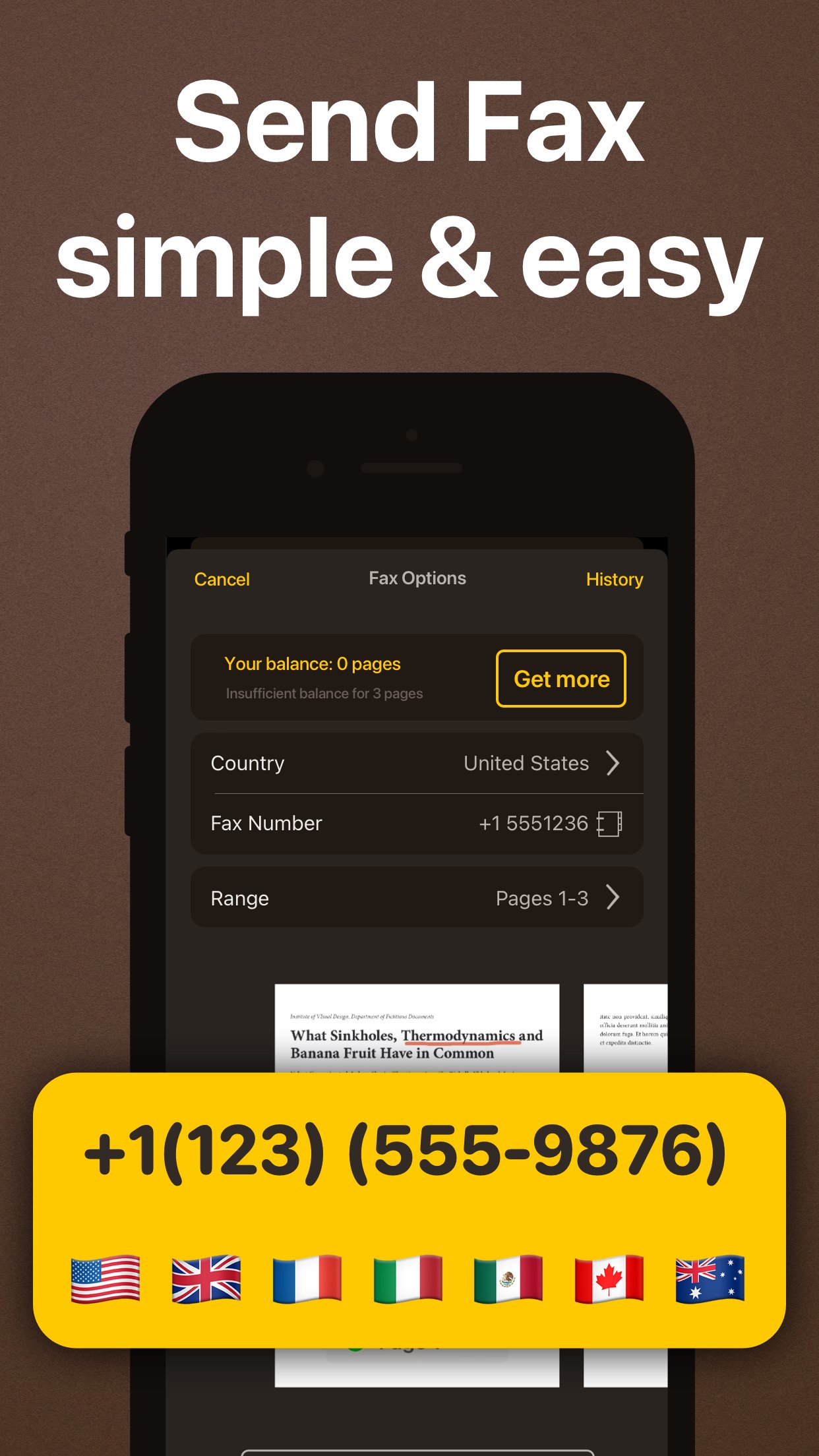
- Send documents via built in fax.
- Search the document **
- Cloud collaboration (group documents) *
- Cloud sharing (share only link to files and folders) *
- Cloud backup *
- Cloud access documents via browser (no app needed) *
- Synced documents on multiple devices *
Top App Cloud features:
- Cloud collaboration (group projects)
- Cloud sharing (share only link to files and folders)
- Cloud backup
- Cloud access projects via browser (no app needed)
- Synced projects on multiple devices
Top App Cloud Subscription:
- $2.99/month or $19.99/year
- Payment will be charged to your iTunes Account at confirmation of purchase
- Subscription automatically renews unless auto-renew is turned off at least 24-hours before the end of the current period
- Account will be charged for renewal within 24-hours prior to the end of the current period, and identify the cost of the renewal
- Subscriptions may be managed by the user and auto-renewal may be turned off by going to the user's Account Settings after purchase
- No cancellation of the current subscription is allowed during active subscription period
- Privacy policy and Terms of service: [link removed]
* Only available if Top App Cloud service is enabled.
** Only available when My Scans Free is upgraded to full version or in PRO version of My Scans
License: Commercial
| Release info | New Release on Feb 03, 2026 |
|---|---|
| Release notes | Fixed an issue that prevented importing documents from other apps or the web |
| Listing data | App Store |
Reviews
No reviews yet. Be the first to review My Scans PRO, pdf scanner app.
Used My Scans PRO, pdf scanner app? Tell other visitors what you thought.
Log in to write a reviewOther products by this publisher
- "No Distractions" for YouTube 4.10 ----
- #Bible 11.6.1 "Incredible App - My sister shared this app with me a few weeks ago and it is truly incredible.
- #filmphotography 1.4.2 So, you decided to shoot on film?
- #LookBusy Fake Calendar Events 1.0.6 Look Busy scans your work calendar for open time slots and fills them with realistic-looking (but secretly fake) work events.
- #Small Talk Is Canceled 1.0.2 #Small Talk Is Canceled — Conversations That Matter
Most viewed iOS Productivity
-
1
 WordPress 27.5
Manage or create your WordPress blog or website right from your iOS device: create and edit posts and pages, upload your favorite photos and videos, view stats and reply to comments.
- 2 Voice Translator - Alive 1.6 Translation app that turns your iPhone into an interpreter instantly.
-
3
 Life360 26.45.0
Whether at home, online, or on the move, our comprehensive family safety features bring peace of mind to your loved ones AND help safeguard your personal belongings.
-
4
 Claude by Anthropic 1.261123.51
Meet Claude, your AI problem solver and thinking partner.
-
5
 WristMemo 2.0
WristMemo turns your Apple Watch into an all-day voice recorder.
- 6 "No Distractions" for YouTube 4.10 ----
-
7
 Colicine 1.3.0
Have you ever been there—
- 8 (beat) for iOS 0.5.10 An elegant Fountain screenwriting app, created by a screenwriter for screenwriters.
-
9
 DeepSeek 2.10.0
Experience seamless interaction with DeepSeek's official AI assistant for free!
-
10
 Howbout 16.8.0
The shared calendar for friends, couples, and family
Most downloaded iOS Productivity
- 1 Voice Translator - Alive 1.6 Translation app that turns your iPhone into an interpreter instantly.
-
2
 SessionsAI 1.2.1
Sessions AI is a private AI workspace that runs entirely on your iPhone, iPad, or Mac.
-
3
DeepSeek 2.10.0
Experience seamless interaction with DeepSeek's official AI assistant for free!
-
4
 Voices AI 1.16.18
Discover Voices, the premier voice transformation app designed exclusively for iOS.
-
5
 Block Distracting Websites 1.11
"It's a great way to save time, and stop browsing Reddit when you should be doing coursework."
-
6
 Google Docs 1.2026.47103
Create, edit, and collaborate on online documents with the Google Docs app.
-
7
 Plot Digitizer 1.4.1
Plot Digitizer is an app to extract numerical data from plot images.
-
8
 MyHyundai with Bluelink 5.4.6
The MyHyundai app makes getting information about your Hyundai vehicle easier than ever.
-
9
 Pixy Mood Tracker 1.110.0
Track your mood, one pixel at a time.
-
10
 Minder 1.4
Minder turns your phone into a pair of eyes that watch you work.