
musicinkloop:Draw Music Theory 1.6.0
musicinkloop is three visual instruments in one.
Download
57.15 MB
31downloads
8this week
FreeCommercial
0reviews
Screenshots
About musicinkloop:Draw Music Theory
musicinkloop is three visual instruments in one. Everything you make loops.
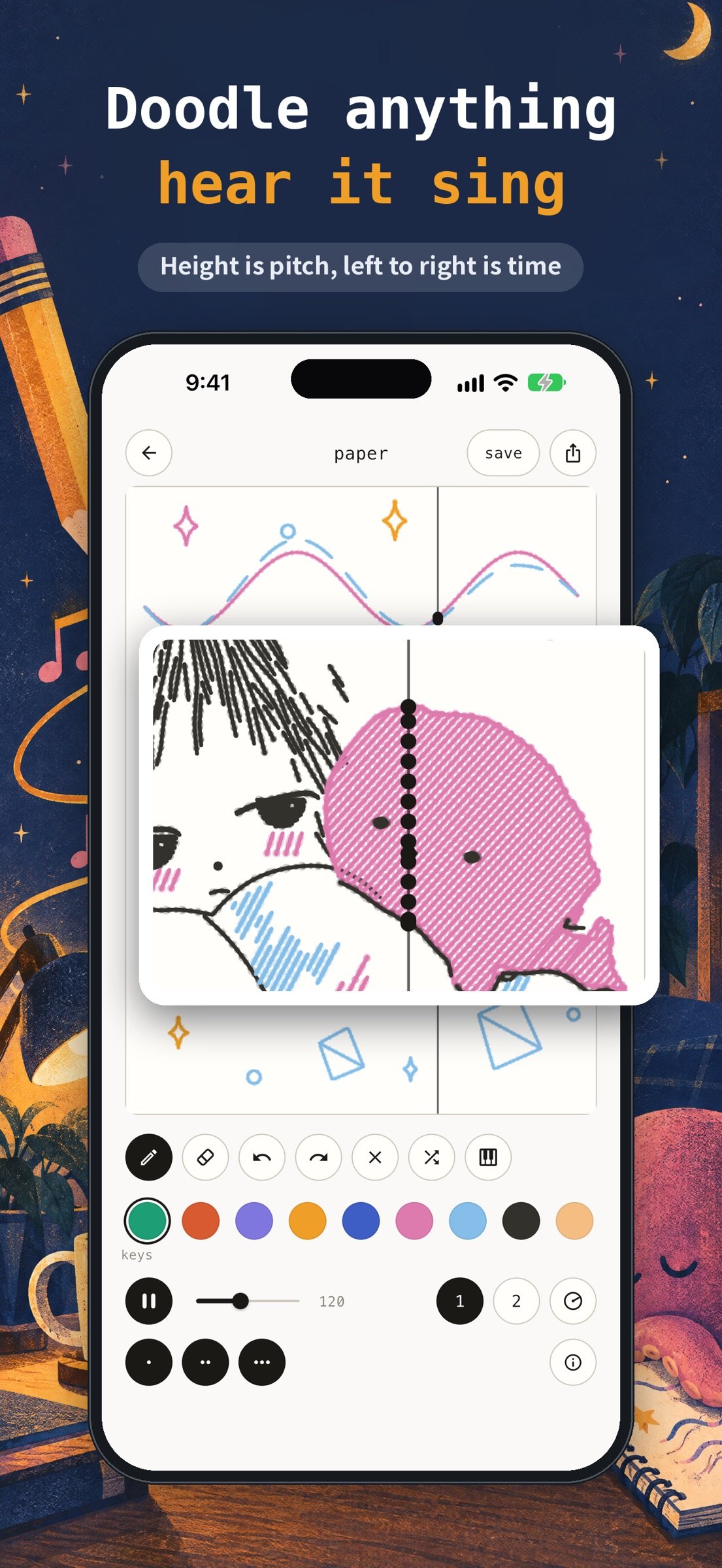
PAPER: draw a line and hear it. Height is pitch, left to right is time. The paper is tuned to a pentatonic scale, so anything you draw sounds in tune. Nine colours are nine instruments: keys, pluck, bell, marimba, flute, strings, chime, bass and 8-bit.
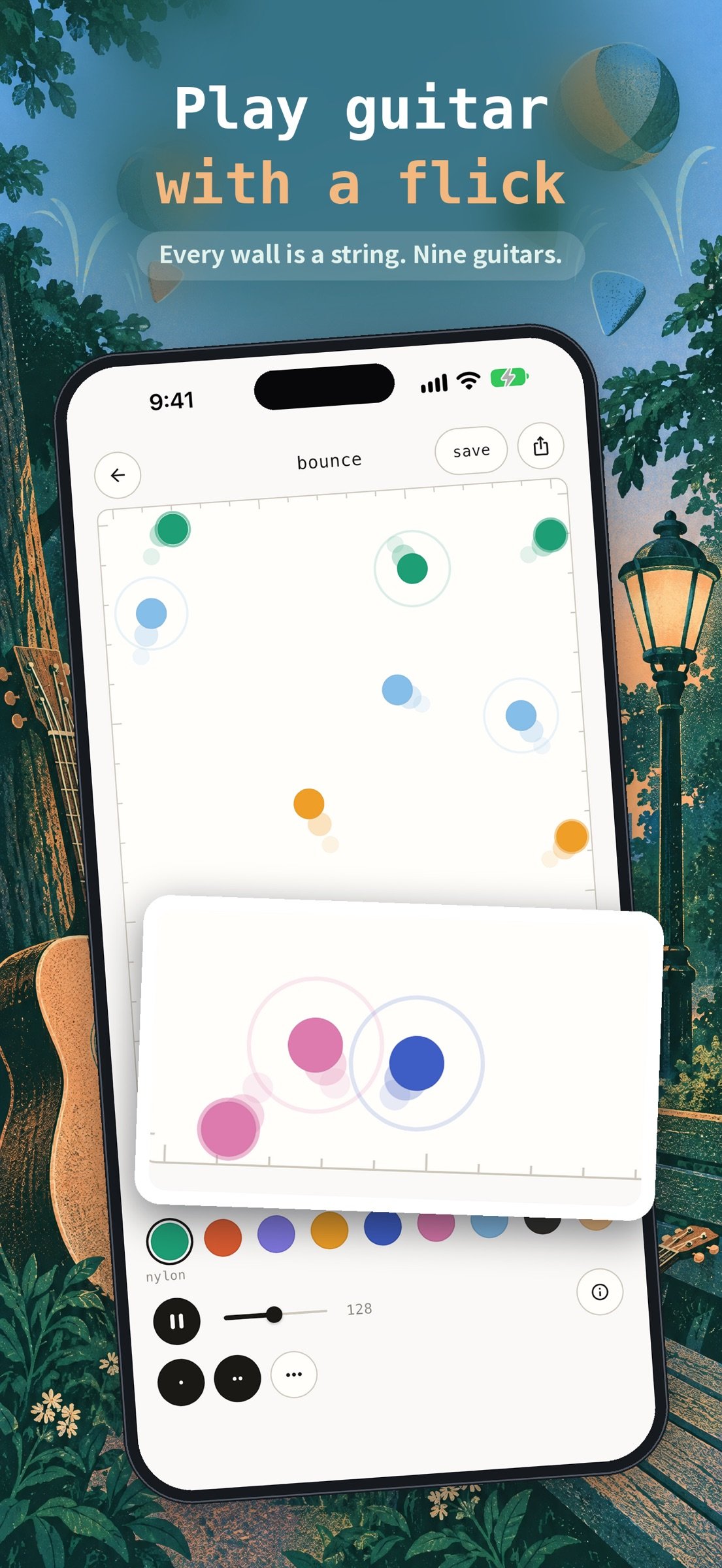
BOUNCE: flick a dot and hear it pluck. Dots fly in straight lines and bounce off the frame; every wall they hit is a string, and where they hit sets the note. Nine colours are nine guitars: nylon, steel, muted, harmonic, bass, twelve-string, ukulele, thump and banjo. Tap a dot to hold it; flick it again to send it off.
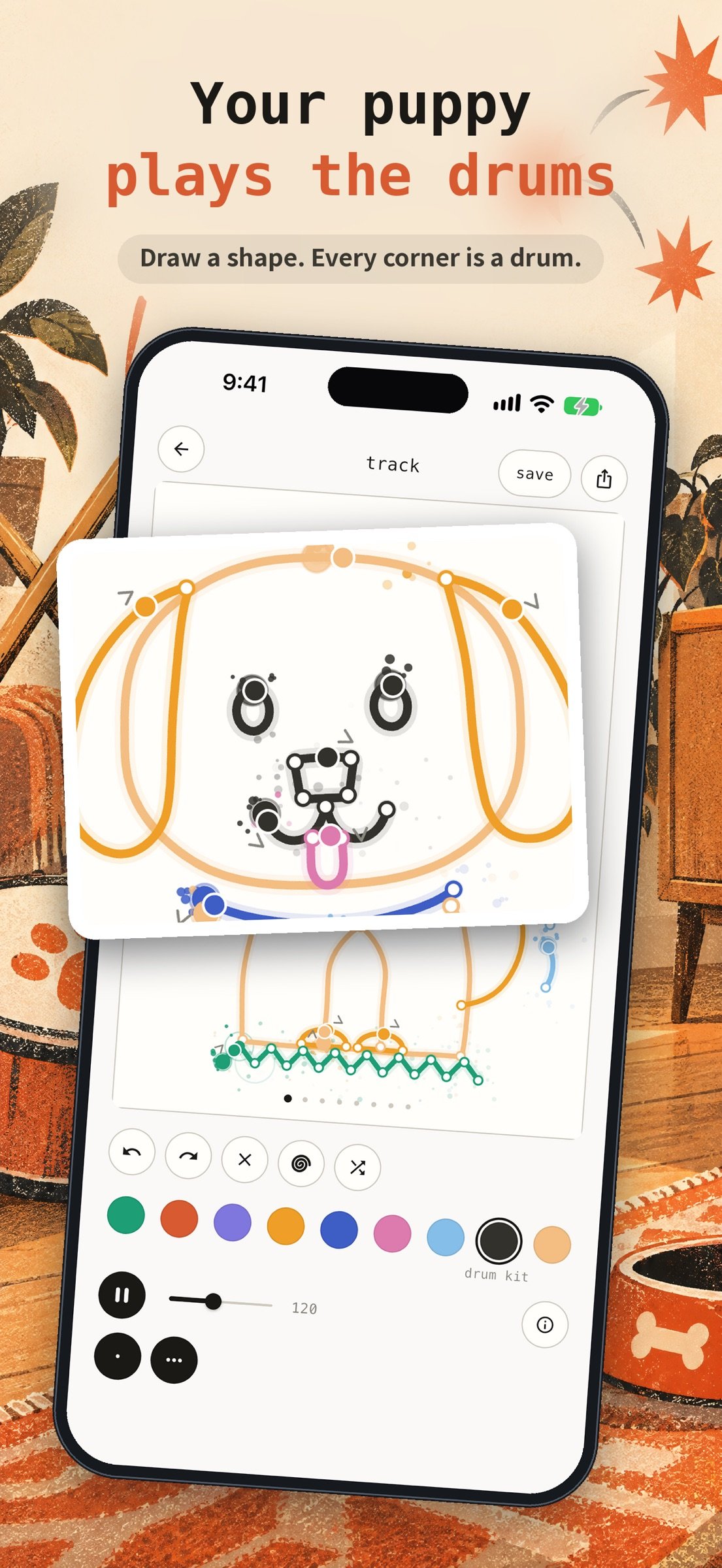
TRACK: draw a shape and hear it drum. A dot runs around the shape once per loop and strikes every corner. Nine colours are nine percussion kits: body, gongs, metal, wood, electronic, kitchen, glass, drum kit and taiko. Turn on the brush and curved lines become continuous percussion.
- Draw, erase, undo, or let the app doodle something for you
- Add a bass line and an arpeggio; paper and bounce also have backing drums
- Change the tempo while it plays
- Switch the paper to the grid view to see your drawing as notes
- Tap the help button, then tap any control to learn what it does
- Save pieces to the gallery and open them again
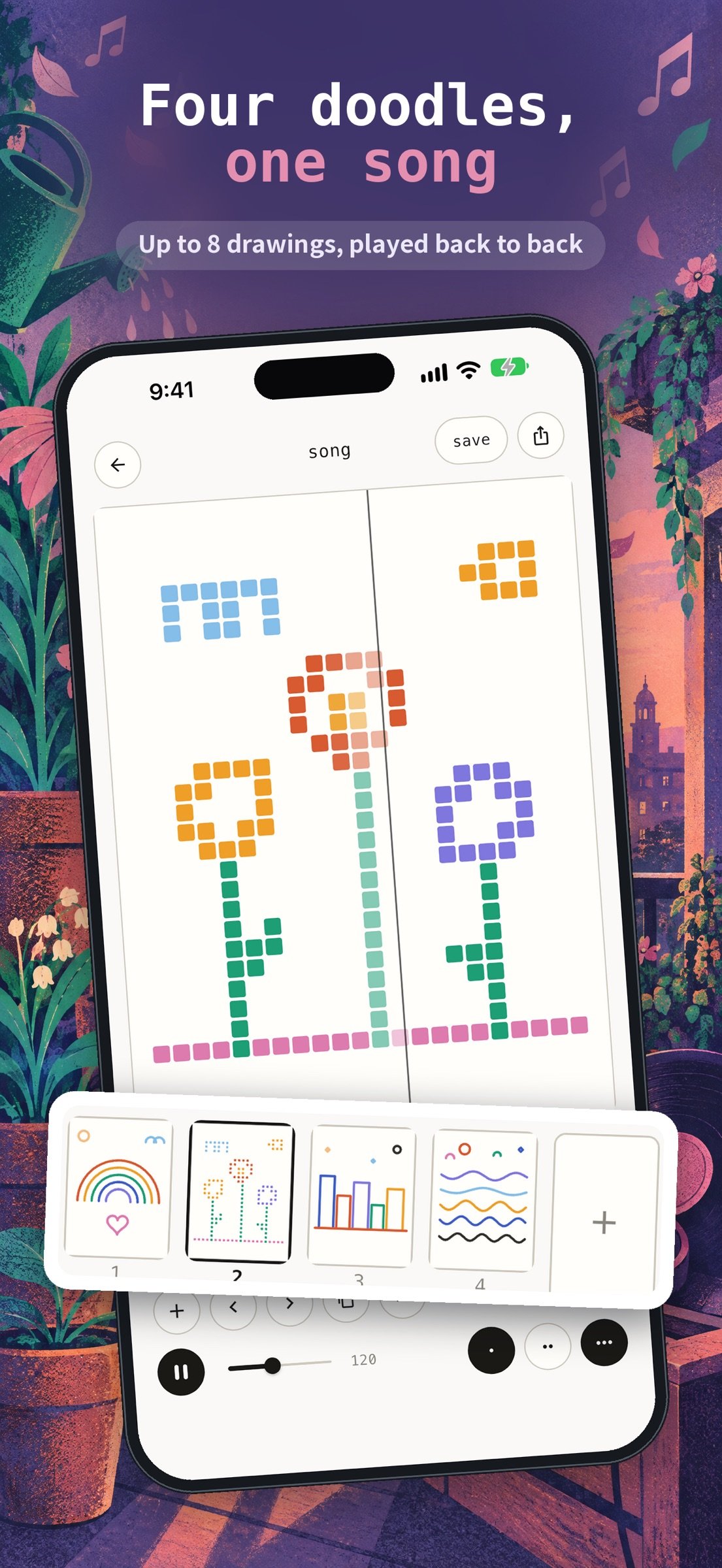
- String paper pieces into a song, up to eight bars
- Round paper: time goes around, pitch goes out
- Sixteen keys to play along, and ink what you play
- Export as WAV, MIDI, M4A or video; share it or save it to your phone
- Send a piece to a friend with a link or QR code: it opens in their app, playing just as you made it
THE STUDIO (optional in-app purchase, bought once):
- Photo to music: pick a photo; its lines turn into ink, and the ink plays. The photo never leaves your phone.
- Key and scale: twelve keys, major or minor, two octaves up or down.
- Notes per beat: one to eight notes a beat, for quicker runs.
- Exact tempo: tap along to any song, or type the number.
- Your colours: give each of the nine sounds the colour you like.
Everything else above comes with the app.
No account, no ads, no tracking. Your pieces stay on your phone until you send one to a friend by link. The instruments work offline; buying the studio needs the App Store.
License: Commercial
| Release info | Update on Oct 27, 2026 |
|---|---|
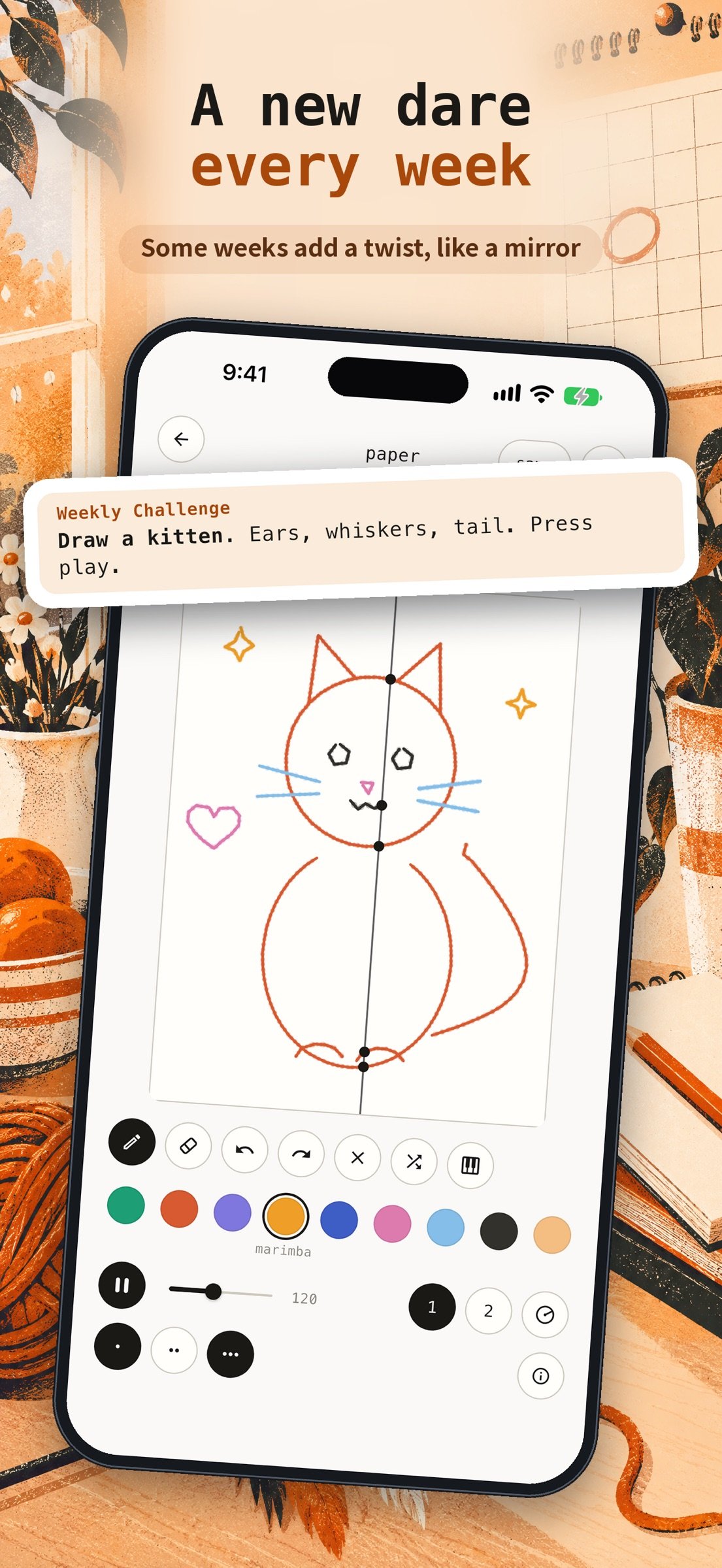
| Release notes | Weekly Challenge, starting 2 November. - Every week brings a new idea to draw: a kitten, your crown, rain, a robot. Tap it on the home screen and start. Some weeks add a twist, like a mirror or drawing with your eyes closed. - Pieces you make for a challenge stay with their week, in their own tab of the gallery. Turn on a weekly note if you'd like a reminder. - Shared videos now end with a QR code, so friends can get the app and draw one back. Studio owners can turn it off. |
| Listing data | App Store |
Reviews
No reviews yet. Be the first to review musicinkloop:Draw Music Theory.
Used musicinkloop:Draw Music Theory? Tell other visitors what you thought.
Log in to write a reviewOther products by this publisher
- "No Distractions" for YouTube 4.10 ----
- #Bible 11.6.1 "Incredible App - My sister shared this app with me a few weeks ago and it is truly incredible.
- #filmphotography 1.4.2 So, you decided to shoot on film?
- #LookBusy Fake Calendar Events 1.0.6 Look Busy scans your work calendar for open time slots and fills them with realistic-looking (but secretly fake) work events.
- #Small Talk Is Canceled 1.0.2 #Small Talk Is Canceled — Conversations That Matter
Most viewed iOS Photo & Video
-
1
 ShortDiShow 2.0
Drama Quest Island — An offline interactive short-drama adventure.
-
2
 Face Witness 1.0.4
FaceWitness lets you create a face by putting together individual features.
-
3
 Infuse 8.5.10
Infuse: Enterprise provides the same great features as the standard version of Infuse and includes permanent access to all Pro features via a traditional paid app.
-
4
 AI Video Generator 2.0.3
Vixel – AI Video Generator
- 5 #filmphotography 1.4.2 So, you decided to shoot on film?
-
6
 OPlayer 4.8
Play all your videos directly without having to convert them!
-
7
 CapCut 20.3.0
CapCut is an all-in-one video editing solution that offers essential editing features, creative effects, AI tools, filters, stickers, and fonts, and a wide range of video templates to empower users to easily create incredible videos regardless of th…
-
8
 Ai Photo 1.1.2
AI Photo Retouch – BG Eraser
-
9
 Necrometer II 1.3
Necrometer II is a paranormal investigation companion designed for ghost hunters and researchers.
-
10
 Analog Radio 3.0
The iPhone and iPad devices don't have the FM/AM radio antenna installed.
Most downloaded iOS Photo & Video
-
1
 DJI Fly 1.21.18
DJI Fly is designed to help pilots fly drones with ease.
-
2
Infuse 8.5.10
Infuse: Enterprise provides the same great features as the standard version of Infuse and includes permanent access to all Pro features via a traditional paid app.
-
3
 TurboCollage Automatic 1.2.4
#1 Easy automatic photo collage maker for iPhone & iPad.
-
4
 ReelyGo 1.1.60
ReelyGo: Your Daily Drama Escape
-
5
Analog Radio 3.0
The iPhone and iPad devices don't have the FM/AM radio antenna installed.
-
6
 Rozeta Sequencer Suite 1.3.16
Rozeta is a suite of MIDI sequencers and controllers that lets you explore a new, freeform approach to sequencing and controlling mobile music apps.
-
7
 AGAIN. Rehearsal Notes 2.0.1
AGAIN. is the rehearsal app that remembers why the band stopped — and, new in Version 2, who said what in a writing session or a table read.
-
8
 Treblo 1.6.6
Make songs with the world's best AI music model.
-
9
 Pop Dot Comics 1.48
Create a comic worthy of the Sunday newspaper or your favorite pulp-fiction cover.
-
10
 Sun Scout 1.5.0
If your work or play requires sunlight, Sun Scout is built for you.