
4downloads
4this week
FreeFreeware
0reviews
Screenshots

About MultiBooter
MultiBooter is a free and open-source Android application for creating bootable USB media and booting computers directly from an Android device.
It provides several low-level boot and USB workflows in one application:
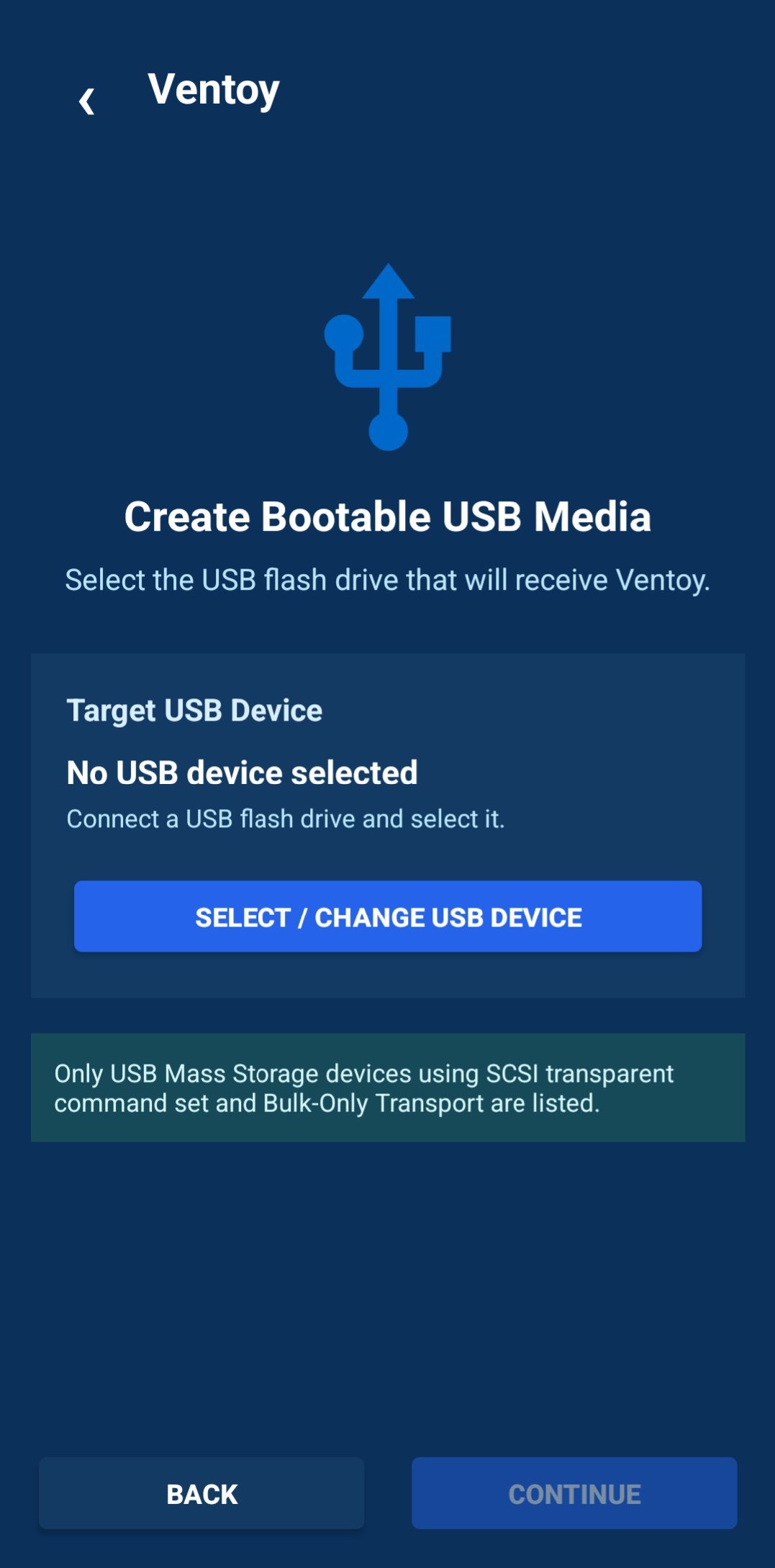
• Ventoy USB installation — prepare a USB flash drive with Ventoy directly from Android.
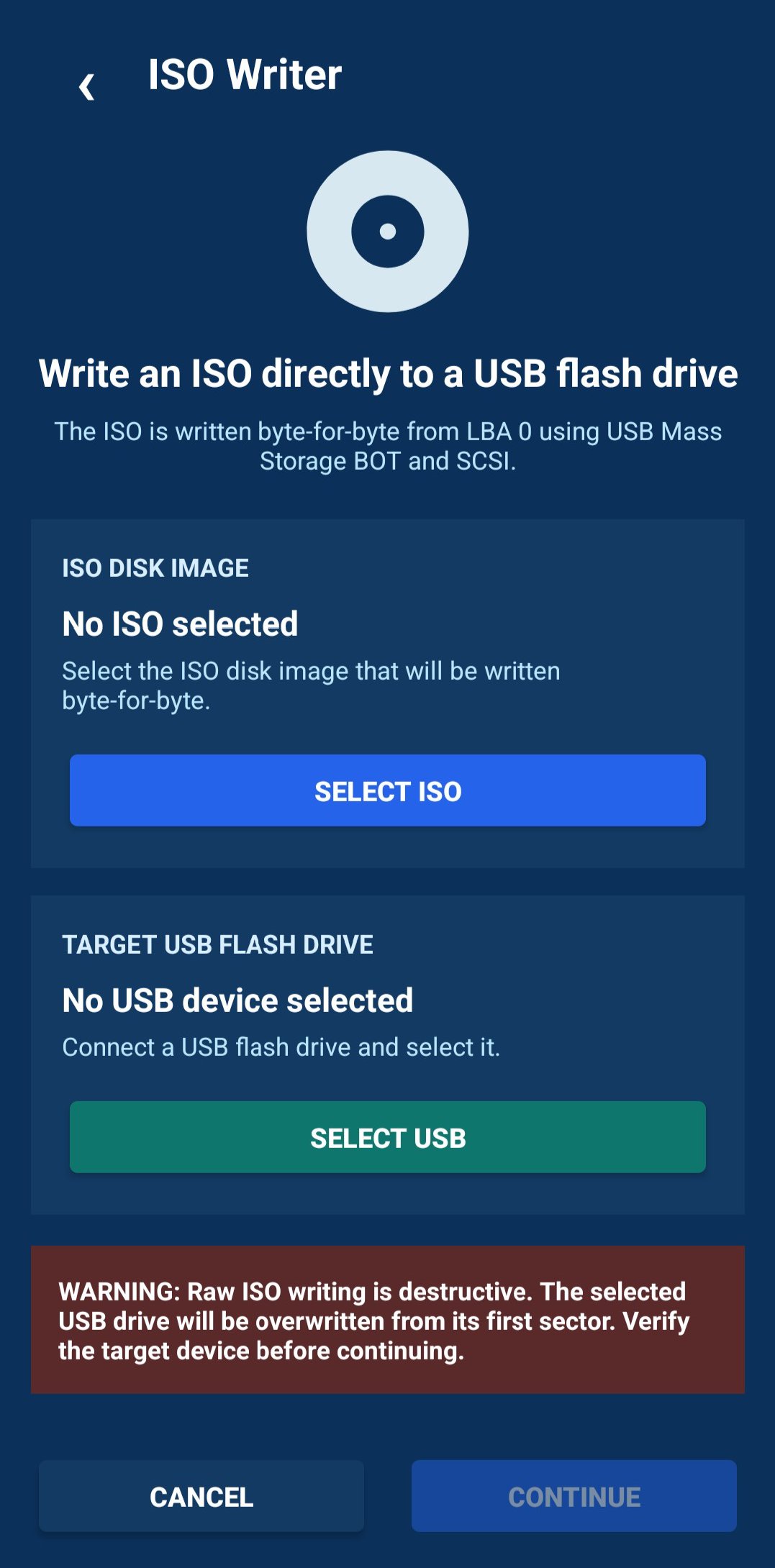
• Direct ISO writer — write bootable ISO/CD-ROM images directly to USB mass-storage devices.
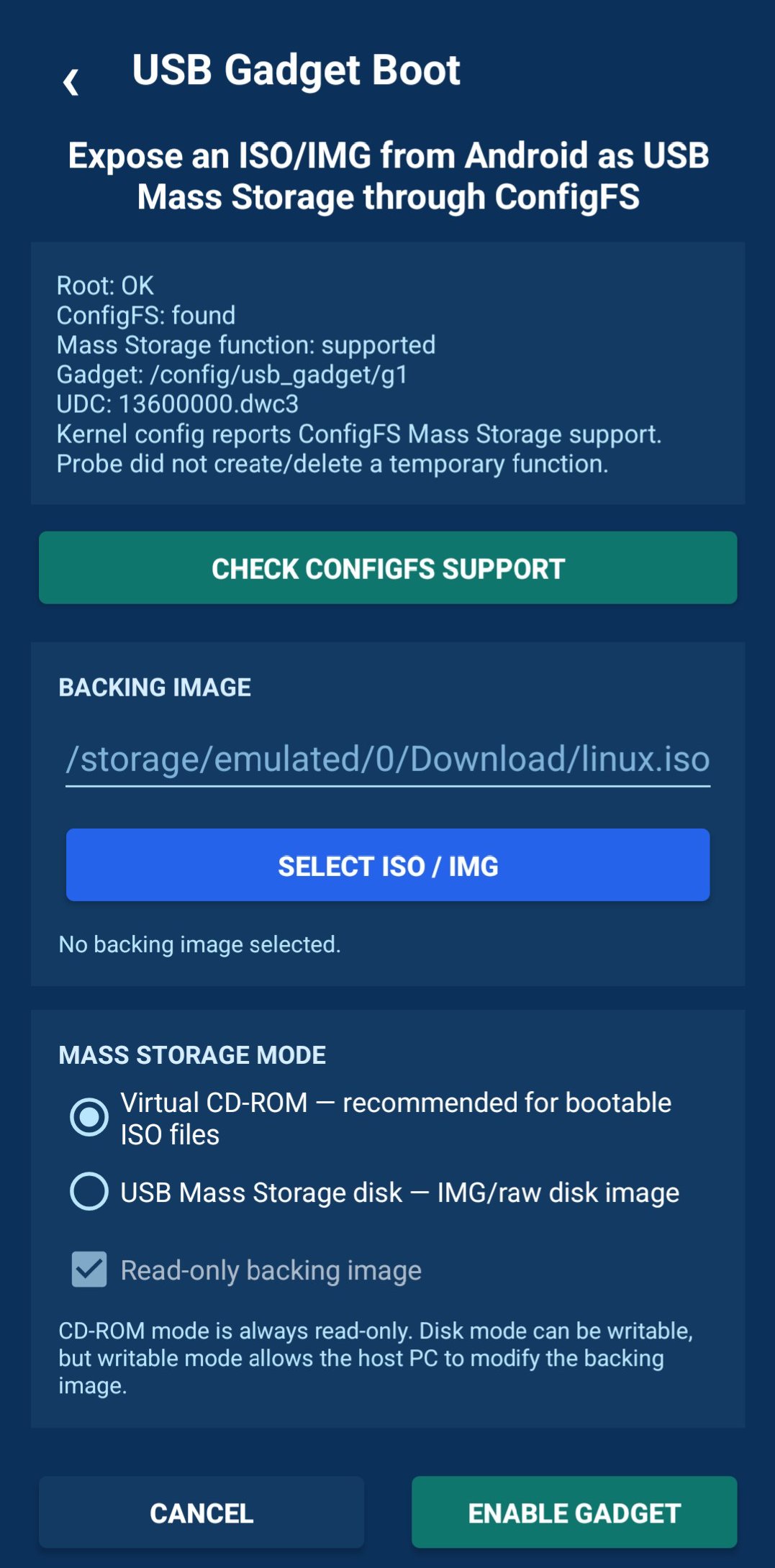
• USB Gadget Mass Storage — expose an ISO or disk image from the Android device as USB Mass Storage through Linux ConfigFS.
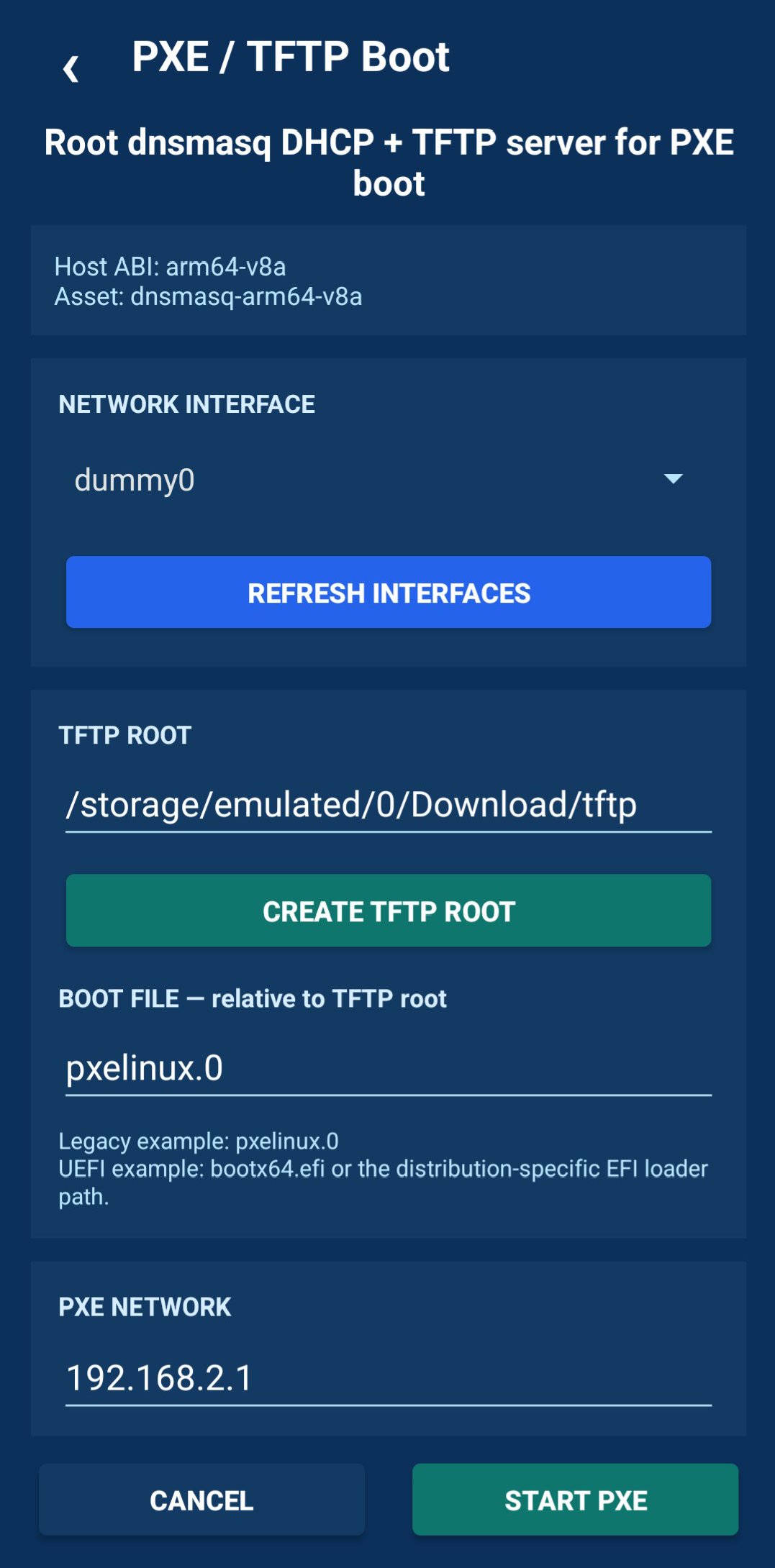
• TFTP boot — provide files for network booting through a TFTP server.
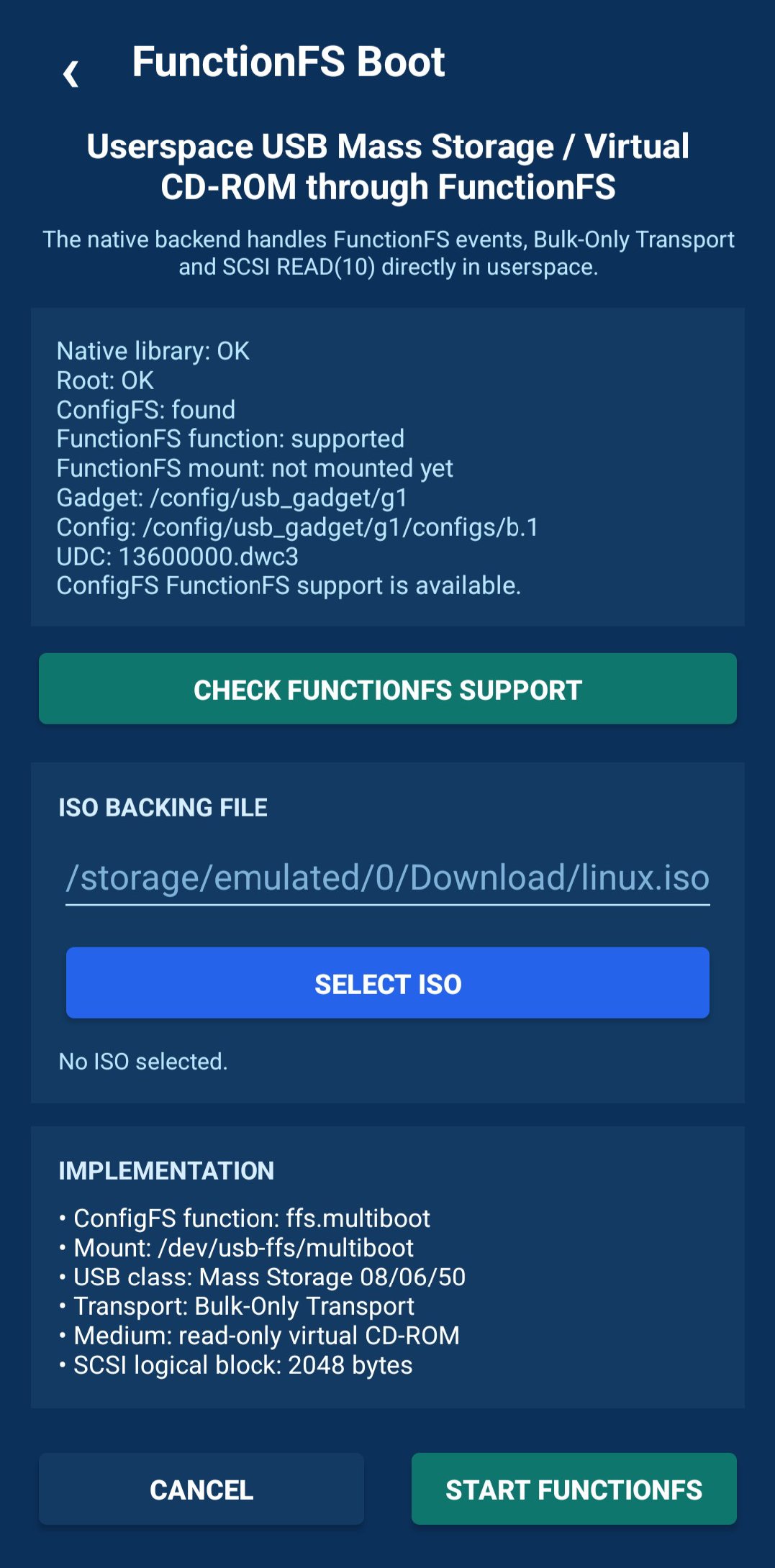
• FunctionFS boot — use a userspace USB Mass Storage / virtual CD-ROM backend through FunctionFS.
Ventoy installation and the direct ISO writer can operate without root by using the Android USB Host API and USB Mass Storage commands.
USB Gadget, TFTP and FunctionFS modes require root access. These modes can also depend on kernel features such as ConfigFS and FunctionFS, so availability may vary between Android devices, kernels and ROMs.
MultiBooter is built with the Android framework, Java, native C code and the Android NDK. It does not depend on AndroidX or proprietary libraries.
Important: Ventoy installation and direct ISO writing are destructive operations. They can overwrite partition tables and erase all data on the selected USB device. Always verify the selected device and keep backups of important data before starting.
License: GPL-3.0-or-later
It provides several low-level boot and USB workflows in one application:
• Ventoy USB installation — prepare a USB flash drive with Ventoy directly from Android.
• Direct ISO writer — write bootable ISO/CD-ROM images directly to USB mass-storage devices.
• USB Gadget Mass Storage — expose an ISO or disk image from the Android device as USB Mass Storage through Linux ConfigFS.
• TFTP boot — provide files for network booting through a TFTP server.
• FunctionFS boot — use a userspace USB Mass Storage / virtual CD-ROM backend through FunctionFS.
Ventoy installation and the direct ISO writer can operate without root by using the Android USB Host API and USB Mass Storage commands.
USB Gadget, TFTP and FunctionFS modes require root access. These modes can also depend on kernel features such as ConfigFS and FunctionFS, so availability may vary between Android devices, kernels and ROMs.
MultiBooter is built with the Android framework, Java, native C code and the Android NDK. It does not depend on AndroidX or proprietary libraries.
Important: Ventoy installation and direct ISO writing are destructive operations. They can overwrite partition tables and erase all data on the selected USB device. Always verify the selected device and keep backups of important data before starting.
License: GPL-3.0-or-later
| Release info | Update on Nov 01, 2026 |
|---|---|
| Release notes | • Notifications with progress and a Stop button for ISO writing, Ventoy, USB Gadget, FunctionFS and TFTP; modes keep running in the background • Ventoy: MBR or GPT, and detection of the Ventoy version already on the drive • Ventoy: Fixed Ventoy ExFAT partition label defaulting to "disk" • All permissions are now optional • Removed the internet and storage permissions • Root is re-checked when the boot screen opens • Fixed the side menu flashing after going back |
| Listing data | F-Droid |
Reviews
No reviews yet. Be the first to review MultiBooter.
Used MultiBooter? Tell other visitors what you thought.
Log in to write a reviewOther products by this publisher
- "No Distractions" for YouTube 4.10 ----
- #Bible 11.5 "Incredible App - My sister shared this app with me a few weeks ago and it is truly incredible.
- #filmphotography 1.4.2 So, you decided to shoot on film?
- $quirrel 1.5.1 $quirrel Budget & Finance helps you plan each paycheck, track spending, manage debt, and see what is safe to spend before the next payday.
- % Percentage Calculator Pro 1.41 This is the Pro version of % Percentage Calculator.
Most viewed Android System
-
1
 Work Profile VPN Switcher 1.2.1
Automatically manage work profile when VPN connects or disconnects
-
2
 GrayPause 1.5
Keep your phone in grayscale, take short color breaks that end by themselves
- 3 Sift 1.0.7 A minimalist recipe keeper.
-
4
 SDK Monitor 2.1
Display and monitor the targetSDK from installed apps
- 5 LibChecker 2.5.5 View the third-party libraries used by applications
- 6 Contacts 4 Contacts Organised by Group
- 7 TouchDroid 2.0.1 Use your Android Device as Touchpad.
- 8 MAXS Module Ringermode 0.5.19 A Module for MAXS
- 9 Ril Control 1.0 Control the RIL-daemon process
- 10 Coffee 2.27 Keep display awake
Most downloaded Android System
- 1 Finalbenchmark 2 - CPU Test 1.1.0 Comprehensive open source CPU benchmark and performance test
- 2 Sift 1.0.7 A minimalist recipe keeper.
- 3 Contextium 1.5.0 Configurable Android context menu helper
-
4
SDK Monitor 2.1
Display and monitor the targetSDK from installed apps
- 5 EtchDroid ISO to USB Writer 2.2 Write operating system ISO images to USB drives, no root required
- 6 TouchDroid 2.0.1 Use your Android Device as Touchpad.
-
7
 Cache Cleaner 2.3.2
Clean cache of installed user and system apps using Accessibility
- 8 DEfO ECH Apps 0.3 Experimental fork of F-Droid to use TLS ECH with Cloudflare as the default host
- 9 OnePlus Laser Tool 1.0.4 Professional laser rangefinder for OnePlus devices with Laser AF hardware.
- 10 Apk Extractor 1.4 Get APK files from installed apps