
32downloads
12this week
FreeFreeware
0reviews
Screenshots
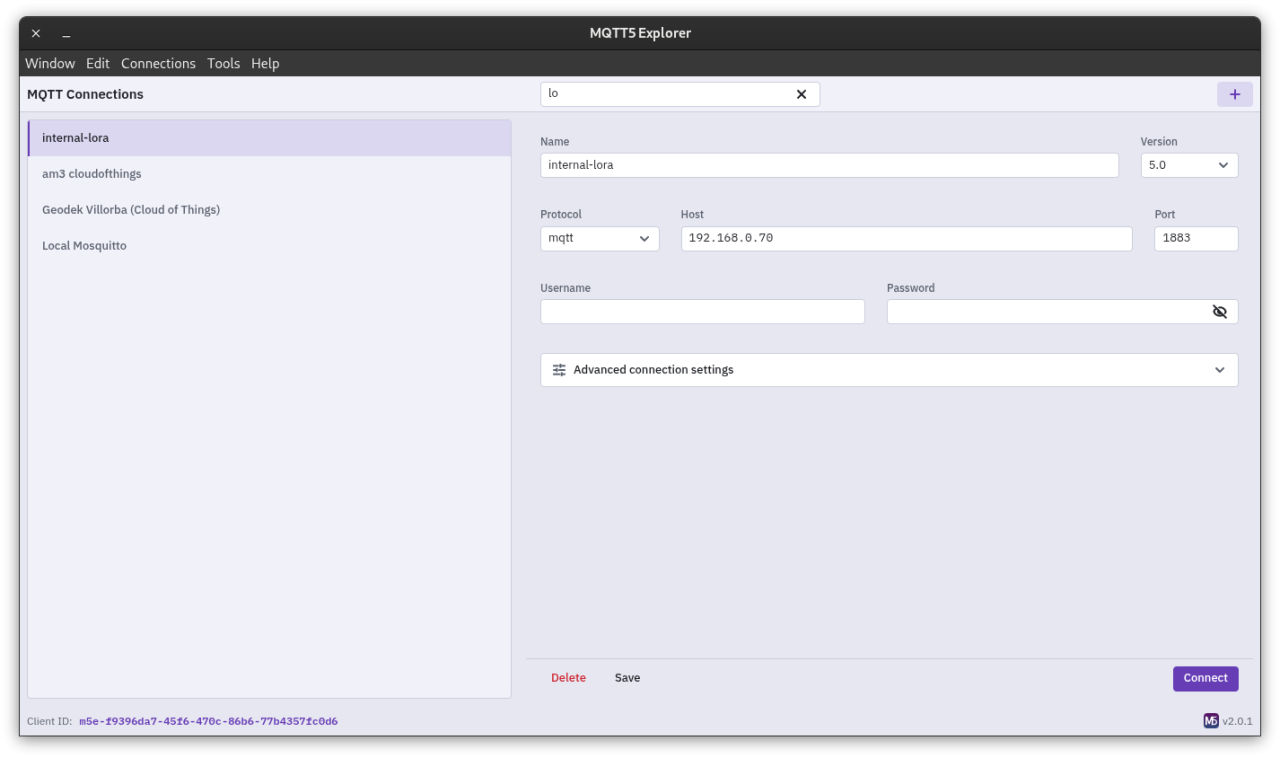
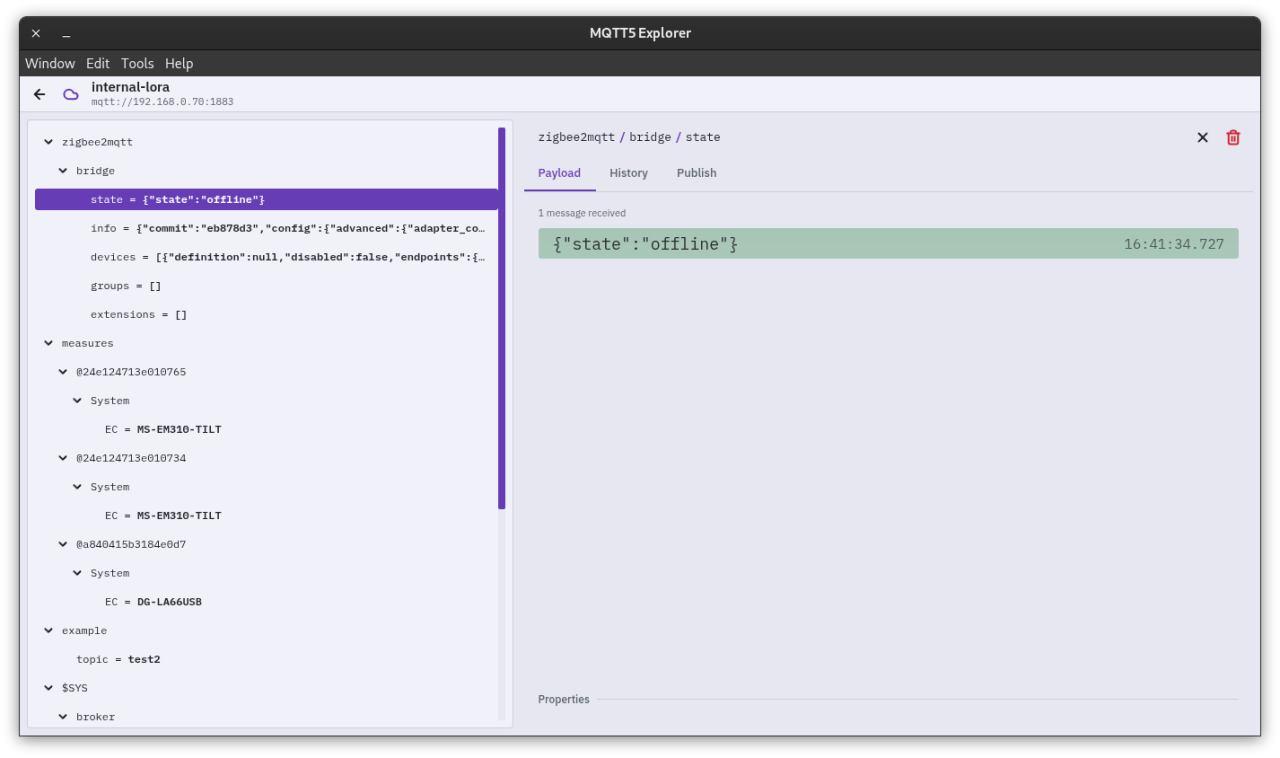
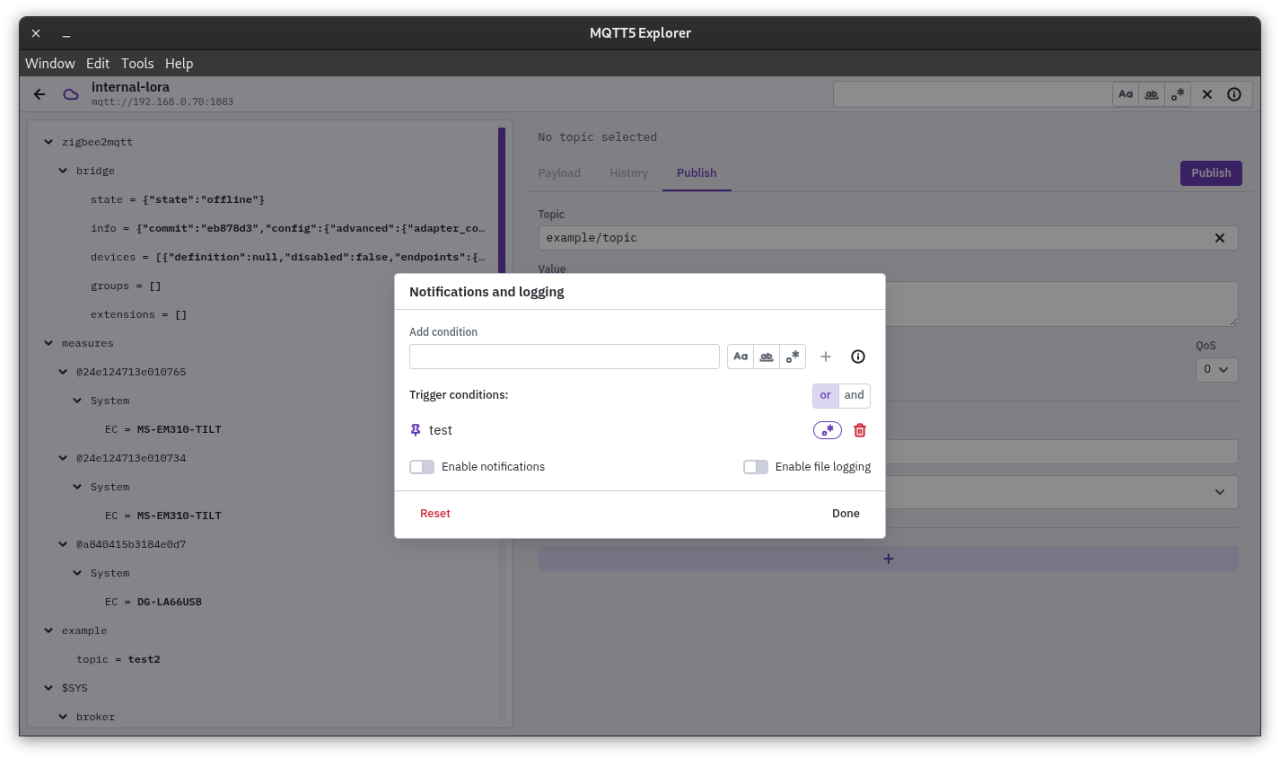
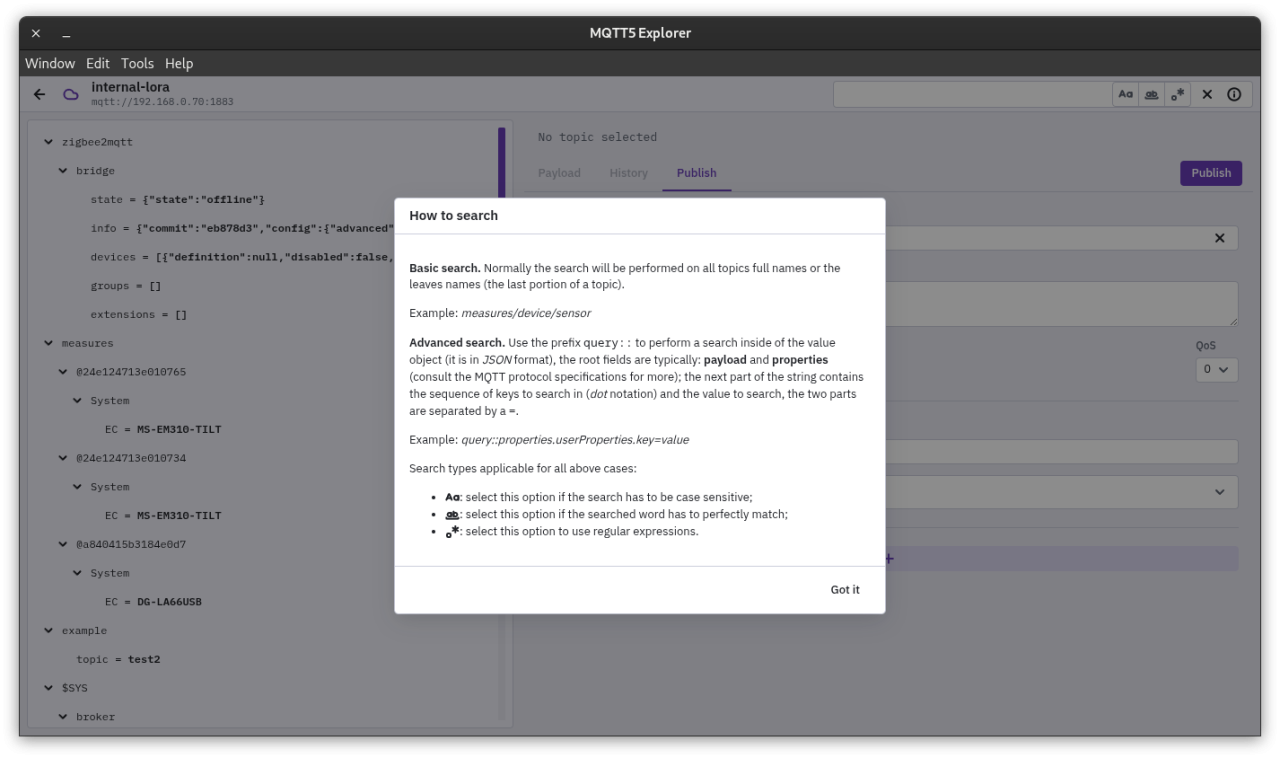
About MQTT5 Explorer
The aim of this application is to bring the users a client app capable of making use of all
the features of the version 5 of the MQTT protocol. The lack of any application that can offer
the compatibility with the newer version of the protocol forced us to implement one to test the
data of MQTT brokers workwise, why not to share this tool with others that may have the same issue?
License: GPL-3.0-only
the features of the version 5 of the MQTT protocol. The lack of any application that can offer
the compatibility with the newer version of the protocol forced us to implement one to test the
data of MQTT brokers workwise, why not to share this tool with others that may have the same issue?
License: GPL-3.0-only
| Release info | Update on Nov 06, 2026 |
|---|---|
| Release notes | Big update: TABS! In version 3.0.0, MQTT5 Explorer works like a web browser with tabs. Each connection opens in its own tab. Each tab has its own MQTT session, so you can stay connected to more than one broker at the same time. The Home page is now a start page. It shows your recent connections, lets you connect to a broker URL, and finds topics in all open tabs. Settings now open in a tab, not in a dialog. Highlights • Connection tabs. Each connection opens in its own tab. Many brokers can stay connected at the same time. • Pinned tabs. Pinned connections come back when the app starts. They connect when you select them. • New start page. Recent connections show as tiles. All other connections show in a list that you can filter. • Quick connect. Type a broker URL in the Home search and press Enter. The app supports mqtt://, mqtts://, ws:// and wss://. • Topic search in all tabs. The Home search finds topics in each connected tab. • Frameless window. A tab strip replaces the title bar. • Settings tab. Settings open in a tab. New options control the Home layout and the wallpaper. • Wallpapers. Select one of 9 patterns for the Home page, or no pattern. New features Tabs and window • A new tab strip shows all open tabs. • When there are too many tabs, the strip scrolls horizontally. The active tab always stays visible. • Use the arrow keys, Home and End to move between tabs. • The tooltip of a tab shows the connection name and the broker URL. • The window has no native frame. The app shows its own window controls. • Drag the empty part of the tab strip to move the window. • On Windows and Linux, a menu button opens the app menu. The menu bar is hidden, but the keyboard shortcuts still work. • Each connection opens in its own tab. If the connection is already open, the app selects its tab. • Right-click a tab to open its menu. The menu has these items: • Pin and Unpin • Reconnect and Disconnect • Unload tab • Close and Close others • Pinned tabs: • The app saves… |
| Related tags | mqtt iot |
| Listing data | Flathub |
Reviews
No reviews yet. Be the first to review MQTT5 Explorer.
Used MQTT5 Explorer? Tell other visitors what you thought.
Log in to write a reviewOther products by this publisher
- "No Distractions" for YouTube 4.10 ----
- #Bible 11.6 "Incredible App - My sister shared this app with me a few weeks ago and it is truly incredible.
- #filmphotography 1.4.2 So, you decided to shoot on film?
- $quirrel 1.5.1 $quirrel Budget & Finance helps you plan each paycheck, track spending, manage debt, and see what is safe to spend before the next payday.
- % Percentage Calculator Pro 1.41 This is the Pro version of % Percentage Calculator.
Most viewed Linux Programming
-
1
 Postman 12.36.0
API Development Environment
-
2
 Clustta 0.4.42
Version control for creative work
-
3
 Freelens 2.0.0
Free IDE for Kubernetes
-
4
 Arduino IDE 1.8.19
Open-source electronics prototyping platform
-
5
 DIY Layout Creator 6.10.0
Circuit layout design tool supporting PCB, vero-board, point-to-point, perf-board and guitar wiring diagrams
-
6
 Kreya 1.21.0
All-in-one API Client
-
7
 Apipost 8.2.7
Apipost = Postman + Swagger + Mock + Jmeter, Backend, frontend, testing, and online collaboration with real-time content synchronization
-
8
 CraftOS-PC v2.8.3
Advanced ComputerCraft emulator
-
9
 Zed 1.27.0
High-performance code editor
-
10
 Arduino IDE v2 2.3.10
Open-source electronics prototyping platform
Most downloaded Linux Programming
- 1 jreleaser 1.27.0 Release projects quickly and easily with JReleaser
- 2 apic 1.0.0 Tool for designing and collaborating on API contracts
-
3
 GitFourchette 1.12.1
The comfortable Git UI
-
4
 SoulFire 2.10.7
Advanced Minecraft Bot Tool
-
5
 Learn 6502 Assembly 0.9.2
Program vintage consoles
-
6
 Resonance 3.6.1
Test and explore web services
-
7
 Typst IDE 1.8.0
A modern, local-first Typst editor
- 8 Beekeeper Studio 6.2.2 The SQL Editor and Database Manager Of Your Dreams
-
9
Clustta 0.4.42
Version control for creative work
- 10 PSLab 4.60.9 Pocket Science Lab