MoonCatcher 18.1
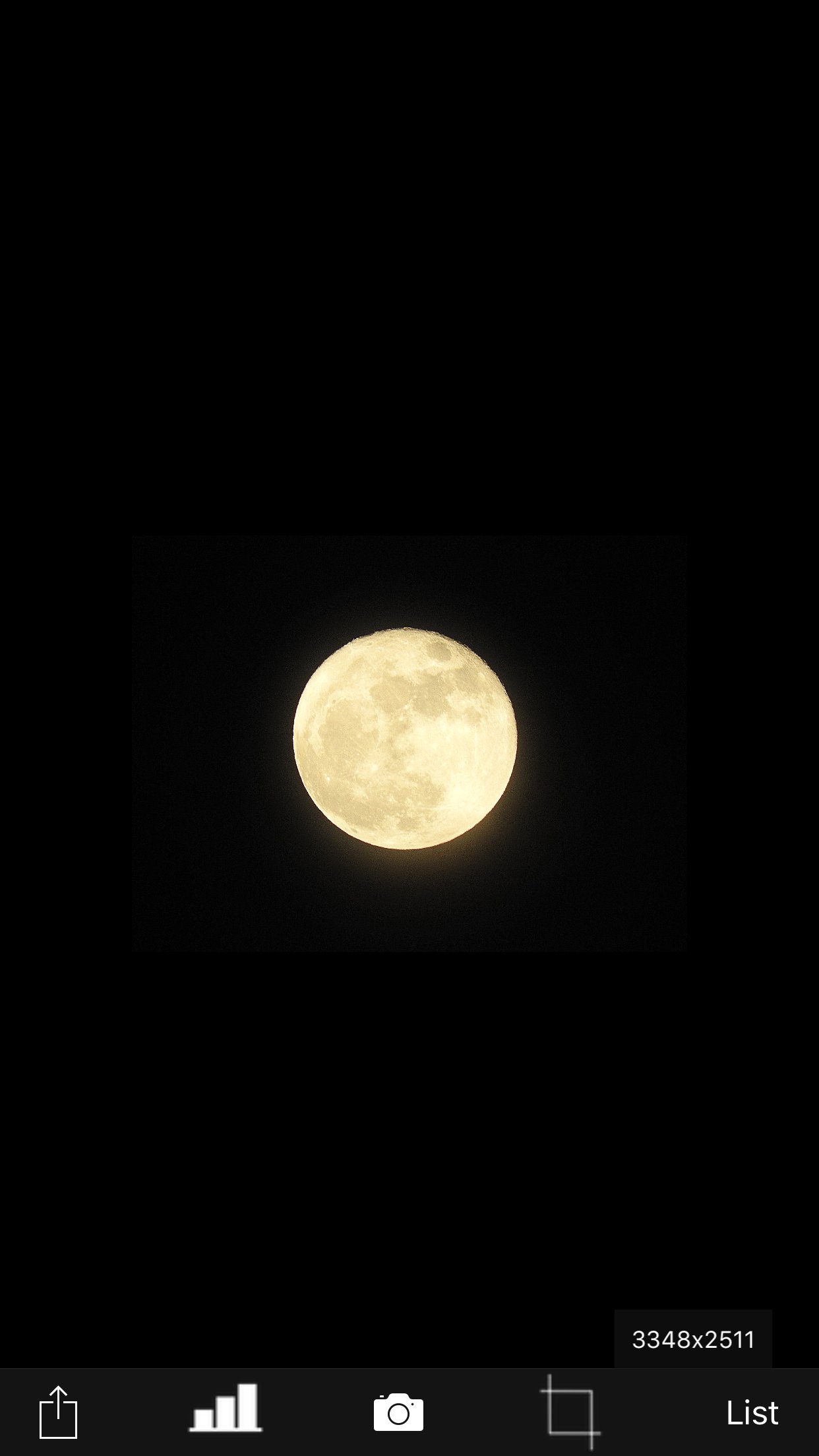
This is an app that allows you to easily photograph the moon at night, including its pattern.
Download
22.66 MB
13downloads
2this week
FreeCommercial
0reviews
Screenshots
About MoonCatcher
This is an app that allows you to easily photograph the moon at night, including its pattern. You can also zoom easily.
Usage is simple.
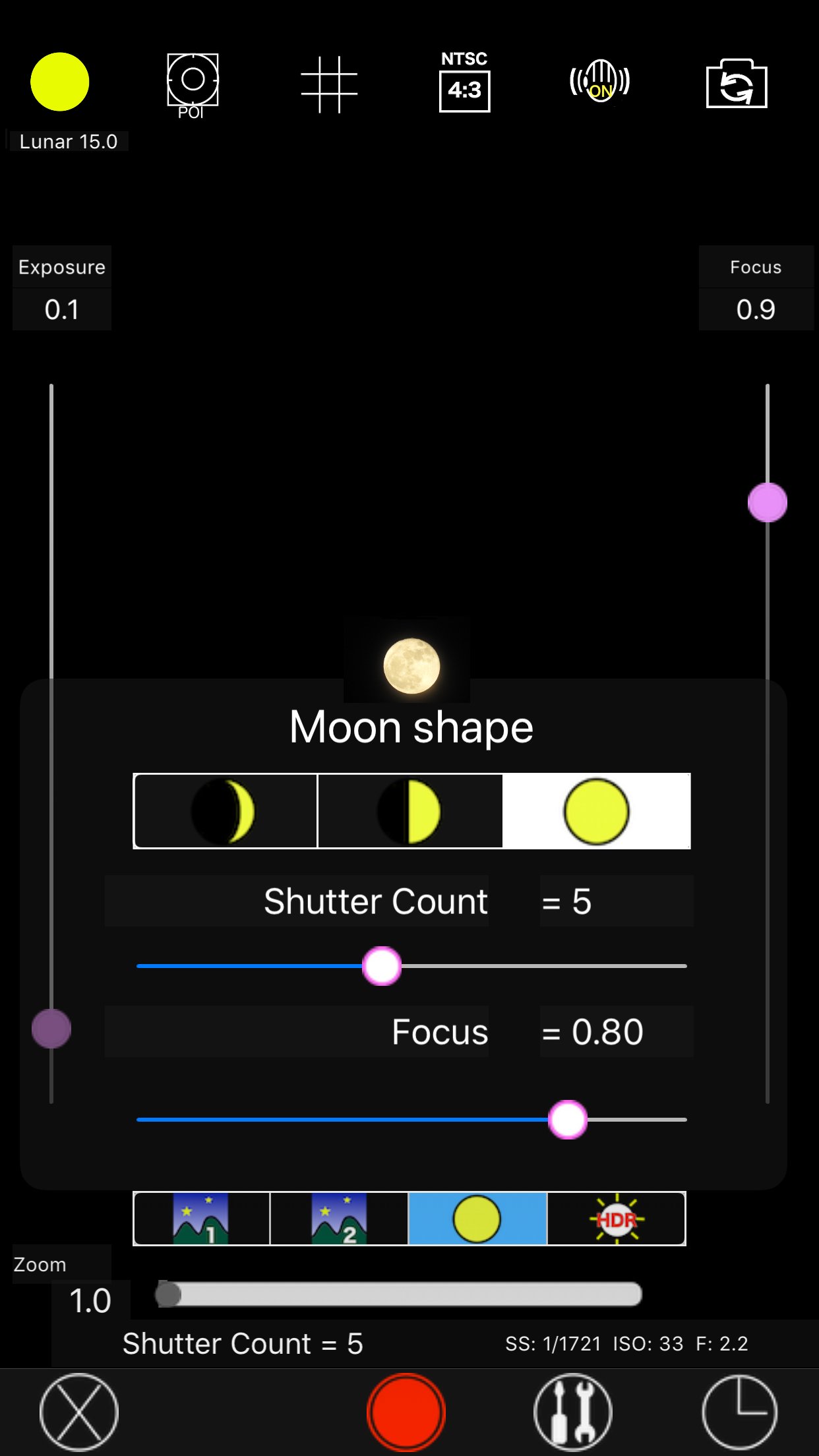
(A) Tap the moon from the menu and tap the closest moon shape among the three.
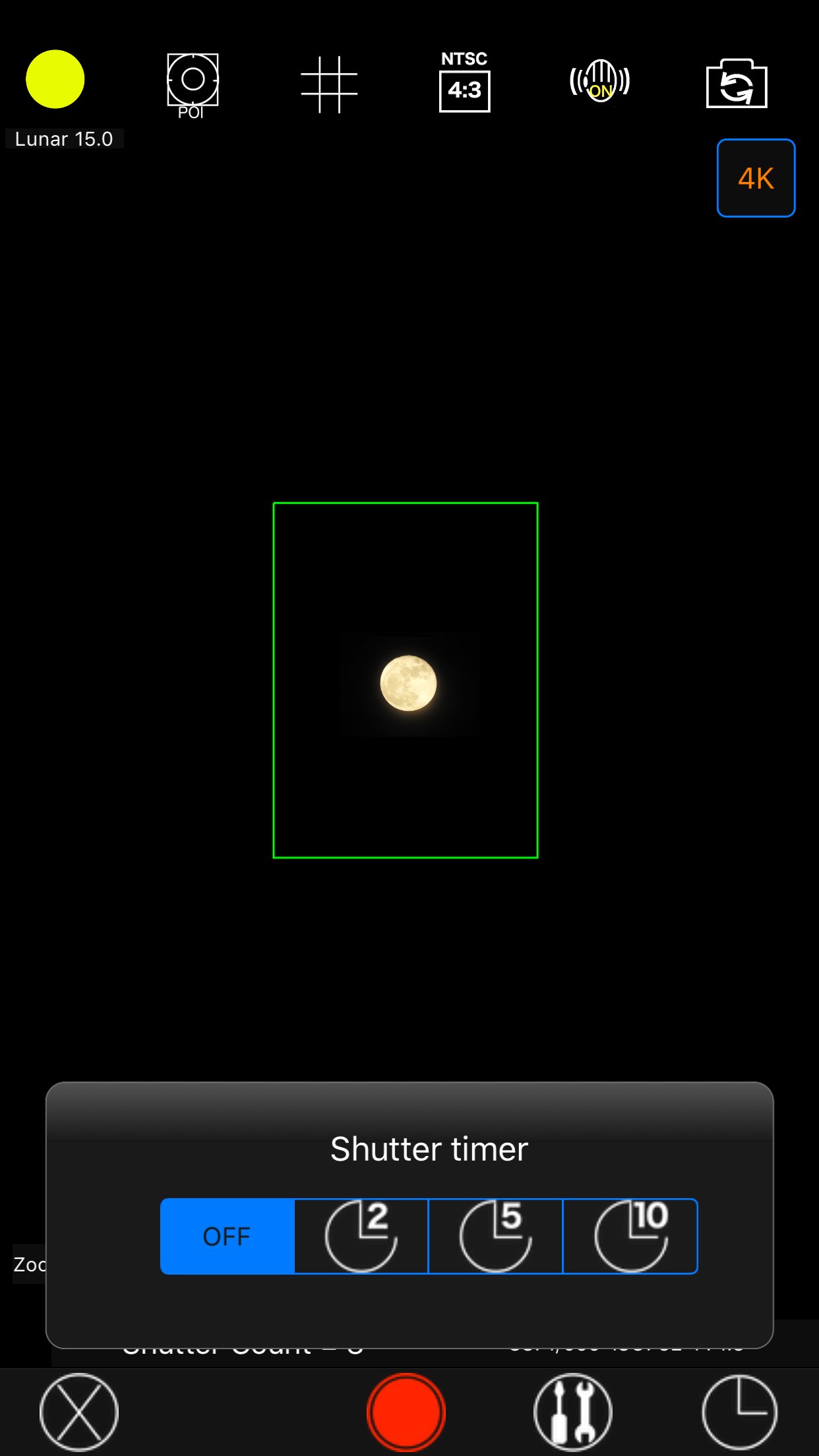
(B) Point the camera at the moon and zoom.
(C) Release the shutter without moving the smartphone (tripod recommended). The shutter will fire several times, so don't let it slide until the end.
If you cannot take any of the photos with the moon in focus, you can try "changing the center of focus" as many times as you like below.
Tap the manual mode button (second button from the bottom right) to enter manual mode, where you can manually set focus, ISO/shutter speed, white balance, and multiple exposure parameters.
-------------------------
The features of this app are
(1) Fully automatic function
- If you select "Moon", the exposure will be automatically darkened in response to the bright moon in the night sky, and the focus will be adjusted to the distance.
Since it fires continuously while changing the focus multiple times, you can choose the best result among them. (The number of consecutive shots and the center of focus can be changed with the slider)
*"Change the focus center": Tap "Moon" on the shooting screen to display the moon shape selection segment, the number of consecutive shots slider, and the focus center slider. Now you can change each value.
Because the moon is far away, it is difficult to focus when zoomed in. Therefore, if you take pictures while changing the focus little by little, you can expect the moon to be in focus at some point.
The focus range is from 0 (nearby) to 1 (far), but in reality, the focus is shifted by 1/5 when shooting. For example, 0.7 to 0.9 (0.8 in the center). By changing the center of focus, you can shift the focus within any range and fire continuously.
- There are two types of night views.
?"Night Scene 1" brightens a dark night scene by one level.
?"Night Scene 2" brightens the image one step brighter than "Night Scene 1".
It fires continuously while changing the brightness 4 times.
- If you select "HDR", multiple consecutive images with different exposures will be combined to create a pseudo-large dynamic range.
Multiple exposure 3 times.
(2) Full manual function
You can take photos by manually setting the focal length, exposure, white balance, photo composition method, and number of photos.
?Tap "Focus", "ISO/SS", and "WB" to select auto or manual. ?
?Tap "Multiple Exposure" to select the multiple exposure composition method and set the number of composite images (up to 100).
The synthesis methods are as following.
Bright: Screen composit (Screen Blend)
Normal: Comparison(light) composition (Lighten Blend)
Dark: Comparison (dark) composition (Darken Blend)
HDR: Special composition (Special Blend)
(3) Other camera functions
?Zoom function: Achieving a zoom ratio of 40 time
?A camera position: The LCD screen side or the back camera is selectable.
?Focus position specification
?Mesh display
?Aspect selection
?Deviation correction selection
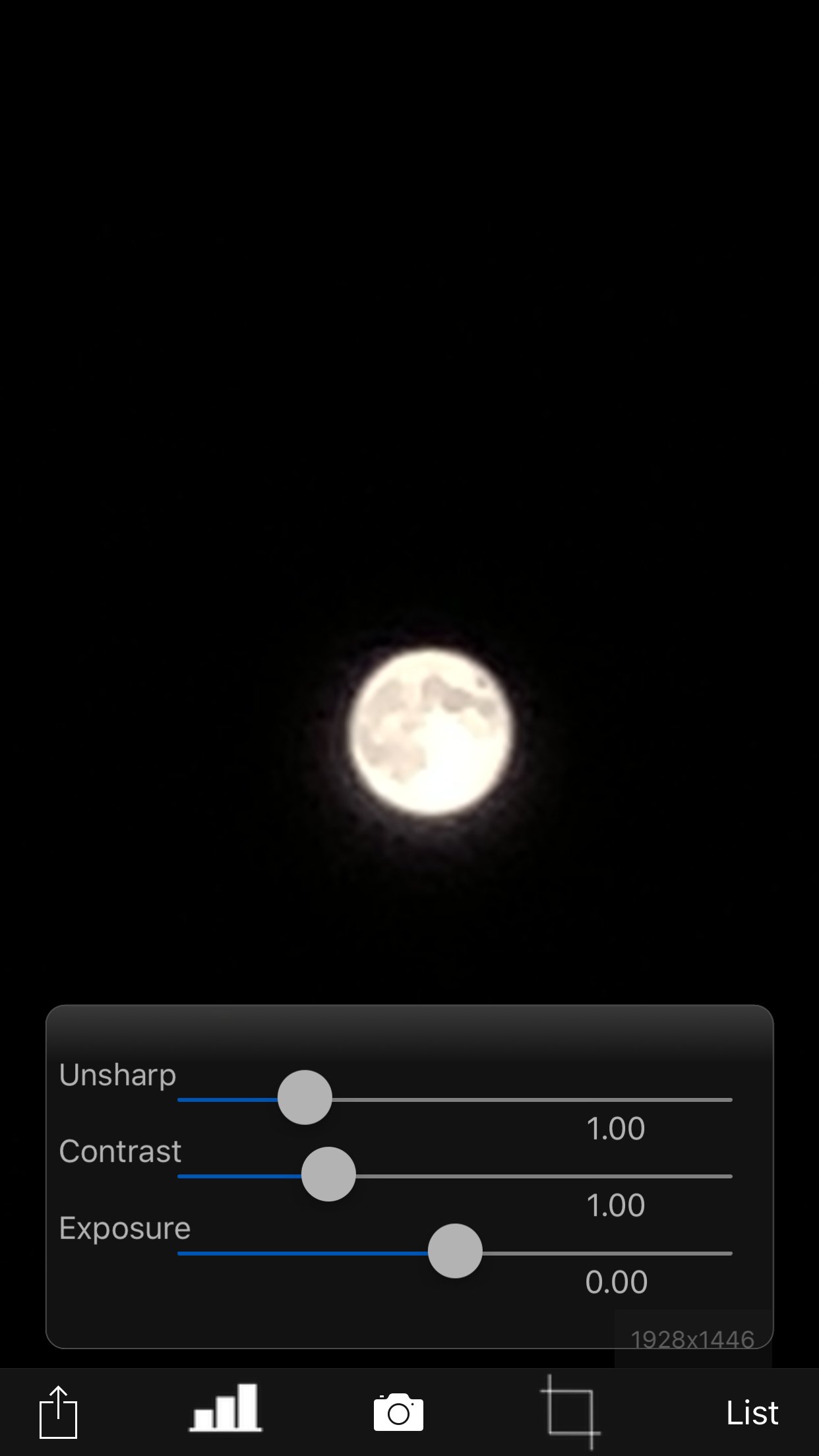
(4) Filter function just after the photography
To display the photograph just after photography and the following filtering are possible by slider operation.
?Purity (sharpness)
?Comparison degree (contrast)
?Luminosity (exposure)
?Display list function
The photos taken in this app is stored in the camera roll and in app itself too and you can see the list of them with the shooting date and time information.
?Image processing function
When you tap the image on the list, it displays the list of filters for image processing.
It has about 70 filters such as 'Brightness','Contrast','Blur','Sharpening','Sepia','Monochrome','Edge detection','Sketch' and so on.
***
This app include the following open sources.
- GPUImage (Copyright (c) 2012, Brad Larson, Ben Cochran, Hugues Lismonde, Keitaroh Kobayashi, Alaric Cole, Matthew Clark, Jacob Gundersen, Chris Williams. All rights reserved.)
License: Commercial
| Release info | New Release on Mar 21, 2025 |
|---|---|
| Release notes | The following function has been added: When shooting the moon with focus shift, the center of focus is set to the focus point immediately before shooting. |
| Listing data | App Store |
Reviews
No reviews yet. Be the first to review MoonCatcher.
Used MoonCatcher? Tell other visitors what you thought.
Log in to write a reviewOther products by this publisher
- "No Distractions" for YouTube 4.10 ----
- #Bible 11.6.1 "Incredible App - My sister shared this app with me a few weeks ago and it is truly incredible.
- #filmphotography 1.4.2 So, you decided to shoot on film?
- #LookBusy Fake Calendar Events 1.0.6 Look Busy scans your work calendar for open time slots and fills them with realistic-looking (but secretly fake) work events.
- #Small Talk Is Canceled 1.0.2 #Small Talk Is Canceled — Conversations That Matter
Most viewed iOS Photo & Video
-
1
 ShortDiShow 2.0
Drama Quest Island — An offline interactive short-drama adventure.
-
2
 Face Witness 1.0.4
FaceWitness lets you create a face by putting together individual features.
-
3
 Infuse 8.5.11
Infuse: Enterprise provides the same great features as the standard version of Infuse and includes permanent access to all Pro features via a traditional paid app.
-
4
 AI Video Generator 2.0.3
Vixel – AI Video Generator
- 5 #filmphotography 1.4.2 So, you decided to shoot on film?
-
6
 CapCut 20.3.0
CapCut is an all-in-one video editing solution that offers essential editing features, creative effects, AI tools, filters, stickers, and fonts, and a wide range of video templates to empower users to easily create incredible videos regardless of th…
-
7
 OPlayer 4.8
Play all your videos directly without having to convert them!
-
8
 Ai Photo 1.2.0
AI Photo Retouch – BG Eraser
-
9
 Necrometer II 1.3
Necrometer II is a paranormal investigation companion designed for ghost hunters and researchers.
-
10
 Pop Dot Comics 1.48
Create a comic worthy of the Sunday newspaper or your favorite pulp-fiction cover.
Most downloaded iOS Photo & Video
-
1
 DJI Fly 1.21.18
DJI Fly is designed to help pilots fly drones with ease.
-
2
Infuse 8.5.11
Infuse: Enterprise provides the same great features as the standard version of Infuse and includes permanent access to all Pro features via a traditional paid app.
-
3
 ReelyGo 1.1.60
ReelyGo: Your Daily Drama Escape
-
4
 TurboCollage Automatic 1.2.4
#1 Easy automatic photo collage maker for iPhone & iPad.
-
5
 Analog Radio 3.0
The iPhone and iPad devices don't have the FM/AM radio antenna installed.
-
6
 Rozeta Sequencer Suite 1.3.16
Rozeta is a suite of MIDI sequencers and controllers that lets you explore a new, freeform approach to sequencing and controlling mobile music apps.
-
7
 AGAIN. Rehearsal Notes 2.0.1
AGAIN. is the rehearsal app that remembers why the band stopped — and, new in Version 2, who said what in a writing session or a table read.
-
8
Pop Dot Comics 1.48
Create a comic worthy of the Sunday newspaper or your favorite pulp-fiction cover.
-
9
 Local AI Art Private Diffusion 1.6
If you are the kind of person who values privacy and wants to keep your generated images private, our software is the perfect solution for you.
-
10
 Treblo 1.6.6
Make songs with the world's best AI music model.