31downloads
2this week
FreeFreeware
0reviews
Screenshots
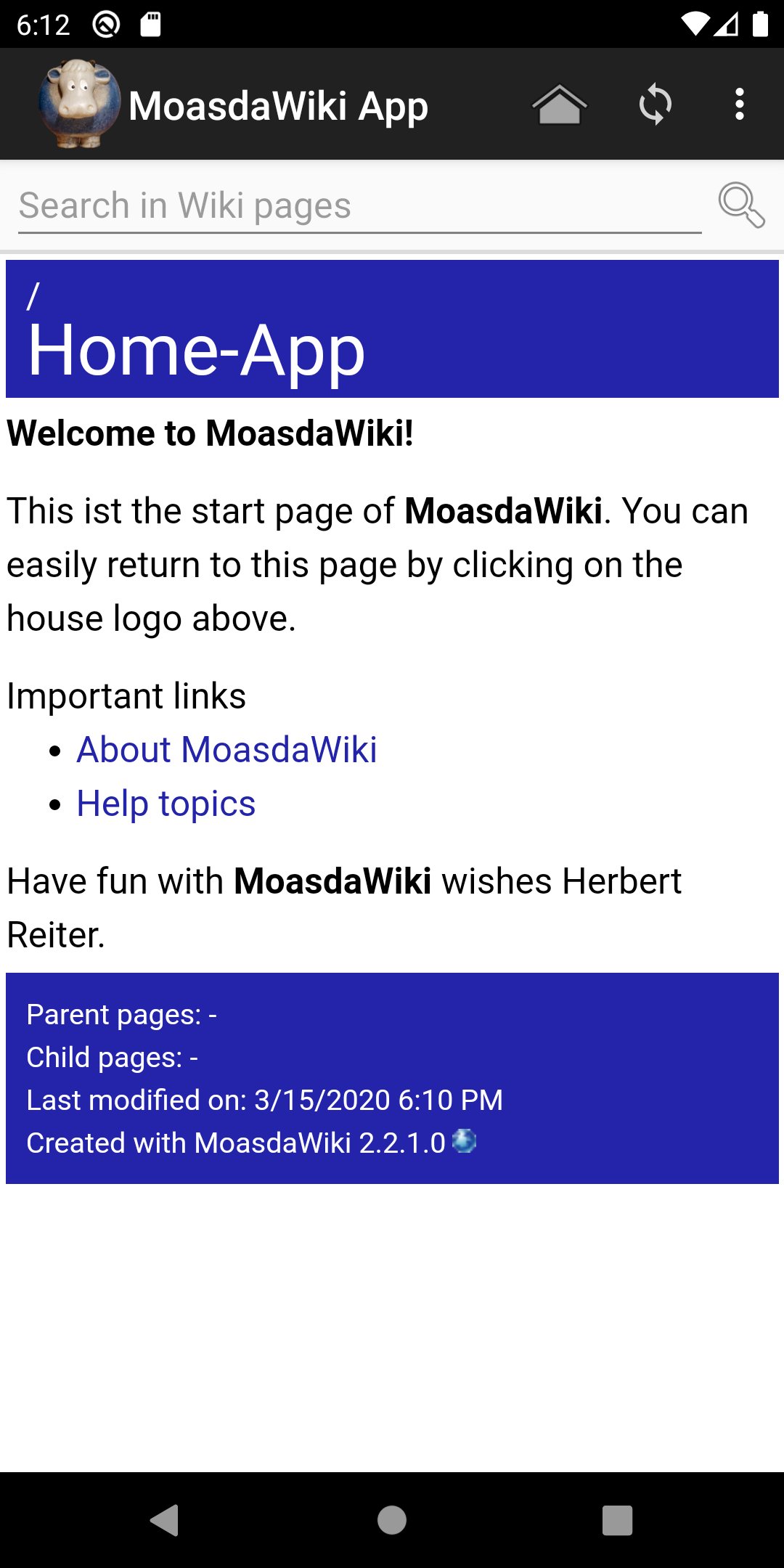
About MoasdaWiki
MoasdaWiki App is a privacy-friendly frontend for the MoasdaWiki Server
knowledge management tool. It mirrors the Wiki content on your mobile device.
Features:
- Synchronizes the content from your MoasdaWiki Server instance.
- Fast full text search.
- Calendar integration: Shows birthdays and events in the mobile calendar.
- Data privacy by design: Directly connects to your server instance in your private network. No trackers, never establishes a cloud connection.
Synchronize content with a MoasdaWiki Server:
1. Download MoasdaWiki Server from [link removed].
2. Set up a MoasdaWiki Server instance in your LAN.
3. Enable LAN access to the server: Edit the repository file config.txt and change the setting authentication.onlylocalhost = false. Restart the server afterwards.
4. Install the MoasdaWiki App.
5. In the app you can see a hint that it has to be configured first. Press on that hint.
6. Press on "Host name" and enter the host name or IP address of the server instance, e.g. 192.168.1.101. Press OK.
7. In the status section below you should see "Needs authorization at server". Otherwise check host name and port again.
8. On server side open the Wiki page in a browser, click on "Help" and "Synchronization".
9. You can see a list of devices and synchronization sessions. Check the device name and click on "Grant".
10. Back in the app press the back button on the upper left corner to get back to the main dialog. Now you can see a hint that the app has to be synchronized. Press on that hint.
11. Now you should have all the server content also in the app and you can see the "Home-App" wiki page.
Hint: Content cannot be modified within the app as it is no fun to type Wiki syntax on the mobile device, changes have to be done via the MoasdaWiki Server.
License: GPL-3.0-only
| Release info | New Release on Sep 03, 2026 |
|---|---|
| Release notes | - Add permission ACCESS_LOCAL_NETWORK - Upgrade library dependencies |
| Listing data | F-Droid |
Reviews
No reviews yet. Be the first to review MoasdaWiki.
Used MoasdaWiki? Tell other visitors what you thought.
Log in to write a reviewOther products by this publisher
- "No Distractions" for YouTube 4.10 ----
- #Bible 11.6.1 "Incredible App - My sister shared this app with me a few weeks ago and it is truly incredible.
- #filmphotography 1.4.2 So, you decided to shoot on film?
- #LookBusy Fake Calendar Events 1.0.6 Look Busy scans your work calendar for open time slots and fills them with realistic-looking (but secretly fake) work events.
- #Small Talk Is Canceled 1.0.2 #Small Talk Is Canceled — Conversations That Matter
Most viewed Android Writing
-
1
 TeXslate 1.0-alpha28
On-device LaTeX/XeTeX editor: compile & PDF preview offline, no cloud
-
2
 packlist 0.13
Manage packing lists
-
3
 To Do 1.6.4
Create checklists
- 4 CSV Editor 1.0.0 View and edit CSV files on your Android device
-
5
 Padland 4.0
Padland is a tool to manage, share, remember and read collaborative documents ba
-
6
 Personal Log 1.6
Write and view personal logs with a custom template.
-
7
 Resume Builder 1.1
An app to help you create your resume
-
8
 Notes 1.42
Notebook with markdown formatting
-
9
 Chinese Converter 3.1.0
Converts between Simplified and Traditional with regional variants support!
-
10
 Bierverkostung 1.2.1
Document and manage your personal beer tastings
Most downloaded Android Writing
- 1 Noto 2.3.2
- 2 Unvcode 20220207 Anti-censorship with Unicode
-
3
 UnicodePad 2.20.0
Input every character in Unicode
- 4 BeeCount Knitting Counter 2.7.7 Knitting row counter
- 5 Hammer 3.12.1 A simple tool for building stories.
-
6
TeXslate 1.0-alpha28
On-device LaTeX/XeTeX editor: compile & PDF preview offline, no cloud
-
7
 xnotes 0.9.9
Handwriting notes and sketching app with stylus support
-
8
packlist 0.13
Manage packing lists
- 9 InfiniList 1.3.0 Nesting-List Application.
-
10
 MoasdaWiki 3.9.7.3
Privacy-Friendly Knowledge Management App