Mining Toolkit 1.1.1
Mining Toolkit brings underground planning, calculations and field references together for miners, drillers, trainers, supervisors and engineers.
Download
90.47 MB
3downloads
3this week
FreeCommercial
0reviews
Screenshots
About Mining Toolkit
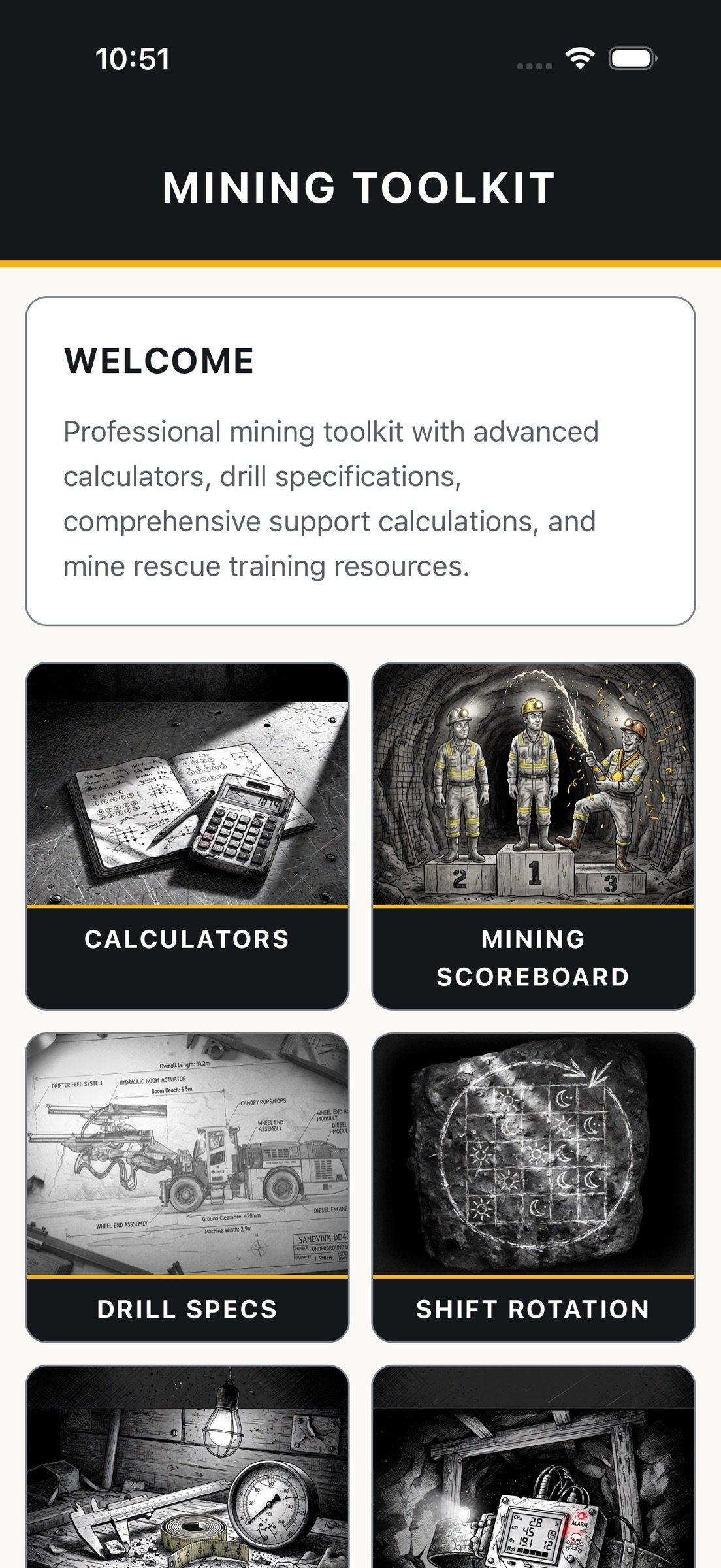
Mining Toolkit brings underground planning, calculations and field references together for miners, drillers, trainers, supervisors and engineers.
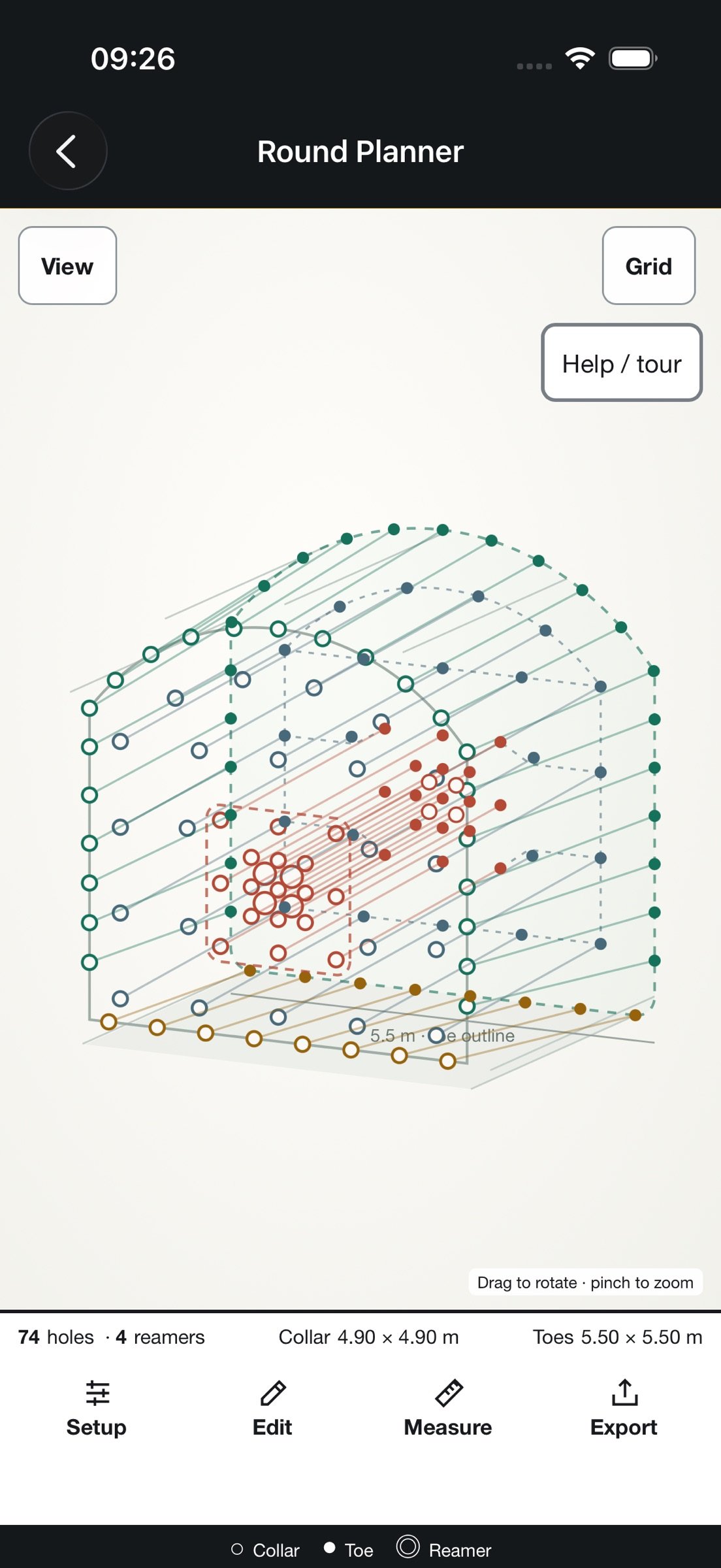
ROUND PLANNER
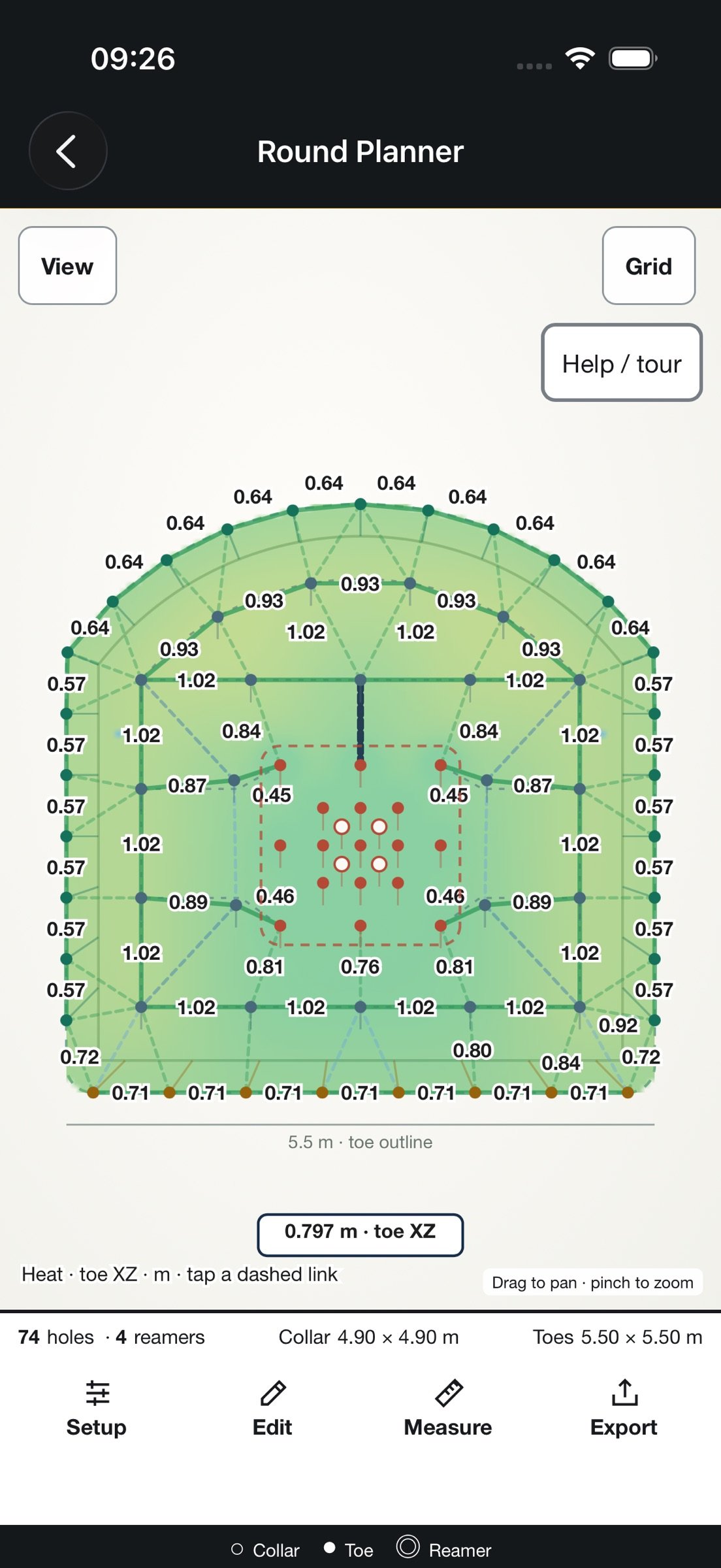
• Work with Standard, Ring and Grid layouts. Review plans in 2.5D, face, toe and side views.
• Adjust heading dimensions, cut position, hole directions and floor allowance.
• Use Line and Path tools at collars or toes. Tap heatmap links for gaps between rows and around the lifters, perimeter and cut.
• Heatmap gaps are projected toe-to-toe distances, not full 3D distances.
• Save and reopen plans; import/export supported DP and XML files. Confirm file compatibility with the receiving drill.
BOLTING & GROUND SUPPORT
• Set heading dimensions, Grid or Staggered patterns, bolt types/lengths, mesh and hanger options.
• Review 2.5D layouts and estimates for bolts, screens and consumables, including resin requirements.
• Use full-encapsulation tools for hole/bolt/resin dimensions, cartridge and packaging quantities, and Load/Spin/Hold timing guidance.
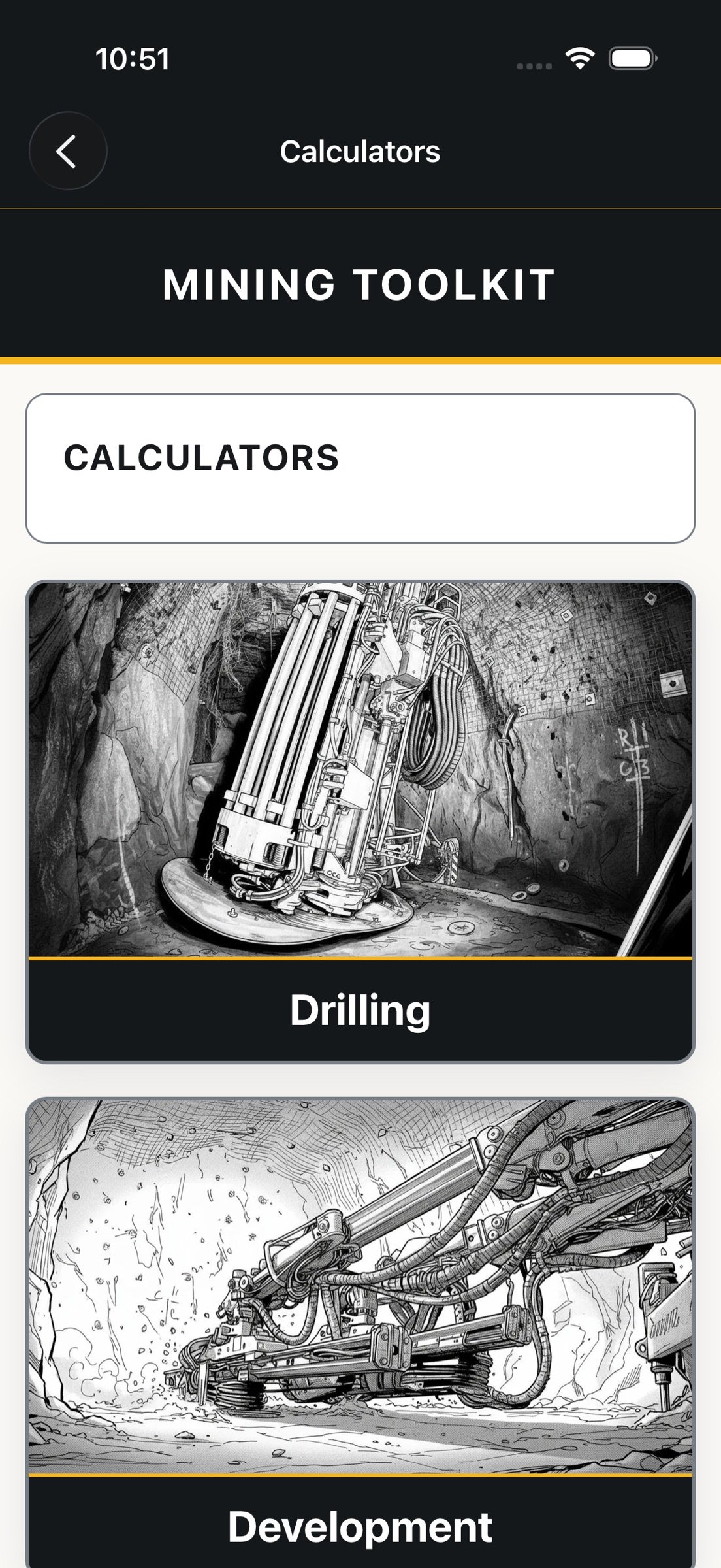
DRILLING & DEVELOPMENT
• Find a baseline RPM for the entered setup and compare it with the motor ceiling.
• Keep drill-setting records locally on your device.
• Check drill deviation and compare planned/actual toes in Drill Deviation Map.
• Use the Rod Count Cheat Sheet with custom rod lengths, metres/feet, graph and table.
• Use Grade Carry to see how grades and lifter settings affect projected floor positions.
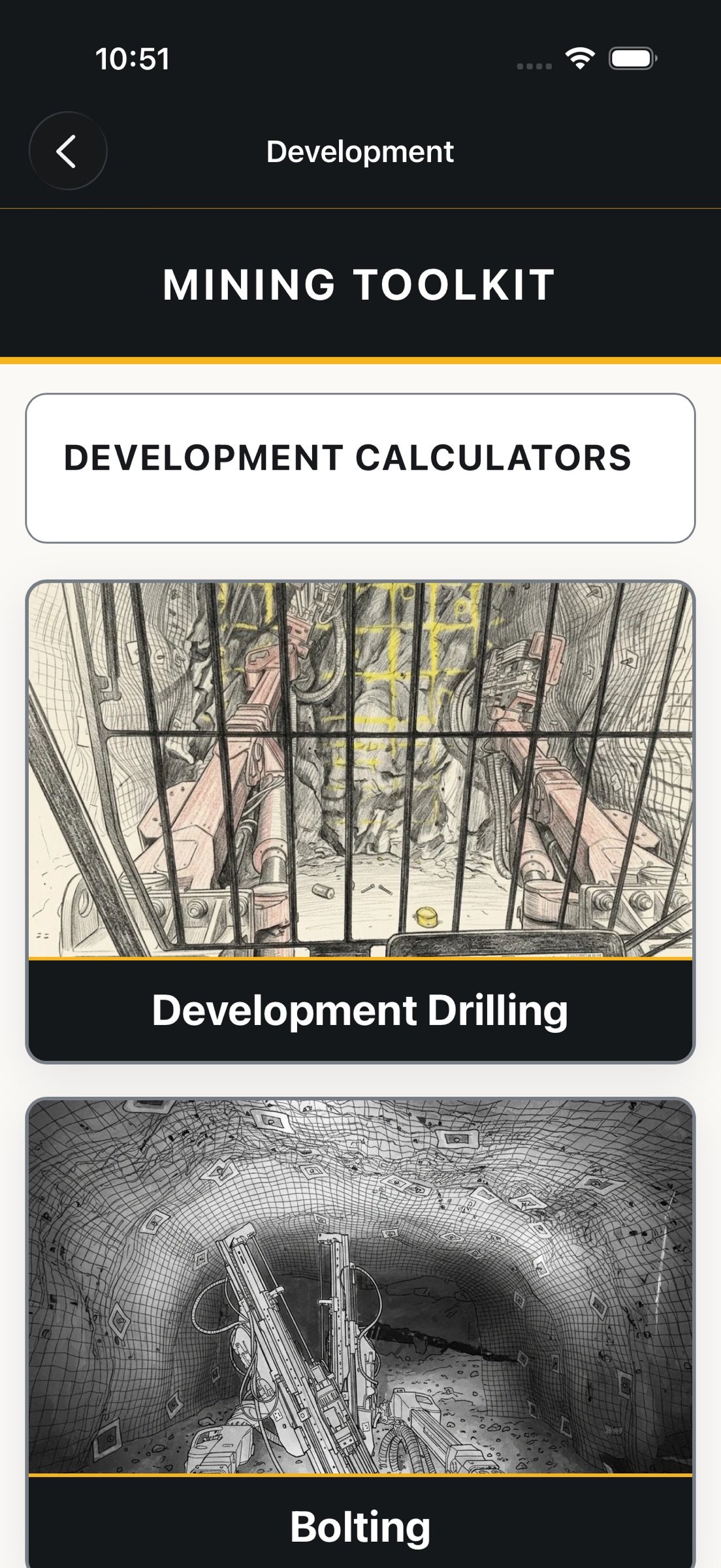
• Estimate mucking quantities and shotcrete for drift development or shaft sinking, with admixture calculations.
GROUT
• Plan a loaded batch, a number of holes, or a ring with mixed hole depths.
• Enter diameter, depth and mix/yield settings to estimate coverage, materials and batches; check mixer/active-pot capacity and water to add.
• Track the active pot with a timer and expiry reminder. Reset or clean-out confirmation clears the timer. Notification delivery depends on permissions and device settings; follow the grout manufacturer's working time.
PRINT TOOLS — EXPERIMENTAL
Print Scale and Auto Backsites help work from a print image. Check detected references, scale and proposed geometry before use. Detection can fail.
ON SHIFT & FIELD REFERENCES
• Set up Shift Calendar rotations and view paycheck estimates from your entered settings.
• Browse drill specifications, mine-gas references and metric/US unit conversions.
• Time and record ground-support rounds. Optional Scoreboard posting shares your handle, selected country, equipment and performance details with other users. Scoreboard posts are public.
• Open curated training videos on YouTube.
Choose English, French or Spanish, Light/Dark appearance and Theme Studio palettes. Core calculators, saved plans and local logs work offline; shared Scoreboard, videos and external links need internet.
Check quantities against current product data and approved designs. Pay figures are estimates. Verify exported plans on the drill's system. The app does not replace training, engineering review or site procedures.
Support: mining-toolkit@agentmail.to
Privacy: [link removed]
License: Commercial
| Release info | New Release on Nov 10, 2026 |
|---|---|
| Release notes | Explore Round Planner in 2.5D with Standard, Ring and Grid layouts. Measure at collars or toes using Line and Path tools, and tap heatmap links to check toe spacing between rows and around the floor and cut. Includes clearer layout controls, floor allowance and cut options, plus saved-plan and DP/XML file-handling improvements. Heatmap measurements are more consistent when repositioning the cut. Always verify exported drill plans and measurements before use. Refreshed Drill Specs cards and equipment photos. |
| Listing data | App Store |
Reviews
No reviews yet. Be the first to review Mining Toolkit.
Used Mining Toolkit? Tell other visitors what you thought.
Log in to write a reviewOther products by this publisher
- "No Distractions" for YouTube 4.10 ----
- #Bible 11.6.1 "Incredible App - My sister shared this app with me a few weeks ago and it is truly incredible.
- #filmphotography 1.4.2 So, you decided to shoot on film?
- #LookBusy Fake Calendar Events 1.0.6 Look Busy scans your work calendar for open time slots and fills them with realistic-looking (but secretly fake) work events.
- #Small Talk Is Canceled 1.0.2 #Small Talk Is Canceled — Conversations That Matter
Most viewed iOS Productivity
-
1
 WordPress 27.5
Manage or create your WordPress blog or website right from your iOS device: create and edit posts and pages, upload your favorite photos and videos, view stats and reply to comments.
- 2 Voice Translator - Alive 1.6 Translation app that turns your iPhone into an interpreter instantly.
-
3
 Life360 26.45.0
Whether at home, online, or on the move, our comprehensive family safety features bring peace of mind to your loved ones AND help safeguard your personal belongings.
-
4
 Claude by Anthropic 1.261123.51
Meet Claude, your AI problem solver and thinking partner.
-
5
 WristMemo 2.0
WristMemo turns your Apple Watch into an all-day voice recorder.
- 6 "No Distractions" for YouTube 4.10 ----
-
7
 Colicine 1.3.0
Have you ever been there—
- 8 (beat) for iOS 0.5.10 An elegant Fountain screenwriting app, created by a screenwriter for screenwriters.
-
9
 DeepSeek 2.9.0
Experience seamless interaction with DeepSeek's official AI assistant for free!
-
10
 Howbout 16.8.0
The shared calendar for friends, couples, and family
Most downloaded iOS Productivity
- 1 Voice Translator - Alive 1.6 Translation app that turns your iPhone into an interpreter instantly.
-
2
 SessionsAI 1.2.1
Sessions AI is a private AI workspace that runs entirely on your iPhone, iPad, or Mac.
-
3
DeepSeek 2.9.0
Experience seamless interaction with DeepSeek's official AI assistant for free!
-
4
 Voices AI 1.16.18
Discover Voices, the premier voice transformation app designed exclusively for iOS.
-
5
 Block Distracting Websites 1.11
"It's a great way to save time, and stop browsing Reddit when you should be doing coursework."
-
6
 Plot Digitizer 1.4.1
Plot Digitizer is an app to extract numerical data from plot images.
-
7
 Google Docs 1.2026.47103
Create, edit, and collaborate on online documents with the Google Docs app.
-
8
 MyHyundai with Bluelink 5.4.6
The MyHyundai app makes getting information about your Hyundai vehicle easier than ever.
-
9
 Pixy Mood Tracker 1.110.0
Track your mood, one pixel at a time.
-
10
 Minder 1.4
Minder turns your phone into a pair of eyes that watch you work.