
Microsoft OneDrive 26.1.4
Microsoft OneDrive keeps your photos and files backed up, protected, synced, and accessible on all your devices.
Download
354.66 MB
15downloads
1this week
FreeFreeware
0reviews
Screenshots
About Microsoft OneDrive
Microsoft OneDrive keeps your photos and files backed up, protected, synced, and accessible on all your devices. The OneDrive app lets you view and share OneDrive files, documents, photos, and videos with friends and family. You can use the app to automatically back up your phone's photos and videos. Start with 5 GB of free cloud storage or upgrade to a Microsoft 365 subscription to get 1 TB of storage.
Microsoft OneDrive offers the following features:
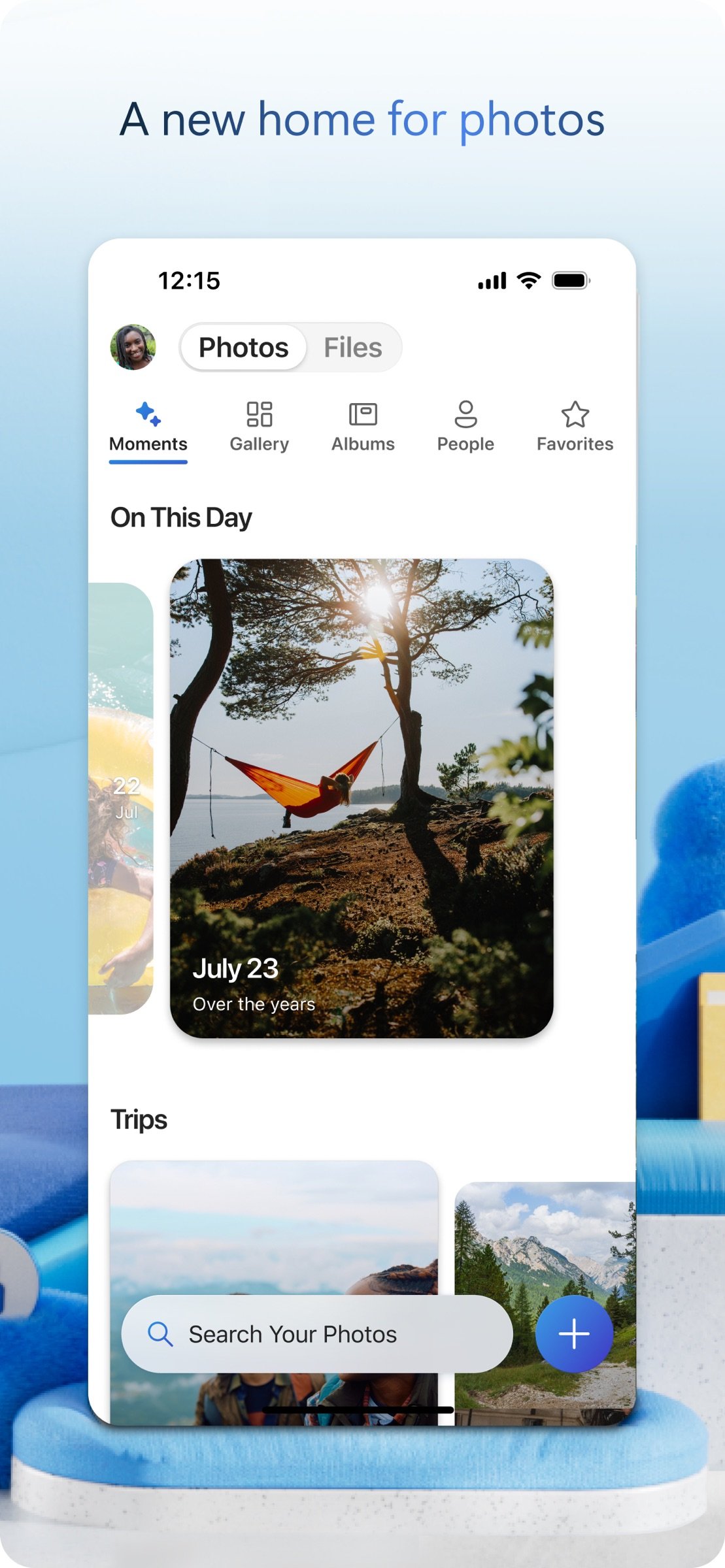
Back up photos and videos
• Automatic photo and video backup when you turn on Camera Upload
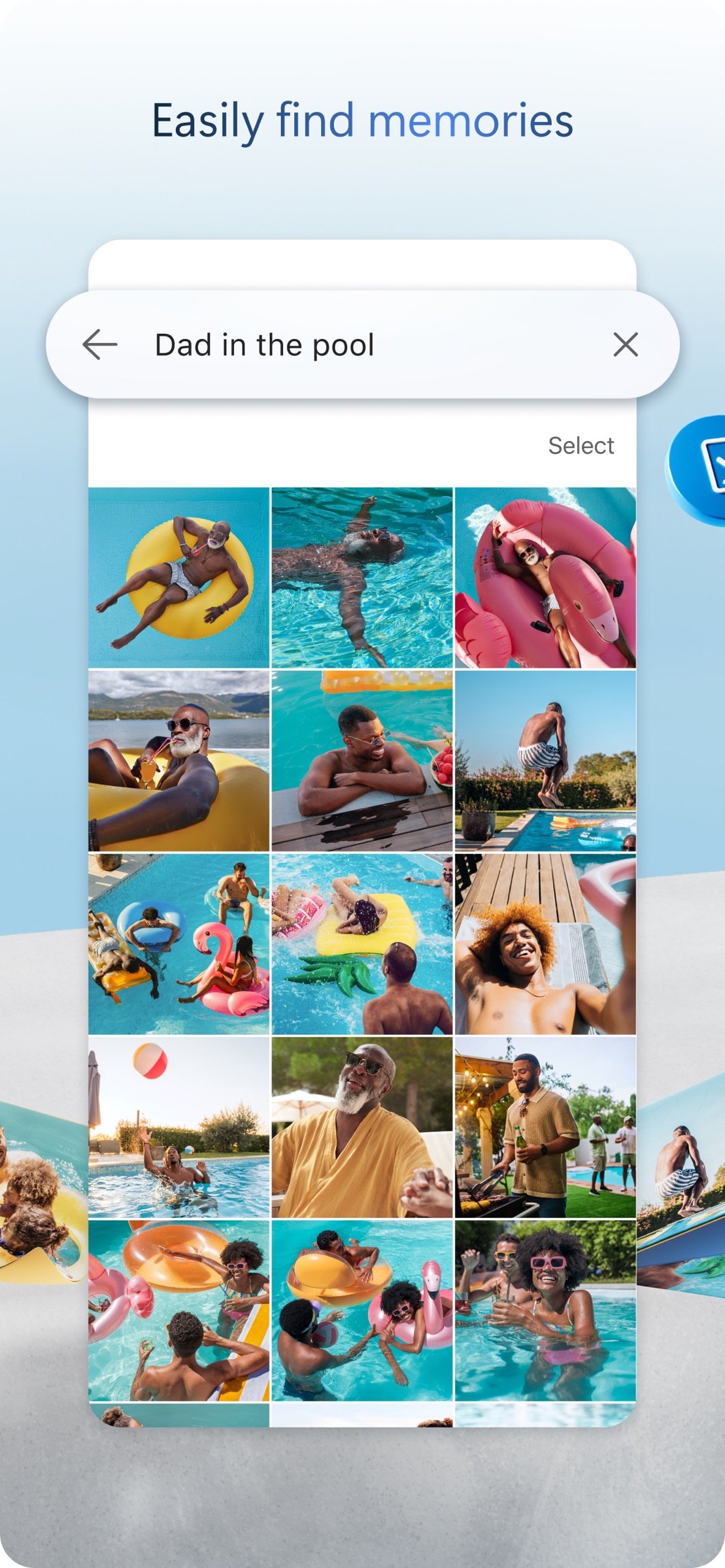
• Find photos easily thanks to automatic tagging
• View photos on your phone, computer, and online
File sharing and management
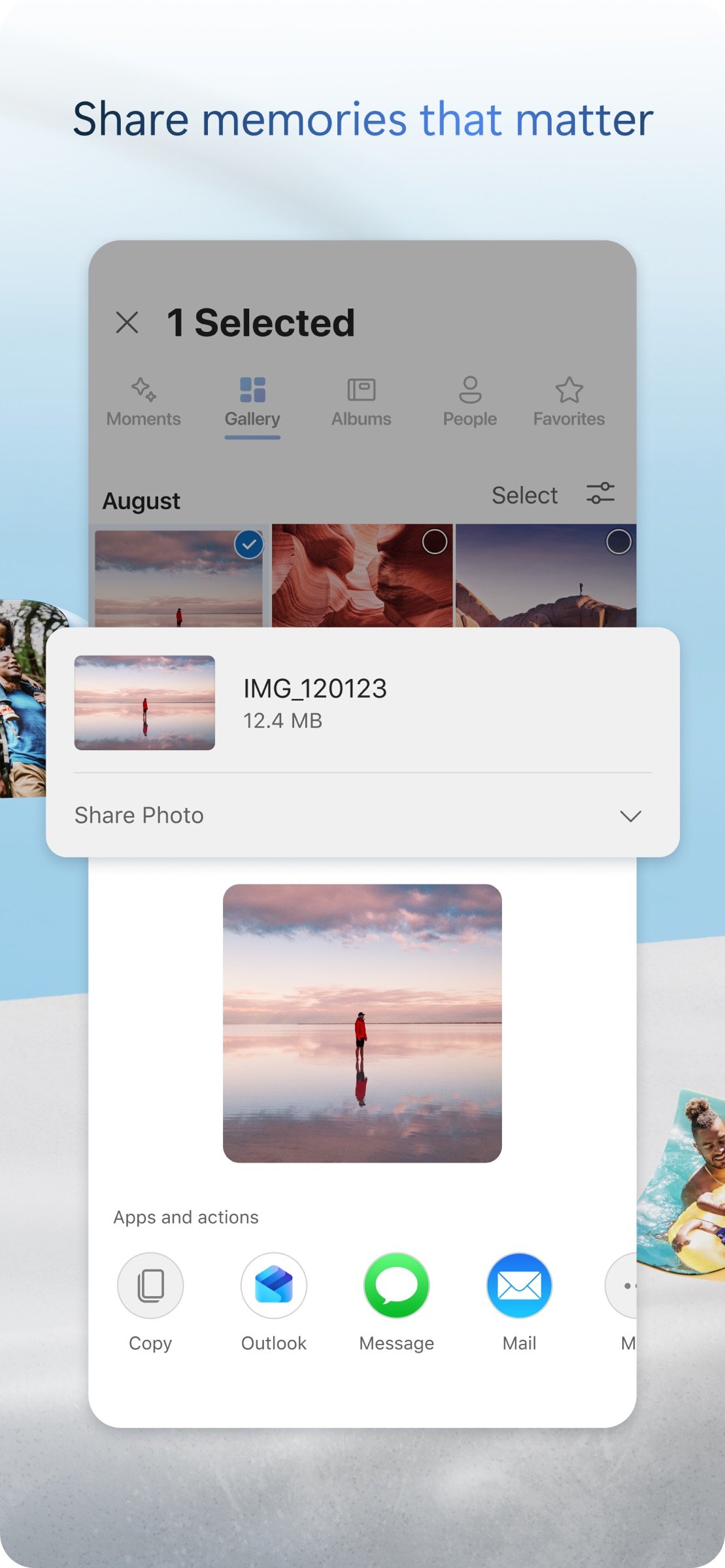
• Share docs, photos, videos, and albums with friends and family
• Get notifications when a shared document is edited
• Set password-protected or expiring sharing links*
• Access entire folders on the app without being online*
Scan
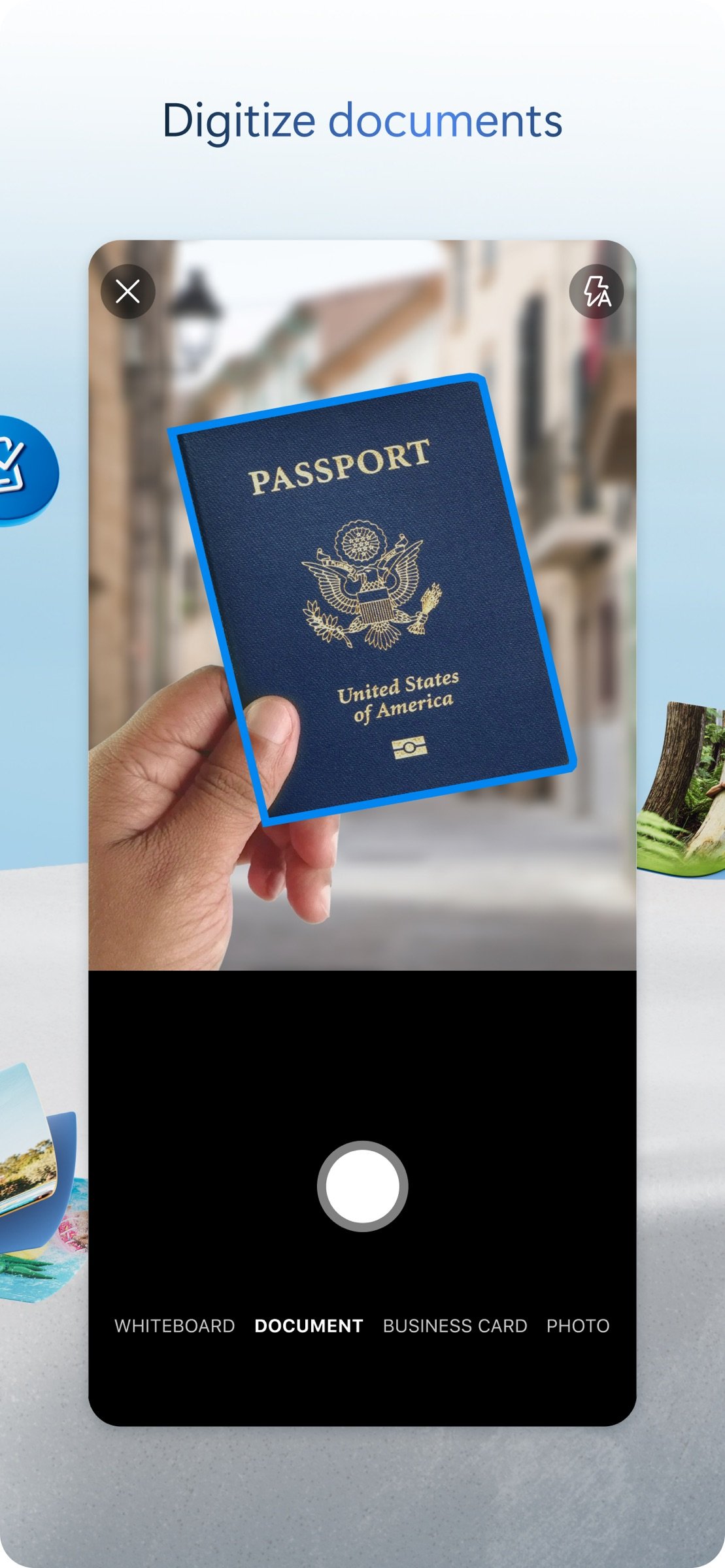
• Scan documents, business cards, receipts, whiteboards, and more
• Mark up, sign, and send docs right from the OneDrive mobile app
Search
• Search photos by what's in them (i.e. beach, snow, etc.)
• Search docs by name or content
Security
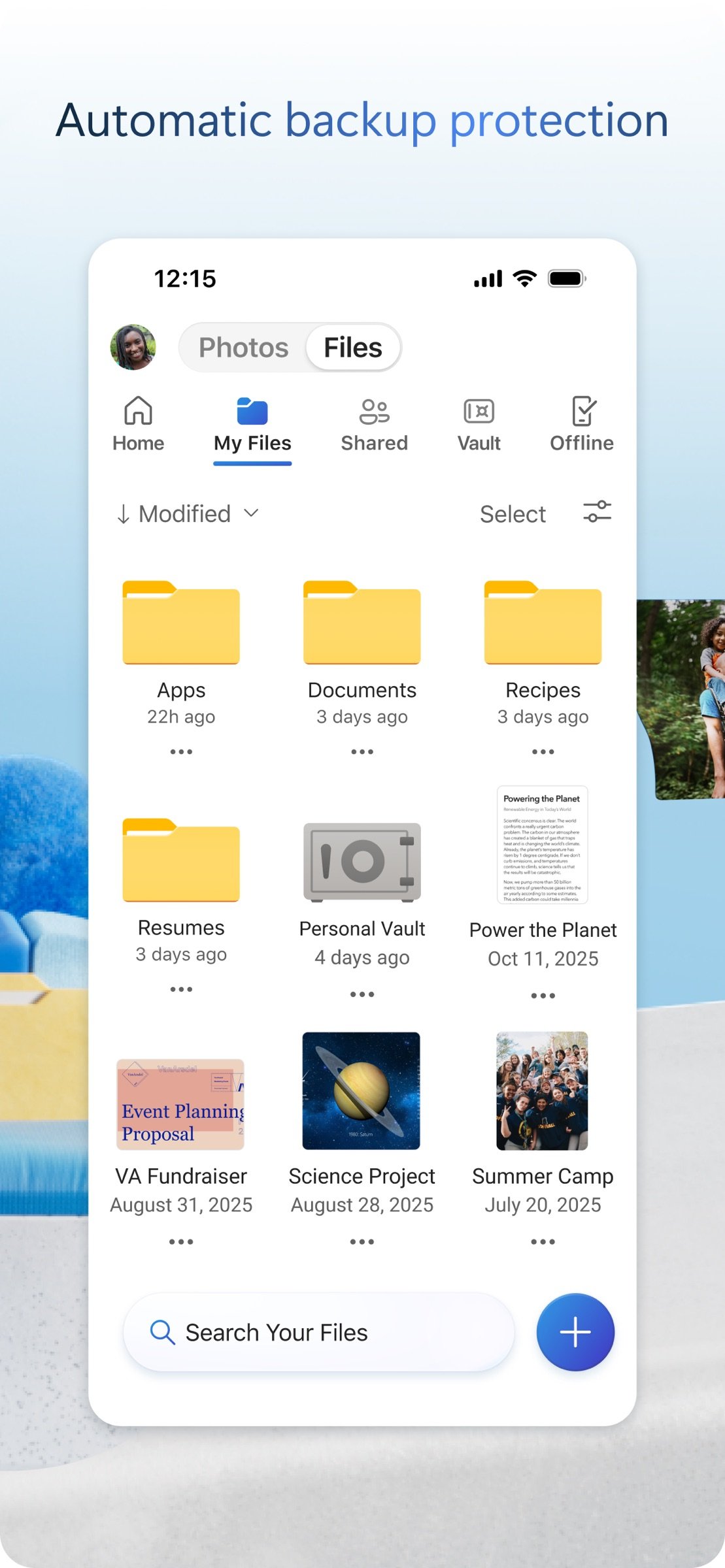
• Personal Vault lets you protect your important files with identity verification
• Restore documents with version history on all files
• Ransomware detection and recovery*
Works with Microsoft Word, Excel, PowerPoint, OneNote, Outlook
• Back up, view, and save your Office documents.
• Use Microsoft Office apps to edit and collaborate in real time on Word, Excel, PowerPoint, and OneNote files stored in OneDrive.
Upgrade to a Microsoft 365 subscription
With a Microsoft 365 Personal subscription you get 1 TB of storage with Personal, or 2 TB of shared storage for up to 6 people with Family, OneDrive premium features, and access to all features in Word, Excel, PowerPoint, Outlook, and OneNote on iPad, iPhone, and iPod touch, and you can install Word, Excel, PowerPoint, and Outlook on PCs or Macs.
To make an in-app purchase of a Microsoft 365 Personal or Family subscription: open the app, tap the Me tab, then tap your storage or the diamond icon.
Subscriptions begin at $6.99 a month in the US, and can vary by region. Microsoft 365 subscriptions and OneDrive standalone subscriptions purchased from the app will be charged to your iTunes account and will automatically renuew within 24 hours prior to the end of the current subscription period, unless auto-renewal is disabled beforehand.
To manage your subscriptions or to disable auto-renewal, after purchase, go to your iTunes account settings. A subscription cannot be cancelled or refunded during the active subscription period.
Using this OneDrive app for work or school
For you to sign into your work or school account on OneDrive, your organization needs to have a qualifying OneDrive, SharePoint Online or Microsoft 365 business subscription plan.
Privacy
This app is provided by Microsoft. Data provided through the use of this store and this app may be accessible to Microsoft and transferred to, stored, and processed in the United States or any other country where Microsoft or its affiliates maintain facilities.
Privacy Policy: [link removed].
Terms of Use: [link removed].
Consumer Health Data Privacy Policy: [link removed].
*Requires Microsoft 365 Personal or Family subscription
Microsoft OneDrive offers the following features:
Back up photos and videos
• Automatic photo and video backup when you turn on Camera Upload
• Find photos easily thanks to automatic tagging
• View photos on your phone, computer, and online
File sharing and management
• Share docs, photos, videos, and albums with friends and family
• Get notifications when a shared document is edited
• Set password-protected or expiring sharing links*
• Access entire folders on the app without being online*
Scan
• Scan documents, business cards, receipts, whiteboards, and more
• Mark up, sign, and send docs right from the OneDrive mobile app
Search
• Search photos by what's in them (i.e. beach, snow, etc.)
• Search docs by name or content
Security
• Personal Vault lets you protect your important files with identity verification
• Restore documents with version history on all files
• Ransomware detection and recovery*
Works with Microsoft Word, Excel, PowerPoint, OneNote, Outlook
• Back up, view, and save your Office documents.
• Use Microsoft Office apps to edit and collaborate in real time on Word, Excel, PowerPoint, and OneNote files stored in OneDrive.
Upgrade to a Microsoft 365 subscription
With a Microsoft 365 Personal subscription you get 1 TB of storage with Personal, or 2 TB of shared storage for up to 6 people with Family, OneDrive premium features, and access to all features in Word, Excel, PowerPoint, Outlook, and OneNote on iPad, iPhone, and iPod touch, and you can install Word, Excel, PowerPoint, and Outlook on PCs or Macs.
To make an in-app purchase of a Microsoft 365 Personal or Family subscription: open the app, tap the Me tab, then tap your storage or the diamond icon.
Subscriptions begin at $6.99 a month in the US, and can vary by region. Microsoft 365 subscriptions and OneDrive standalone subscriptions purchased from the app will be charged to your iTunes account and will automatically renuew within 24 hours prior to the end of the current subscription period, unless auto-renewal is disabled beforehand.
To manage your subscriptions or to disable auto-renewal, after purchase, go to your iTunes account settings. A subscription cannot be cancelled or refunded during the active subscription period.
Using this OneDrive app for work or school
For you to sign into your work or school account on OneDrive, your organization needs to have a qualifying OneDrive, SharePoint Online or Microsoft 365 business subscription plan.
Privacy
This app is provided by Microsoft. Data provided through the use of this store and this app may be accessible to Microsoft and transferred to, stored, and processed in the United States or any other country where Microsoft or its affiliates maintain facilities.
Privacy Policy: [link removed].
Terms of Use: [link removed].
Consumer Health Data Privacy Policy: [link removed].
*Requires Microsoft 365 Personal or Family subscription
| Release info | Update on Nov 02, 2026 |
|---|---|
| Release notes | This version of OneDrive supports iOS/iPadOS versions 26 or newer |
| Listing data | App Store |
Reviews
No reviews yet. Be the first to review Microsoft OneDrive.
Used Microsoft OneDrive? Tell other visitors what you thought.
Log in to write a reviewOther products by this publisher
- "No Distractions" for YouTube 4.10 ----
- #Bible 11.6 "Incredible App - My sister shared this app with me a few weeks ago and it is truly incredible.
- #filmphotography 1.4.2 So, you decided to shoot on film?
- $quirrel 1.5.1 $quirrel Budget & Finance helps you plan each paycheck, track spending, manage debt, and see what is safe to spend before the next payday.
- % Percentage Calculator Pro 1.41 This is the Pro version of % Percentage Calculator.
Most viewed iOS Productivity
-
1
 WordPress 27.4
Manage or create your WordPress blog or website right from your iOS device: create and edit posts and pages, upload your favorite photos and videos, view stats and reply to comments.
- 2 Voice Translator - Alive 1.6 Translation app that turns your iPhone into an interpreter instantly.
-
3
 Claude by Anthropic 1.261106.19
Meet Claude, your AI problem solver and thinking partner.
- 4 "No Distractions" for YouTube 4.10 ----
- 5 (beat) for iOS 0.5.10 An elegant Fountain screenwriting app, created by a screenwriter for screenwriters.
-
6
 DeepSeek 2.7.5
Experience seamless interaction with DeepSeek's official AI assistant for free!
-
7
 Life360 26.42.0
Whether at home, online, or on the move, our comprehensive family safety features bring peace of mind to your loved ones AND help safeguard your personal belongings.
-
8
 Howbout 16.7.0
The shared calendar for friends, couples, and family
-
9
 Voices AI 1.16.15
Discover Voices, the premier voice transformation app designed exclusively for iOS.
-
10
 Plot Digitizer 1.4.1
Plot Digitizer is an app to extract numerical data from plot images.
Most downloaded iOS Productivity
- 1 Voice Translator - Alive 1.6 Translation app that turns your iPhone into an interpreter instantly.
-
2
 SessionsAI 1.2.1
Sessions AI is a private AI workspace that runs entirely on your iPhone, iPad, or Mac.
-
3
DeepSeek 2.7.5
Experience seamless interaction with DeepSeek's official AI assistant for free!
-
4
Voices AI 1.16.15
Discover Voices, the premier voice transformation app designed exclusively for iOS.
-
5
 Block Distracting Websites 1.11
"It's a great way to save time, and stop browsing Reddit when you should be doing coursework."
-
6
Plot Digitizer 1.4.1
Plot Digitizer is an app to extract numerical data from plot images.
-
7
 Google Docs 1.2026.43105
Create, edit, and collaborate on online documents with the Google Docs app.
-
8
 Pixy Mood Tracker 1.110.0
Track your mood, one pixel at a time.
-
9
 VPN 2.61.0
VPN - Super Unlimited Proxy is a free VPN and proxy app for iPhone, iPad, Mac and Apple Vision Pro.
-
10
Life360 26.42.0
Whether at home, online, or on the move, our comprehensive family safety features bring peace of mind to your loved ones AND help safeguard your personal belongings.