MeshSat 2.26.4
Mesh, satellite and SMS messaging through one phone and a MeshSat node
Download
48.00 MB
0downloads
0this week
FreeFreeware
0reviews
Screenshots
About MeshSat
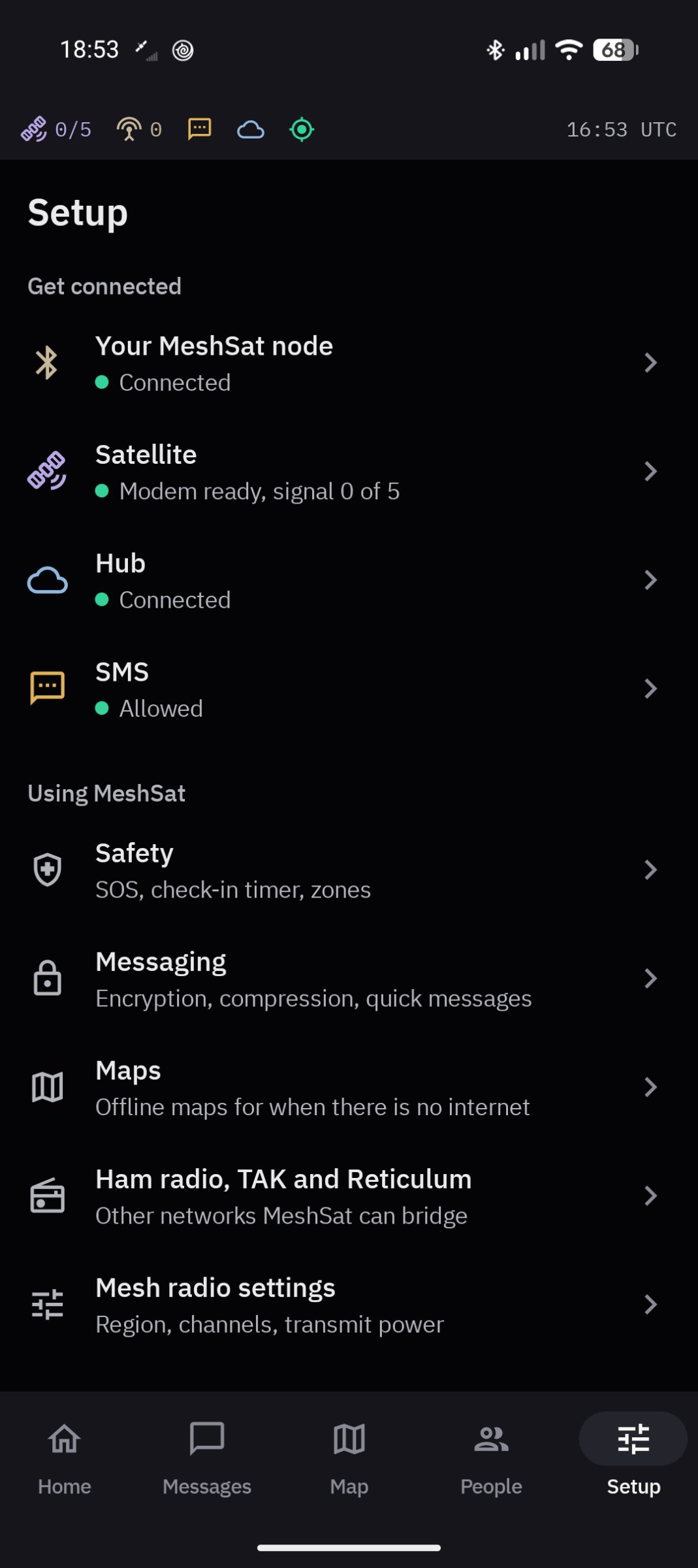
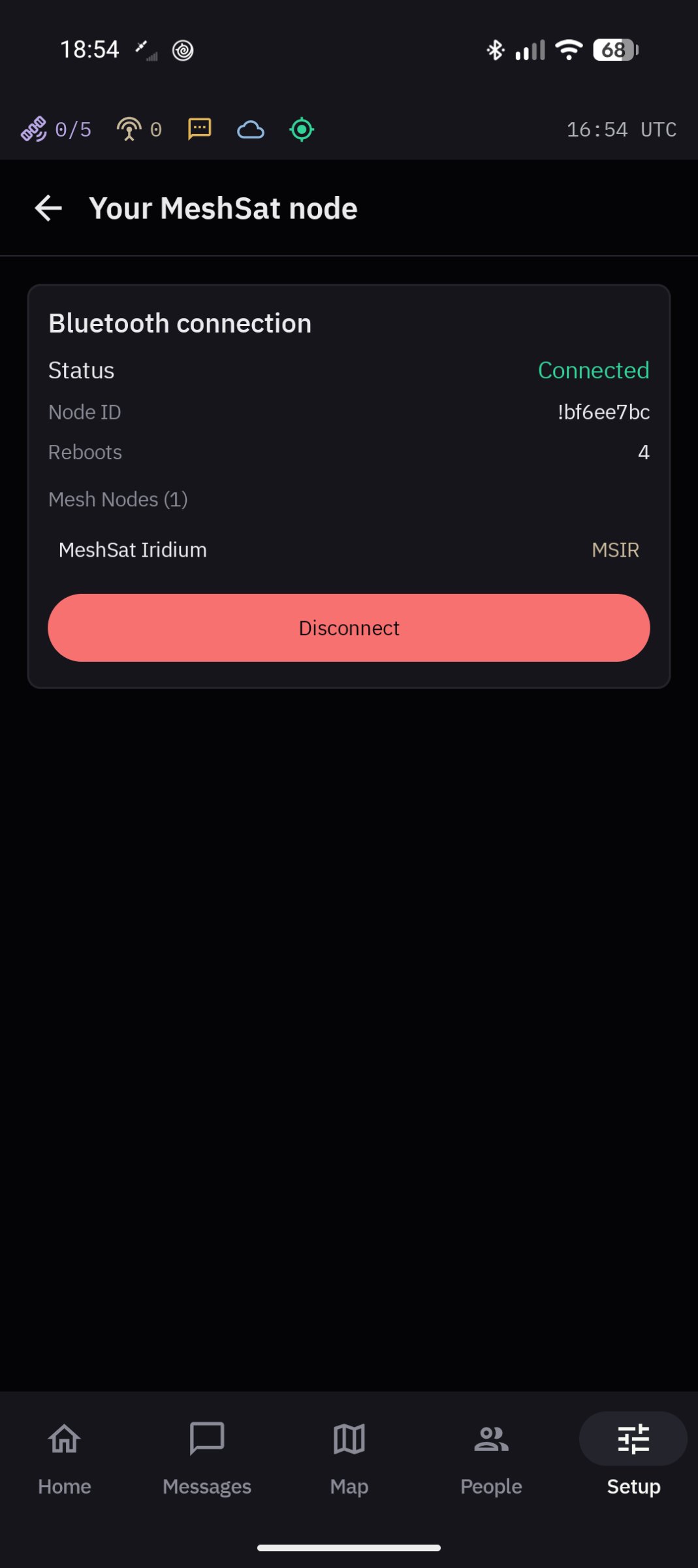
MeshSat turns an Android phone into a MeshSat gateway. Pair it with a MeshSat node, a pocket-sized box with a Meshtastic LoRa radio and a RockBLOCK 9603 Iridium modem, and one phone can send and receive over the mesh, by satellite and by SMS. It keeps working when the mobile network and the internet are gone. It also works with any plain Meshtastic radio, for the mesh only.
Status: pre-release. This is a prototype under active development. It has never been deployed to a real user and has never been used in an actual emergency. Do not rely on it for your safety.
What it does:
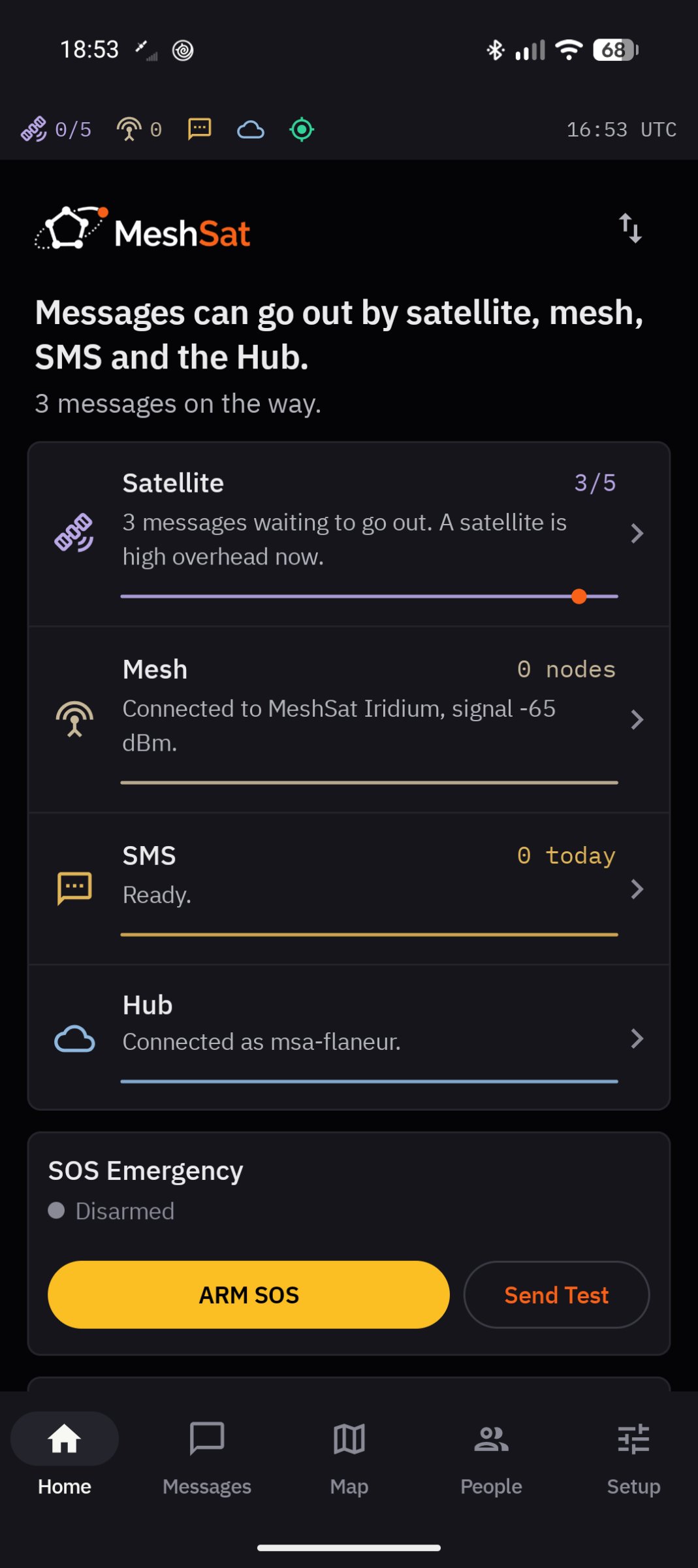
• Mesh: Meshtastic over Bluetooth LE with the official protobufs: text, positions, telemetry, waypoints, node info and traceroute. A reply to a node goes to that node, not to the whole channel.
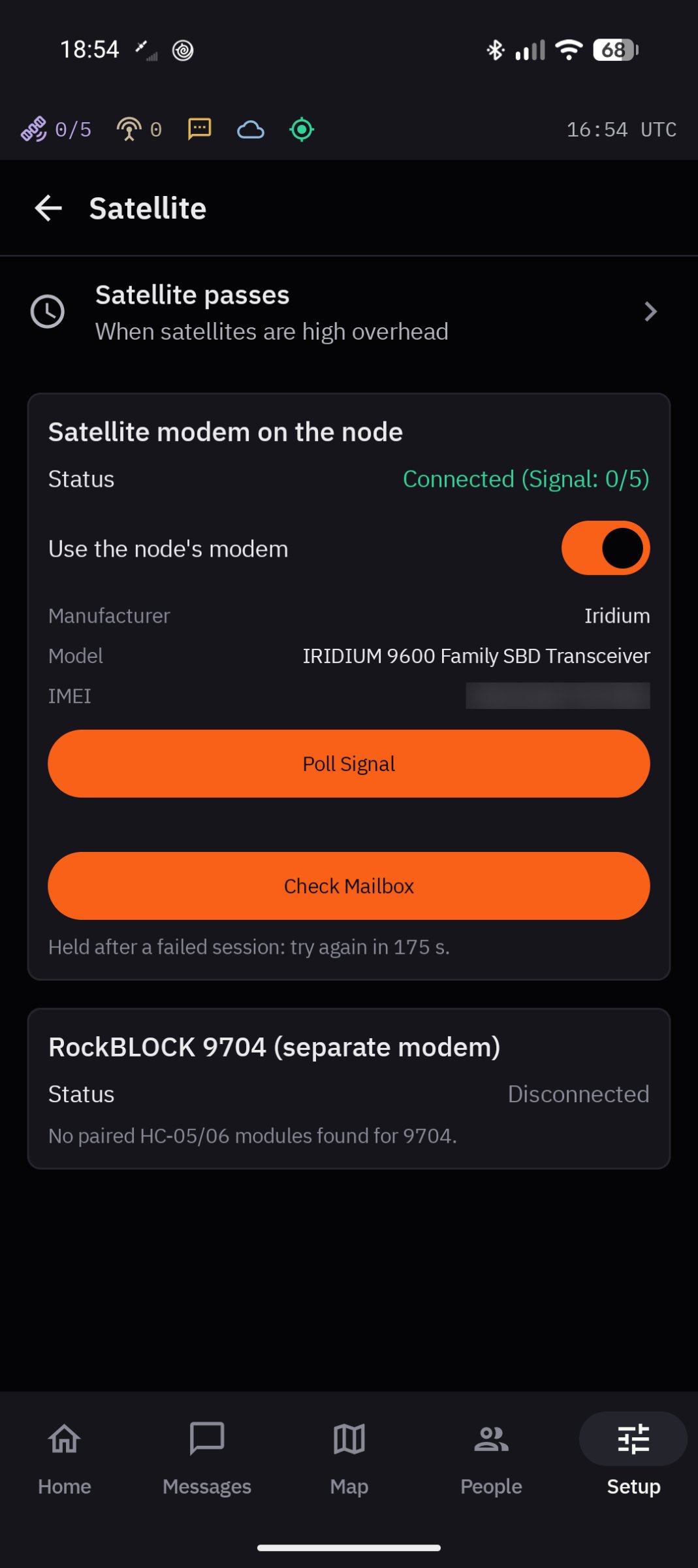
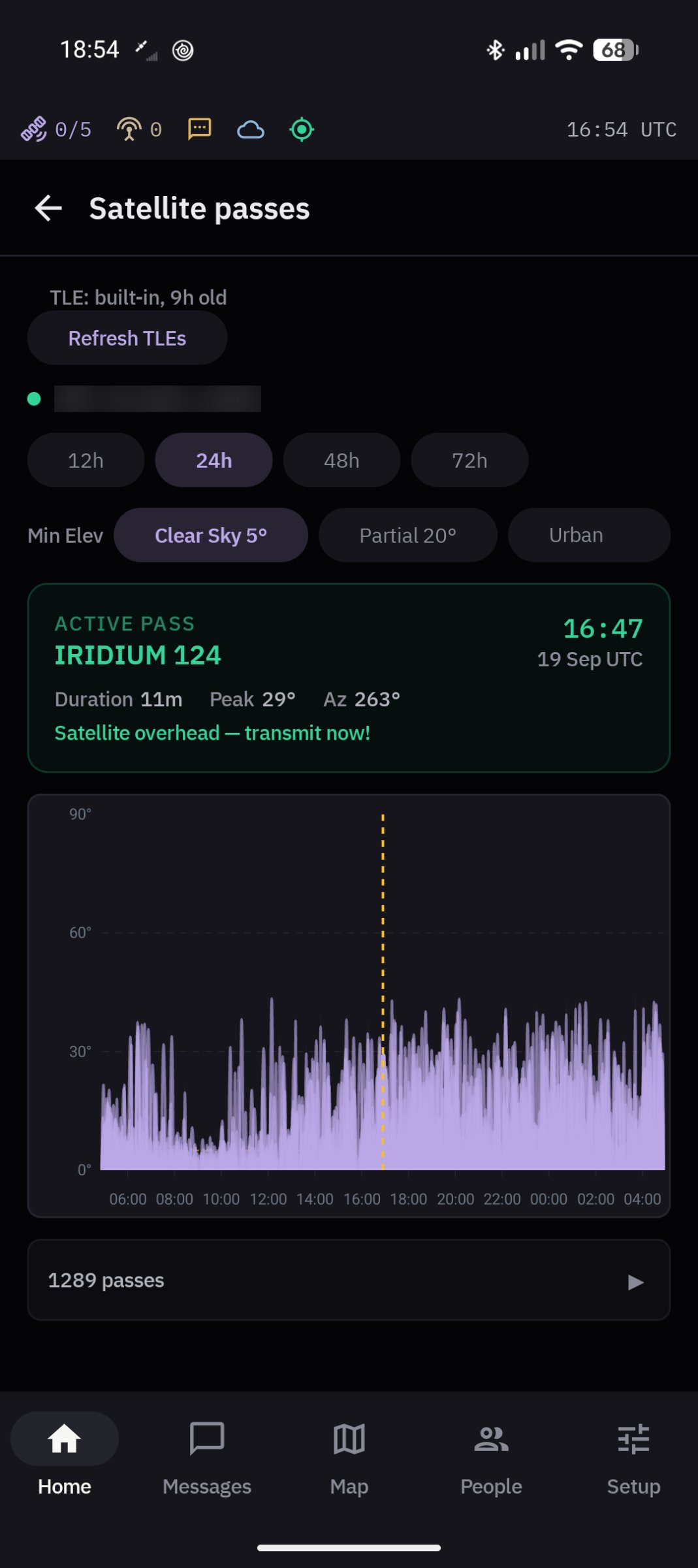
• Satellite: Iridium SBD through the node's RockBLOCK 9603, up to 340 bytes out and 270 bytes in. Messages wait in a queue and are retried until they go out. The app opens a satellite session only when there is something to send, when the modem rings or when you check the mailbox, never on a timer, because every session costs a credit. Passes are predicted on the phone, with no internet needed.
• SMS through the phone's own SIM, optionally encrypted per conversation with AES-256-GCM. Messages are compressed with MSVQ-SC, which is lossy: what arrives means the same, but may not be word for word what was sent.
• APRS through a KISS TNC over TCP (Direwolf, for example) or directly to APRS-IS.
• Hub, optional: the phone reports to a MeshSat Hub over MQTT with a client certificate and takes remote commands. The Hub is open source and can be self-hosted.
• TAK, through the Hub: your team's TAK picture appears on the map, and with Enable TAK on the phone sends its position, an SOS and its chat to your TAK server.
• Reticulum: the phone runs as a Reticulum transport node and relays between its links. A message to a Reticulum contact can carry a voice note, or a photo picked from your gallery; both travel on a Reticulum link only.
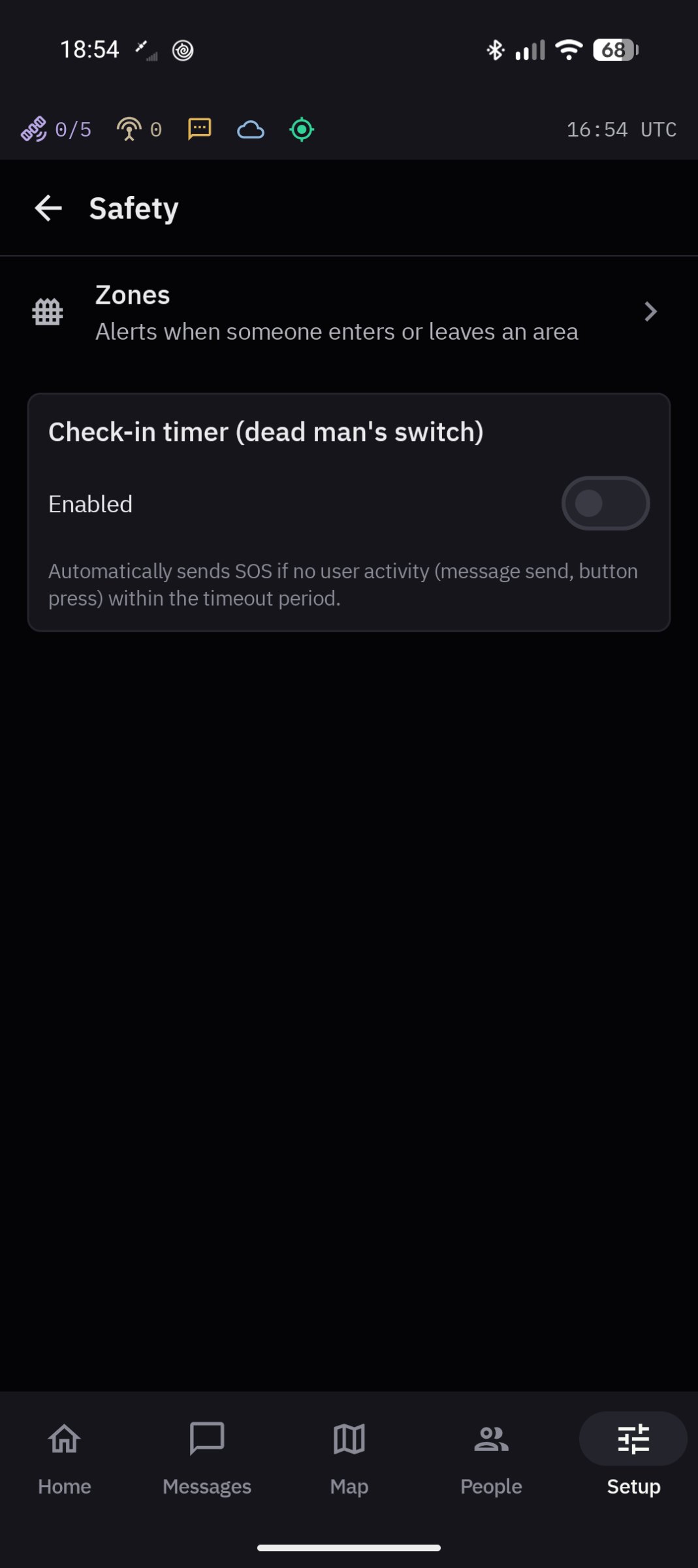
• Safety: hold the SOS button for 3 seconds and the SOS goes out on every route the phone has, each retried until it is sent, until you cancel it. A check-in timer and zones drawn on the map.
• The map works offline down to country level. Night mode turns the whole app red.
Satellite messaging needs a RockBLOCK modem and Iridium credits from a provider; Iridium is a paid commercial network.
Internet connections: the bundled world map covers country level; closer in, map tiles come from OpenStreetMap's tile servers while you look at the map online. Once a satellite modem is set up (the MeshSat node's modem seen, or a RockBLOCK 9704 connected), Iridium orbit data is downloaded from celestrak.org, or tle.ivanstanojevic.me if that fails, when the stored copy is more than a day old, checked at most every 12 hours; before that only when you tap Update on the passes screen. The Hub, APRS-IS and Reticulum over TCP connect only when you set them up, and a field kit you add under Setup is reached at the address you give it, or through the Hub relay. A voice note's transcript, offered for routes that carry text only, comes from the phone's own speech recogniser, which may use its maker's servers; MeshSat itself sends the recording nowhere but to the contact. Node firmware is downloaded from MeshSat's releases on github.com only when you tap Check for update. Nothing else goes online.
Permissions: Bluetooth and location, because Android needs location to scan for Bluetooth devices and the map shows where you are; SMS, to send and receive through your SIM; the microphone, only while you hold the voice note button; notifications. Starting after a phone restart is off until you switch it on.
Documentation, and a table of what has and has not been verified: [link removed]
License: GPL-3.0-only
Status: pre-release. This is a prototype under active development. It has never been deployed to a real user and has never been used in an actual emergency. Do not rely on it for your safety.
What it does:
• Mesh: Meshtastic over Bluetooth LE with the official protobufs: text, positions, telemetry, waypoints, node info and traceroute. A reply to a node goes to that node, not to the whole channel.
• Satellite: Iridium SBD through the node's RockBLOCK 9603, up to 340 bytes out and 270 bytes in. Messages wait in a queue and are retried until they go out. The app opens a satellite session only when there is something to send, when the modem rings or when you check the mailbox, never on a timer, because every session costs a credit. Passes are predicted on the phone, with no internet needed.
• SMS through the phone's own SIM, optionally encrypted per conversation with AES-256-GCM. Messages are compressed with MSVQ-SC, which is lossy: what arrives means the same, but may not be word for word what was sent.
• APRS through a KISS TNC over TCP (Direwolf, for example) or directly to APRS-IS.
• Hub, optional: the phone reports to a MeshSat Hub over MQTT with a client certificate and takes remote commands. The Hub is open source and can be self-hosted.
• TAK, through the Hub: your team's TAK picture appears on the map, and with Enable TAK on the phone sends its position, an SOS and its chat to your TAK server.
• Reticulum: the phone runs as a Reticulum transport node and relays between its links. A message to a Reticulum contact can carry a voice note, or a photo picked from your gallery; both travel on a Reticulum link only.
• Safety: hold the SOS button for 3 seconds and the SOS goes out on every route the phone has, each retried until it is sent, until you cancel it. A check-in timer and zones drawn on the map.
• The map works offline down to country level. Night mode turns the whole app red.
Satellite messaging needs a RockBLOCK modem and Iridium credits from a provider; Iridium is a paid commercial network.
Internet connections: the bundled world map covers country level; closer in, map tiles come from OpenStreetMap's tile servers while you look at the map online. Once a satellite modem is set up (the MeshSat node's modem seen, or a RockBLOCK 9704 connected), Iridium orbit data is downloaded from celestrak.org, or tle.ivanstanojevic.me if that fails, when the stored copy is more than a day old, checked at most every 12 hours; before that only when you tap Update on the passes screen. The Hub, APRS-IS and Reticulum over TCP connect only when you set them up, and a field kit you add under Setup is reached at the address you give it, or through the Hub relay. A voice note's transcript, offered for routes that carry text only, comes from the phone's own speech recogniser, which may use its maker's servers; MeshSat itself sends the recording nowhere but to the contact. Node firmware is downloaded from MeshSat's releases on github.com only when you tap Check for update. Nothing else goes online.
Permissions: Bluetooth and location, because Android needs location to scan for Bluetooth devices and the map shows where you are; SMS, to send and receive through your SIM; the microphone, only while you hold the voice note button; notifications. Starting after a phone restart is off until you switch it on.
Documentation, and a table of what has and has not been verified: [link removed]
License: GPL-3.0-only
| Release info | New Release on Nov 17, 2026 |
|---|---|
| Release notes | The link to your MeshSat node comes back by itself when the phone's Bluetooth restarts, for example after switching between users on the phone. |
| Listing data | F-Droid |
Reviews
No reviews yet. Be the first to review MeshSat.
Used MeshSat? Tell other visitors what you thought.
Log in to write a reviewOther products by this publisher
- "No Distractions" for YouTube 4.10 ----
- #Bible 11.6.1 "Incredible App - My sister shared this app with me a few weeks ago and it is truly incredible.
- #filmphotography 1.4.2 So, you decided to shoot on film?
- $quirrel 1.5.1 $quirrel Budget & Finance helps you plan each paycheck, track spending, manage debt, and see what is safe to spend before the next payday.
- % Percentage Calculator Pro 1.41 This is the Pro version of % Percentage Calculator.
Most viewed Android Connectivity
- 1 XrayFA 1.7.4 XrayFA is a fast, secure, and user-friendly Android client for Xray-core.
- 2 Device Connect 0.12.1 Yet another tool to connect Android phone with desktop
-
3
 Pulse 0.99.0-pulse
Garmin watch companion — your data stays on your phone
-
4
 Airplane Scheduler 3.0.1
Automatically switch airplane mode on a schedule
- 5 Inkcast 0.0.1 The companion app for Xteink X4 CrossPoint Reader
-
6
 AwakeOnLANMobile 1.0.2
Send WakeOnLAN packets (IPv4/IPv6) over the internet, includes a CIDR scanner
- 7 getgovroam 2.3.2(2696) Configure the govroam Wi-Fi network securely and correctly
- 8 Flashbyte 3.1.4 A fast cross-platform file sharing app.
- 9 JMP SIM Manager jmp-v1.7.2 Companion app for the JMP eSIM Adapter
-
10
 FocusMastodon 2.12.0.20240624
FocusMastodon is a bright and colourful Mastodon client
Most downloaded Android Connectivity
- 1 DCC++Throttle 1.5.2065 Application to drive DCC-EX command station via Bluetooth
- 2 evcc - solar charging 1.7.1 charge your EV when the sun is shining or electricity is cheap and clean
- 3 Pixel 5G 3.1.1 Change the 5G NR mode and enable VoLTE on rooted Pixel phones
-
4
 xlog2 0.6.10
Peer-to-peer amateur-radio field logbook that syncs with the xlog2 desktop
-
5
 RemotePhone 2.2.0
Mirror and control your Android phone from Linux over WiFi
- 6 Flashbyte 3.1.4 A fast cross-platform file sharing app.
-
7
 Meshtastic 2.8.4
The official app for Meshtastic, an open-source, off-grid, mesh radio.
-
8
 ekklesia — Direct Democracy 1.0.38
Anonymous civic participation for Greek citizens
-
9
 Network Survey 2.0
Survey cellular, Wi-Fi, Bluetooth and GNSS, then log, stream or upload the data
-
10
 Qetara 1.4.5
Share files and messages between nearby devices on your local network