
14downloads
2this week
FreeFreeware
0reviews
Screenshots
About MagiScan
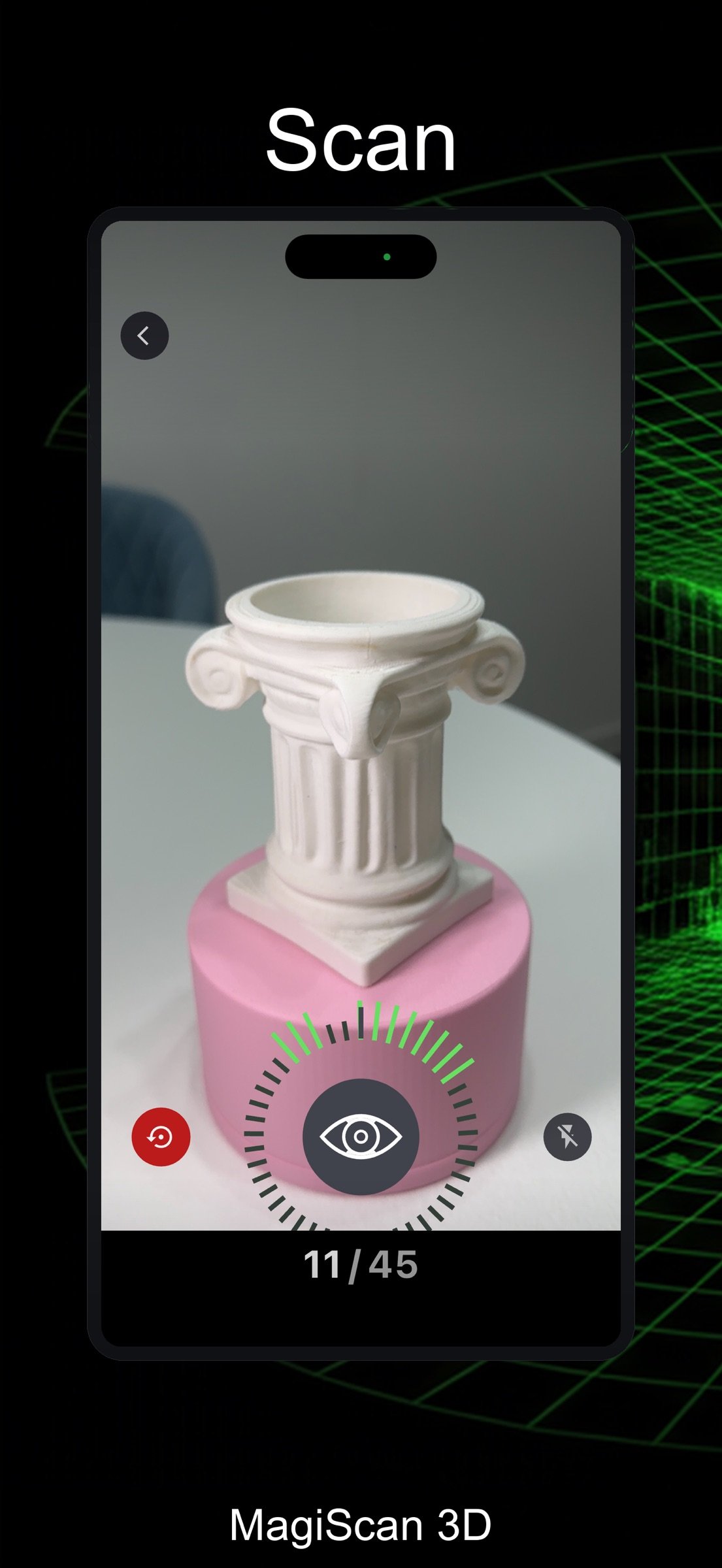
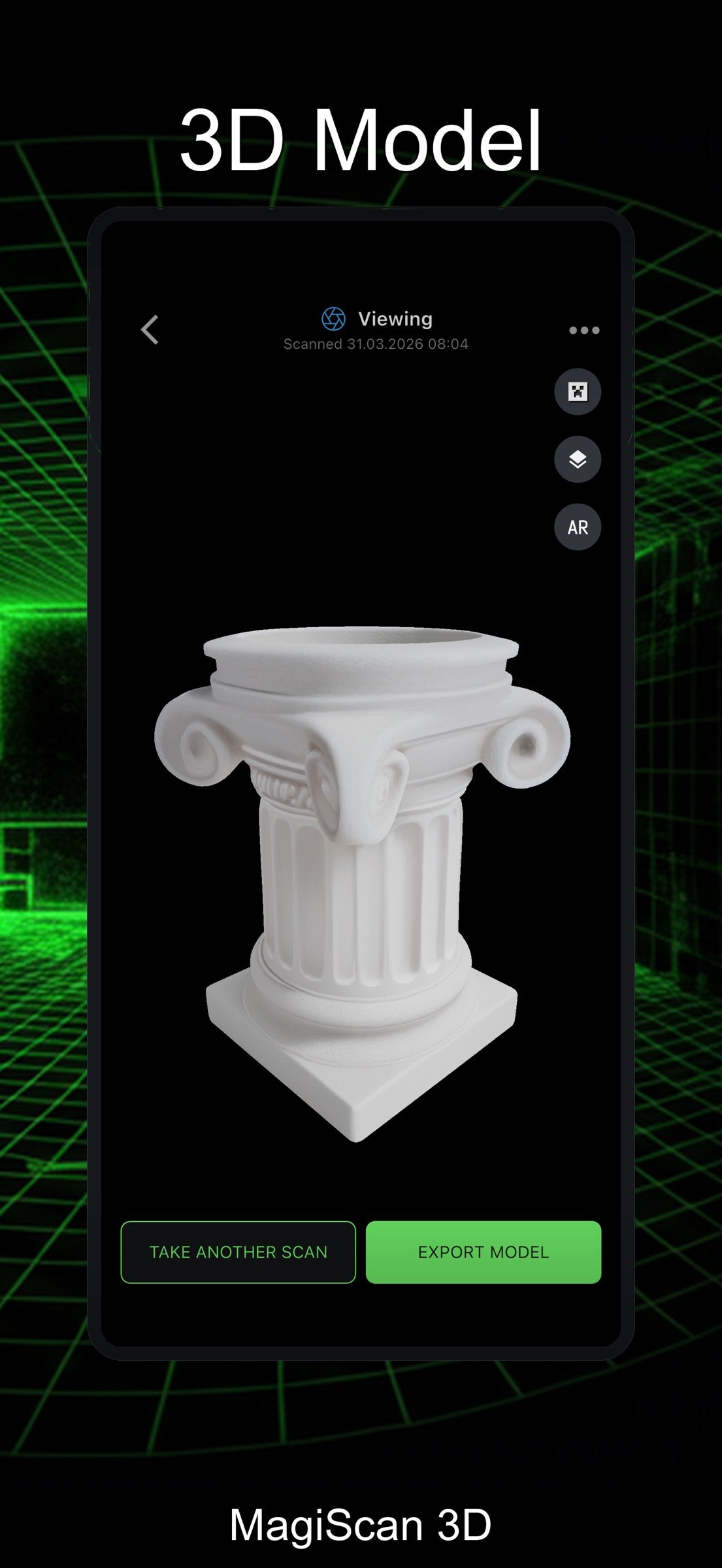
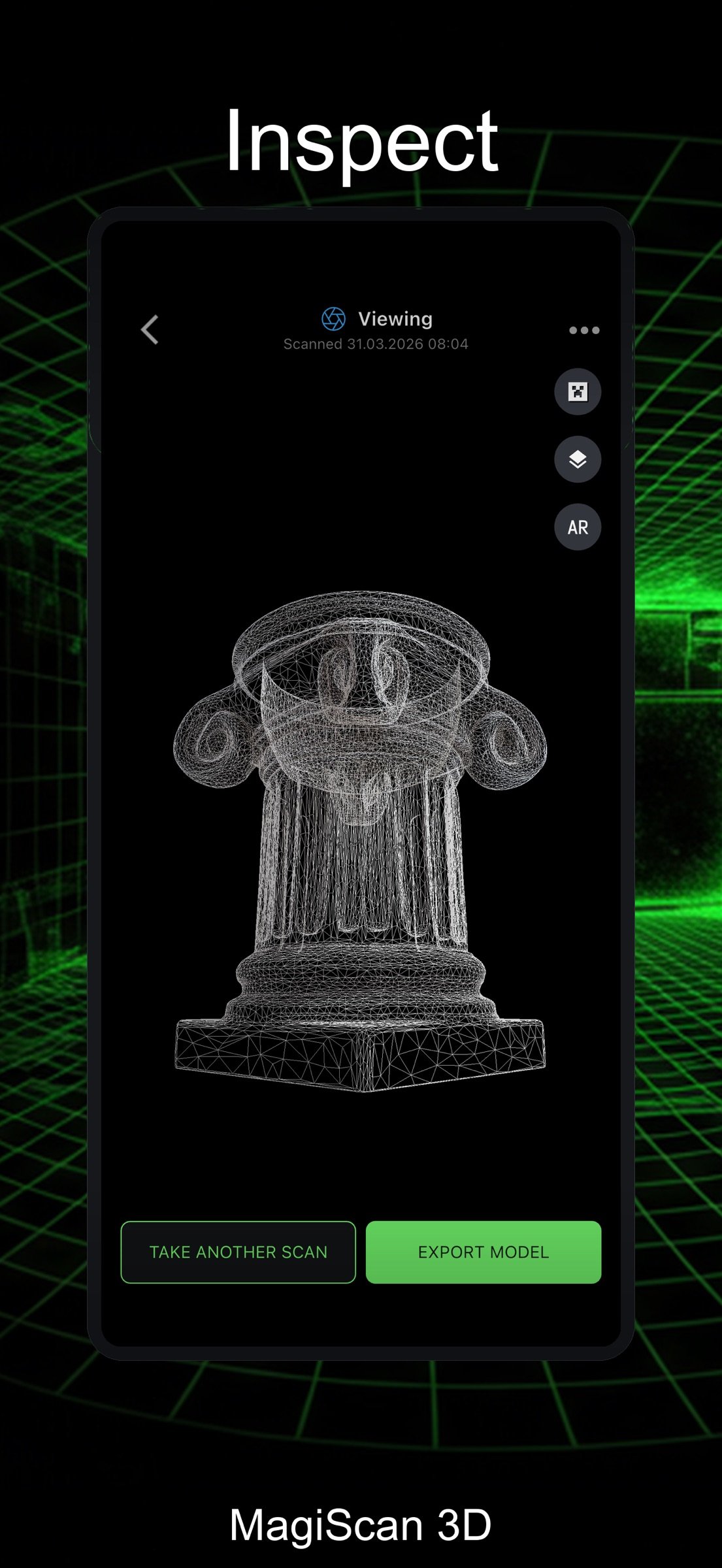
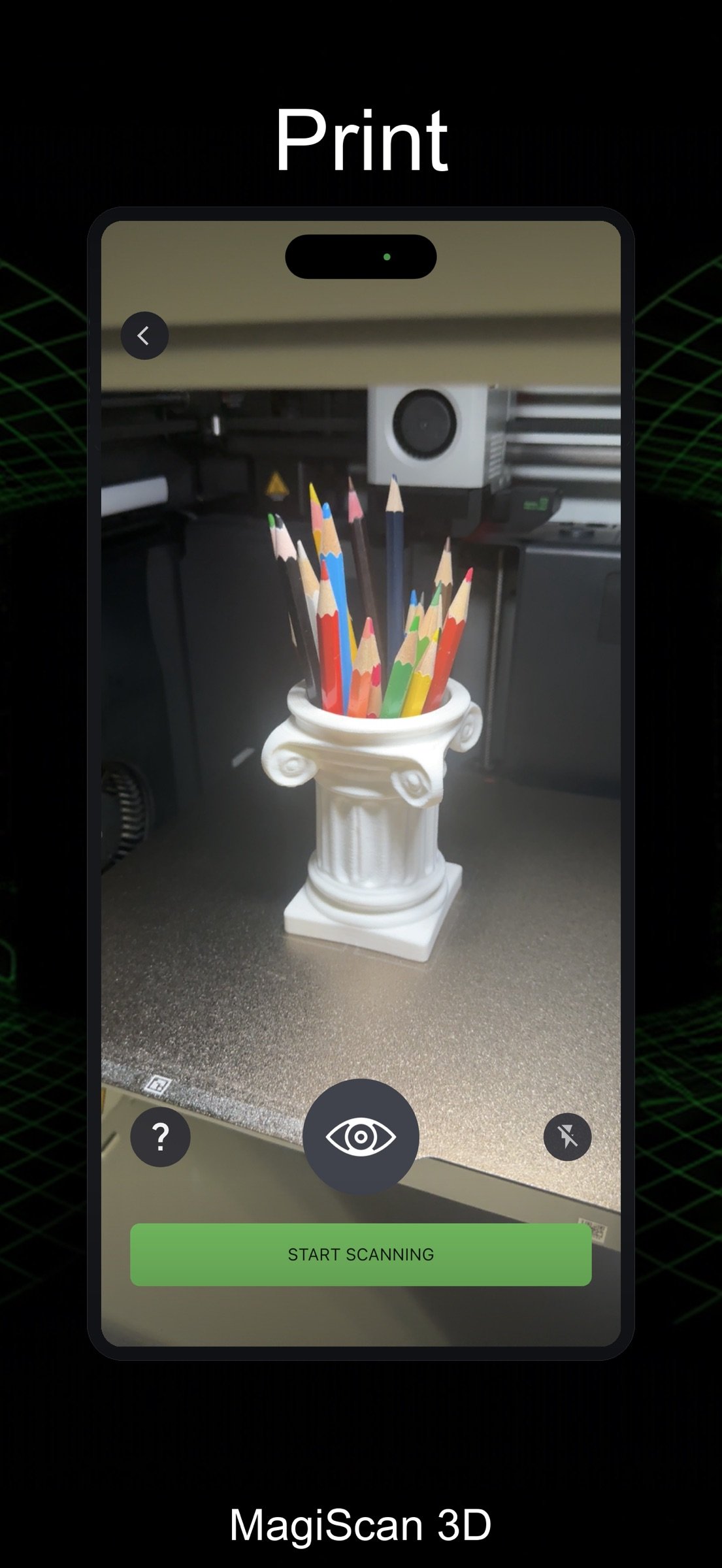
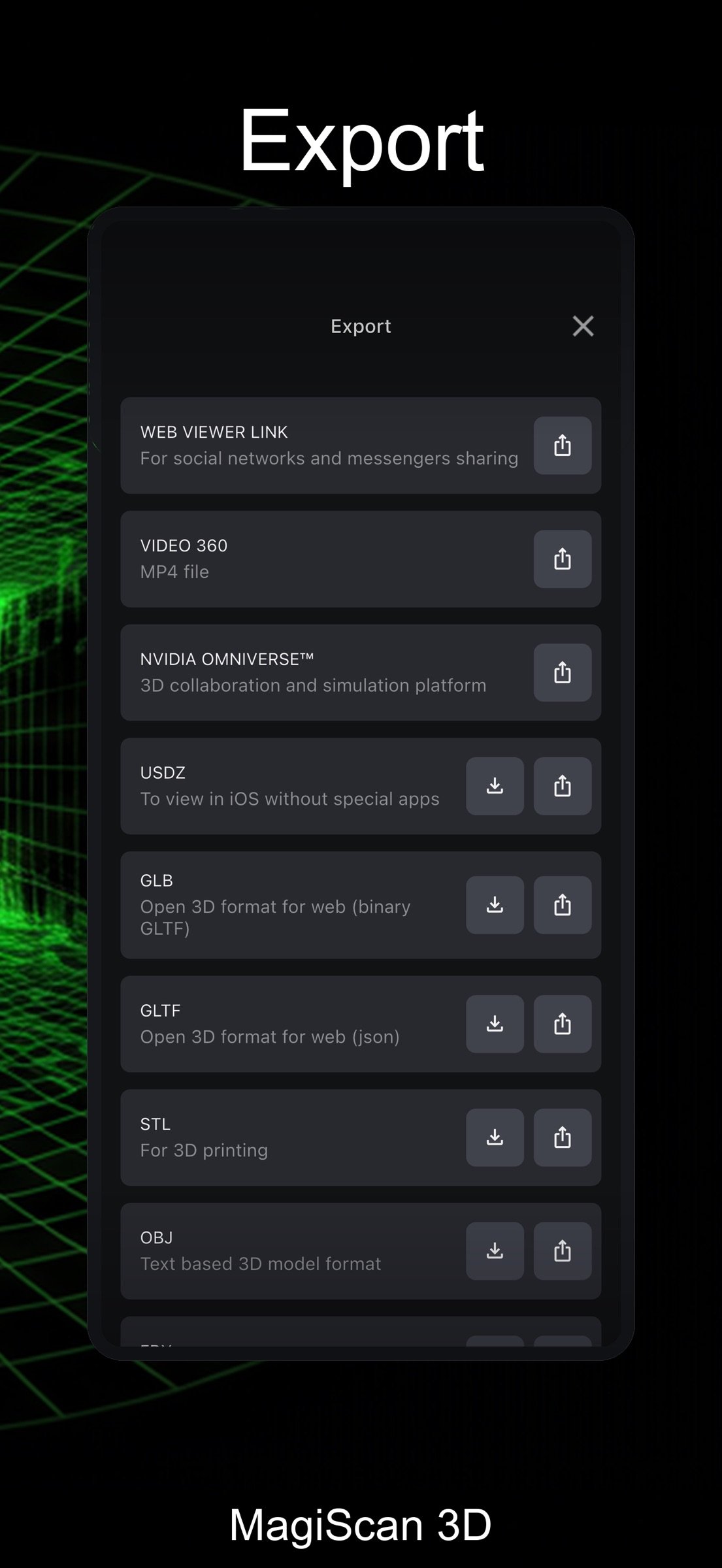
MagiScan is an AI-driven 3D scanning app. It easily captures real-world objects and turns them into 3D models, with various format choices like OBJ, STL, FBX, PLY, USDZ, GLB, GLTF, and more. Moreover, it can export these models to NVIDIA Omniverse and integrate them smoothly into Minecraft as block structures.
With MagiScan, you don't need any specialized hardware or technical expertise. All you need is a smartphone camera and the app to get started. Whether you're an artist, designer, or engineer, MagiScan offers a fast and affordable way to create 3D models of real-life objects.
As a new user, you'll get a few scans for free without having to subscribe. This is a great way to get familiar with the app and see the quality of 3D models that MagiScan produces. Once you've used up your free scans, you can subscribe for unlimited access to the app's features.
Minecraft mode
Discover the all-new MagiScan's Minecraft mode - your key to a revolutionary gaming experience! Scan real-world objects, effortlessly convert them into 3D models, and seamlessly export them into your Minecraft adventures!
DISCLAIMER: MagiScan is an unofficial app for Minecraft, not endorsed by Mojang AB. Mojang AB is not liable for MagiScan or its purchase. "Minecraft" name, brand, and assets belong to Mojang AB. MagiScan utilizes the term "Minecraft" as a secondary title, and the icon and screenshots are custom-designed, not from the official game assets.
NVIDIA Omniverse support
MagiScan has developed a plugin for NVIDIA Omniverse called MAGISCAN AI OMNIVERSE EXTENSION, which lets you combine MagiScan's capabilities with Omniverse. This plugin allows you to scan real-world objects with MagiScan and use the obtained data to create detailed 3D models in Omniverse. This unique partnership opens up new possibilities for creating unique and high-quality visual effects in various industries.
Room Plan
Room Plan in MagiScan is an innovative feature that utilizes AR and LIDAR technology for quickly creating 3D schematic floor plans with dimensions. It supports both metric and imperial units, making it a valuable tool for professionals and personal use. Compatible with NVIDIA Omniverse, it's available on LIDAR-equipped devices, starting from iPhone 12 Pro.
Point Cloud
With iOS device's LIDAR technology, users can now capture stunning 3D models like never before using Point Cloud 3D Scanning Mode in MagiScan. This mode opens up a world of possibilities, as it enables users to scan entire spaces and surroundings within a range of up to 5 meters, transforming reality into captivating 3D art.
Enjoy an intuitive user experience with automatic and manual scanning options for precise control. Customize your scans by adjusting LIDAR points and point size to match your creative vision. The resulting scans feature vibrant colors from the device's camera, with real-time tracking for perfect captures. Premium subscribers get unlimited access during the beta phase, with lightning-fast on-device processing, secure cloud storage, preview and easy export in various formats like PLY, XYZ, PTS, and PCD.
*** MagiScan PREMIUM ***
MagiScan PREMIUM Subscription offers you 10 additional scans every day. As soon as you subscribe, you will receive your first 10 scans, which will accumulate and stay with you forever.
Import photos from your device's gallery, drones, and professional cameras to capture incredibly detailed and precise images for your 3D models.
Capture photos offline and import them later when you have a stable connection.
Redefine reality with the Point Cloud Mode, available in PREMIUM.
Choose a yearly subscription for even greater savings with a substantial discount.
Get the best value for your money and enjoy a hassle-free scanning experience with MagiScan PREMIUM Subscription.
| Release info | Update on Nov 07, 2026 |
|---|---|
| Release notes | Bug fixes and improvements |
| Listing data | App Store |
Reviews
No reviews yet. Be the first to review MagiScan.
Used MagiScan? Tell other visitors what you thought.
Log in to write a reviewOther products by this publisher
- "No Distractions" for YouTube 4.10 ----
- #Bible 11.6.1 "Incredible App - My sister shared this app with me a few weeks ago and it is truly incredible.
- #filmphotography 1.4.2 So, you decided to shoot on film?
- #LookBusy Fake Calendar Events 1.0.6 Look Busy scans your work calendar for open time slots and fills them with realistic-looking (but secretly fake) work events.
- #Small Talk Is Canceled 1.0.2 #Small Talk Is Canceled — Conversations That Matter
Most viewed iOS Photo & Video
-
1
 Restore Old Photos 1.1.0
Bring old family photos back to life, privately on your iPhone or iPad.
-
2
 Infrared Developer 1.2
Infrared Developer is a photo editor built for infrared photography.
-
3
 ShortDiShow 2.0
Drama Quest Island — An offline interactive short-drama adventure.
-
4
 Face Witness 1.0.4
FaceWitness lets you create a face by putting together individual features.
-
5
 makeART Coloring Book 1.0
Color something beautiful.
-
6
 Infuse 8.5.11
Infuse: Enterprise provides the same great features as the standard version of Infuse and includes permanent access to all Pro features via a traditional paid app.
-
7
 AI Video Generator 2.0.3
Vixel – AI Video Generator
- 8 #filmphotography 1.4.2 So, you decided to shoot on film?
-
9
 OPlayer 4.8
Play all your videos directly without having to convert them!
-
10
 CapCut 20.3.0
CapCut is an all-in-one video editing solution that offers essential editing features, creative effects, AI tools, filters, stickers, and fonts, and a wide range of video templates to empower users to easily create incredible videos regardless of th…
Most downloaded iOS Photo & Video
-
1
 DJI Fly 1.21.18
DJI Fly is designed to help pilots fly drones with ease.
-
2
Infuse 8.5.11
Infuse: Enterprise provides the same great features as the standard version of Infuse and includes permanent access to all Pro features via a traditional paid app.
-
3
 ReelyGo 1.1.60
ReelyGo: Your Daily Drama Escape
-
4
 Analog Radio 3.0
The iPhone and iPad devices don't have the FM/AM radio antenna installed.
-
5
 TurboCollage Automatic 1.2.4
#1 Easy automatic photo collage maker for iPhone & iPad.
-
6
 Rozeta Sequencer Suite 1.3.16
Rozeta is a suite of MIDI sequencers and controllers that lets you explore a new, freeform approach to sequencing and controlling mobile music apps.
-
7
 Treblo 1.6.7
Make songs with the world's best AI music model.
-
8
 Pop Dot Comics 1.48
Create a comic worthy of the Sunday newspaper or your favorite pulp-fiction cover.
-
9
 Sun Scout 1.5.0
If your work or play requires sunlight, Sun Scout is built for you.
-
10
 AGAIN. Rehearsal Notes 2.0.1
AGAIN. is the rehearsal app that remembers why the band stopped — and, new in Version 2, who said what in a writing session or a table read.