LockMyPic Private Photo Vault 1.4
Your photos deserve real protection — not just a hidden folder.
Download
6.33 MB
14downloads
0this week
FreeCommercial
0reviews
Screenshots
About LockMyPic Private Photo Vault
Your photos deserve real protection — not just a hidden folder.
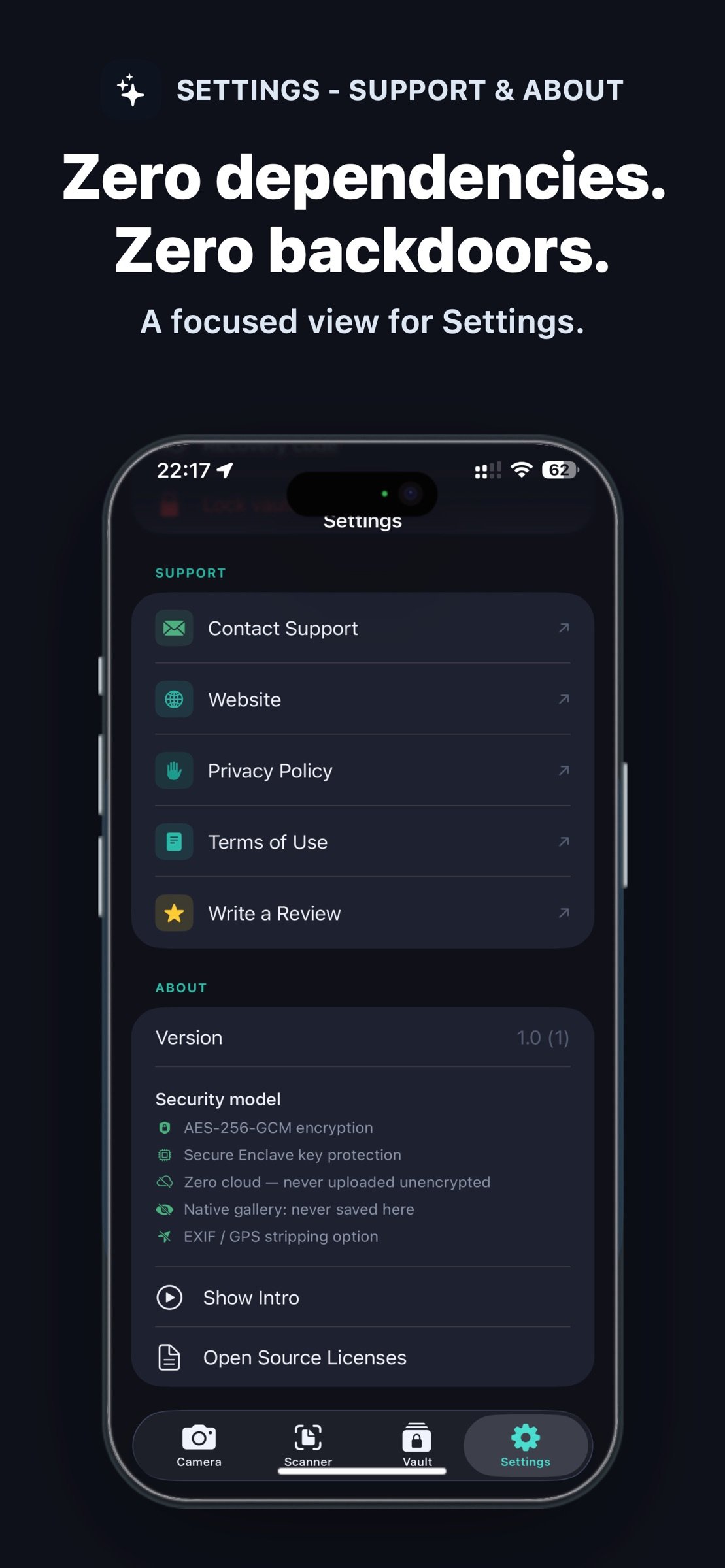
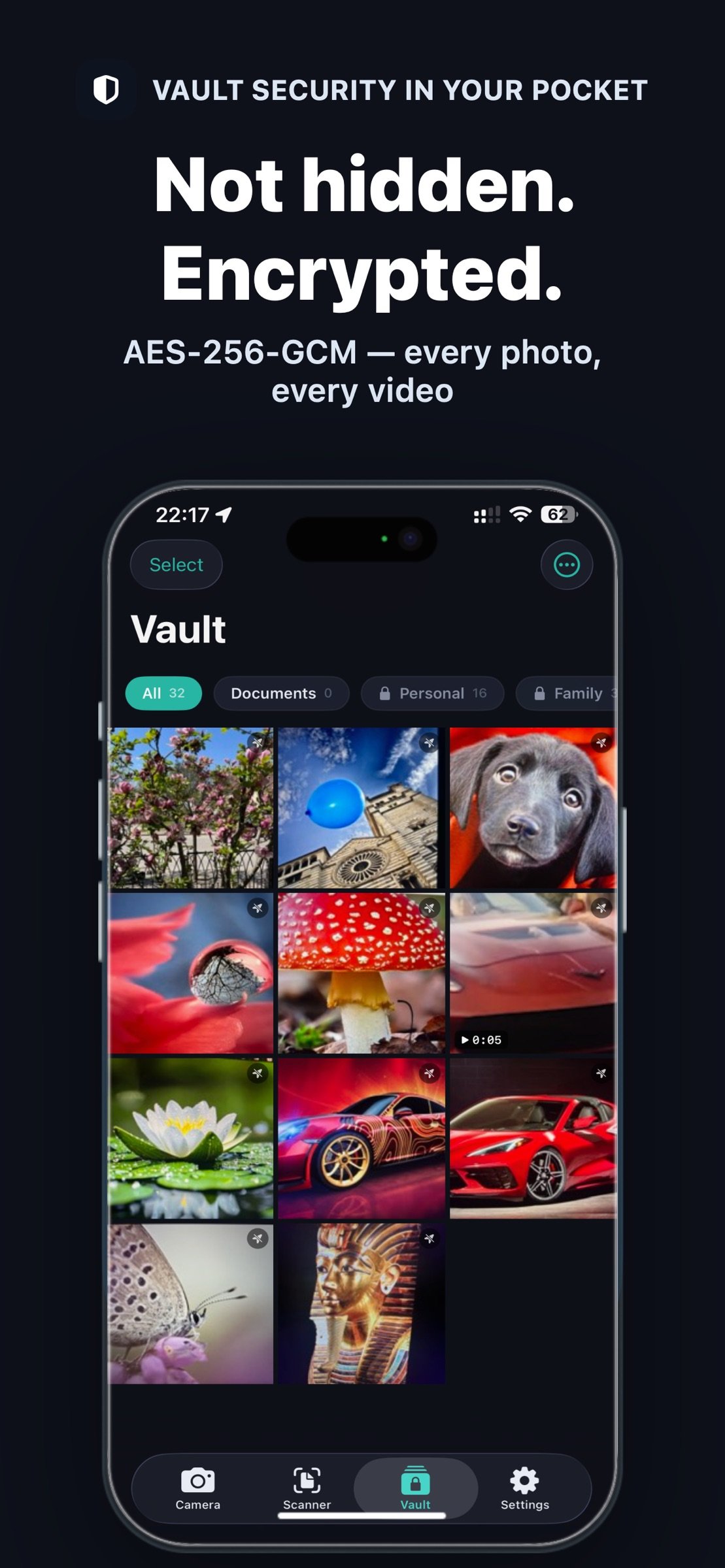
LockMyPic is an end-to-end encrypted photo and video vault. Every photo, video and album is protected with AES-256-GCM encryption, backed by the Apple Secure Enclave and decryptable only on your device. Other vault apps hide your files; LockMyPic encrypts them. Even with physical access to your iPhone, no one can read your media without your PIN or Face ID.
HOW IT WORKS
1. Create a 6-digit PIN — a short guide then sets up Face ID, your recovery code and optional backup
2. Take photos and videos inside the app, or import them from Photos
3. Everything is encrypted instantly and kept in your private vault — never in the Photos gallery
TRUE ENCRYPTION. NOT JUST HIDDEN FILES.
• AES-256-GCM authenticated encryption with a unique key per file
• Secure Enclave hardware protection for biometric vault keys
• PBKDF2-HMAC-SHA256 (210,000 iterations) for PIN-based protection
• Zero-knowledge design — we can never access your data
CAPTURE. PROTECT. ORGANIZE.
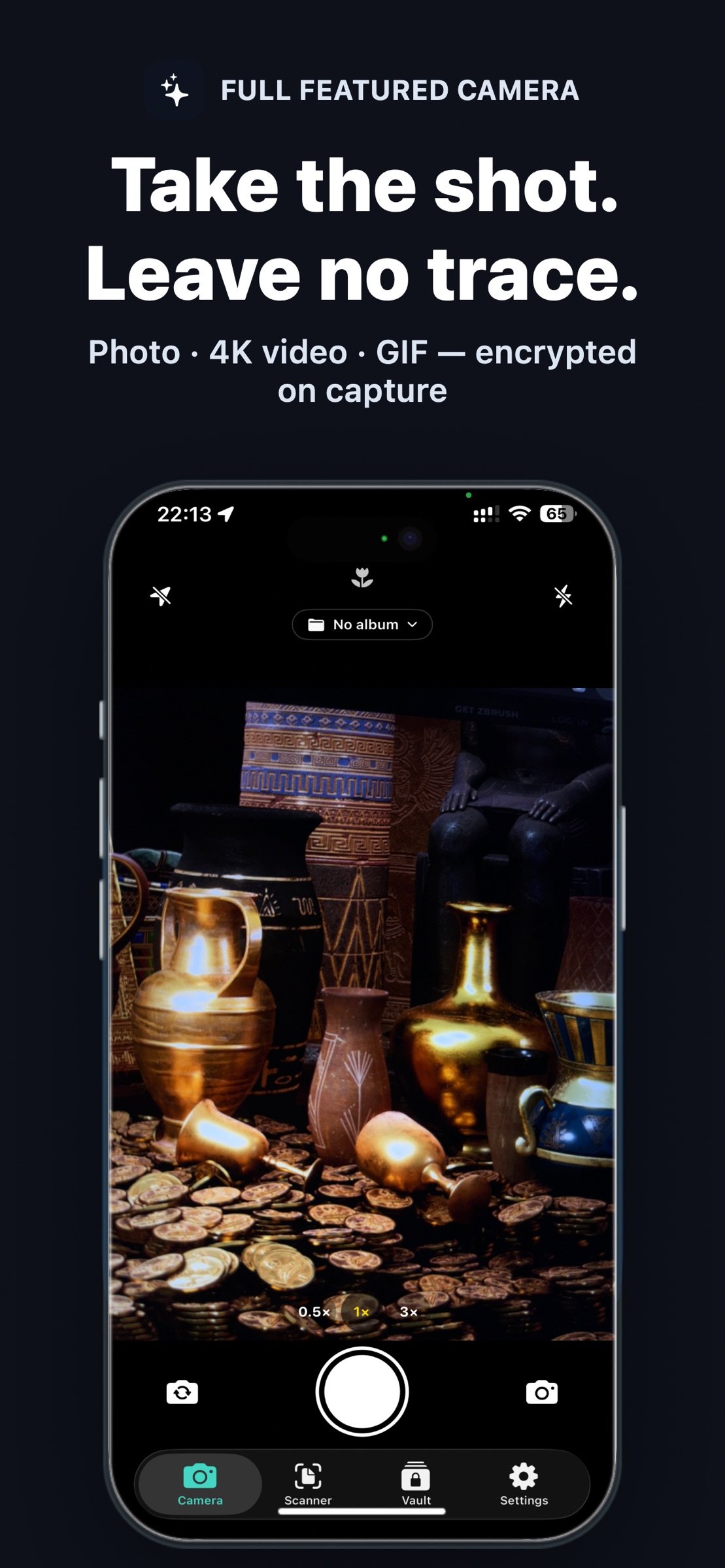
• Private camera: photos, 4K 60fps video and animated GIFs, with ultra-wide, wide and telephoto lenses, night, macro and portrait modes, tap-to-focus, exposure control and torch
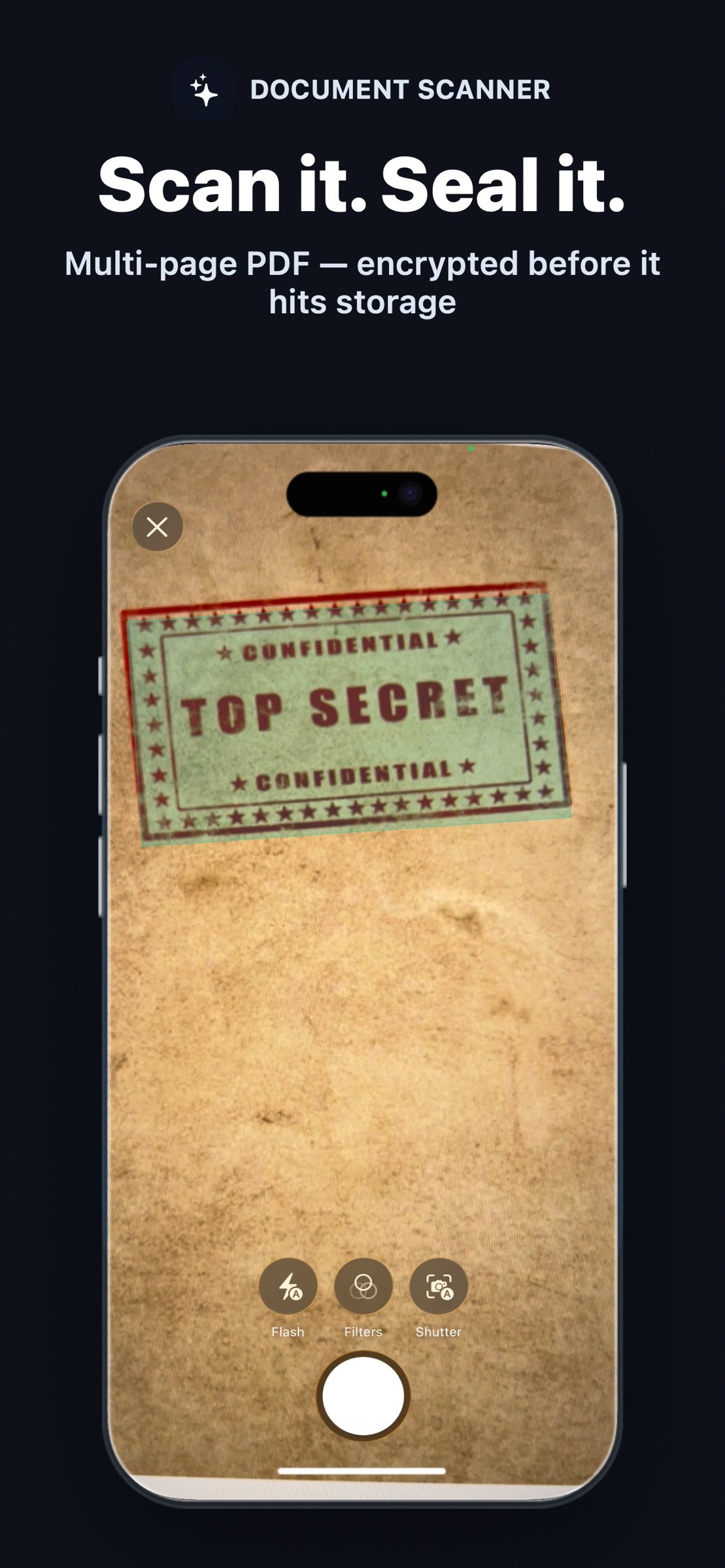
• Document scanner — multi-page scans saved as an encrypted PDF
• Import photos, GIFs and videos from Photos — no library permission needed
• Encrypted albums; lock individual albums with your PIN or Face ID
• Favourites, date groups and filters for photos, videos, documents and GIFs
• Multi-select: share, favourite, copy, move or delete several items at once
• Share straight from the vault to Messages, Mail, AirDrop and more
• Choose an album once, and new photos, GIFs and scans land straight in it
• Full-screen viewer with swipe navigation, pinch-to-zoom and video playback
• Photo editor — crop, rotate, flip and adjust brightness, contrast and saturation inside the vault
• GPS and EXIF metadata stripped before saving
• Secure clipboard — copies clear themselves after 30 seconds to 5 minutes and never travel to your other devices
• Privacy shield hides the app's content in the app switcher
• Light and dark appearance
CHOOSE YOUR SECURITY LEVEL
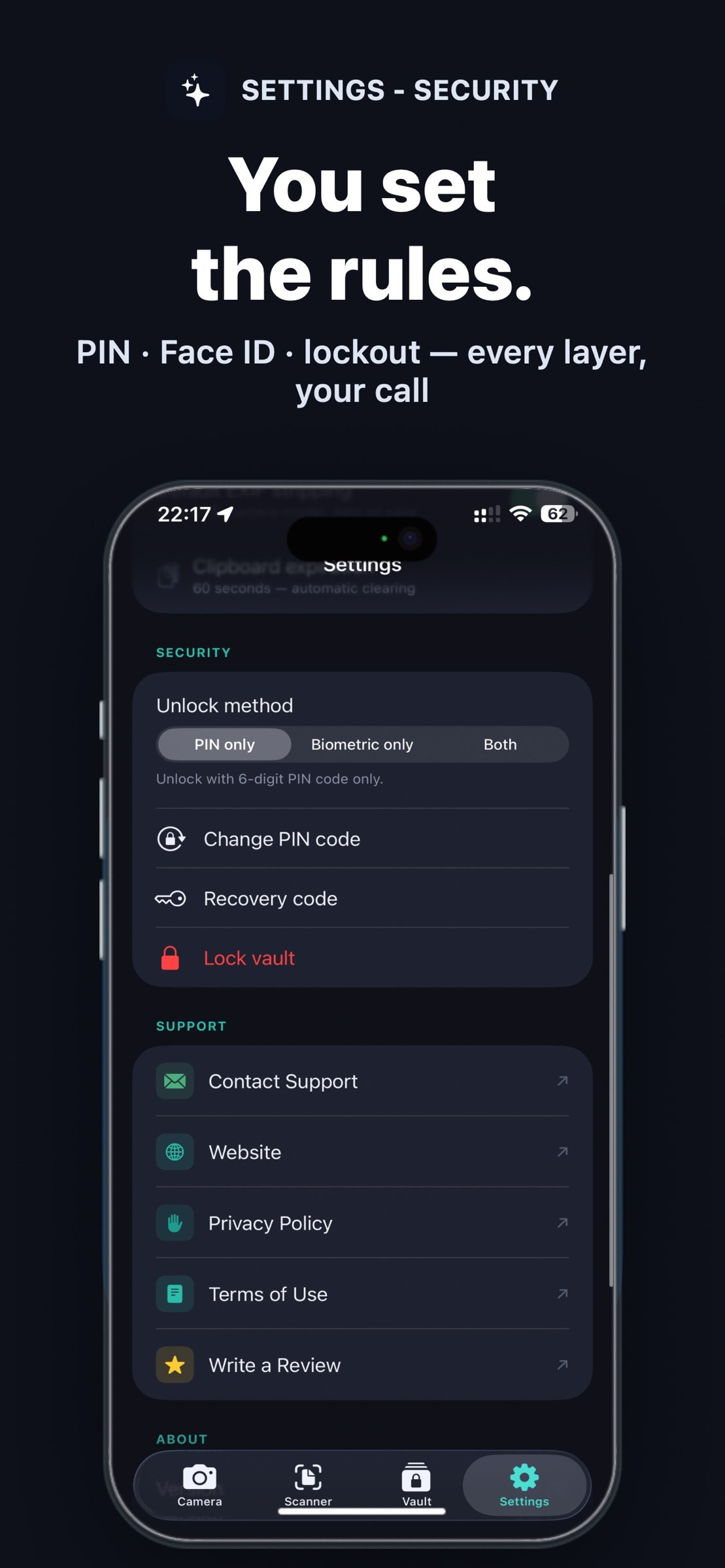
• PIN only, Face ID / Touch ID only, or both for two-step unlock
• 5 wrong PINs lock entry for 15 minutes — for the vault and every locked album
• Forgot your PIN? Reset it securely with Face ID or Touch ID
• The vault locks the moment you leave the app — or after a grace period you choose (up to 30 seconds, 60 with Face ID / Touch ID only)
ENCRYPTED iCLOUD BACKUP
• Files are uploaded as encrypted blobs — Apple cannot see your content
• Only new and changed items are uploaded
• Deletions, favourites and albums stay in sync, with a confirmation before anything large is removed
• Wi-Fi only mode saves your data plan
• A 44-character recovery code restores your vault on a new device
• On a new iPhone, tap "I have a recovery code" on the first screen to unlock your encrypted iCloud backup
PRIVACY BY DESIGN
• No accounts. No registration. No tracking.
• Core features work without an internet connection
• Photos never touch the native gallery
• Vault storage is invisible in the Files app
• The vault key is erased from memory when the vault locks
• Custom PIN pad — no system keyboard, no autocomplete, no clipboard leaks
Available in 11 languages: English, German, Spanish, French, Hungarian, Italian, Polish, Portuguese, Romanian, Russian and Ukrainian.
Take back control of your privacy with LockMyPic.
License: Commercial
LockMyPic is an end-to-end encrypted photo and video vault. Every photo, video and album is protected with AES-256-GCM encryption, backed by the Apple Secure Enclave and decryptable only on your device. Other vault apps hide your files; LockMyPic encrypts them. Even with physical access to your iPhone, no one can read your media without your PIN or Face ID.
HOW IT WORKS
1. Create a 6-digit PIN — a short guide then sets up Face ID, your recovery code and optional backup
2. Take photos and videos inside the app, or import them from Photos
3. Everything is encrypted instantly and kept in your private vault — never in the Photos gallery
TRUE ENCRYPTION. NOT JUST HIDDEN FILES.
• AES-256-GCM authenticated encryption with a unique key per file
• Secure Enclave hardware protection for biometric vault keys
• PBKDF2-HMAC-SHA256 (210,000 iterations) for PIN-based protection
• Zero-knowledge design — we can never access your data
CAPTURE. PROTECT. ORGANIZE.
• Private camera: photos, 4K 60fps video and animated GIFs, with ultra-wide, wide and telephoto lenses, night, macro and portrait modes, tap-to-focus, exposure control and torch
• Document scanner — multi-page scans saved as an encrypted PDF
• Import photos, GIFs and videos from Photos — no library permission needed
• Encrypted albums; lock individual albums with your PIN or Face ID
• Favourites, date groups and filters for photos, videos, documents and GIFs
• Multi-select: share, favourite, copy, move or delete several items at once
• Share straight from the vault to Messages, Mail, AirDrop and more
• Choose an album once, and new photos, GIFs and scans land straight in it
• Full-screen viewer with swipe navigation, pinch-to-zoom and video playback
• Photo editor — crop, rotate, flip and adjust brightness, contrast and saturation inside the vault
• GPS and EXIF metadata stripped before saving
• Secure clipboard — copies clear themselves after 30 seconds to 5 minutes and never travel to your other devices
• Privacy shield hides the app's content in the app switcher
• Light and dark appearance
CHOOSE YOUR SECURITY LEVEL
• PIN only, Face ID / Touch ID only, or both for two-step unlock
• 5 wrong PINs lock entry for 15 minutes — for the vault and every locked album
• Forgot your PIN? Reset it securely with Face ID or Touch ID
• The vault locks the moment you leave the app — or after a grace period you choose (up to 30 seconds, 60 with Face ID / Touch ID only)
ENCRYPTED iCLOUD BACKUP
• Files are uploaded as encrypted blobs — Apple cannot see your content
• Only new and changed items are uploaded
• Deletions, favourites and albums stay in sync, with a confirmation before anything large is removed
• Wi-Fi only mode saves your data plan
• A 44-character recovery code restores your vault on a new device
• On a new iPhone, tap "I have a recovery code" on the first screen to unlock your encrypted iCloud backup
PRIVACY BY DESIGN
• No accounts. No registration. No tracking.
• Core features work without an internet connection
• Photos never touch the native gallery
• Vault storage is invisible in the Files app
• The vault key is erased from memory when the vault locks
• Custom PIN pad — no system keyboard, no autocomplete, no clipboard leaks
Available in 11 languages: English, German, Spanish, French, Hungarian, Italian, Polish, Portuguese, Romanian, Russian and Ukrainian.
Take back control of your privacy with LockMyPic.
License: Commercial
| Release info | Update on Nov 06, 2026 |
|---|---|
| Release notes | LockMyPic 1.4 makes the camera faster and brings LockMyPic to iPhone Duo: NEW • iPhone Duo support — LockMyPic works on both displays, locks the moment you fold your iPhone, and offers a tabletop camera mode when it stands half open • Screen flash for selfies • Choose HEIC or JPEG for the photos you take (Settings › Camera) • After you take a photo or scan a document, the vault jumps to the new item and highlights it IMPROVED • Faster shutter — the next photo can be taken while the last one is still being encrypted • Faster PIN entry — keys respond the moment you touch them, and after a wrong PIN you can type again straight away • Faster unlock • Removing location and camera data keeps your photos in their original format, and in most cases no longer re-encodes them • The microphone is used only in video mode • Ready for iOS 27 FIXED • The torch went out after the first photo while the button still showed it as on • The screen flashed white every time a photo, video or GIF was saved • Night mode was not offered on supported iPhones • After viewing a photo in landscape, the vault grid could rotate until you switched tabs • A wrong PIN when opening a locked album gave no vibration or VoiceOver announcement Thank you for trusting LockMyPic with your privacy! |
| Listing data | App Store |
Reviews
No reviews yet. Be the first to review LockMyPic Private Photo Vault.
Used LockMyPic Private Photo Vault? Tell other visitors what you thought.
Log in to write a reviewOther products by this publisher
- "No Distractions" for YouTube 4.10 ----
- #Bible 11.6 "Incredible App - My sister shared this app with me a few weeks ago and it is truly incredible.
- #filmphotography 1.4.2 So, you decided to shoot on film?
- $quirrel 1.5.1 $quirrel Budget & Finance helps you plan each paycheck, track spending, manage debt, and see what is safe to spend before the next payday.
- % Percentage Calculator Pro 1.41 This is the Pro version of % Percentage Calculator.
Most viewed iOS Photo & Video
-
1
 ShortDiShow 2.0
Drama Quest Island — An offline interactive short-drama adventure.
-
2
 Infuse 8.5.10
Infuse: Enterprise provides the same great features as the standard version of Infuse and includes permanent access to all Pro features via a traditional paid app.
-
3
 AI Video Generator 2.0.3
Vixel – AI Video Generator
-
4
 OPlayer 4.8
Play all your videos directly without having to convert them!
-
5
 Necrometer II 1.2
Necrometer II is a paranormal investigation companion designed for ghost hunters and researchers.
-
6
 CapCut 20.1.0
CapCut offers easy-to-use video editing functions, in-APP fonts and effects, advanced features such as keyframe animation, smooth slow-motion, chroma key, and stabilization, to help you capture and snip moments.
-
7
 Ai Photo 1.1.2
AI Photo Retouch – BG Eraser
- 8 #filmphotography 1.4.2 So, you decided to shoot on film?
-
9
 Treblo 1.6.6
Make songs with the world's best AI music model.
-
10
 Pop Dot Comics 1.48
Create a comic worthy of the Sunday newspaper or your favorite pulp-fiction cover.
Most downloaded iOS Photo & Video
-
1
 DJI Fly 1.21.18
DJI Fly is designed to help pilots fly drones with ease.
-
2
Infuse 8.5.10
Infuse: Enterprise provides the same great features as the standard version of Infuse and includes permanent access to all Pro features via a traditional paid app.
-
3
 Analog Radio 3.0
The iPhone and iPad devices don't have the FM/AM radio antenna installed.
-
4
 TurboCollage Automatic 1.2.4
#1 Easy automatic photo collage maker for iPhone & iPad.
-
5
 ReelyGo 1.1.42
ReelyGo: Your Daily Drama Escape
-
6
 Rozeta Sequencer Suite 1.3.16
Rozeta is a suite of MIDI sequencers and controllers that lets you explore a new, freeform approach to sequencing and controlling mobile music apps.
-
7
Treblo 1.6.6
Make songs with the world's best AI music model.
-
8
Pop Dot Comics 1.48
Create a comic worthy of the Sunday newspaper or your favorite pulp-fiction cover.
-
9
 AGAIN. Rehearsal Notes 2.0.1
AGAIN. is the rehearsal app that remembers why the band stopped — and, new in Version 2, who said what in a writing session or a table read.
-
10
 Sun Scout 1.5.0
If your work or play requires sunlight, Sun Scout is built for you.