
Live 360 2.5
360 is the only app that lets you create your very own "live" 360 degrees photos and panoramic with sound.
Download
17.31 MB
17downloads
2this week
FreeCommercial
0reviews
Screenshots
About Live 360
360 is the only app that lets you create your very own "live" 360 degrees photos and panoramic with sound.
360 has been featured by Apple as New & Noteworthy in the US and other AppStores for its release.
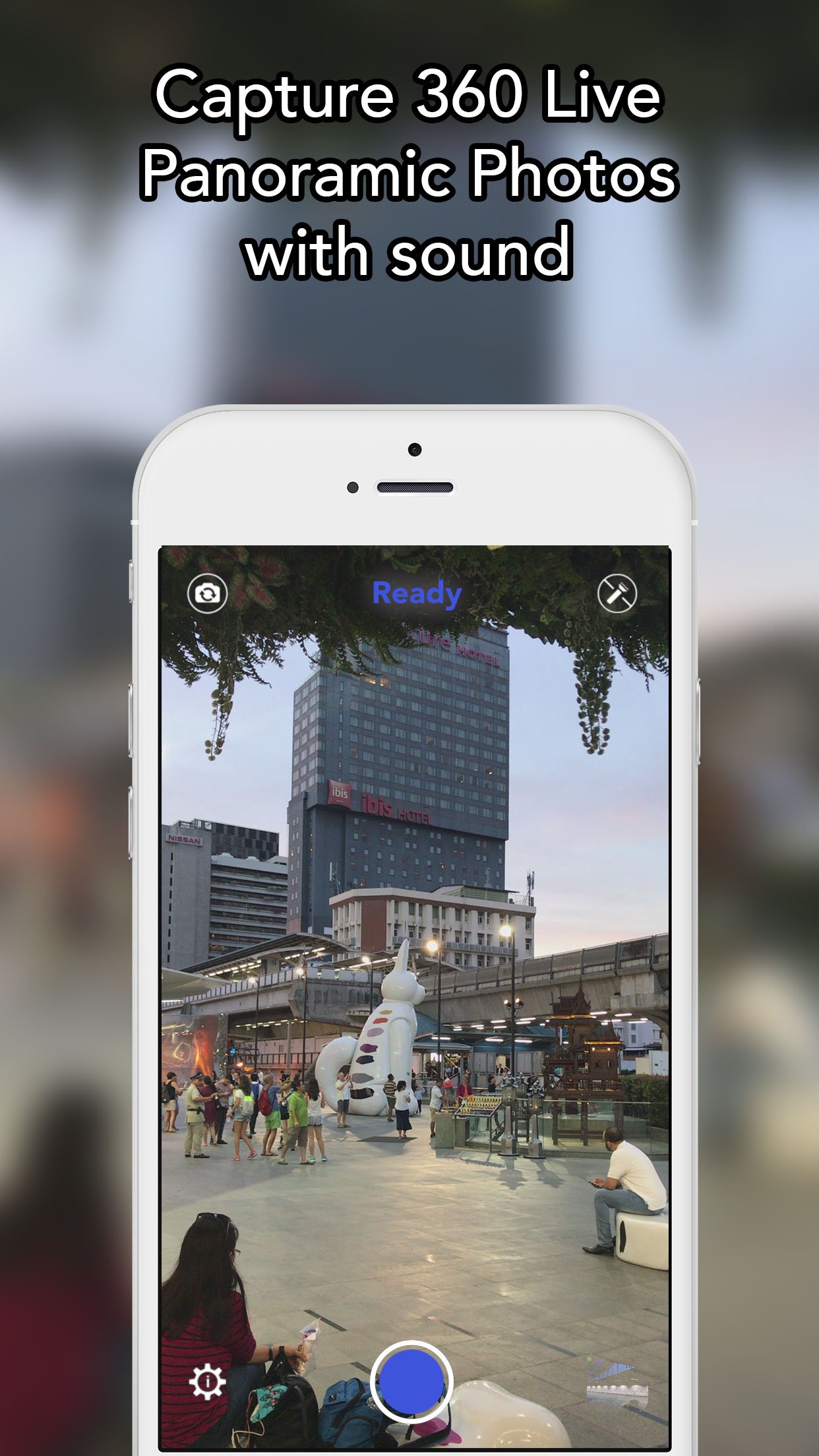
Just touch the camera button to start the shooting, and rotate slowly. The app will automatically stop the shooting once you have done 360 degrees, and create a big 360 spherical photo. Touch the camera button before the 360 degrees rotation if you want to create a "live" panoramic photo.
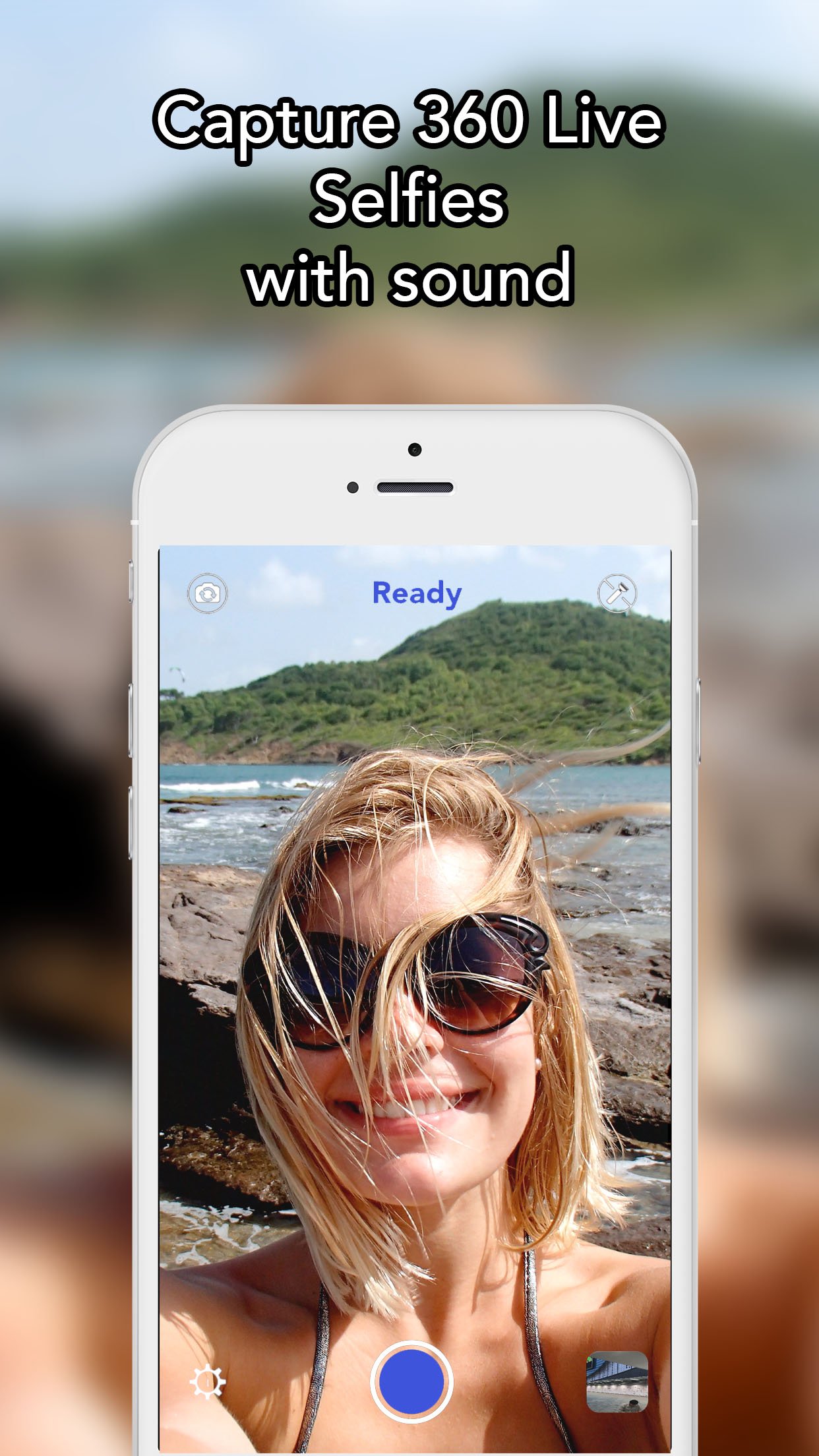
You can use the front camera to create a 360 portrait with the background behind you.
Moreover, you can also take a 360 degree photo of an object by turning clockwise around it.
360 can shoot in both portrait and landscape orientations.
To render the 360 photos even more realistic, the sound is recording during all the duration of the shooting!
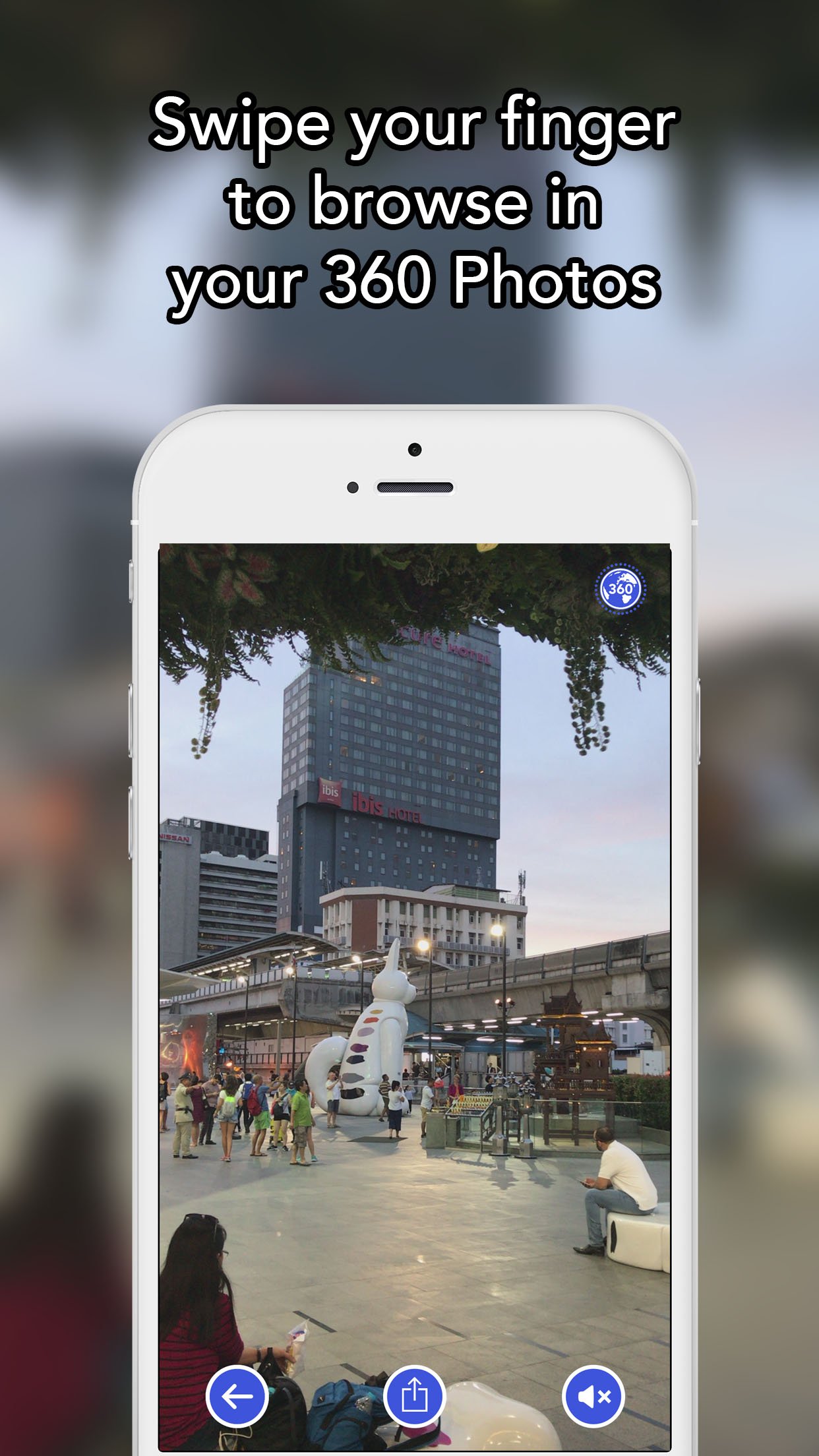
Watch your 360 photos by simply swiping your finger on it, or by using your device gyroscope and turning around. And it works in both landscape and portrait!
See on the map where were shot your 360 photos.
360 provide you with a full control over the camera; touch to focus, double touch to exposure, pinch to zoom. Adjust the focus and exposure while shooting to ensure high quality 360 photos.
Special features:
Capture:
-full control of the camera
-switch between the front and rear camera
-adjust the focus and exposure while shooting
Gallery
-map showing where were shot the 360 photos
-share your 360 photos by email
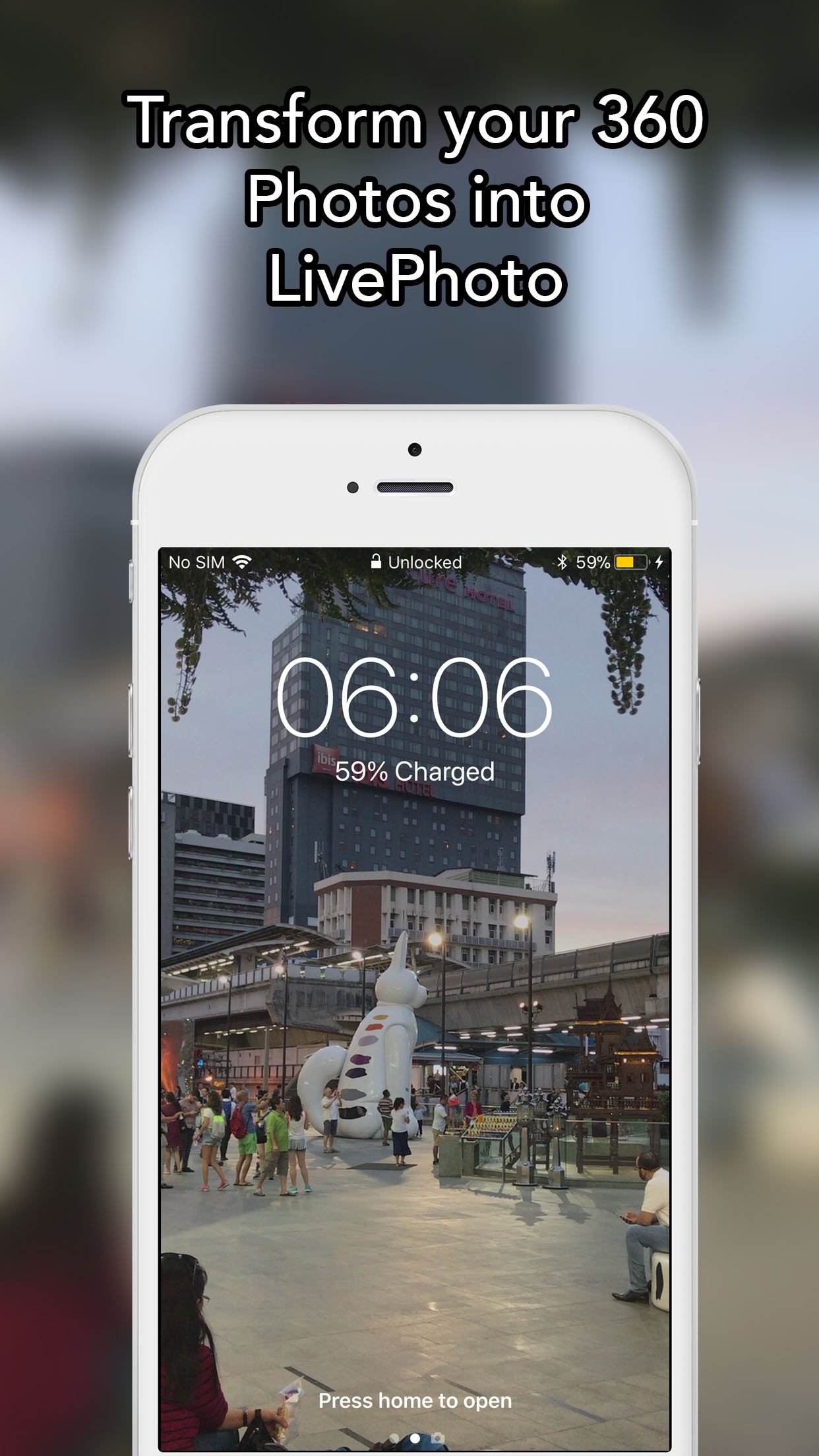
-transform them into LivePhotos
-transform them into panoramics (requires the iOS 13)
-transform them into videos
-rename them
-delete their sound tracks
-delete them
Display
-swipe your finger left/right to see the 360photos, or use your device gyroscope to browse the 360 Photos by turning around
-export the sound track by email
-access to all the photos composing the 360 photo
Photos
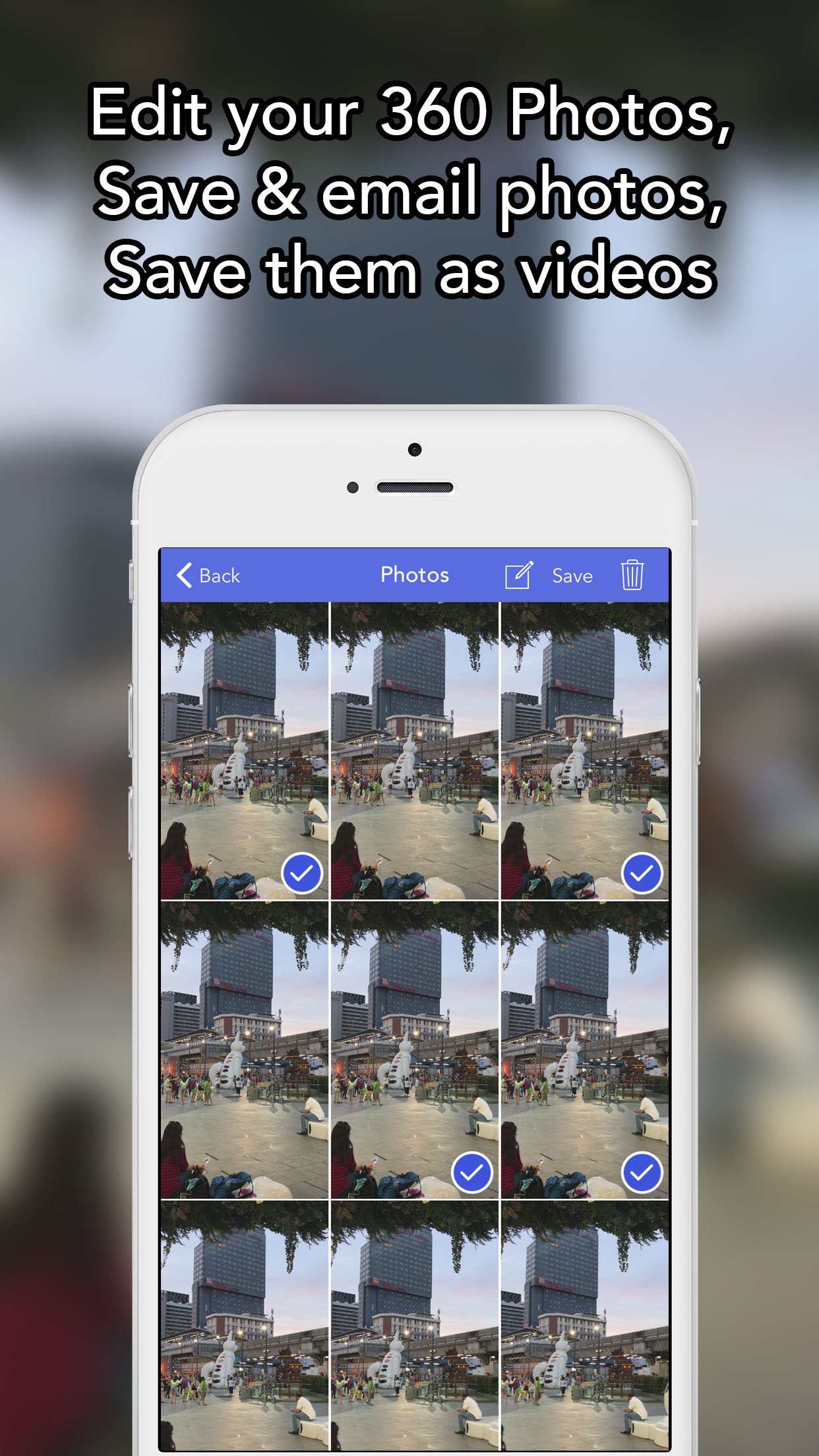
-save a photo, or several, in the photo library
-send a photo, or send several at once by email
Settings
-define the direction of the rotation: trun left or right
-decide to record the sound while shooting
-tutorial
-Download the free app to view your 360 photos on your mac at www.SEB-AppStore.com
Also try 360Viewer to view for free 360 photos on your iPhone (samples are included inside the app).
If you have suggestions, comments or issues, just drop us an email at support @SEB-AppStore.com.
Check out many other great iPhone apps at www.SEB-AppStore.com
For a professional version of 360, contact us at contact@SEB-AppStore.com
License: Commercial
360 has been featured by Apple as New & Noteworthy in the US and other AppStores for its release.
Just touch the camera button to start the shooting, and rotate slowly. The app will automatically stop the shooting once you have done 360 degrees, and create a big 360 spherical photo. Touch the camera button before the 360 degrees rotation if you want to create a "live" panoramic photo.
You can use the front camera to create a 360 portrait with the background behind you.
Moreover, you can also take a 360 degree photo of an object by turning clockwise around it.
360 can shoot in both portrait and landscape orientations.
To render the 360 photos even more realistic, the sound is recording during all the duration of the shooting!
Watch your 360 photos by simply swiping your finger on it, or by using your device gyroscope and turning around. And it works in both landscape and portrait!
See on the map where were shot your 360 photos.
360 provide you with a full control over the camera; touch to focus, double touch to exposure, pinch to zoom. Adjust the focus and exposure while shooting to ensure high quality 360 photos.
Special features:
Capture:
-full control of the camera
-switch between the front and rear camera
-adjust the focus and exposure while shooting
Gallery
-map showing where were shot the 360 photos
-share your 360 photos by email
-transform them into LivePhotos
-transform them into panoramics (requires the iOS 13)
-transform them into videos
-rename them
-delete their sound tracks
-delete them
Display
-swipe your finger left/right to see the 360photos, or use your device gyroscope to browse the 360 Photos by turning around
-export the sound track by email
-access to all the photos composing the 360 photo
Photos
-save a photo, or several, in the photo library
-send a photo, or send several at once by email
Settings
-define the direction of the rotation: trun left or right
-decide to record the sound while shooting
-tutorial
-Download the free app to view your 360 photos on your mac at www.SEB-AppStore.com
Also try 360Viewer to view for free 360 photos on your iPhone (samples are included inside the app).
If you have suggestions, comments or issues, just drop us an email at support @SEB-AppStore.com.
Check out many other great iPhone apps at www.SEB-AppStore.com
For a professional version of 360, contact us at contact@SEB-AppStore.com
License: Commercial
| Release info | New Release on Jul 13, 2023 |
|---|---|
| Release notes | Use all the devices cameras to capture live 360 photos. Fixed an issue with the creation of the LivePhoto. |
| Listing data | App Store |
Reviews
No reviews yet. Be the first to review Live 360.
Used Live 360? Tell other visitors what you thought.
Log in to write a reviewOther products by this publisher
- "No Distractions" for YouTube 4.10 ----
- #Bible 11.6 "Incredible App - My sister shared this app with me a few weeks ago and it is truly incredible.
- #filmphotography 1.4.2 So, you decided to shoot on film?
- $quirrel 1.5.1 $quirrel Budget & Finance helps you plan each paycheck, track spending, manage debt, and see what is safe to spend before the next payday.
- % Percentage Calculator Pro 1.41 This is the Pro version of % Percentage Calculator.
Most viewed iOS Photo & Video
-
1
 ShortDiShow 2.0
Drama Quest Island — An offline interactive short-drama adventure.
-
2
 Infuse 8.5.10
Infuse: Enterprise provides the same great features as the standard version of Infuse and includes permanent access to all Pro features via a traditional paid app.
-
3
 AI Video Generator 2.0.2
Vixel – AI Video Generator
-
4
 OPlayer 4.8
Play all your videos directly without having to convert them!
-
5
 Necrometer II 1.2
Necrometer II is a paranormal investigation companion designed for ghost hunters and researchers.
-
6
 CapCut 20.1.0
CapCut offers easy-to-use video editing functions, in-APP fonts and effects, advanced features such as keyframe animation, smooth slow-motion, chroma key, and stabilization, to help you capture and snip moments.
-
7
 Ai Photo 1.1.2
AI Photo Retouch – BG Eraser
- 8 #filmphotography 1.4.2 So, you decided to shoot on film?
-
9
 Treblo 1.6.0
Make songs with the world's best AI music model.
-
10
 Pop Dot Comics 1.48
Create a comic worthy of the Sunday newspaper or your favorite pulp-fiction cover.
Most downloaded iOS Photo & Video
-
1
Infuse 8.5.10
Infuse: Enterprise provides the same great features as the standard version of Infuse and includes permanent access to all Pro features via a traditional paid app.
-
2
 DJI Fly 1.21.18
DJI Fly is designed to help pilots fly drones with ease.
-
3
 Analog Radio 3.0
The iPhone and iPad devices don't have the FM/AM radio antenna installed.
-
4
 TurboCollage Automatic 1.2.4
#1 Easy automatic photo collage maker for iPhone & iPad.
-
5
Treblo 1.6.0
Make songs with the world's best AI music model.
-
6
 ReelyGo 1.1.42
ReelyGo: Your Daily Drama Escape
-
7
 Rozeta Sequencer Suite 1.3.16
Rozeta is a suite of MIDI sequencers and controllers that lets you explore a new, freeform approach to sequencing and controlling mobile music apps.
-
8
 AGAIN. Rehearsal Notes 2.0.1
AGAIN. is the rehearsal app that remembers why the band stopped — and, new in Version 2, who said what in a writing session or a table read.
-
9
Pop Dot Comics 1.48
Create a comic worthy of the Sunday newspaper or your favorite pulp-fiction cover.
-
10
 SSS IPTV, Simple, Smart Super 1.0.2
An Easiest way to watch TV Online or Movies or Series, Bring your Own list M3u,