
10downloads
0this week
FreeCommercial
0reviews
Screenshots
About LifeSize
Make something bigger with LifeSize.
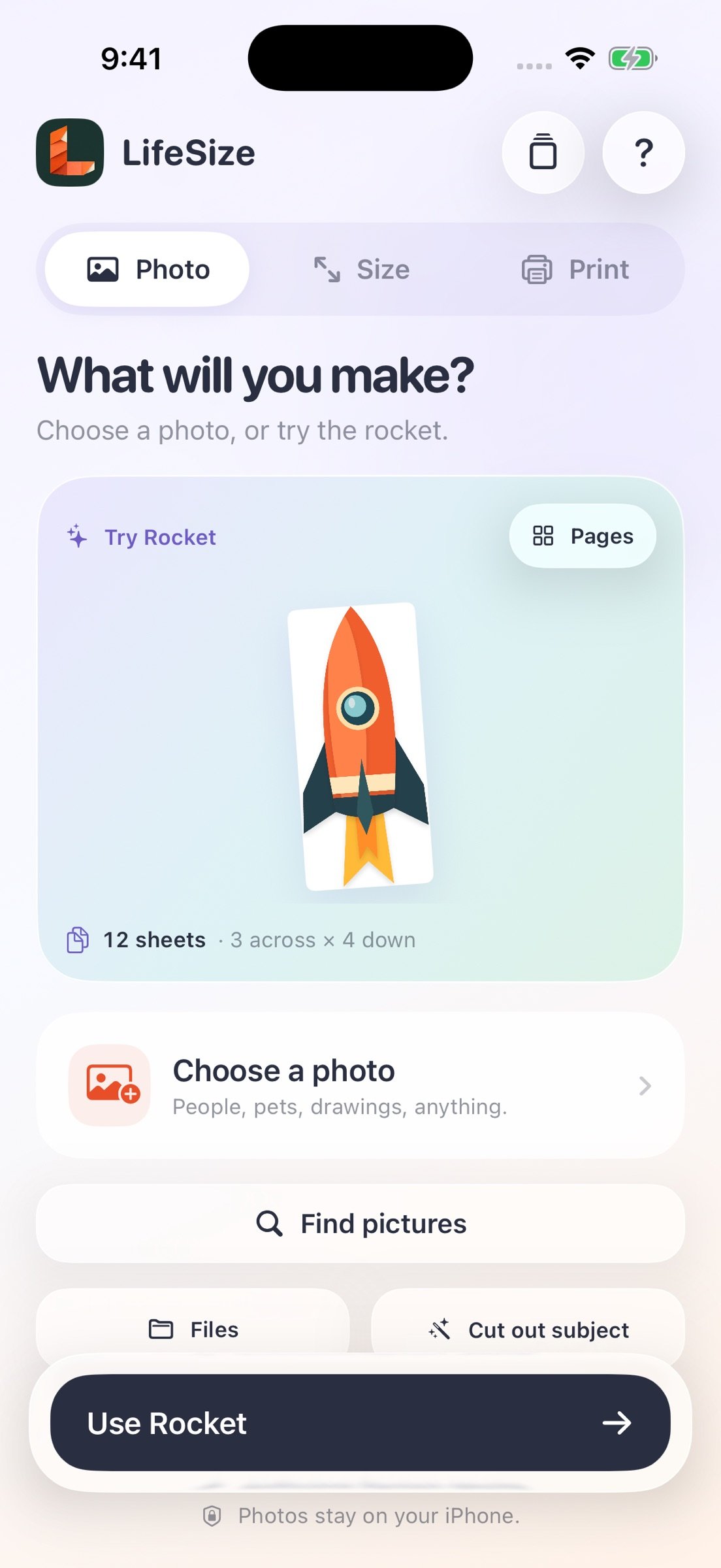
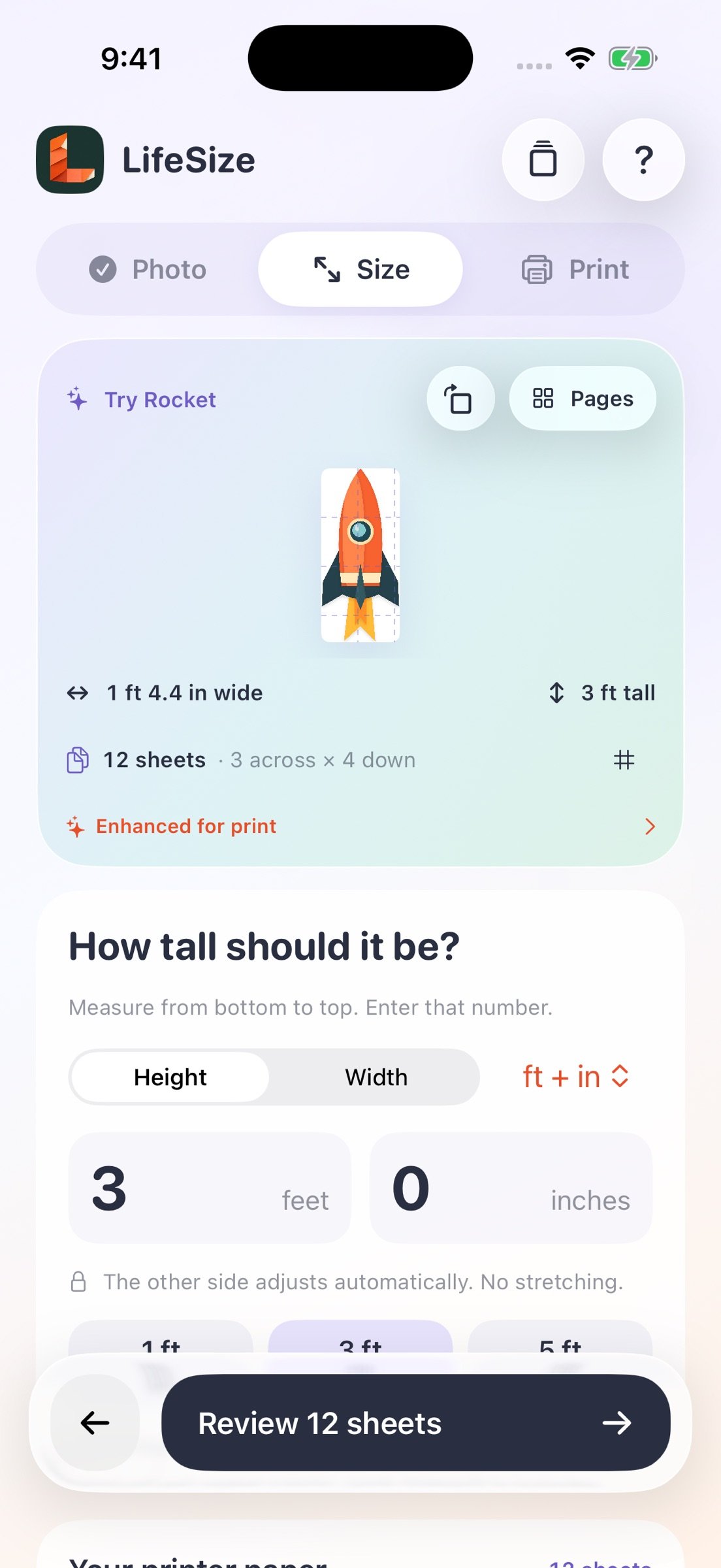
Turn photos, pets, drawings, and artwork into large cutouts and posters using ordinary printer paper. Choose a finished height or width, see the page count immediately, and follow the numbered sections to put it together.
A SIMPLE PHOTO -> SIZE -> PRINT WORKFLOW
o Import a picture from Photos or Files.
o Optionally remove its background on your iPhone.
o Set the finished size in feet and inches, inches, or centimeters.
o See a live preview as the size, rotation, and paper orientation change.
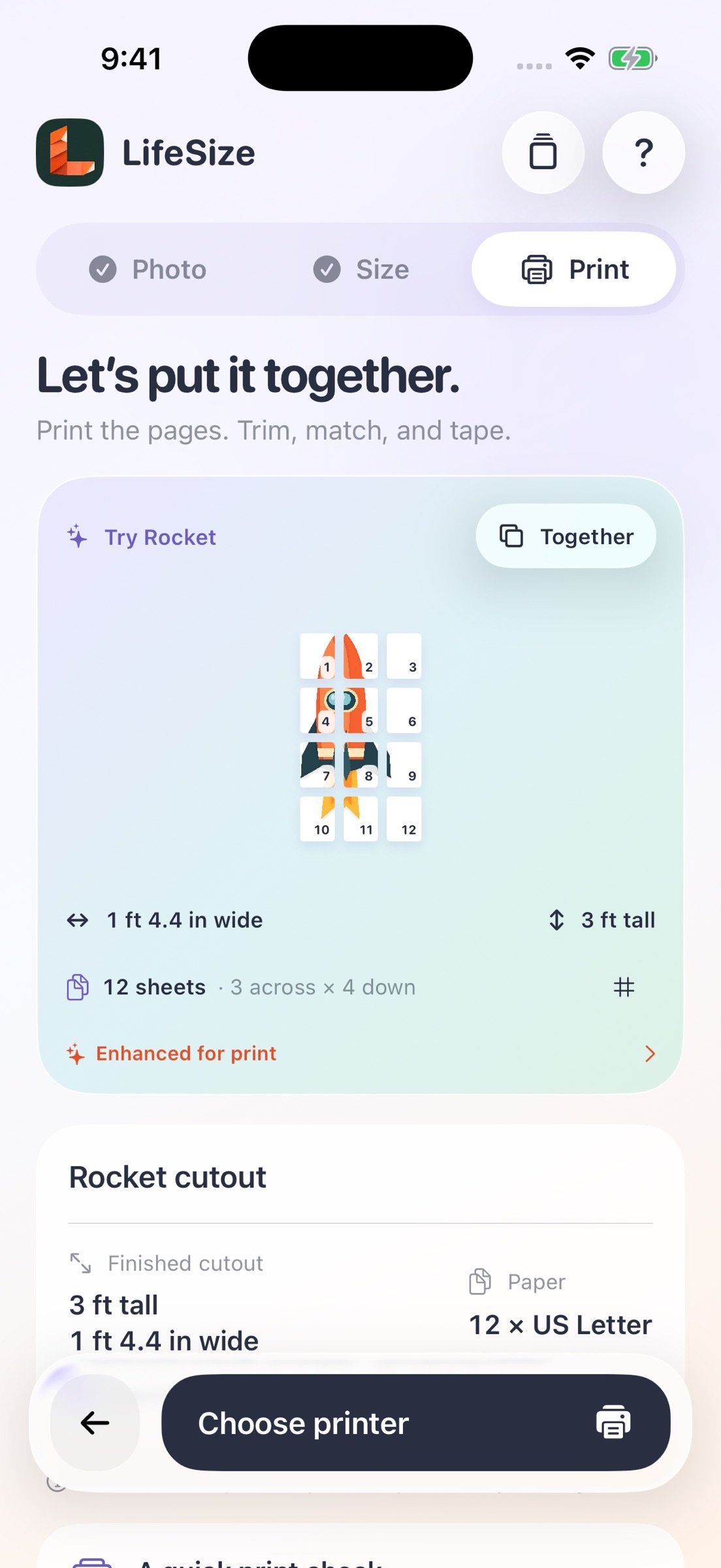
o Print with AirPrint or share a tiled PDF for printing elsewhere.
MAKE THE DETAILS COUNT
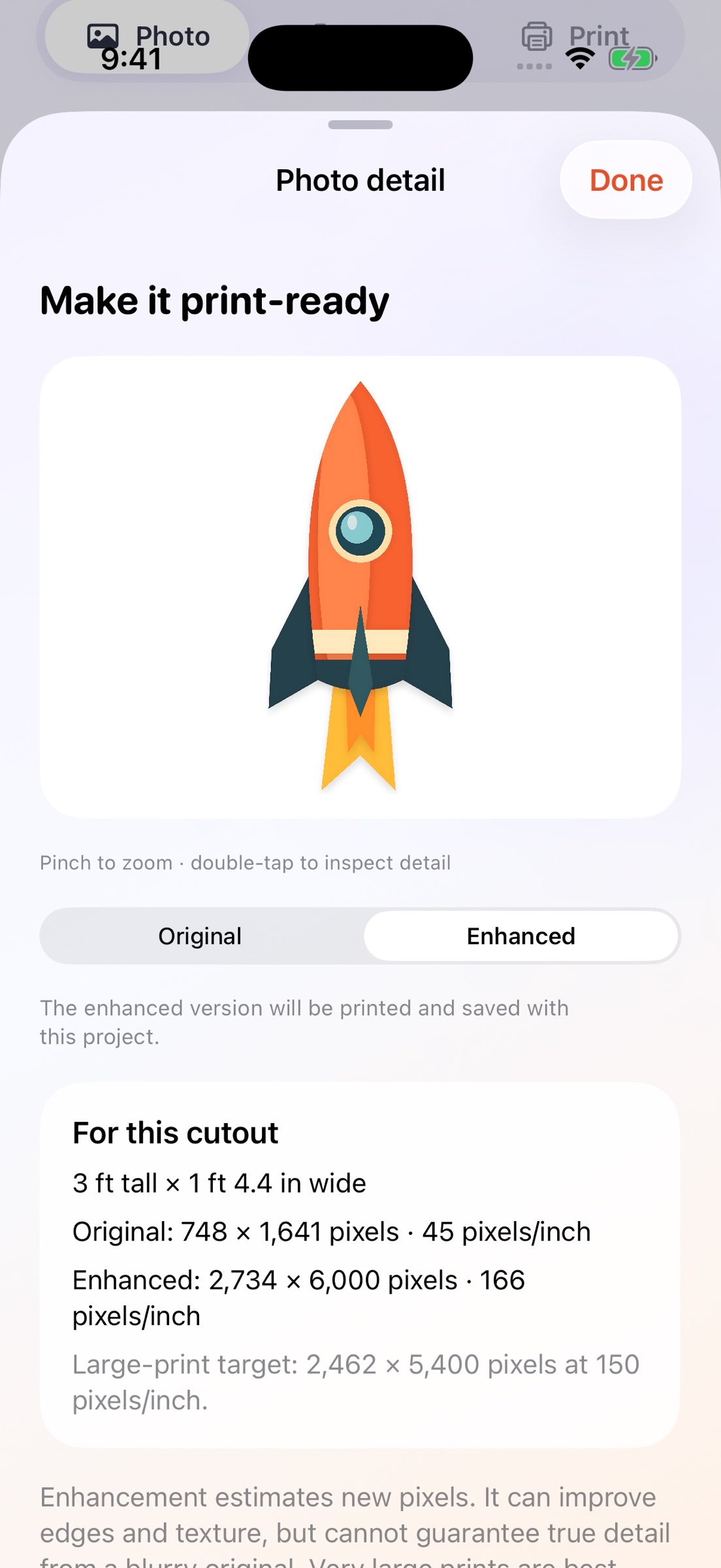
Optional on-device photo enhancement enlarges compatible images up to 4x. Compare the original and enhanced versions, zoom into the result, and print one artwork test page before committing to the full project. Enhancement estimates detail; it cannot guarantee perfect results from a blurry original at every size.
DESIGNED FOR ASSEMBLY
Choose US Letter or A4 paper, portrait or landscape. Optional overlap strips and numbered assembly guides help you line up the pages. A separate ruler-check page helps confirm that your printer is using the correct physical scale. Print at 100% / actual size, single-sided, on matching paper.
FIND AN IDEA
Search public-domain-marked artwork through Openverse and review each picture's source and usage details. A browser search option helps you find other pictures to save and import. Only use artwork you have permission to print or share. Online search requires internet access and is subject to provider limits.
KEEP YOUR PROJECTS
Save projects on your iPhone and return to their original and enhanced pictures and print settings. No LifeSize account is required. Imported private photos stay on your device unless you choose to print or share them.
ONE PURCHASE
All current app tools are included in the upfront purchase. No subscription or per-print credits. Paper, ink, printers, and outside printing services are separate.
LifeSize supports iPhone with iOS 17 or later. Photo enhancement requires iOS 18 or later and is limited by image size and device memory. Finished height can range from 6 inches to 10 feet; PDF export supports up to 400 sheets. AirPrint requires a compatible printer and connection. Adult help is recommended for cutting and assembly.
License: Commercial
Turn photos, pets, drawings, and artwork into large cutouts and posters using ordinary printer paper. Choose a finished height or width, see the page count immediately, and follow the numbered sections to put it together.
A SIMPLE PHOTO -> SIZE -> PRINT WORKFLOW
o Import a picture from Photos or Files.
o Optionally remove its background on your iPhone.
o Set the finished size in feet and inches, inches, or centimeters.
o See a live preview as the size, rotation, and paper orientation change.
o Print with AirPrint or share a tiled PDF for printing elsewhere.
MAKE THE DETAILS COUNT
Optional on-device photo enhancement enlarges compatible images up to 4x. Compare the original and enhanced versions, zoom into the result, and print one artwork test page before committing to the full project. Enhancement estimates detail; it cannot guarantee perfect results from a blurry original at every size.
DESIGNED FOR ASSEMBLY
Choose US Letter or A4 paper, portrait or landscape. Optional overlap strips and numbered assembly guides help you line up the pages. A separate ruler-check page helps confirm that your printer is using the correct physical scale. Print at 100% / actual size, single-sided, on matching paper.
FIND AN IDEA
Search public-domain-marked artwork through Openverse and review each picture's source and usage details. A browser search option helps you find other pictures to save and import. Only use artwork you have permission to print or share. Online search requires internet access and is subject to provider limits.
KEEP YOUR PROJECTS
Save projects on your iPhone and return to their original and enhanced pictures and print settings. No LifeSize account is required. Imported private photos stay on your device unless you choose to print or share them.
ONE PURCHASE
All current app tools are included in the upfront purchase. No subscription or per-print credits. Paper, ink, printers, and outside printing services are separate.
LifeSize supports iPhone with iOS 17 or later. Photo enhancement requires iOS 18 or later and is limited by image size and device memory. Finished height can range from 6 inches to 10 feet; PDF export supports up to 400 sheets. AirPrint requires a compatible printer and connection. Adult help is recommended for cutting and assembly.
License: Commercial
| Release info | New Release on Nov 02, 2026 |
|---|---|
| Listing data | App Store |
Reviews
No reviews yet. Be the first to review LifeSize.
Used LifeSize? Tell other visitors what you thought.
Log in to write a reviewOther products by this publisher
- "No Distractions" for YouTube 4.10 ----
- #Bible 11.6.1 "Incredible App - My sister shared this app with me a few weeks ago and it is truly incredible.
- #filmphotography 1.4.2 So, you decided to shoot on film?
- $quirrel 1.5.1 $quirrel Budget & Finance helps you plan each paycheck, track spending, manage debt, and see what is safe to spend before the next payday.
- % Percentage Calculator Pro 1.41 This is the Pro version of % Percentage Calculator.
Most viewed iOS Photo & Video
-
1
 ShortDiShow 2.0
Drama Quest Island — An offline interactive short-drama adventure.
-
2
 Infuse 8.5.10
Infuse: Enterprise provides the same great features as the standard version of Infuse and includes permanent access to all Pro features via a traditional paid app.
-
3
 AI Video Generator 2.0.3
Vixel – AI Video Generator
-
4
 OPlayer 4.8
Play all your videos directly without having to convert them!
-
5
 CapCut 20.2.0
CapCut offers easy-to-use video editing functions, in-APP fonts and effects, advanced features such as keyframe animation, smooth slow-motion, chroma key, and stabilization, to help you capture and snip moments.
-
6
 Necrometer II 1.2
Necrometer II is a paranormal investigation companion designed for ghost hunters and researchers.
-
7
 Ai Photo 1.1.2
AI Photo Retouch – BG Eraser
- 8 #filmphotography 1.4.2 So, you decided to shoot on film?
-
9
 Analog Radio 3.0
The iPhone and iPad devices don't have the FM/AM radio antenna installed.
-
10
 Pop Dot Comics 1.48
Create a comic worthy of the Sunday newspaper or your favorite pulp-fiction cover.
Most downloaded iOS Photo & Video
-
1
 DJI Fly 1.21.18
DJI Fly is designed to help pilots fly drones with ease.
-
2
Infuse 8.5.10
Infuse: Enterprise provides the same great features as the standard version of Infuse and includes permanent access to all Pro features via a traditional paid app.
-
3
Analog Radio 3.0
The iPhone and iPad devices don't have the FM/AM radio antenna installed.
-
4
 TurboCollage Automatic 1.2.4
#1 Easy automatic photo collage maker for iPhone & iPad.
-
5
 ReelyGo 1.1.42
ReelyGo: Your Daily Drama Escape
-
6
 Rozeta Sequencer Suite 1.3.16
Rozeta is a suite of MIDI sequencers and controllers that lets you explore a new, freeform approach to sequencing and controlling mobile music apps.
-
7
 Treblo 1.6.6
Make songs with the world's best AI music model.
-
8
Pop Dot Comics 1.48
Create a comic worthy of the Sunday newspaper or your favorite pulp-fiction cover.
-
9
 AGAIN. Rehearsal Notes 2.0.1
AGAIN. is the rehearsal app that remembers why the band stopped — and, new in Version 2, who said what in a writing session or a table read.
-
10
 Sun Scout 1.5.0
If your work or play requires sunlight, Sun Scout is built for you.