
8downloads
0this week
FreeCommercial
0reviews
Screenshots
About LifeAssist-AI
Your private essentials. Your everyday records. On your device.
VaultItem brings document capture, a private Vault, notes, dates, and reminders to iPhone and iPad. No account is required.
SCAN, PREVIEW, SHARE OR PRINT
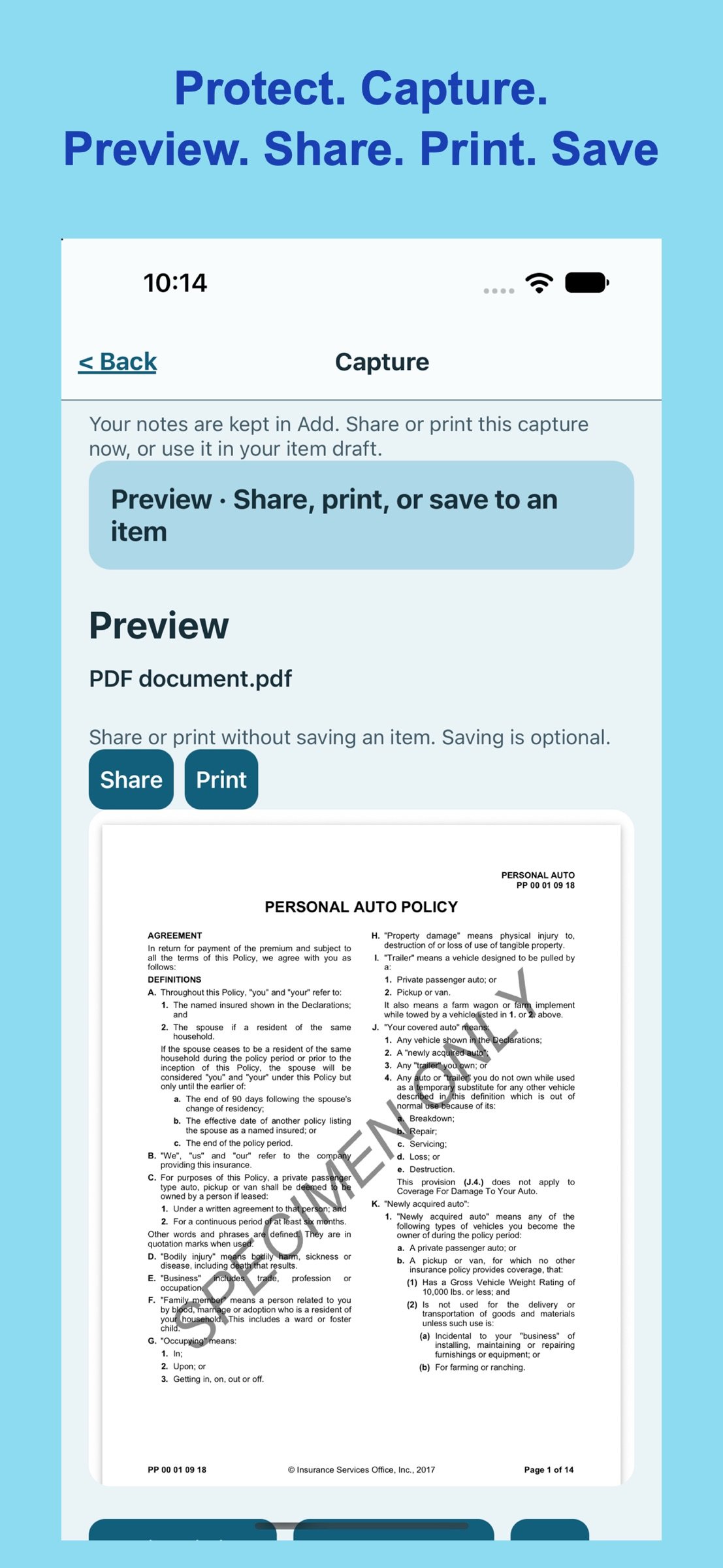
Scan multiple pages into a PDF, take a photo, or choose a file or saved image. Review the preview, then share or print supported formats without creating an item. Finish without saving, or keep the capture with an item when you need it. QR and barcode capture lets you review and save a value without opening links automatically.
READ DOCUMENT DETAILS ON DEVICE
Read supported scans, PDFs, images, and text files on your device. Review recognized text and suggested names, types, dates, and notes. Select what to apply, check important dates and numbers, then explicitly Save. Recognition can make mistakes; you stay in control.
APP LOCK WITH FACE ID OR DEVICE PASSCODE
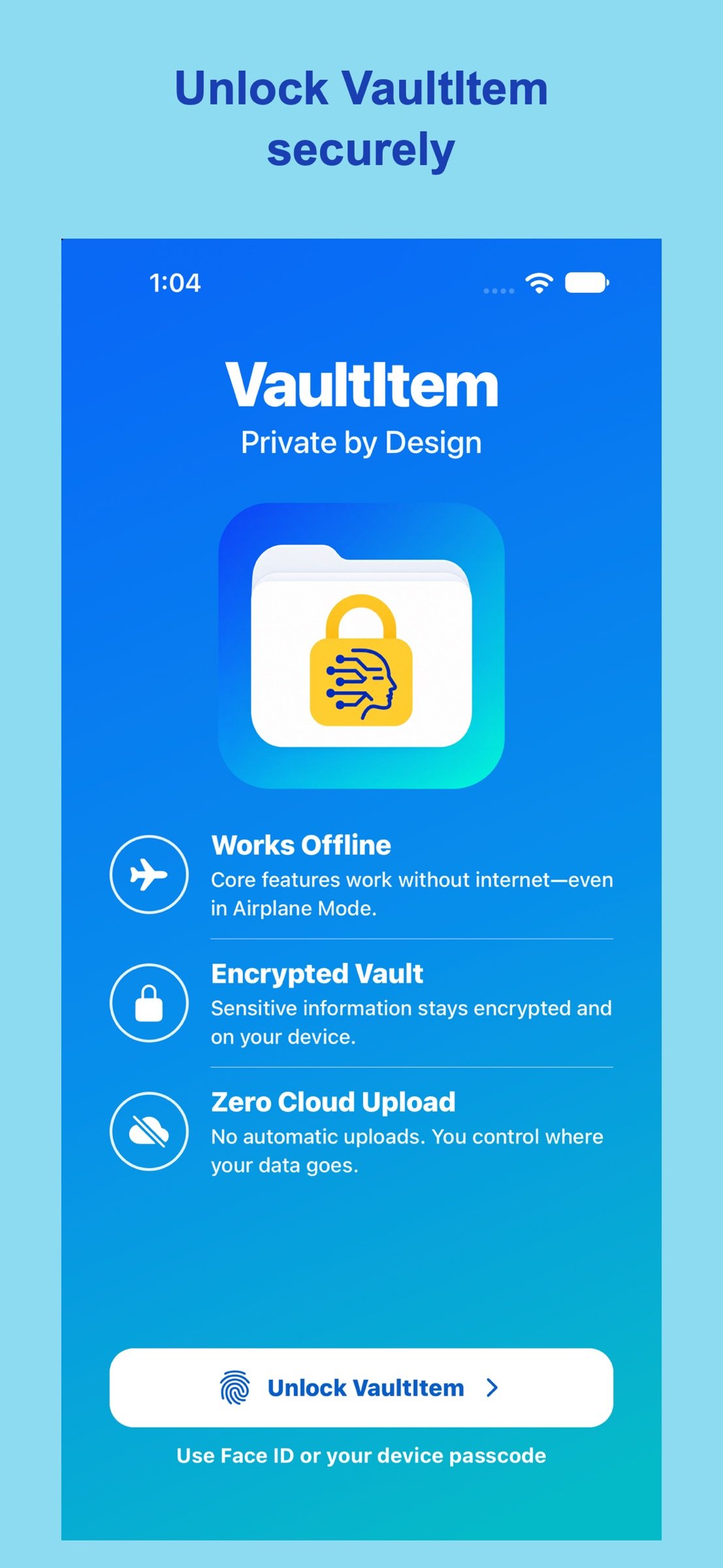
Unlock VaultItem at launch or after leaving it, including to open external pages. iOS handles authentication; VaultItem never receives or stores biometric data or your device passcode. The app lock controls screen access; ordinary items do not gain the Vault’s additional encryption.
MANAGE A PRIVATE VAULT
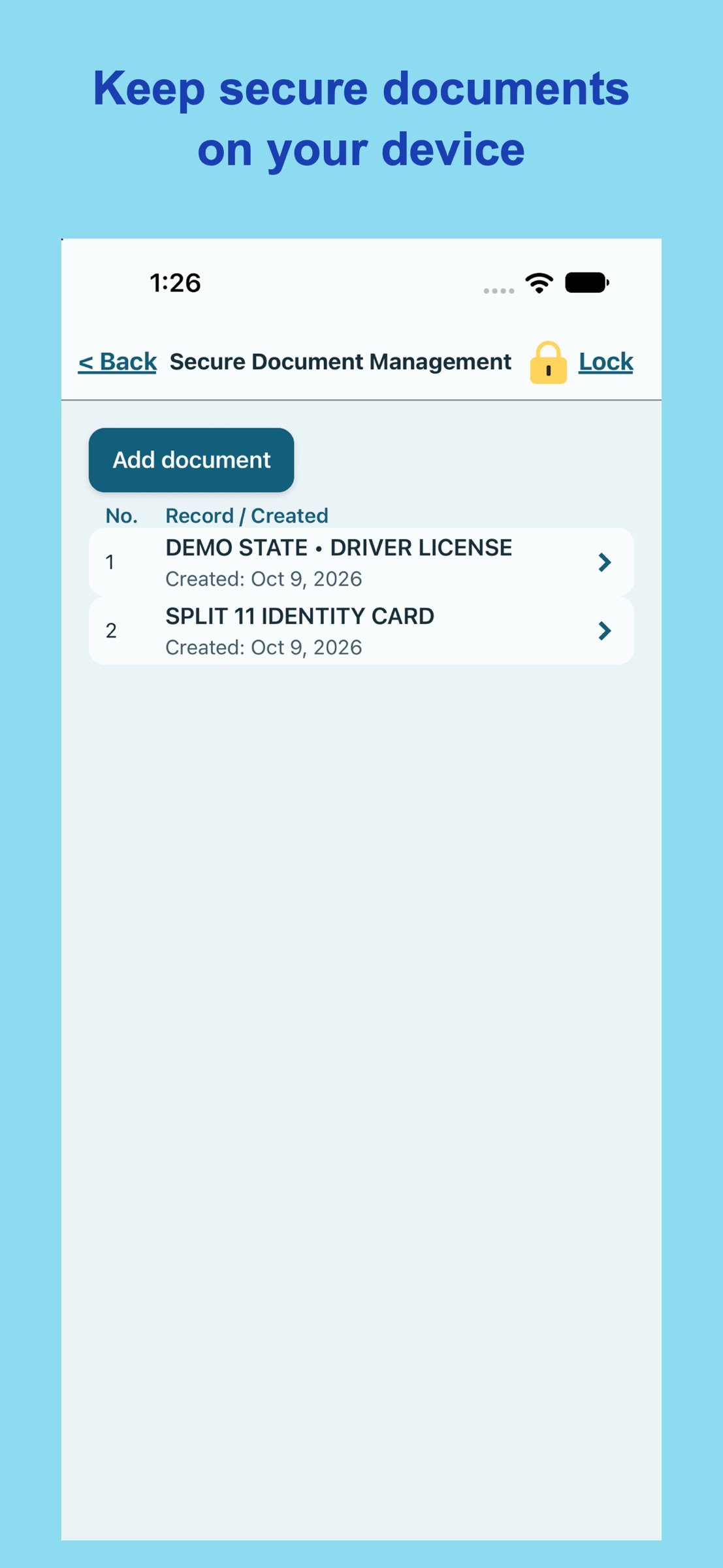
Manage protected passwords, documents, notes/codes, and other sensitive records locally on your personal device. VaultItem does not upload Vault information to the cloud or its servers.
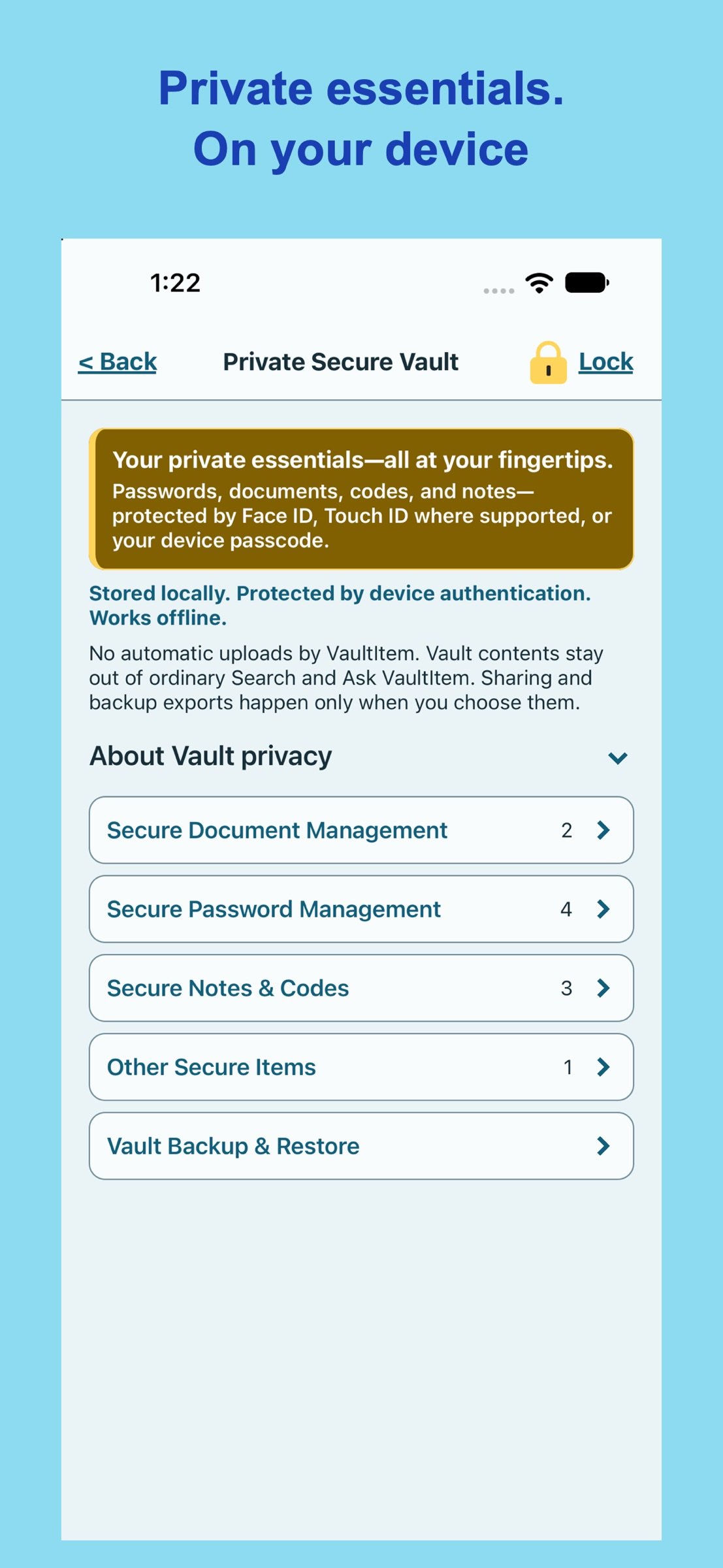
After unlocking the app, authenticate again to open the Private Secure Vault. Passwords use the protected iOS Keychain; other Vault records and attachments are encrypted locally with a device-only key. Unlock with Face ID, Touch ID where supported, or your device passcode. Revealing saved secrets requires verification. Leaving the app returns it to the app lock and locks the Vault.
Secure Documents has a separate authenticated reading workflow. Saved details stay in the encrypted record. Vault contents are excluded from ordinary Search, Ask VaultItem, and ordinary backups. Home shows only the total Secure Documents count. Ordinary items are not encrypted like Vault records.
ORGANIZE AND REMEMBER
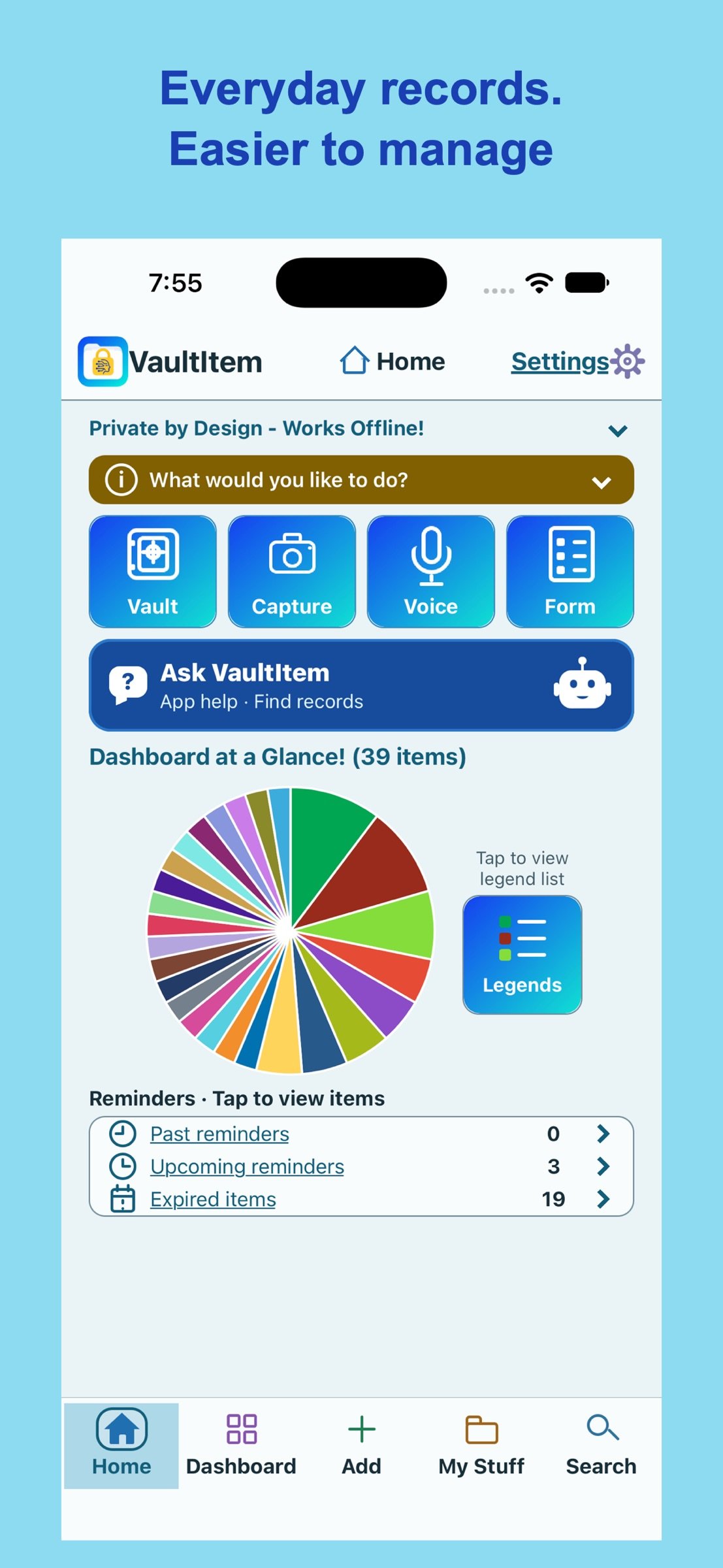
Keep ordinary items, attachments, and notes together. Browse Active or Archived in My Stuff, filter by category, and search supported saved information. Dashboard groups reminders, expirations, categories, and recent items. Optional local notifications help with appointments, warranties, and renewals. Review dates before setting alerts.
ASK VAULTITEM
Type or dictate a question, review it, then tap Ask. Built-in guidance and local lookups help find ordinary items, reminders, and appointments. Questions are not sent to an external AI provider or kept as chat history. Vault contents are excluded. Voice recognition depends on device and language support and does not fall back to cloud recognition.
WORK OFFLINE
Core local features work without internet. Download cloud-only files before going offline. Web links, cloud file access, and online sharing destinations require a connection. Sharing, printing, exports, and device backups can create copies outside the app.
BACK UP AND TRANSFER WITH CONTROL
Ordinary Settings backups include ordinary records and attachments in a manual, unencrypted JSON file and exclude Vault data. Inside the Vault, create a separate encrypted backup for manual restore on this or another iPhone or iPad. Keep its recovery key separately; Support cannot recover a lost key. Restore adds missing record IDs and keeps existing IDs. Set restored reminder alerts again.
MAKE IT YOURS
Choose System, Light, or Dark and one of five color palettes. Layout adapts to screen and text size. Press and hold supported icons for help on iPhone, or hover on iPad.
Before deleting the app, verify backups outside it. Reinstalling does not restore deleted local records. Protect your device, exports, and recovery keys.
## Keywords
scanner,receipts,notes,ocr,barcode,warranty,vault,pdf,password,backup,biometric,voice,offline,secure
License: Commercial
VaultItem brings document capture, a private Vault, notes, dates, and reminders to iPhone and iPad. No account is required.
SCAN, PREVIEW, SHARE OR PRINT
Scan multiple pages into a PDF, take a photo, or choose a file or saved image. Review the preview, then share or print supported formats without creating an item. Finish without saving, or keep the capture with an item when you need it. QR and barcode capture lets you review and save a value without opening links automatically.
READ DOCUMENT DETAILS ON DEVICE
Read supported scans, PDFs, images, and text files on your device. Review recognized text and suggested names, types, dates, and notes. Select what to apply, check important dates and numbers, then explicitly Save. Recognition can make mistakes; you stay in control.
APP LOCK WITH FACE ID OR DEVICE PASSCODE
Unlock VaultItem at launch or after leaving it, including to open external pages. iOS handles authentication; VaultItem never receives or stores biometric data or your device passcode. The app lock controls screen access; ordinary items do not gain the Vault’s additional encryption.
MANAGE A PRIVATE VAULT
Manage protected passwords, documents, notes/codes, and other sensitive records locally on your personal device. VaultItem does not upload Vault information to the cloud or its servers.
After unlocking the app, authenticate again to open the Private Secure Vault. Passwords use the protected iOS Keychain; other Vault records and attachments are encrypted locally with a device-only key. Unlock with Face ID, Touch ID where supported, or your device passcode. Revealing saved secrets requires verification. Leaving the app returns it to the app lock and locks the Vault.
Secure Documents has a separate authenticated reading workflow. Saved details stay in the encrypted record. Vault contents are excluded from ordinary Search, Ask VaultItem, and ordinary backups. Home shows only the total Secure Documents count. Ordinary items are not encrypted like Vault records.
ORGANIZE AND REMEMBER
Keep ordinary items, attachments, and notes together. Browse Active or Archived in My Stuff, filter by category, and search supported saved information. Dashboard groups reminders, expirations, categories, and recent items. Optional local notifications help with appointments, warranties, and renewals. Review dates before setting alerts.
ASK VAULTITEM
Type or dictate a question, review it, then tap Ask. Built-in guidance and local lookups help find ordinary items, reminders, and appointments. Questions are not sent to an external AI provider or kept as chat history. Vault contents are excluded. Voice recognition depends on device and language support and does not fall back to cloud recognition.
WORK OFFLINE
Core local features work without internet. Download cloud-only files before going offline. Web links, cloud file access, and online sharing destinations require a connection. Sharing, printing, exports, and device backups can create copies outside the app.
BACK UP AND TRANSFER WITH CONTROL
Ordinary Settings backups include ordinary records and attachments in a manual, unencrypted JSON file and exclude Vault data. Inside the Vault, create a separate encrypted backup for manual restore on this or another iPhone or iPad. Keep its recovery key separately; Support cannot recover a lost key. Restore adds missing record IDs and keeps existing IDs. Set restored reminder alerts again.
MAKE IT YOURS
Choose System, Light, or Dark and one of five color palettes. Layout adapts to screen and text size. Press and hold supported icons for help on iPhone, or hover on iPad.
Before deleting the app, verify backups outside it. Reinstalling does not restore deleted local records. Protect your device, exports, and recovery keys.
## Keywords
scanner,receipts,notes,ocr,barcode,warranty,vault,pdf,password,backup,biometric,voice,offline,secure
License: Commercial
| Release info | Update on Nov 14, 2026 |
|---|---|
| Release notes | VaultItem 1.2 adds a new app-wide authentication layer and more flexible capture. • Unlock VaultItem with Face ID or your device passcode at launch and after leaving the app. Returning from an external page requires authentication again; Private Secure Vault keeps its separate unlock. • Scan, choose a file, or take a photo, then share or print supported previews without saving an item. Save to an item whenever you want to keep it. • Refreshed VaultItem icon and launch screen, with larger branding that adapts to available space. • Clearer guidance for private Vault information stored on your device and encrypted backup transfers between iPhone and iPad. • Improved Ask VaultItem with an animated bot, readable disabled controls, and a Clear action for Voice permission guidance. • Clearer Active and Archived counts in Dashboard, plus updated tooltips, help, and FAQs. • More stable Home layout when device text size changes. Keep verified backups outside the app and your Vault recovery key separately. |
| Listing data | App Store |
Reviews
No reviews yet. Be the first to review LifeAssist-AI.
Used LifeAssist-AI? Tell other visitors what you thought.
Log in to write a reviewOther products by this publisher
- "No Distractions" for YouTube 4.10 ----
- #Bible 11.6 "Incredible App - My sister shared this app with me a few weeks ago and it is truly incredible.
- #filmphotography 1.4.2 So, you decided to shoot on film?
- $quirrel 1.5.1 $quirrel Budget & Finance helps you plan each paycheck, track spending, manage debt, and see what is safe to spend before the next payday.
- % Percentage Calculator Pro 1.41 This is the Pro version of % Percentage Calculator.
Most viewed iOS Productivity
-
1
 WordPress 27.4
Manage or create your WordPress blog or website right from your iOS device: create and edit posts and pages, upload your favorite photos and videos, view stats and reply to comments.
- 2 Voice Translator - Alive 1.6 Translation app that turns your iPhone into an interpreter instantly.
-
3
 Claude by Anthropic 1.261113.19
Meet Claude, your AI problem solver and thinking partner.
-
4
 Life360 26.43.5
Whether at home, online, or on the move, our comprehensive family safety features bring peace of mind to your loved ones AND help safeguard your personal belongings.
-
5
 WristMemo 2.0
WristMemo turns your Apple Watch into an all-day voice recorder.
- 6 "No Distractions" for YouTube 4.10 ----
-
7
 Colicine 1.3.0
Have you ever been there—
- 8 (beat) for iOS 0.5.10 An elegant Fountain screenwriting app, created by a screenwriter for screenwriters.
-
9
 DeepSeek 2.8.0
Experience seamless interaction with DeepSeek's official AI assistant for free!
-
10
 Howbout 16.7.2
The shared calendar for friends, couples, and family
Most downloaded iOS Productivity
- 1 Voice Translator - Alive 1.6 Translation app that turns your iPhone into an interpreter instantly.
-
2
DeepSeek 2.8.0
Experience seamless interaction with DeepSeek's official AI assistant for free!
-
3
 SessionsAI 1.2.1
Sessions AI is a private AI workspace that runs entirely on your iPhone, iPad, or Mac.
-
4
 Voices AI 1.16.15
Discover Voices, the premier voice transformation app designed exclusively for iOS.
-
5
 Block Distracting Websites 1.11
"It's a great way to save time, and stop browsing Reddit when you should be doing coursework."
-
6
 Plot Digitizer 1.4.1
Plot Digitizer is an app to extract numerical data from plot images.
-
7
 Google Docs 1.2026.45104
Create, edit, and collaborate on online documents with the Google Docs app.
-
8
 MyHyundai with Bluelink 5.4.5
The MyHyundai app makes getting information about your Hyundai vehicle easier than ever.
-
9
 Pixy Mood Tracker 1.110.0
Track your mood, one pixel at a time.
-
10
 ScreenRecess 1.0.0
A gentle nudge to put your device down when it’s hard to stop.