
Lazy Lighting 4.1.2
Turn your iPhone or iPad into a touch-first projection mapping and video mapping studio.
Download
93.72 MB
8downloads
2this week
FreeFreeware
0reviews
Screenshots
About Lazy Lighting
Turn your iPhone or iPad into a touch-first projection mapping and video mapping studio.
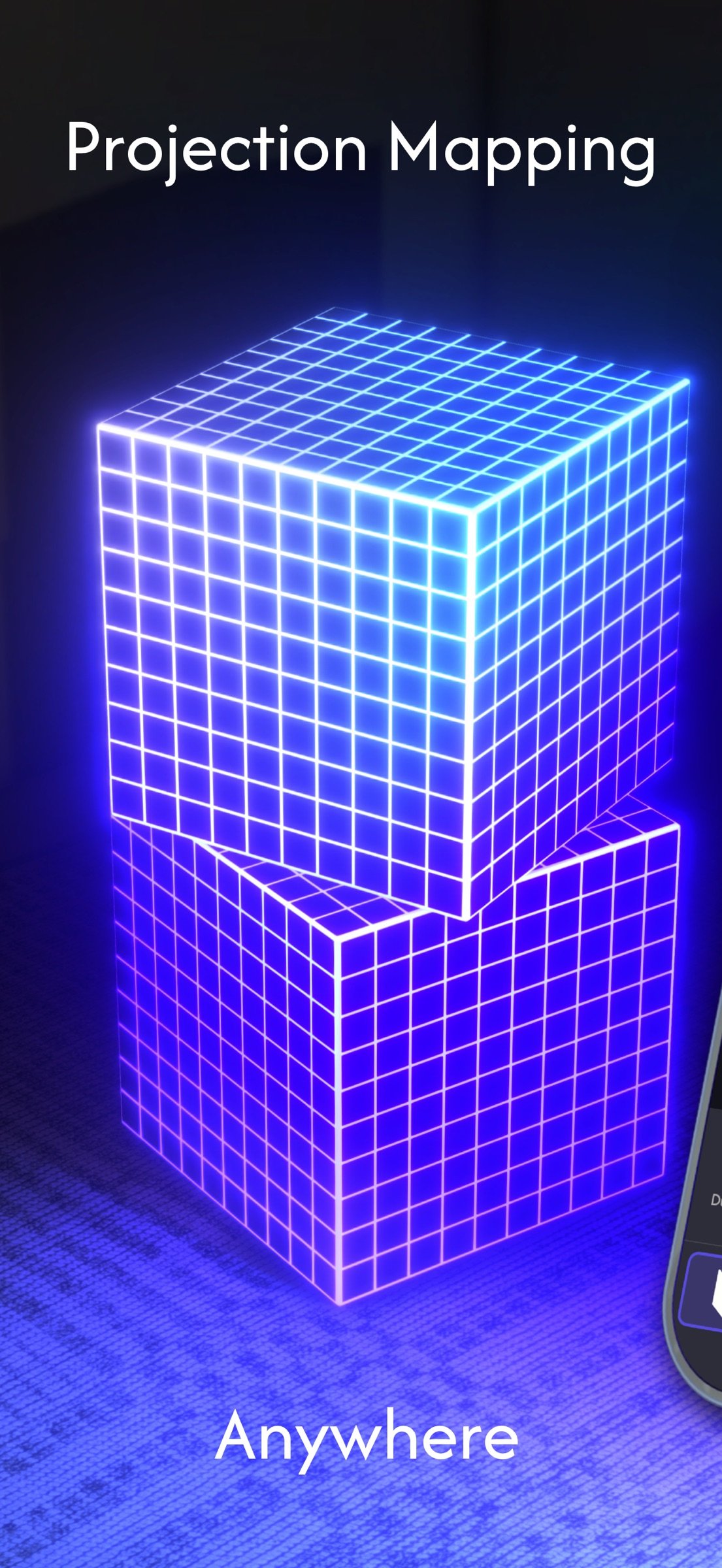
Lazy Lighting lets you warp videos, photos, live camera feeds, animated drawings, and generative VJ visuals onto walls, stages, sculptures, windows, objects, and multi-surface installations—without a laptop.
MAP ANY SURFACE
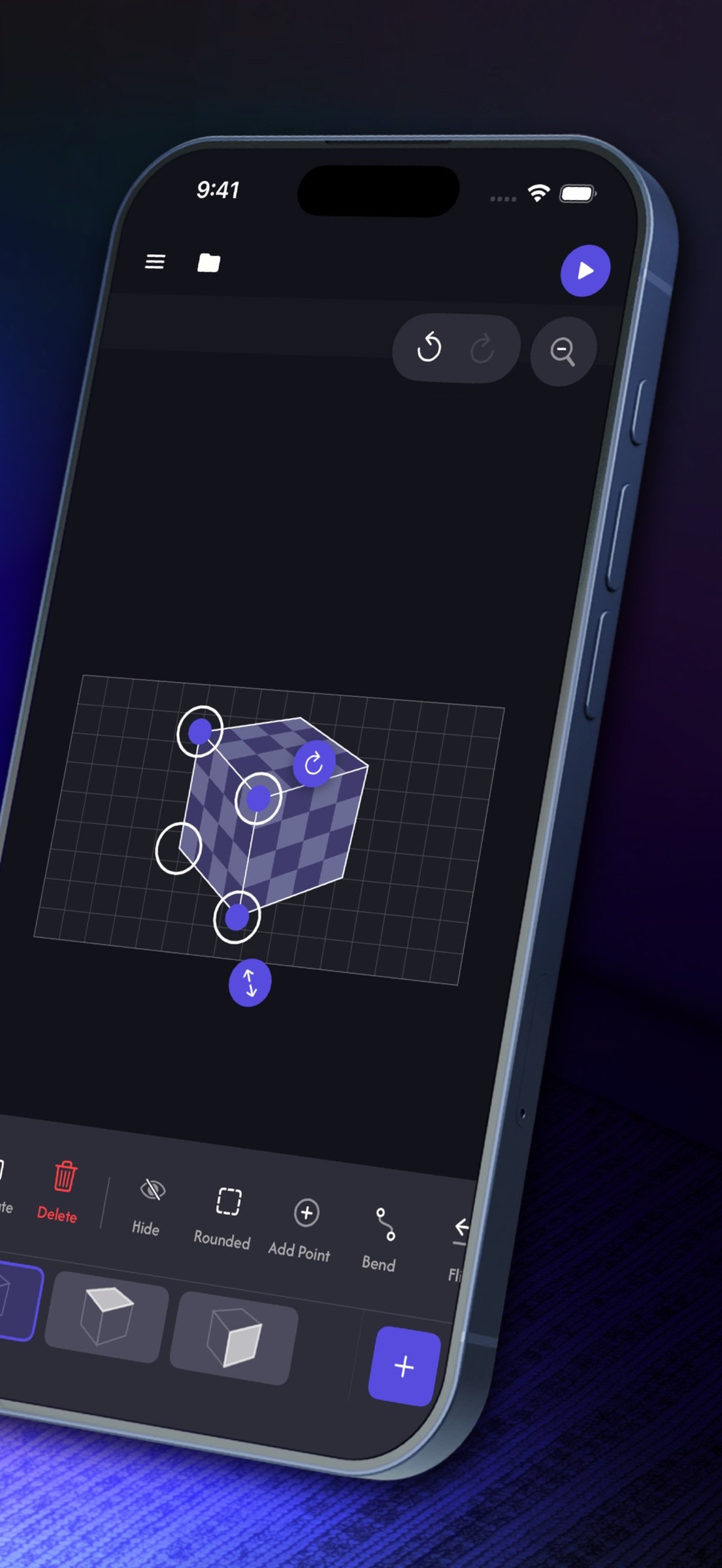
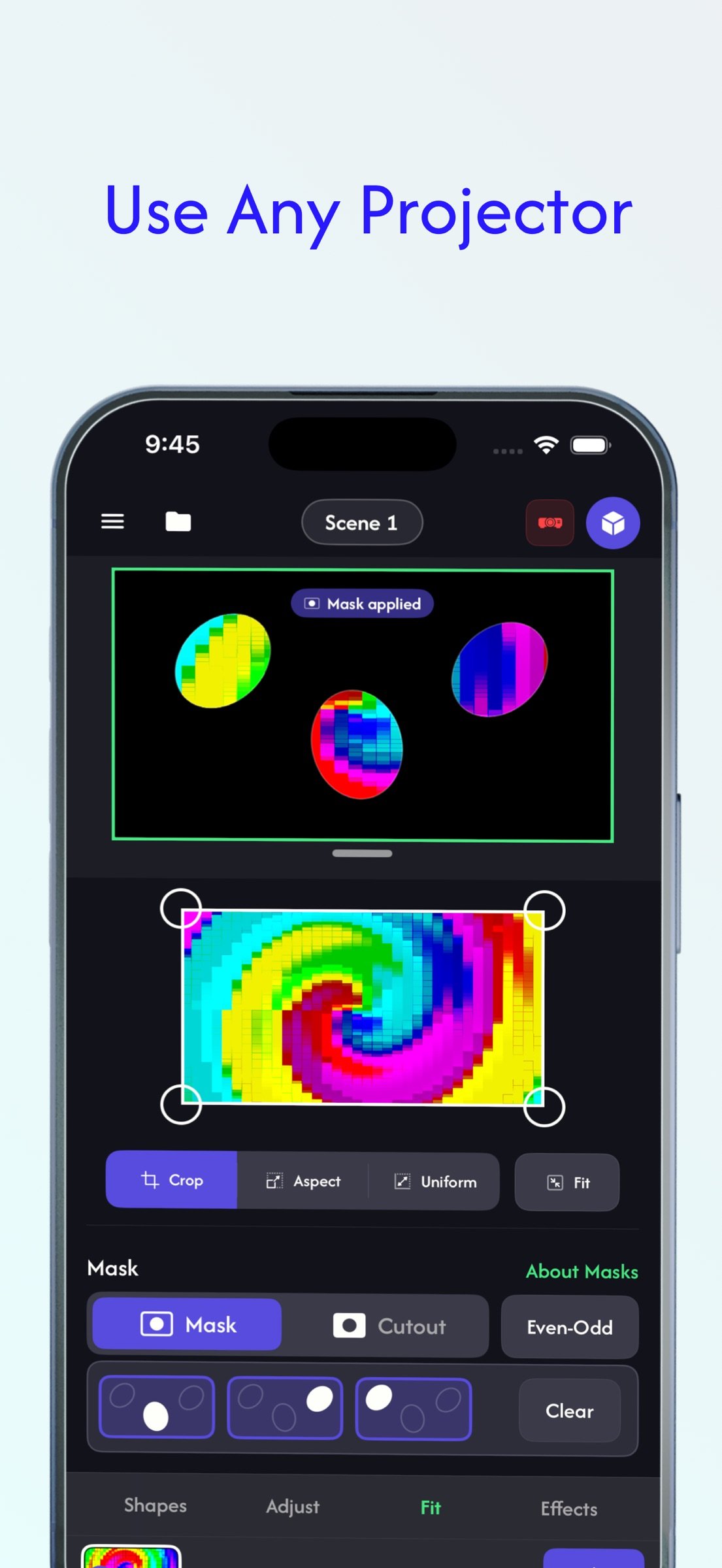
Create squares, circles, custom text, cubes, boxes, image silhouettes, and hand-drawn outlines. Drag corners directly on screen to align each projection, bend edges around curved forms, then use masks and cutouts to control exactly where every visual appears.
Map several surfaces at once. Assign different content to individual shapes, layer visuals with independent opacity and ordering, and save projects to continue later.
CREATE LIVE VISUALS
• Explore built-in visualizers, VJ loops, generative shaders, gradients, tunnels, neon effects, and shape-aware animations
• Import videos and photos from your device
• Use a live camera feed as projection content
• Draw and animate original visuals by hand
• Crop, fit, mask, layer, and apply real-time effects including kaleidoscope, tile, slide, rotate, zoom, blur, monochrome, invert, and color cycle
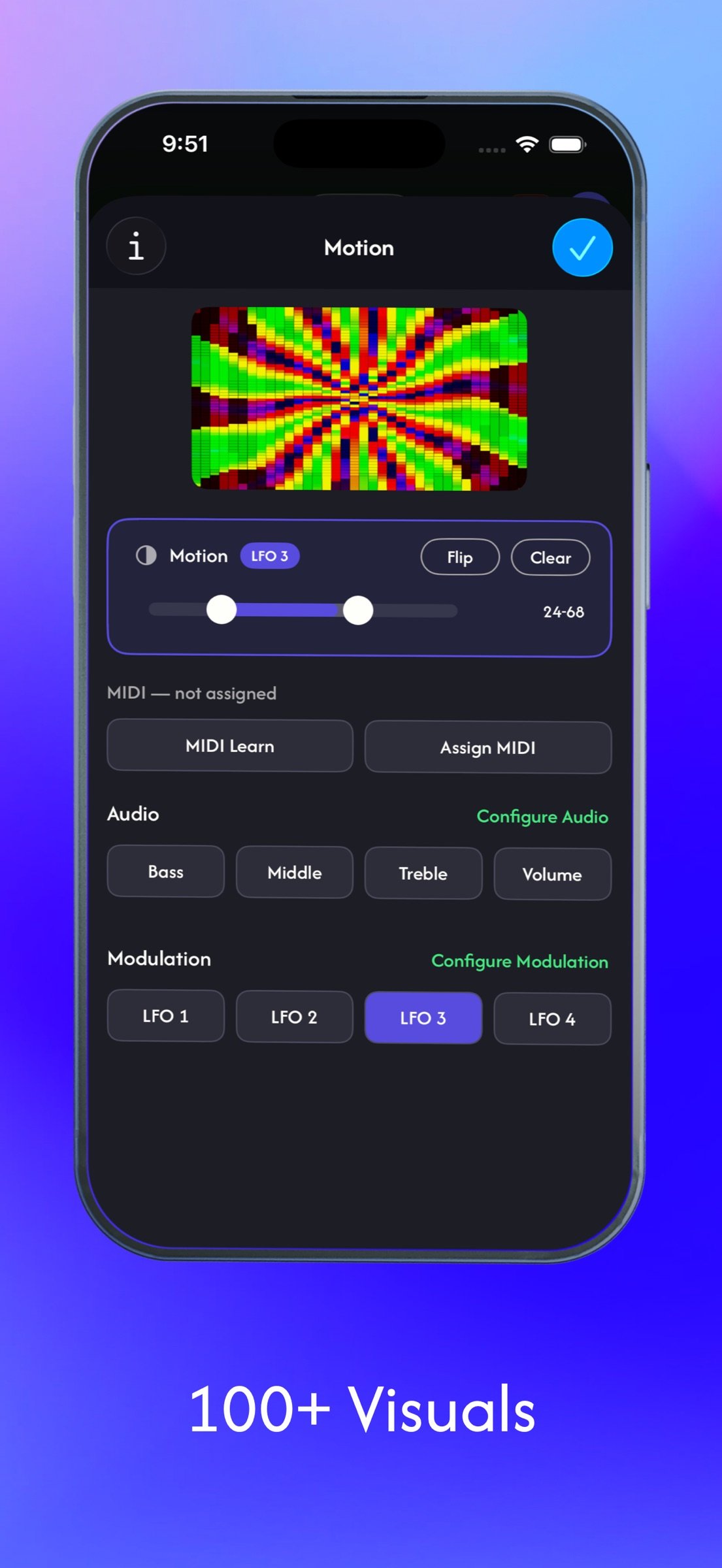
• Make visuals react to audio or control parameters with MIDI
• Animate controls with BPM-synced LFO and envelope modulation
• Use hand and face tracking for expressive control
BUILD A COMPLETE SHOW
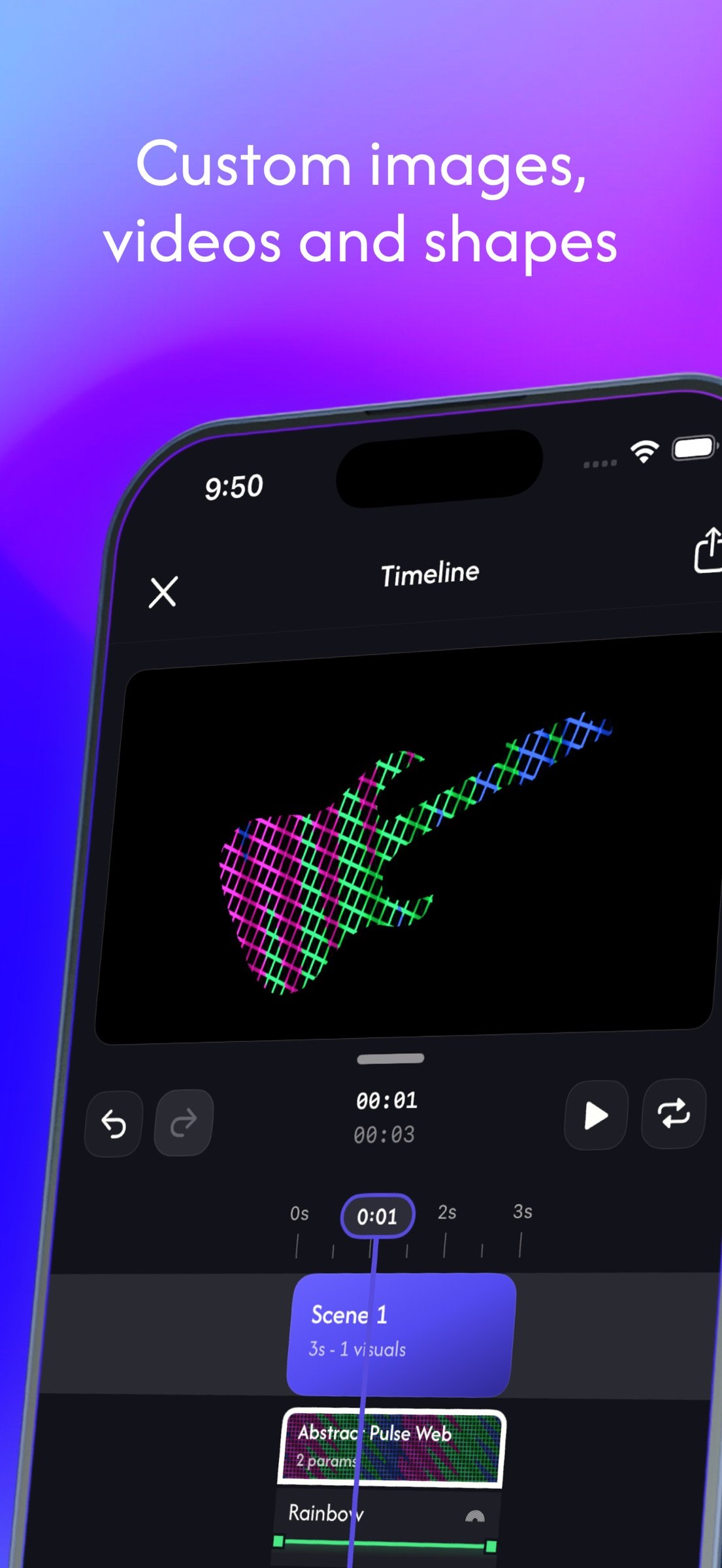
Create scenes and switch between them live, or arrange them on a timeline. Add an audio track, trim and duplicate clips, automate visual parameters, and move between looks with fade or dissolve transitions.
Export the finished projection-mapped show in 720p, 1080p, or 4K with audio. Save it to Photos or send it to a compatible receiver running Lazy Lighting Link.
EXPORT ONCE. PLAY WITHOUT YOUR PHONE.
Once the transfer is complete, Lazy Lighting Link saves and loops the show on the receiver. Close the app and free your iPhone or iPad—the projection keeps playing without your device remaining connected.
CONNECT YOUR WAY
Connect by HDMI with a compatible USB-C or Lightning adapter, use AirPlay, or connect through Lazy Lighting Link. External display output keeps the controls on your device while the visual output fills the projector.
Lazy Lighting is made for projection artists, VJs, DJs, musicians, performers, stage and event designers, galleries, installations, window displays, parties, home ambience, and Halloween, Christmas, or holiday projections.
Create the map. Build the visuals. Perform live—or export once and let Lazy Lighting Link keep it playing.
A compatible projector or display and a wired or wireless connection are required for external output. Lazy Lighting Link export requires a compatible receiver on the same network. Some features require a subscription.
Terms of Use: [link removed]
Privacy Policy: [link removed]
Lazy Lighting lets you warp videos, photos, live camera feeds, animated drawings, and generative VJ visuals onto walls, stages, sculptures, windows, objects, and multi-surface installations—without a laptop.
MAP ANY SURFACE
Create squares, circles, custom text, cubes, boxes, image silhouettes, and hand-drawn outlines. Drag corners directly on screen to align each projection, bend edges around curved forms, then use masks and cutouts to control exactly where every visual appears.
Map several surfaces at once. Assign different content to individual shapes, layer visuals with independent opacity and ordering, and save projects to continue later.
CREATE LIVE VISUALS
• Explore built-in visualizers, VJ loops, generative shaders, gradients, tunnels, neon effects, and shape-aware animations
• Import videos and photos from your device
• Use a live camera feed as projection content
• Draw and animate original visuals by hand
• Crop, fit, mask, layer, and apply real-time effects including kaleidoscope, tile, slide, rotate, zoom, blur, monochrome, invert, and color cycle
• Make visuals react to audio or control parameters with MIDI
• Animate controls with BPM-synced LFO and envelope modulation
• Use hand and face tracking for expressive control
BUILD A COMPLETE SHOW
Create scenes and switch between them live, or arrange them on a timeline. Add an audio track, trim and duplicate clips, automate visual parameters, and move between looks with fade or dissolve transitions.
Export the finished projection-mapped show in 720p, 1080p, or 4K with audio. Save it to Photos or send it to a compatible receiver running Lazy Lighting Link.
EXPORT ONCE. PLAY WITHOUT YOUR PHONE.
Once the transfer is complete, Lazy Lighting Link saves and loops the show on the receiver. Close the app and free your iPhone or iPad—the projection keeps playing without your device remaining connected.
CONNECT YOUR WAY
Connect by HDMI with a compatible USB-C or Lightning adapter, use AirPlay, or connect through Lazy Lighting Link. External display output keeps the controls on your device while the visual output fills the projector.
Lazy Lighting is made for projection artists, VJs, DJs, musicians, performers, stage and event designers, galleries, installations, window displays, parties, home ambience, and Halloween, Christmas, or holiday projections.
Create the map. Build the visuals. Perform live—or export once and let Lazy Lighting Link keep it playing.
A compatible projector or display and a wired or wireless connection are required for external output. Lazy Lighting Link export requires a compatible receiver on the same network. Some features require a subscription.
Terms of Use: [link removed]
Privacy Policy: [link removed]
| Release info | Update on Oct 29, 2026 |
|---|---|
| Release notes | Bug fixes and performance improvements |
| Listing data | App Store |
Reviews
No reviews yet. Be the first to review Lazy Lighting.
Used Lazy Lighting? Tell other visitors what you thought.
Log in to write a reviewOther products by this publisher
- "No Distractions" for YouTube 4.10 ----
- #Bible 11.5 "Incredible App - My sister shared this app with me a few weeks ago and it is truly incredible.
- #filmphotography 1.4.2 So, you decided to shoot on film?
- $quirrel 1.5.1 $quirrel Budget & Finance helps you plan each paycheck, track spending, manage debt, and see what is safe to spend before the next payday.
- % Percentage Calculator Pro 1.41 This is the Pro version of % Percentage Calculator.
Most viewed iOS Photo & Video
-
1
 Infuse 8.5.9
Infuse: Enterprise provides the same great features as the standard version of Infuse and includes permanent access to all Pro features via a traditional paid app.
-
2
 ShortDiShow 2.0
Drama Quest Island — An offline interactive short-drama adventure.
-
3
 AI Video Generator 2.0.2
Vixel – AI Video Generator
-
4
 OPlayer 4.8
Play all your videos directly without having to convert them!
-
5
 Necrometer II 1.2
Necrometer II is a paranormal investigation companion designed for ghost hunters and researchers.
-
6
 CapCut 20.0.0
CapCut offers easy-to-use video editing functions, in-APP fonts and effects, advanced features such as keyframe animation, smooth slow-motion, chroma key, and stabilization, to help you capture and snip moments.
-
7
 TouchSiren Delta 3.1
--------------------------------------------------------------
-
8
 Ai Photo 1.1.2
AI Photo Retouch – BG Eraser
-
9
 CNU 3.0.12
CNU?????????????????????,???????????????
-
10
 Treblo 1.6.0
Make songs with the world's best AI music model.
Most downloaded iOS Photo & Video
-
1
Infuse 8.5.9
Infuse: Enterprise provides the same great features as the standard version of Infuse and includes permanent access to all Pro features via a traditional paid app.
-
2
 DJI Fly 1.21.18
DJI Fly is designed to help pilots fly drones with ease.
-
3
 ReelyGo 1.1.42
ReelyGo: Your Daily Drama Escape
-
4
 TurboCollage Automatic 1.2.4
#1 Easy automatic photo collage maker for iPhone & iPad.
-
5
 Analog Radio 3.0
The iPhone and iPad devices don't have the FM/AM radio antenna installed.
-
6
 AGAIN. Rehearsal Notes 2.0.1
AGAIN. is the rehearsal app that remembers why the band stopped — and, new in Version 2, who said what in a writing session or a table read.
-
7
Treblo 1.6.0
Make songs with the world's best AI music model.
-
8
 Pop Dot Comics 1.48
Create a comic worthy of the Sunday newspaper or your favorite pulp-fiction cover.
-
9
 SSS IPTV, Simple, Smart Super 1.0.2
An Easiest way to watch TV Online or Movies or Series, Bring your Own list M3u,
-
10
 Rozeta Sequencer Suite 1.3.16
Rozeta is a suite of MIDI sequencers and controllers that lets you explore a new, freeform approach to sequencing and controlling mobile music apps.