14downloads
0this week
FreeFreeware
0reviews
Screenshots
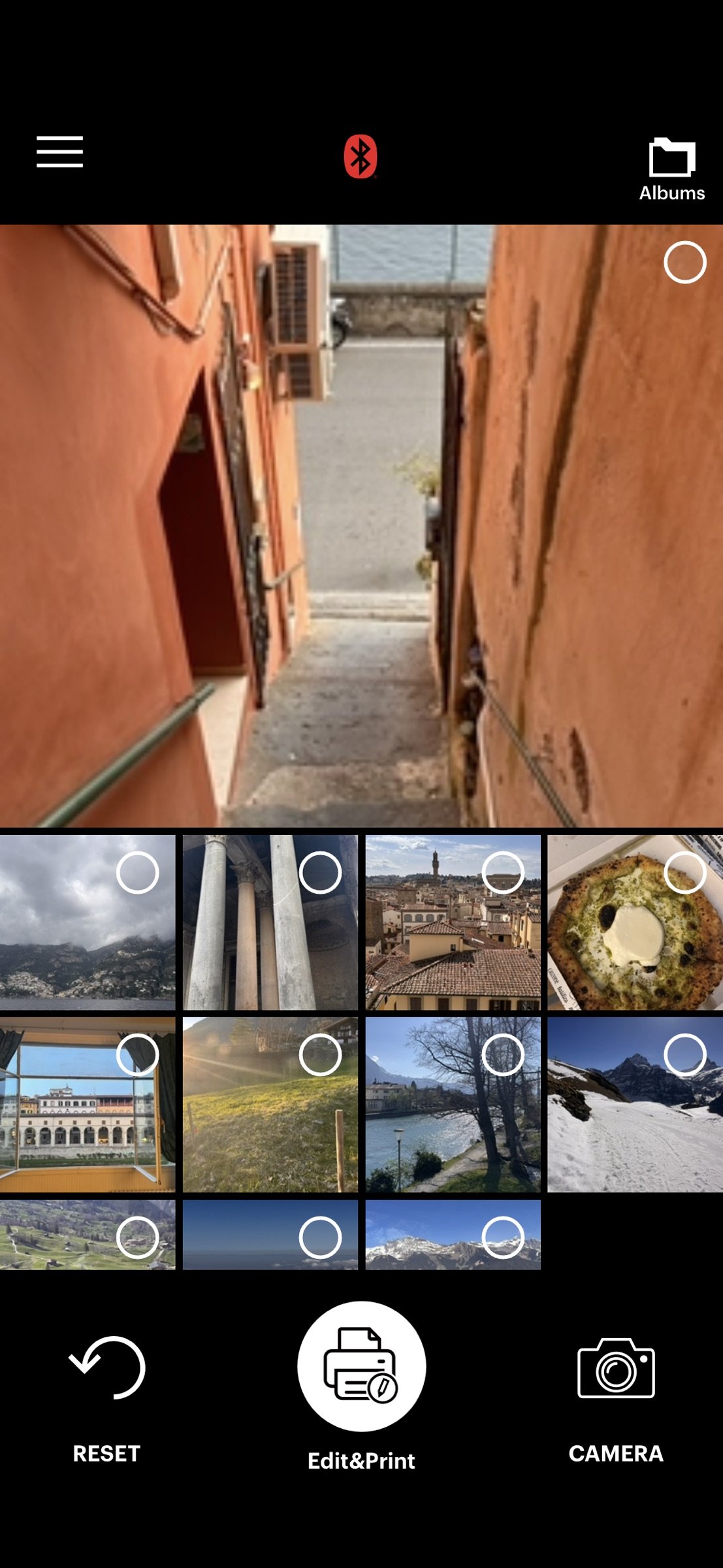
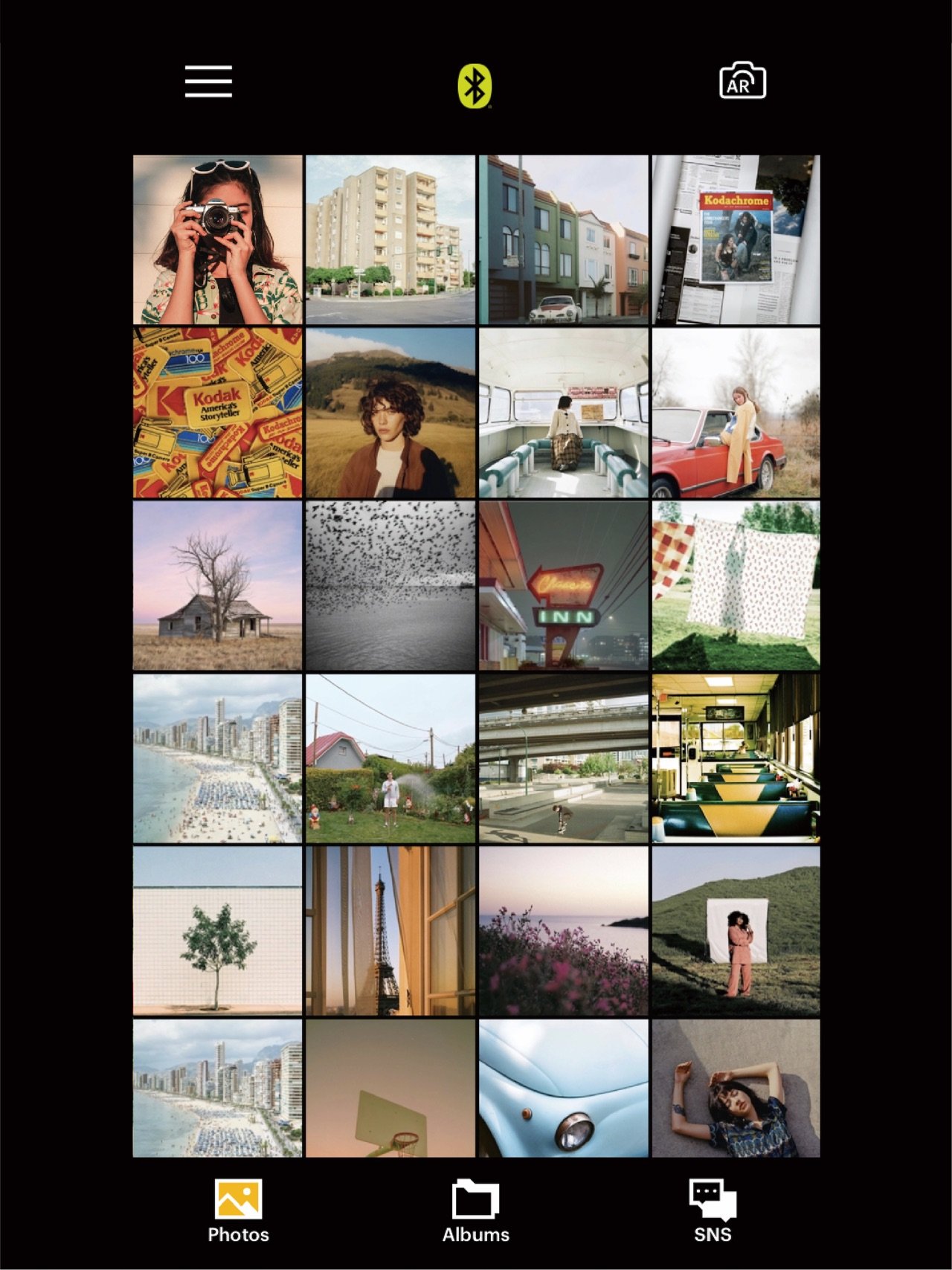
About KODAK Photo Printer
Thank you for using KODAK photo printer.
The previous KODAK Instant Printer app will be replaced with the new KODAK Photo Printer app. The new features including the AR and beauty functions will blow you away!
Supported Models :
Kodak 2 inch Printer (P210, M200)
Kodak 2 in 1, 2 inch Camera (C210, MS200)
Kodak 3 inch Square Printer (P300, M300)
Kodak 3 inch Square 2 in 1 Camera (C300, MS300)
Kodak 4inch Square Camera (MS400)
Kodak 6 inch Dock Printer (PD460, D600)
Easily print amazing photos with KODAK Instant Camera and Printer.
The "KODAK" Instant photo printer and camera can be used to print images from smartphones by connecting Bluetooth to the device.
You can take and edit pictures on smartphones or tablets. It will instantly print your precious moments!
[How to Use]
1. Make sure you recharge the printer before you use it.
2. Make sure the Adapter is connected properly.
3. Turn on the printer
4. Go to Bluetooth setting and find the printer’s MAC address.
The MAC address is placed inside the printer’s door
If you purchased Dock Printer, dock your smartphone at the pin on top the of the printer or find the MAC address on the downside of the printer to connect the device to the Bluetooth.
5. Select an image from the Gallery or take a photo with your smartphone.
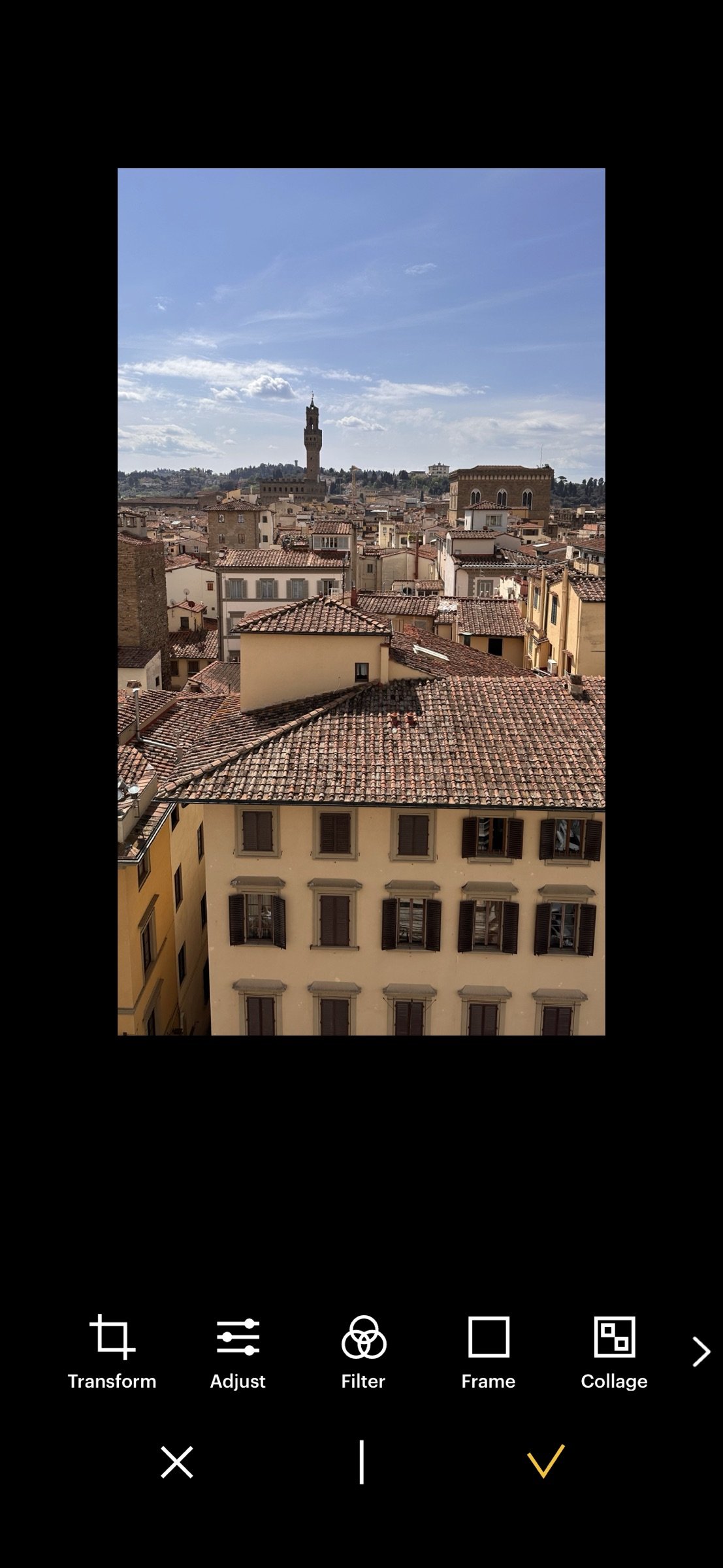
6. Once image has been selected, edit the image with your personal preference.
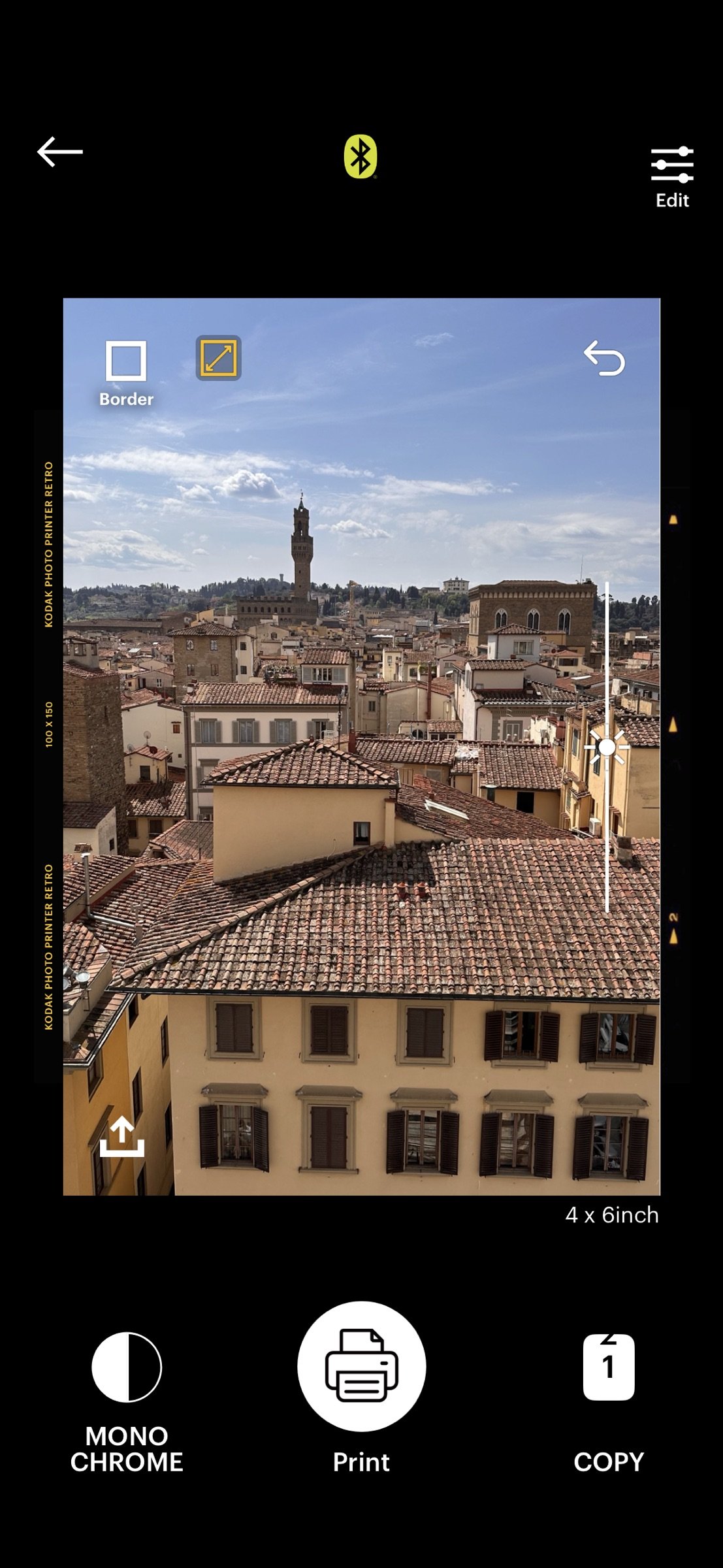
7. Now press print button located on top of the printer when editing is completed.
8. When you print for the first time, it may need to update the firmware. Please follow the instruction shown on the screen of your smartphone.
9. It will take about a minute to fully print. Please do not pull the photo until it is completely printed.
License: Free
The previous KODAK Instant Printer app will be replaced with the new KODAK Photo Printer app. The new features including the AR and beauty functions will blow you away!
Supported Models :
Kodak 2 inch Printer (P210, M200)
Kodak 2 in 1, 2 inch Camera (C210, MS200)
Kodak 3 inch Square Printer (P300, M300)
Kodak 3 inch Square 2 in 1 Camera (C300, MS300)
Kodak 4inch Square Camera (MS400)
Kodak 6 inch Dock Printer (PD460, D600)
Easily print amazing photos with KODAK Instant Camera and Printer.
The "KODAK" Instant photo printer and camera can be used to print images from smartphones by connecting Bluetooth to the device.
You can take and edit pictures on smartphones or tablets. It will instantly print your precious moments!
[How to Use]
1. Make sure you recharge the printer before you use it.
2. Make sure the Adapter is connected properly.
3. Turn on the printer
4. Go to Bluetooth setting and find the printer’s MAC address.
The MAC address is placed inside the printer’s door
If you purchased Dock Printer, dock your smartphone at the pin on top the of the printer or find the MAC address on the downside of the printer to connect the device to the Bluetooth.
5. Select an image from the Gallery or take a photo with your smartphone.
6. Once image has been selected, edit the image with your personal preference.
7. Now press print button located on top of the printer when editing is completed.
8. When you print for the first time, it may need to update the firmware. Please follow the instruction shown on the screen of your smartphone.
9. It will take about a minute to fully print. Please do not pull the photo until it is completely printed.
License: Free
| Release info | New Release on Oct 27, 2026 |
|---|---|
| Release notes | - Fixing bugs, fueled by coffee |
| Listing data | App Store |
Reviews
No reviews yet. Be the first to review KODAK Photo Printer.
Used KODAK Photo Printer? Tell other visitors what you thought.
Log in to write a reviewOther products by this publisher
- "No Distractions" for YouTube 4.10 ----
- #Bible 11.6.1 "Incredible App - My sister shared this app with me a few weeks ago and it is truly incredible.
- #filmphotography 1.4.2 So, you decided to shoot on film?
- #LookBusy Fake Calendar Events 1.0.6 Look Busy scans your work calendar for open time slots and fills them with realistic-looking (but secretly fake) work events.
- #Small Talk Is Canceled 1.0.2 #Small Talk Is Canceled — Conversations That Matter
Most viewed iOS Photo & Video
-
1
 ShortDiShow 2.0
Drama Quest Island — An offline interactive short-drama adventure.
-
2
 Face Witness 1.0.3
FaceWitness lets you create a face by putting together individual features.
-
3
 Infuse 8.5.10
Infuse: Enterprise provides the same great features as the standard version of Infuse and includes permanent access to all Pro features via a traditional paid app.
-
4
 AI Video Generator 2.0.3
Vixel – AI Video Generator
-
5
 OPlayer 4.8
Play all your videos directly without having to convert them!
- 6 #filmphotography 1.4.2 So, you decided to shoot on film?
-
7
 CapCut 20.2.0
CapCut offers easy-to-use video editing functions, in-APP fonts and effects, advanced features such as keyframe animation, smooth slow-motion, chroma key, and stabilization, to help you capture and snip moments.
-
8
 Necrometer II 1.3
Necrometer II is a paranormal investigation companion designed for ghost hunters and researchers.
-
9
 Ai Photo 1.1.2
AI Photo Retouch – BG Eraser
-
10
 Analog Radio 3.0
The iPhone and iPad devices don't have the FM/AM radio antenna installed.
Most downloaded iOS Photo & Video
-
1
 DJI Fly 1.21.18
DJI Fly is designed to help pilots fly drones with ease.
-
2
Infuse 8.5.10
Infuse: Enterprise provides the same great features as the standard version of Infuse and includes permanent access to all Pro features via a traditional paid app.
-
3
 TurboCollage Automatic 1.2.4
#1 Easy automatic photo collage maker for iPhone & iPad.
-
4
Analog Radio 3.0
The iPhone and iPad devices don't have the FM/AM radio antenna installed.
-
5
 ReelyGo 1.1.42
ReelyGo: Your Daily Drama Escape
-
6
 Rozeta Sequencer Suite 1.3.16
Rozeta is a suite of MIDI sequencers and controllers that lets you explore a new, freeform approach to sequencing and controlling mobile music apps.
-
7
 AGAIN. Rehearsal Notes 2.0.1
AGAIN. is the rehearsal app that remembers why the band stopped — and, new in Version 2, who said what in a writing session or a table read.
-
8
 Pop Dot Comics 1.48
Create a comic worthy of the Sunday newspaper or your favorite pulp-fiction cover.
-
9
 Sun Scout 1.5.0
If your work or play requires sunlight, Sun Scout is built for you.
-
10
 Treblo 1.6.6
Make songs with the world's best AI music model.