Interval Camera 1.0.4
Interval Camera takes photos automatically at preset intervals and saves them directly to Photos.
Download
16.22 MB
10downloads
0this week
FreeCommercial
0reviews
Screenshots
About Interval Camera
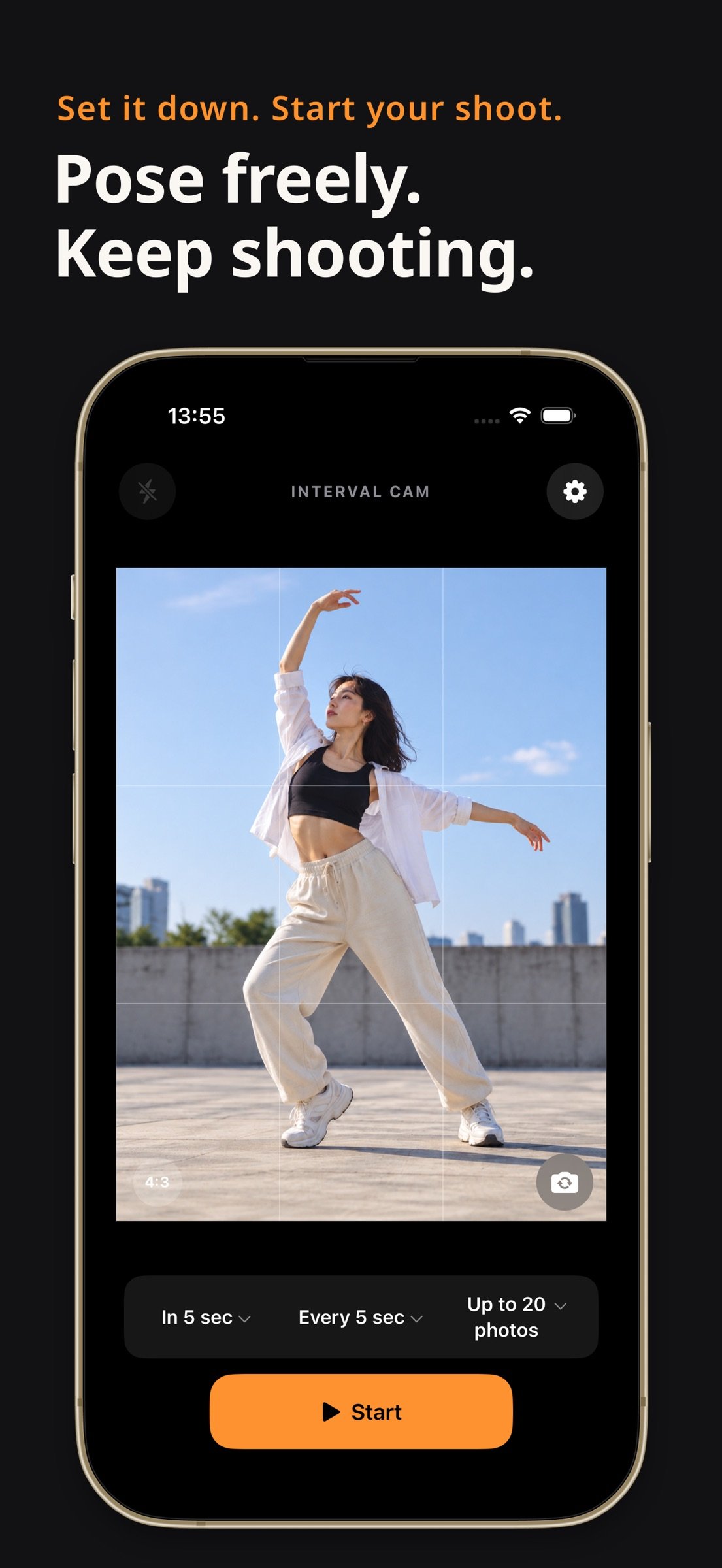
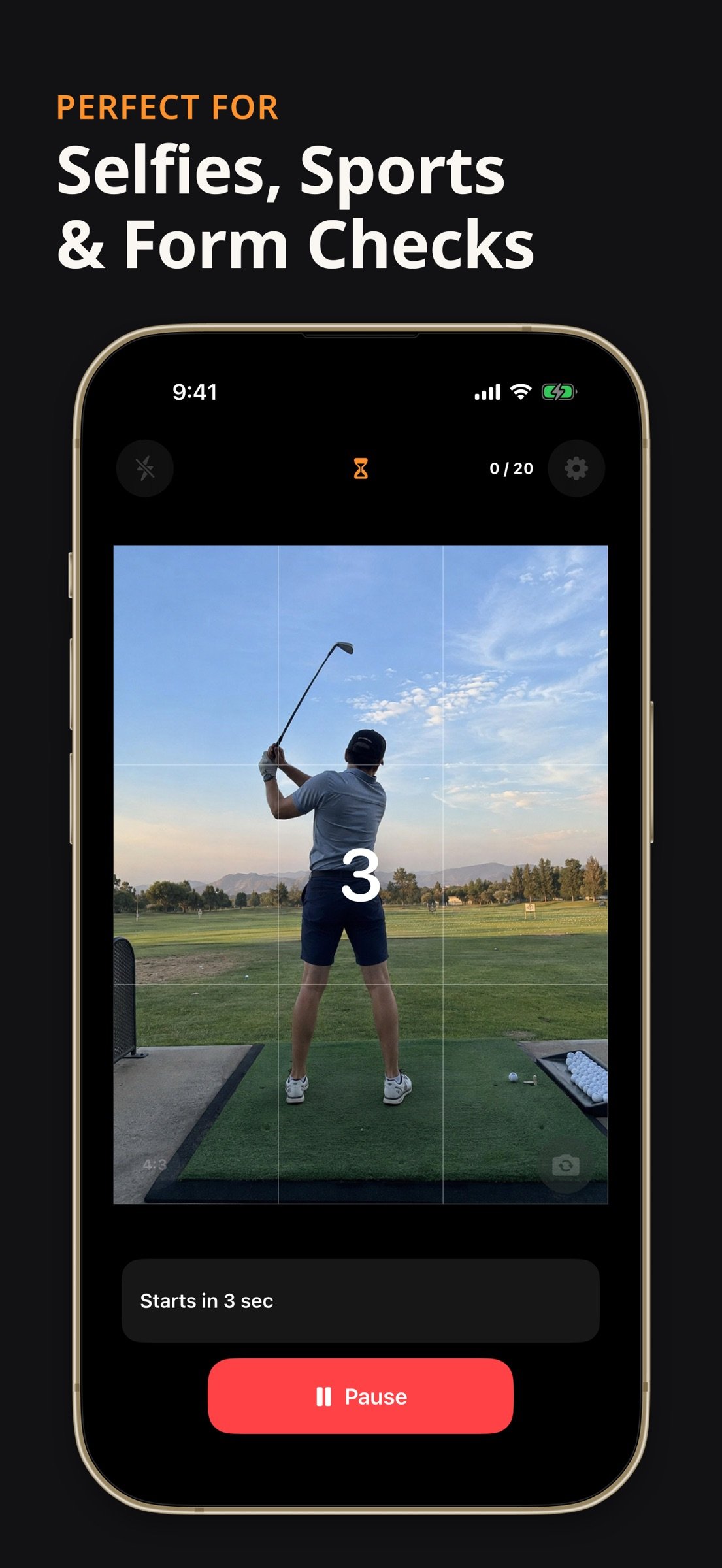
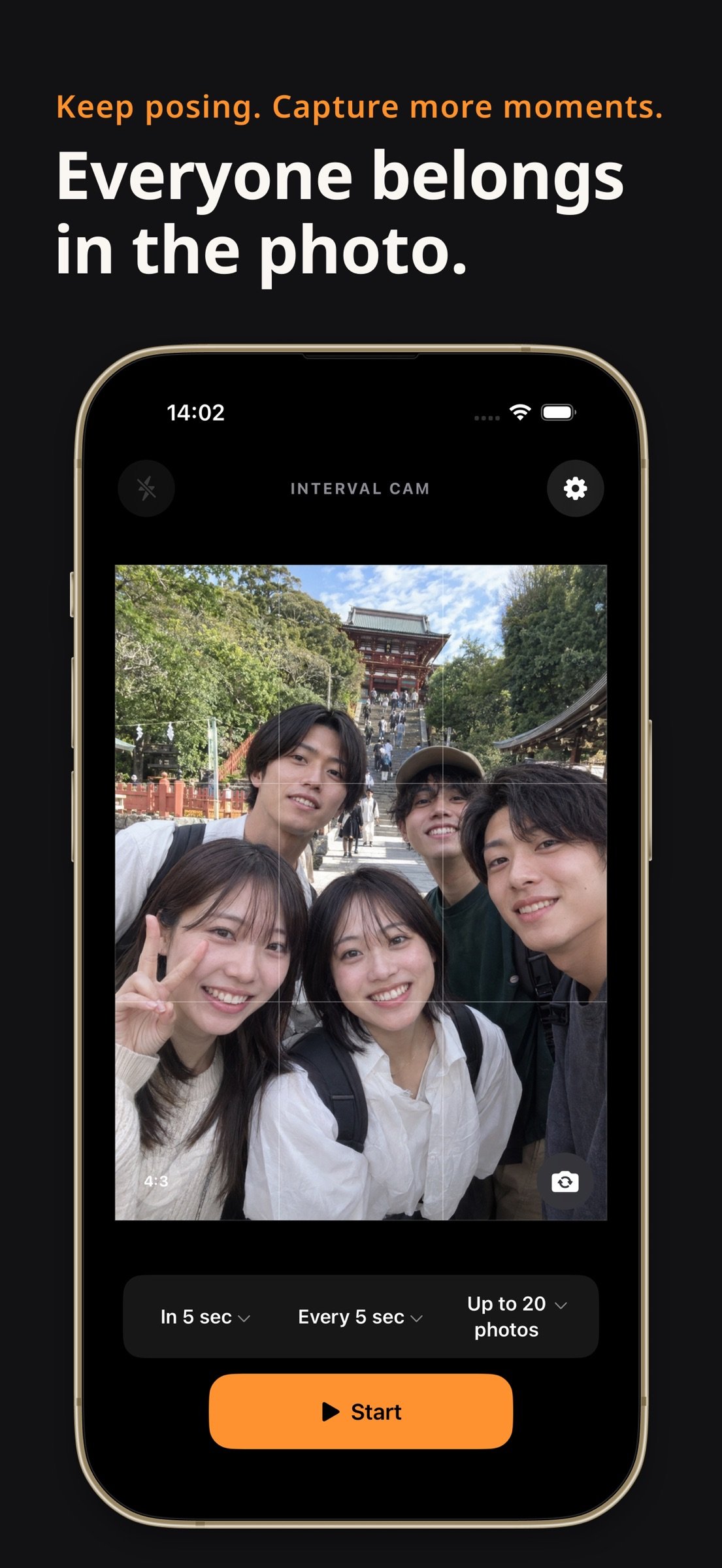
Interval Camera takes photos automatically at preset intervals and saves them directly to Photos. Use a tripod for selfies, group portraits, craft projects or changes you want to record over time.
Capture settings
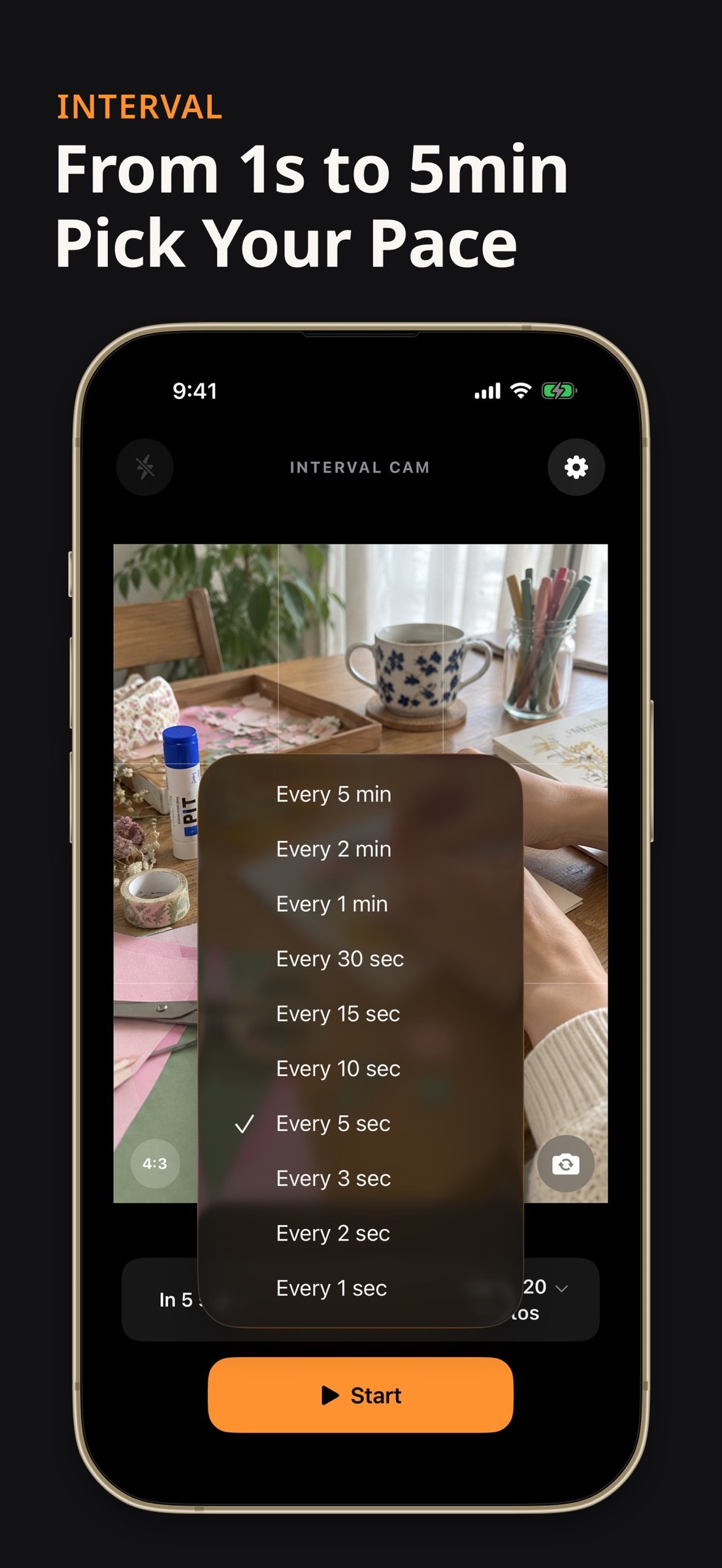
• Choose an interval from 1 second to 5 minutes.
• Start-delay presets from 0 to 60 seconds.
• Stop after 1, 5, 10, 20, 50 or 100 photos, after a set duration, or manually.
• Pause a session and resume the remaining shots.
Standard and Silent modes
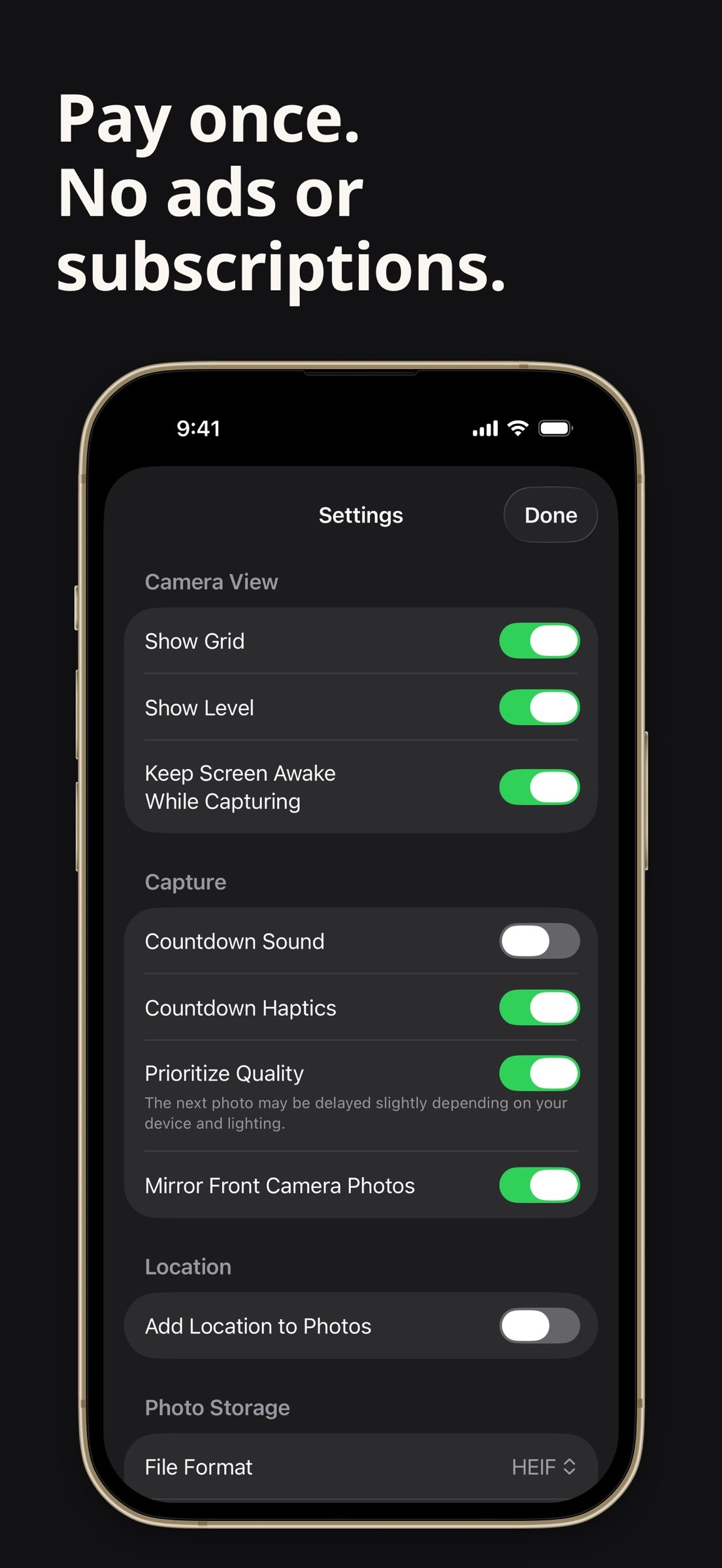
Select the capture mode in Settings. Silent mode saves a frame from the camera feed instead of taking a standard photo. Image quality and resolution differ from Standard mode. Flash, start sounds and countdown sounds are unavailable in Silent mode.
Camera controls
• Front and rear cameras, with zoom on supported cameras.
• Tap to focus, pinch to zoom, AE/AF lock and exposure adjustment.
• 4:3, 1:1 and 16:9 aspect ratios, grid and level.
• JPEG/HEIF and available photo resolutions depend on the device and capture mode.
Saving and reviewing
View and share saved photos. If saving fails, retry saving the retained photos or explicitly discard only the failed photos. Already saved photos are kept.
Keep the app visible and the screen unlocked while capturing. Processing and saving can delay the next shot. Check available storage before long sessions. This app takes still photos; it does not create timelapse videos or analyze movements.
No ads or account registration. The app does not upload your photos. iCloud Photos syncing follows your device settings. For help, use the App Support link on this page.
License: Commercial
Capture settings
• Choose an interval from 1 second to 5 minutes.
• Start-delay presets from 0 to 60 seconds.
• Stop after 1, 5, 10, 20, 50 or 100 photos, after a set duration, or manually.
• Pause a session and resume the remaining shots.
Standard and Silent modes
Select the capture mode in Settings. Silent mode saves a frame from the camera feed instead of taking a standard photo. Image quality and resolution differ from Standard mode. Flash, start sounds and countdown sounds are unavailable in Silent mode.
Camera controls
• Front and rear cameras, with zoom on supported cameras.
• Tap to focus, pinch to zoom, AE/AF lock and exposure adjustment.
• 4:3, 1:1 and 16:9 aspect ratios, grid and level.
• JPEG/HEIF and available photo resolutions depend on the device and capture mode.
Saving and reviewing
View and share saved photos. If saving fails, retry saving the retained photos or explicitly discard only the failed photos. Already saved photos are kept.
Keep the app visible and the screen unlocked while capturing. Processing and saving can delay the next shot. Check available storage before long sessions. This app takes still photos; it does not create timelapse videos or analyze movements.
No ads or account registration. The app does not upload your photos. iCloud Photos syncing follows your device settings. For help, use the App Support link on this page.
License: Commercial
| Release info | New Release on Oct 03, 2026 |
|---|---|
| Release notes | New in 1.0.4 • Added Silent capture. Image quality and resolution differ from Standard mode; flash and start/countdown sounds are unavailable. • Completed translations for capture mode settings and photo-save recovery. |
| Listing data | App Store |
Reviews
No reviews yet. Be the first to review Interval Camera.
Used Interval Camera? Tell other visitors what you thought.
Log in to write a reviewOther products by this publisher
- "No Distractions" for YouTube 4.10 ----
- #Bible 11.6 "Incredible App - My sister shared this app with me a few weeks ago and it is truly incredible.
- #filmphotography 1.4.2 So, you decided to shoot on film?
- $quirrel 1.5.1 $quirrel Budget & Finance helps you plan each paycheck, track spending, manage debt, and see what is safe to spend before the next payday.
- % Percentage Calculator Pro 1.41 This is the Pro version of % Percentage Calculator.
Most viewed iOS Photo & Video
-
1
 ShortDiShow 2.0
Drama Quest Island — An offline interactive short-drama adventure.
-
2
 Infuse 8.5.10
Infuse: Enterprise provides the same great features as the standard version of Infuse and includes permanent access to all Pro features via a traditional paid app.
-
3
 AI Video Generator 2.0.3
Vixel – AI Video Generator
-
4
 OPlayer 4.8
Play all your videos directly without having to convert them!
-
5
 Necrometer II 1.2
Necrometer II is a paranormal investigation companion designed for ghost hunters and researchers.
-
6
 CapCut 20.1.0
CapCut offers easy-to-use video editing functions, in-APP fonts and effects, advanced features such as keyframe animation, smooth slow-motion, chroma key, and stabilization, to help you capture and snip moments.
-
7
 Ai Photo 1.1.2
AI Photo Retouch – BG Eraser
- 8 #filmphotography 1.4.2 So, you decided to shoot on film?
-
9
 Treblo 1.6.5
Make songs with the world's best AI music model.
-
10
 Pop Dot Comics 1.48
Create a comic worthy of the Sunday newspaper or your favorite pulp-fiction cover.
Most downloaded iOS Photo & Video
-
1
Infuse 8.5.10
Infuse: Enterprise provides the same great features as the standard version of Infuse and includes permanent access to all Pro features via a traditional paid app.
-
2
 DJI Fly 1.21.18
DJI Fly is designed to help pilots fly drones with ease.
-
3
 Analog Radio 3.0
The iPhone and iPad devices don't have the FM/AM radio antenna installed.
-
4
 TurboCollage Automatic 1.2.4
#1 Easy automatic photo collage maker for iPhone & iPad.
-
5
 Rozeta Sequencer Suite 1.3.16
Rozeta is a suite of MIDI sequencers and controllers that lets you explore a new, freeform approach to sequencing and controlling mobile music apps.
-
6
 ReelyGo 1.1.42
ReelyGo: Your Daily Drama Escape
-
7
Treblo 1.6.5
Make songs with the world's best AI music model.
-
8
Pop Dot Comics 1.48
Create a comic worthy of the Sunday newspaper or your favorite pulp-fiction cover.
-
9
 AGAIN. Rehearsal Notes 2.0.1
AGAIN. is the rehearsal app that remembers why the band stopped — and, new in Version 2, who said what in a writing session or a table read.
-
10
 SSS IPTV, Simple, Smart Super 1.0.2
An Easiest way to watch TV Online or Movies or Series, Bring your Own list M3u,